<FORM>oshlepstvo
CHECKOUT FORM
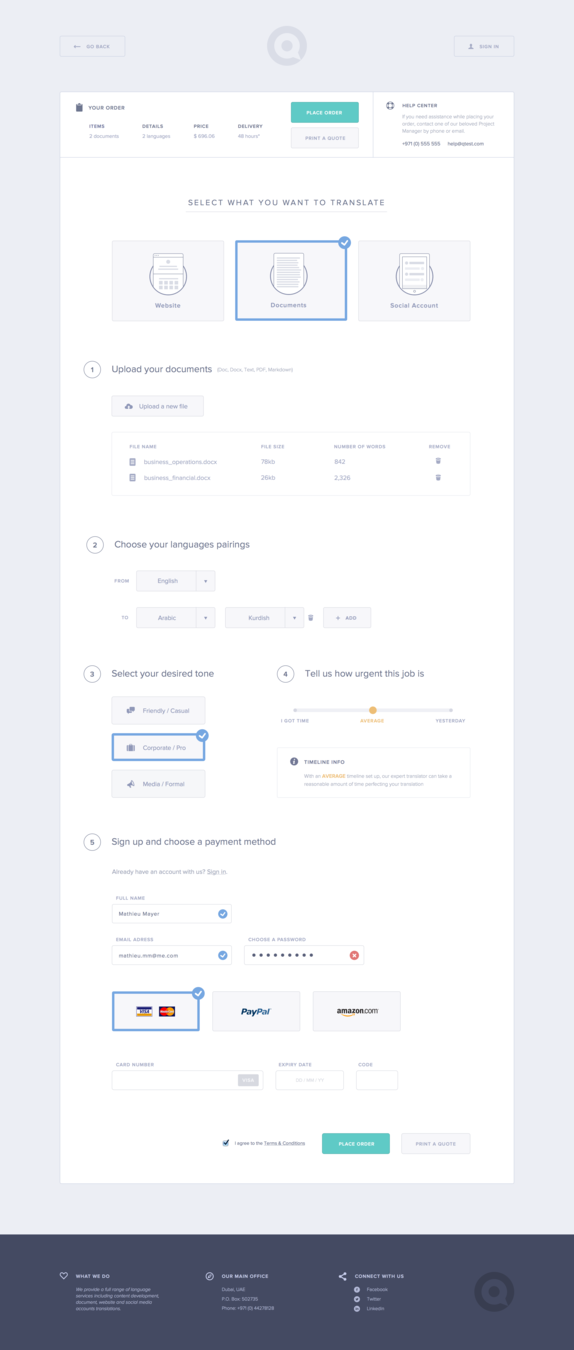
Элемент HTML form (<form>) представляет (собой) раздел документа, содержащий интерактивные элементы управления, которые позволяют пользователю отправлять информацию на веб-сервер.
<FORM>
<form method="post">
  <label for="POST-name">Name:</label>
  <input id="POST-name" type="text" name="name">
  <input type="submit" value="Save">
</form>
<form>
  <label for="GET-name">Name:</label>
  <input id="GET-name" type="text" name="name">
  <input type="submit" value="Save">
</form>
<button> inside <form>
DEFAULT INPUTS STYLE
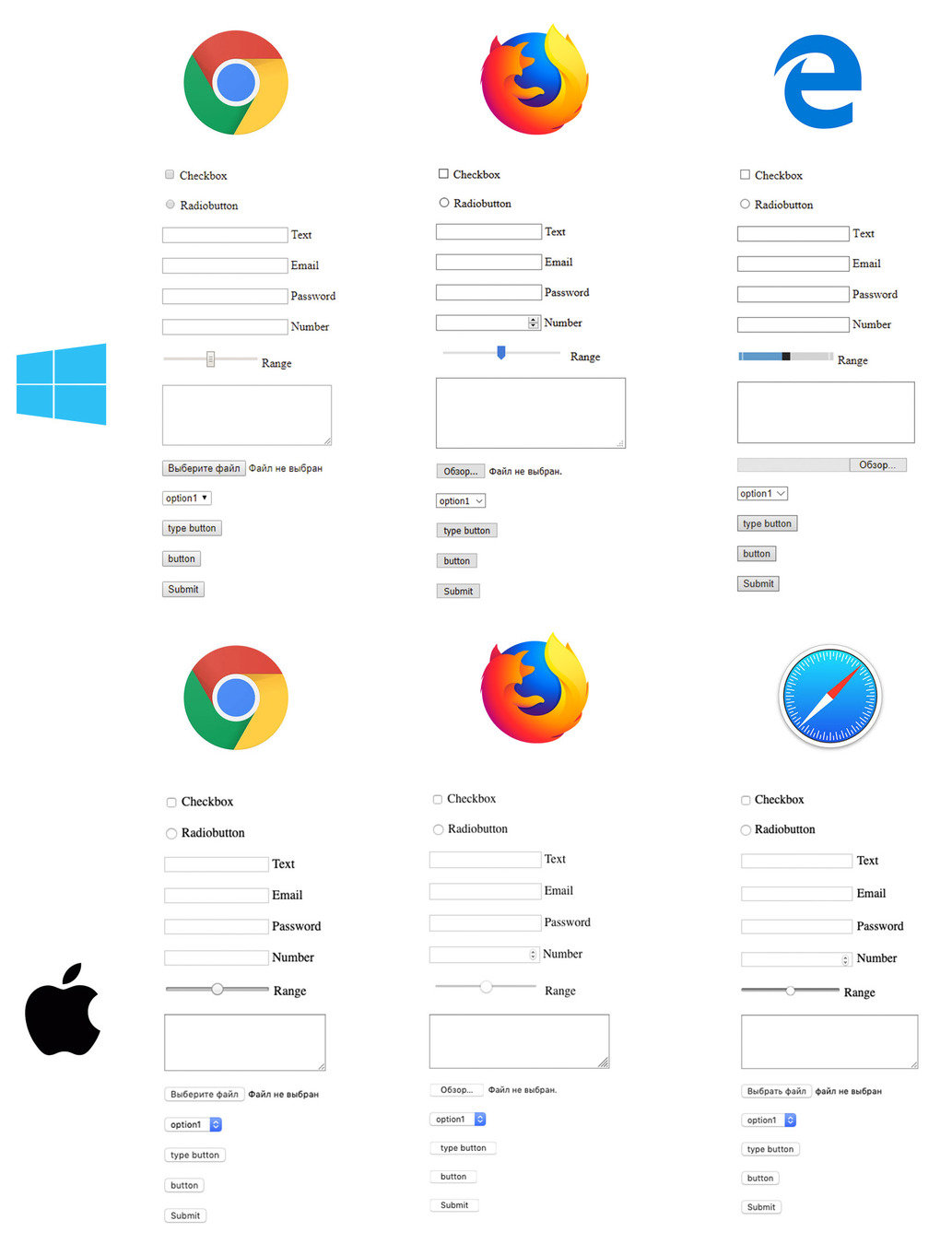
INPUTS CUSTOMIZATION
FIRST OF ALL, let's deal with default styles
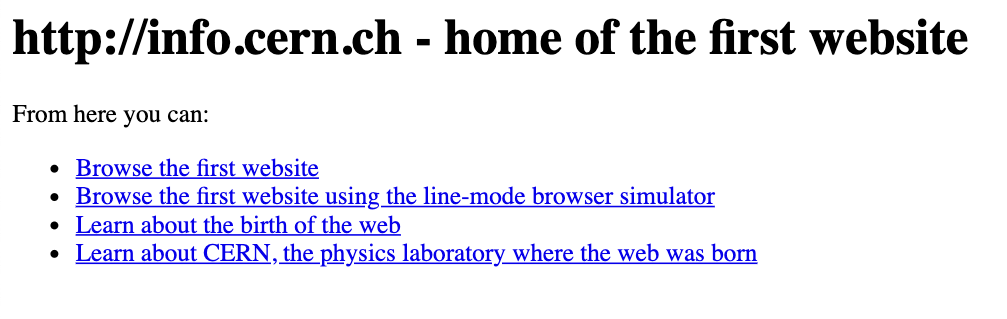
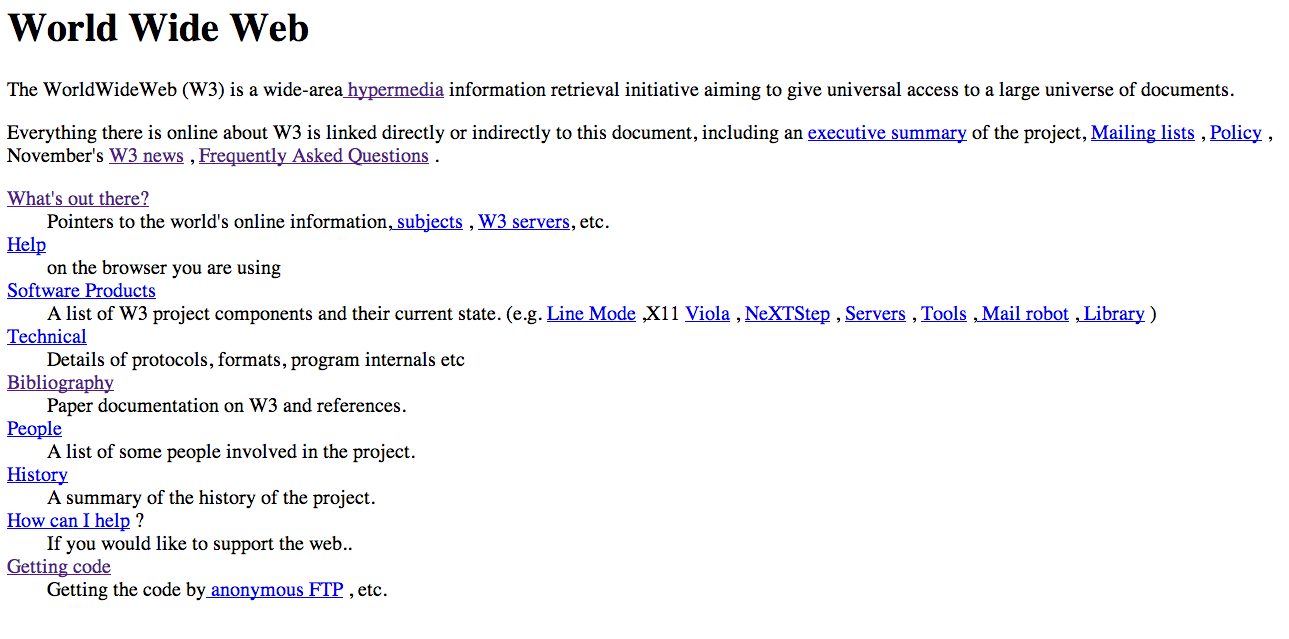
INPUTS CUSTOMIZATION
FIRST OF ALL RESET CSS ...






<INPUT type=''TEXT''> validation
<INPUT type=''email''> validation
<INPUT type=''password''> VALIDATION
INPUTS attributes
<input type="text"><input type="email">
<input type="text"
inputmode="email">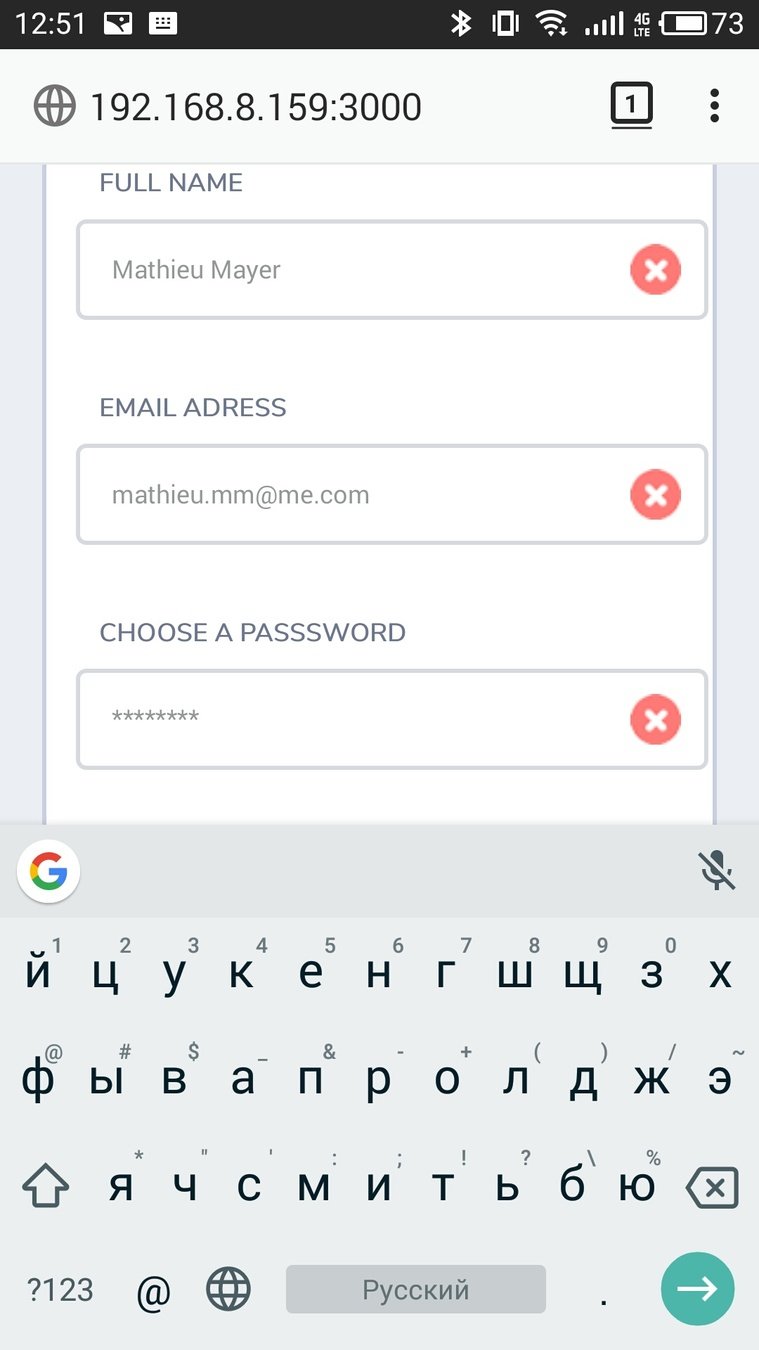
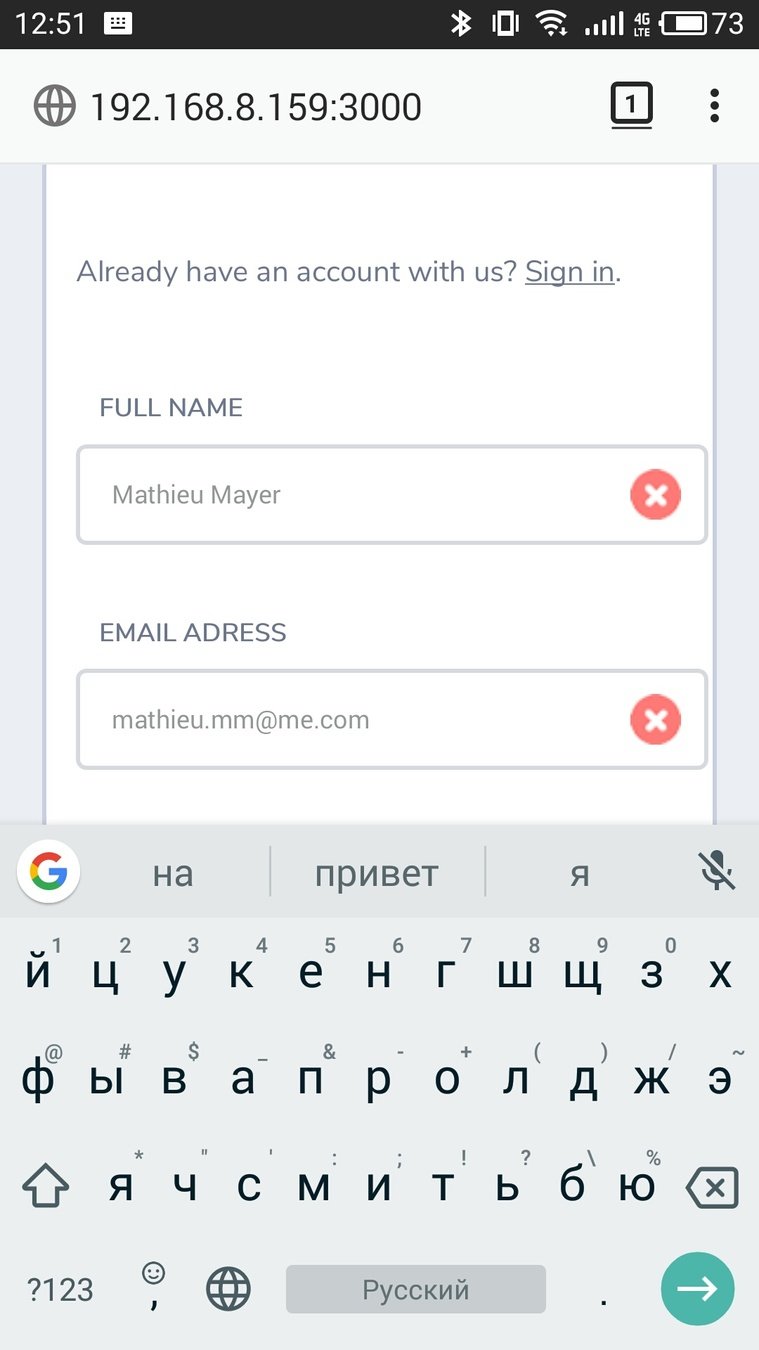
INPUTS attributes
<input type="number">

<input type="text"
    inputmode="numeric">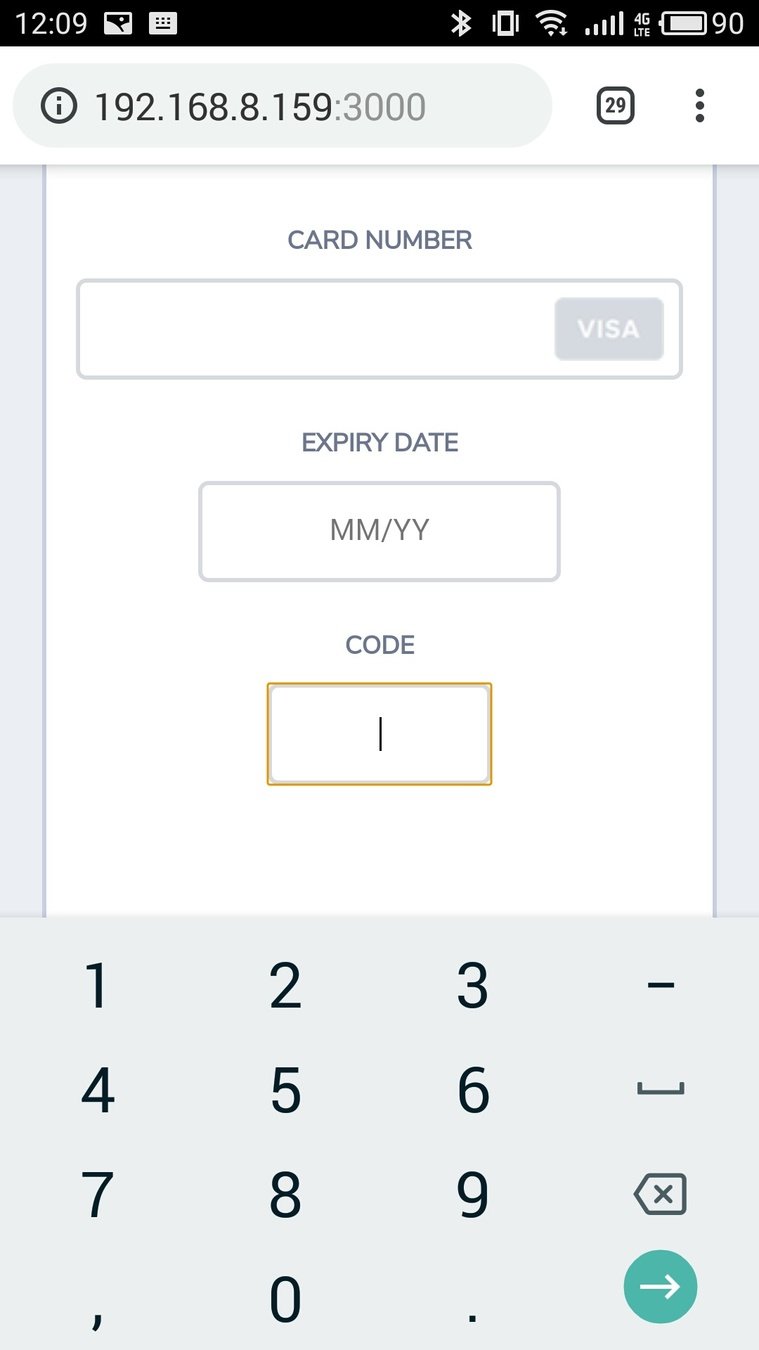
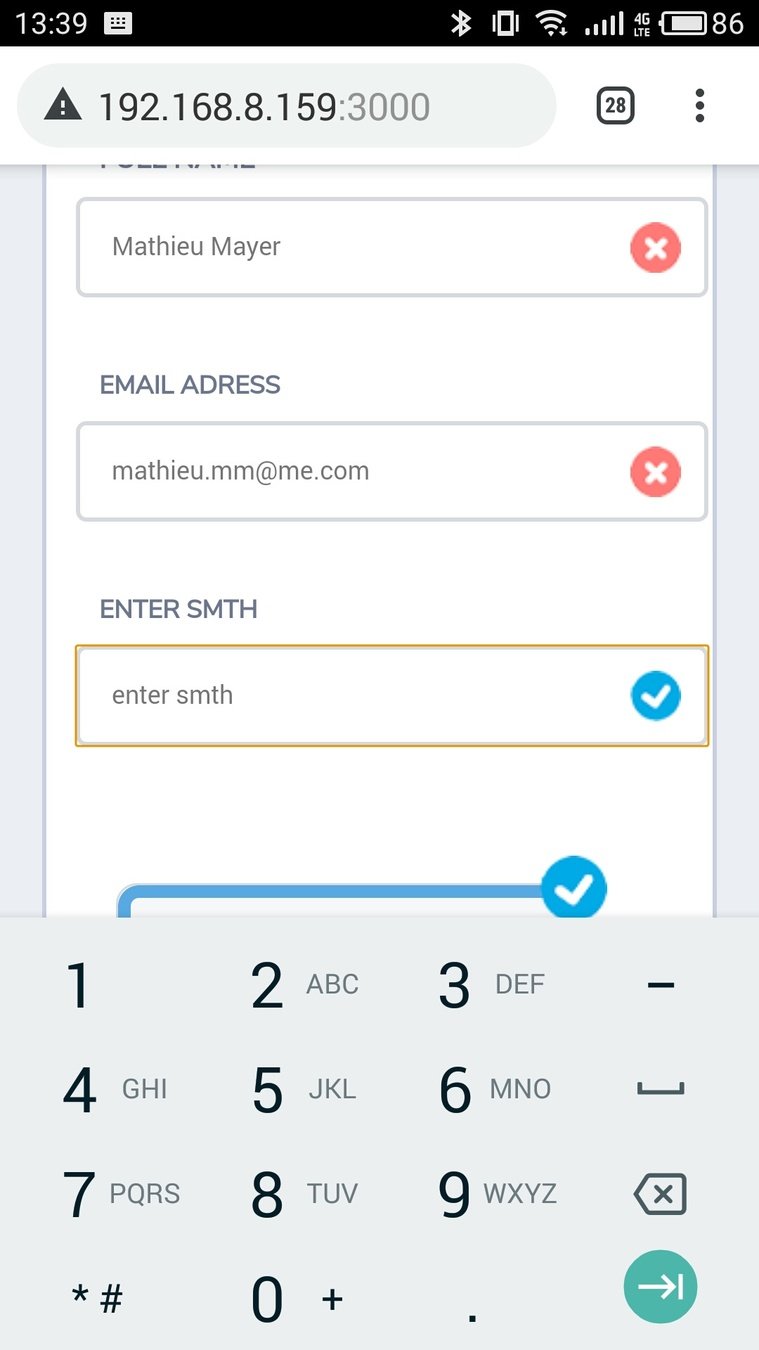
<input type="tel">

<input type="text"
    inputmode="tel">
INPUTS attributes
<input type="url">

<input type="text"
    inputmode="url">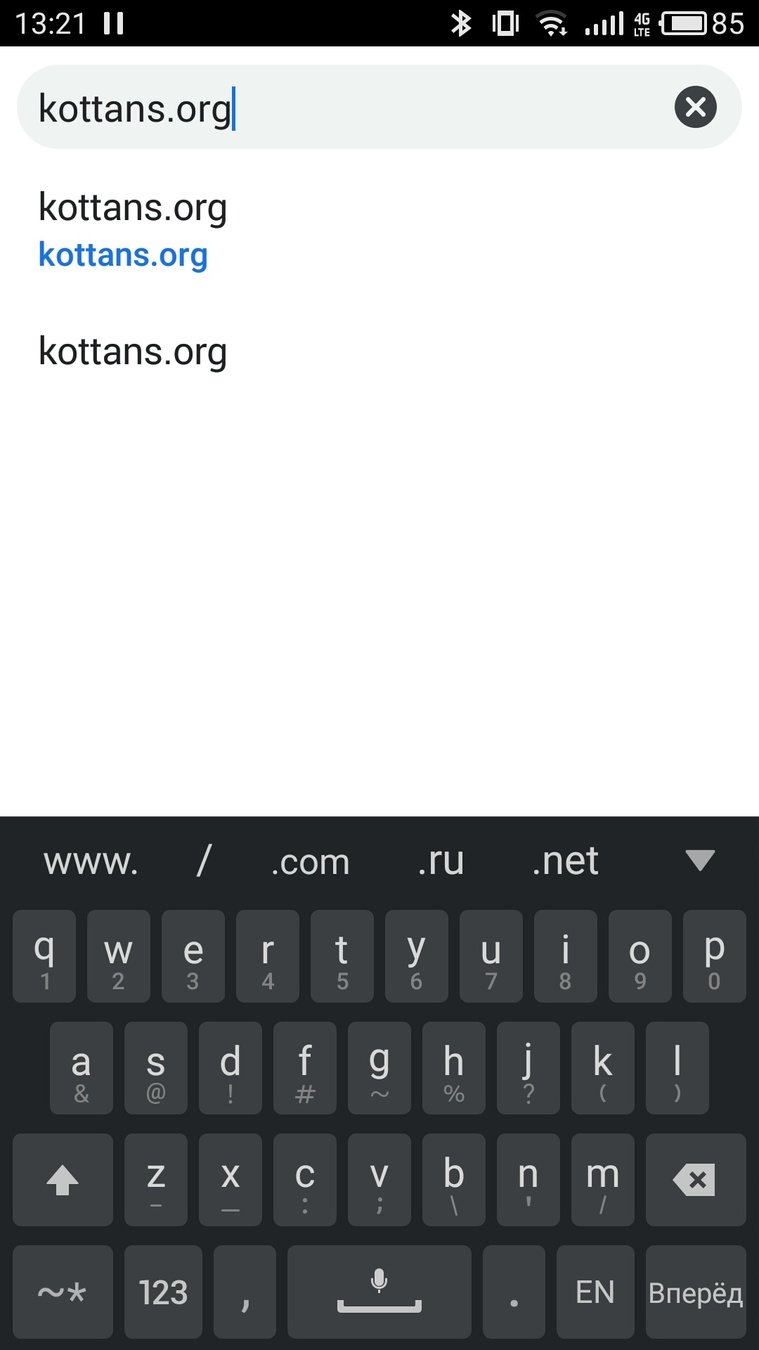
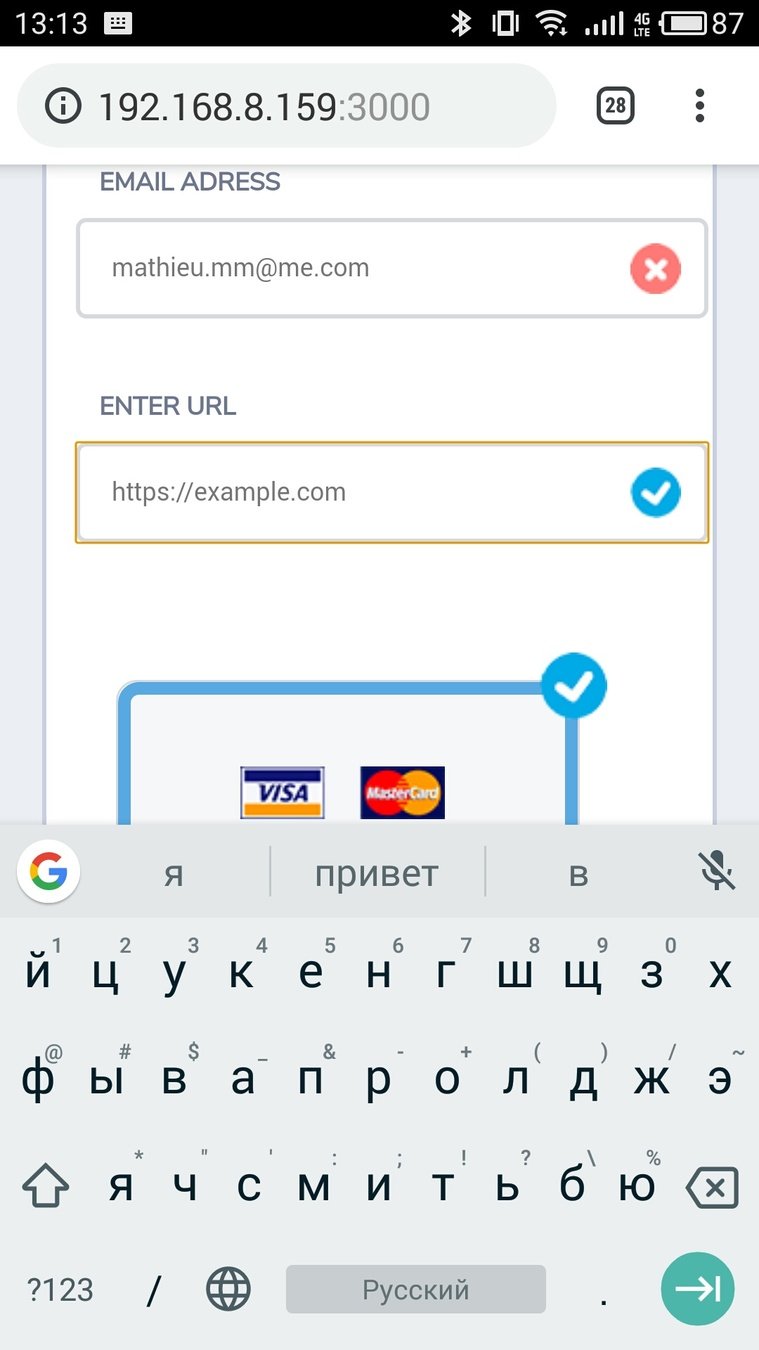
<input type="url">

<input type="text"
    inputmode="url">
<SELECT>
<select name="languange"
        id="select"
        class="select__item"
        required>
  <option value="english" selected>English</option>
  <option value="arabic">Arabic</option>
  <option value="kurdish">Kurdish</option>
</select><SELECT> STYLING
<INPUT TYPE=''RANGE''>
<input type="range"
       name="urgent"
       min="0"
       max="2"
       step="1"
value="1"><INPUT TYPE=''RANGE''> STYLING


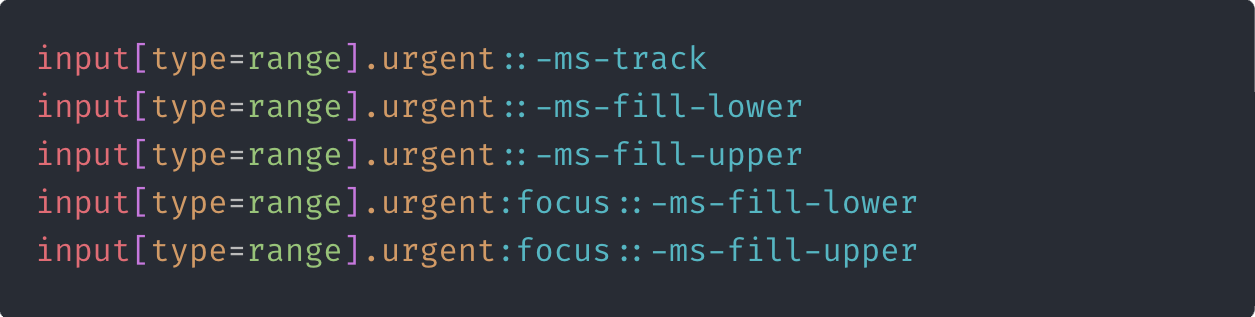
<INPUT TYPE=''RANGE''> STYLING
<INPUT type=''radio''>
<INPUT type=''radio''>
<input type="radio" name="radio" value="radio1">
<input type="radio" name="radio" value="radio2">
<input type="radio" name="radio" value="radio3"><INPUT TYPE=''RADIO''> STYLING
<INPUT TYPE=''file''>
<input type="file"
       class="visually-hidden"
       id="file"
       name="file"
       accept="image/*"
       multiple
required><INPUT TYPE=''FILE''> STYLING
<INPUT TYPE=''checkbox''>
<input type="checkbox"
       name="input"
       id="input1"
       value="input1"
       class="visually-hidden"
required><INPUT TYPE=''CHECKBOX''> STYLING

<form>oshlepstvo
By Alexander
<form>oshlepstvo
Slides for Kottans lecture