SLIDES
The easy way to create great presentations, like this one
BY: Ammaarah Sheriffdeen
and
Kaja-lee Jones
-
Using Slides you can go back and look at your revision history, and go back and undo if you need to. (On the left hand side click on the tiny clock)
-
Using Slides you can edit all elements of your presentation
-
Much simpler and cleaner looking.
-
Access from anywhere!
- Slides auto saves to your account!
THE GREAT THINGS
What is it?
Slides is a simple and easy program that you can make presentations on. Also a great alternative to PowerPoint or Google.
Why use it ?
- The easy way to create presentations
- Your presentations look great
- Always with you
SLIDES
First you will need to make an account at:
ww.slides.com
THINGS TO DO:
- Get Started !
- Select a plan (free)
- Sign up
- Create a deck (presentation)

First you will need to make an account at:
ww.slides.com
THINGS TO DO:
- Get Started !
- Select a plan (free)
- Sign up
- Create a deck (presentation)

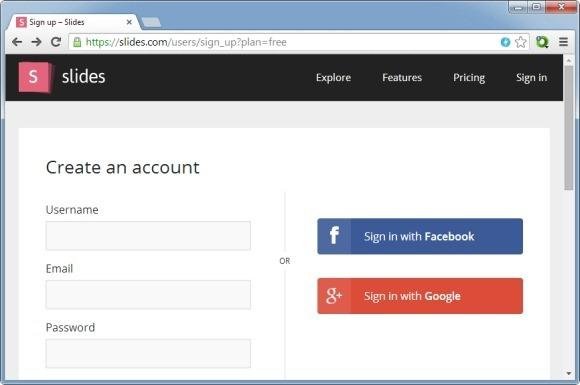
First you will need to make an account at:
ww.slides.com
THINGS TO DO:
- Get Started !
- Select a plan (free)
- Sign up
- Create a deck (presentation)


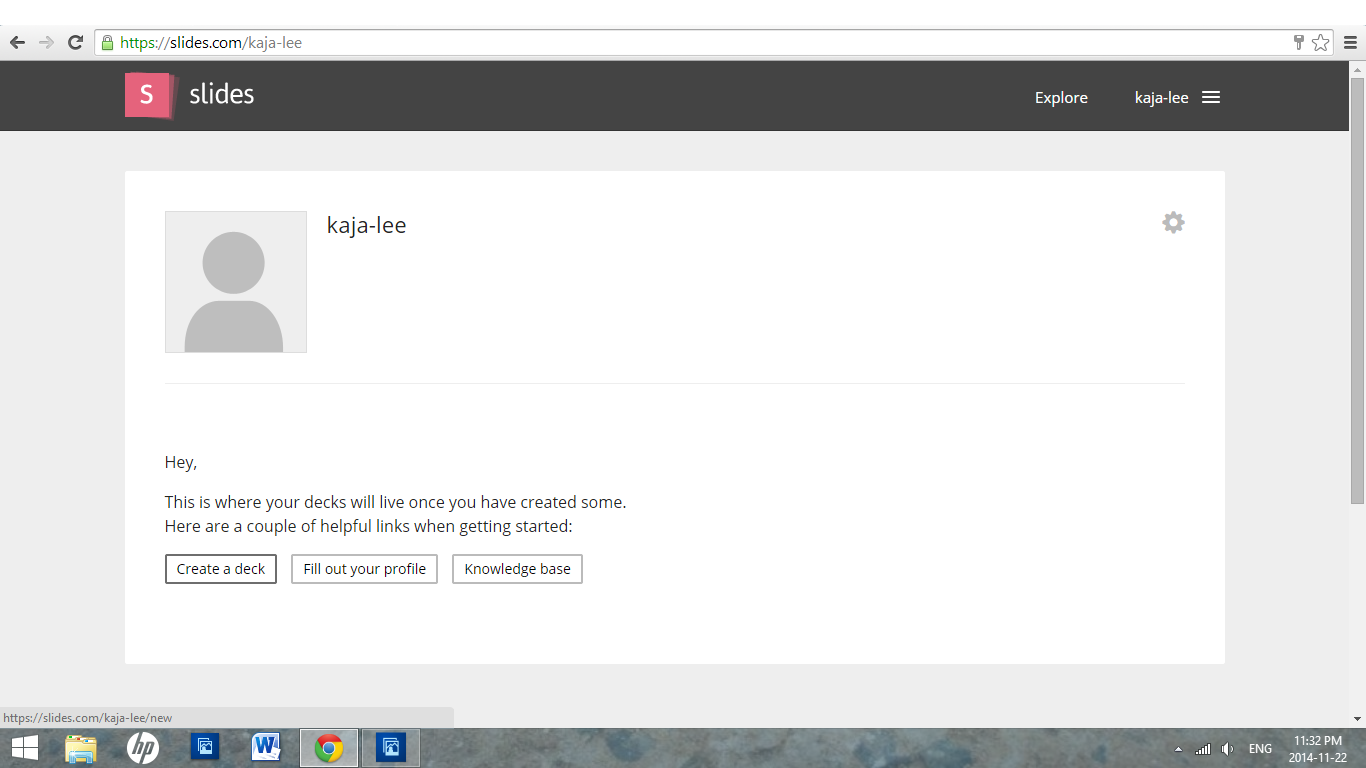
HOW TO START A NEW PROJECT
Starting a Presentation

Basic Tools
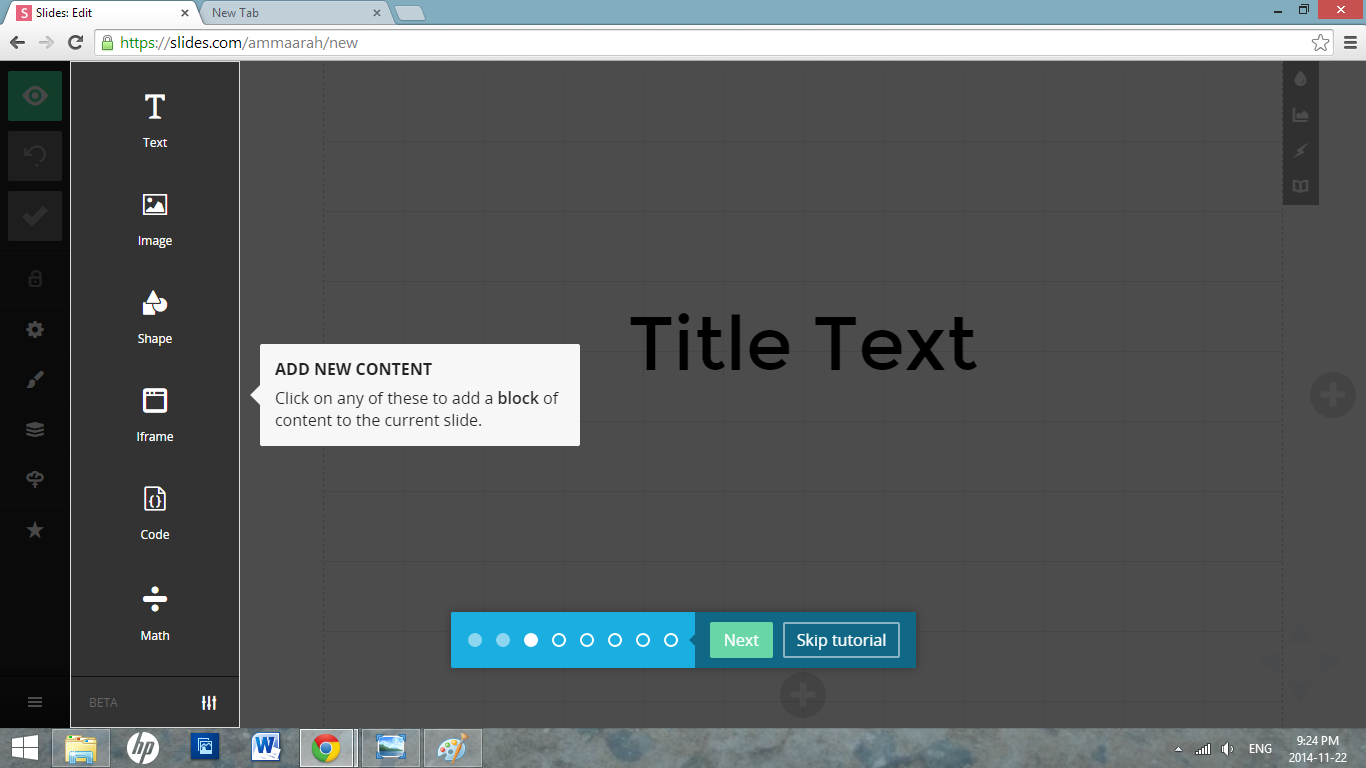
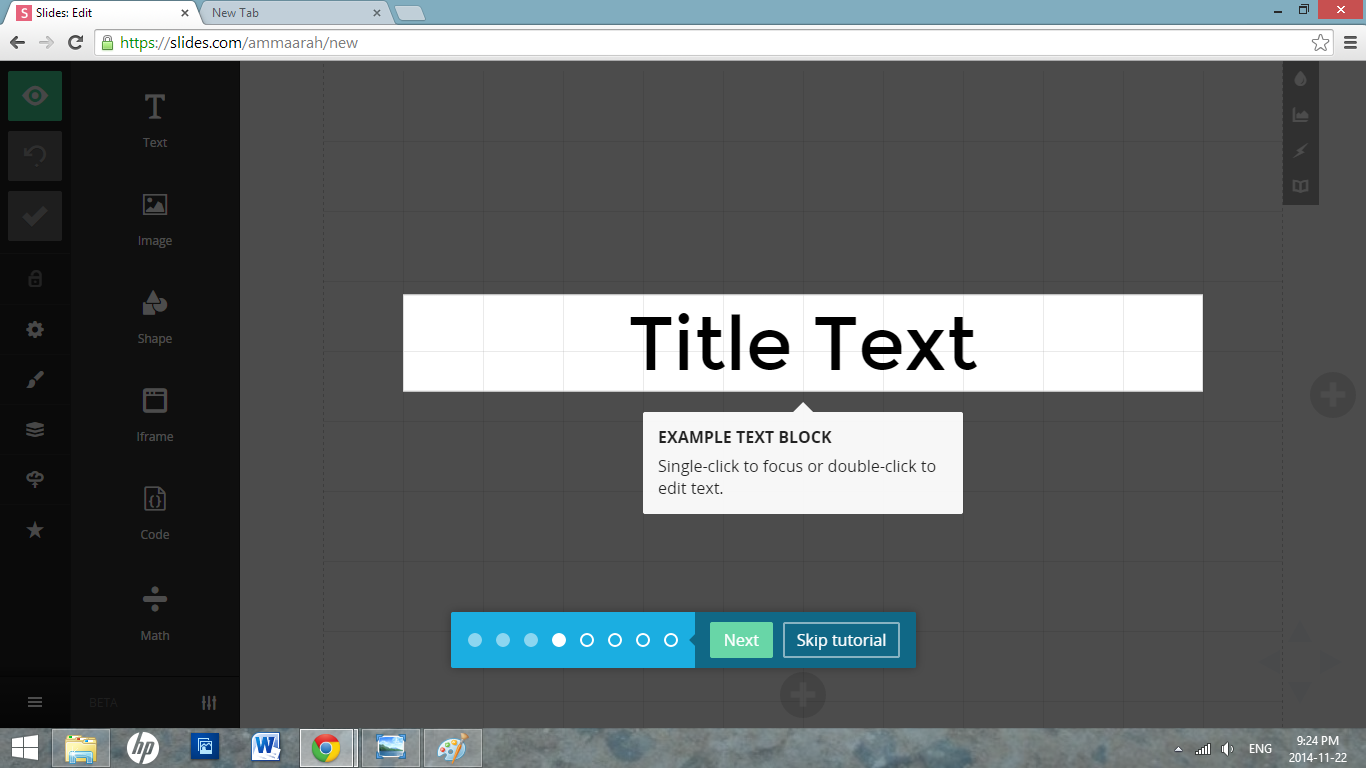
THE TEXT BOX
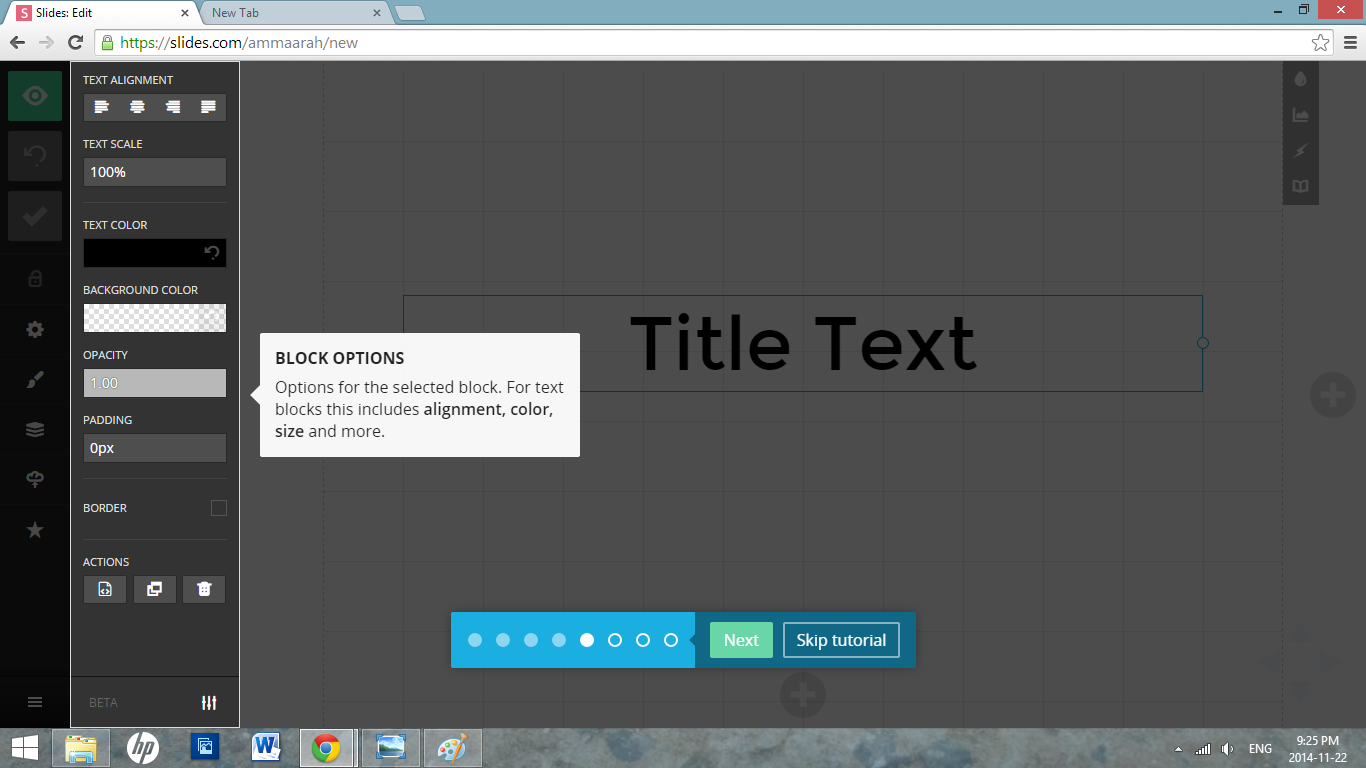
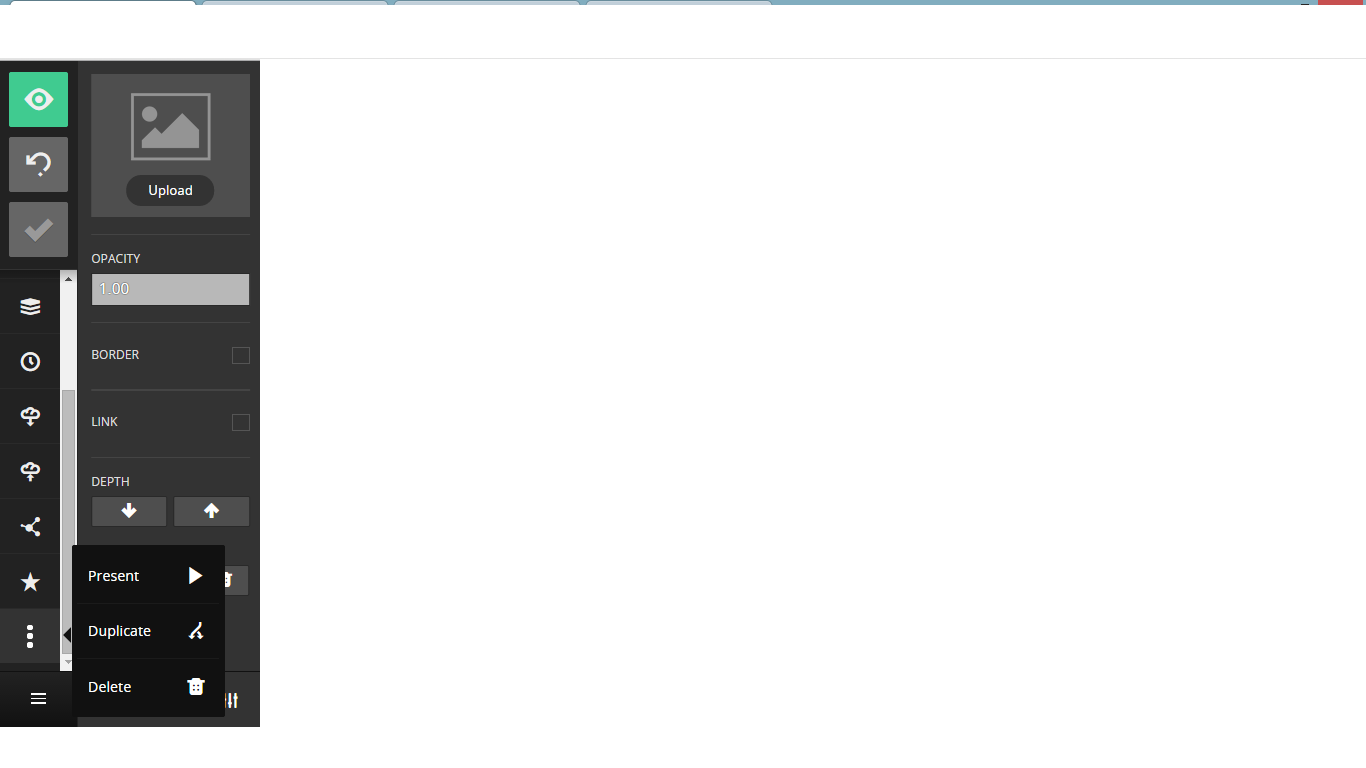
Block Options
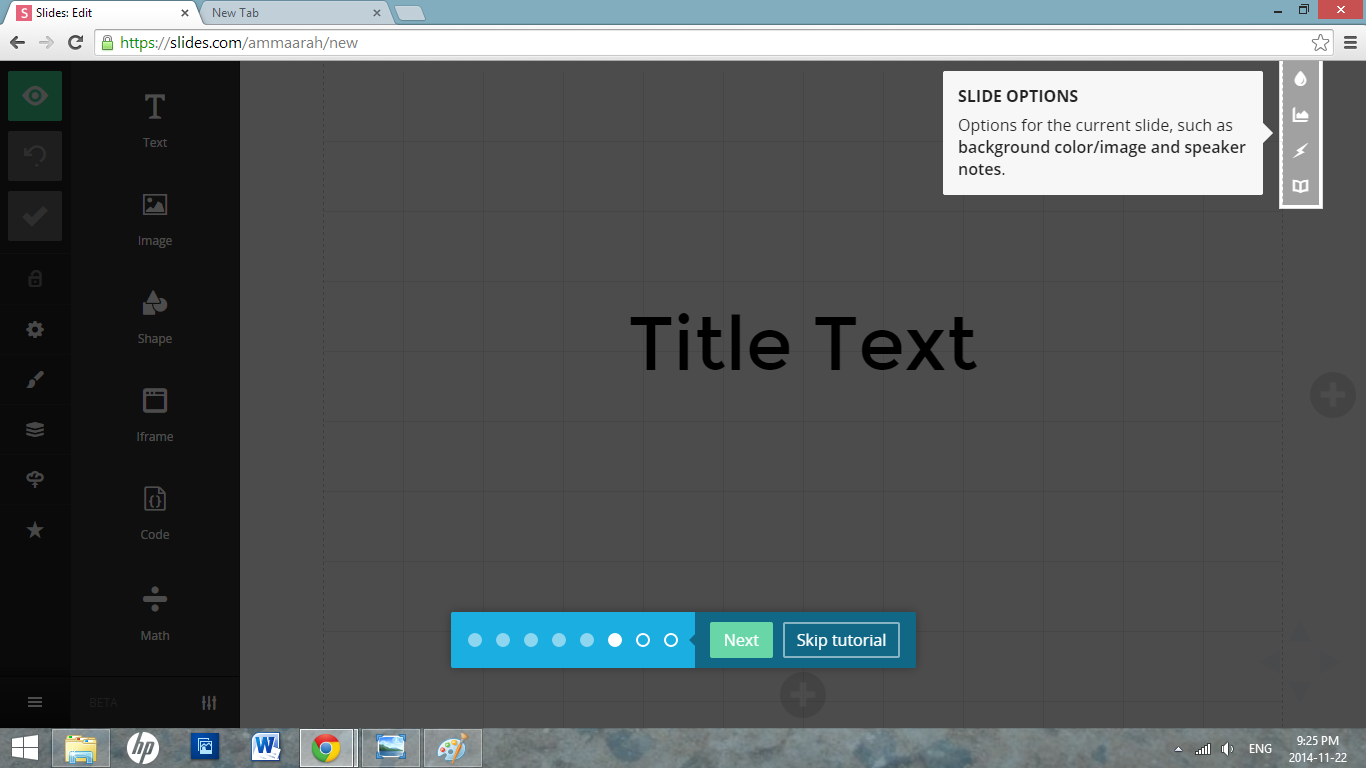
Slide Options
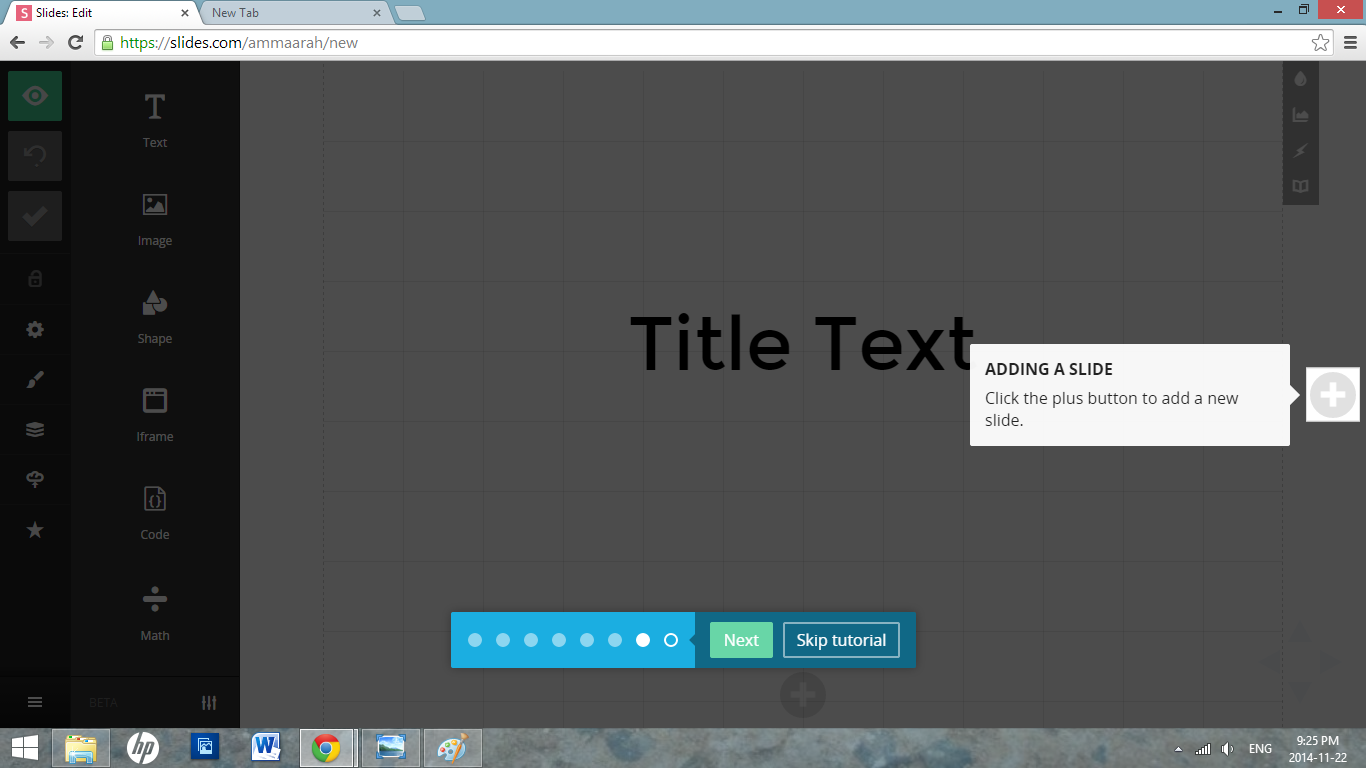
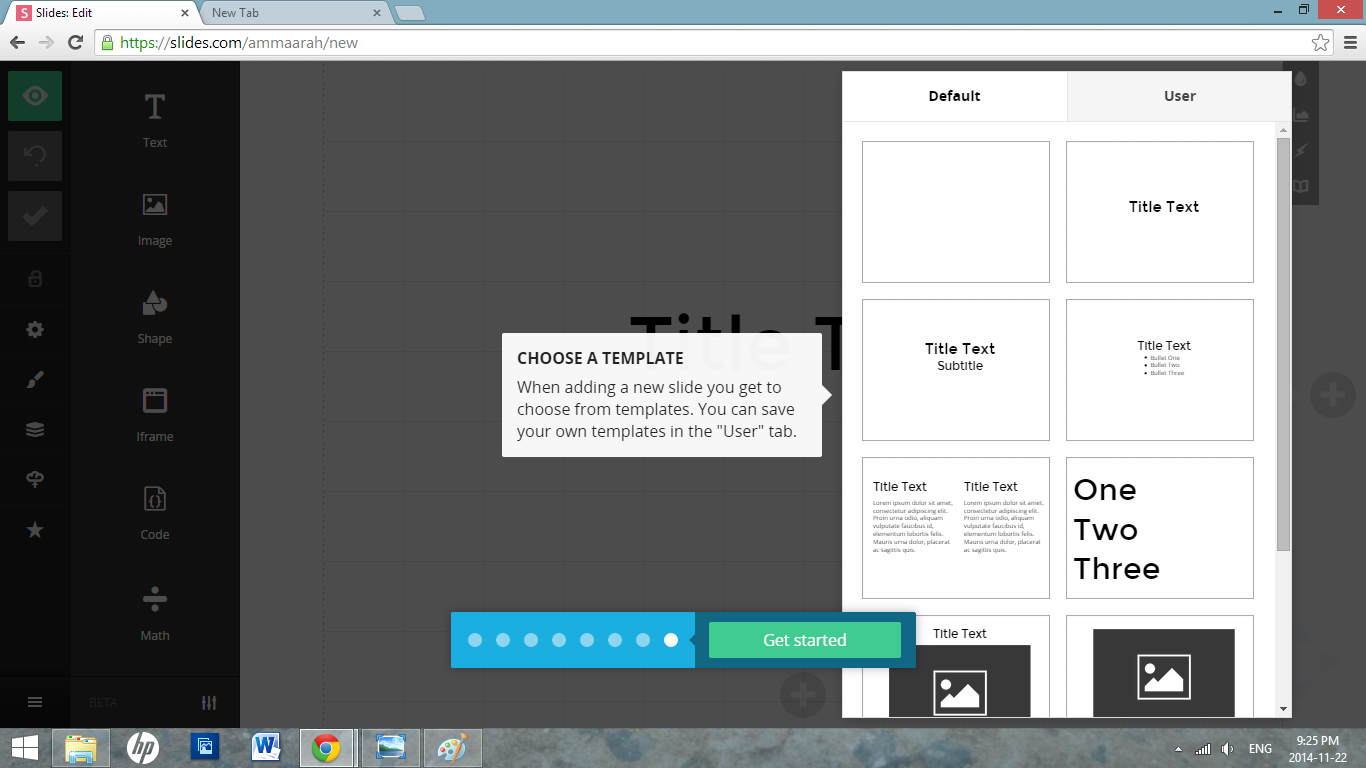
Add Another
Template
Present
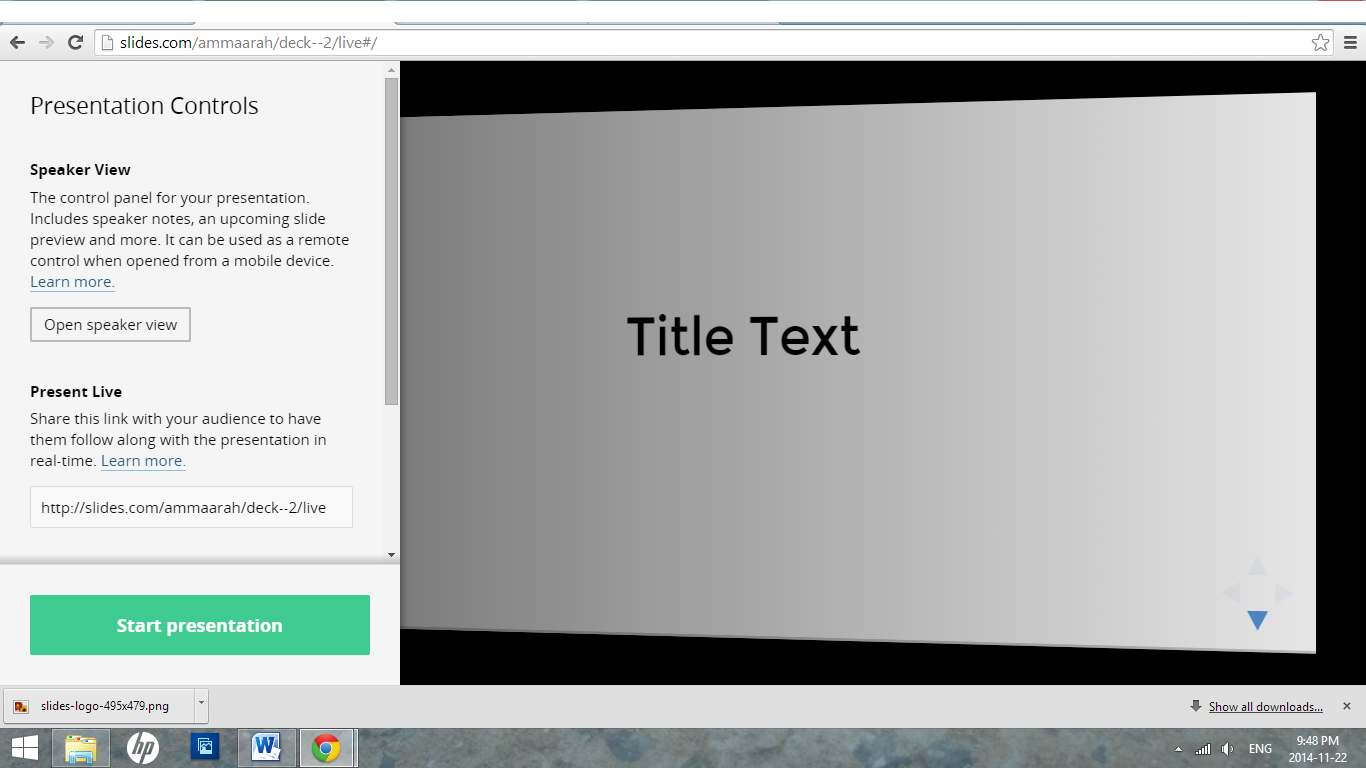
Start Presentation
FINISHED
Get Started
How to use slides
By ammaarah