Final Presentation
Andrew Jensen - PowerStandings team
PowerStandings
Gamification for Sales Teams
The Process:
Track KPIs
Display on Dashboards
Get reps excited!
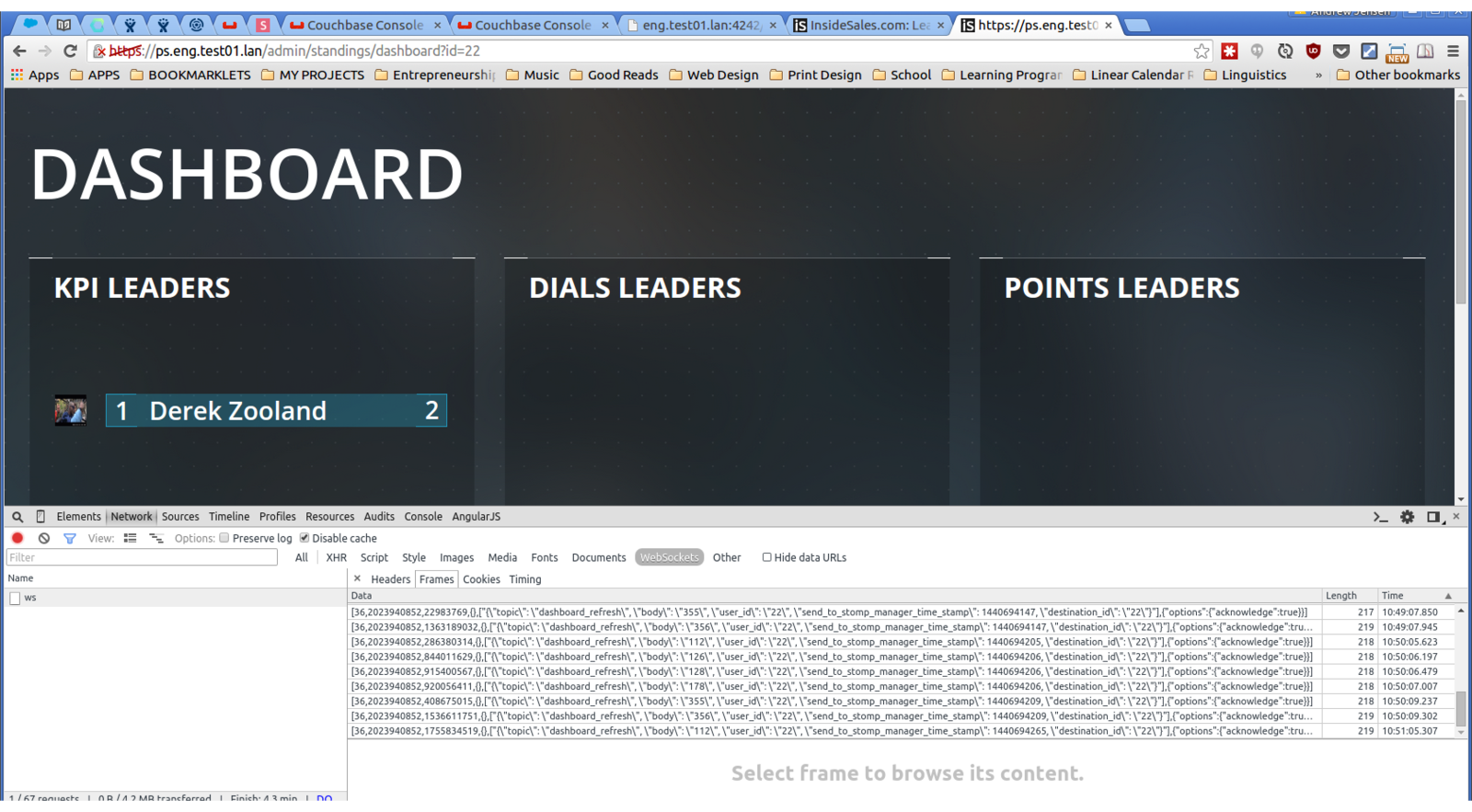
Our Current Software Stack
Cron
Workers
(PHP)
Socket Server
(Crossbar)
Database
(MySQL)
STA
(PHP)
(Run every minute)
Our Future Software Stack
Message Queue
(RabbitMQ)
Joule Processor
(Golang)
Socket Server
(Crossbar)
In-memory
Database
(Couchbase)
STA
(PHP, MySQL)
Stuff broke
all the time.
The Lean Startup:
Find the Pain,
Find the Solution
Our Pain:
Services are crashing and we don't know why
Our Solution:
Build a monitor dashboard for our team to use
Technical Requirements
- Monitor all environments
- Maintain open connection with socket server
- Flexible, modular
- Future: send alerts
Design Requirements
- Easy for developers to run
- Easy for everyone to access and understand
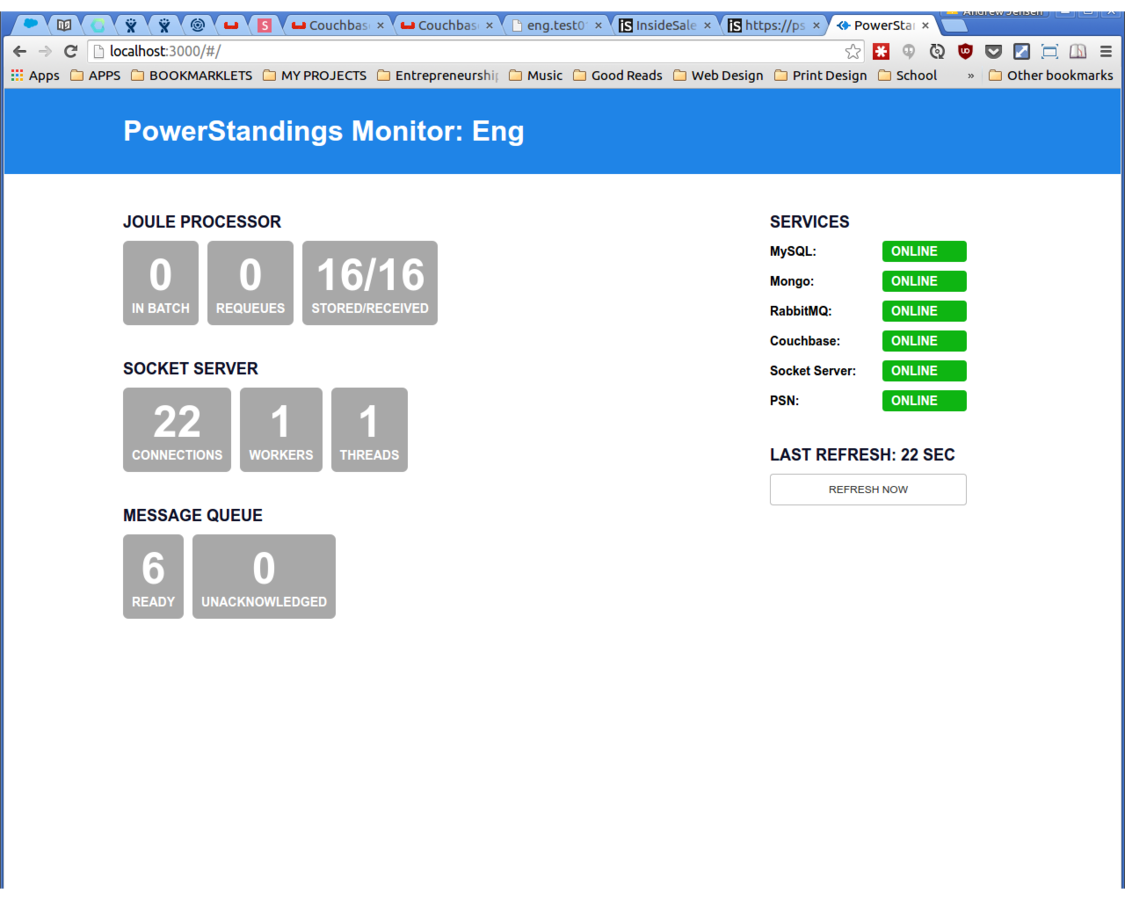
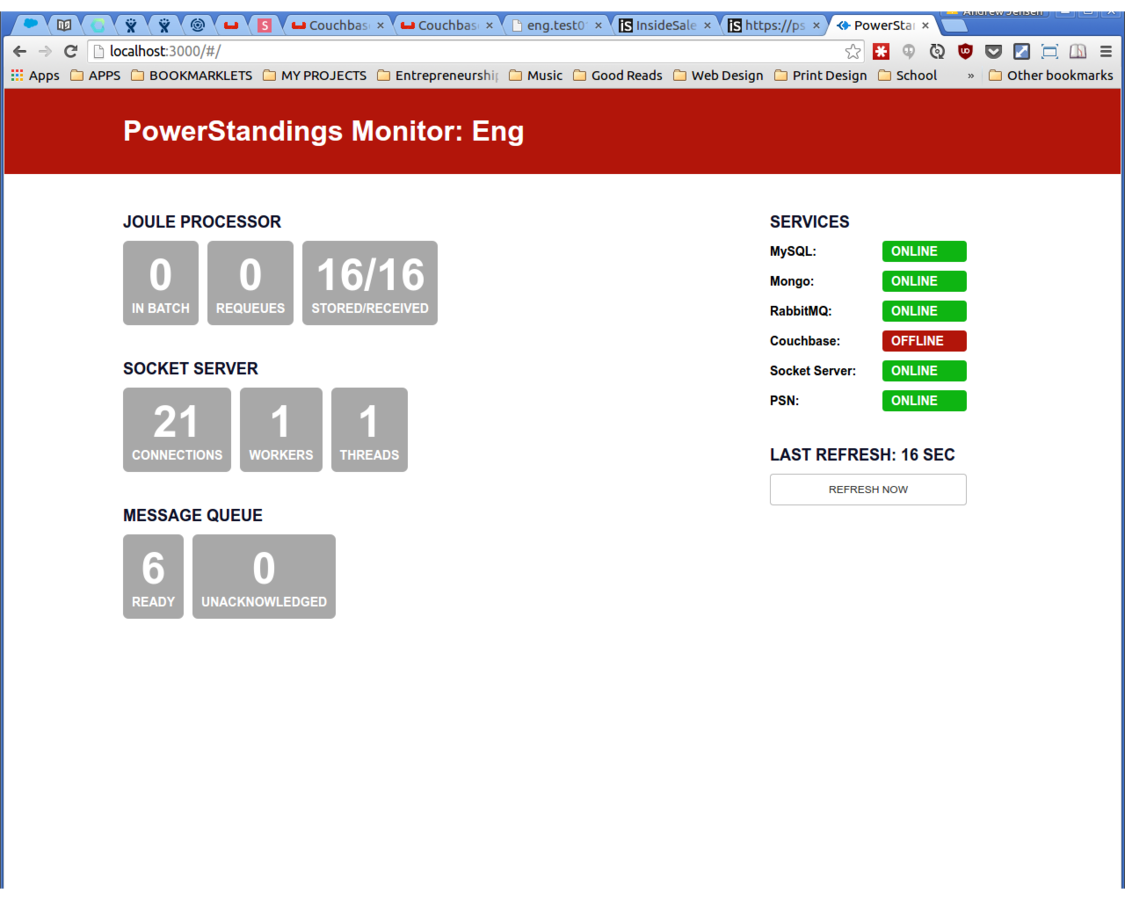
The monitor's stack
Dashboard
(React)
Monitored Services
API Server
(Node)
Create a Service to monitor
var ServiceInterface = {

    initialize: function(config) {
        // Should start monitoring the service,
        // opening persistent connections if necessary
    },

    update: function(callback) {
        // Should communicate with the service and update the state
    },

    get: function() {
        // Should return the current state of the service
    }

};
Services are registered and initialized
ServiceManager.registerServices([
    'couchbase',
    'mongo',
    'mysql',
    'psn',
    'rabbitmq',
    'crossbar'
]);

app.get('/status', function(request, response) {

    response.json(ServiceManager.getStatus());

});
Status is returned as JSON
{
    "crossbar": {
        "checked": true,
        "online": true,
        "connections": 9001,
        "process": { ... }
    },
    "rabbitmq": {
        "checked": true,
        "online": true,
        "queue": { ... }
    },
    "psn": {
        "checked": true,
        "online": true,
        "instances": [
            {
                "name": "JP-1",
                "healthMonitor": { ... }
            },
            { ... }
        ]
    }
}
React components visualize the status
var Home = React.createClass({
  // ...
  render: function() {
    return (
      <div className="dashboard">
        <div className="details">
          <PSNDetails status={this.state.services.psn} />
          <SocketServerDetails status={this.state.services.crossbar} />
          <RabbitMQDetails status={this.state.services.rabbitmq} />
        </div>
        <div className="services">
          <div className="panel">
            <h2>Services</h2>
            <ServiceWidget title="MySQL" service={this.state.services.mysql} />
            <ServiceWidget title="Mongo" service={this.state.services.mongo} />
            <ServiceWidget title="RabbitMQ" service={this.state.services.rabbitmq} />
            <ServiceWidget title="Couchbase" service={this.state.services.couchbase} />
            <ServiceWidget title="Crossbar" service={this.state.services.crossbar} />
            <ServiceWidget title="PSN" service={this.state.services.psn} />
          </div>
          <RefreshPanel clickHandler={this._triggerRefresh} />
        </div>
      </div>
    );
  }
});
My Internship Experience
What I learned:
More Disciplined Development
- Agile Development
- Collaborating inside a large organization
- Working inside a large codebase
- Bonus: Presenting and training others
Special Thanks
- Sean and the Talent Acquisition team
- Scott and the PowerStandings team
- The other ISDC interns
Thanks
andrewjensen@gmail.com
ISDC - Final Presentation
By Andrew Jensen