HTML, Dev tools,
VAST Basics
http://slides.com/antonpodorozhniy/epom
Plan
- HTML and CSS basics.
- What is JS.
- Invocation codes types
- Difference between them
- Video Ads Basics
- Dev tools
- Kinds of dev tools
- How to view element's code
- How to find Epom's code
HTML

HTML + CSS

HTML + CSS + JS

HTML or HyperText Markup Language is the standard markup language used to create Web pages.
<!DOCTYPE HTML>
<html>
<head>
<title>It's title</title>
</head>
<body>
<h1>Hello World!</h1>
</body>
</html>
Basic Sample:
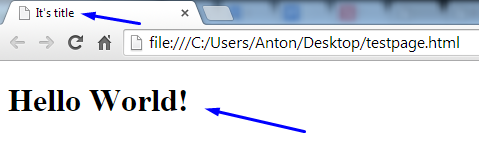
Result:
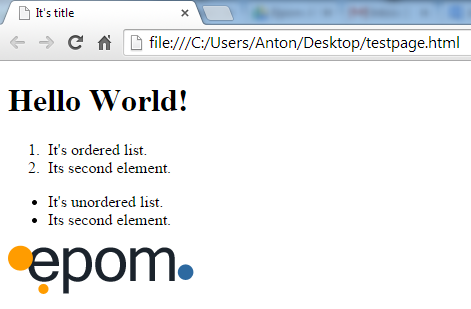
Try this one:
Result should be:
<!DOCTYPE HTML>
<html>
<head>
<title>It's title</title>
</head>

<body>
<h1>Hello World!</h1>

<div id="black"></div>

<div id="yellow">
<ol>
    <li>It's ordered list.</li>
    <li>Its second element.</li>
</ol>
</div>

<div class="green">
<ul>
    <li>It's unordered list.</li>
    <li>Its second element.</li>
</ul>
</div>

<a href="http://epom.com" target="_blank"><img src="http://wac.a164.edgecastcdn.net/80A164/static/images/logo.png" />

</body>
</html>
Yeah, we got it :)

CSS = Cascading Style Sheets
Styles define how to display HTML elements
You may include CSS like:
<!DOCTYPE HTML>
<html>
<head>
<title>It's title</title>
<link href="styles.css" type="text/css" rel="stylesheet">
</head>

<body>
...
Or:
<!DOCTYPE HTML>
<html>
<head>
<title>It's title</title>

</head>

<body>
<style>

<!-- Styles will be here -->

</style>
...
You'll have to create additional file (styles.css) for this one!
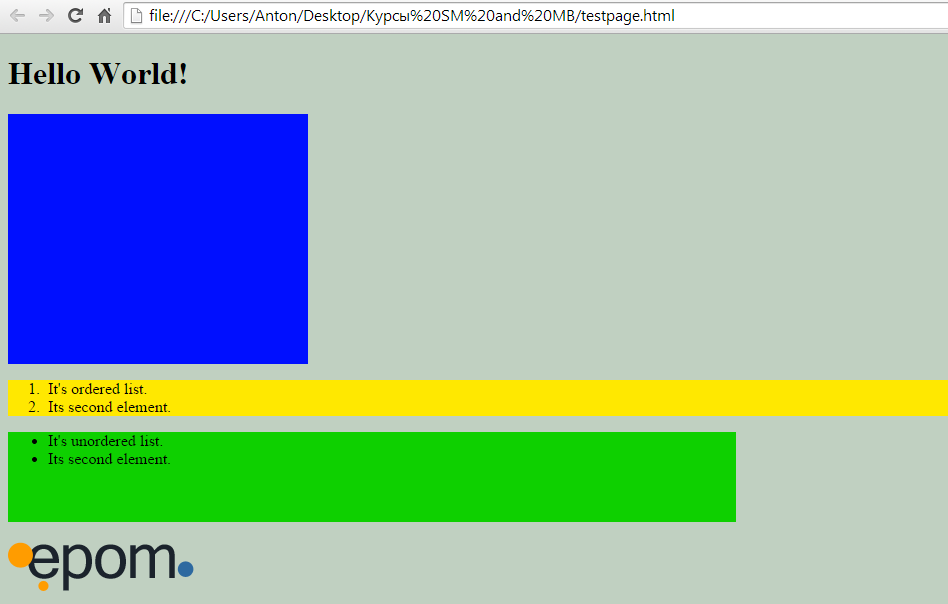
I choose the second one:
Result should be:
<!DOCTYPE HTML>
<html>
<head>
<title>It's title</title>
</head>

<body>

<style>
#black {background-color:#000fff; width: 300px; height:250px;}
#yellow {background-color:#FFE800;}
.green {background-color: #0ED000; width: 728px; height:90px; margin-bottom: 20px;}
body {background-color: #C0D0C1;}
</style>

...


</body>
</html>
Almost :)

What is JavaScript?
JavaScript Can Change HTML Elements.
The HTML DOM (the Document Object Model) is the official W3C standard for accessing HTML elements.
JavaScript can manipulate the DOM (change HTML contents).
You can use JavaScript to:
- Change HTML elements
- Delete HTML elements
- Create new HTML elements
- Copy and clone HTML elements
- And much more ...

Should we?
Not this time. It's another story :)
For your reference, please visit:
http://www.w3schools.com/html/default.asp
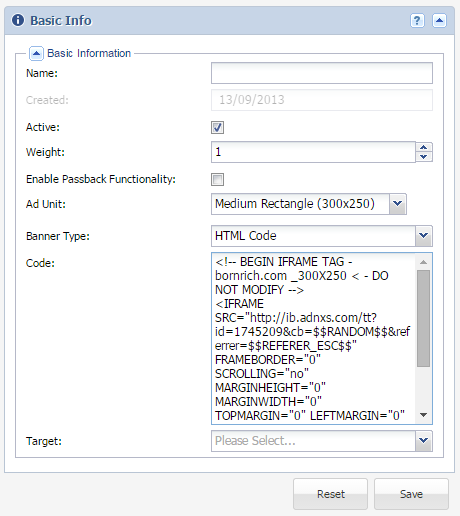
Where is HTML used in advertising? - Everywhere! For Example:
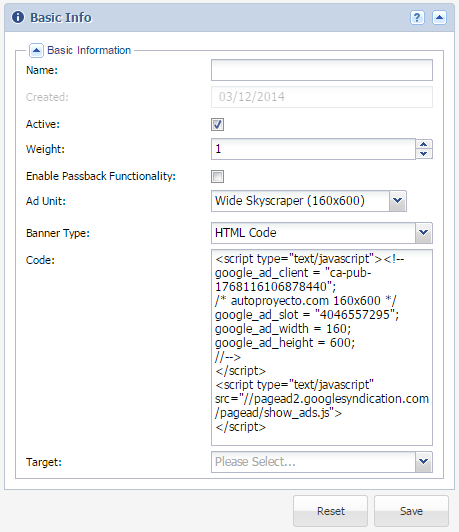
Where is JavaScript used in advertising? - Everywhere! For Example:
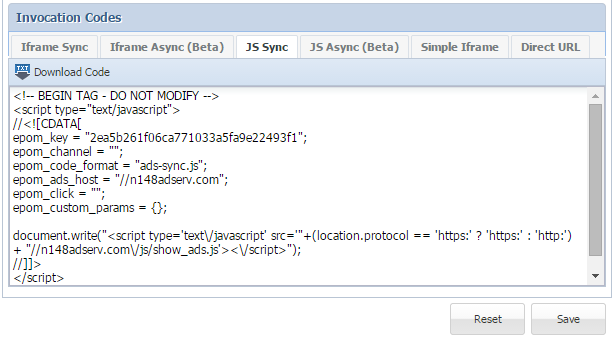
Types of invocation codes
It's alive!
k.galyona
a.stepanov
ya.vronskiy
d.kuryanov
a.ruzhytska
t.prots
d.denisov
n.pavliuk
m.aristova
i.sydorenko
yu.chopenko
Visit n101.epom.com
It's alive!
1. Create Site/Zone/Placement
2. Create Advertiser/Campaign/Banner
3. Link banner to placement
4. Insert placement's invocation code to the test page
<!DOCTYPE HTML>
<html>
<head>
<title>It's title</title>
</head>

<body>
...
</style>
<!-- BEGIN TAG - DO NOT MODIFY -->
<script type="text/javascript">
//<![CDATA[
epom_key = "3d7dd12e4b954d2b643e68cb3d802883";
epom_channel = "";
epom_code_format = "ads-sync.js";
epom_ads_host = "//n101adserv.com";
epom_click = "";
epom_custom_params = {};
document.write("<script type='text\/javascript' src='"+(location.protocol == 'https:' ? 'https:' : 'http:') + "//n101adserv.com\/js/show_ads.js'><\/script>");
//]]>
</script>
<!-- END TAG -->
...
</body>
</html>
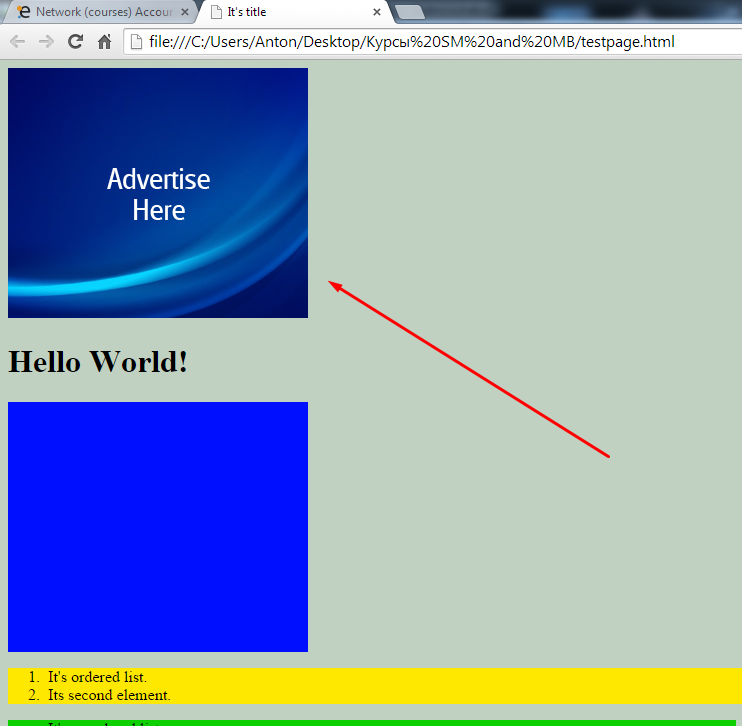
It's alive!
Iframe
Try this one:
<iframe src="http://epom.com" style="border:0px #FFFFFF none;" name="myiFrame" scrolling="no" frameborder="1" marginheight="0px" marginwidth="0px" height="800px" width="468px"></iframe>
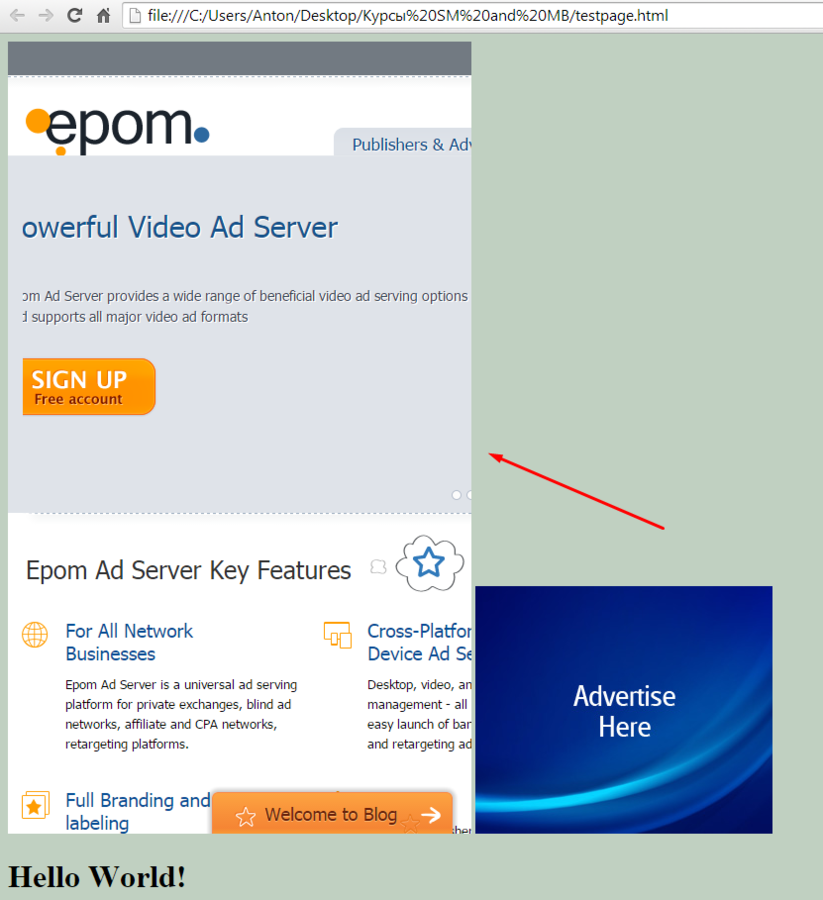
Result:
Vast video ads
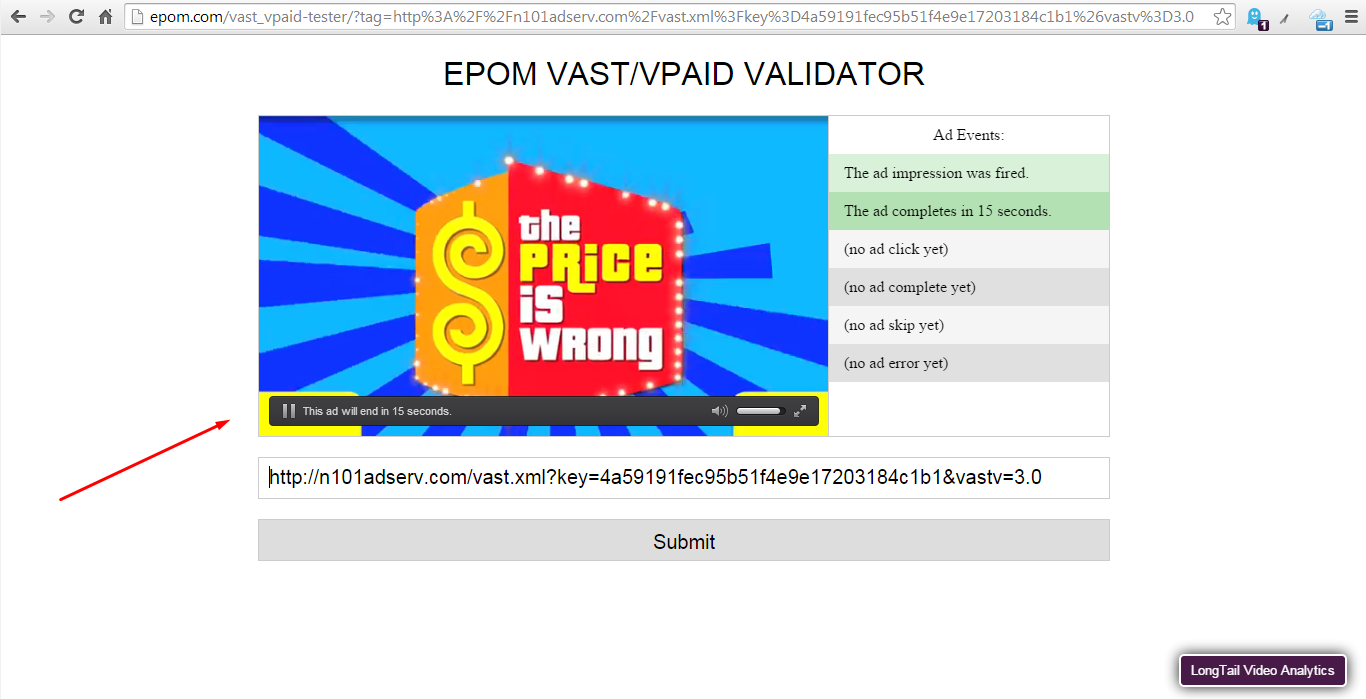
Dev tools
1. Visit your HTML test page
2. Click F12 or rigft-click on any element and Inspect element code
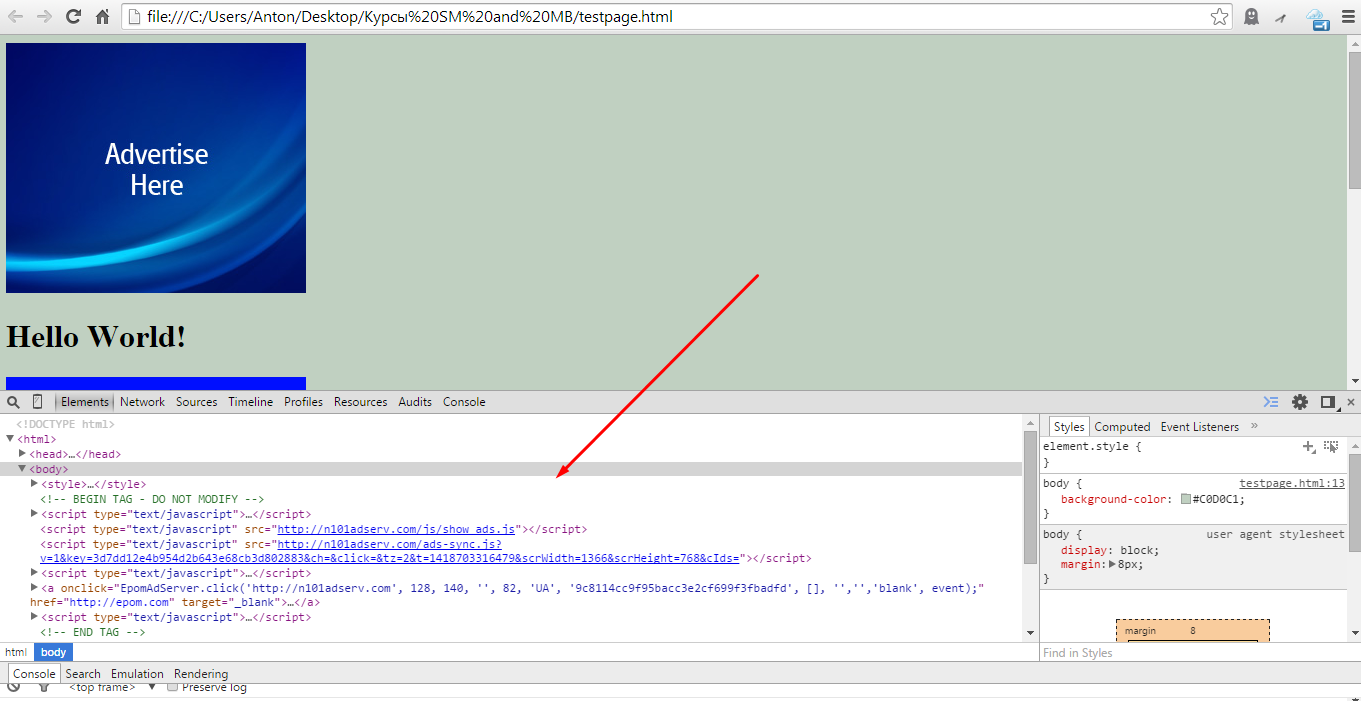
Dev tools
VK with Firefox's Dev tools:
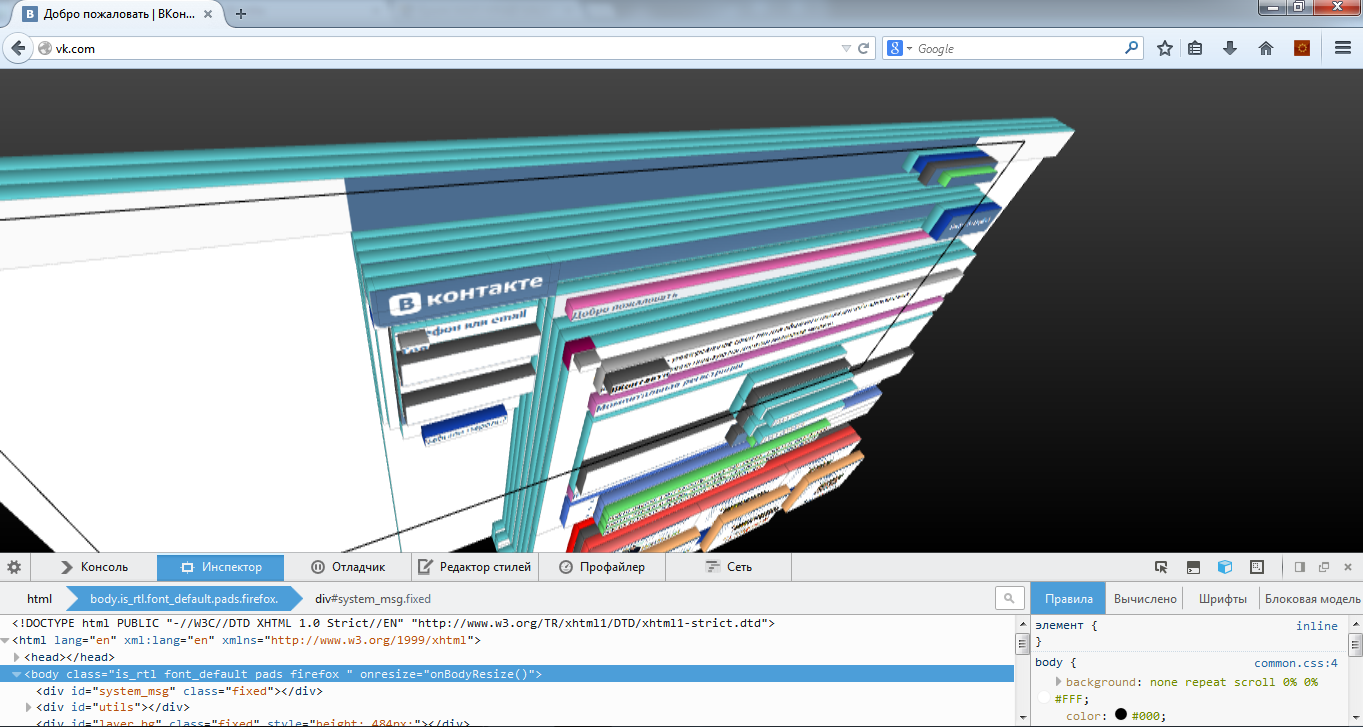
How to find Epom's Codes
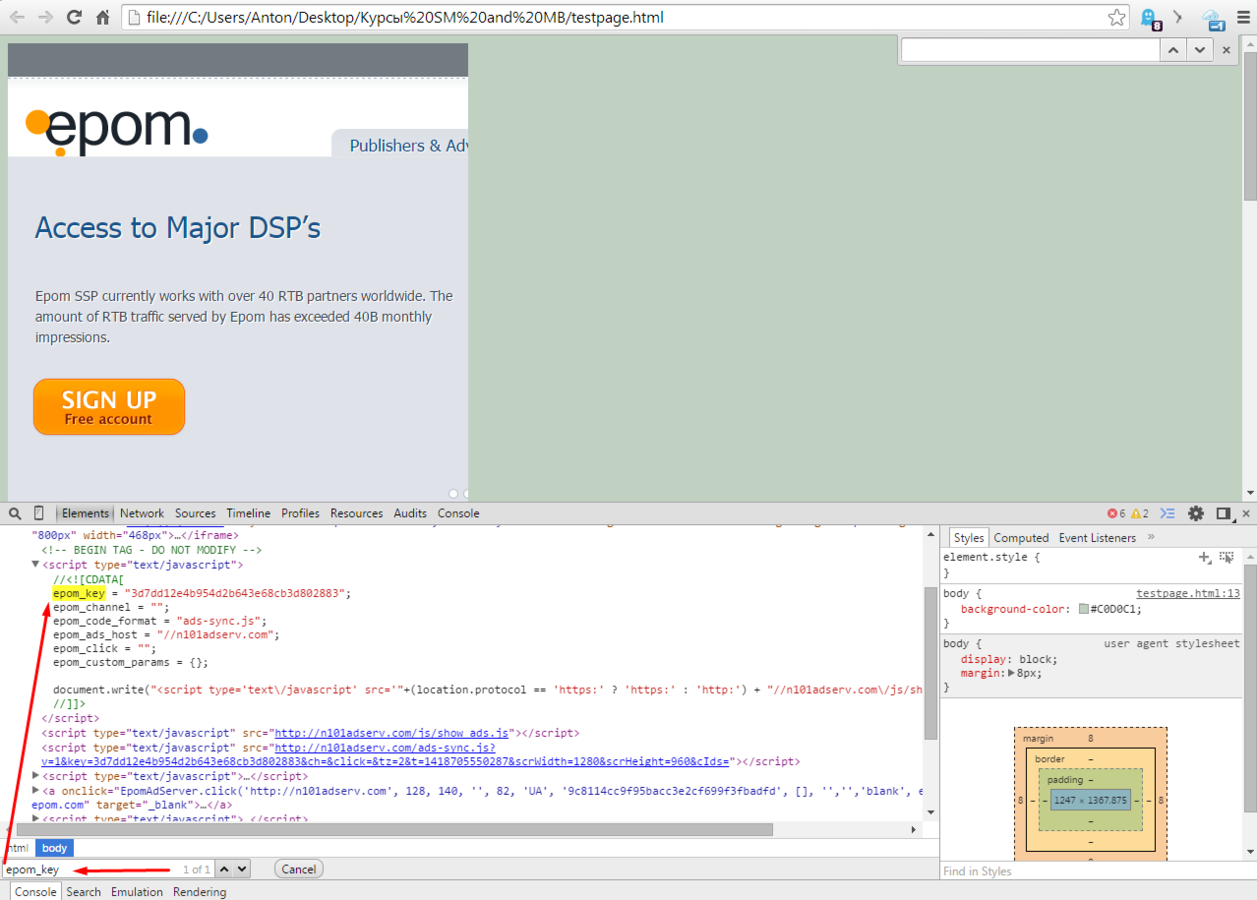
Open Dev tools - Select Element - Ctrl+F - Search for "epom_key"
Open Dev tools - Select Element - Ctrl+F - Search for "n101adserv.com"
How to find Epom's Codes
Open your page - click ctrl+U
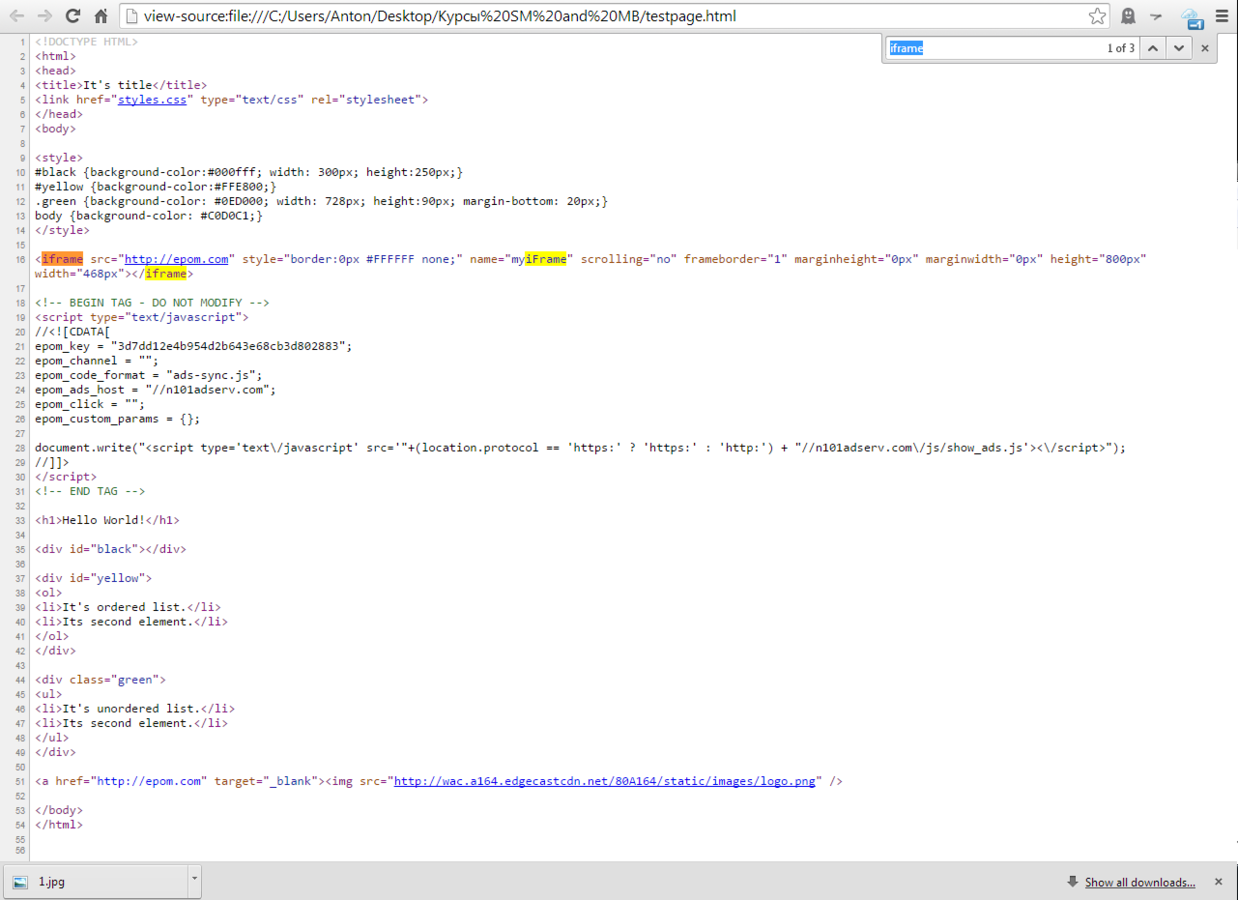

Happy end :)
Epom
By Anton Podorozhniy