Welcome Back to Coding Club!
Objectives for Today:
-
Sign Up for all of the Applications we will be using
Edmettle
1. Go to edmettle.com
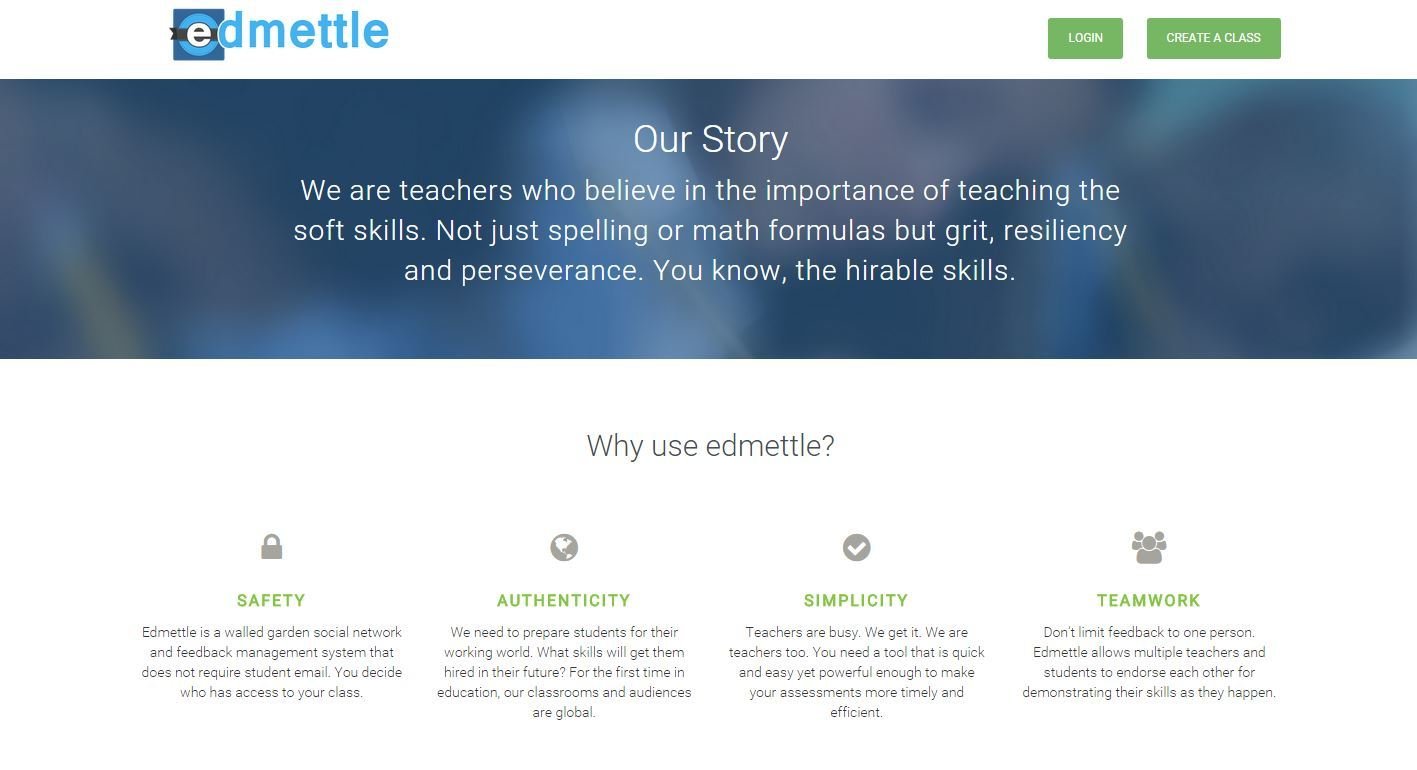
Edmettle
2. Click "Login"
Edmettle
3. Click "Students, join a class!"

Edmettle
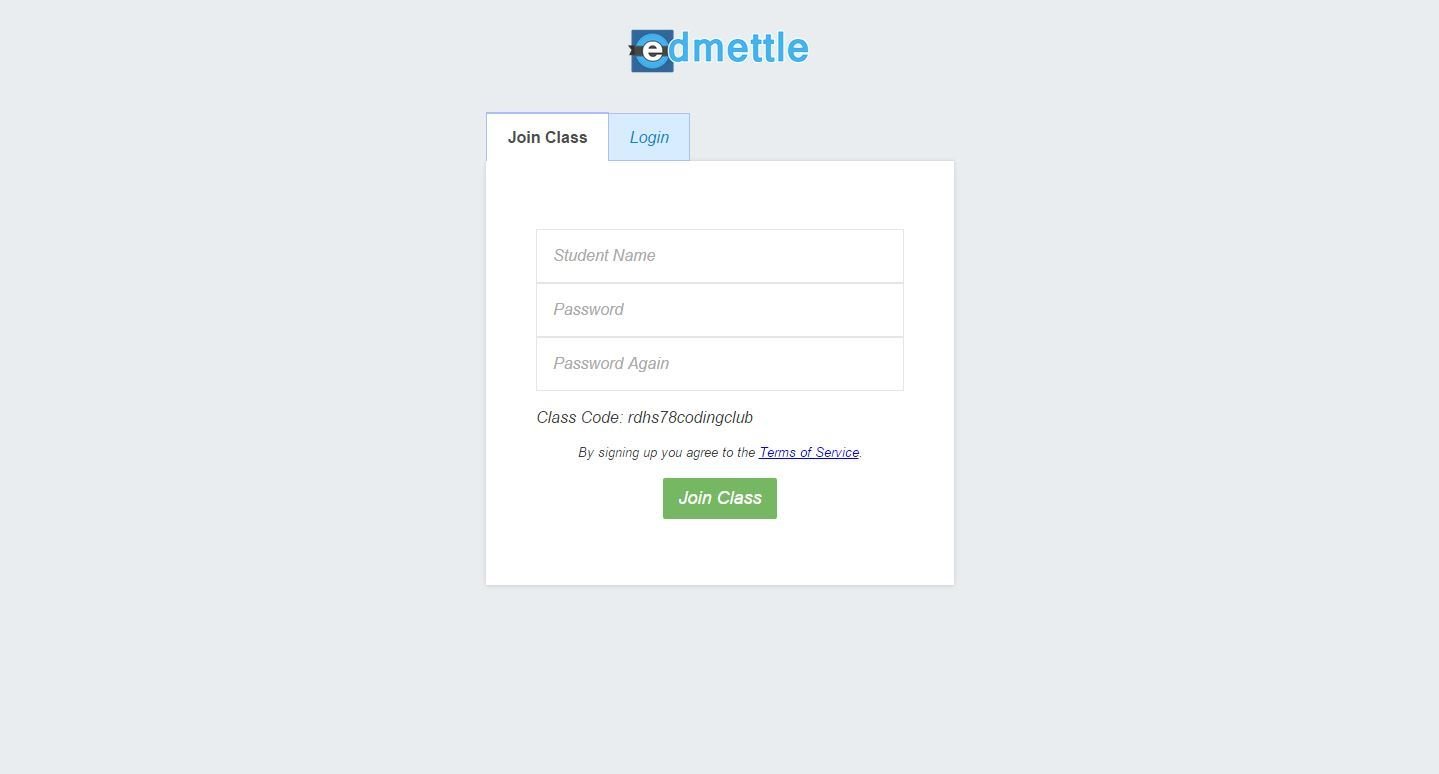
4. Enter "rdhs78codingclub"
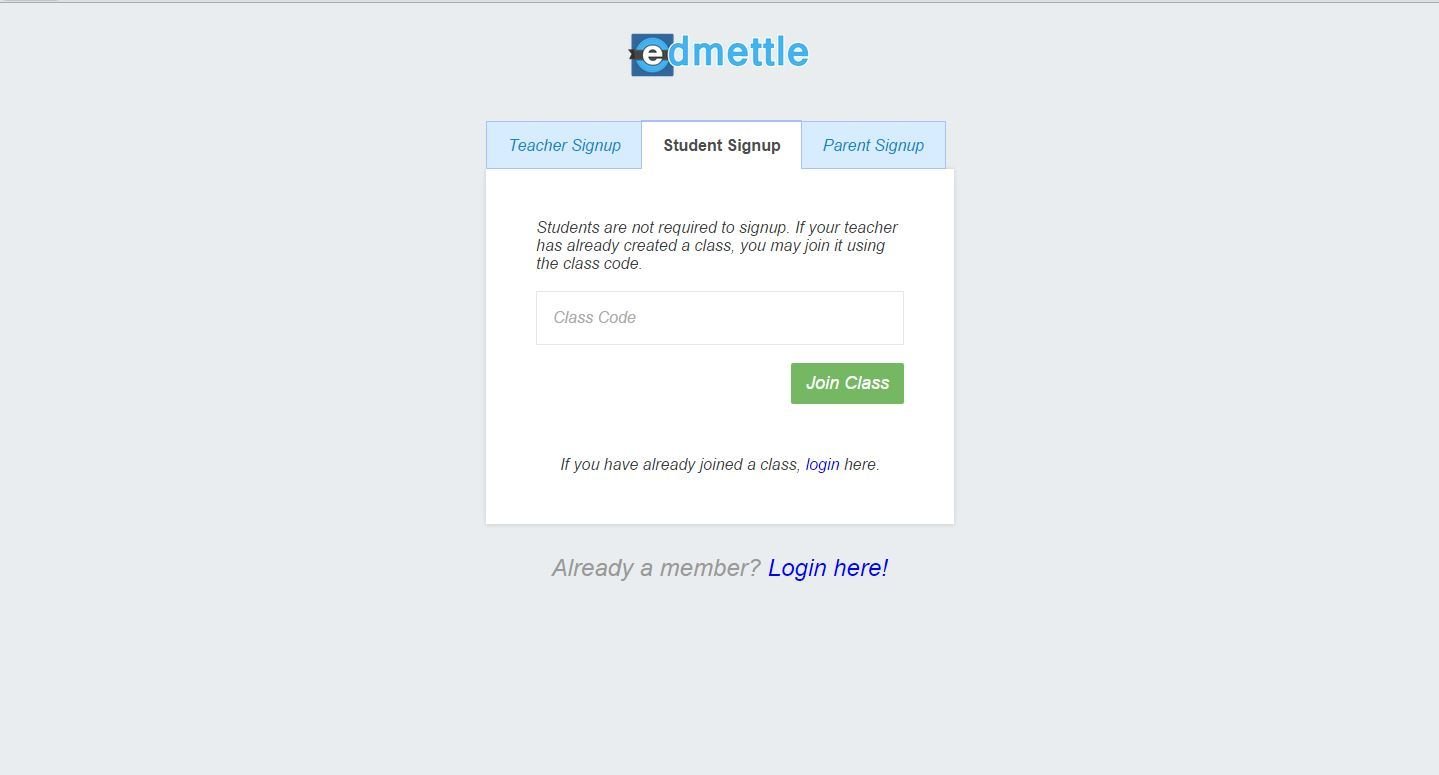
Edmettle
5. Enter Your Name and Password
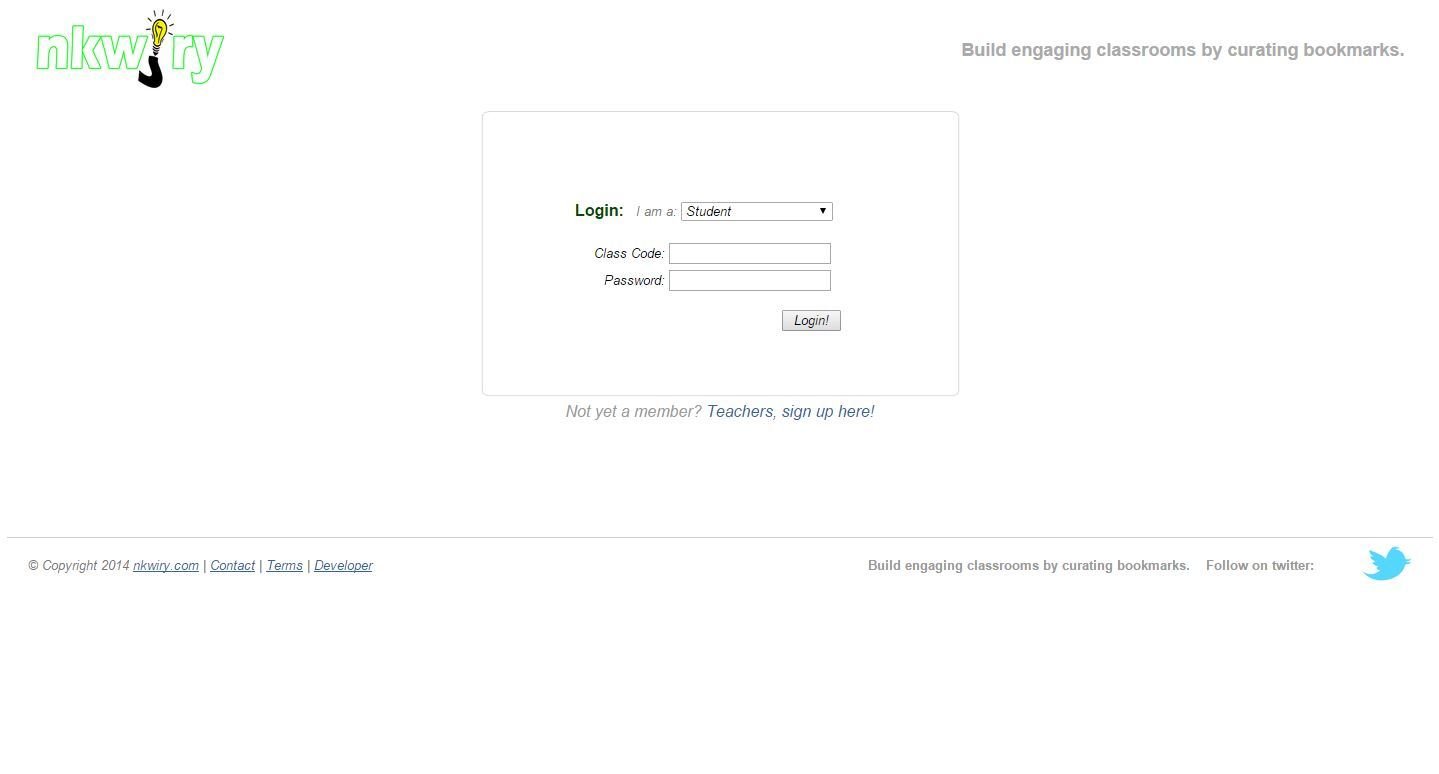
Nkwiry
1. Go to nkwiry.com
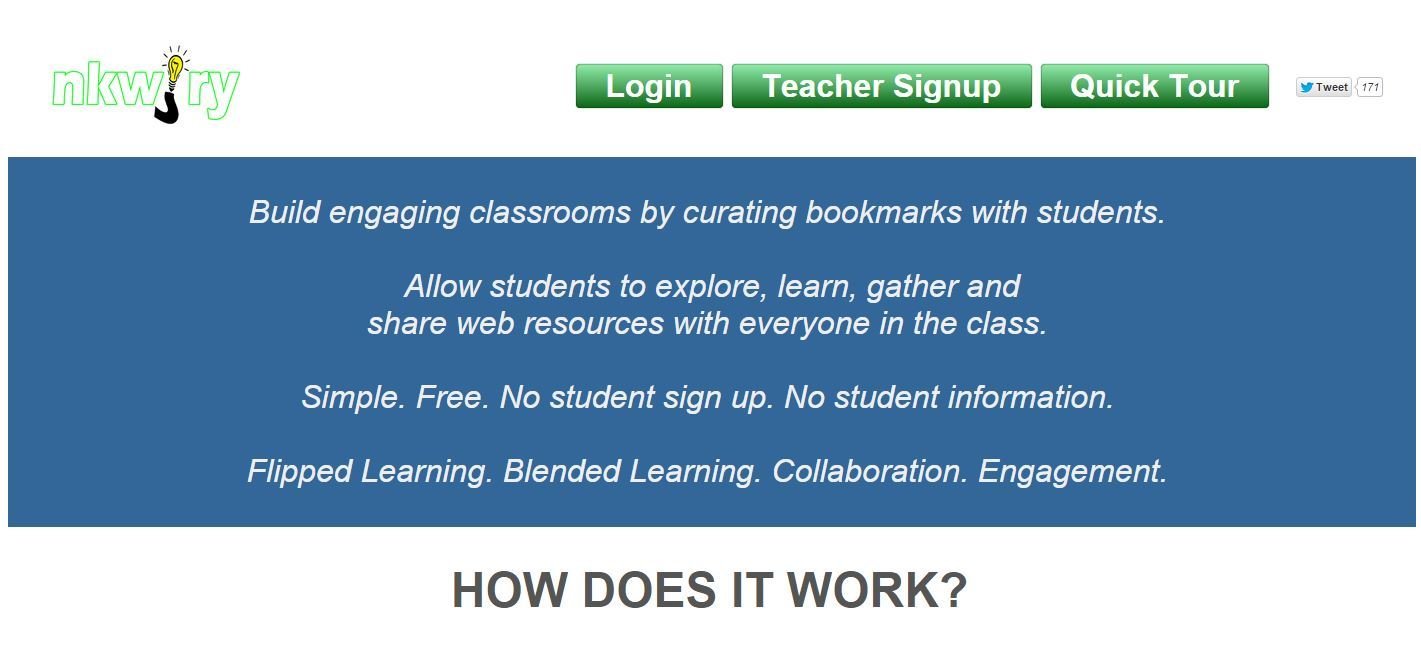
Nkwiry
2. Click on the Dropdown Menu and press "Student"
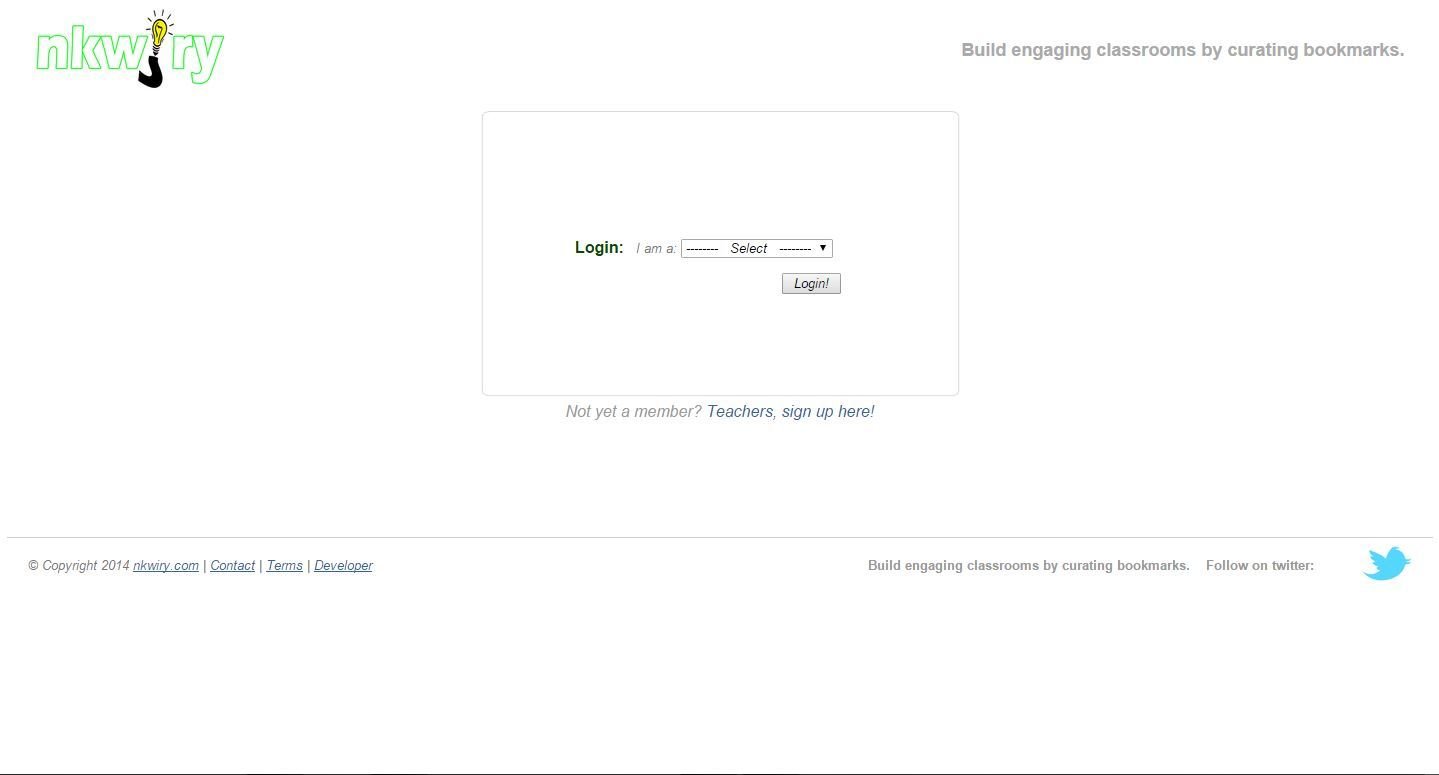
Nkwiry
3. Enter the Class Code as "rdhs78codingclub" and the password on your card.
Class Dojo
1. Go to classdojo.com

Class Dojo
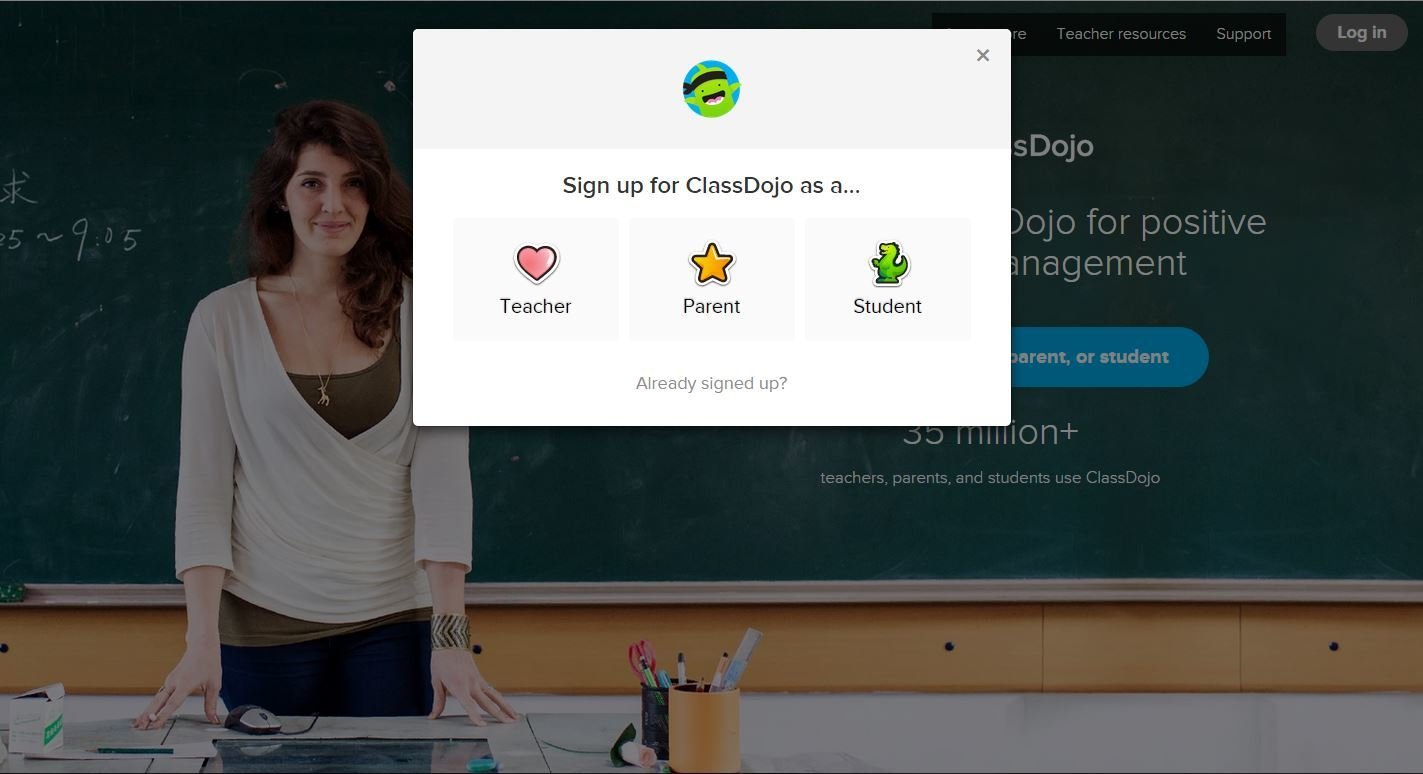
2. Click "Sign Up"
Class Dojo
3. Click "Student"
Class Dojo
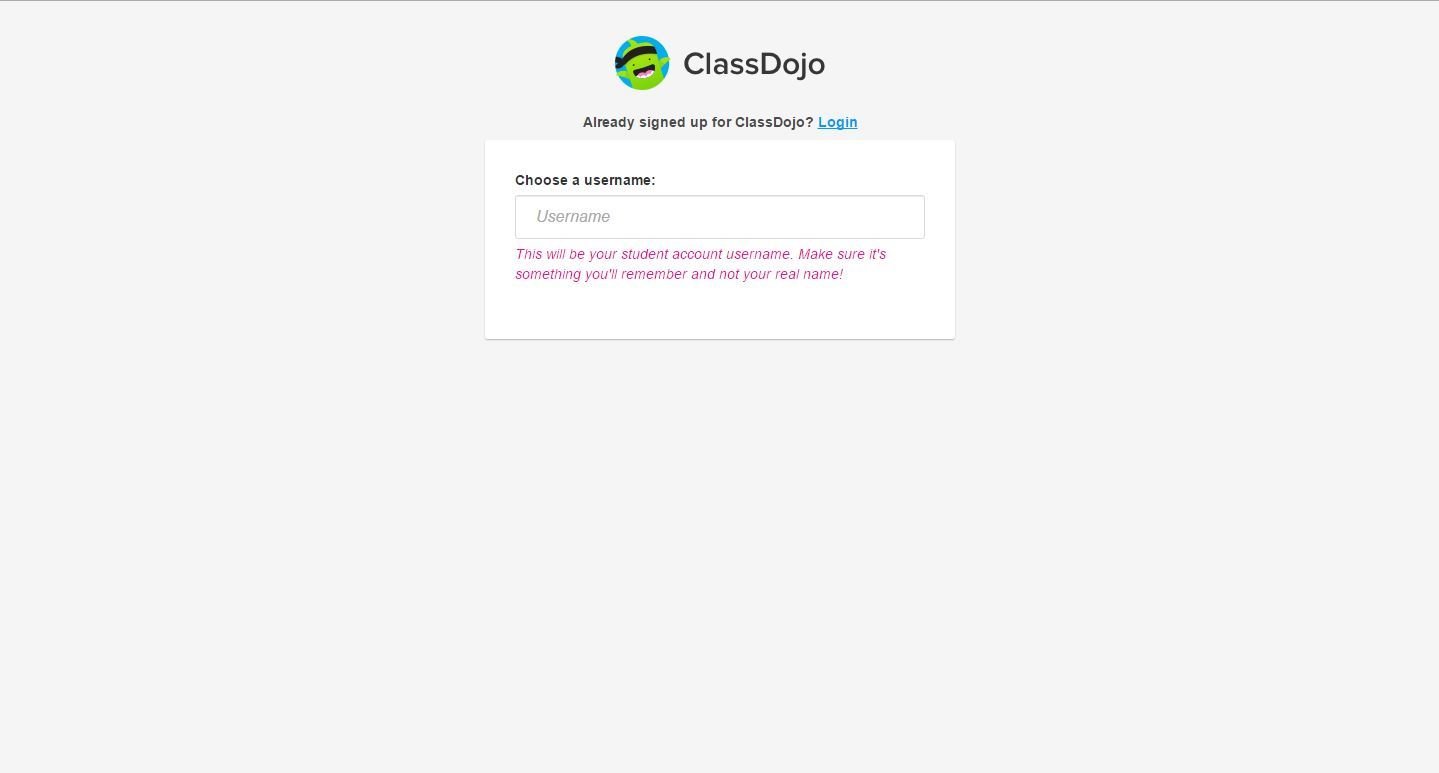
4. Create a Username
Class Dojo
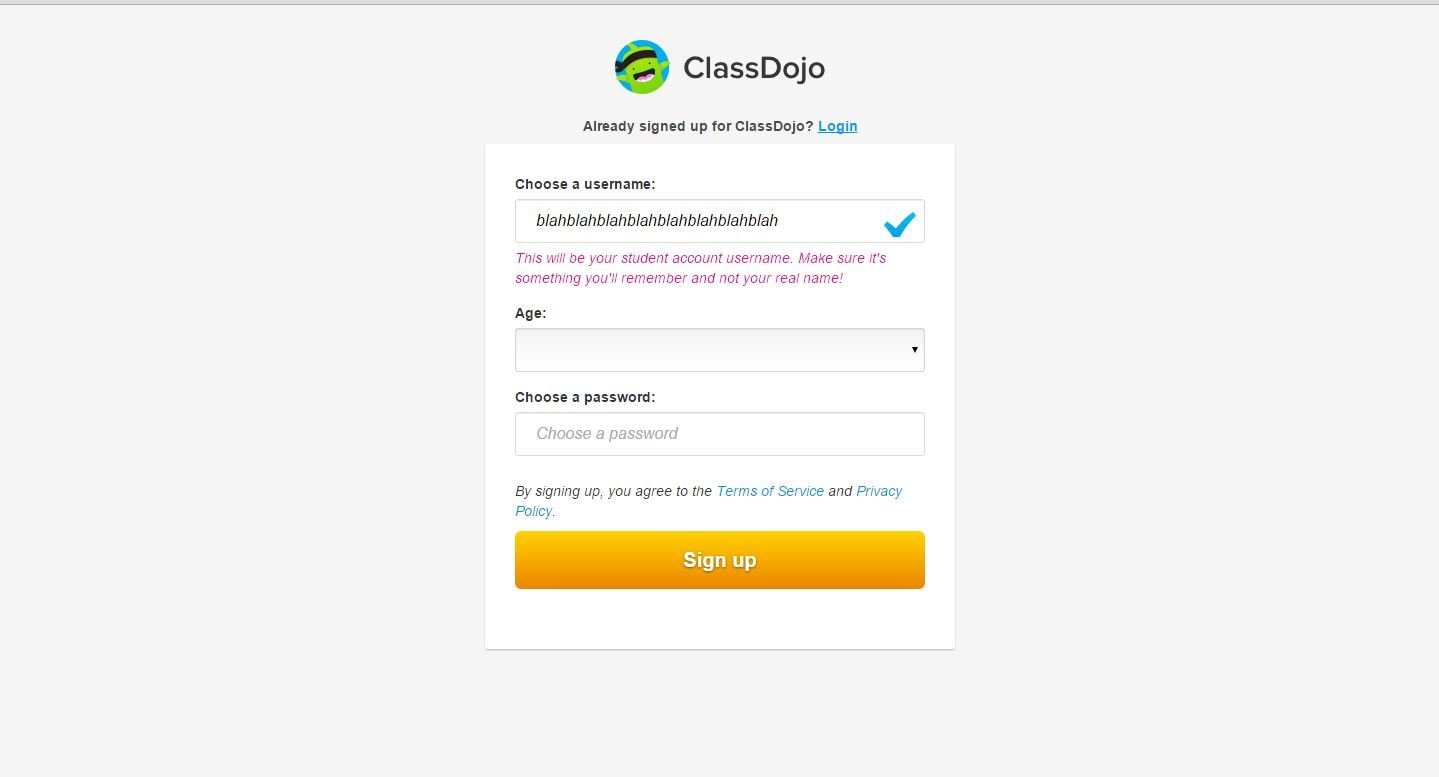
5. Enter Your Age and Password
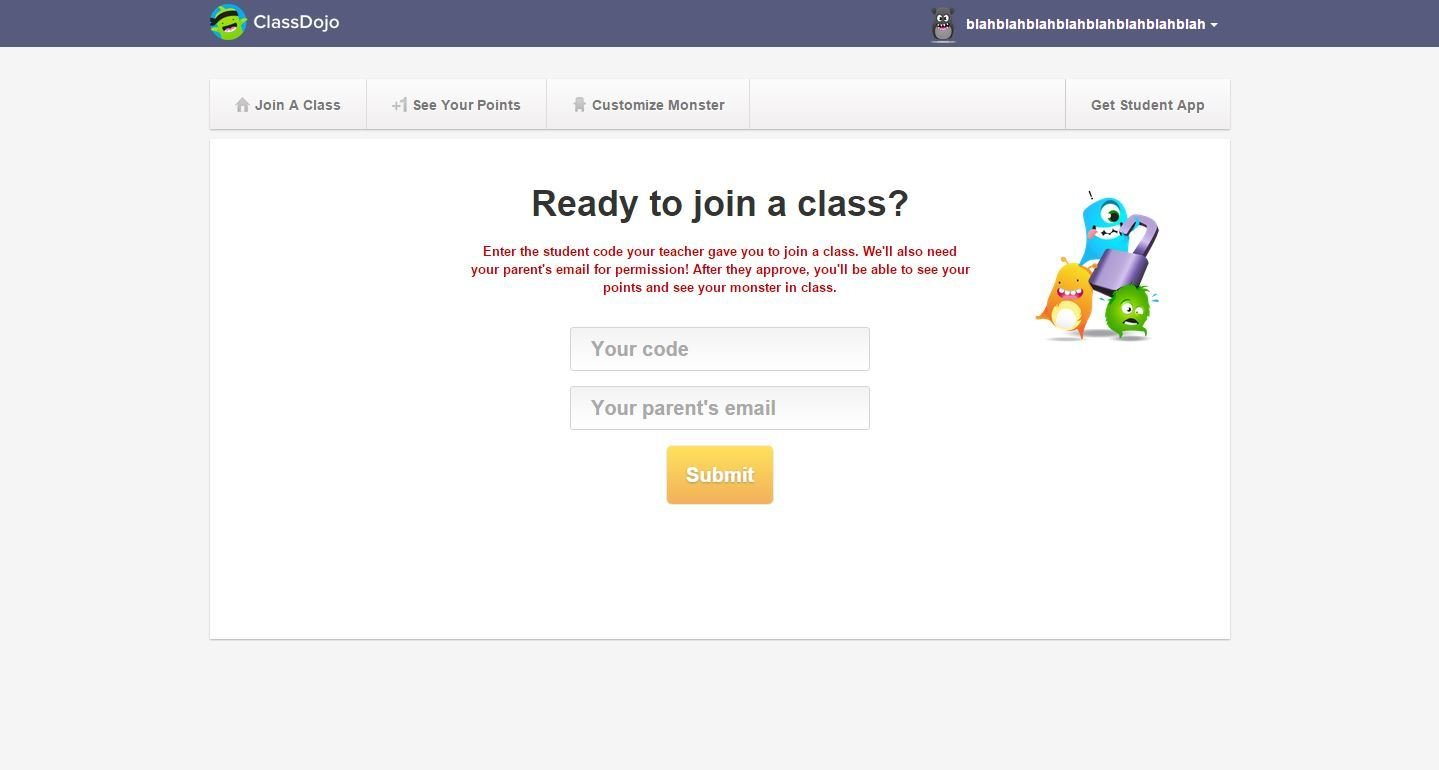
Class Dojo
6. Enter your Student Account Code and Your Parent's E-Mail
Twiducate
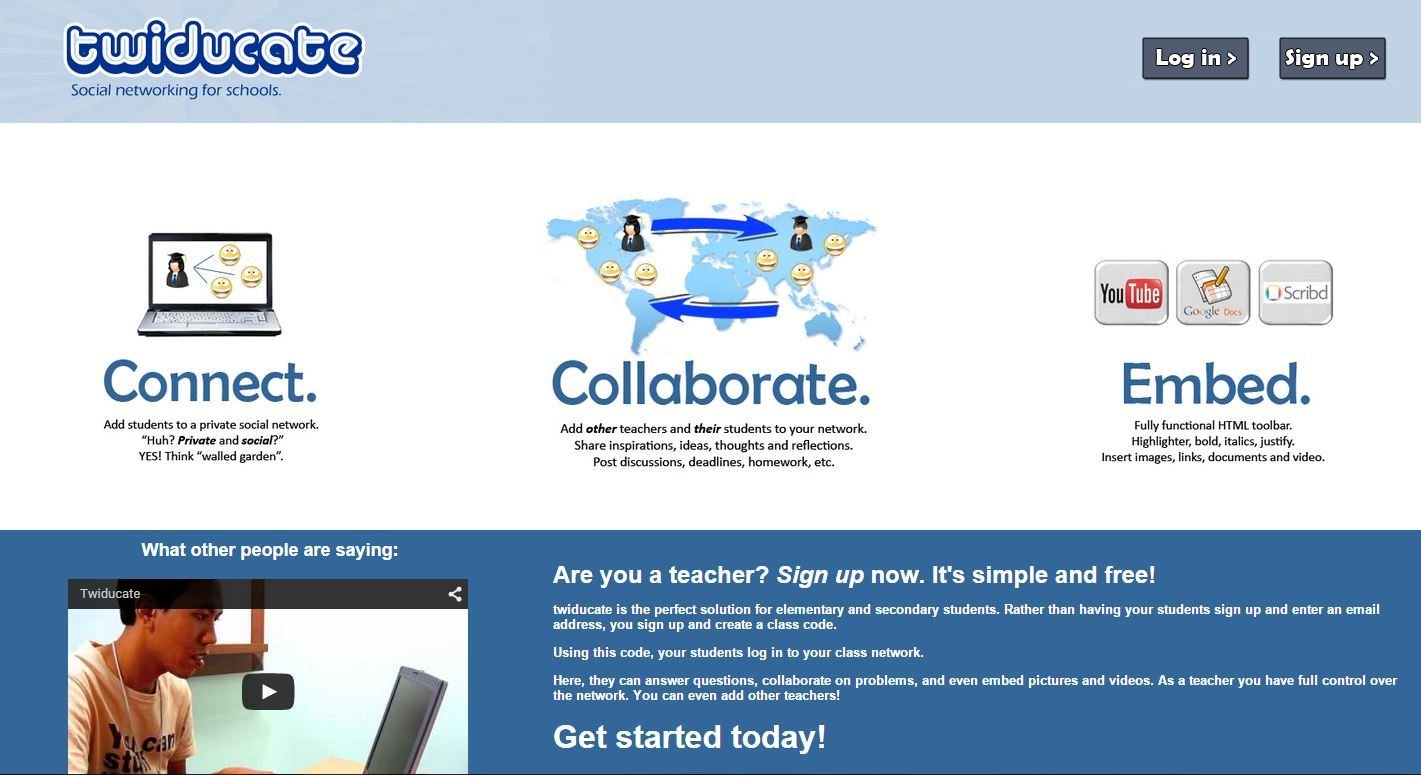
1. Go to twiducate.com
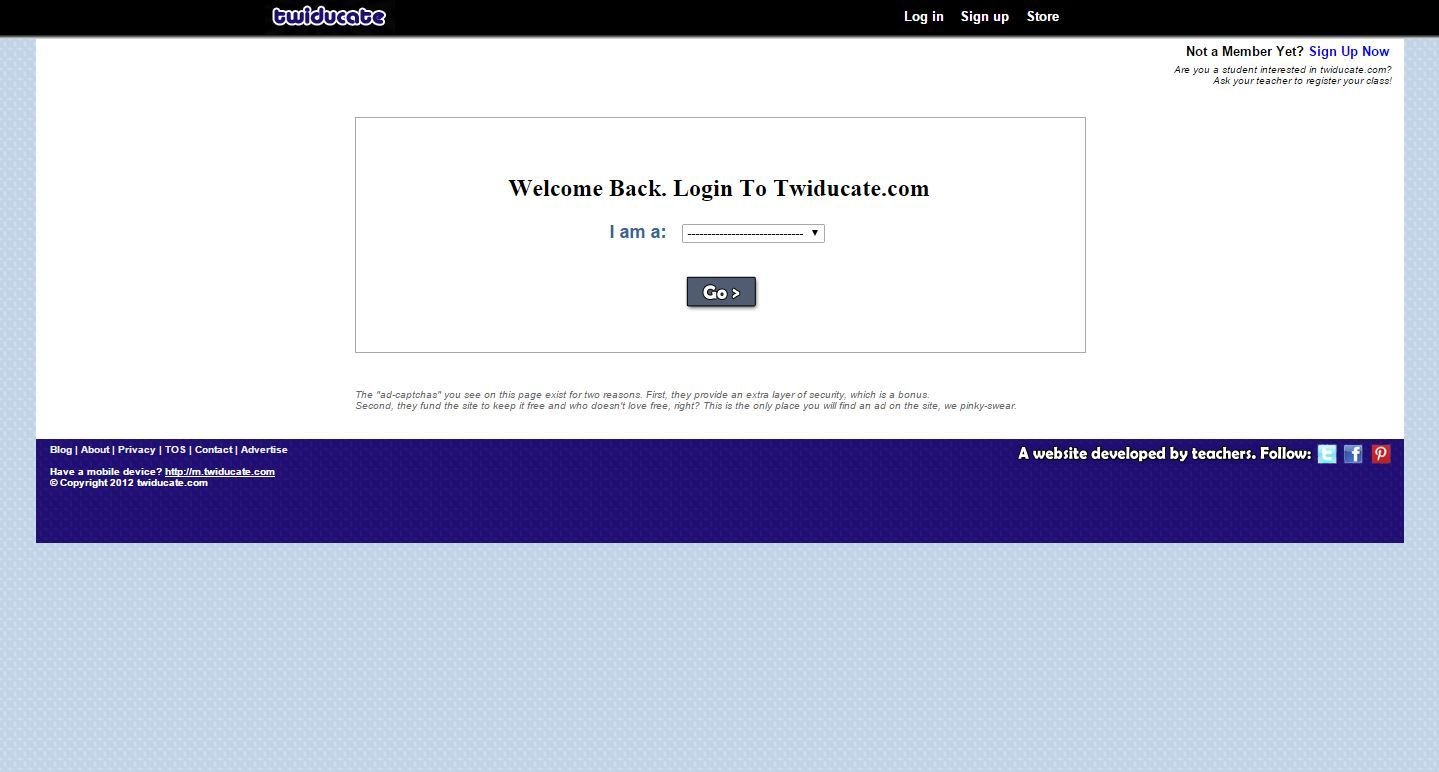
Twiducate
2. Click the Dropdown Menu
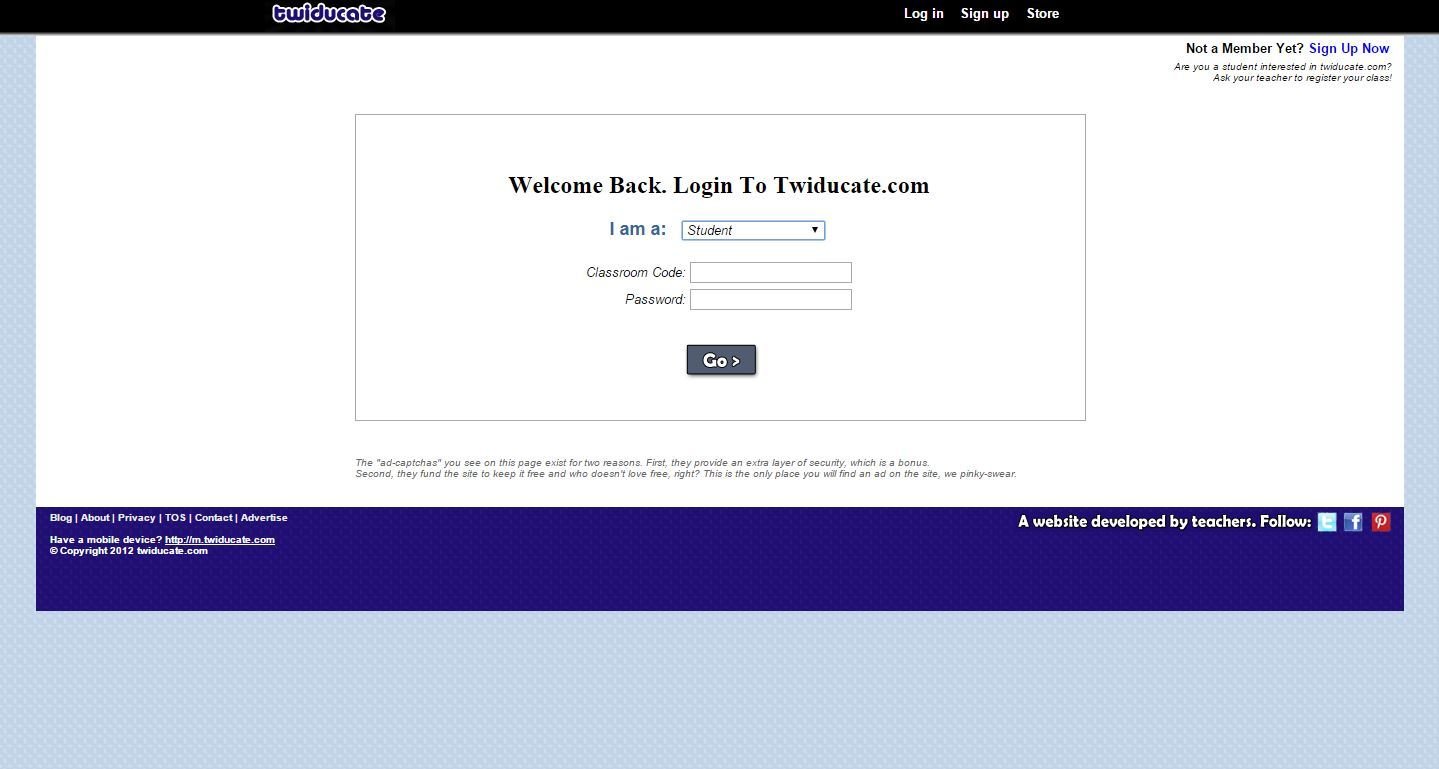
Twiducate
3. Click "Student", enter "rdhs78codingclub" as the class code and enter the password we give you.
Scrawlar
1. Go to scrawlar.com and scroll down to "Login"

Scrawlar
2. Click the Dropdown Menu and press "Student"

Scrawlar
3. Enter "rdh78codingclub" as the class code and enter the password we gave you.
We're Done!
Welcome Back to Coding Club! - Meeting #2
By austingagnier