Deploying a Rails app to Docker Cloud
Bartłomiej Skwira @ CodeQuest.com

What is Docker Cloud (aka Tutum)?
Docker Cloud
Not a hosting provider!
Docker Cloud
Orchestration-as-a-Service

Correct title
Deploying a Rails app to with Docker Cloud
Best of IaaS and PaaS
Benefits of Docker Cloud

Benefits of Docker Cloud
PaaS - Easy build, deploy

IaaS - Flexible infrastructure
Benefits of Docker Cloud

Which providers are supported?
- Amazon Web Services
- DigitalOcean
- Microsoft Azure
- Packet.net
- IBM SoftLayer
- own provider
Magement tools
Online dashboard
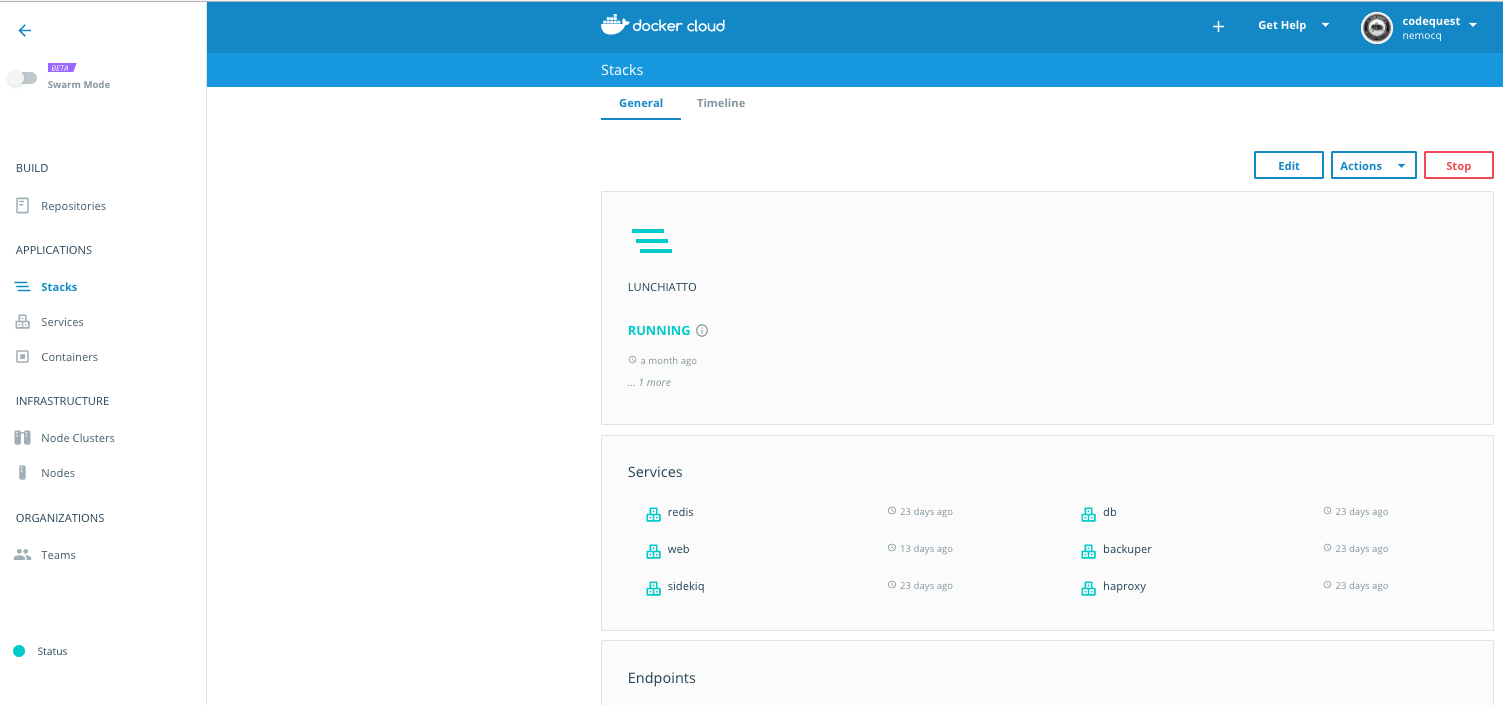
Magement tools
CLI
Management tools
Restful and Stream API

How to deploy?
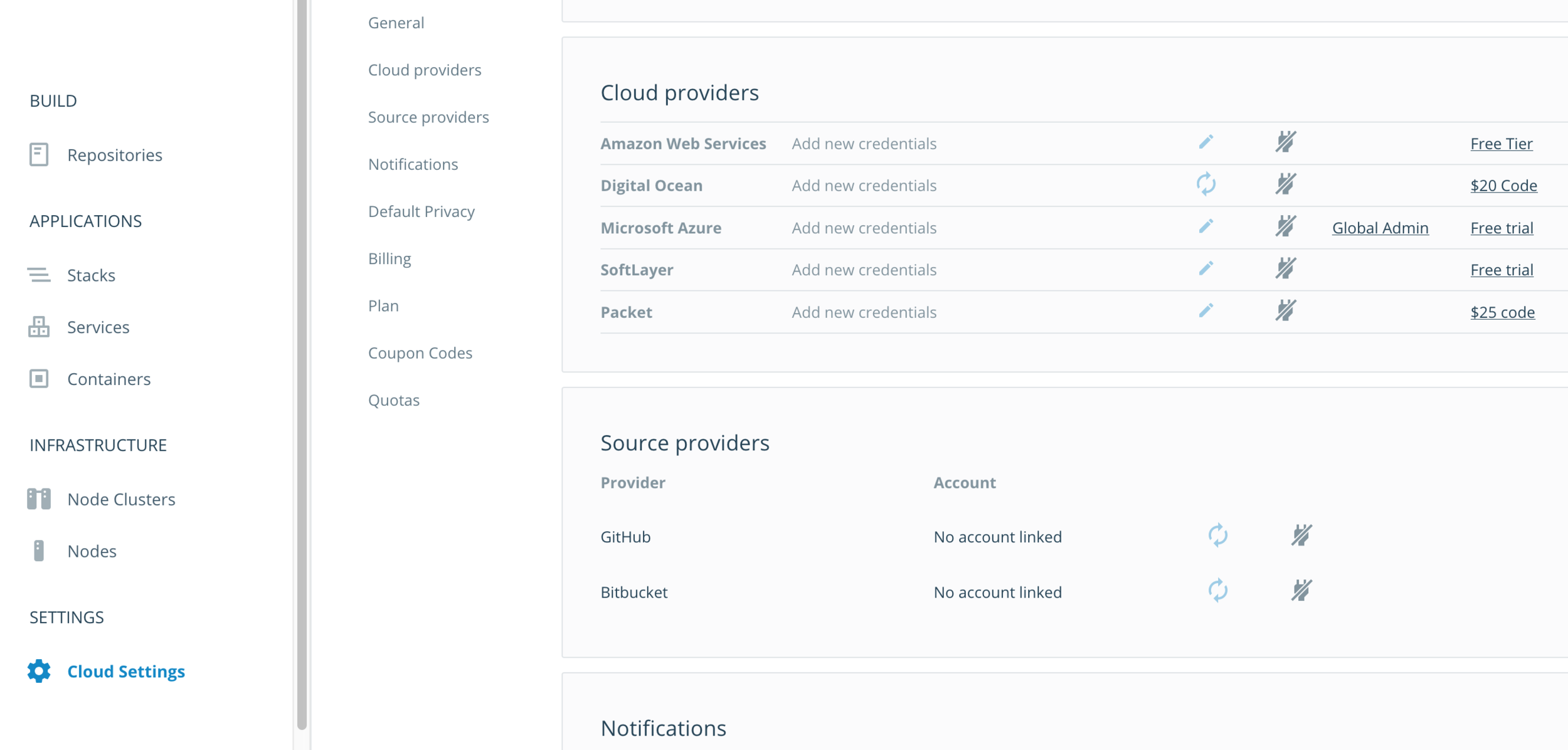
1. Linking a provider (IaaS)
Add provider
Settings -> Cloud Providers -> Connect Provider
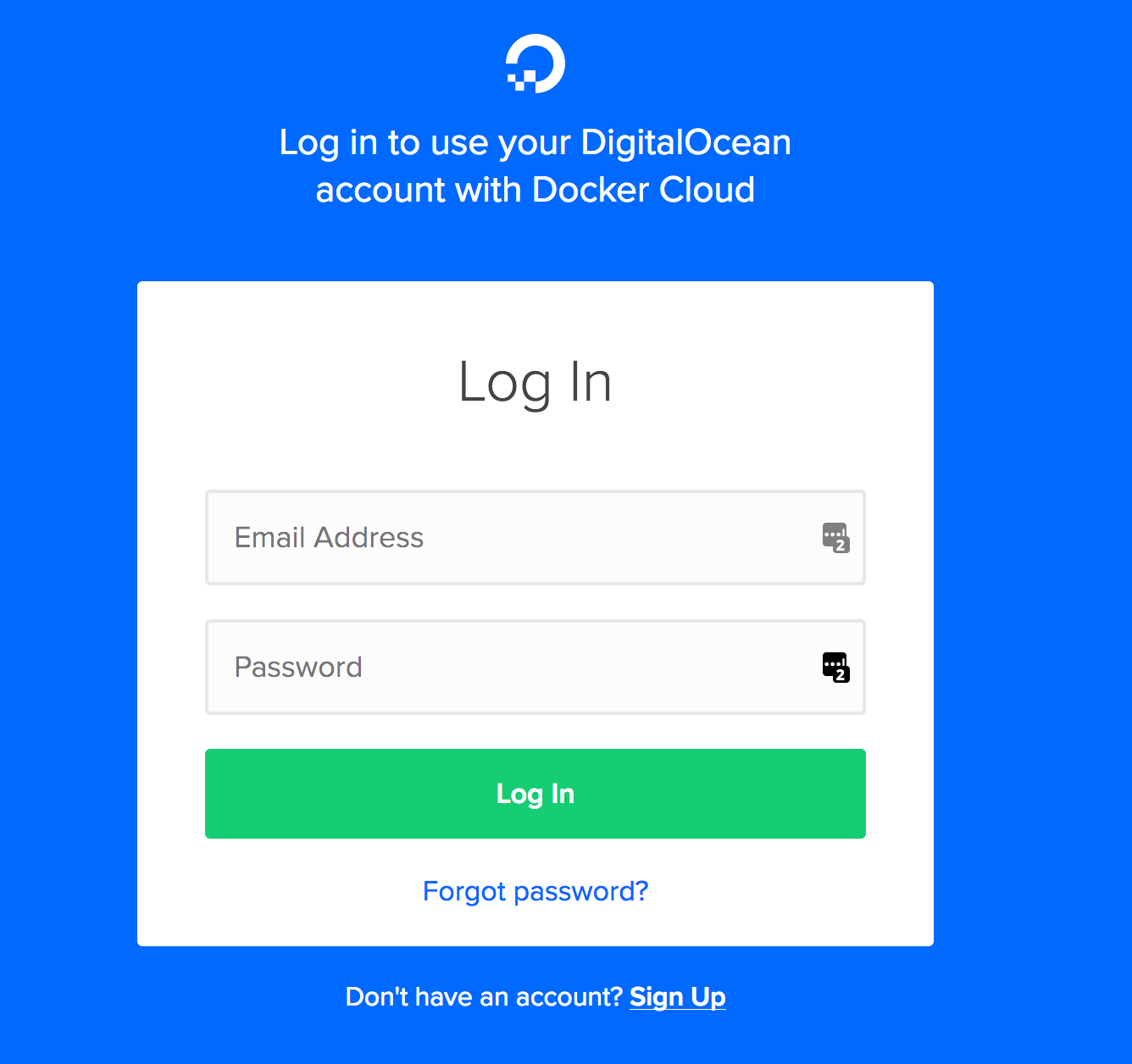
Authorize service
2. Creating a node (cluster) - theory
What is a node?
A linux host on which your app runs
What is a node cluster?
Collection of nodes of the same type and provider
What is a service?
Group of containers from the same image
What is a stack?
Group of services ~= application
2. Creating a node (cluster) - how to?
First node/cluster
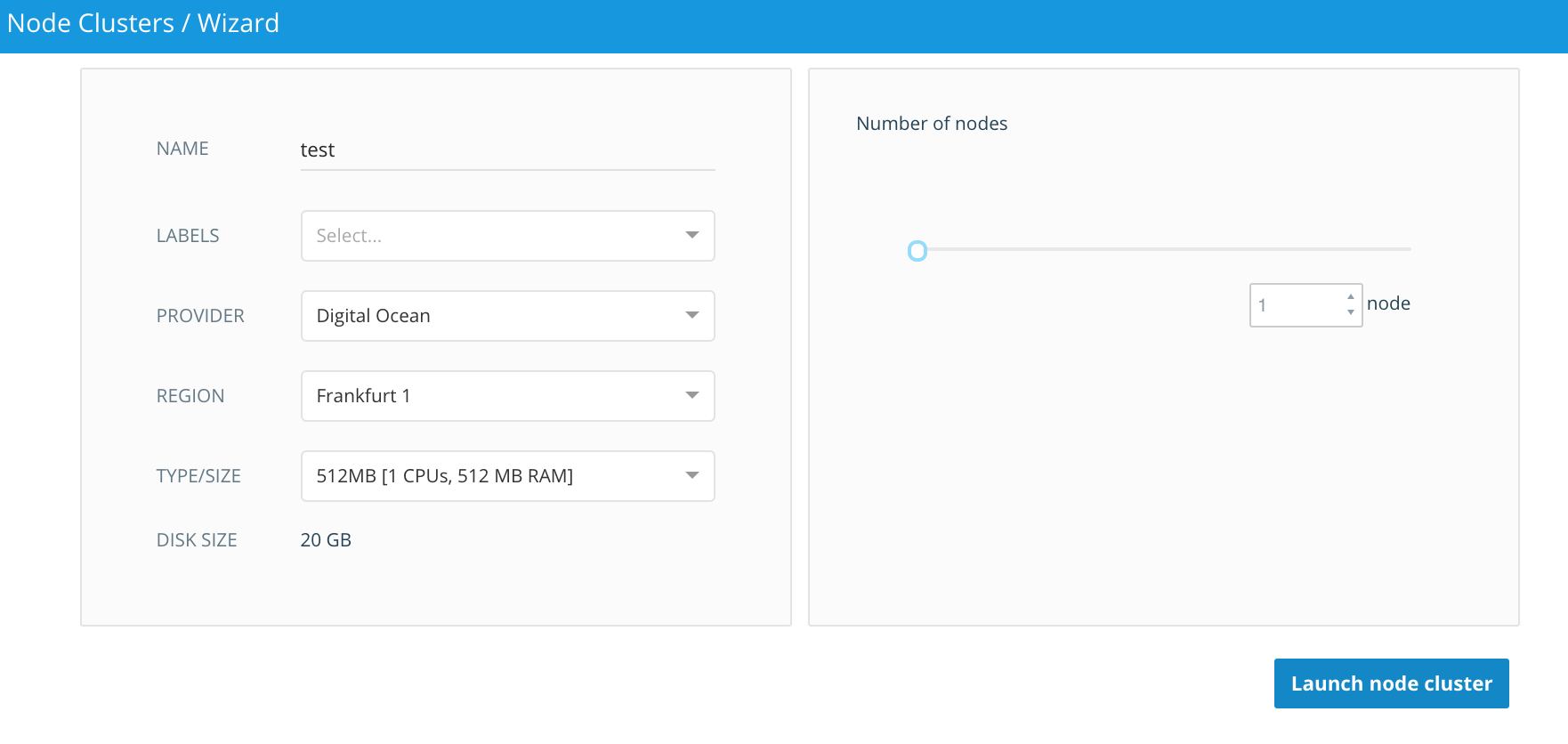
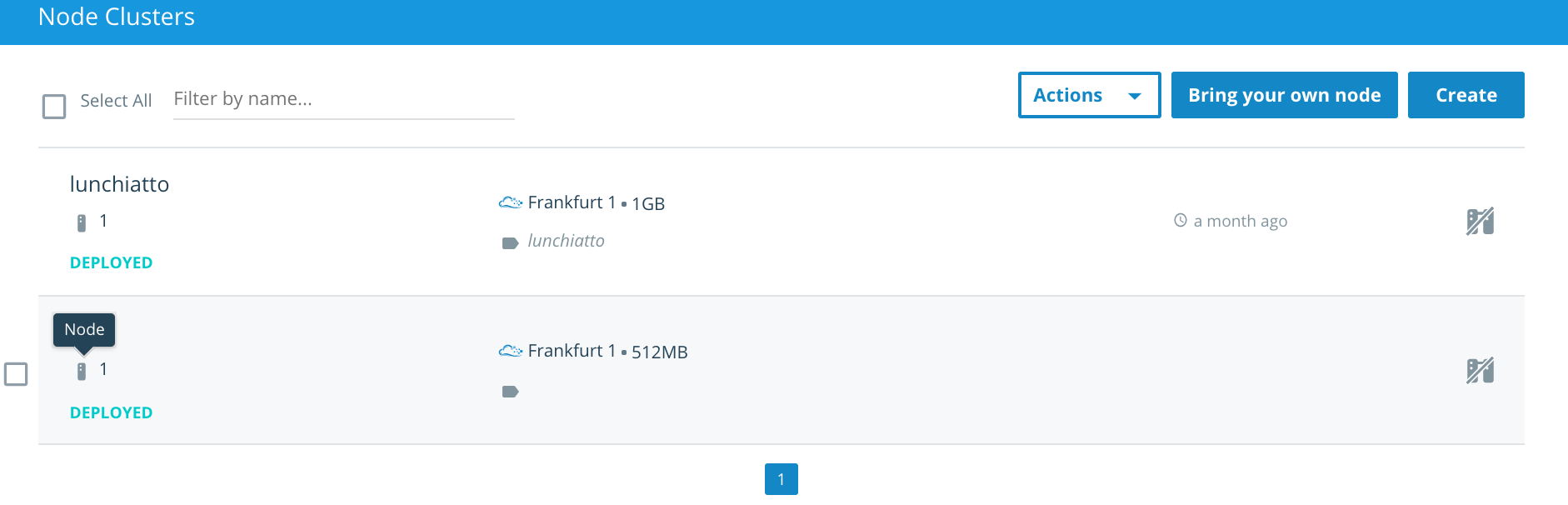
First node/cluster
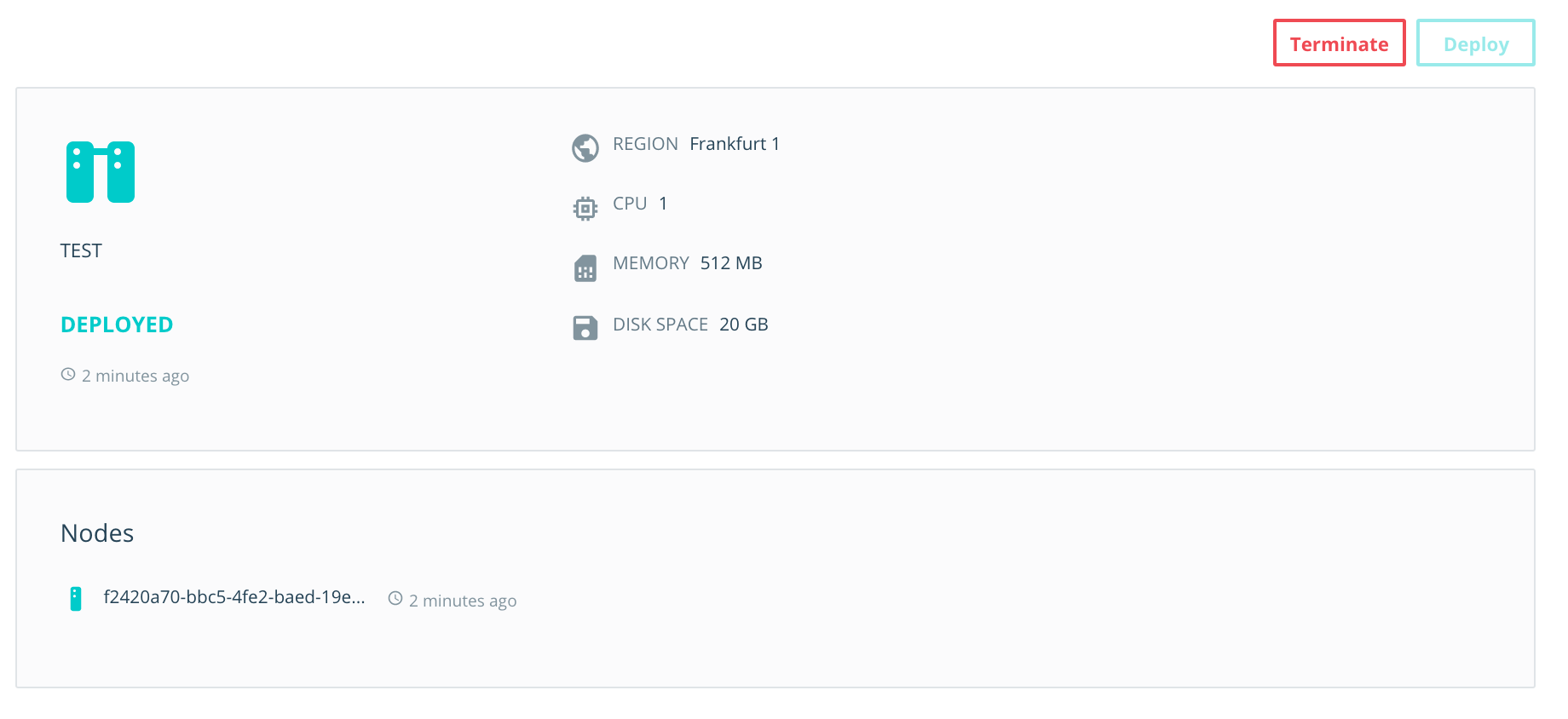
First node/cluster
First node - status
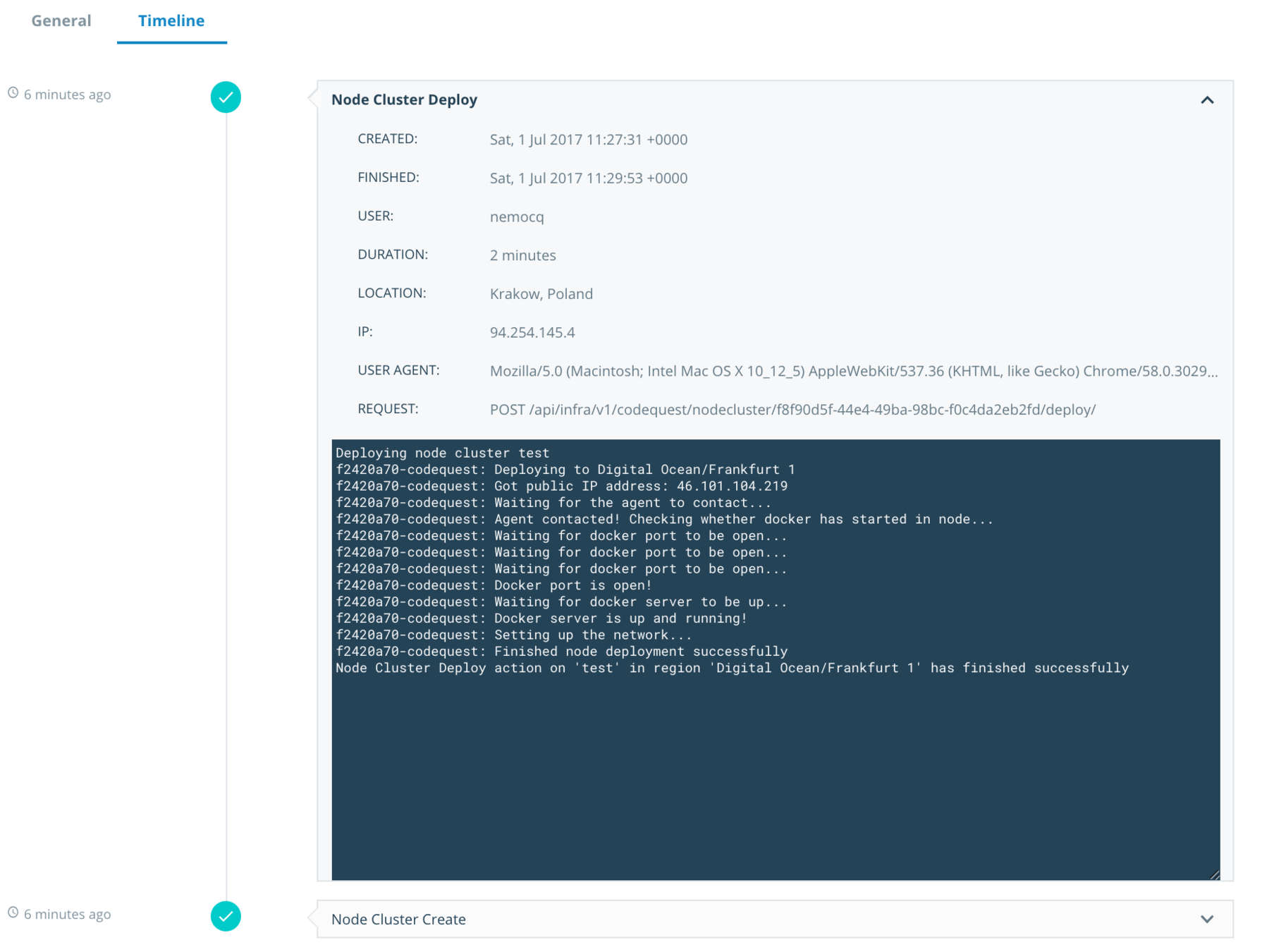
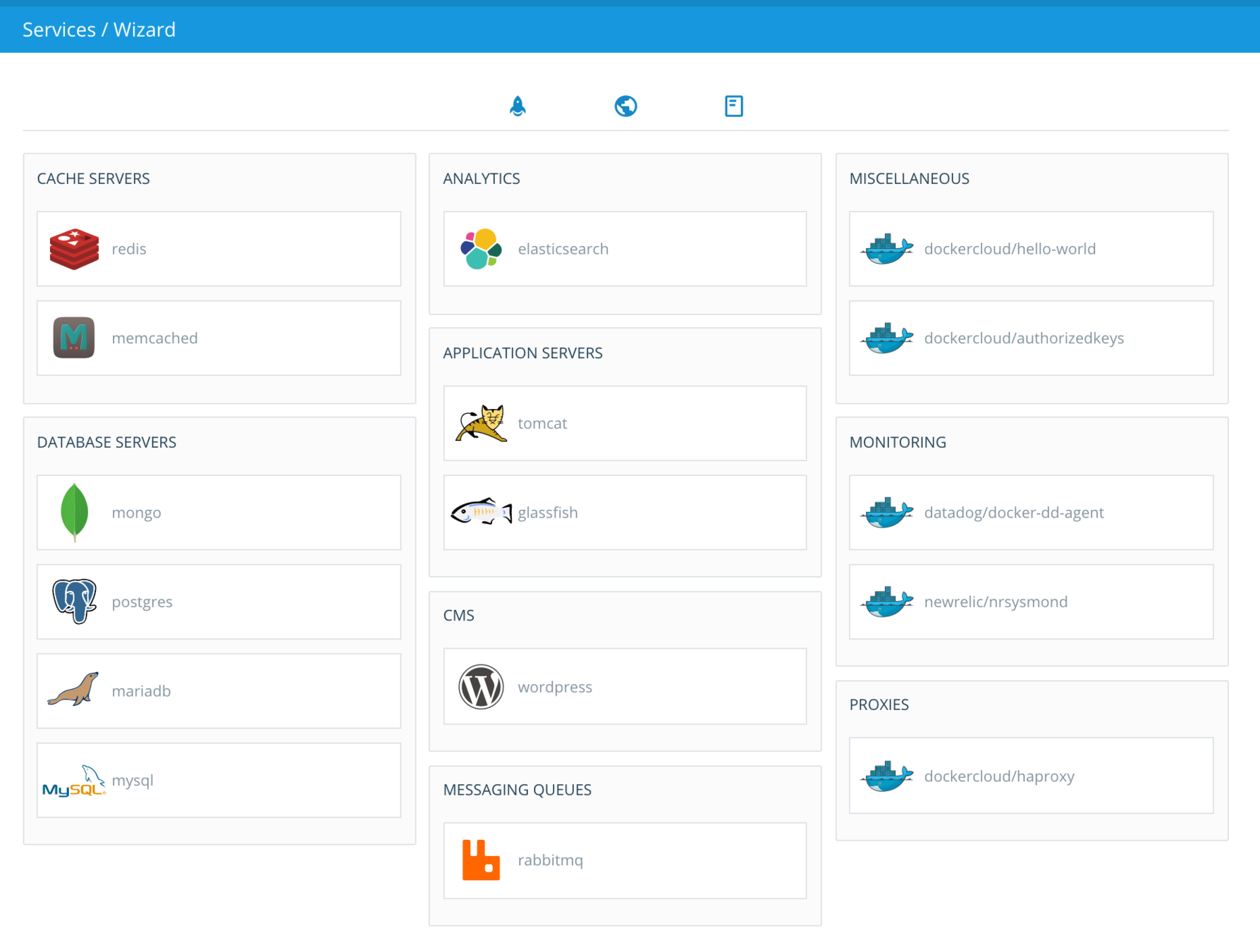
3. Creating a service - how to?
Choose image
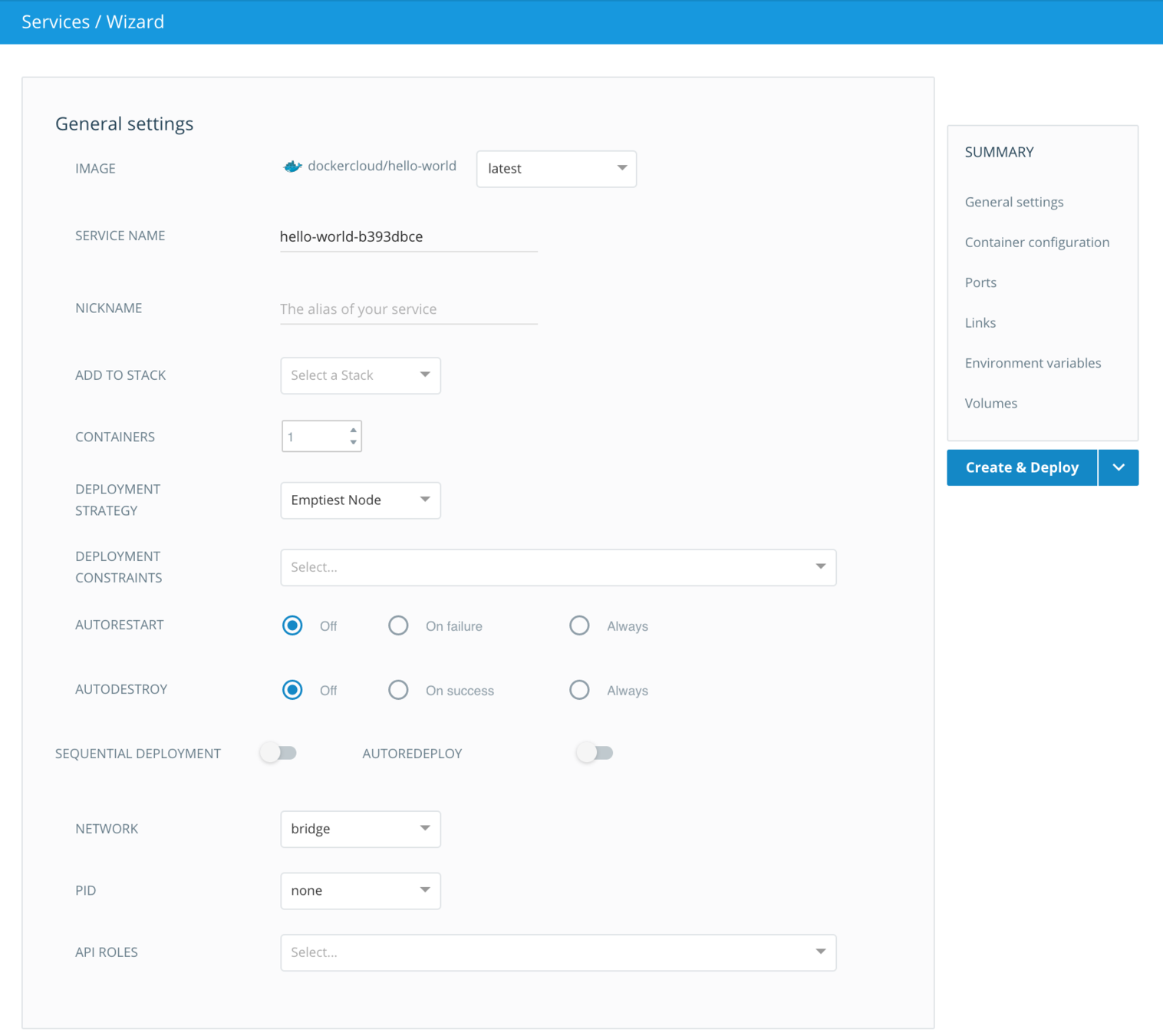
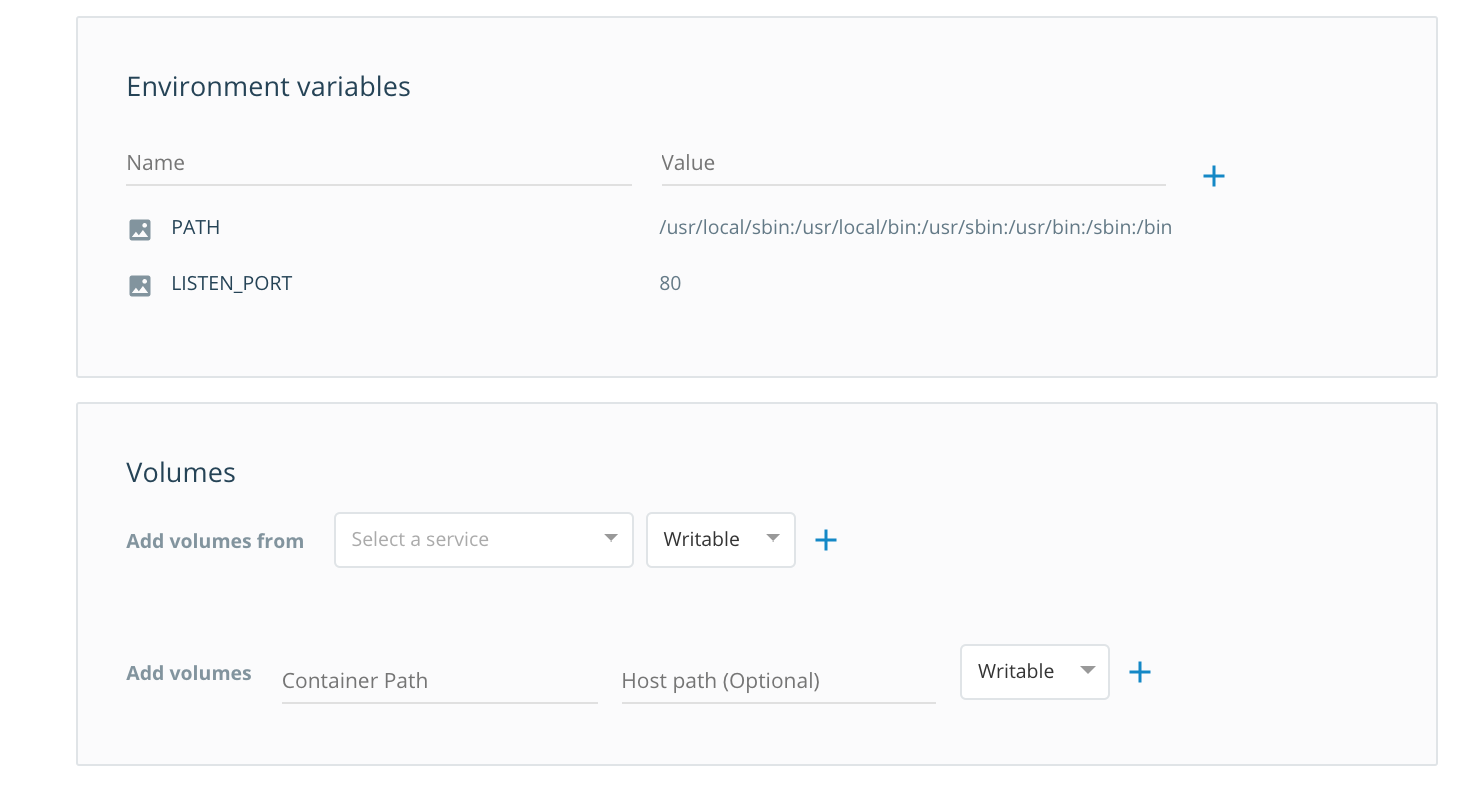
Service properties
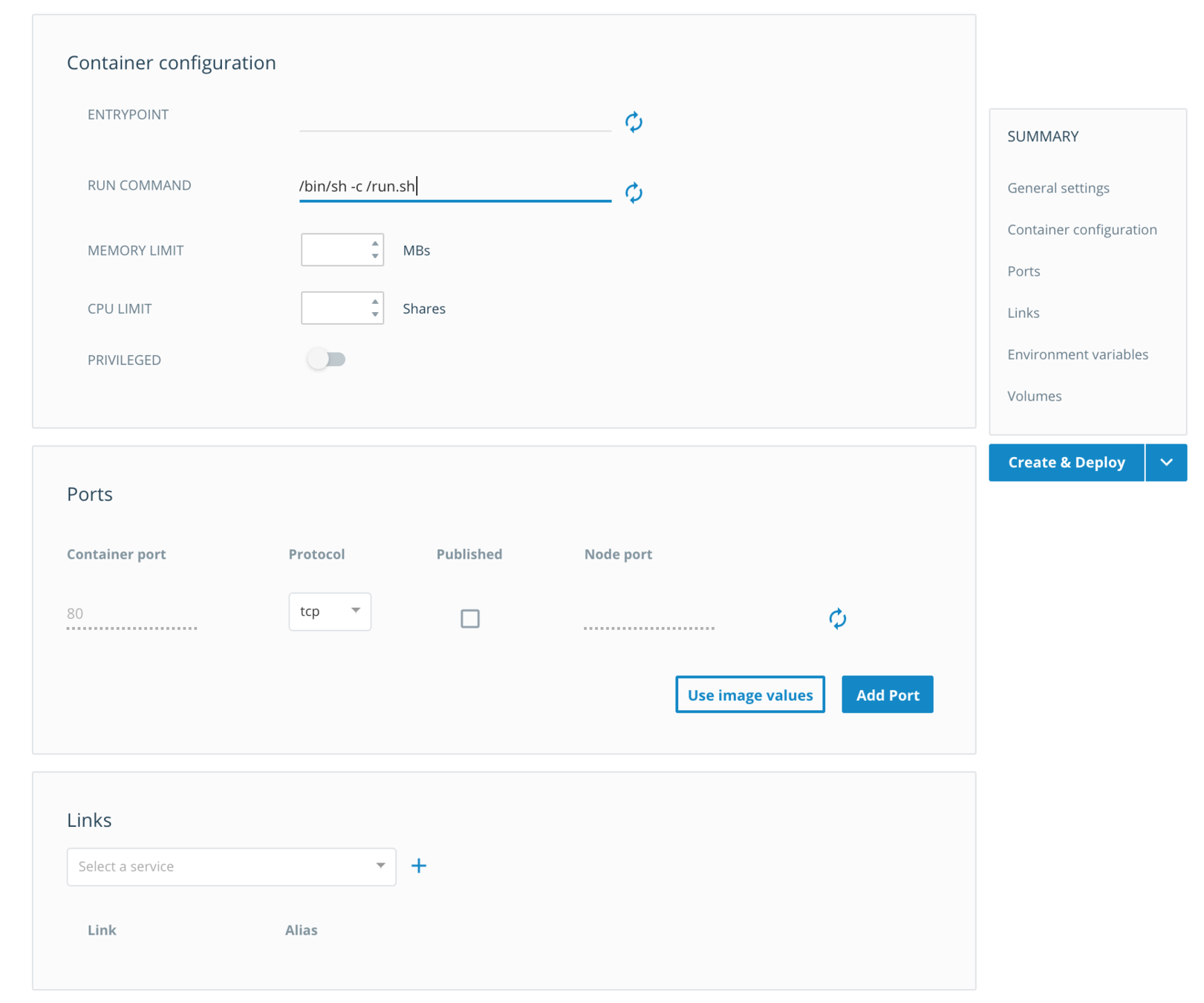
Service properties
Service properties
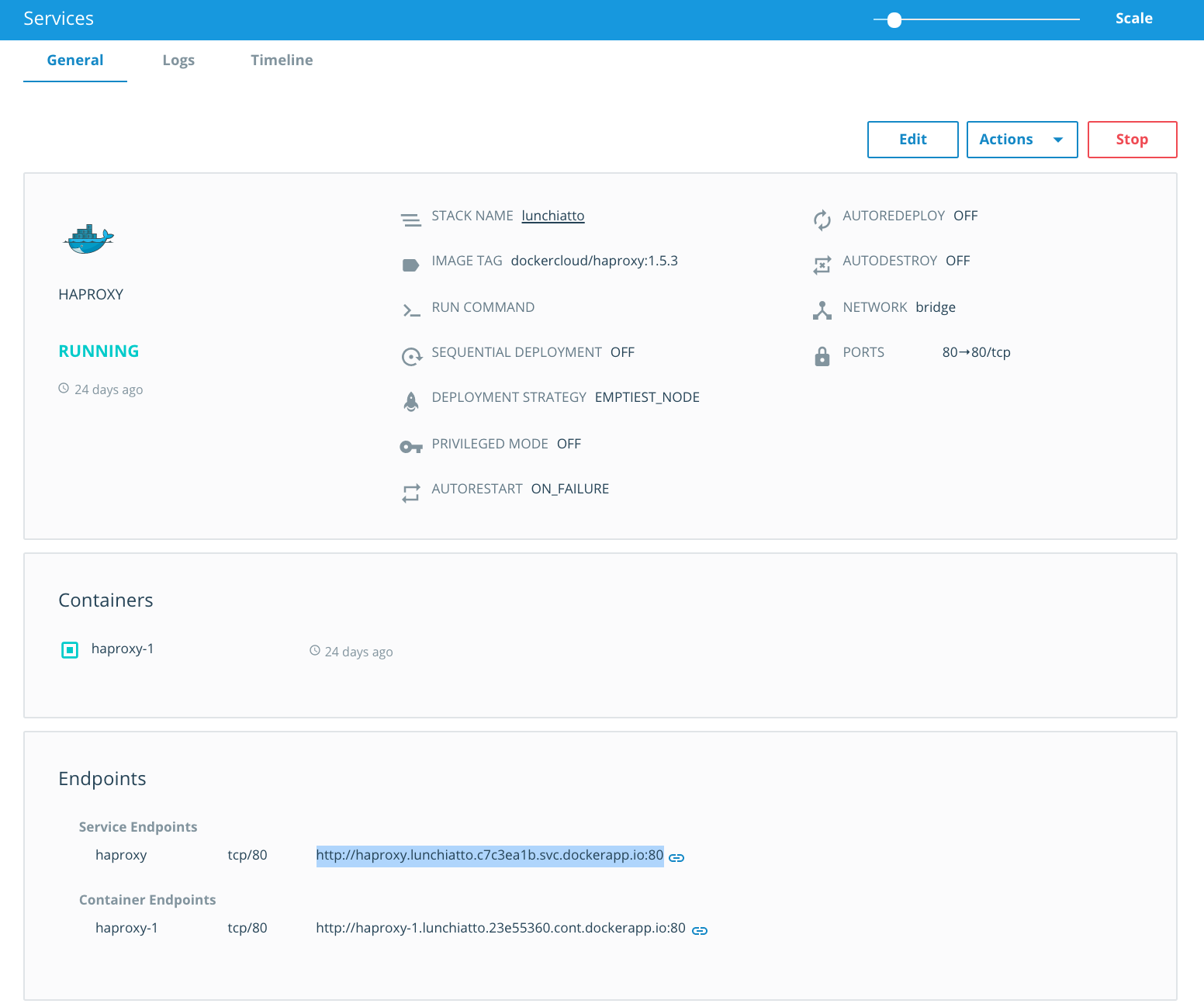
Behold a service!
Container console

Stackfile
yaml file that defines one or more services
Stackfile example
Haproxy
web:
  image: 'dockercloud/hello-world:latest'
  target_num_containers: 2
lb:
  image: 'dockercloud/haproxy:1.5.3'
  links:
    - web
  ports:
    - '80:80'
  roles:
    - global
*Bonus - copy files to a remote container
Attempt 1
- gzip + password the file
- upload file to a public hosting
- install curl on the web container (one with exposed 80 port)
- download file with curl in the container console
- unarchive
Attempt 1

Attempt 2
Docker way!
I. authorizedkeys
$ docker run -v /root:/user -e AUTHORIZED_KEYS=" \
  `cat ~/.ssh/id_rsa.pub`" dockercloud/authorizedkeys
authorizedkeys:
  image: dockercloud/authorizedkeys
  deployment_strategy: every_node
  autodestroy: always
  environment:
    - AUTHORIZED_KEYS=ssh-rsa AAAAB3NzaC1y....
  volumes:
    - /root:/user:rw
II.I get node IP
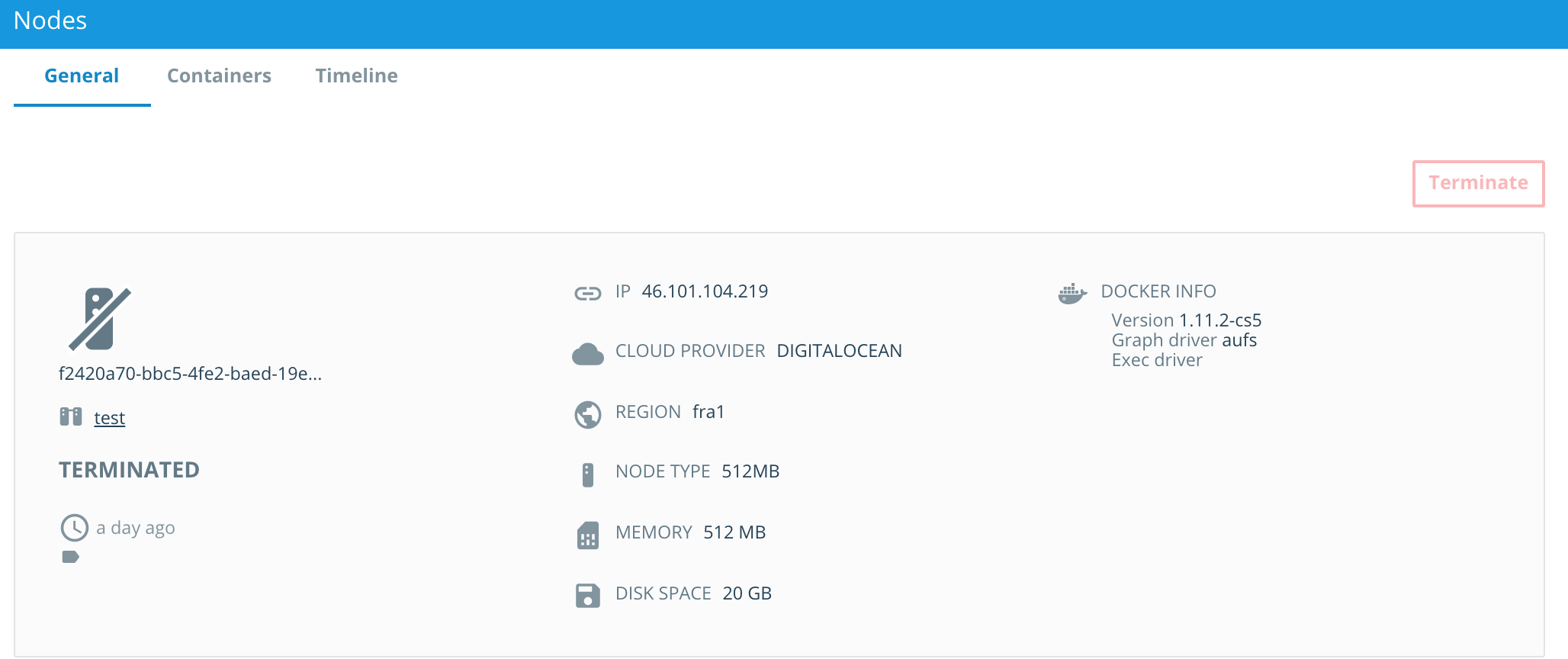
II.II scp the file
$ scp production_db root@46.101.104.219:/pathIII. ssh into node
$ ssh root@46.101.104.219

Welcome to Ubuntu 14.04.5 LTS (GNU/Linux 4.4.0-78-generic x86_64)

 * Documentation:  https://help.ubuntu.com/

  System information as of Sun Jul  2 11:43:50 UTC 2017

  System load:                    0.03
  Usage of /:                     13.0% of 29.40GB
  Memory usage:                   77%
  Swap usage:                     0%
  Processes:                      147
  Users logged in:                0
  IP address for eth0:            207.154.214.150
  IP address for eth1:            10.135.8.27
  IP address for docker0:         172.17.0.1
  IP address for weave:           10.7.255.254
  IP address for docker_gwbridge: 172.18.0.1

  Graph this data and manage this system at:
    https://landscape.canonical.com/

31 packages can be updated.
25 updates are security updates.

Your Hardware Enablement Stack (HWE) is supported until April 2019.

Last login: Sun Jul  2 10:33:22 2017 from 78-10-217-220.static.ip.netia.com.pl
root@00f64e06-58c2-4936-92c7-538965d7a706:~#
IV. docker cp
$ docker cp production_db container_name:/path/production_dbV. PROFIT!

Reference
- https://blog.codeship.com/tutum-aka-docker-cloud/
- https://docs.docker.com/docker-cloud/getting-started/intro_cloud
- https://docs.docker.com/docker-cloud/getting-started/your_first_service
- https://docs.docker.com/docker-cloud/apps/stack-yaml-reference/
deploying-rails-to-docker-cloud
By Bartlomiej Skwira