DinosaurJS
Denver, CO - June 24, 2016

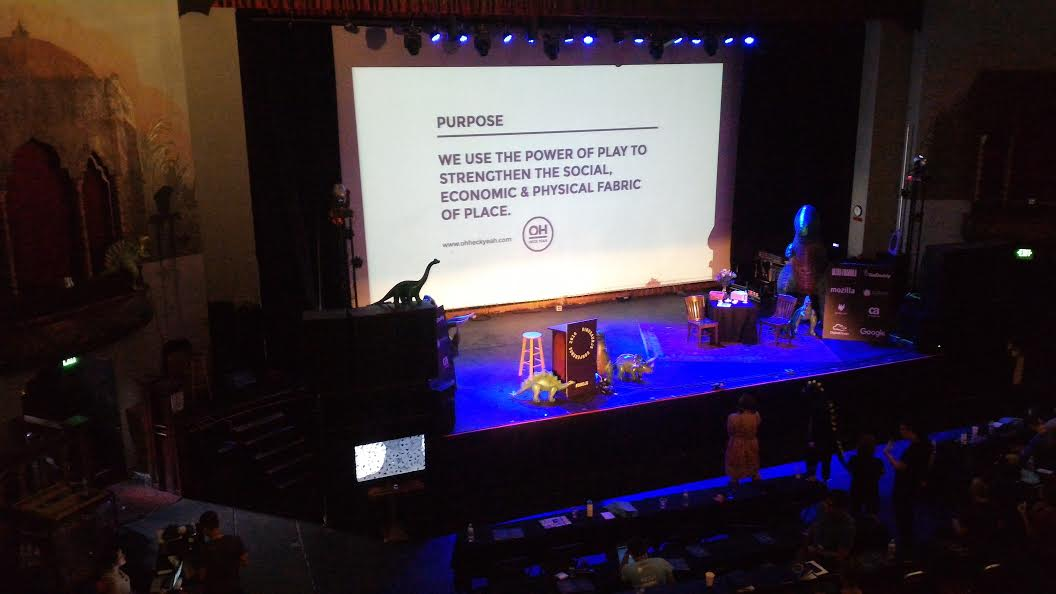

JavaScript as Play
Rachel White - talk
Some Commad Line Tools
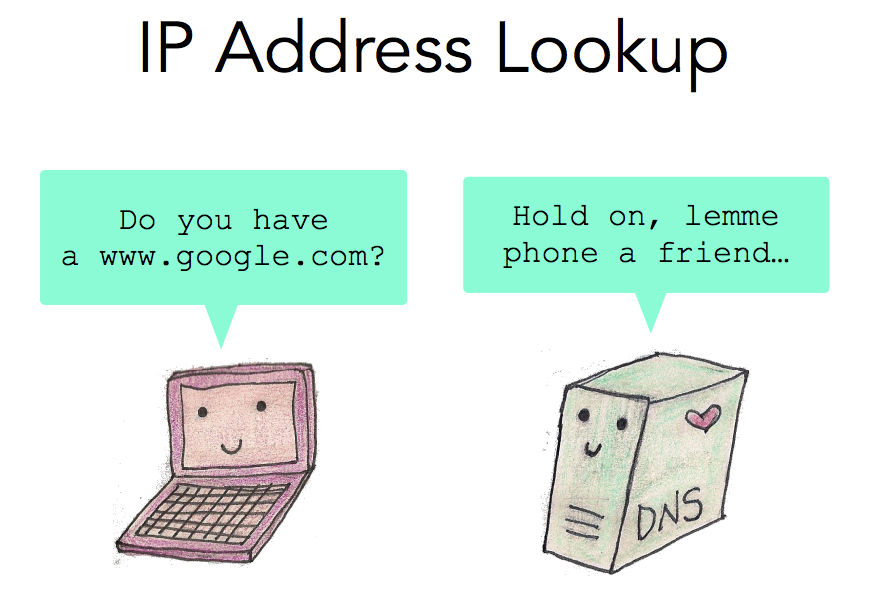
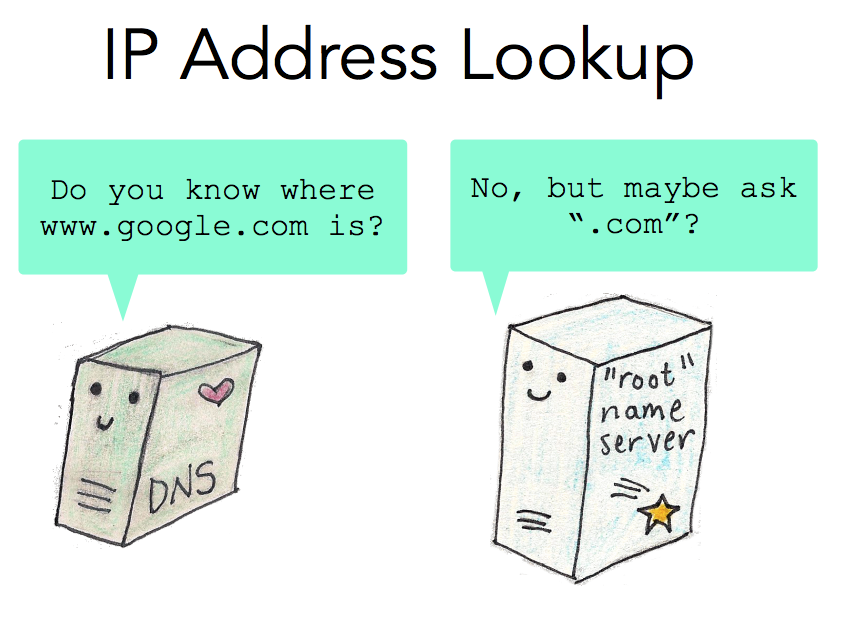
dig - DNS lookup utility
tcpdump - traffic on ntwrk
curl - send requests
- D3.js
- Near Earth Object Program
- Data Scraping Libraries
- cheerio (dom traversal on server side)
- d3.csv('blah.csv')
- Scaling is one of d3s most powerful features - helps translate numbers from data's domain to coordinates for your viewport
- Working with svgs is nice because of css styling potential
- The Weight of Rain - Jonathan Corum
Getting Started with WebGL
Joanne Cheng
-
Rendering Graphics with GPU vs CPU
- CPU - single thread
- GPU - do all the calculations at once -
WebGL support is higher now (including mobile browsers)
-
WebGL 2.0 released recently
-
viz.wtf (bad graphs)
-
three.js (popular WebGL wrapper)
-
mapbox.gl
-
deck.gl (uber) (react + mapbox.gl + philogl (webgl wrapper))
Making Browsers Compatible
Mike Taylor - talk
Examples of broken bugs
- mootools - (powers jsfiddle) - different implementations of new features
- vendors often rename functions so they don't get conflicts with major libraries
Recommendations
- read web standards
- use upcoming browser versions
- firefox developer edition
- edge insider preview
- safari technology preview
- chrome canary
- report bugs introduced by new features to browser vendors
- file bugs: webcompat.com - miket@mozilla.com
Making It Better w/o Making It Over
Rebecca Murphy
- adding eslint on a legacy project helped developers see that there is a "right" way to do things
- add monitoring
- add testing
- Tessa Thornton - How to Learn Web Frameworks
- "It's unrealistic for you[...] to learn a framework that solves a problem you've never experienced."
- Every technology decision is eventually regrettable
- Framework or no, JS growth is unbounded in the absence of constraints
- We can't avoid it, but we can manage it
- Education is a powerful enabler of improvement
- Building for the web is better today
- side note: webpack - module bundler
Building Television-Friendly Web Pages
Potch - talk - code - tv.youtube
-
What works well?
-
Large Print (the 10ft UI)
-
Similar to "far away mobile phones that you can't touch"
-
-
CSS/JS
-
Viewport Units 1vmin/1vmax (whichever is higher, 1vh/1vw)
-
@media tv (not supported/broken)
-
@media (min-aspect-ration) or window.matchMedia()
-
-
Accessibility!
-
tabIndex for interacting with a d-pad and "OK button"
-
dpad usually focuses on tab elements)
-
focus/active states (needed if you don't have a cursor)
-
-
TVs often use a crummy built-in-browser (old fork of webkit)
-
Why bother, today?
-
To create best practices, design patterns, standardization
-
The Road to Using Our Power for Good
Suz Hinton
Motor Ability
- Not everyone uses a mouse
- Some only have a keyboard, or only one button, or only sensors
- Is a mouse necessary for your site?
- p, li, span - are not semantically focusable elements (so we can run into problems when adding click events)
- button, a - naturally semantically focusable
- angular - protractor a11y plugin
Vision + Motor Ability
- Dynamic content can create loss of cursor position
- We can pass focus around between components we are hiding/showing (by calling .focus() on an element)
Screenreader Users
- server side page loads are announced by screenreaders
- client side page loads are not (x)
- angular - 'LiveAnnouncer' in Material2
- Side note: Screen readers can read unicode emojis
- for mac cmd+f5 will enable the screen reader
How can we do better?
- education WCAG/Aria spec
- campaign for a11y to be part of our process
- estimate tasks with a11y in mind
- incorporate a11y testing into your test suite
- stop thinking of humans as 'edge cases
- reach out to open source project on correcting their documentation that contains anti-patterns for accessibility
The Age of the JavaScript-Powered Desktop
Evan Morikawa
- Build Desktop Apps with JavaScript - eg. Slack
- NW.js (Node Webkit)
-
Electron (rebranded from ATOM Shell)
- Latest chromium
- Latest nodejs
- Browser, aka backend, aka main process (C++ code)
- Spawns individual chrome tabs (html/js engines)
- Electron replaced C++ with nodejs for this
- Nice environment where you can use node/dom in one environment
Benefits
- "Native" experience
- Data Storage & Offline
- Plugins & Extensibility
- Native Right Click Menu
- Apis for displaying native notifications
- Apis for controls in toolbars
- No Crossbrowser Compatability
- Sophisticated UI kits out there to mimic native feel
- Retina Detail
- Performance
- You get Chrome's profilers for free
- Get benefits of chromium upgrades
- Worker Windows
IoT Prototyping with Firebase and JavaScript
Jen Tong
- Johnny-Five - Good documentation for arduino/breadboard
-
Firebase (Goodies to make app dev easier)
- realtime database
- authentication
- hostinghttps://wherebus.firebaseapp.com
https://firesketch.firebaseapp.com
DinosaurJS Notes - June 2016
By Ben Gibson