JavaScript

Fundamentals

Agenda
- Checkpoints will be taken up over Slack
- Intro to JavaScript
- JavaScript Drill
- JavaScript Continued
- JavaScript Drill #2
- Intro to Git
- Final Projects Progress
RECAP // Front-End Technologies
HTML
Content
CSS
Presentation
JavaScript
Interactivity
So far, we've focused on mastering HTML & CSS ...
RECAP // Front-End Technologies
Hypertext Markup Language
HTML is used to describe the content and structure of your document
RECAP // Front-End Technologies
Cascading Style Sheets
Rules that specify how your elements should appear in your document
RECAP // Front-End Technologies
JavaScript
A programming language that enables us to add interactivity to our pages
RECAP // Front-End Technologies
If we were to use a real world analogy ...
RECAP // Front-End Technologies


HTML
The Tree
CSS
Decorations!
RECAP // Front-End Technologies
JavaScript
The Train 😱!

RECAP // Front-End Technologies
HTML Only
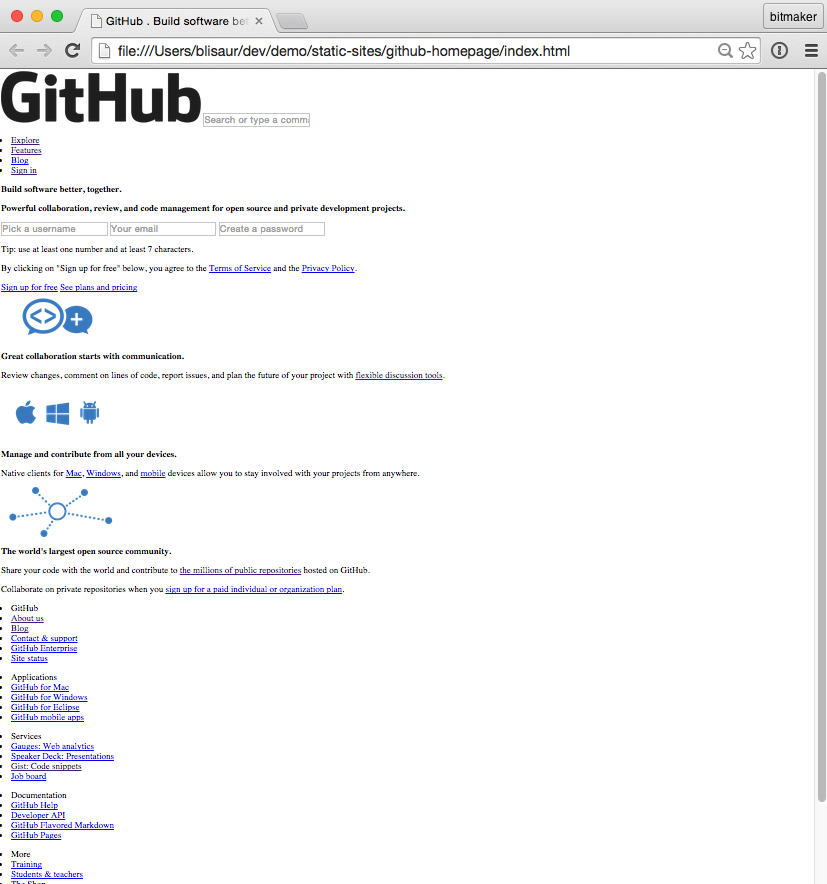
RECAP // Front-End Technologies
With CSS
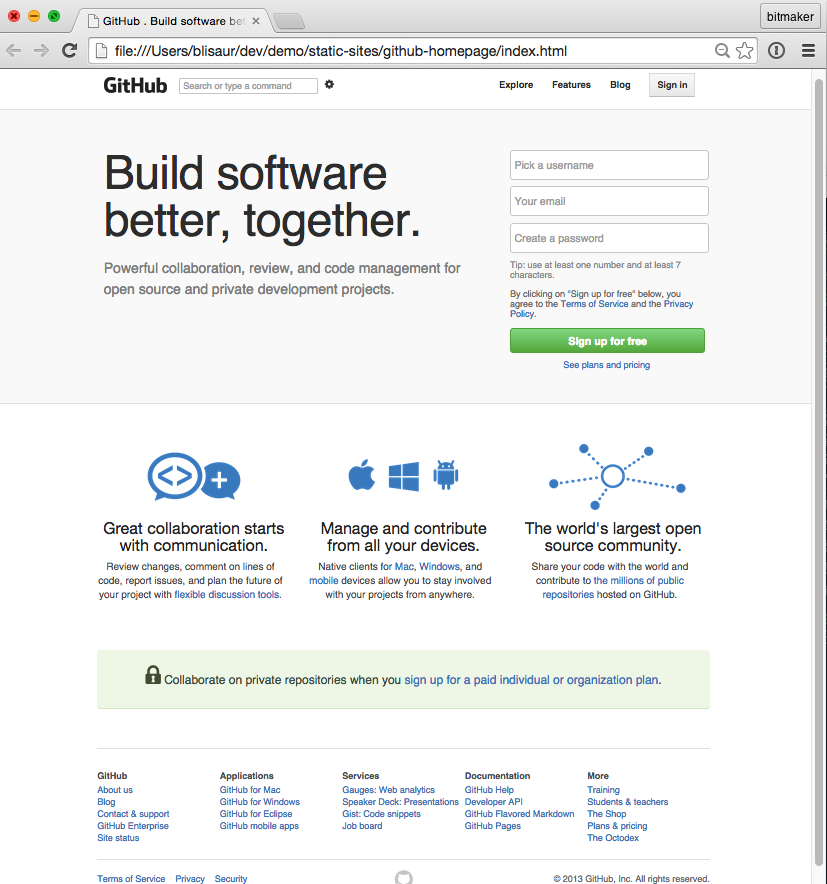
RECAP // Front-End Technologies
Adding in interactivity!
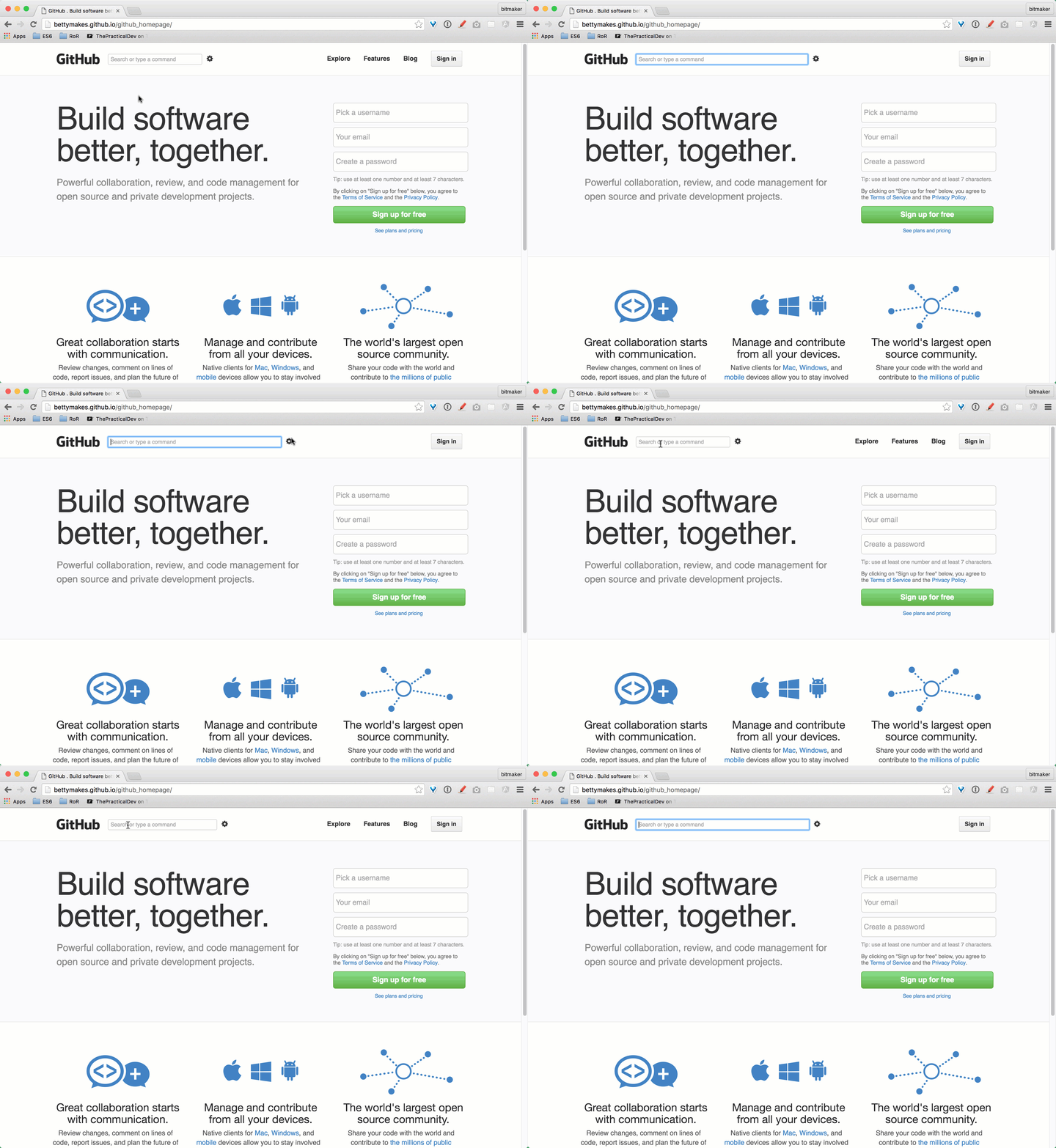
JavaScript
The dynamic programming language built into every web browser
JavaScript is really exciting to learn!
JS

It might be challenging at first ...
JS

But that's why we're here to help <3
JS

Don't be afraid of it!
JS

Chances are ... we're all in the same boat 😜
JS

What's JavaScript used for?
JS
Adds interactivity to your web pages
Check out this fun lightbox example!
JS
JavaScript is available in every browser
JS
A little background info on JS ...
JS
Created by Netscape back in 1994
JS
JavaScript is NOT Java
This is a common misconception
JS
LET'S OPEN UP OUR CONSOLES
View > Developer > JavaScript Console
MAC
cmd + option + j
WIN
ctrl + shift + j
F12
or

JS
Basic Syntax
var someNumber = 10;- This is an example of a JavaScript statement
- Every statement ends with a semi-colon
JS
Comments
// This is a single line comment- The two forward slashes denote a single line comment
JS
How do you store values?
Values are stored in variables
JS
Variables
JS
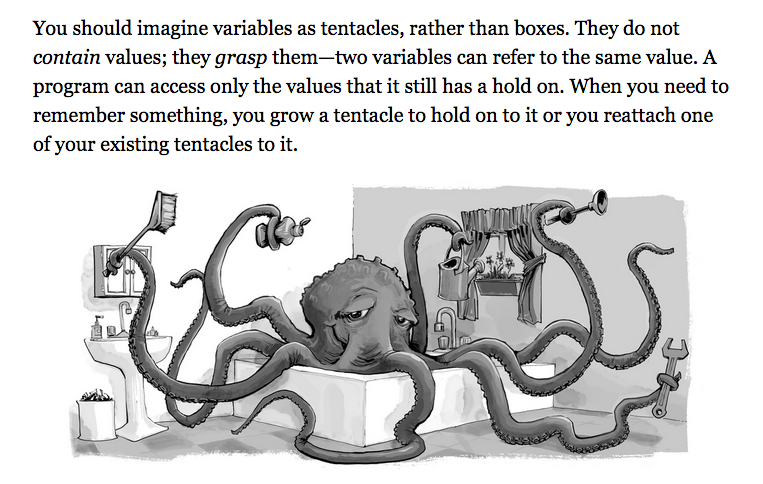
Declaring a variable
var someNumber = 5;- var is reserved keyword
JS
- Prefix a statement with ' var ' to declare a variable
- Can change its value at anytime
- Equal sign is the assignment operator
Data Types
- Number
JS
- String
- Boolean
- Object
- Undefined
- Null
There are 6 different types of values:
Let's look at a few data types ...
JS
Number
var someDecimalNumber = 3.1415926;- Values of the number type are numerical values
JS
- Can be a regular integer
- Can be a decimal number
String
var someString = "Some random text here";- Strings are used to represent text
JS
- Defined by enclosing string of text characters in quotes
- Can use " " or ' '
Boolean
        var aTruthyValue = true;
var aFalseyValue = false;- true and false are reserved words
JS
- Similar to the concept of 1 & 0
- true is different from "true"
undefined
        var someUndefinedValue;
var someVariable = undefined;- A variable declared with no value is automatically set as undefined
JS
- undefined is used to denote the absence of a meaningful value
Arrays
var someArray = [45, "bloop", true, null];- Allows you to store a sequence of values
JS
- It's a list of values stored between square brackets, separated by commas
- The values stored in the array can be of any data type
Arrays cont'd
     var someArray = [45, "bloop", true, null];
someArray[1] // returns "bloop"- Arrays are an ordered list of items
JS
- Each element in the array has an index position
- Index positions always start counting at 0
- Syntax: nameOfArray[indexPosition]
Arrays cont'd
     var someArray = [45, "bloop", true, null];
someArray.length // returns 4- To check how long an array is, check its length property
JS
- The length property returns how many elements are stored in the array
Objects
     var someObject = { key: "value" };
         someObject["key"] // returns "value"
someObject.key // returns "value"- There are no index positions in objects
JS
- Retrieve values stored in objects by using the key's name
- There are multiple ways to retrieve values from an object: dot or square bracket notation
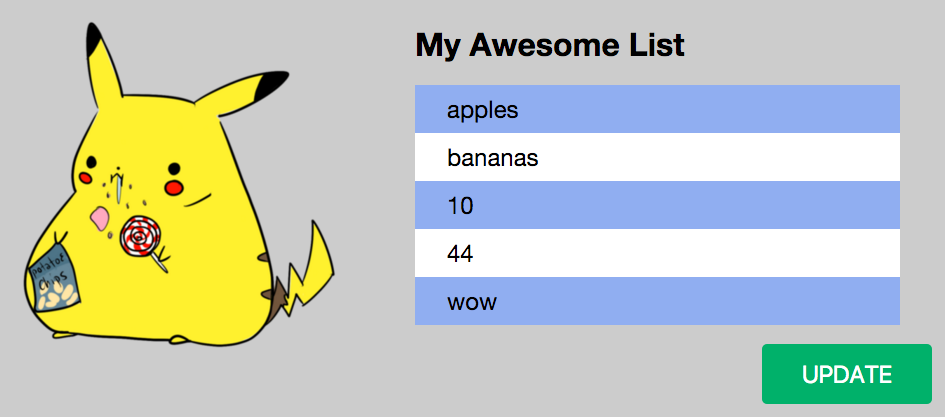
Time to try it yourself!
JS
http://bettymakes.github.io/fed-intro-to-js-variables/
So many Equal Signs! @_@
     =        // assignment
     ==       // loose equality
=== // strict equality- One equal sign is for assignment
JS
- Two & three equal signs is used to check for equality
Other Operators
-
> greater than
JS
-
< less than
-
>= greater than or equals to
-
>= less than or equals to
String Concatenation
-
The + allows you to concatenate one string with another
JS
-
Be mindful of adding white space!
     var fruit = "Apple";

     "My favourite fruit is " + fruit;
String Concatenation
-
The + allows you to concatenate one string with another
JS
-
Be mindful of adding white space!
     var fruit = "Apple";

     "My favourite fruit is " + fruit;
Intro to JavaScript
By bettymakes
Intro to JavaScript
Programming 101 - Two Day Workshop