Kivy

What Is it?
A Truly Multi-Platform GUI Development Tool Kit
(In Python)
Why do I care?
- Rapid templating
- Ease of development
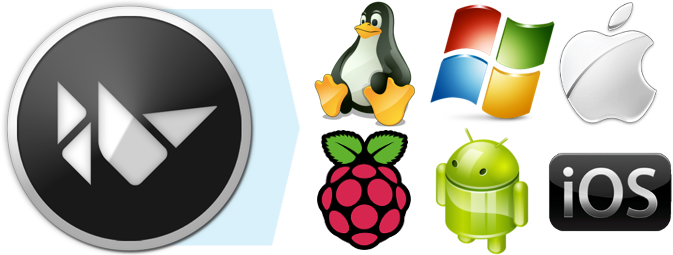
- One codebase for all major platforms
- Capable of deployment to mobile devices
- GPU Accelerated
- Multi touch capable
- Active Community
- Commercial friendly open source license
- Well documented
How Does it Work?
- Observer pattern
- KV Lang file
- Python Lang file
- Magic!?
Simple Example - Part 1
from kivy.app import App
from kivy.uix.gridlayout import GridLayout
from kivy.lang import Builder

Builder.load_file('simple_demo.kv')

class TestWidget(GridLayout):
    pass

class TestApp(App):
    def build(self):
        return TestWidget()

if __name__ == '__main__':
    TestApp().run()
Simple Example - Part 2
#:kivy 1.7.0

<TestWidget>
    rows: 3
    columns: 2
    CodeInput:
    TextInput:
        multiline: False
        hint_text: 'I am some hint text'
    Accordion:
        AccordionItem:
            title: 'I am an accordion'
            Label:
                text:'I am a label inside an accordion'
        AccordionItem:
            title: 'I am too!'
            Button:
                text: 'I am a random button!'
    Label:
        text: 'I am a label'
    Button:
        text: 'I am a button!'
        on_press: self.text = 'I am being pressed!'
        on_release: self.text = 'I was just pressed!'
Results
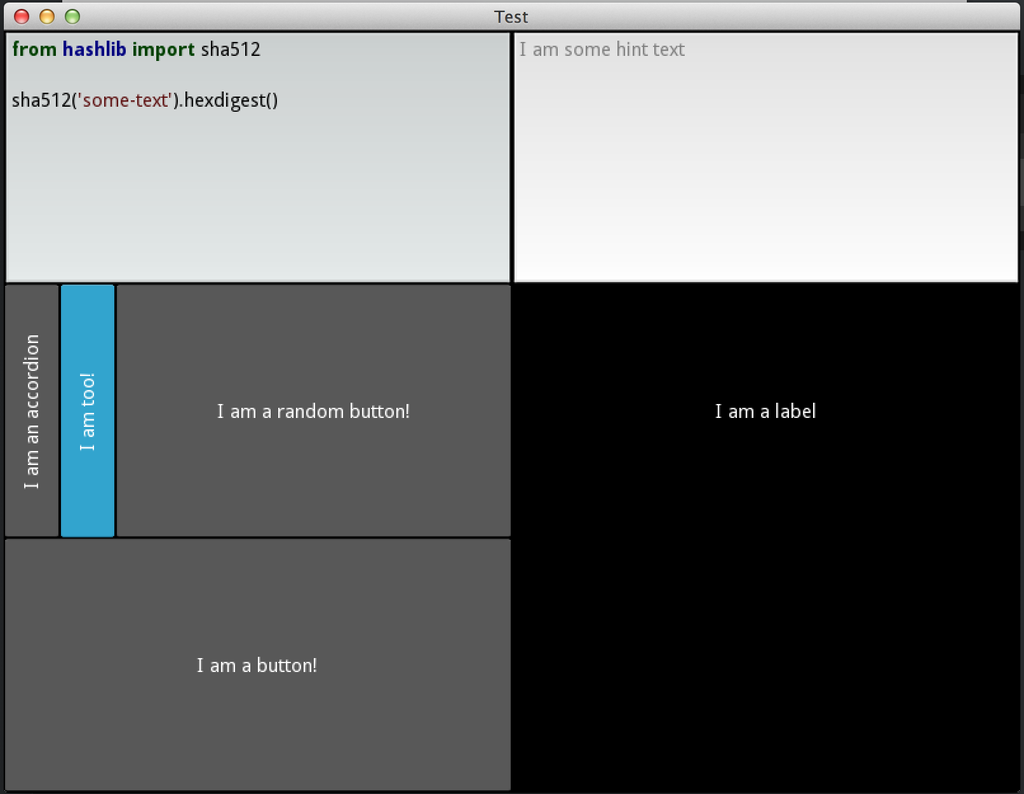
That Was Easy!
Breaking it Down
#:kivy 1.7.0 <TestWidget> rows: 3 columns: 2class TestWidget(GridLayout): pass
CodeInput:TextInput: multiline: False hint_text: 'I am some hint text'Accordion: AccordionItem: title: 'I am an accordion' Label: text:'I am a label inside an accordion' AccordionItem: title: 'I am too!' Button: text: 'I am a random button!'Label: text: 'I am a label' Button: text: 'I am a button!' on_press: self.text = 'I am being pressed!' on_release: self.text = 'I was just pressed!'
class TestApp(App):
    def build(self):
        return TestWidget()

if __name__ == '__main__':
    TestApp().run()
Links
Kivy
By blarghmatey