Chrome DEV Tools
FOR DEsigners

ConvergeSE 2015
Caner Uguz
(Junn-air Ooze)
@caneruguz

Programming

College
Historian
Librarian
Teacher
Instructional Technology
I work at
CENTER FOR OPEN SCIENCE



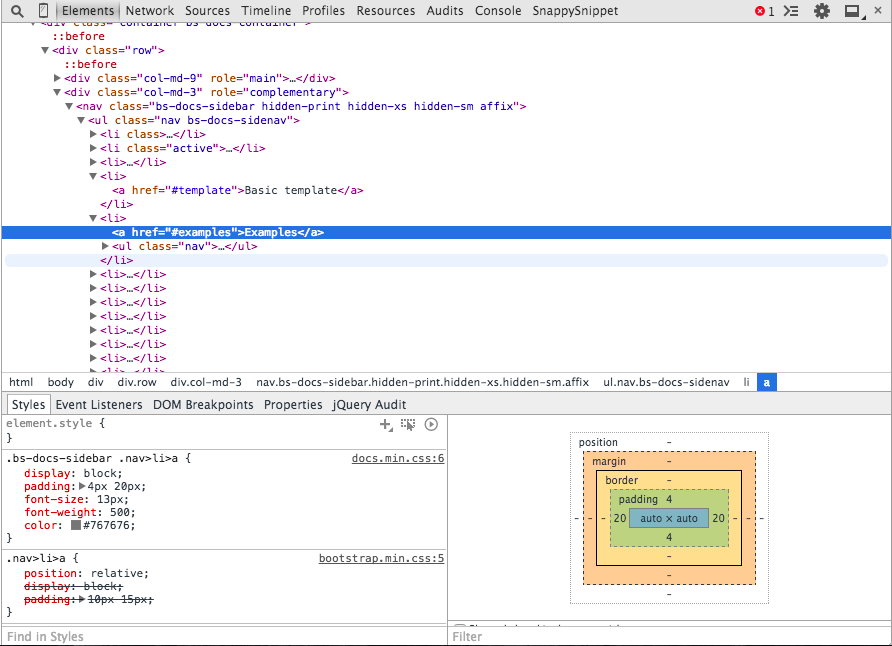
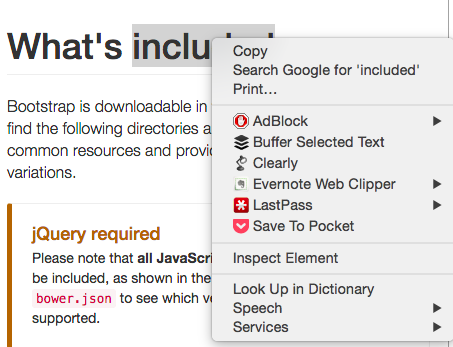
Open it
inspect element
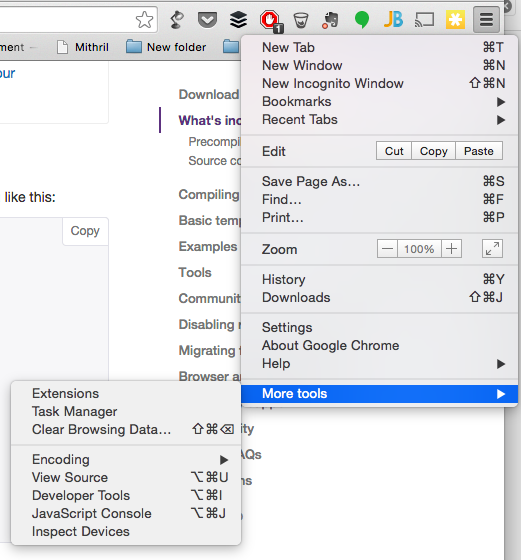
alt + cmd + i
from menu
STYLES
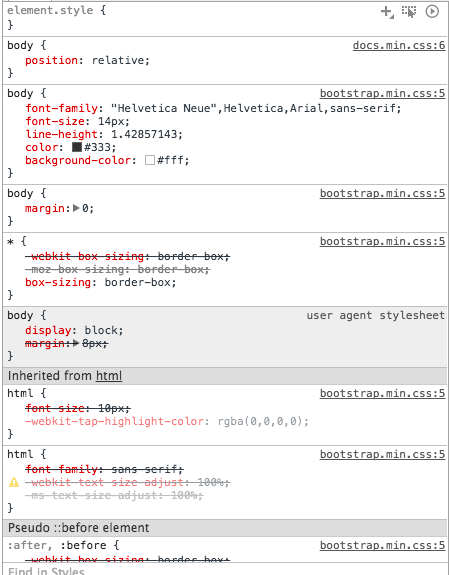
diagnose existing styles
order of application
overwritten styles
mapping
BOX MODEL
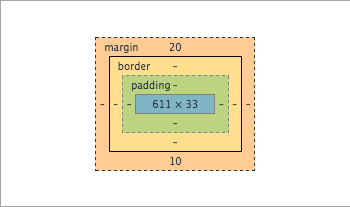
observe and edit
calculated properties
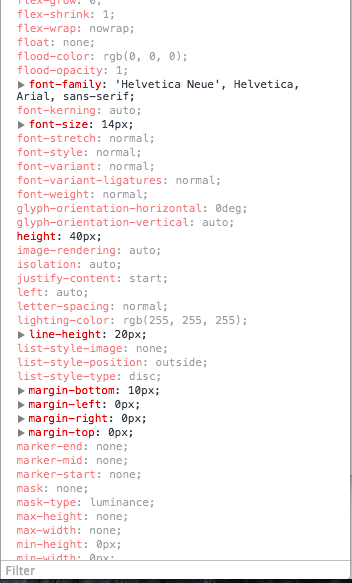
Set and inherited properties on the element
filterable!
EDIT ANY STYLE
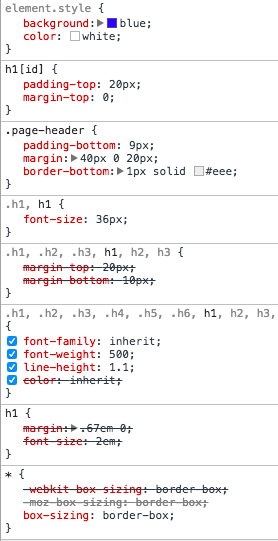
add any style
add classes
uncheck styles
incrementing
defaults
COLOR PIcker
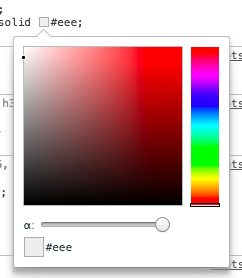
Pick color
Pick color from the page
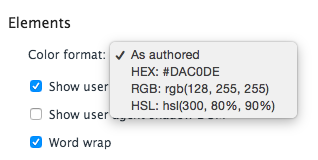
Define color type
HTML CHANGEs
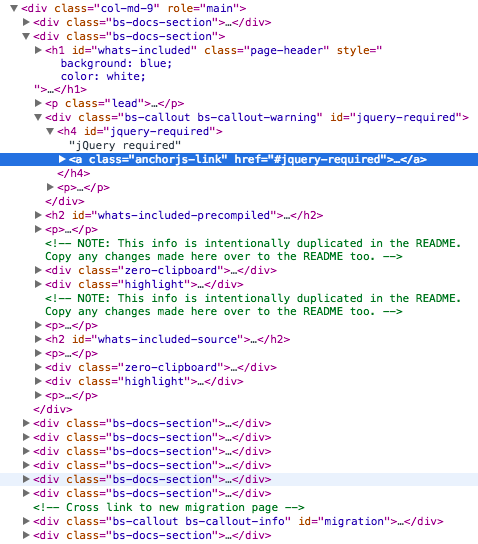
Add elements
Edit Elements
Move about with keyboard
force states
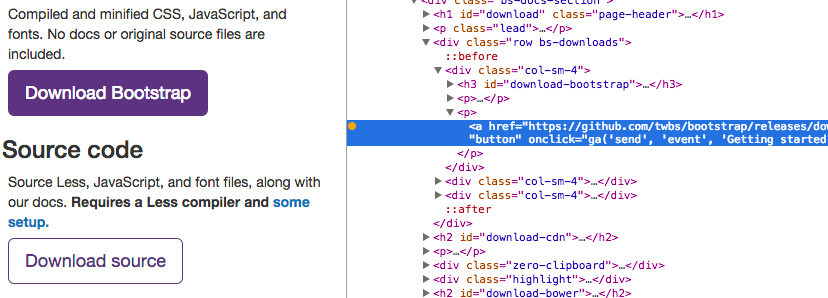
COPY CSS PATH
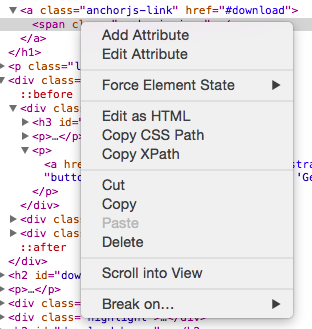
#download > a > span
SELECT
ELEMENT TO
INSPECT
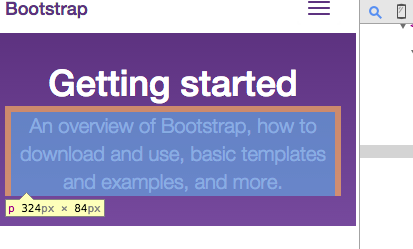
caveat:
post-render content
Add ons can add html or events to the DOM that is not native.
workspaces
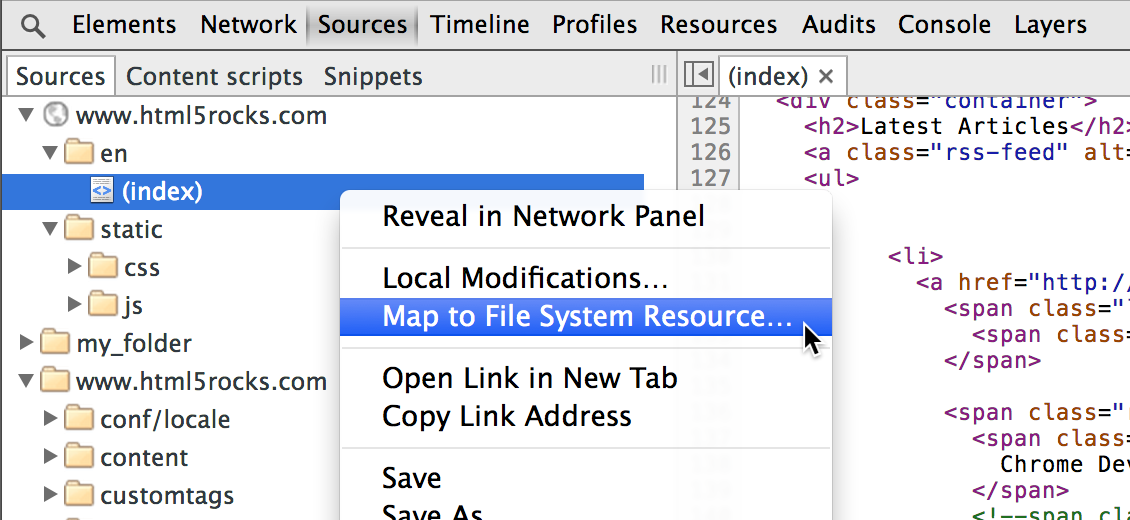
Map to file
workspaces
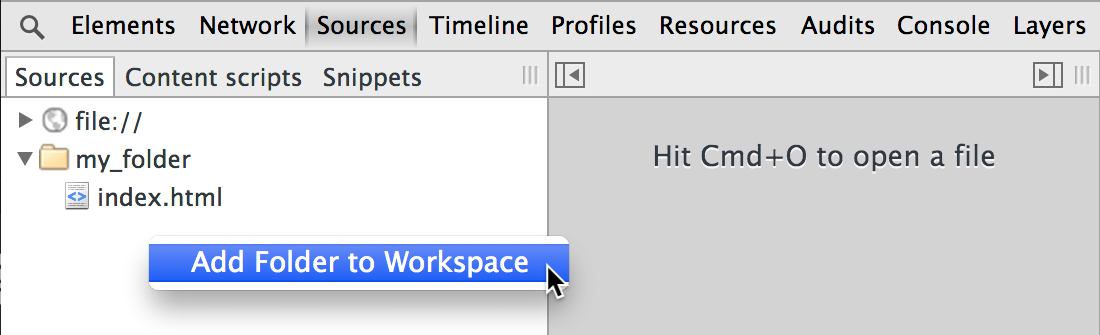
Add folder to workspace
workspaces
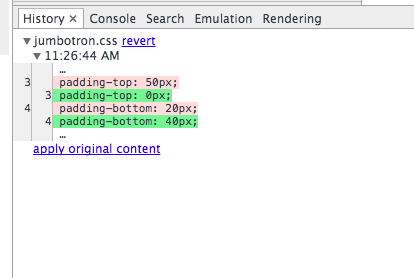
Local change history
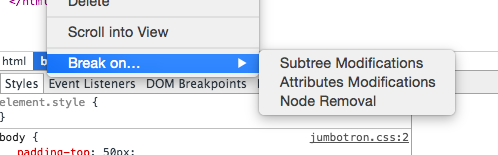
Breakpoints
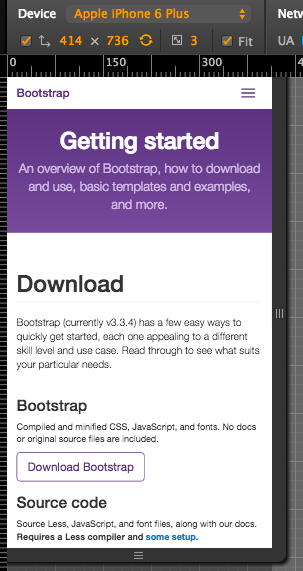
device
emulation
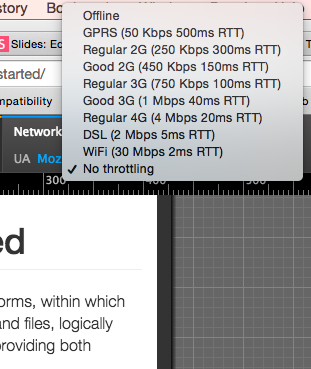
network throttling
console + jQUERY = magic
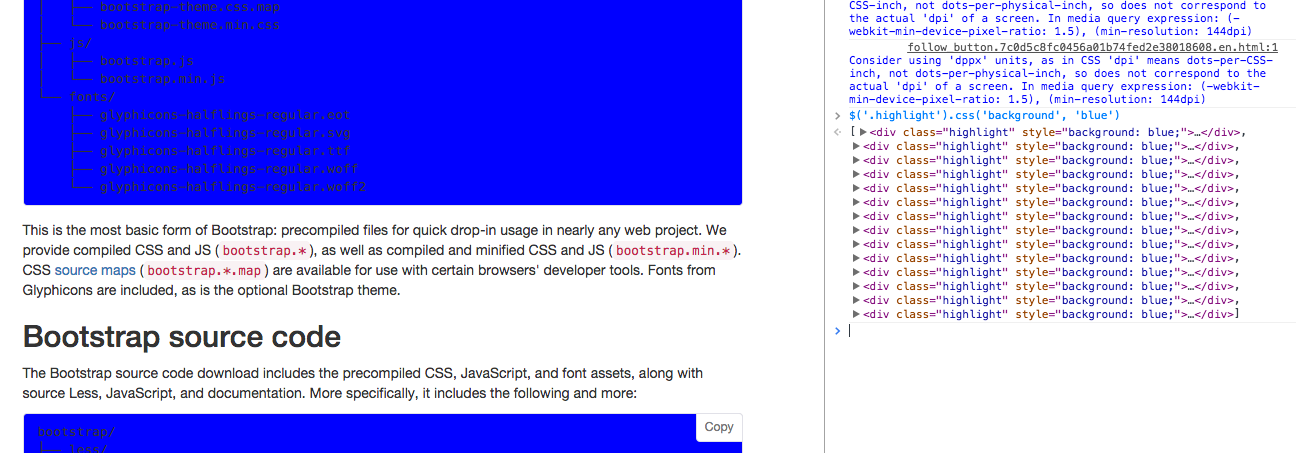
why use this?
... because clients

why use this?
... because time

why use this?
... because refreshing is for chumps

CAN ONLY ChROME DO THIS?
No.
Safari has Web Inspector
Firefox has Inspector and Firebug

Courses on Dev Tools:
but wait! there's more:
Basic introductions to CSS and jQuery Presentation
questions?
this slide at:
https://slides.com/caneruguz/chrome-dev-tools-for-designers/
http://spkr8.com/t/57551
Chrome Dev Tools for Designers
By Caner Uguz
Chrome Dev Tools for Designers
Learn more about what Chrome Developer Tools can do to improve the design process.