Simply and securely transfer
your data !

User guide
Step 1
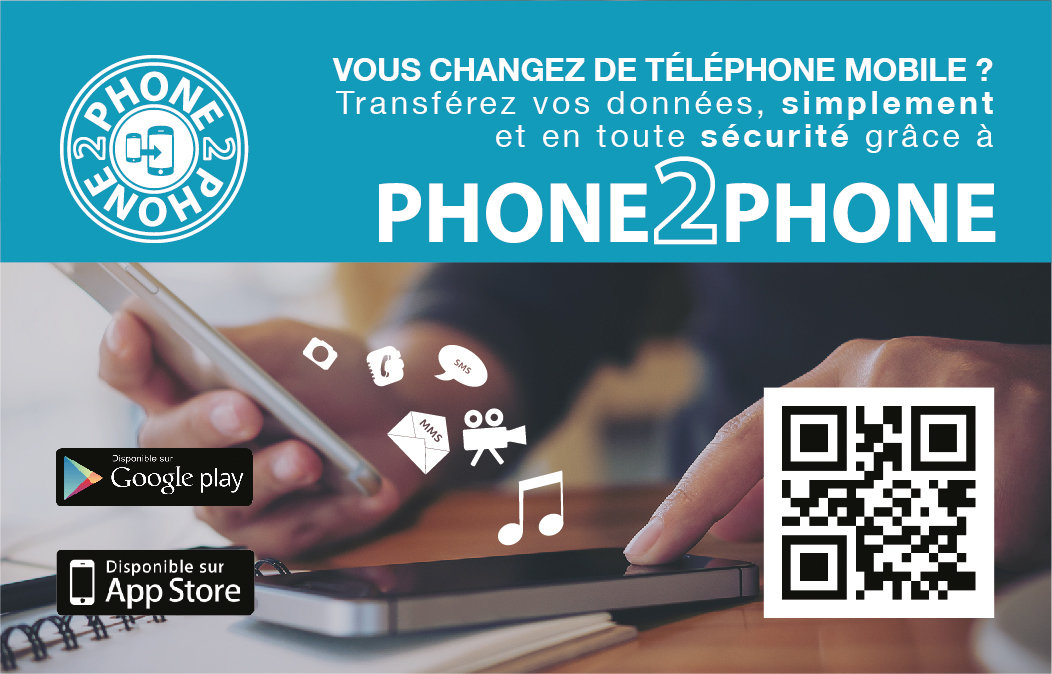
Take the two phones, download the application on both of them with the card.
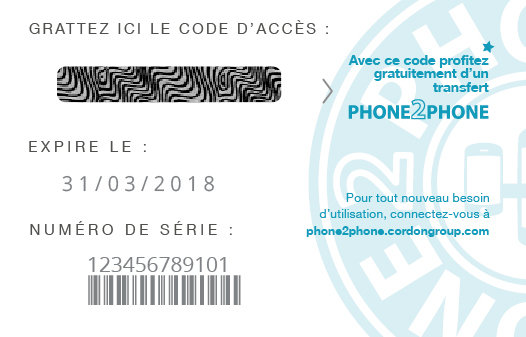
Use the card
Use the application
Download the application
Access the application
Keep using
Or download the Phone2Phone application on the "Play Store" or the "App Store".
Use a Qrcode reader to scan the one on the Phone2Phone card.
Repeat the operation on the second phone.
Scan the QR Code
Continue the use
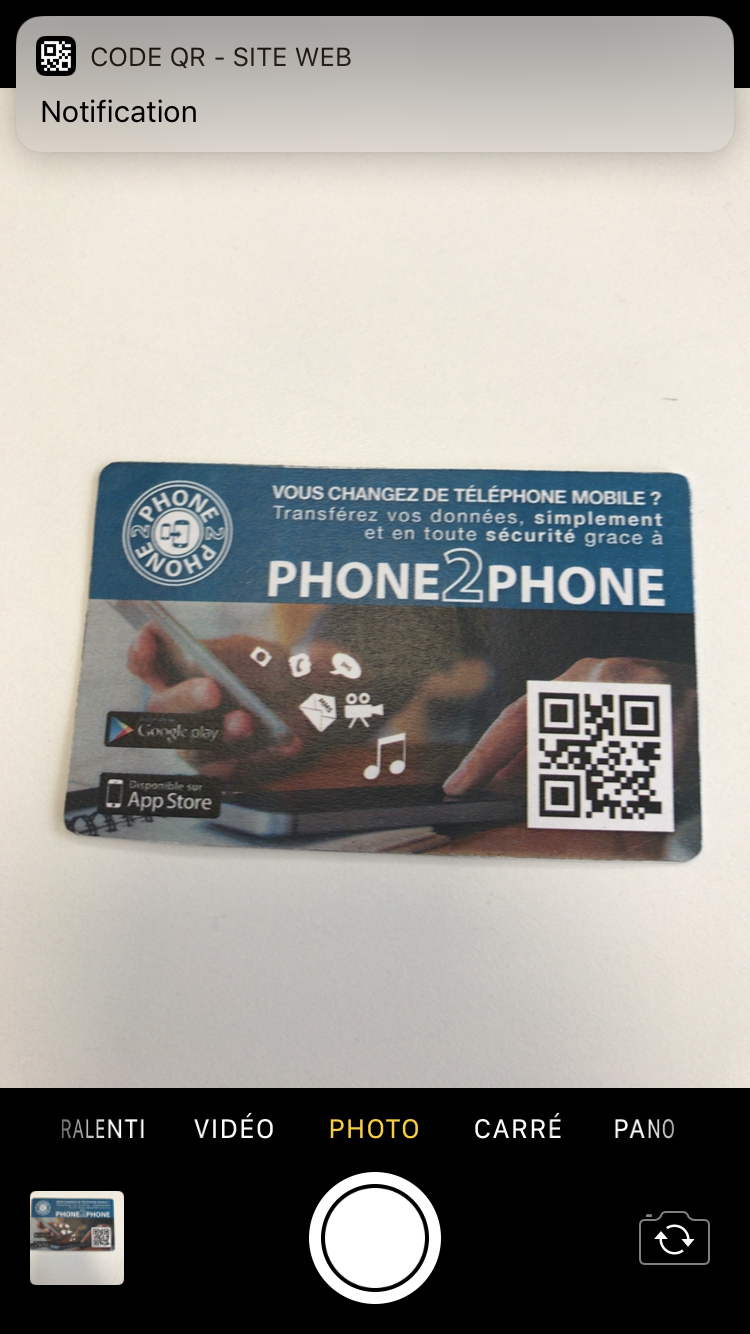
On iOS, scan using the "Camera" apps, confirm the notification and open on the "App Store".
On Android, use the "Barcode Scanner" application.
Access the application
Install the application
Use the application
Continue the use
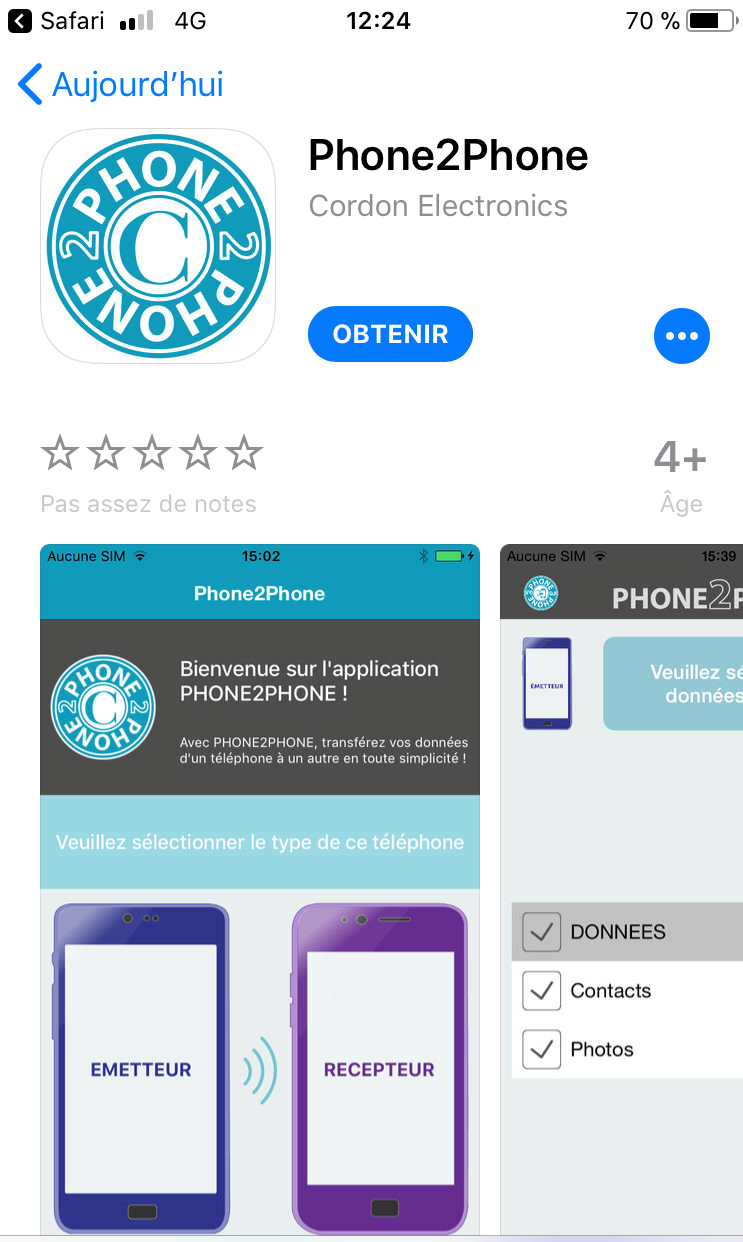
On iOS, click on "GET".
On Android, click on "INSTALL".
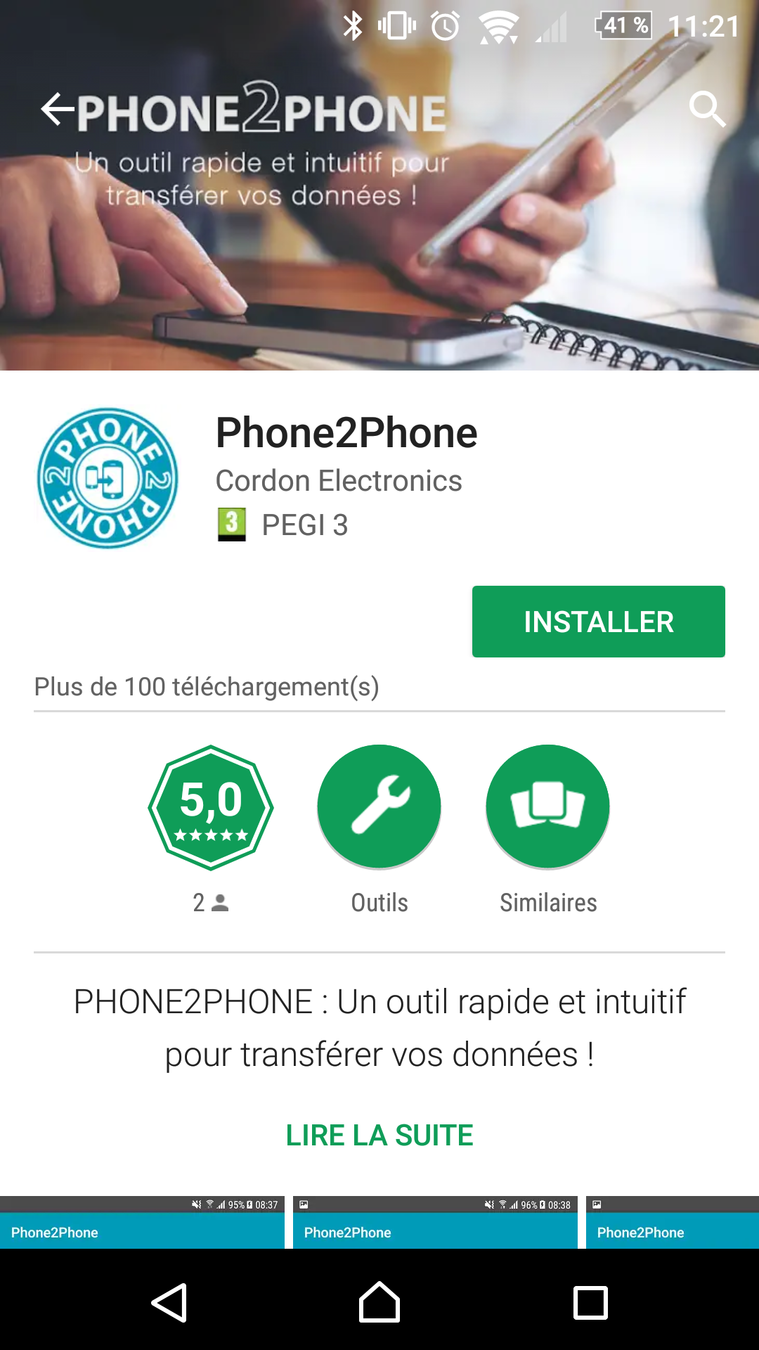
Start the application
Use the application
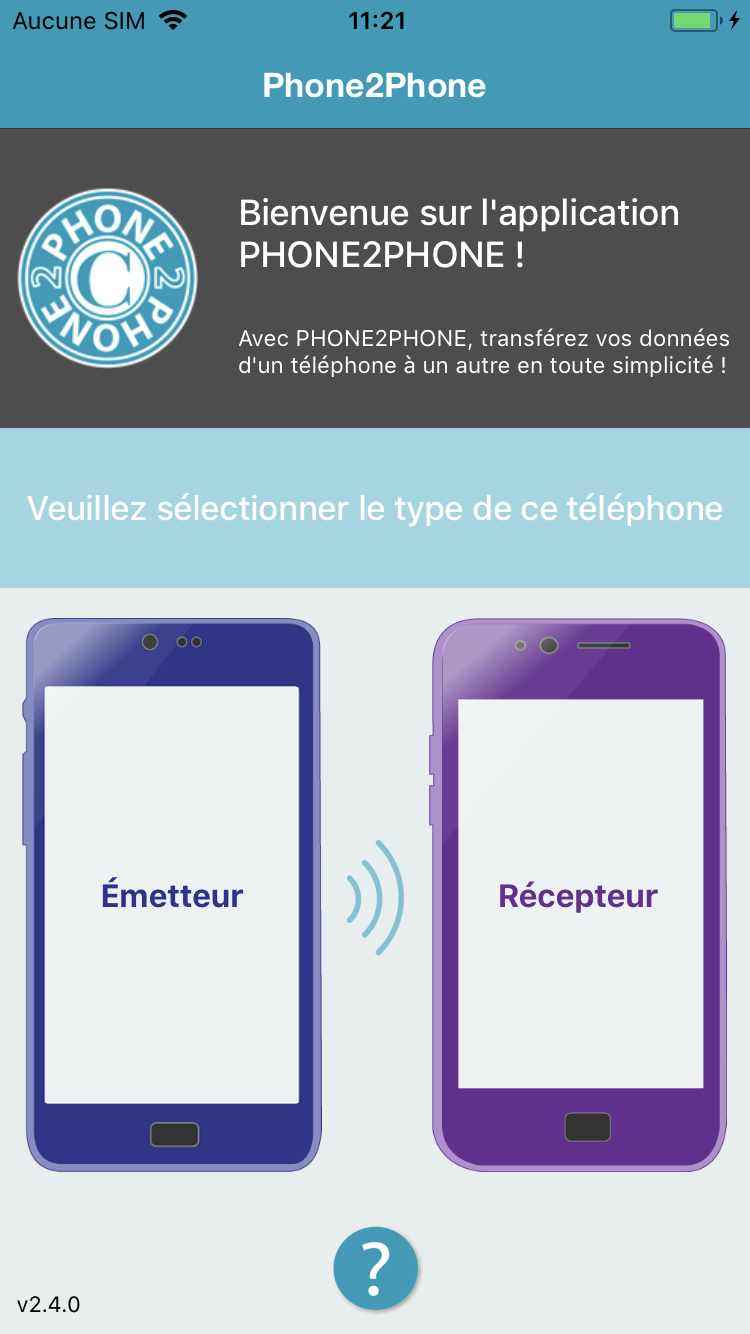
Open the application and accept the application for authorizations.
Permissions requests are done by the Play store before installation.
iOS permissions:
- Camera
- Media
- Contacts
- Calendar
step 2
Next
Use the Phone2Phone
application
Transfer is preparing
Follow the instructions on the screen then click on "OK".
Next
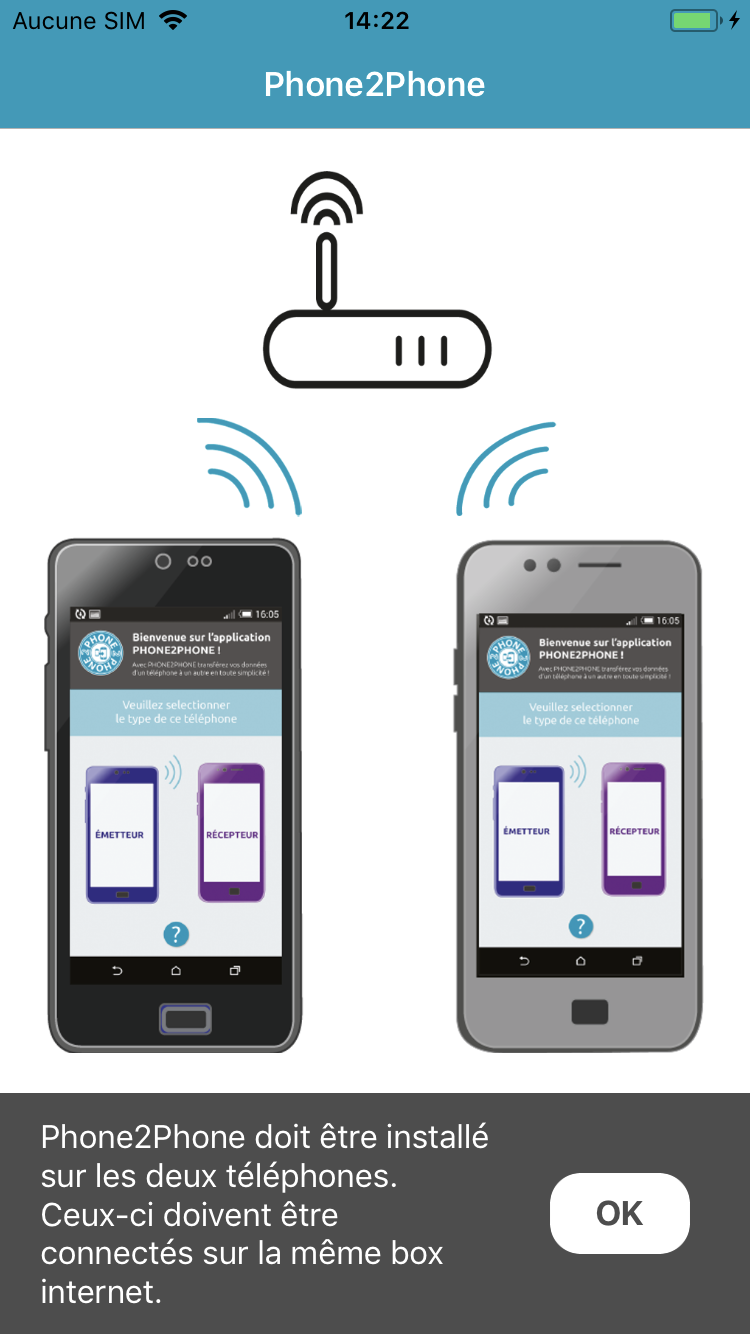
Type of the phone
Next
Identify the phone, Sender and Receiver.
The Sender is the phone which contains the datas to be transfered.
The Receiver is the phone on which the datas will be transfered.
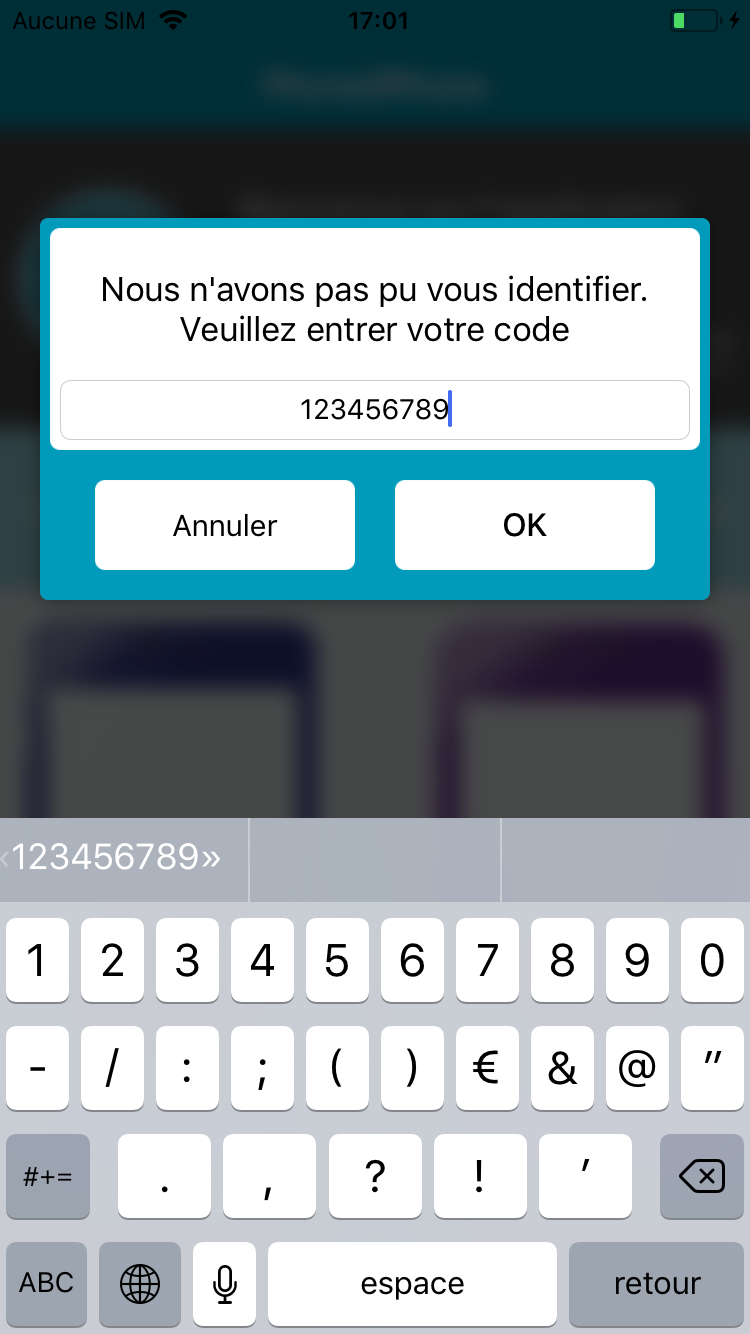
Code
The Sender ask you to enter the identifyinng code* which is on the scratch card.
12345ABC
Sender
Next
*the code is valid for one mobile to mobile transfer.
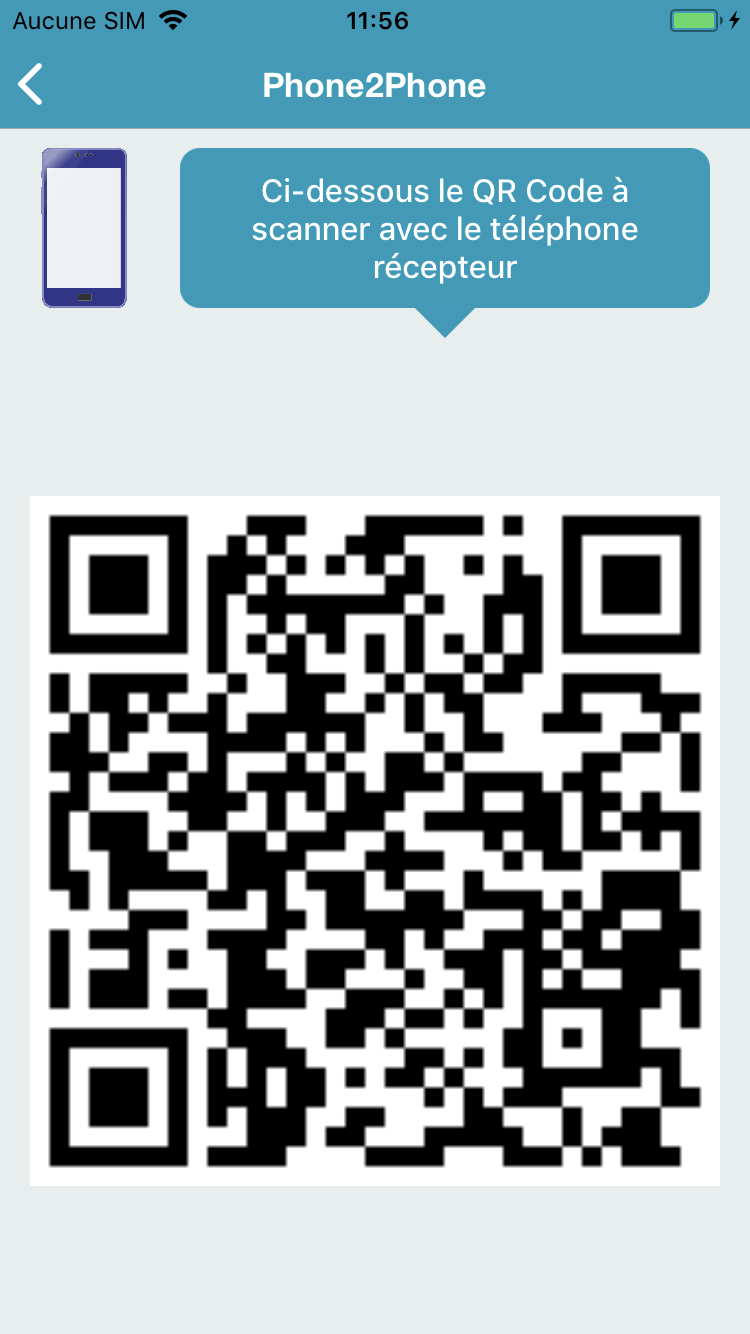
Phones connection
The Sender will generate a QR code which has to be scanned by the Receiver
Next
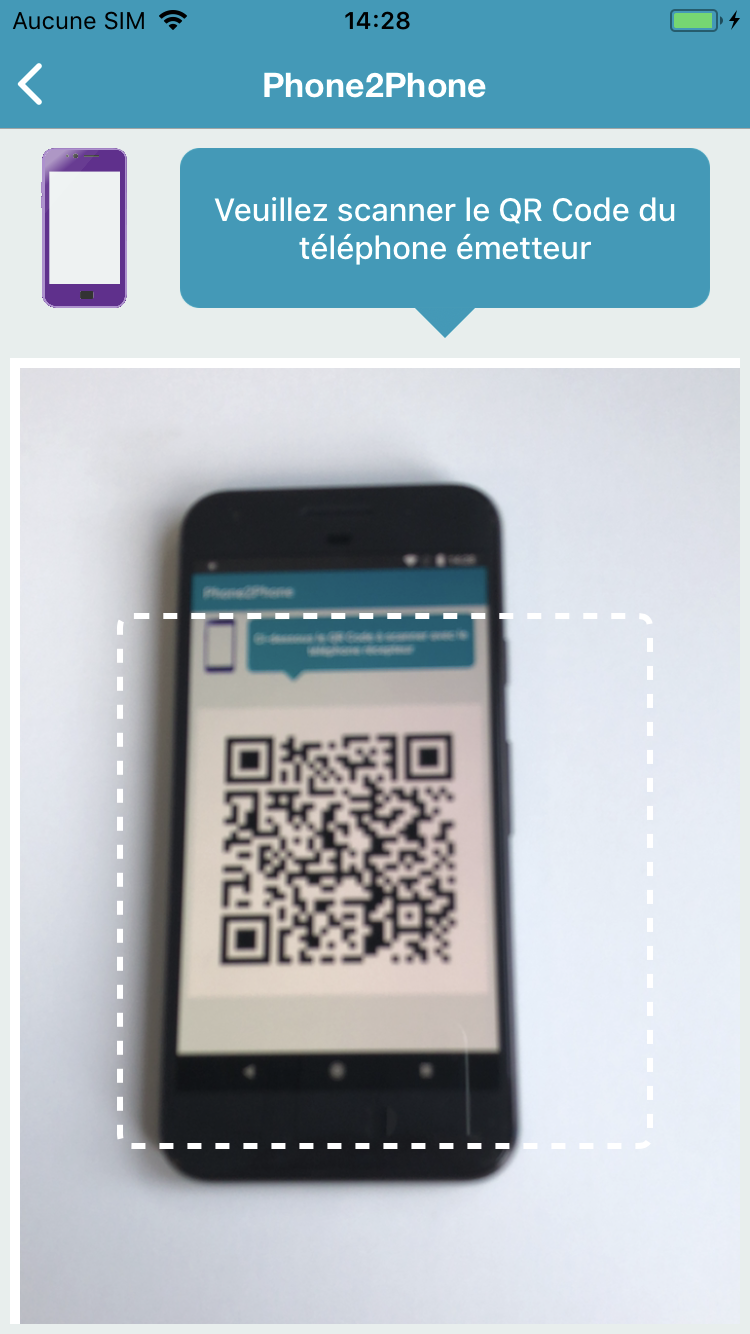
Recipient
Sender
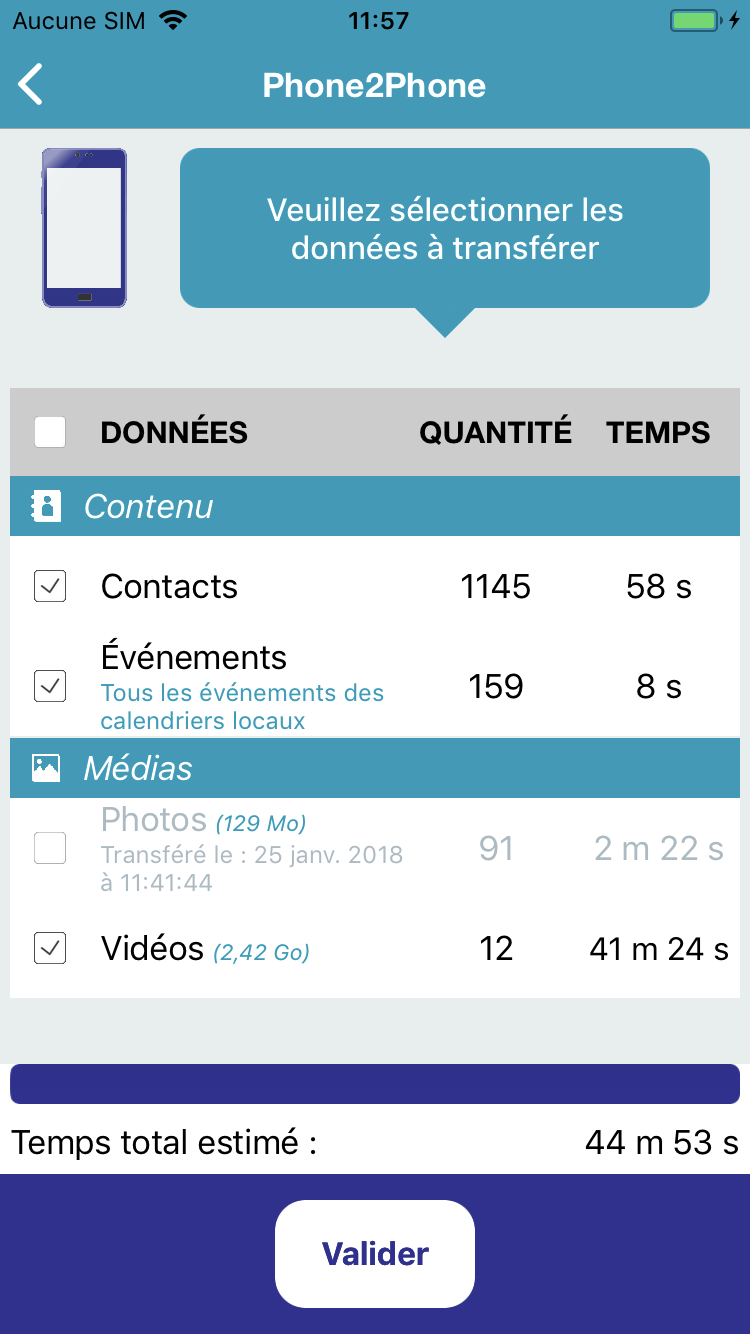
Data selection
Please select the data to be transfered on the sender.
Next
Sender
The application gives notice of the estimated time for each type of data.
Transferring
Please wait until the end of the transfer.
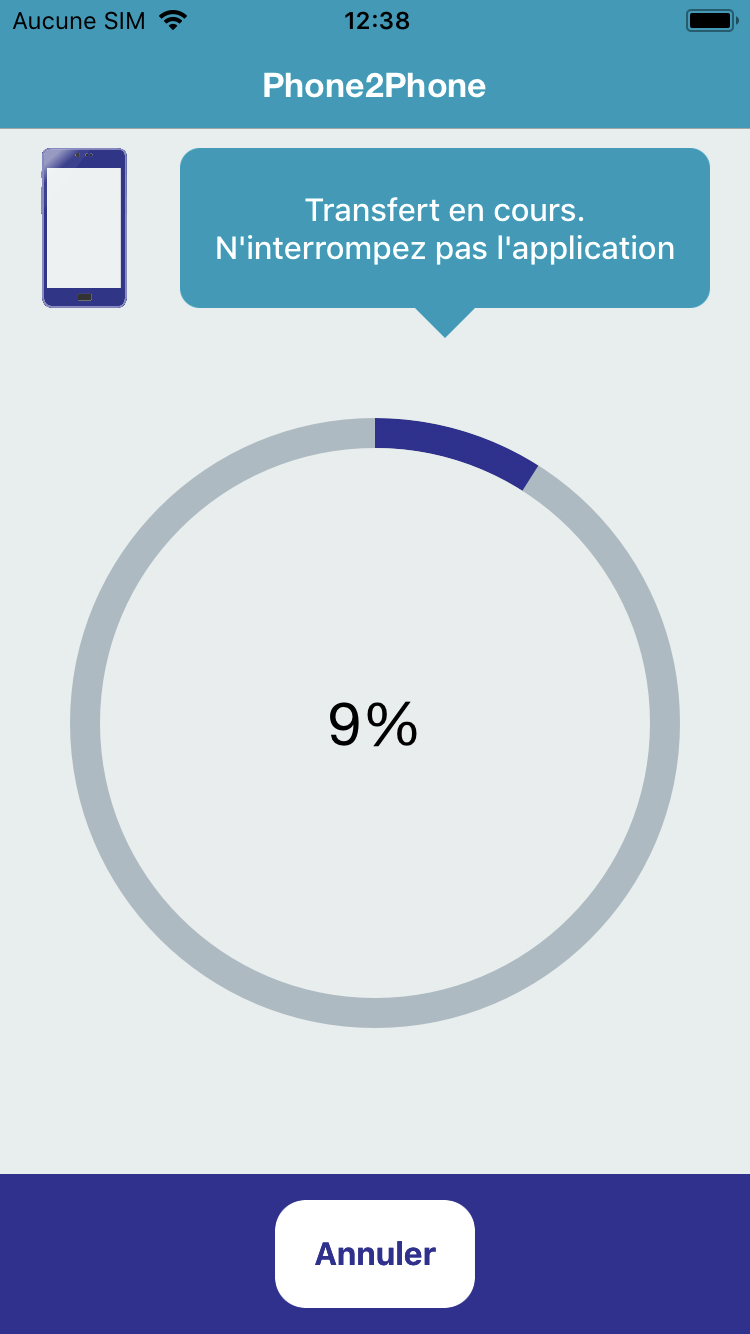
sender
Next
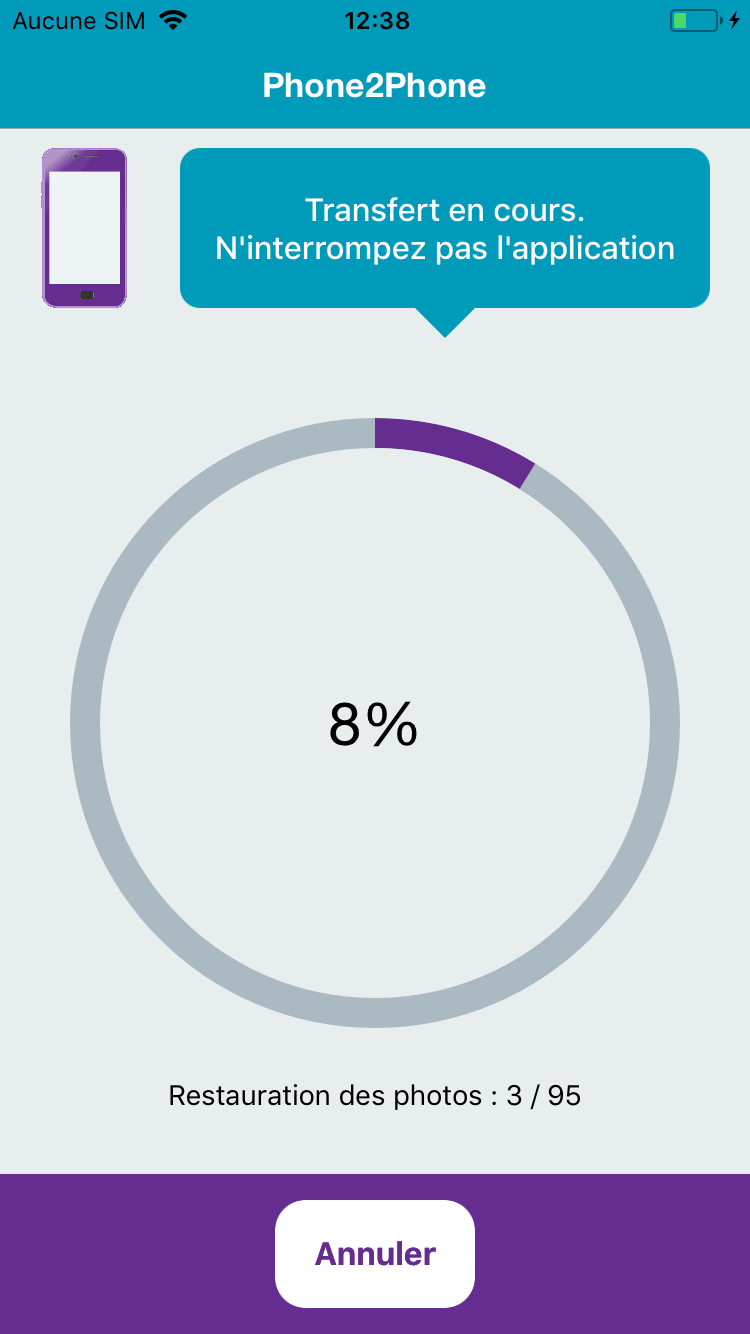
Recipient
Transfer report
When the sender finish, a report is displayed.
Idem on the receiver
You can check the transfer.
Then you can leave the application.
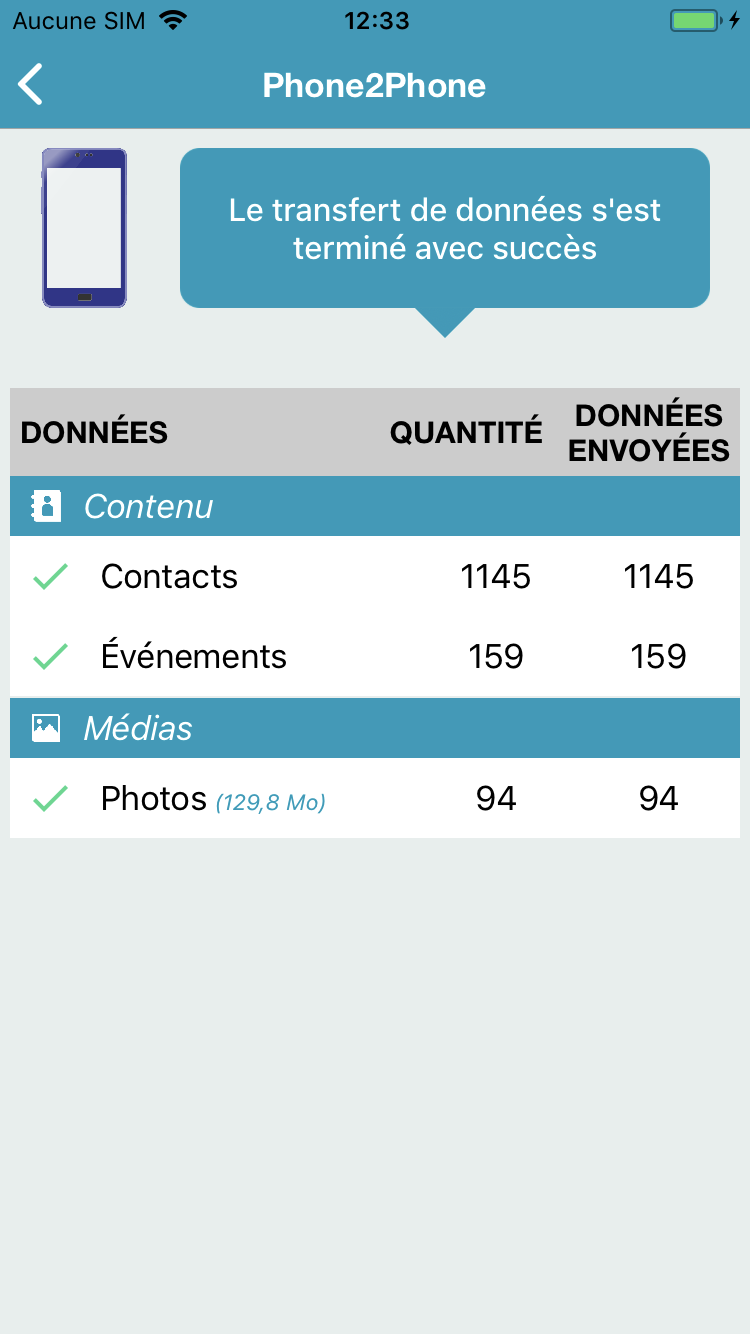
Next
Sender
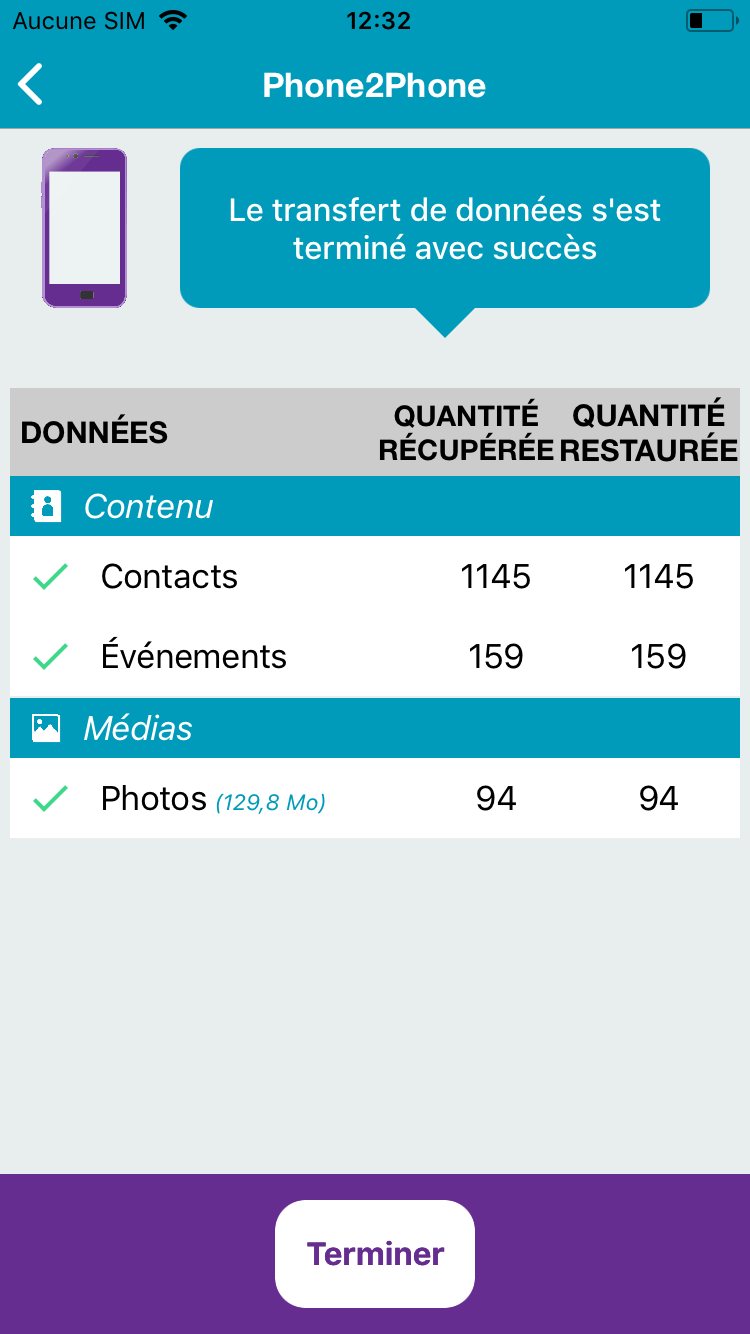
Recipient
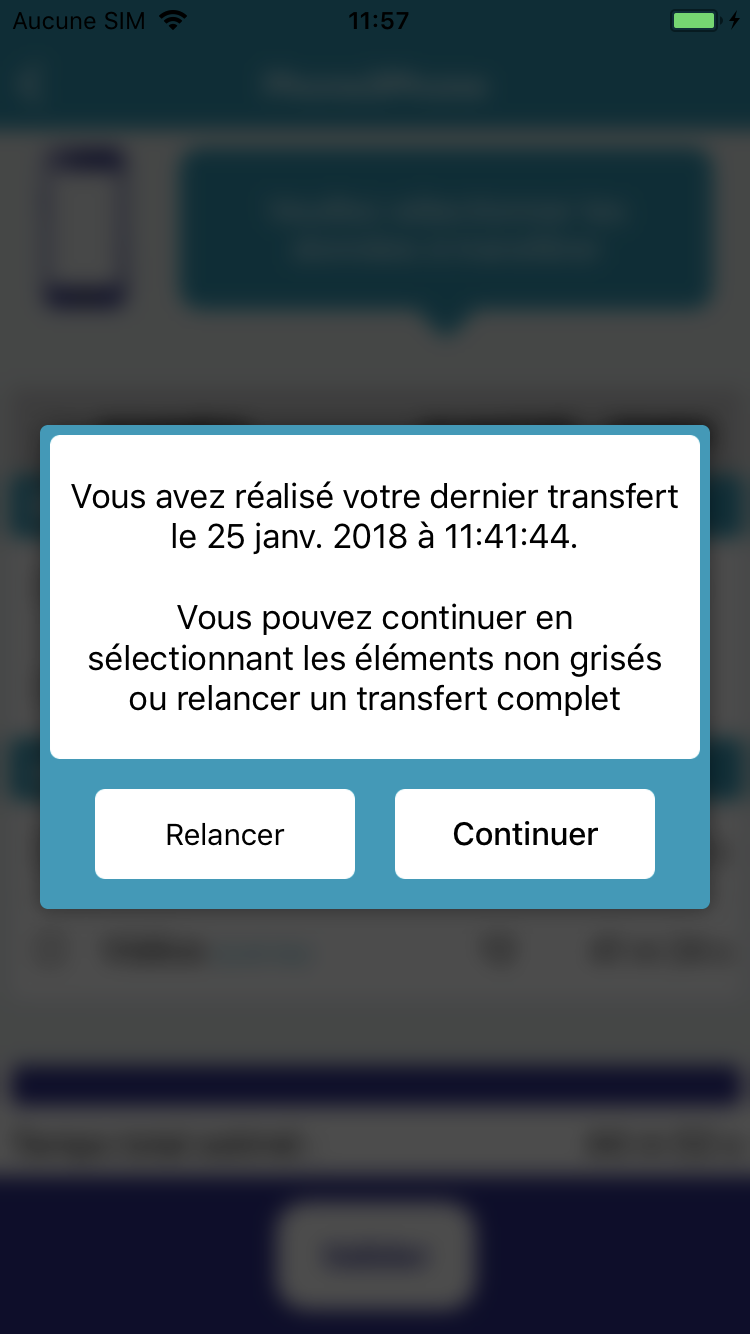
Restart the transfer
If you restart the transfer, the application will warn you about the categories already transfered to relaunch the process.
End
Sender
Your transfer is now finished, all your data is available on your new phone.
The Phone2Phone team thanks you for your confidence.
Phone2Phone - UK
By cbernaz