Nitrous IDE Setup

Nitrous Advantages
- Familiar IDE features:
- File Tree
- Editor
- Terminal/console
- Same IDE regardless of OS
- No Credit Card needed on file - (note con on the next slide)
- Similar to the Cloud 9 IDE being used by instructors
- built in Web servers.
- Unix (ubuntu) based work space.
- Most common system interface in Developer work force
- Matches MacOS terminal system.
- Multiple work spaces for different language environments
- Not installing items on personal computer
- less risk of damage to personal PC for bad commands
Main Con for Nitrous
Monthly use limited to 50 hours
can earn up to 80 by doing things such things as:
- Following their twitter
- liking facebook page
- taking survey.
Easily able to get into mid 40 hour range without any extensive items.
nitrous.io
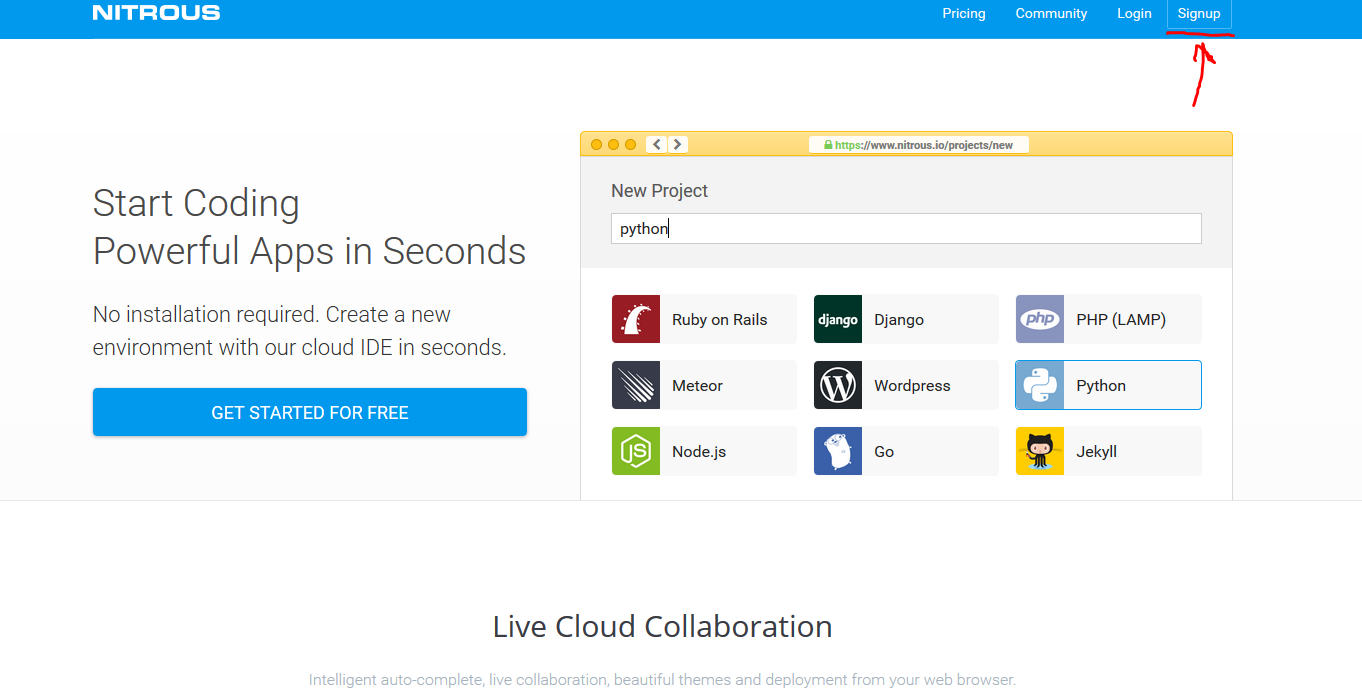
Enter email or better option is to click GitHub icon in upper
right next to Sign In. (check create git account slideshow)
Create first work space
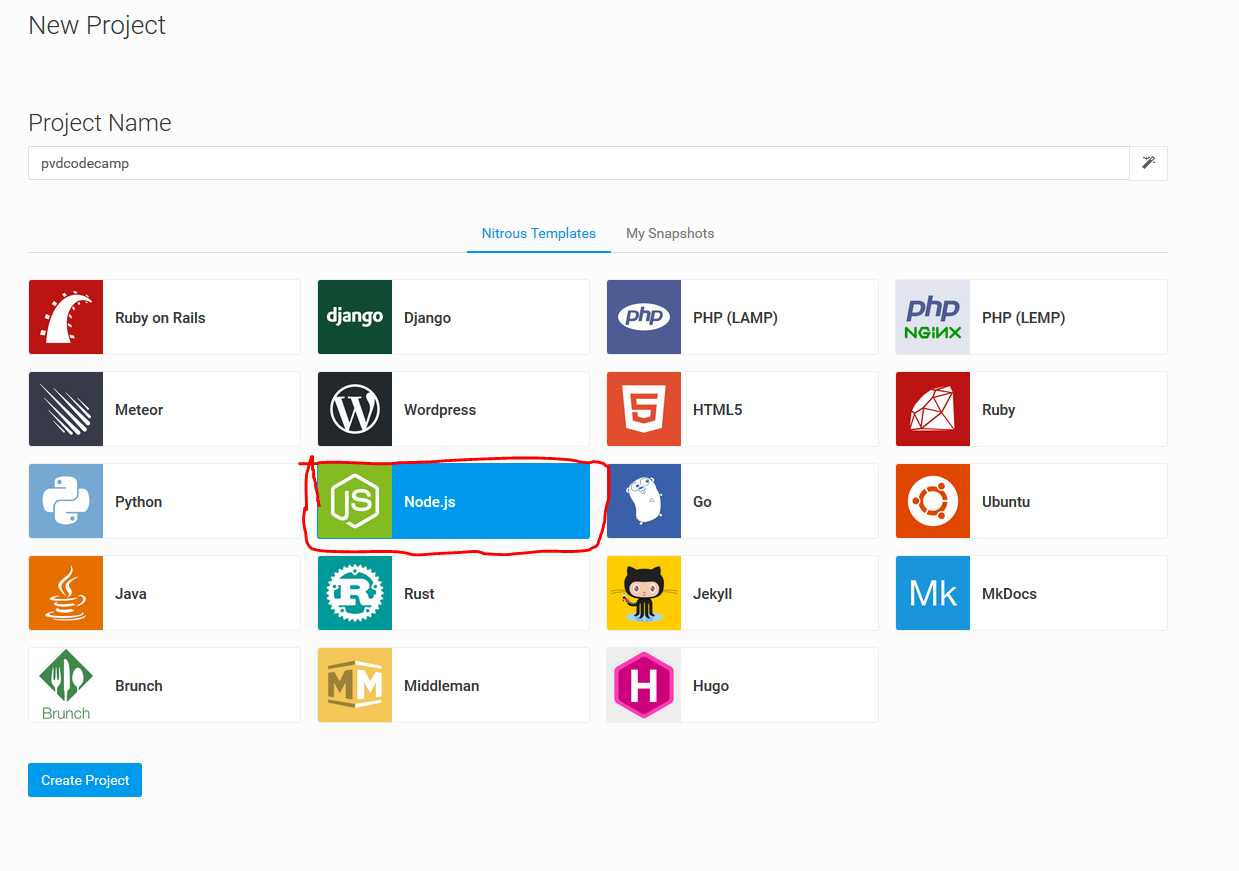
Be sure to select Node.js
The Environment
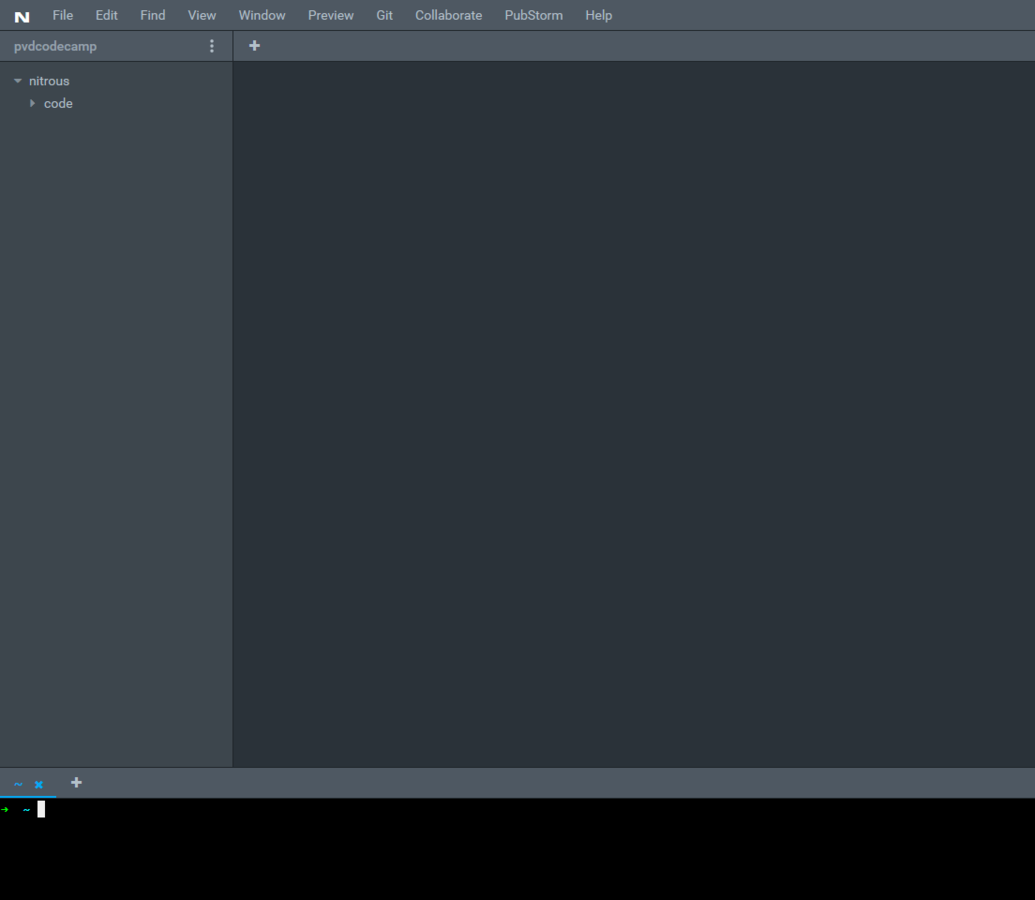
File Tree
Editor/Preview area
Terminal/Console
Testing the Environment
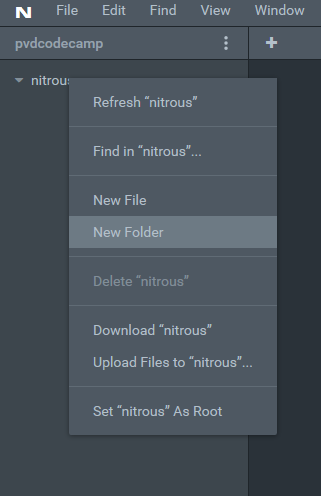
Right click nitrous folder
select new folder
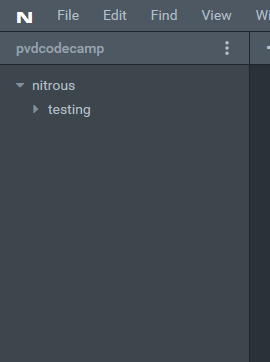
Create Testing folder
Repeat for folder 'public'
right click>new file>index.html
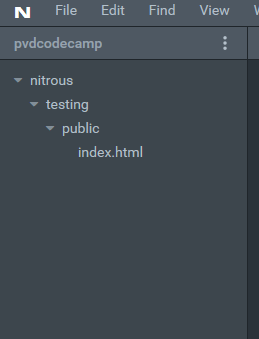
You side bar should look like below
Double click index.html and in the Editor section fill out as below. Save the file.
ctrl+S on PC | cmd+S on MAC for shortcut
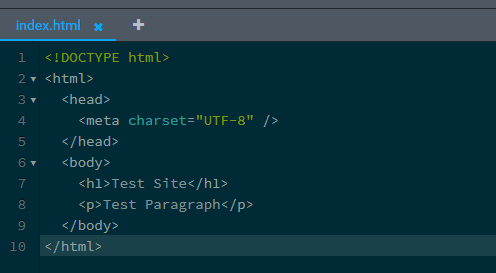
In the Terminal type:

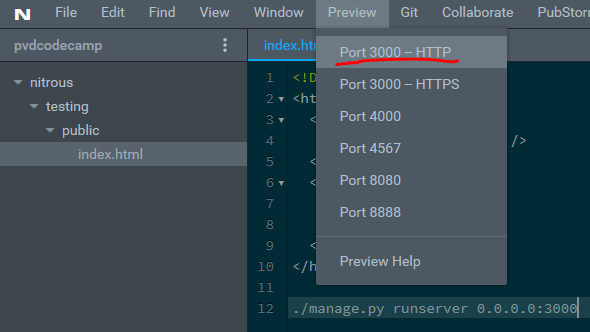
Then Preview
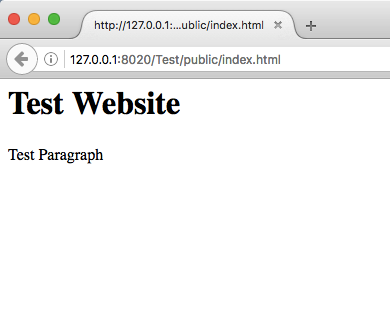
Successful Test
Nitrous IDE Config
By cliffc