Howto: Chrome Extensions
Why?
Build an app using ONLY
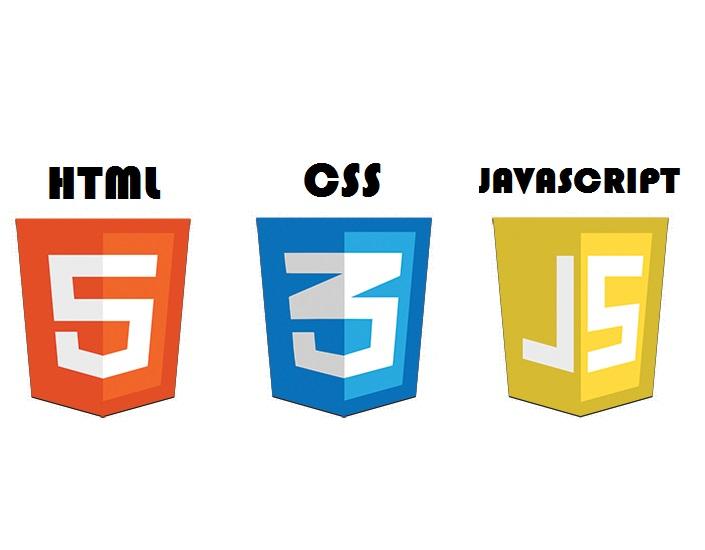
-
Work in a simple environment
-
Rapid development
- (It's just a website)
Why?
Improve your JS skills
Write vanilla JS or use any framework/plugin you choose.
WHY?
Publish your product at the end!

Get exposure
Get feedback
What?
Chrome Extensions are built using only HTML, CSS and JS
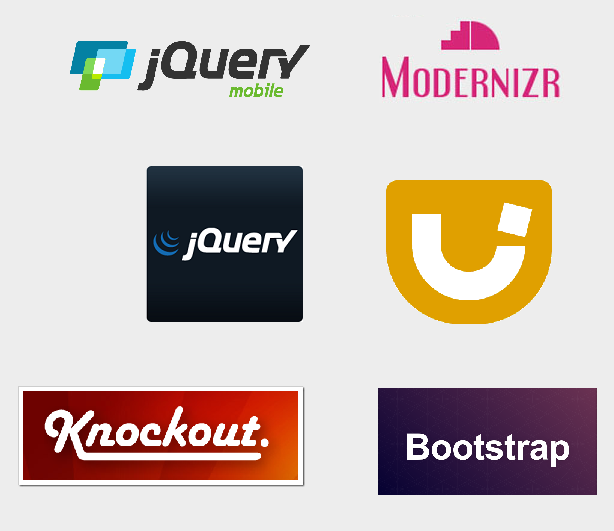
(Use any JS/CSS frameworks you want!)
HOW?
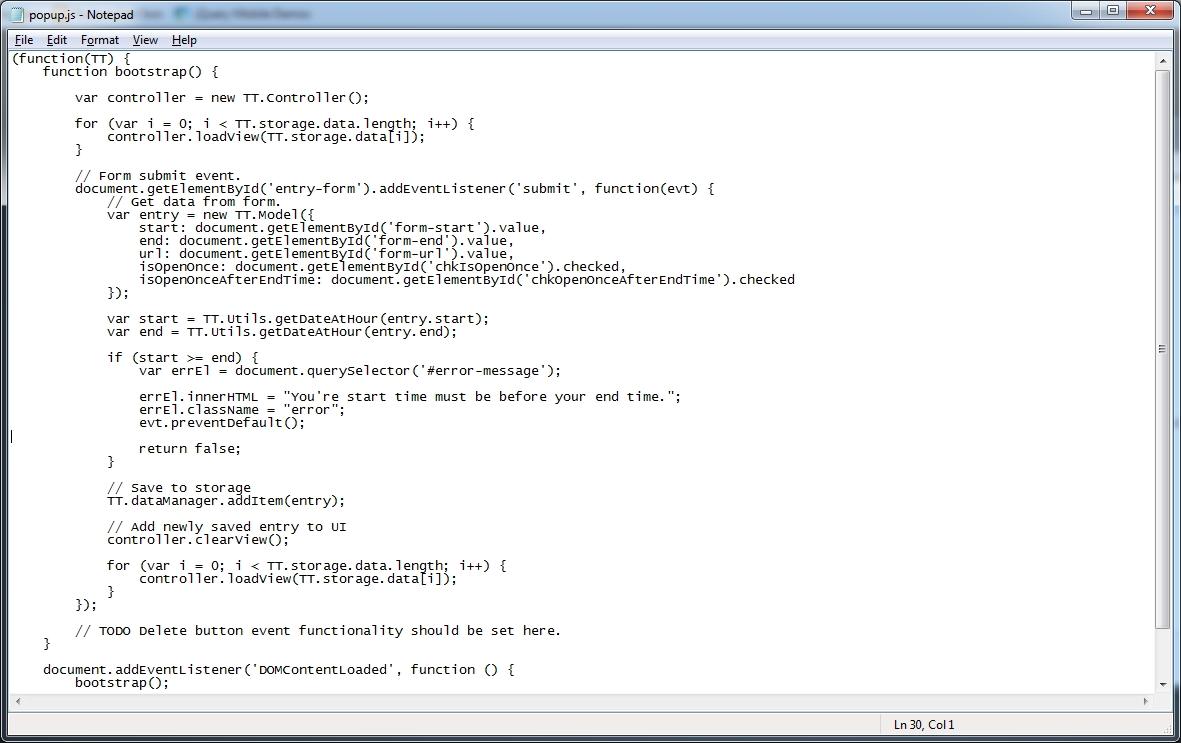
Build with text editor of your choice
HOW?
Sign up for a developers account in the Chrome Web Store
https://chrome.google.com/webstore/developer
HOW?
-
Upload your project as a zip
-
Create and upload images
-
Publish button
Let's get technical
1. Enable Chrome Extensions Developer Mode
https://developer.chrome.com/extensions/faq#faq-dev-01
2. Getting Started - Use as a boilerplate
https://developer.chrome.com/extensions/getstarted
3. Debugging
https://developer.chrome.com/extensions/tut_debugging
4. Chrome's JavaScript APIs
https://developer.chrome.com/extensions/api_index
1. Enable Chrome Extensions Developer Mode
Navigate
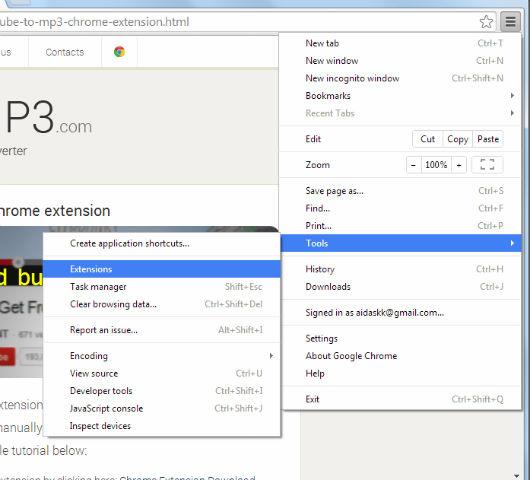
Enable

Load
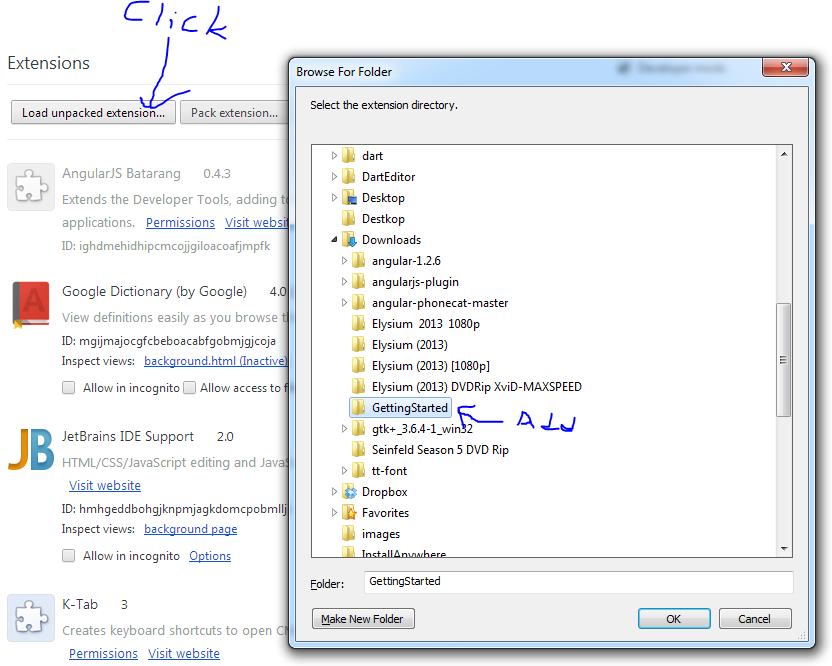
Magic
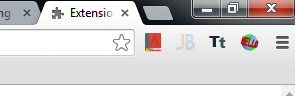
Debugging
There are 2 paths :
The code that displays your popup (if you have one)
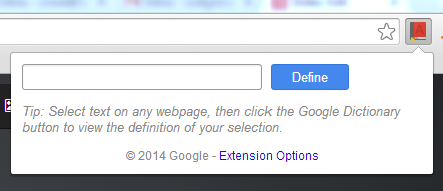
and the background scripts in your manifest:

Popup debugging
Right click the UI
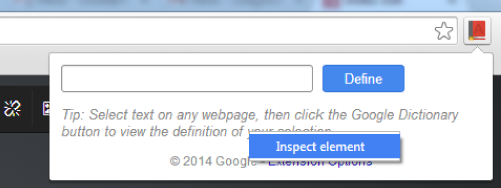
Look familair?
POPup Debugging cont.
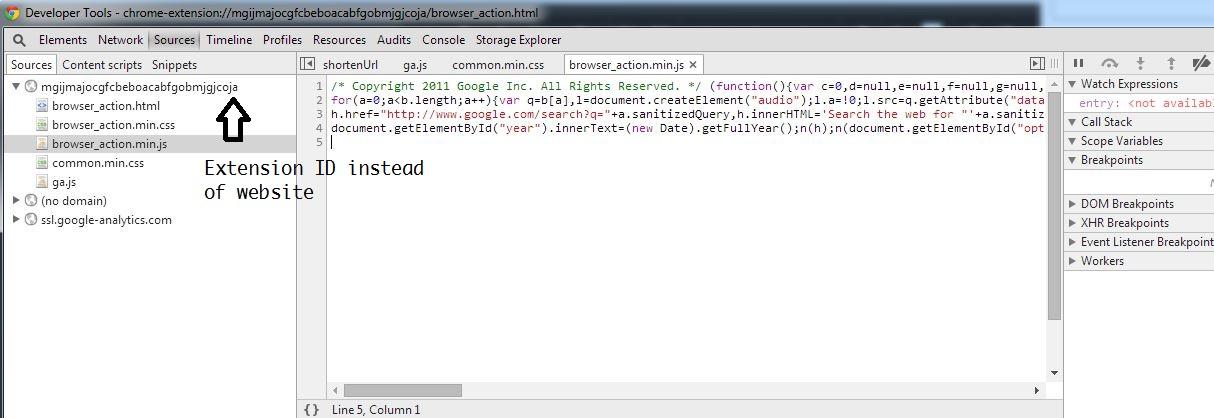
Looks and feels exactly like debugging a website
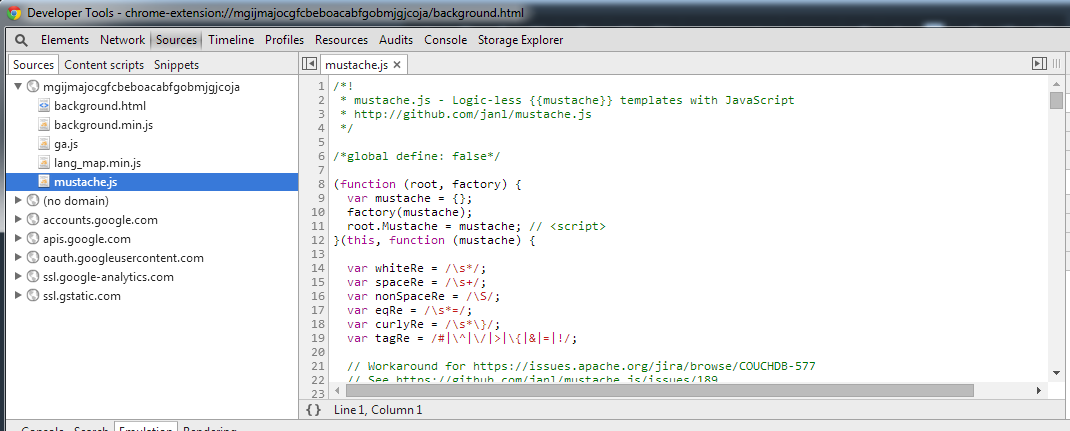
Background/event script debugging

opens
Chrome javascript api
What is it?
Examples
-
Manage currently open tabs
-
Get mouse position
-
Store data in syncStorage and localStorage
-
Watch for events
-
Identity (OAuth2 access tokens)
-
i18n
-
Users history
- Web Request
Let's look at an extension I've recently created
Howto: Chrome Extensions
By Cody Rose