




Content ITV PRO
This is Itvedant Content department
Learning Outcome
6
Execute browser automation using the architecture flow.
5
Understand the execution flow of a Playwright script.
4
Explain each architecture component.
3
Understand the role of Browser Context.
2
Explain how Playwright communicates with browsers.
1
Understand Playwright Architecture.
What is Browser Automation?
What are the main components involved when automating a web application?
Why is it important to have separate browser sessions while testing multiple users simultaneously?
How do browsers execute the commands written in an automation script?
Imagine thousands of automated tests running every day.
QUESTIONS ARISE:
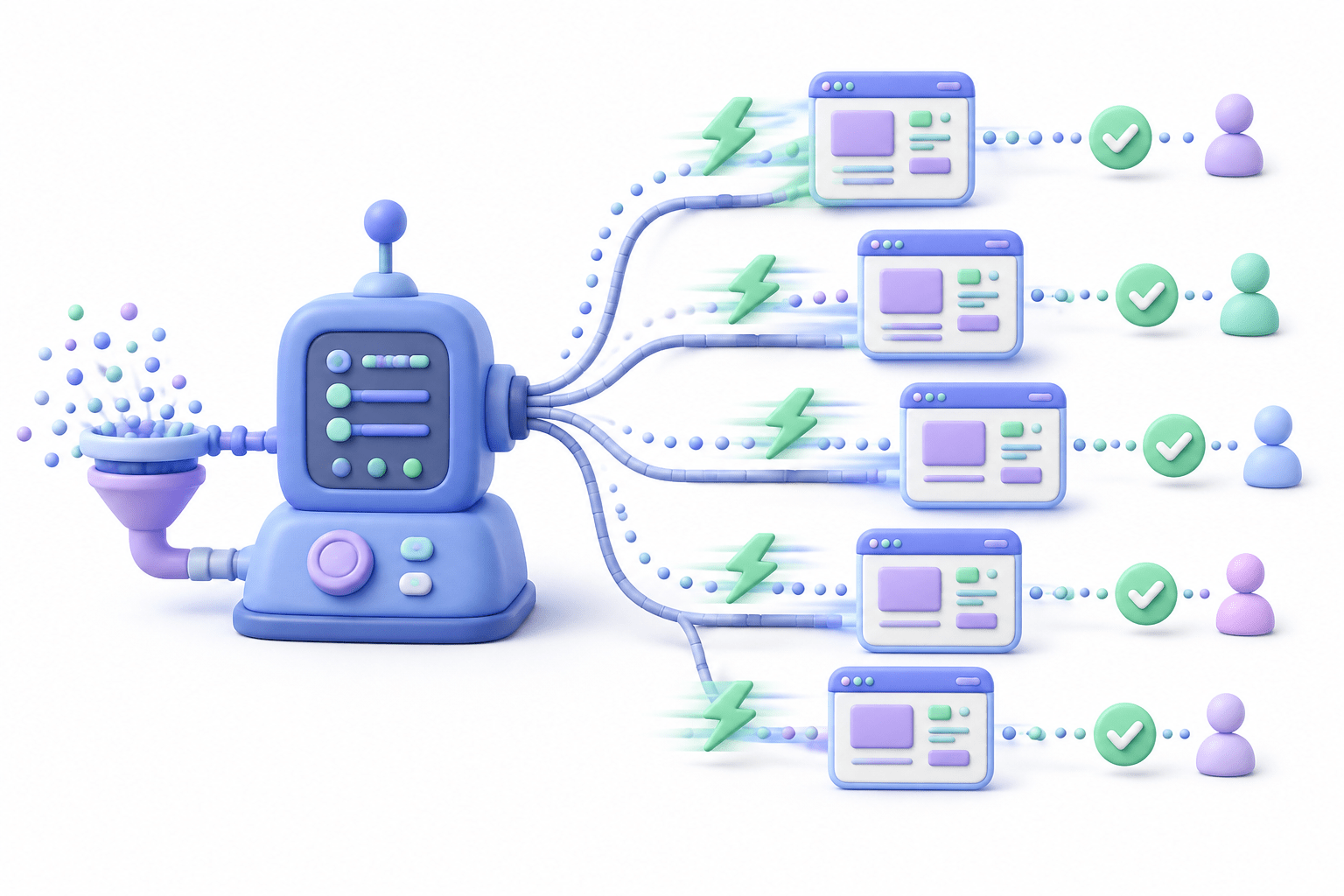
Who sends browser commands?
Who receives browser responses?
How are multiple users tested simultaneously?
Why is Playwright faster than Selenium?
Transition from Analogy to Technical Concept(Slide 5)
Core Concepts (Slide 6)
Core Concepts (Slide 7)
Core Concepts (.....Slide N-3)
Summary
5
Build strong branding
4
Use different marketing channels
3
Target the right audience
2
Create and communicate value
1
Understand customer needs
Choose cool, soft colors instead of vibrant colors
Max 5 Points for Summary & Min 2
Quiz
Which platform is mainly used for professional networking and B2B marketing ?
A. Facebook
B. Instagram
C. LinkedIn
D. Snapchat
Quiz-Answer
Which platform is mainly used for professional networking and B2B marketing ?
A. Facebook
B. Instagram
C. LinkedIn
D. Snapchat
By Content ITV