



Content ITV PRO
This is Itvedant Content department
Learning Outcome
5
Recognize the basic structure of Ansible automation
4
Understand how these components work together in Ansible
3
Explain how Modules perform automation tasks
2
Identify the role of Inventory in managing hosts
1
Understand what Playbooks are in Ansible
Previously, we learned about
Ansible, why it is used, and its agentless architecture
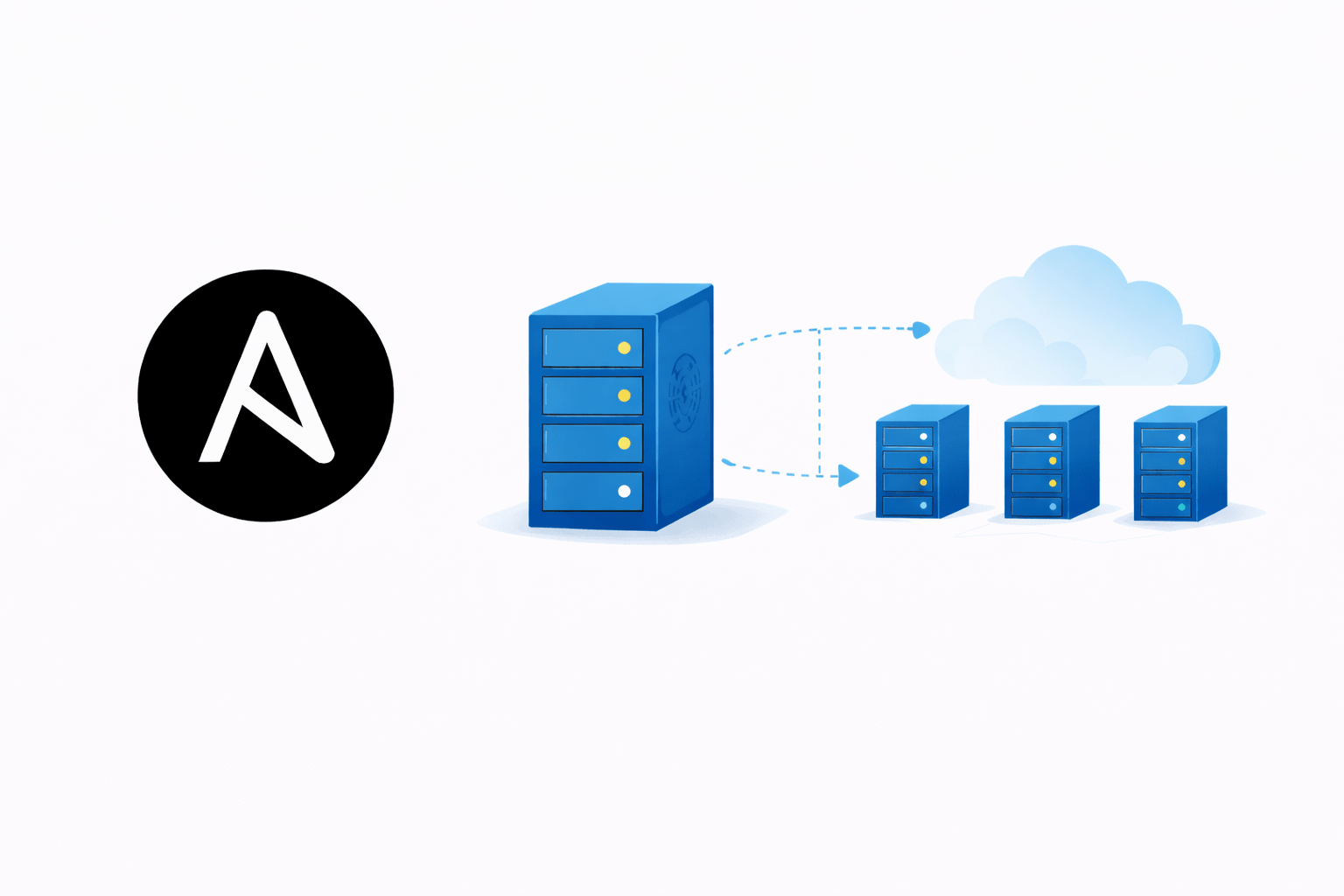
We also discussed how Ansible manages servers from a control node
Think of Ansible as a manager assigning tasks to employees
The task list is the Playbook, the employee list is the Inventory, and the actions performed are Modules
Understanding the Concept
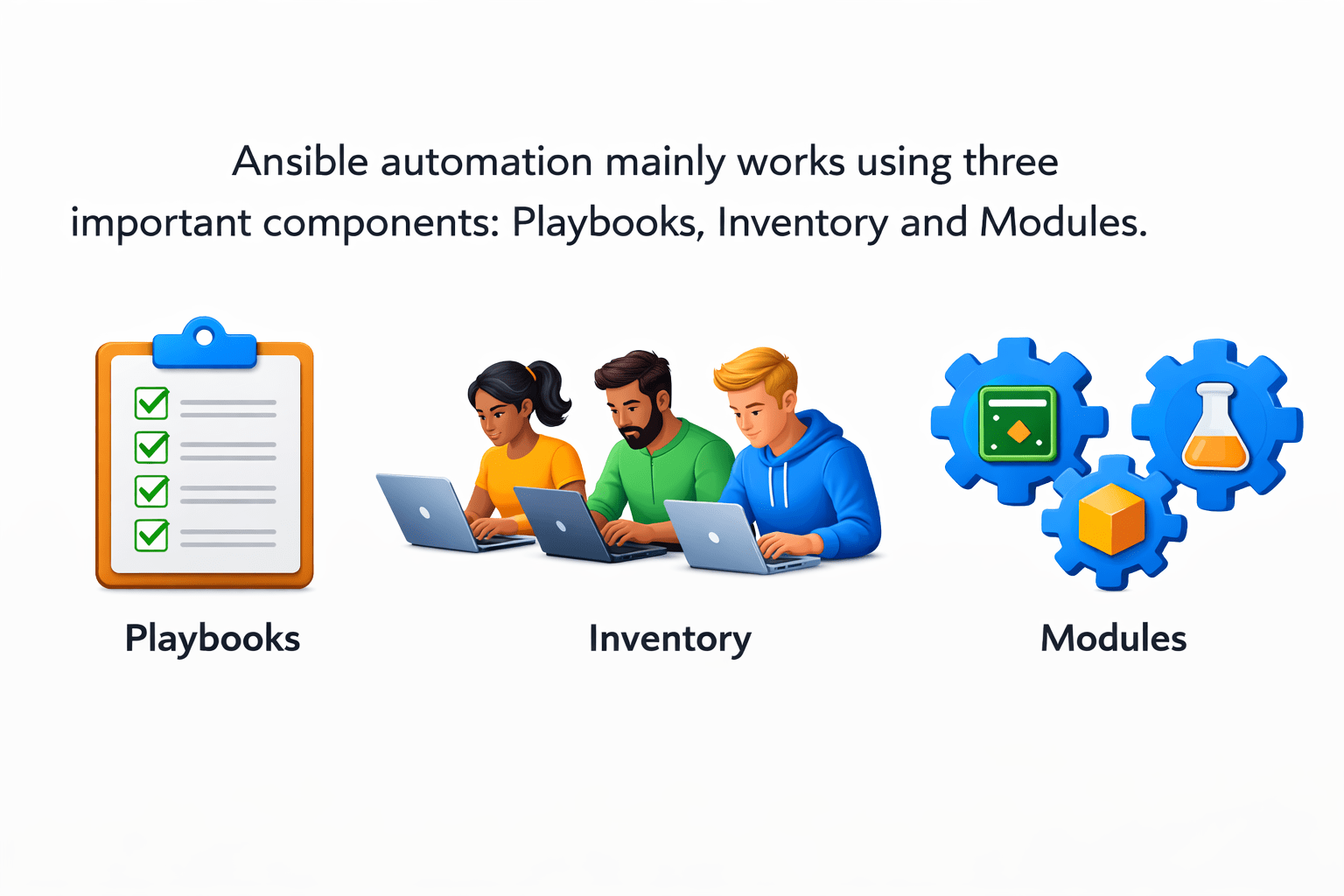
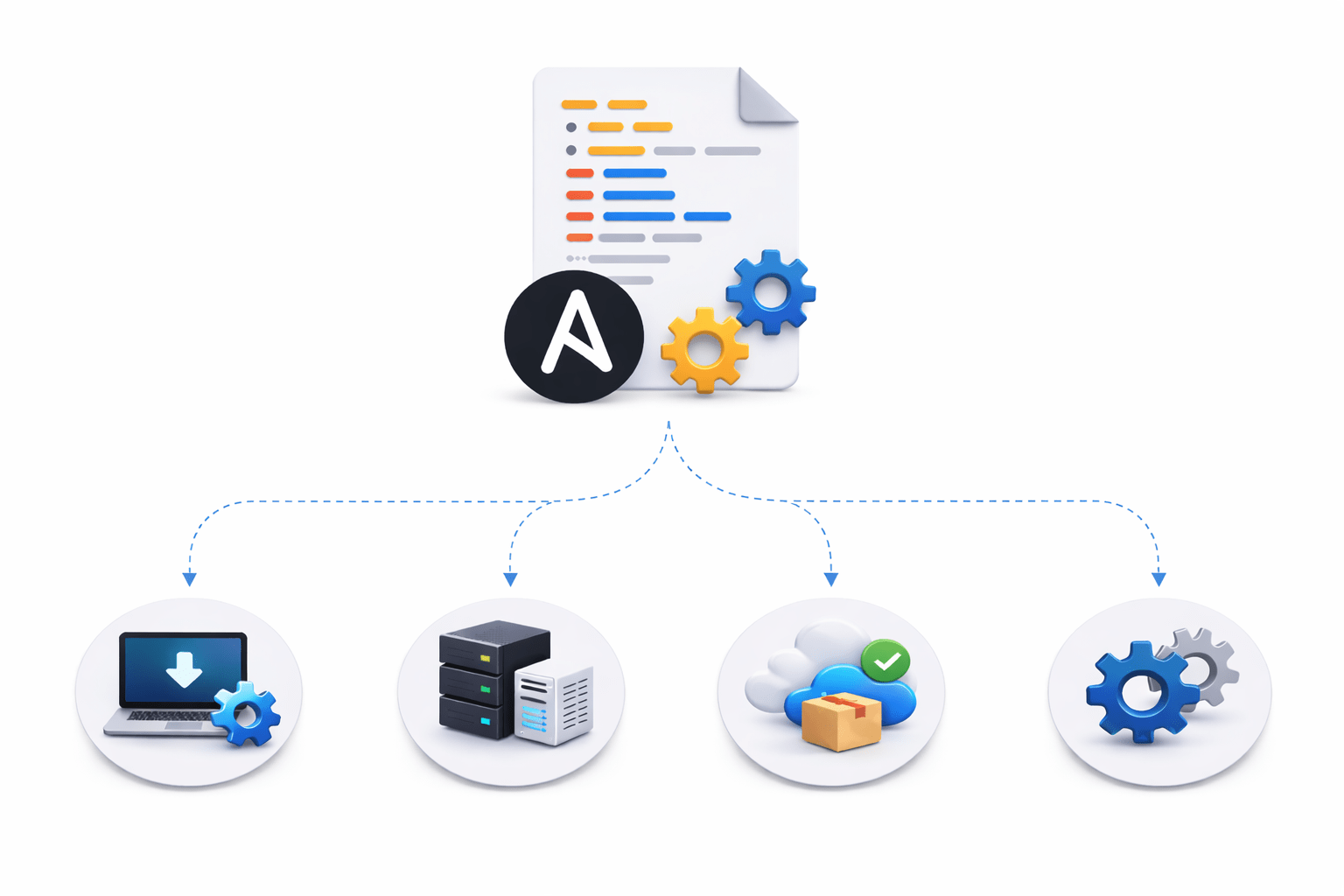
Ansible automation mainly works using three important components: Playbooks, Inventory, and Modules
What are Playbooks?
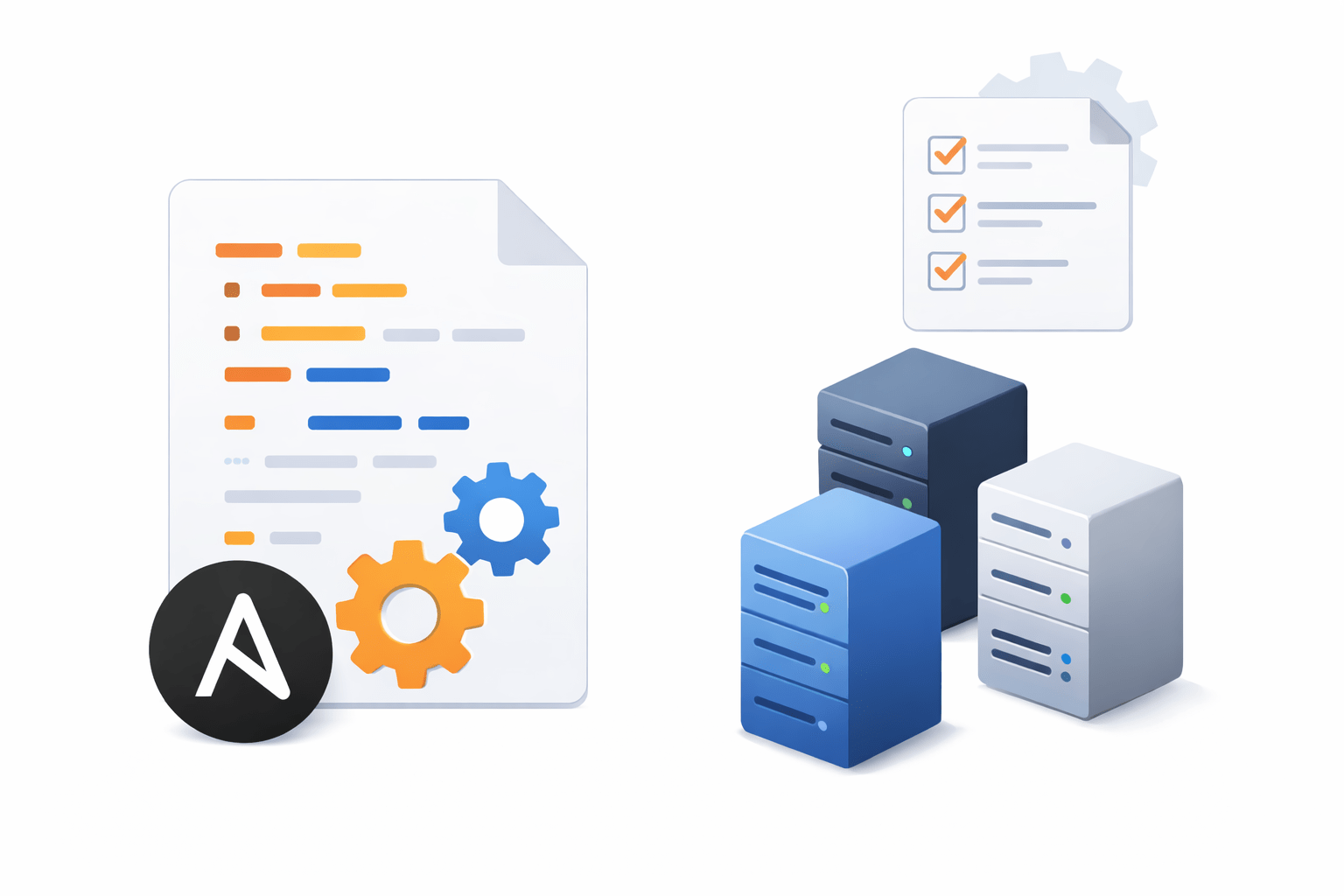
Playbooks are YAML files that define automation tasks in Ansible
They describe what actions should be performed on which systems
Playbooks allow administrators to automate tasks such as
Installing
software
Managing
services
Deploying
applications
Configuring
servers
Playbooks are YAML files that define automation tasks in Ansible
Example Playbook
Explanation:
hosts → Target systems where tasks run
tasks → List of actions to perform
apt → Module used to install software
- name: Install nginx

 hosts: webservers

 tasks:

   - name: Install nginx package

     apt:

       name: nginx

       state: present
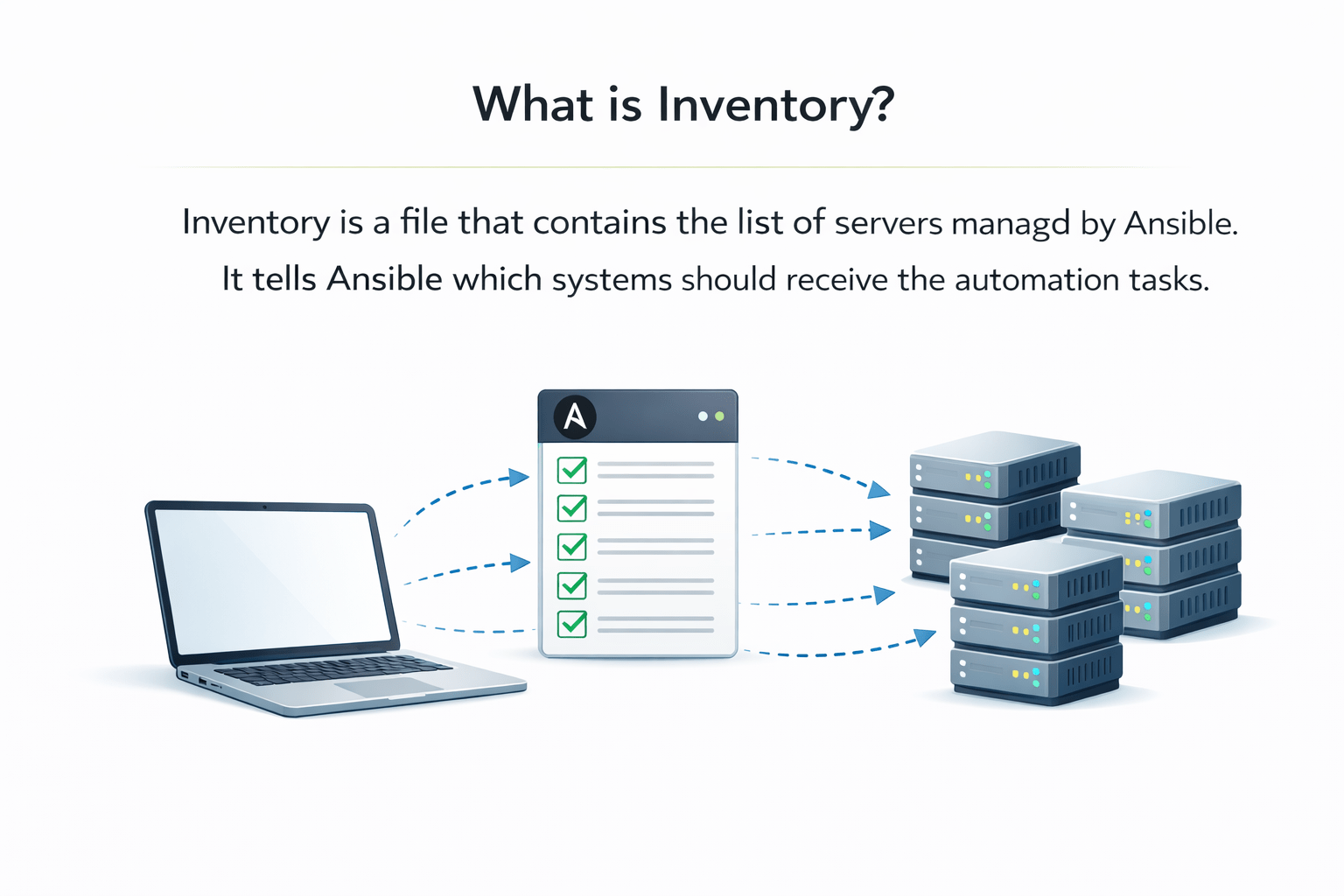
What is Inventory?
Inventory is a file that contains the list of servers managed by Ansible
It tells Ansible which systems should receive
the automation tasks
Types of Inventory
Static Inventory
A manually created file containing server details.
Example:
webservers
192.168.1.10
192.168.1.11
Automated CI/CD Pipeline for Java Web Application Deployment on AWS using Jenkins, Docker, and Git
Core Concepts (Slide 7)
Dynamic Inventory
Inventory that automatically retrieves server information from cloud platforms or external systems
Used commonly with cloud environments
Servers can be grouped to simplify management.
Example:
[webservers]
192.168.1.10
192.168.1.11
[dbservers]
192.168.1.20
This allows tasks to run on specific groups of servers.
What are Modules?
Modules are pre-built programs that perform specific tasks in Ansible
They are the actual actions executed on managed nodes
Modules handle operations like:
Installing packages
Managing files
Starting services
Creating users
Examples of Common Modules
Commonly used modules include:
apt → Install packages on Ubuntu/Debian systems
yum → Install packages on Red Hat systems
service → Manage system services
copy → Copy files to servers
user → Manage system users
Example Module Usage
- name: Start nginx service
service:
name: nginx
state: started
This module ensures the nginx service is running.
How These Components Work Together
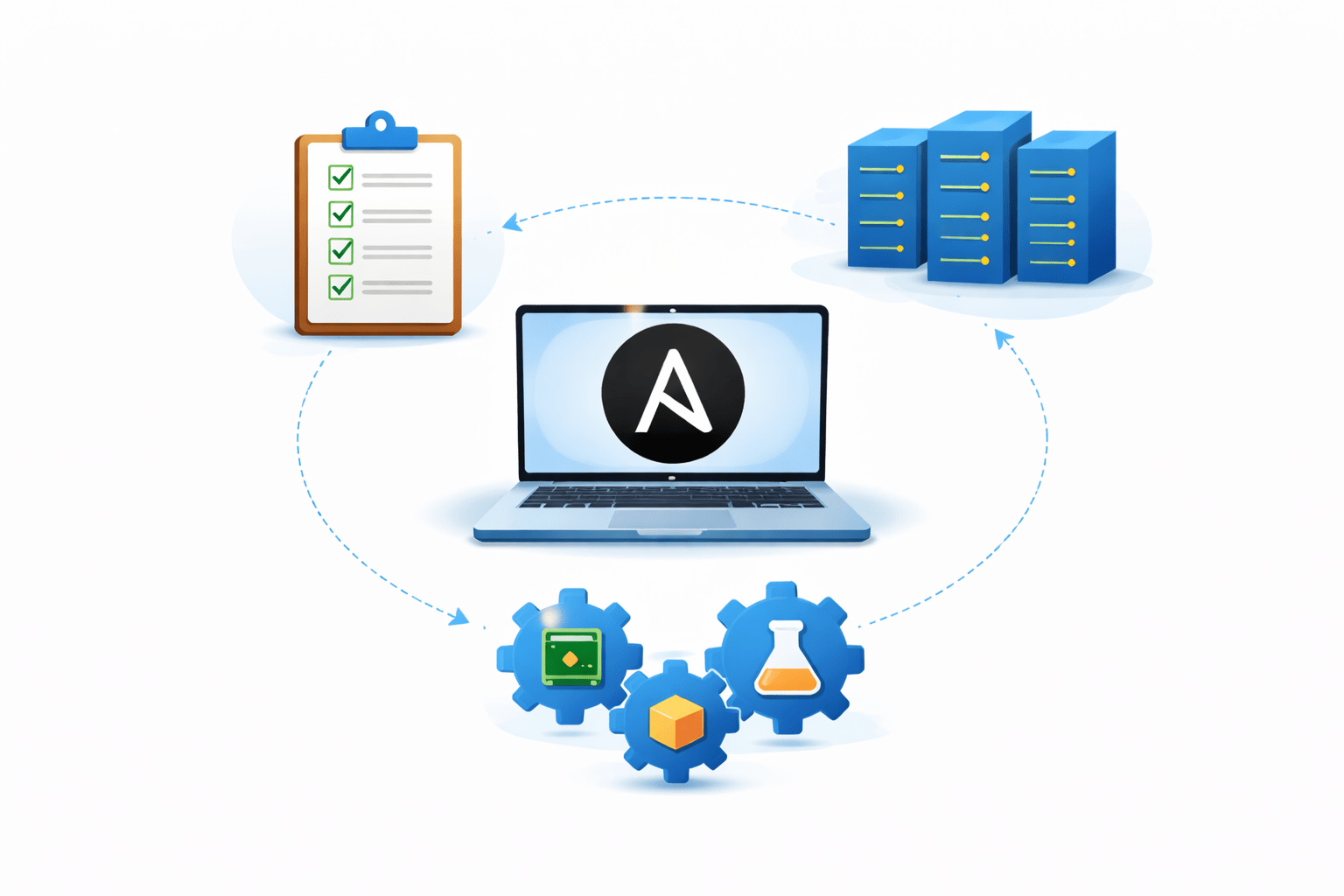
Ansible automation works in the following way:
Inventory defines the list of servers
Playbooks define the automation tasks
Modules perform the actual operations on the servers
This structure makes Ansible simple, organized, and scalable.
Important components in Ansible automation
Inventory → List of managed hosts
Playbook → YAML file containing automation tasks
Playbooks execute tasks using modules on hosts defined in the inventory.
Summary
5
These components form the core foundation of Ansible automation
4
Playbooks use modules to execute tasks on hosts defined in the inventory
3
Modules perform specific actions such as installing packages or managing services
2
Inventory contains the list of servers that Ansible manages
1
Playbooks are YAML files used to define automation tasks in Ansible
Quiz
What is the main purpose of Ansible modules?
A. Store server IP addresses
B. Define infrastructure architecture
C. Perform automation tasks on managed nodes
D. Manage playbook files
Answer
What is the main purpose of Ansible modules?
A. Store server IP addresses
B. Define infrastructure architecture
C. Perform automation tasks on managed nodes
D. Manage playbook files
By Content ITV