


Content ITV PRO
This is Itvedant Content department
Working with Browser Objects and Time-Based Functions
Learning Outcome
5
Apply BOM concepts in real web applications
4
Understand browser timers (setTimeout, setInterval)
3
Use window, location, history, and console
2
Identify major BOM objects
1
Understand what the Browser Object Model (BOM) is
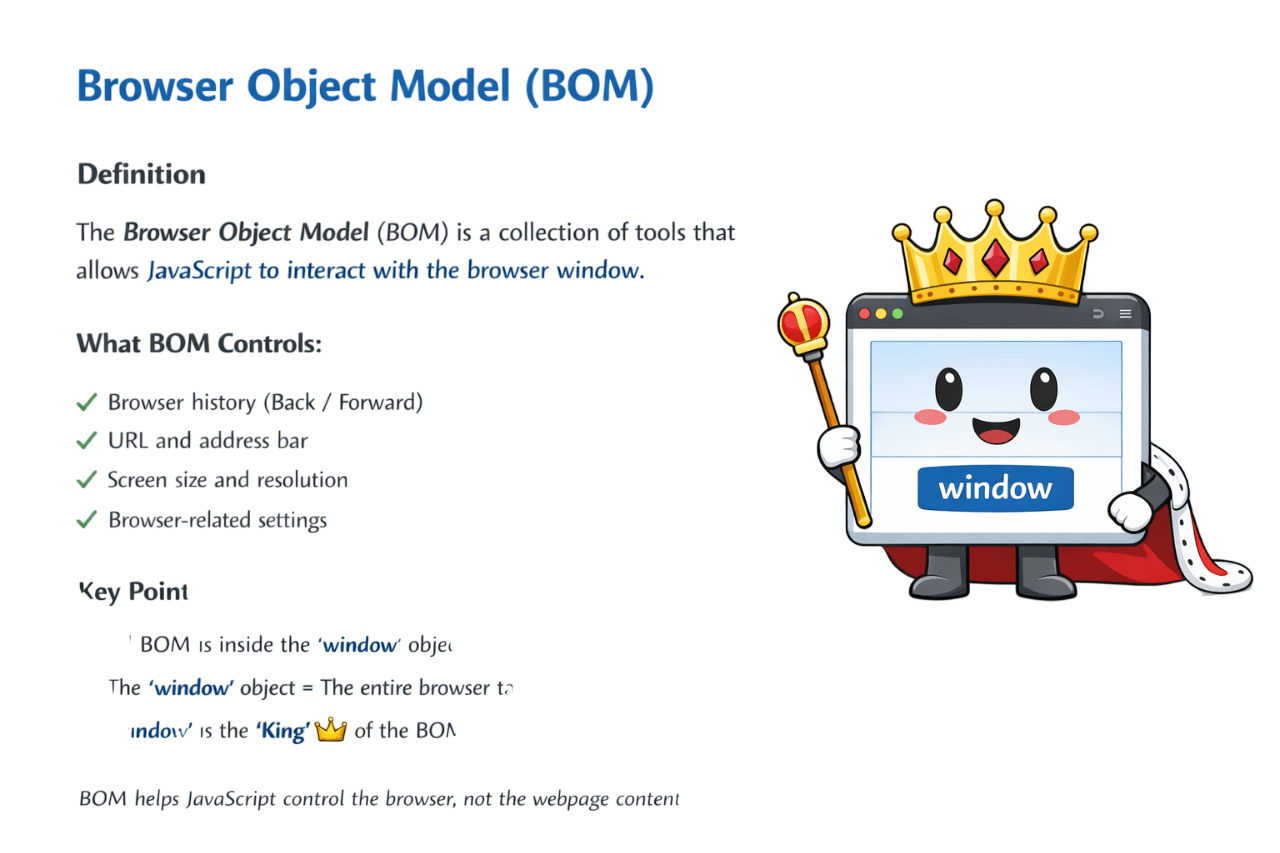
What is BOM?
The Browser Object Model (BOM) is a set of tools that lets JavaScript interact with the browser window.
What BOM controls:
BOM helps Javascript control the browser, not the webpage content
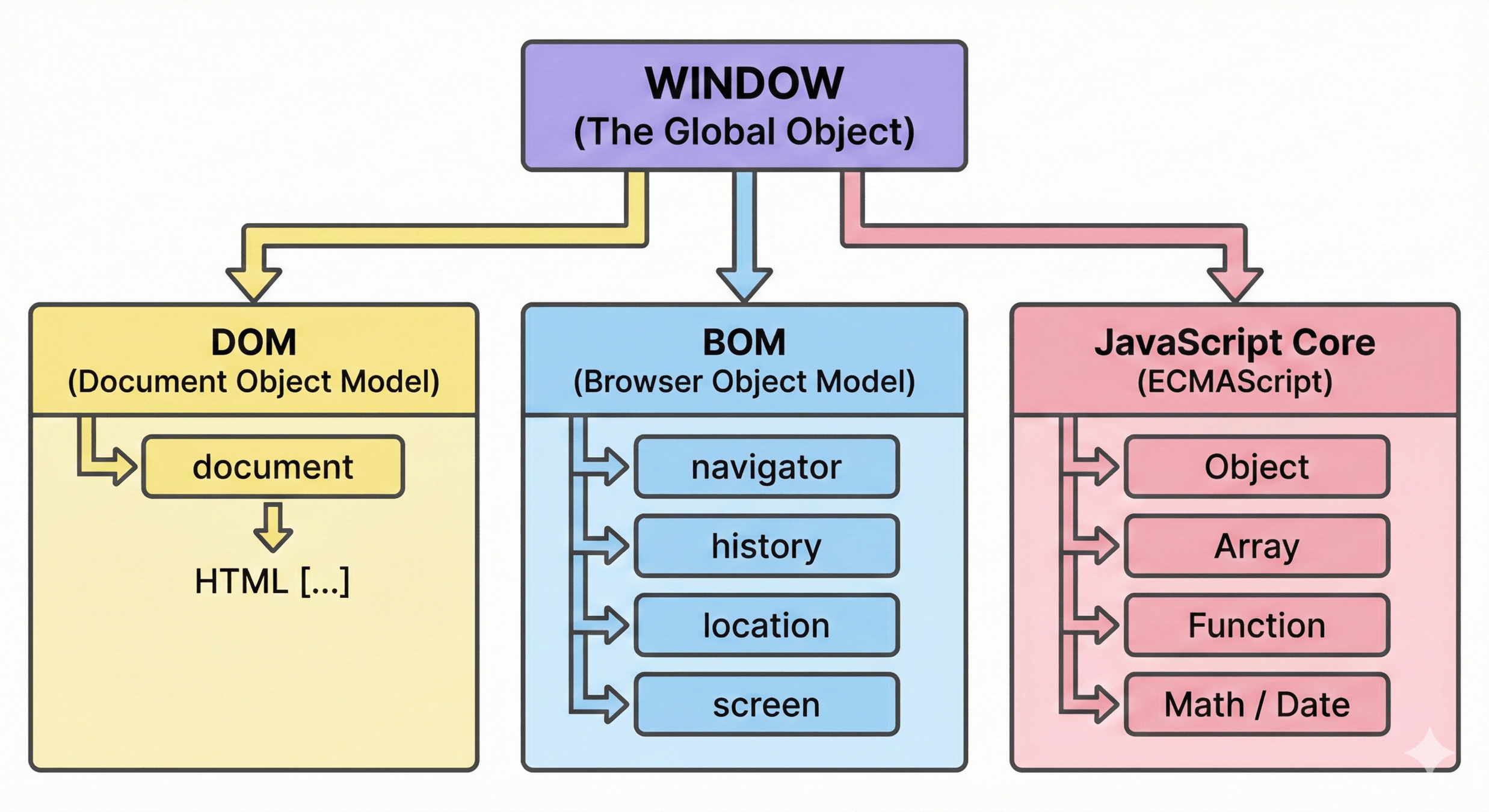
The window object represents the browser window or tab and lets JavaScript interact with the browser.
Heirarchy of Global Object
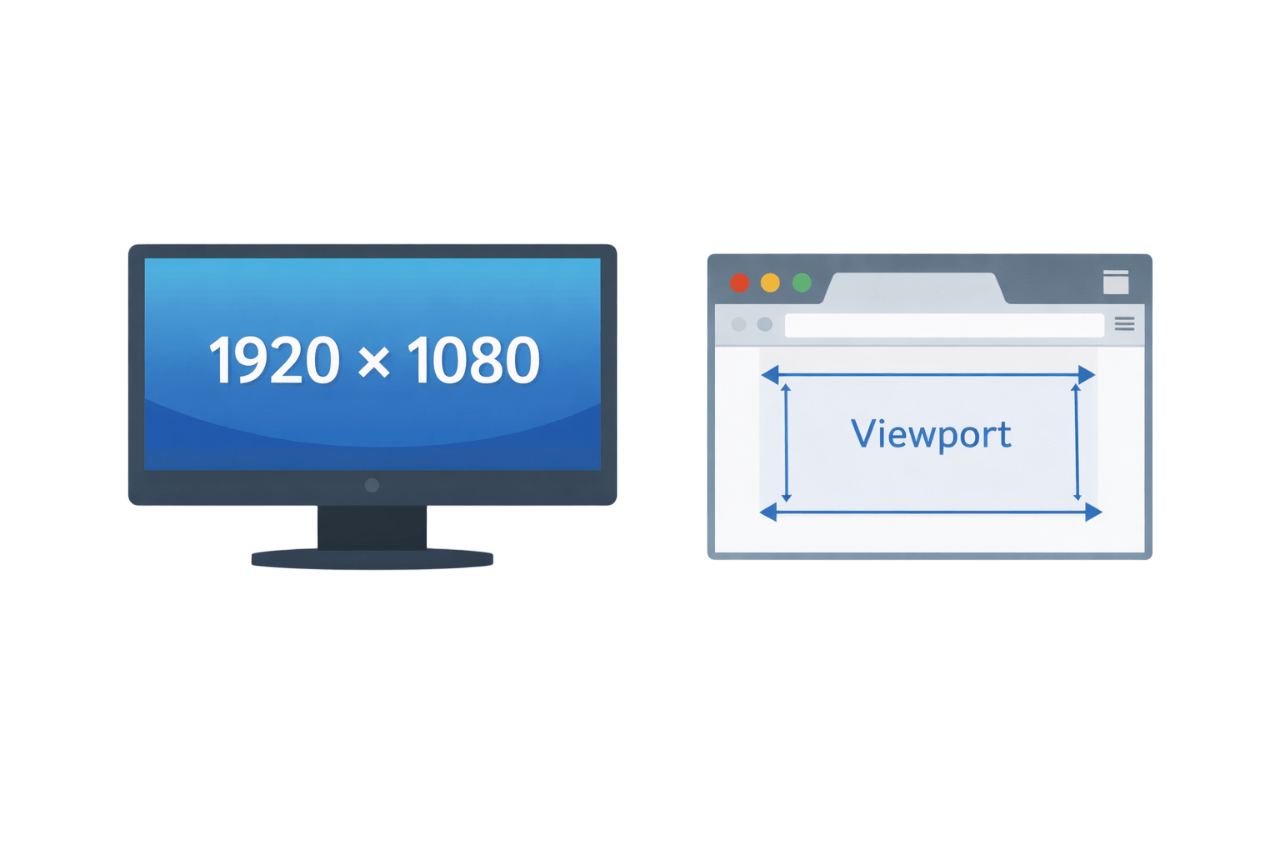
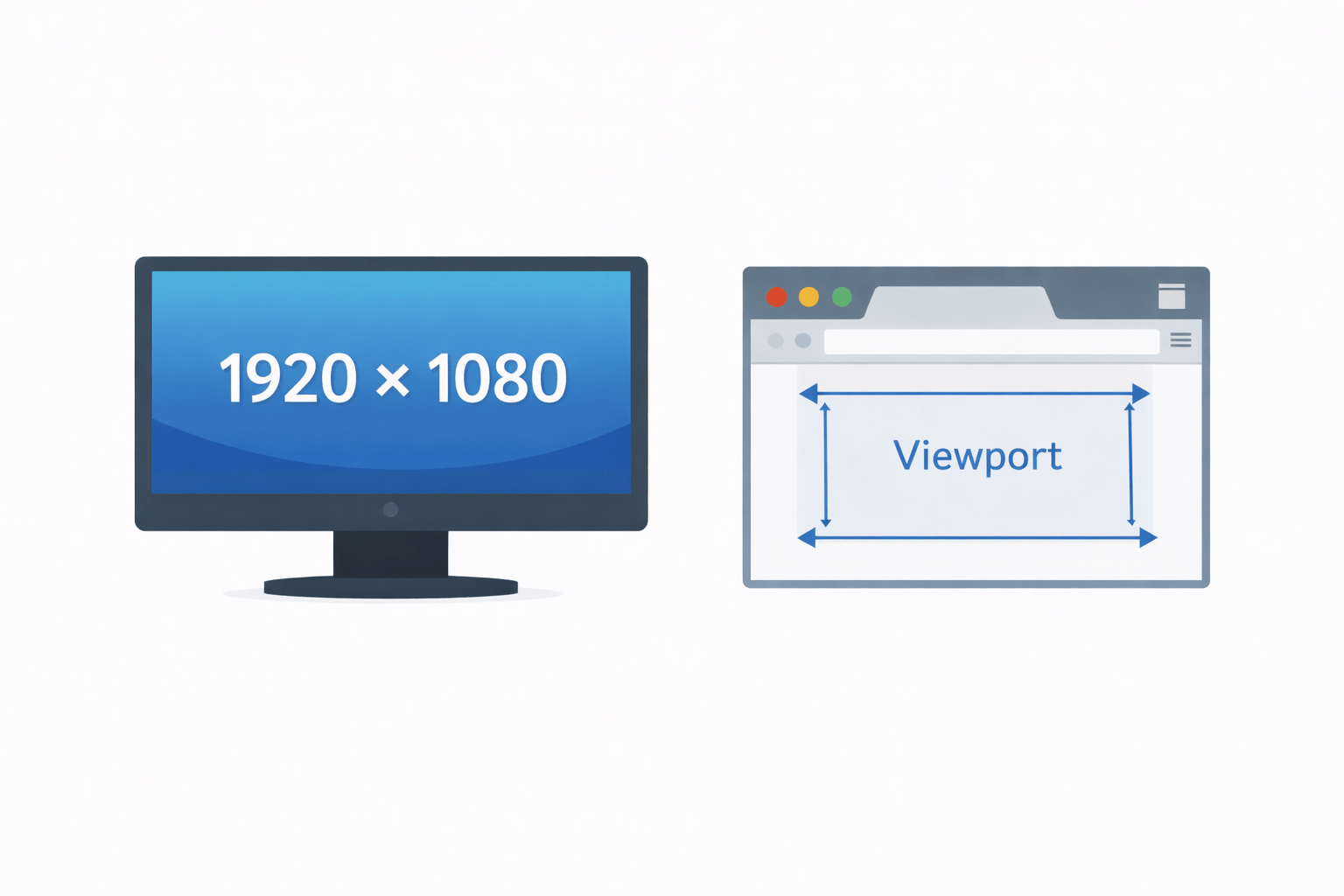
Info about the User's screen
What is screen object?
Accessing the screen object
window.screen
Key properties of 'screen'
Screen Size
Available Size
Color Depth
Pixel Depth
Full resolution size
Excludes Taskbar
Color Quality
Bits per Pixel
Screen size is NOT browser window size
screen.width
screen.heigth
screen.availWidth
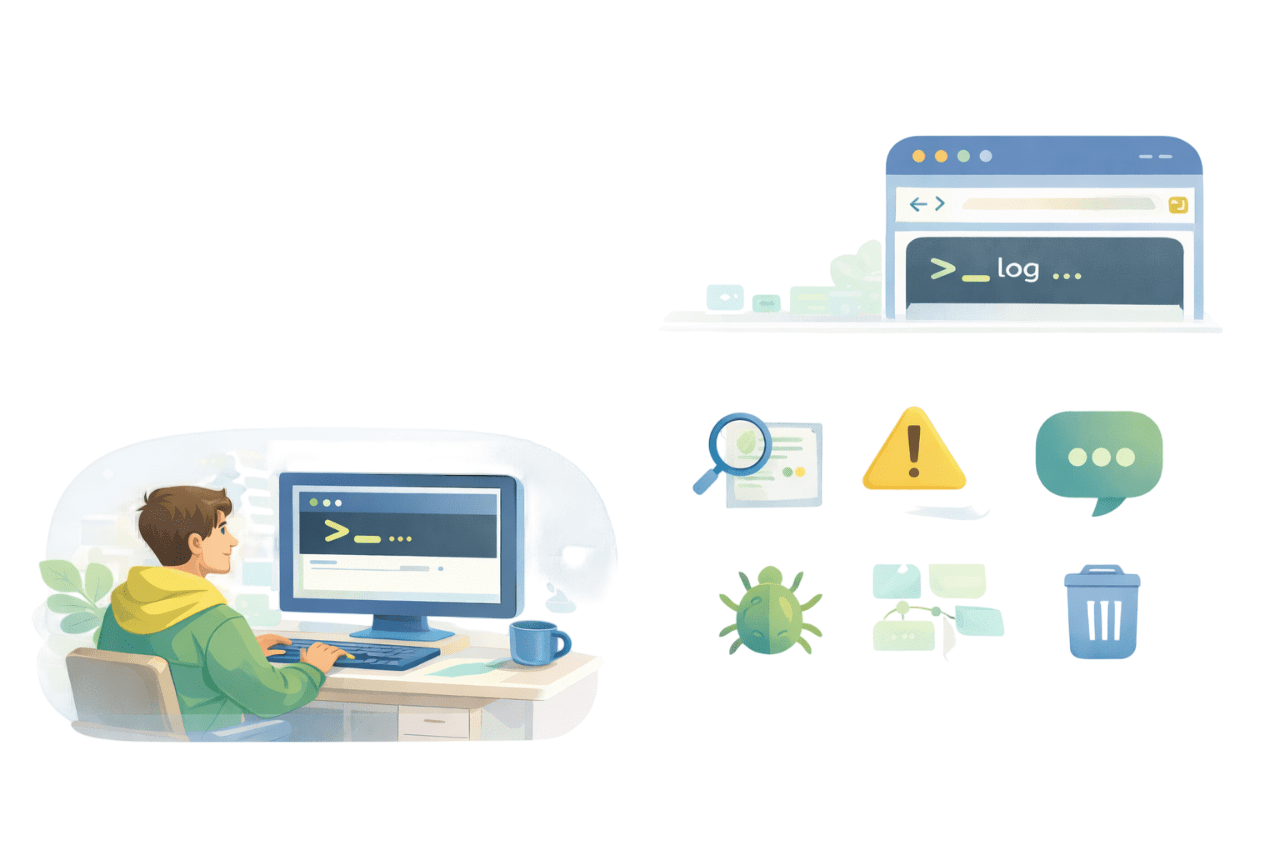
screen.availHeigthscreen.colorDepthscreen.pixelDepthWhat is console object?
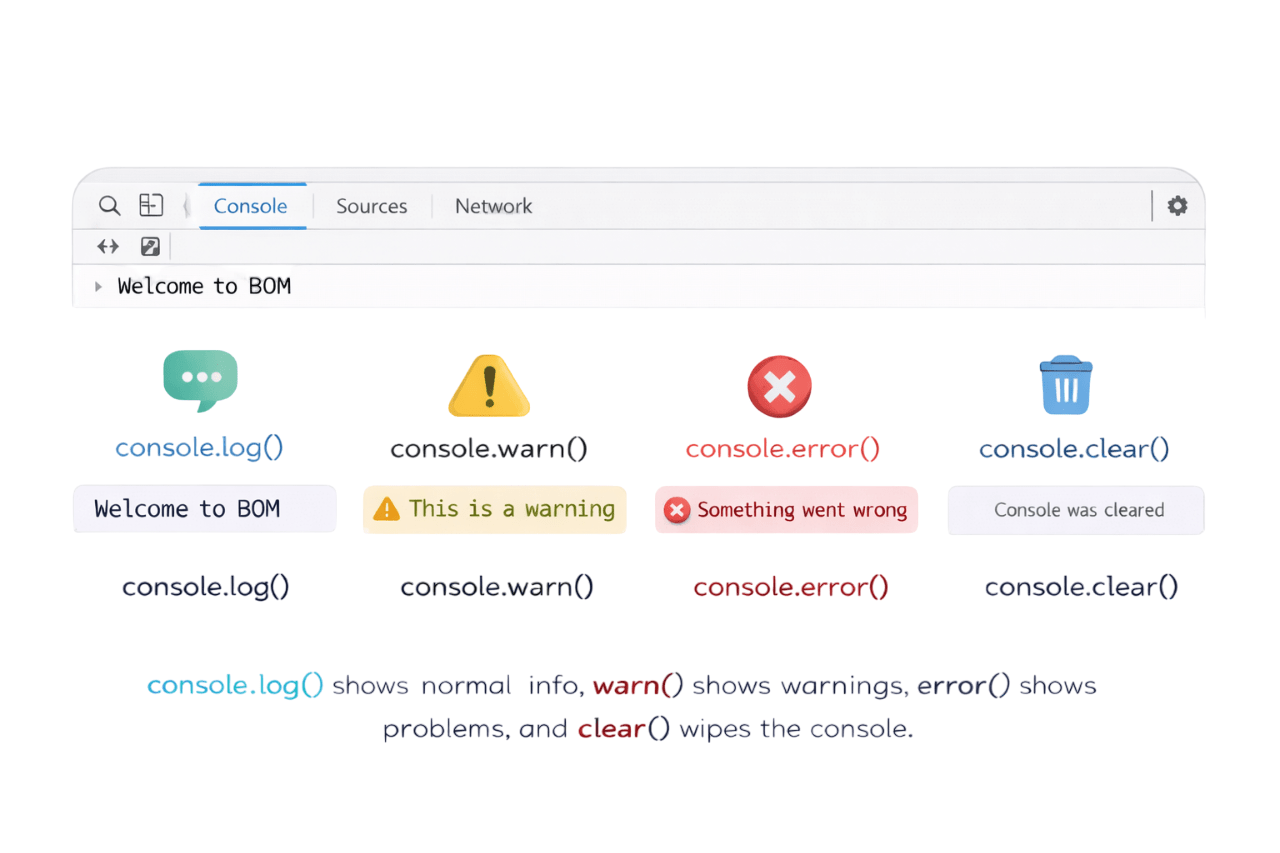
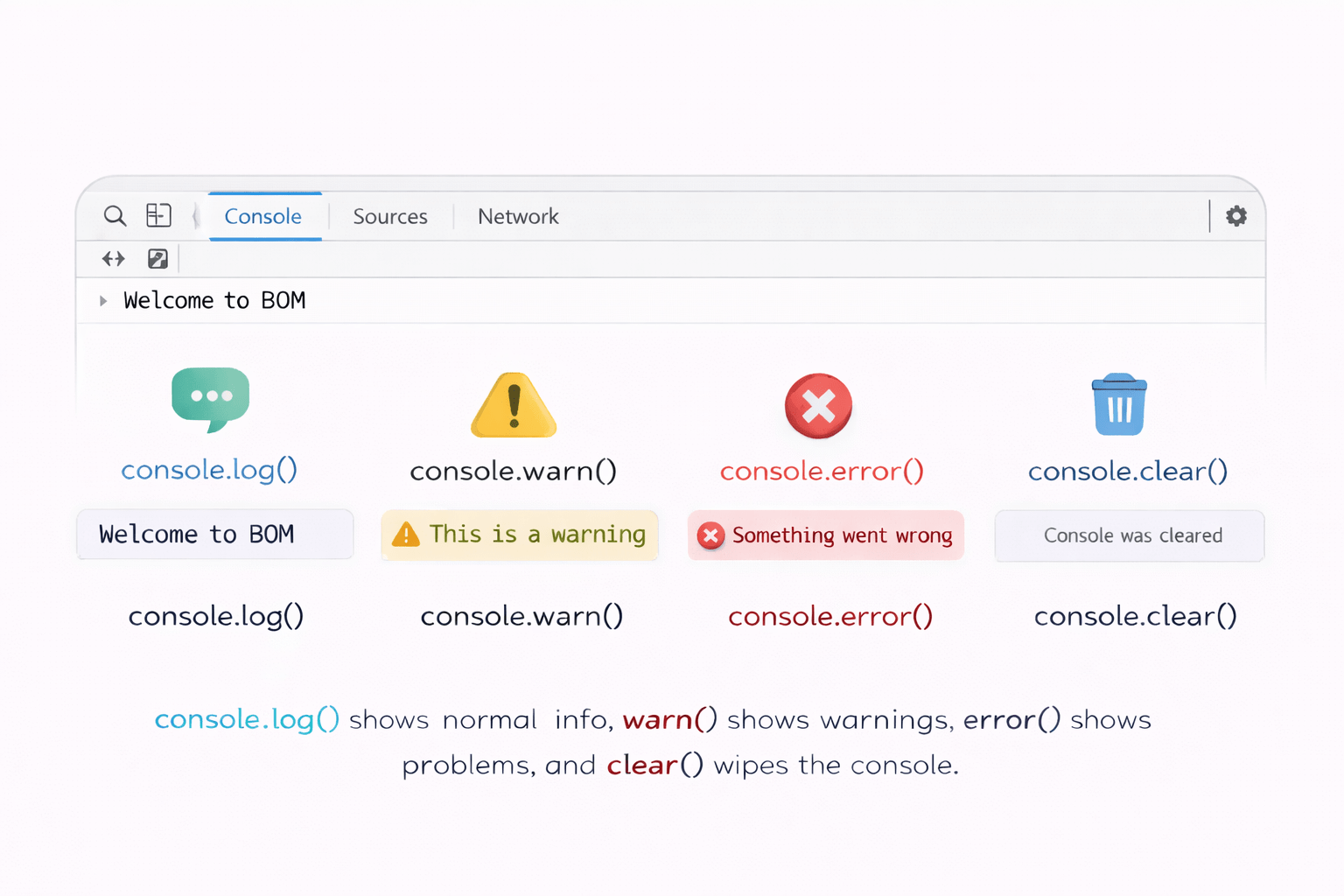
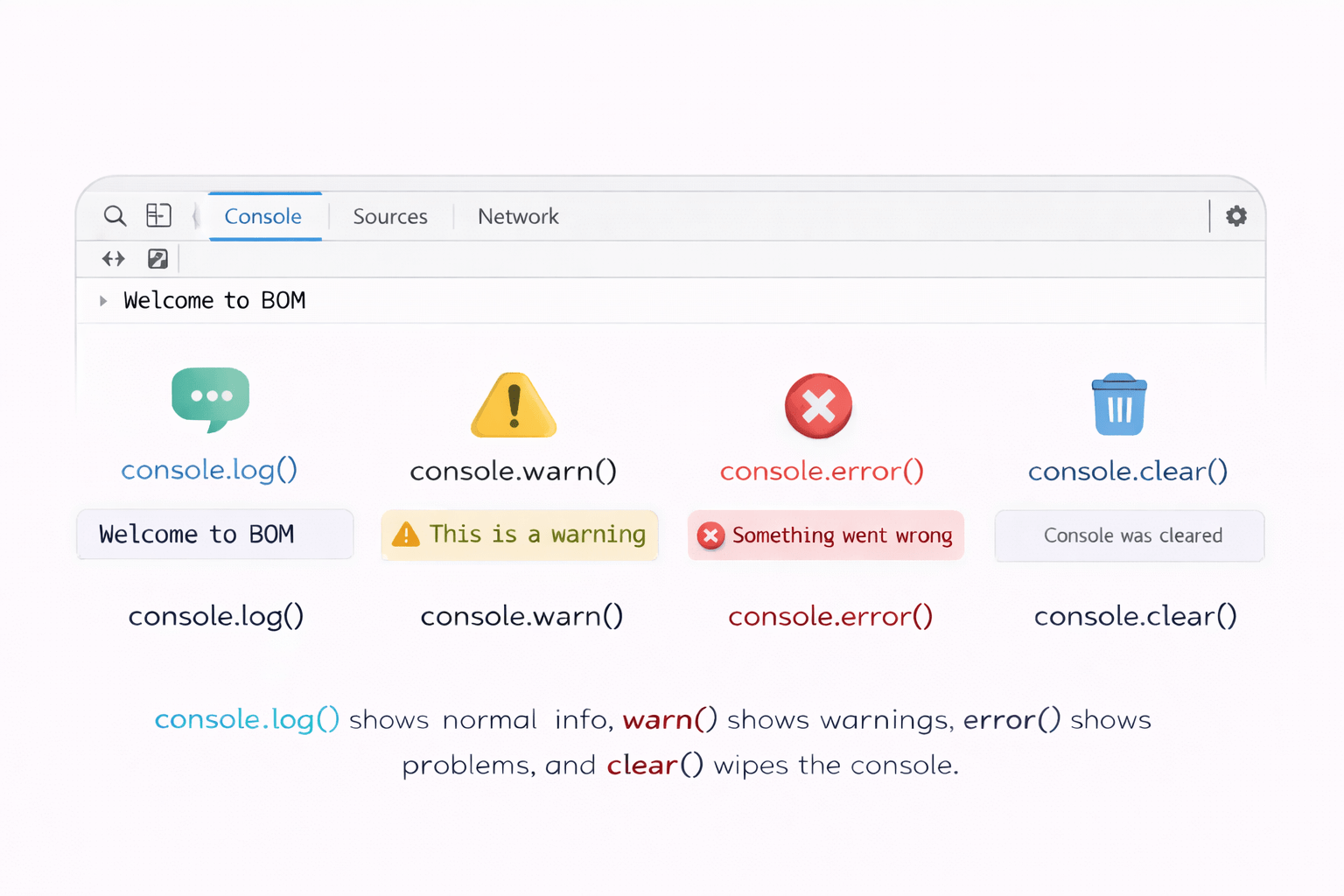
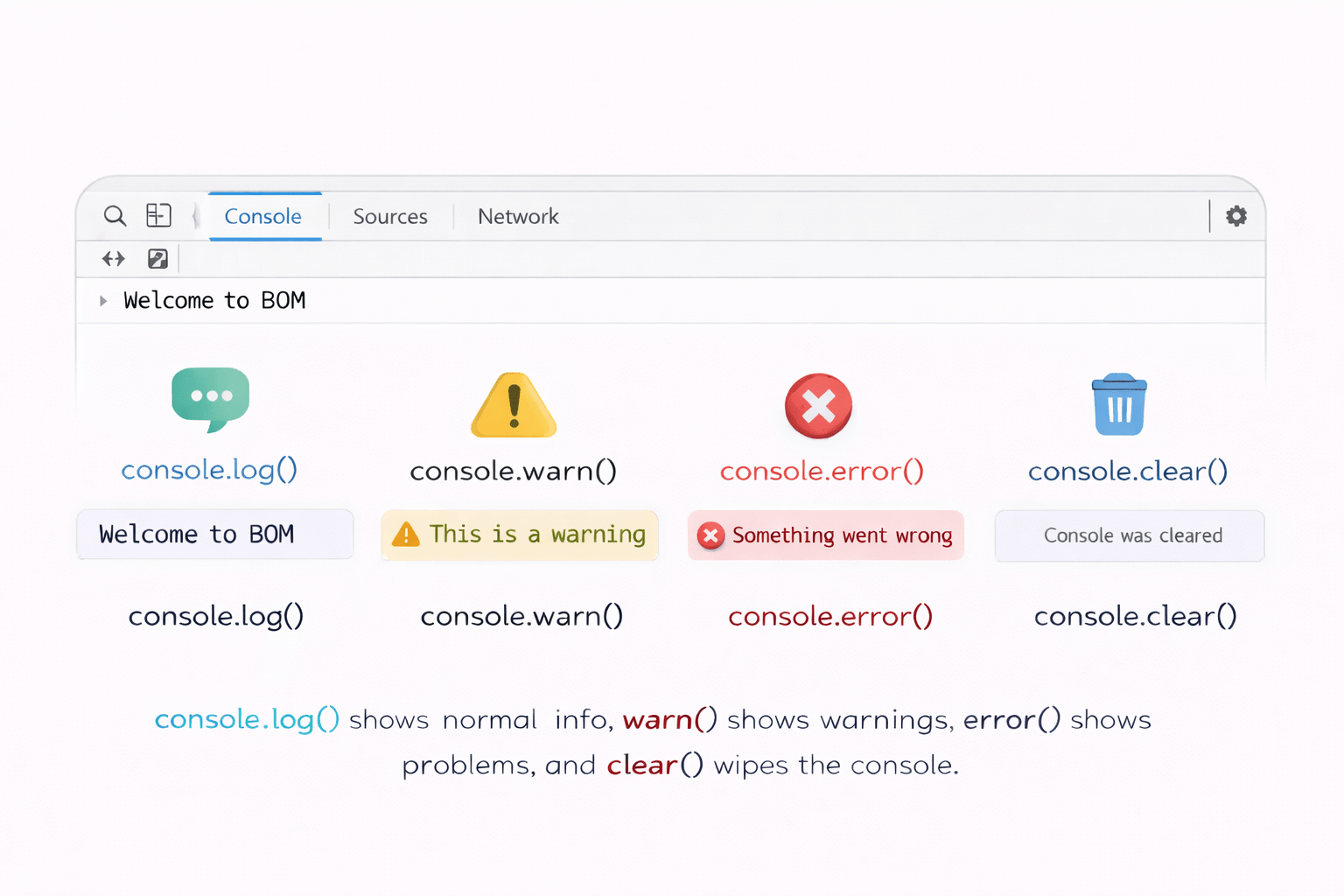
console.method() shows messages in the browser's console, helping developers debug and understand code.
Why do we use console.method()?
console.log()
console.warn()
console.error()
console.clear()
Displays normal messages
Displays warning messages
Displays error messages
clears the console
List of methods are as follows:
What is location object?
Javascript gives us the location object to work with this address
Assume the current webpage URL is:
https://www.example.com/products/mobile.htmlFull URL of the current page
console.log(location.href);

// https://www.example.com/products/mobile.html
Website (domain) name
console.log(location.hostname);

// www.example.com
Page path
console.log(location.pathname);


// /products/mobile.html
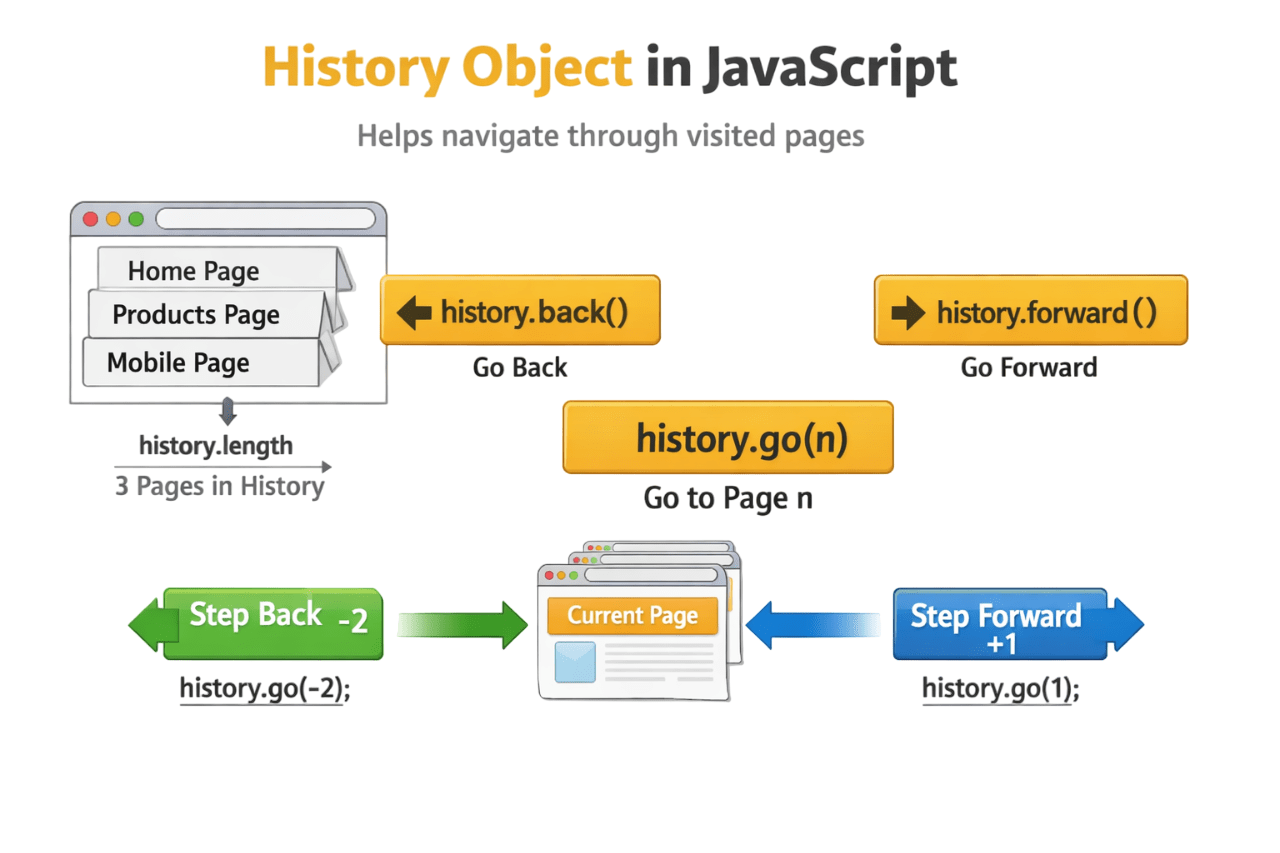
What is History object?
The history object is part of the Browser Object Model (BOM).
It allows JavaScript to navigate through the pages that the user has already visited in the browser.
Assume the user has visited these pages in order:
1. home.html
2. products.html
3. mobile.html(current page)
Go to previous page
history.back();

//browser action

Navigates from mobile.html → products.html
history.forward();
//browser action
Navigates from products.html → mobile.htmlGo to next page
Move to a specific page in history
history.go(-2);

//browser action

mobile.html → home.html
console.log(history.length);
//3Number of pages in history
What is Timer in Javascript?
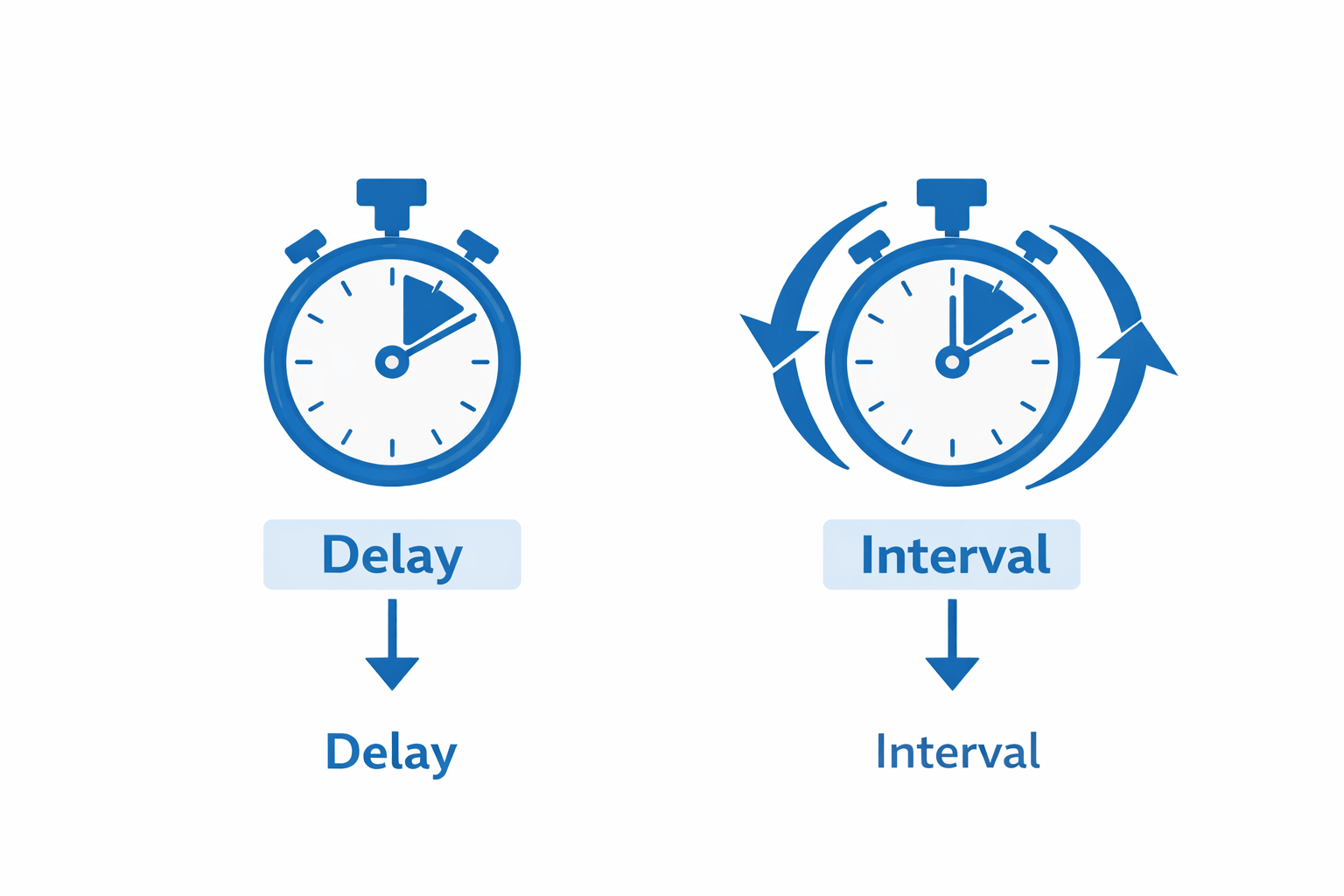
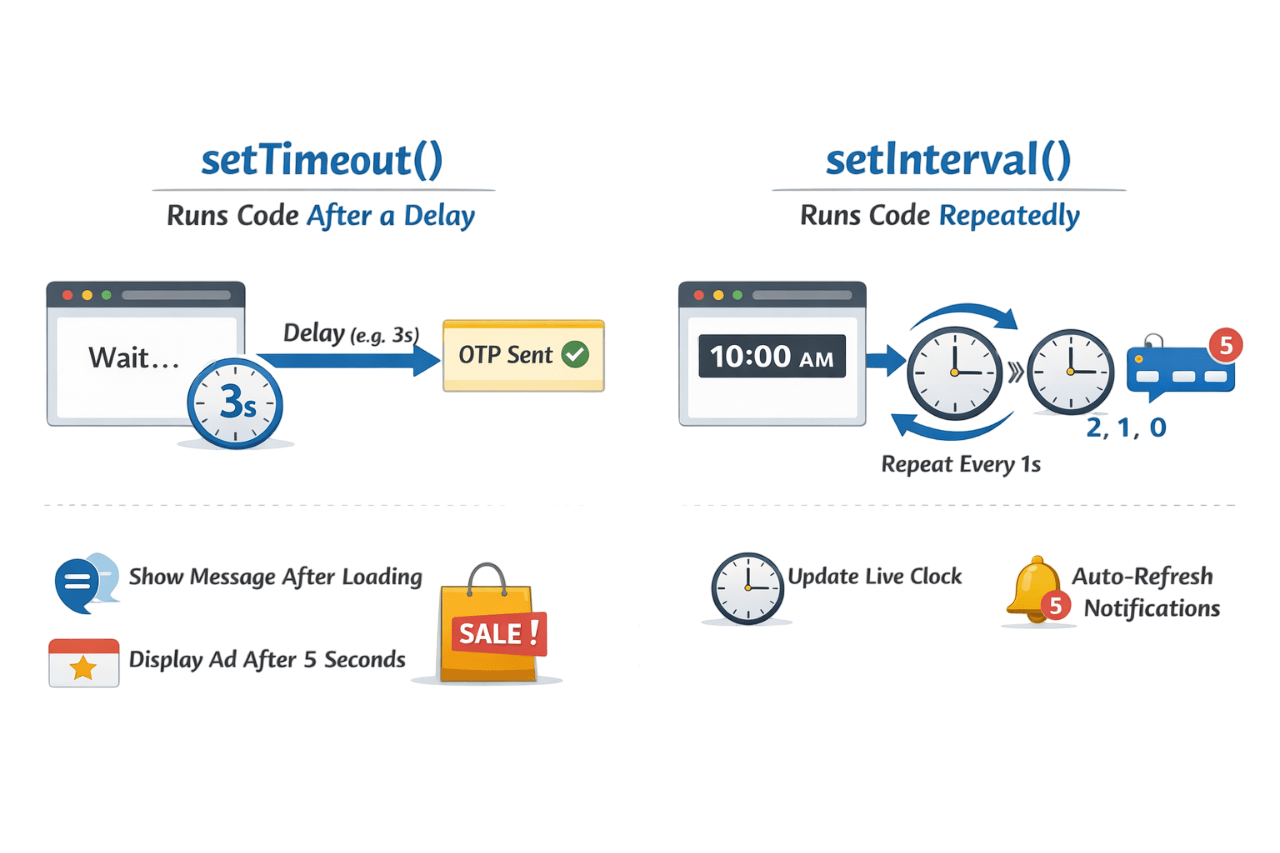
Timers allow delayed or repeated execution of code.
Two types of Timer are as follows:
OTP / Verification Message Delay
When you log in, OTP appears after a few seconds.
<button onclick="sendOTP()">Send OTP</button>
<p id="msg"></p>

<script>
function sendOTP() {
  document.getElementById("msg").innerText = "Sending OTP...";

  setTimeout(() => {
    document.getElementById("msg").innerText = "OTP Sent ✔";
  }, 3000);
}
</script>
The browser waits 3 seconds before executing the code once.
Notifications update automatically without refreshing the page.
<p>New Notifications: <span id="count">0</span></p>

<script>
let count = 0;

setInterval(() => {
  count++;
  document.getElementById("count").innerText = count;
}, 1000);
</script>
Every 1 seconds, the browser updates the notification count.
Auto Refresh Notifications Count
Summary
4
Timers help run delayed or repeated tasks
3
Important BOM objects: screen,console,location,href
2
window is the top-level BOM object
1
BOM allows JavaScript to control the browser
Quiz
Which object is the root of BOM?
A. document
B. screen
C. window
D. console
Quiz-Answer
A. document
B. screen
C. window
D. console
Which object is the root of BOM?
By Content ITV