



















Content ITV PRO
This is Itvedant Content department
Learning Outcome
5
Understand roles and responsibilities in defect management
4
Explain the defect tracking process
3
Write a clear and effective defect report
2
Identify the components of a defect report
1
Understand the concept of Defect Tracking
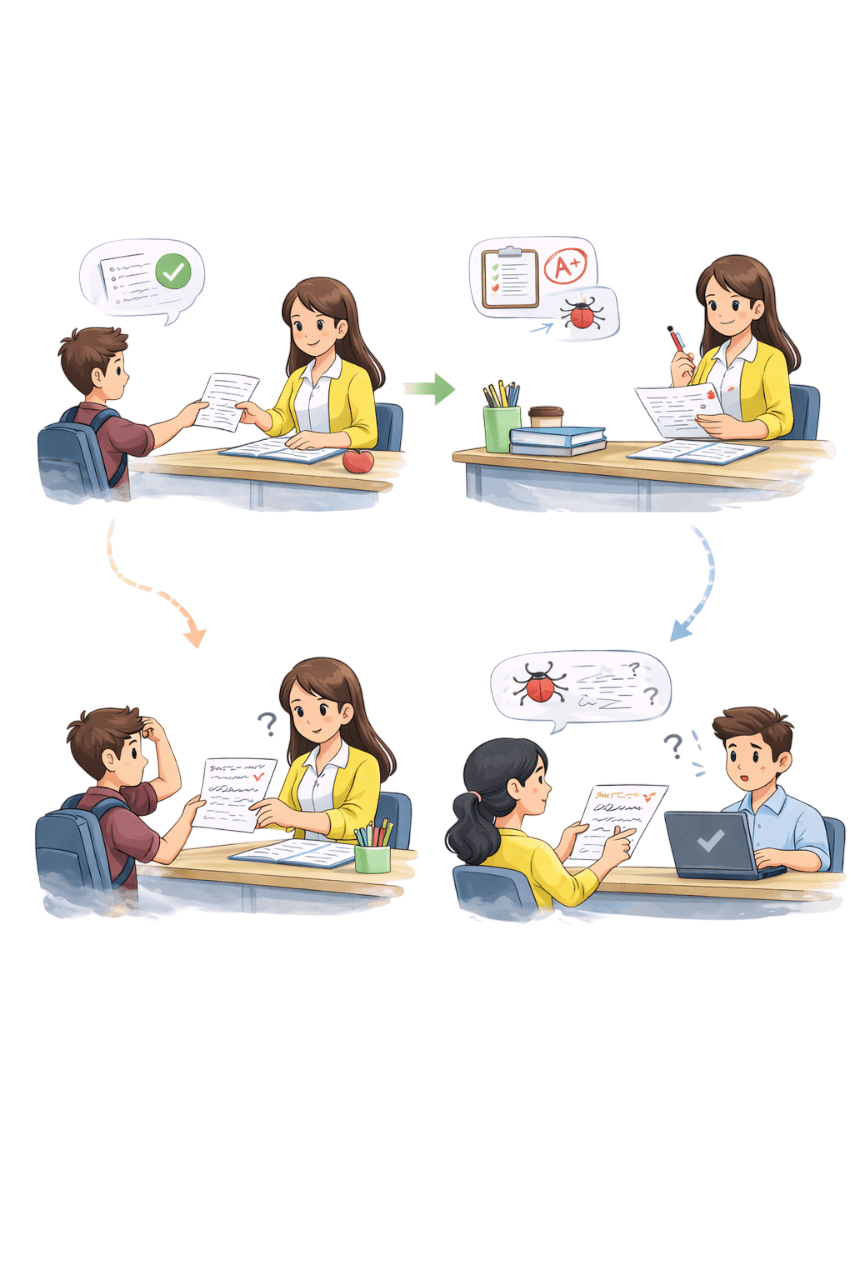
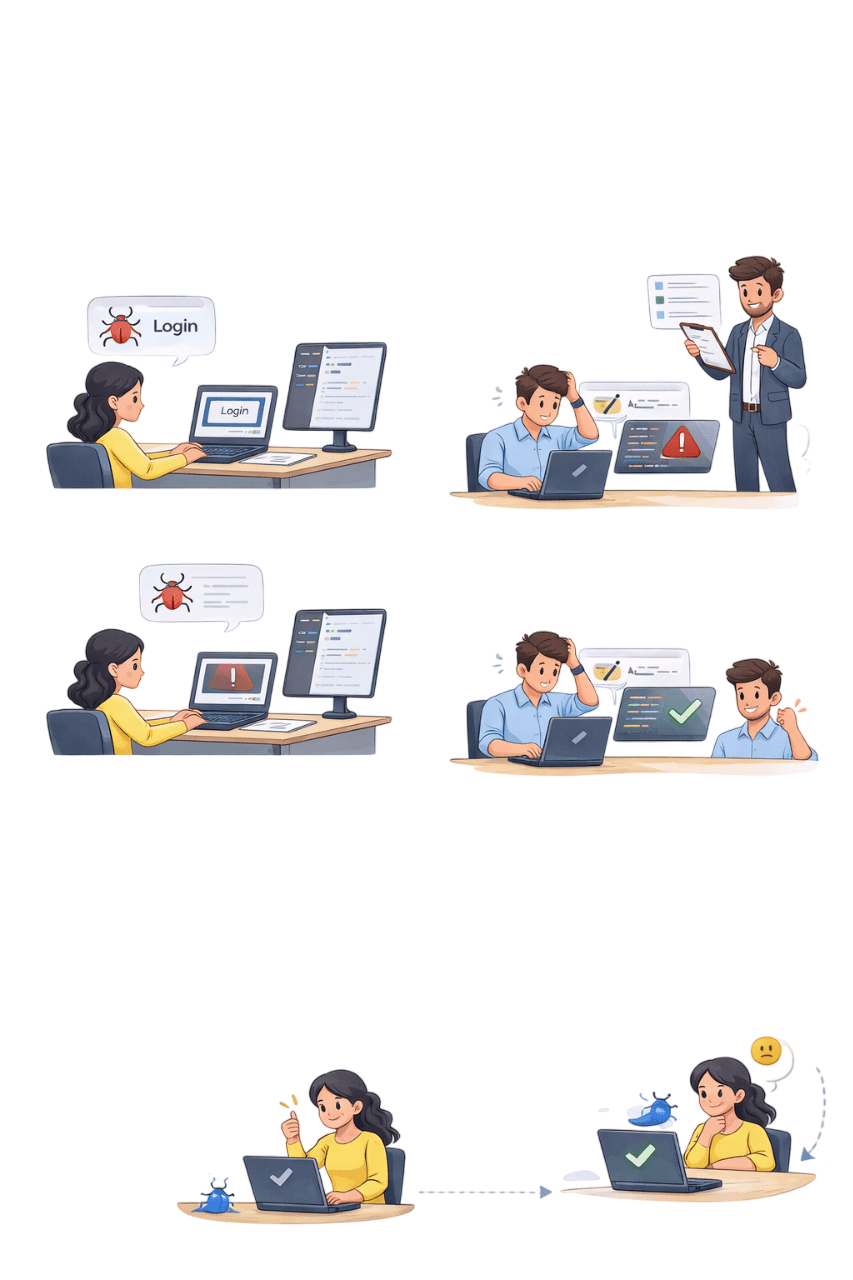
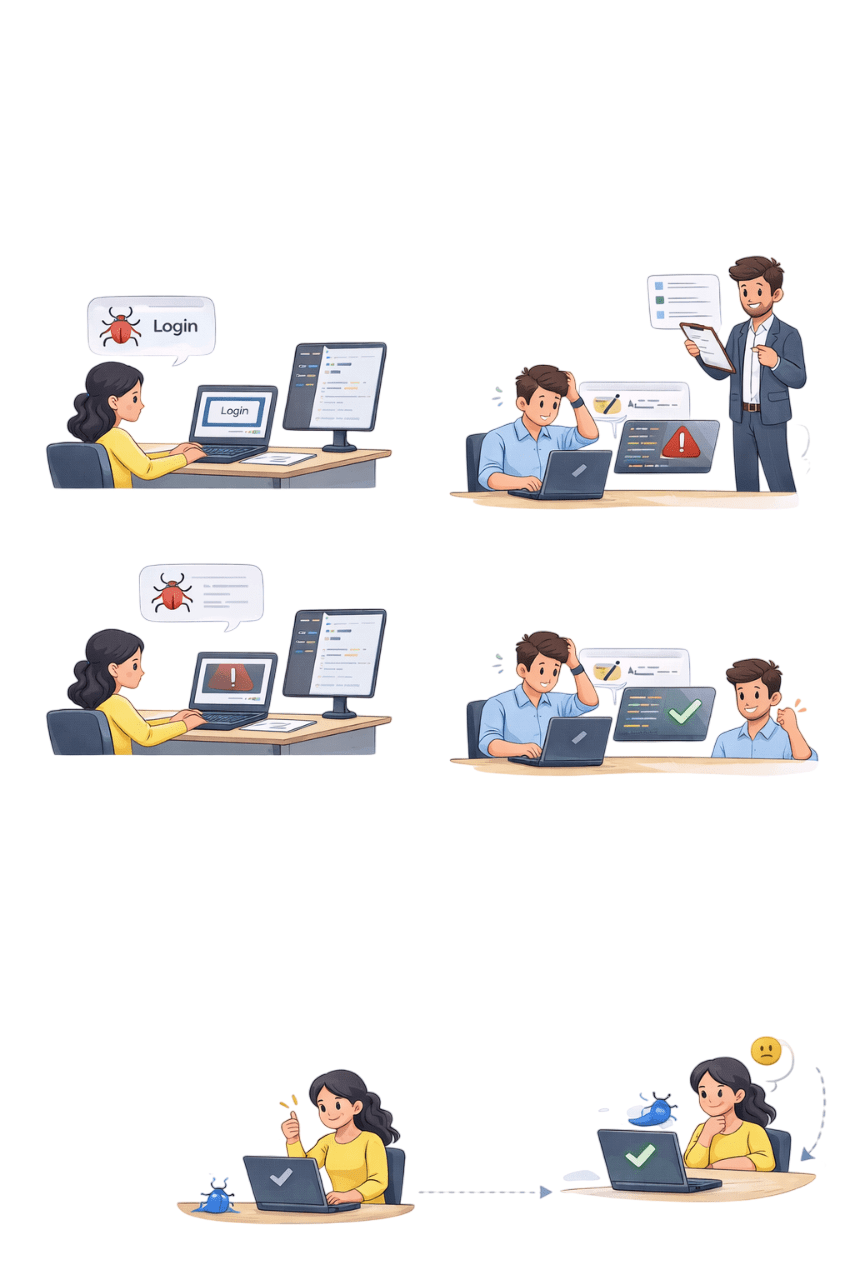
Student writes clear answers in assignment
Teacher checks, corrects and updates the status
If Student writes unclear ->Teacher does not understand
Similar to unclear defect report Developer cannot understand the issue
Defect Reporting
Defect Tracking
BUT...
Assignment Submission & Evaluation
Clear answers = Clear defect report
Clear communication = Faster approval
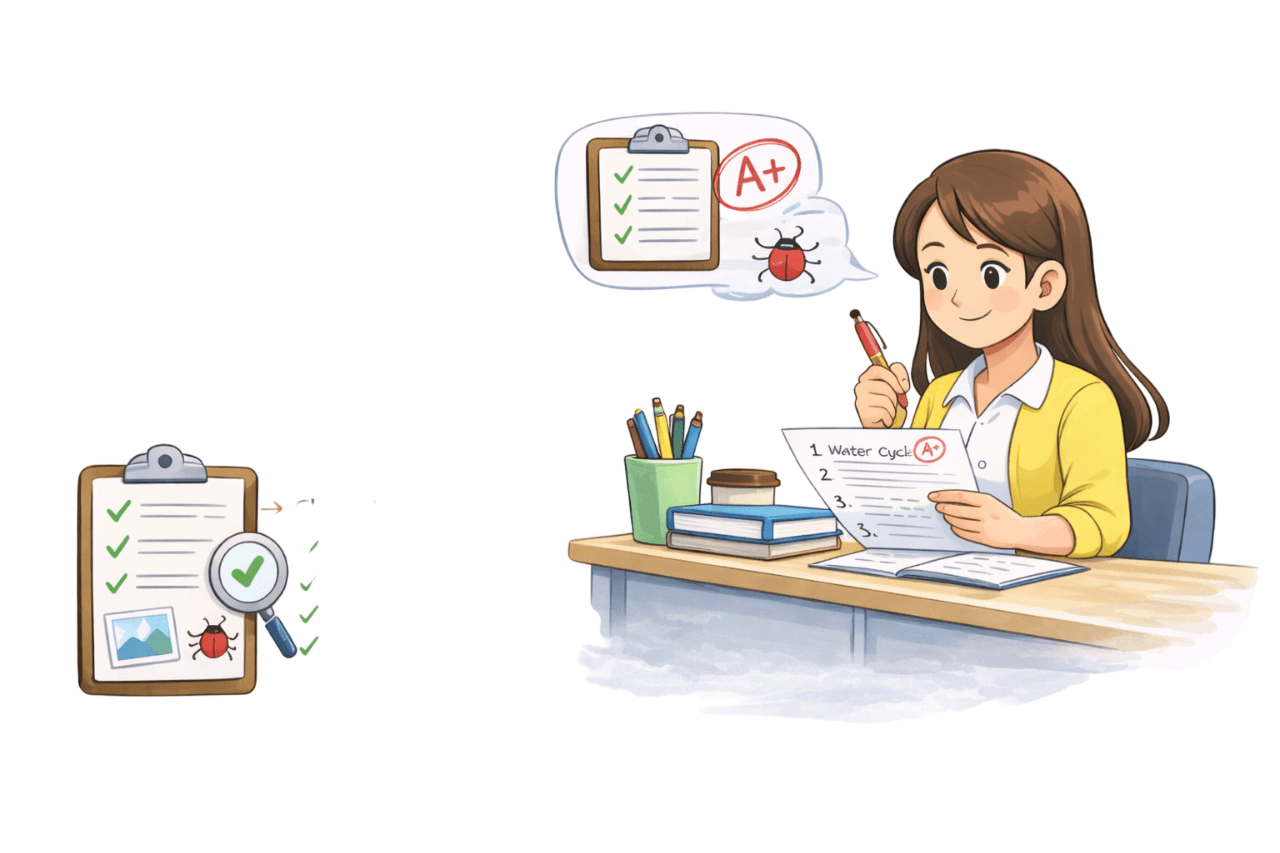
Student uses clear question numbers, explanations, and diagrams, resulting in a neat, structured assignment.
Teacher understands quickly, evaluation is fast, and assignment gets approved ✅
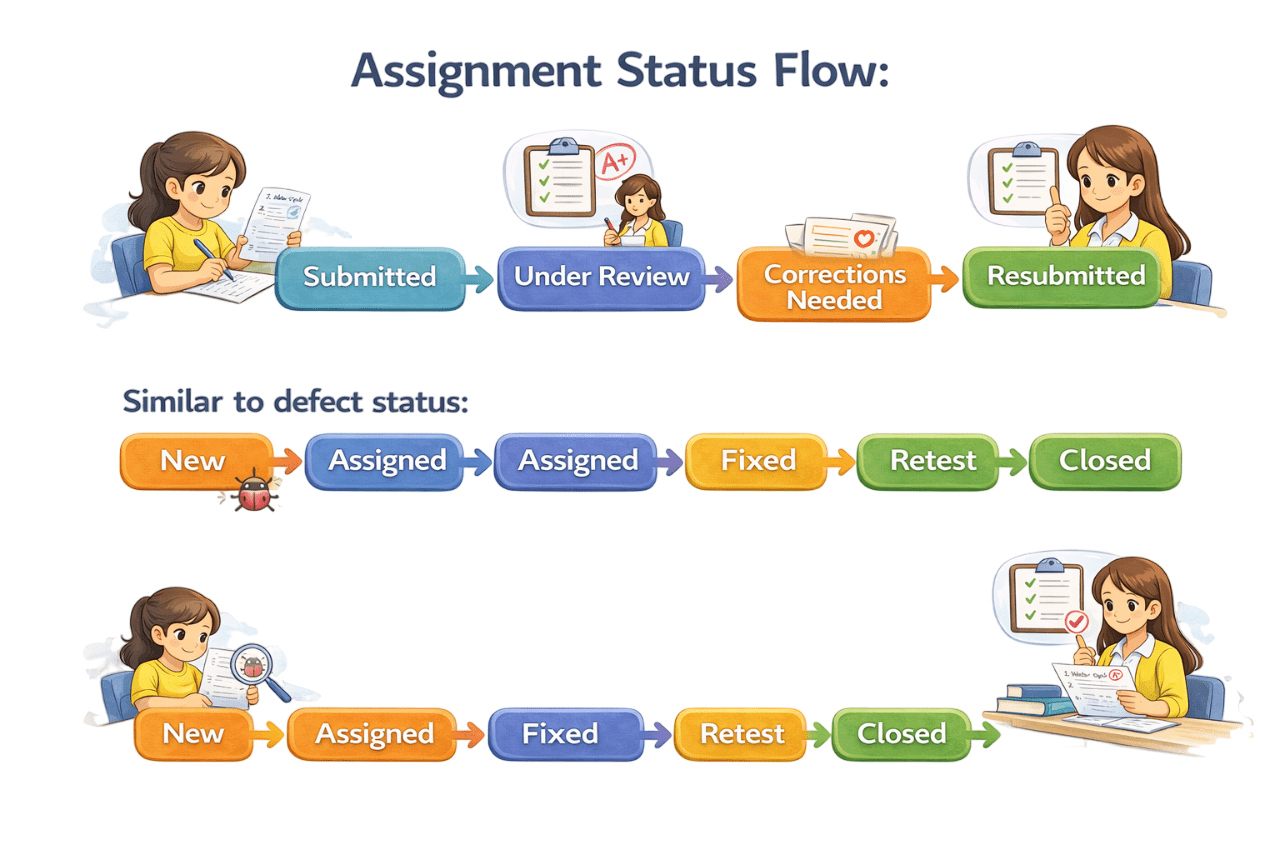
Assignment Status flow
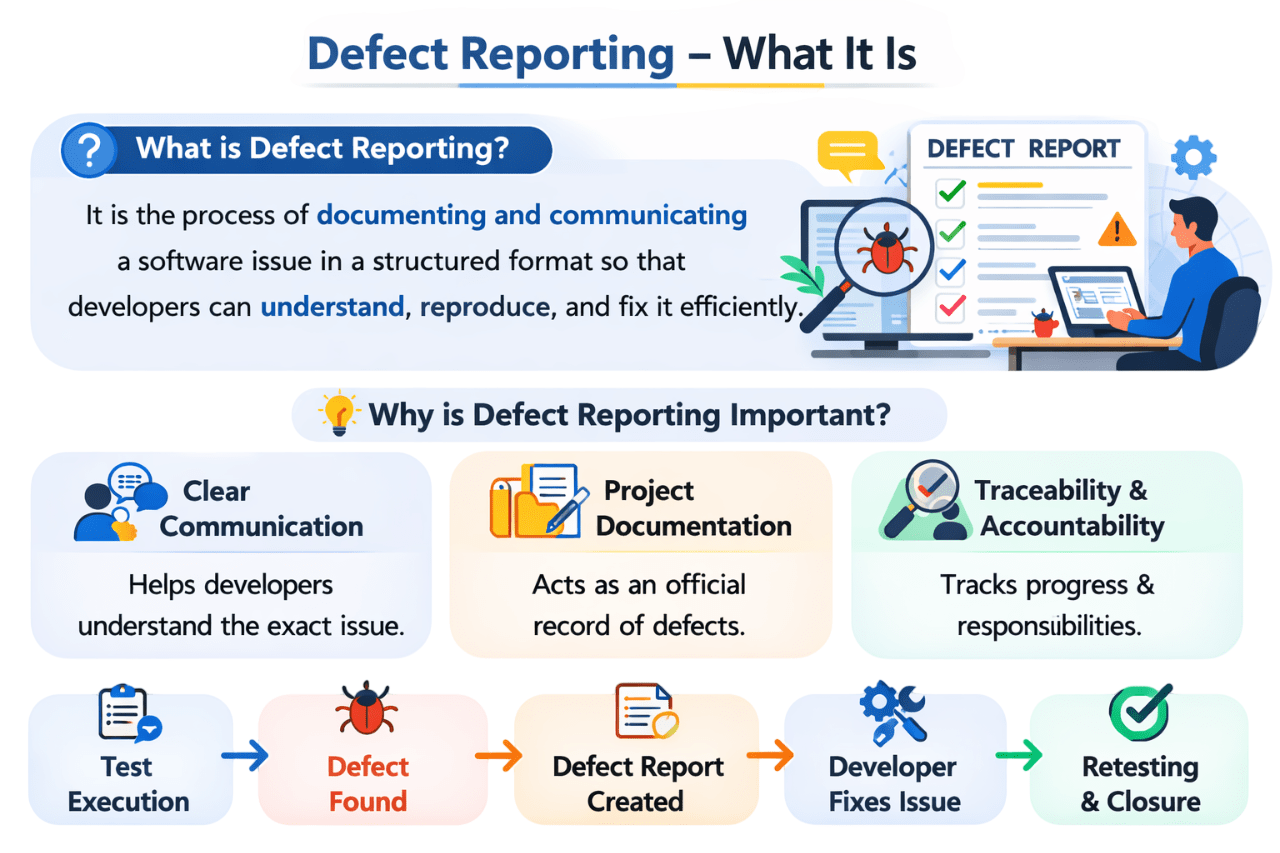
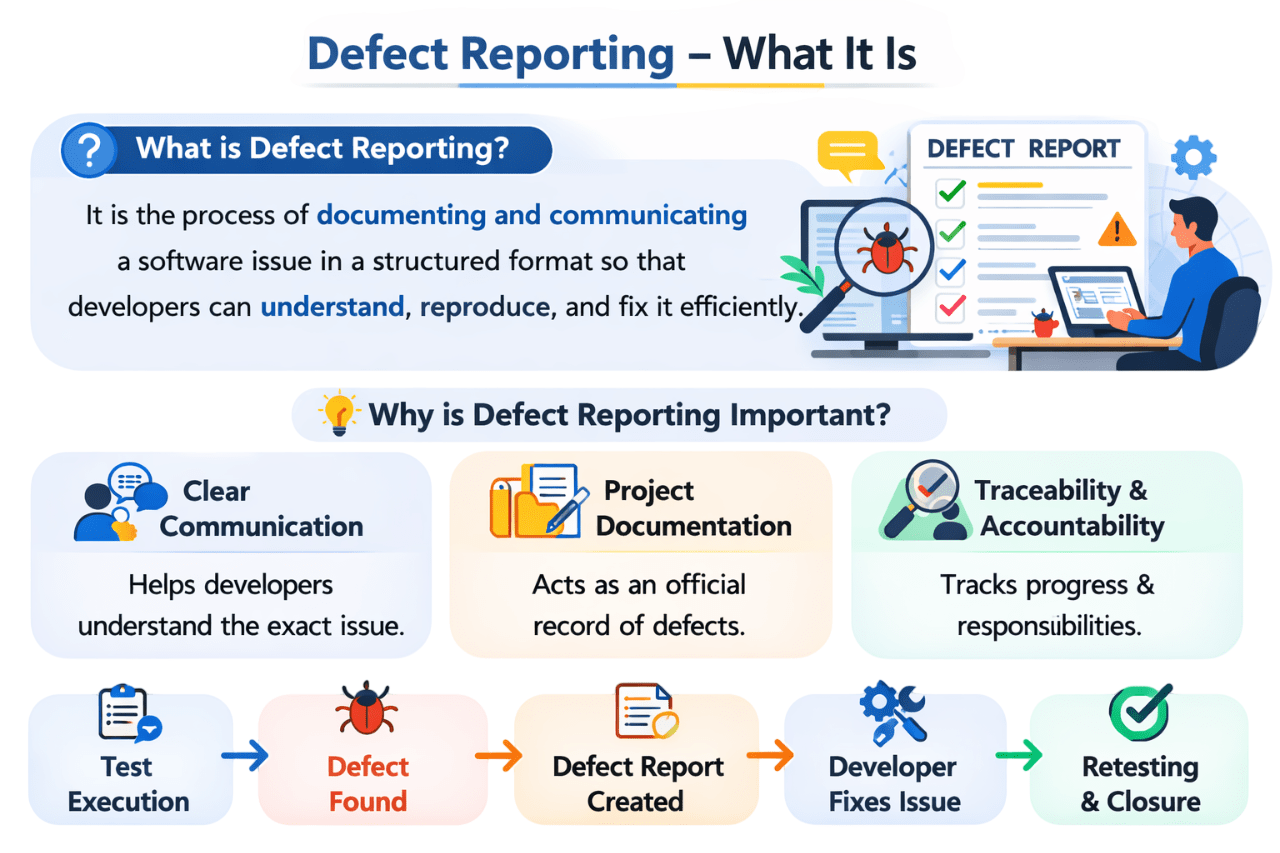
What is Defect Reporting?
It is process of documenting and communicating a software issue in a structured format so that developers can understand,reproduce and fix it efficiently
Clear Communication
Project Documentation
Traceability & Accountability
Helps developers understand the exact issues
Acts as an official record of defects
Tracks progress & responsibilities
Why is Defect Reporting Important?
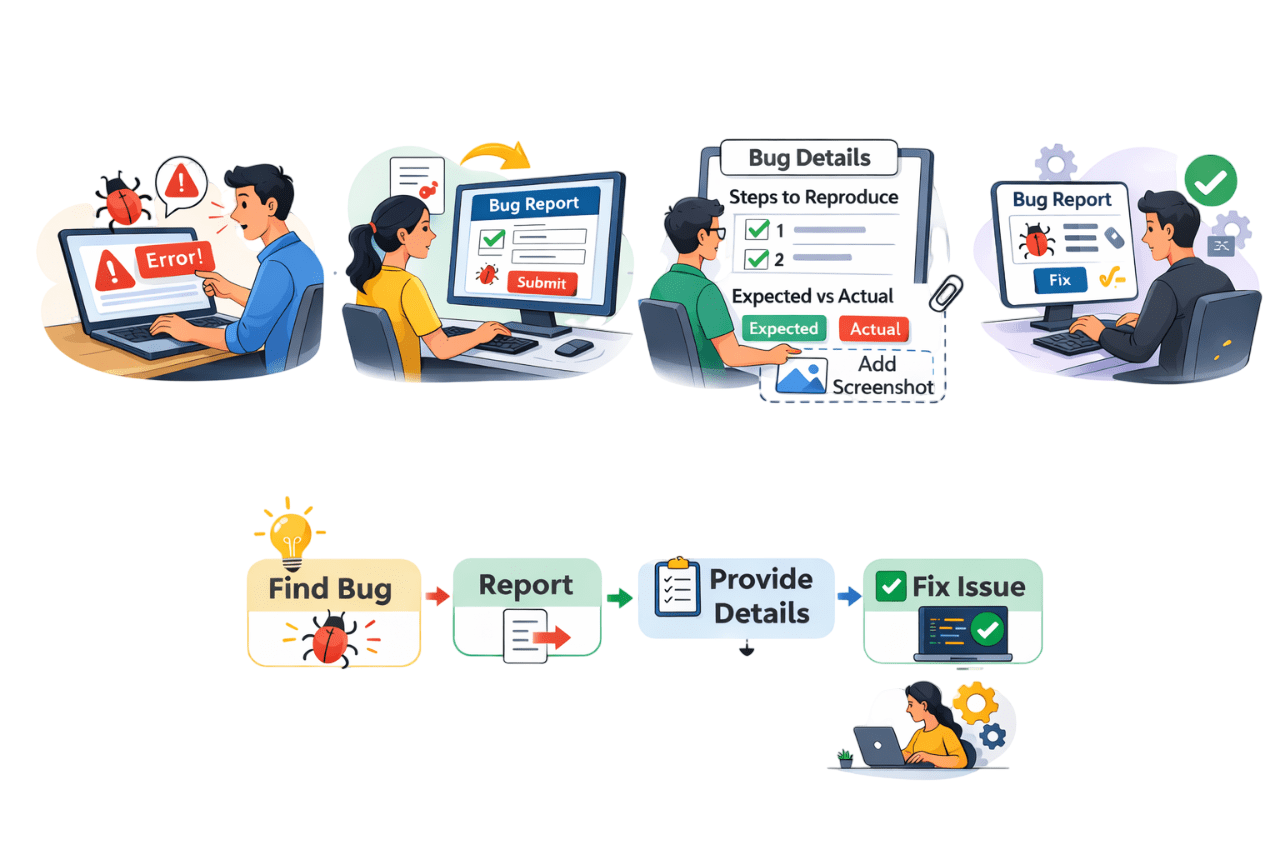
Find Bug
Report
Provide Details
Fix Issues
Defect
Reporting =
The process of finding and writing down a defect
Notice Issue
Identify the Defect
Bug/ Error found
Create Defect
Entry
Report in Tool
Add Title & Details
Clear
Information
Provide Details
Steps Result
Issue Resolved
Developer fixes
Developer insights
& solutions
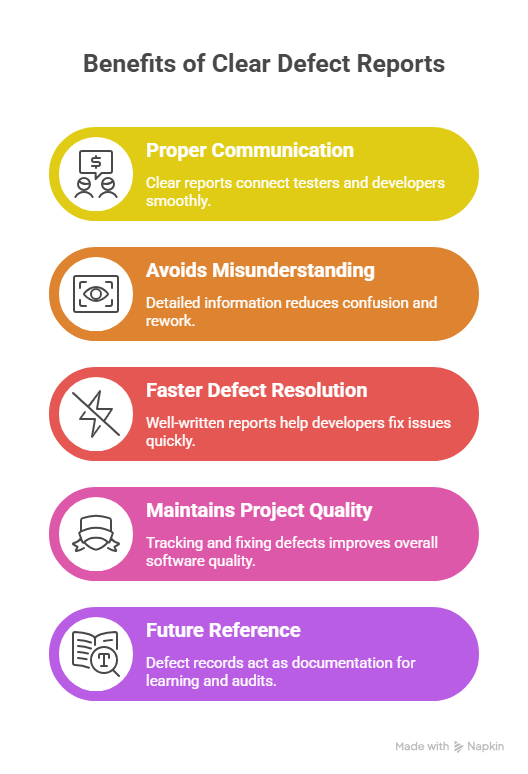
Why Defect Reporting is Important?
Proper Communication
Detailed information reduces confusion & rework
Avoids Misunderstandings
Clear Reports connect tester & developer together
Faster Defect Resolution
Well written reports help developers fix issues quickly
Maintains Project Quality
Tracking and fixing defects improves overall software quality
Future references
Defect records document learning & audit
How to write a defect Report
New
Tester finds that login button is not working
Assigned
Product manager assigns this defect to Developer
Now the status becomes Assigned
Developer starts checking the code to understand the issue
Open
He Begins working on it
Retest
Login works perfectly
Tester closes the defect Status becomes
Reopen
If Still Not Working
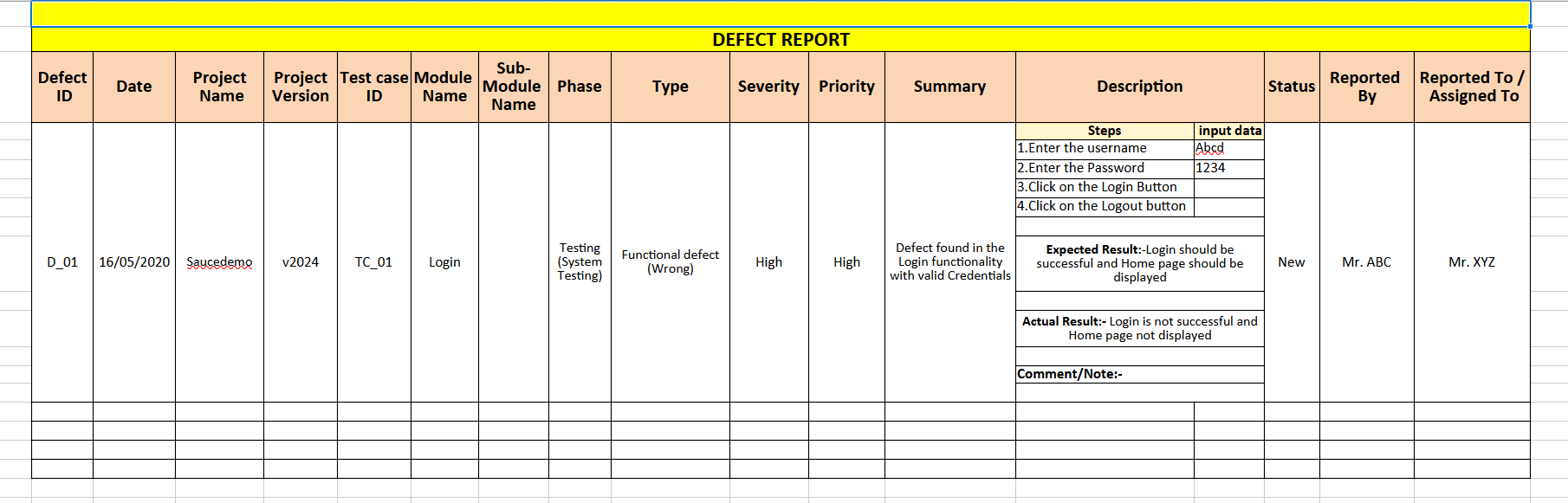
Sample Defect Report Template
Defect ID
Date
Project Name
Project Version
Test Case ID
Module Name
Sub-Module Name
A unique defect identifier (e.g. D_01) for tracking and referencing
Defect report date. Important for prioritization & auditing
Project/application name with defect (e.g., Saucedemo)
Shows the project version or build where the defect was found
Links the defect to its originating test case (e.g., TC_01)
Module name where the defect exists (e.g., Login).
Sub-section of the module with the defect
Defect Report Details
Phase
Type
Severity
Priority
Summary
Description
Status
SDLC Phases where the defect was found & testing level (e.g., TESTING PHASE - System Testing)
Describes the defect type (e.g., Functional, UI, Performance). It’s a “Functional defect (Wrong)”
Reflects the impact of the defect on the application (e.g., High, Medium, Low).
Indicates how soon the defect should be fixed (e.g., High, Medium, Low). Priority is business-driven
A short description of the defect to understand the issue at a glance.
Steps to reproduce the defect, expected vs. actual results, and inputs. This helps developers fix the issue
Current status of the defect (e.g., New, Open, Fixed, Retest, Closed)
Reported By
Reported To / Assigned To
The name of the tester or person who reported the defect
Name of the person (typically developer or lead) assigned to resolve the defect
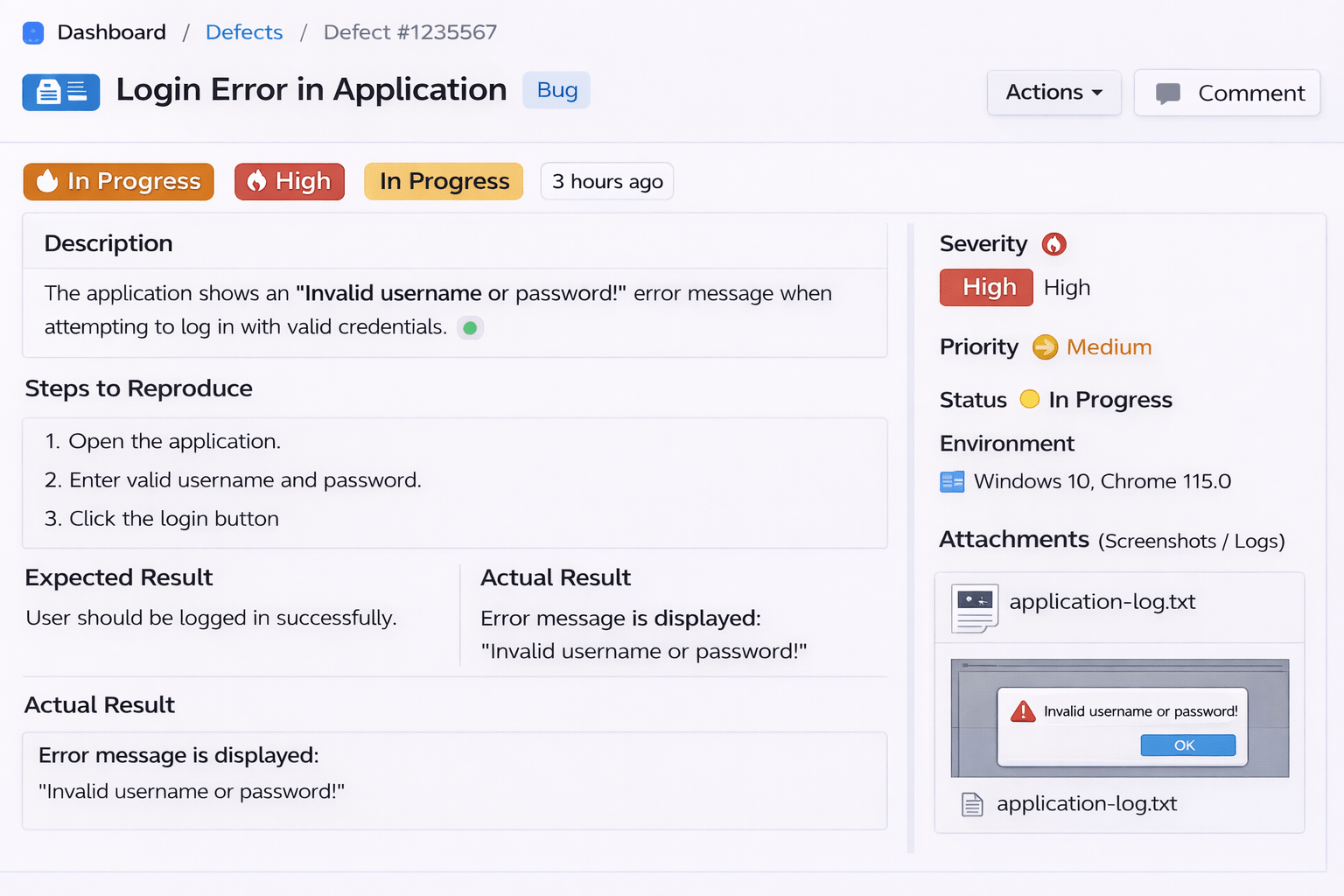
Defect ID
Defect title
Describes the problem in details
Exact steps to see the issues
What should happen
What actually happened
Steps to Create a Defect Report
Marked as High → This means the issue is serious
Marked as Medium → It should be fixed soon, but maybe not immediately
Issue occurred in:
Windows 10, Chrome browser
Screenshot and log file are attached to give proof and technical details
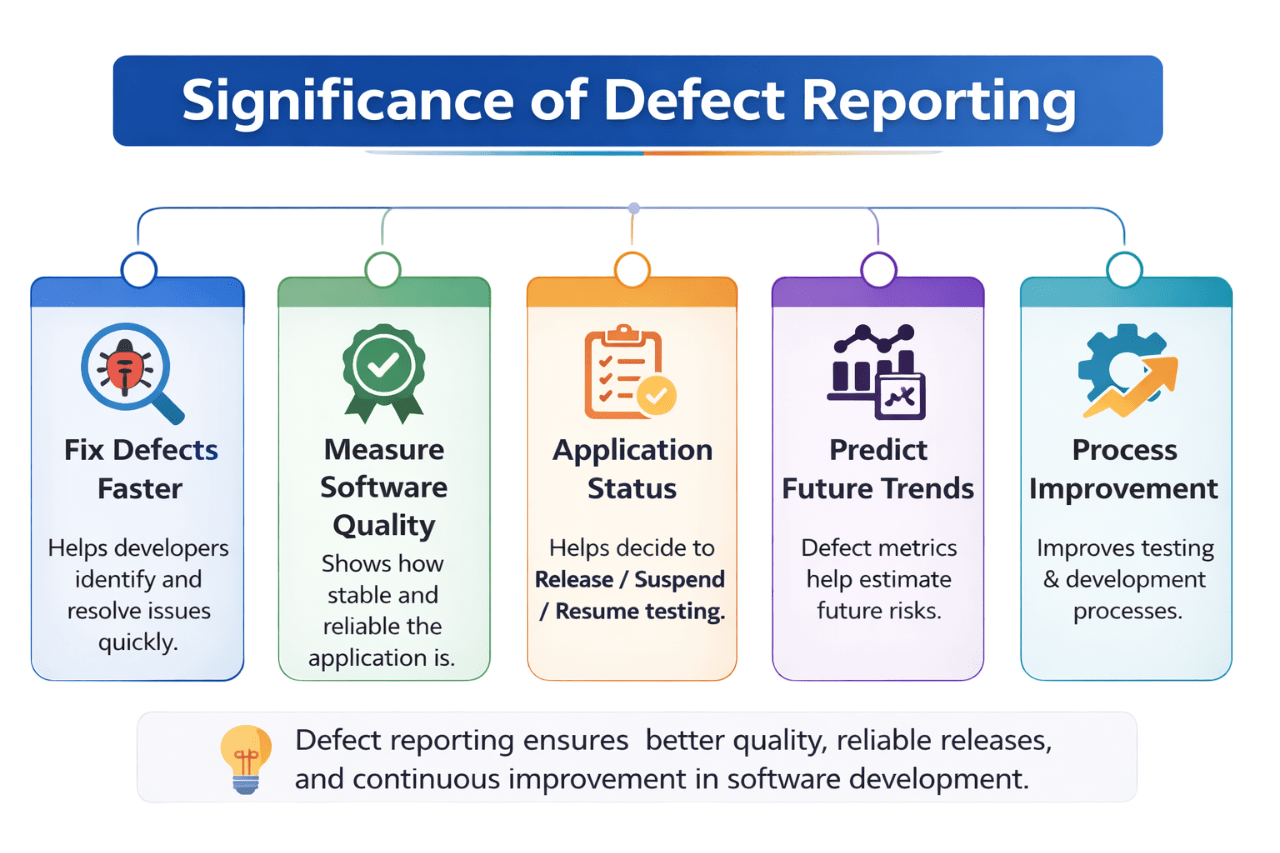
Fix Defects Faster
Measure Software Quality
Application Status
Predict Future Trends
Process Improvement
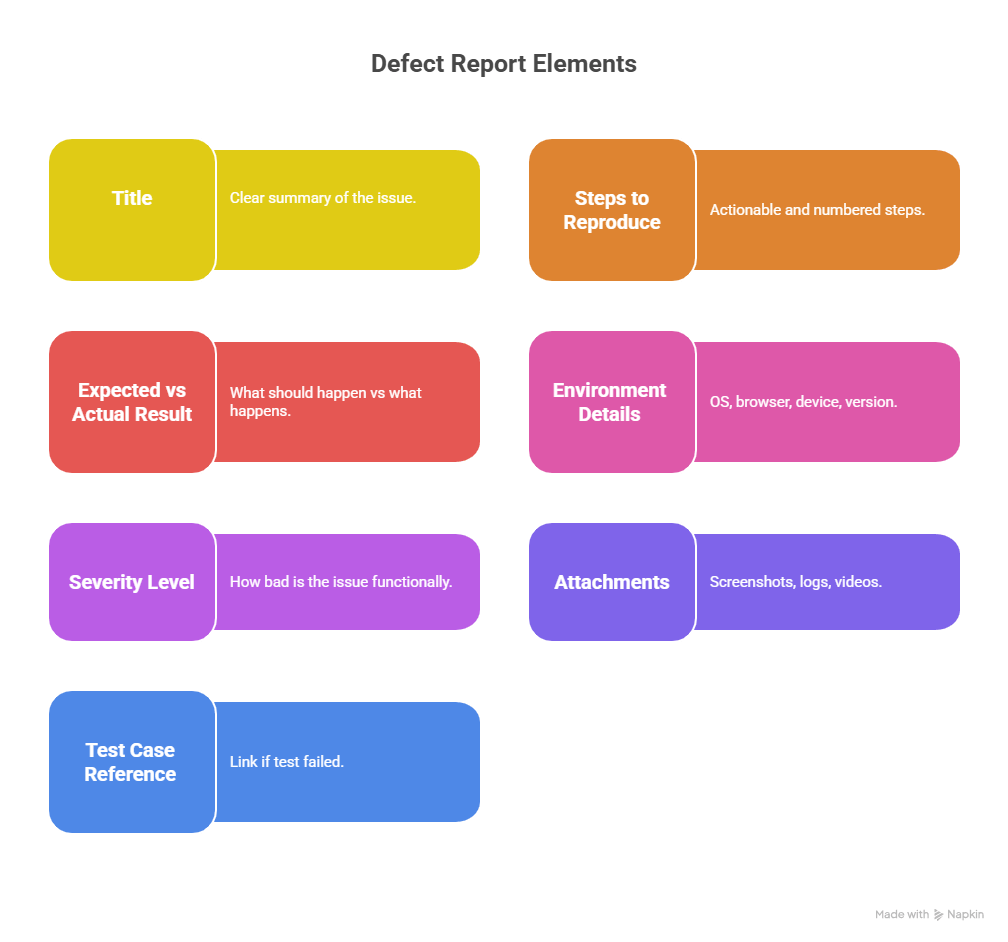
Title
Expected vs Actual Result
Severity Level
Test Case Reference
Steps to Reproduce
Environment Details
Attachments
Clears summary of the issue
What should happen vs what happens
How bad is the issue functionally
Screenshots, logs , videos
Os, browser, device, version
Actionable & numbered steps
Link if test failed
A well-structured defect report connects developers and QA teams, ensuring quick issue resolution
Key Elements of a Good Defect Report
Common Reporting Mistakes
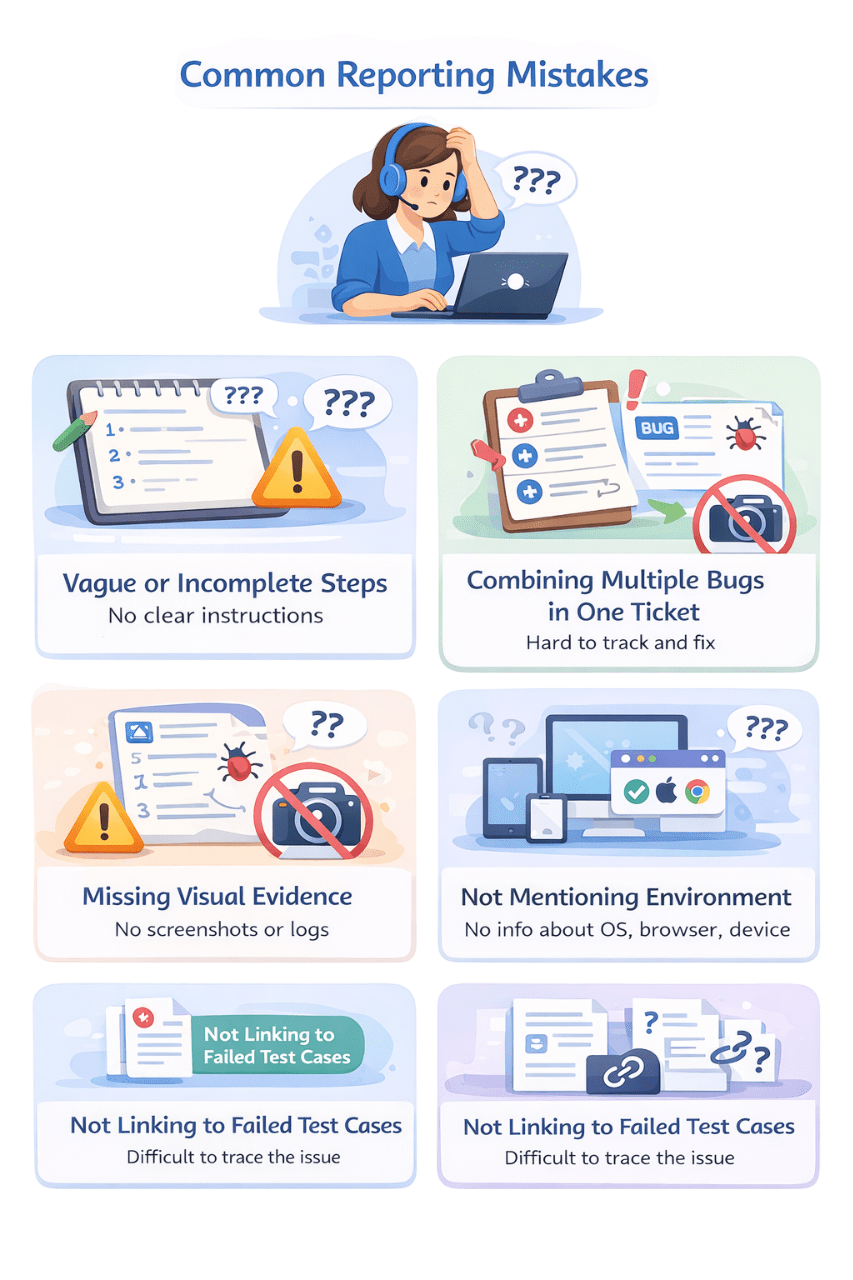
Vague or incomplete steps
Combining Multiple Bugs in One Ticket
Missing Visual Experience
No Clear instructions
Hard to Track and Fix
No screenshots or Logs
Not mentioning Environment
Not Linking to Failed Test Cases
No info about OS, Browser, device
Difficult to trace the issue
What is Defect Tracking?
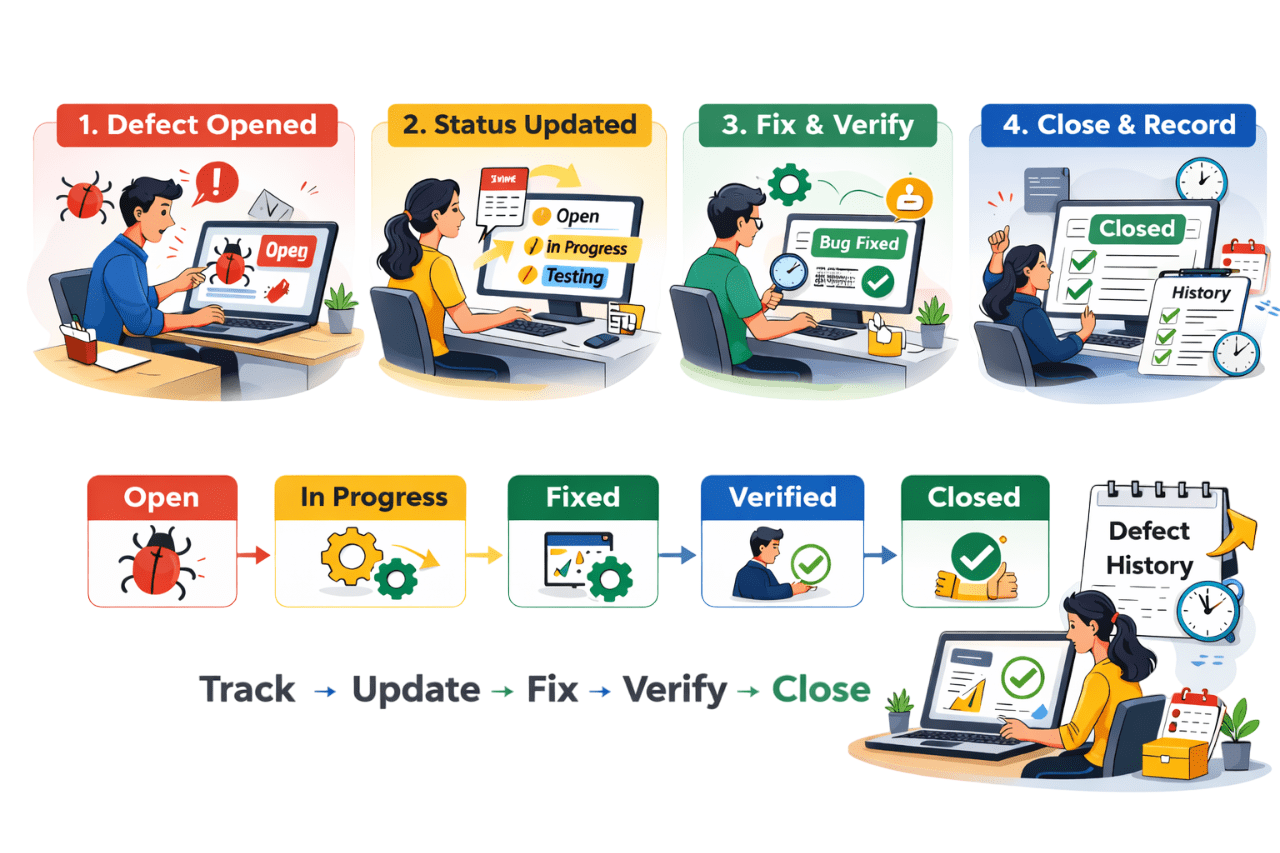
Defect Tracking is the process of monitoring a defect's progress throughout its lifecycle — from being reported to closure — across teams
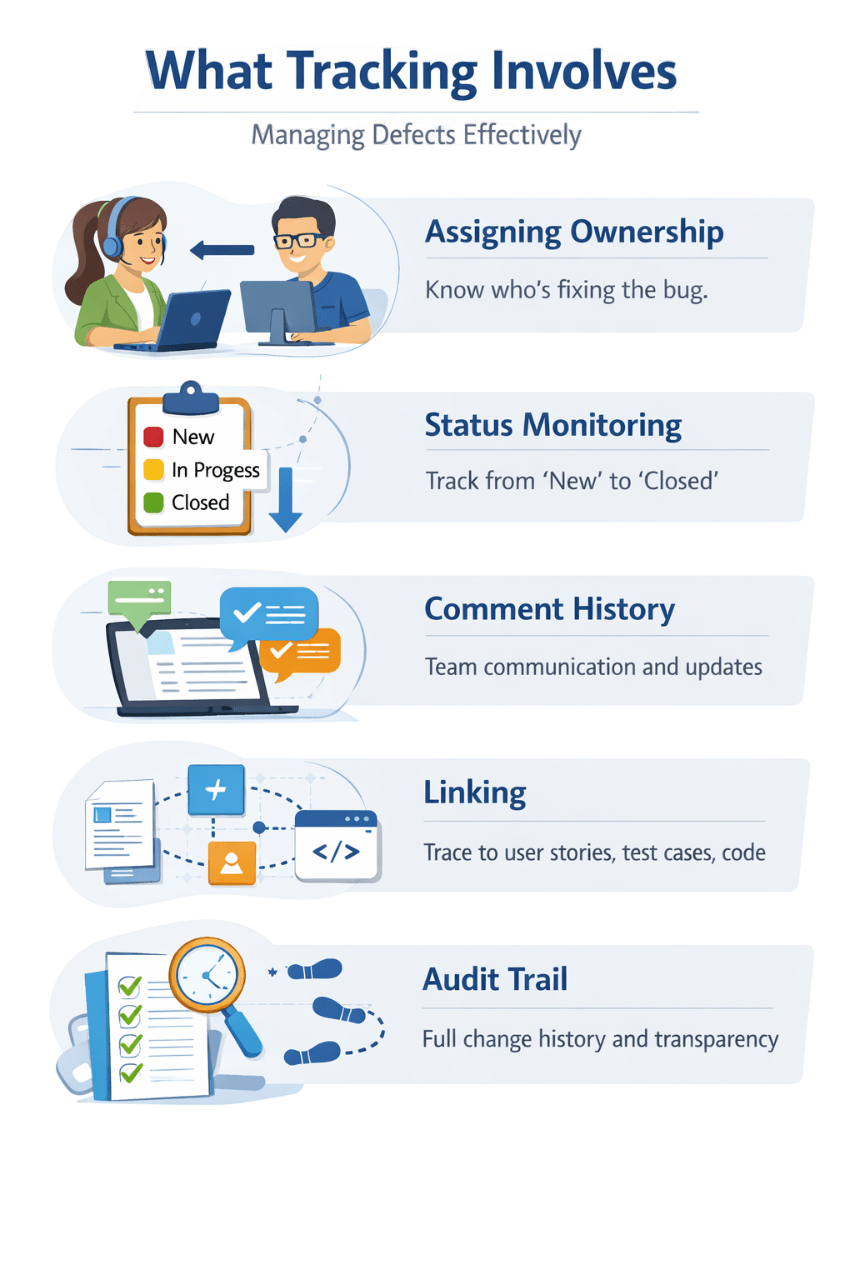
What Tracking Involves
Assigning Ownership
Know who's fixing the bug
Status Monitoring
Track from 'New' to 'Close'
Comment History
Team communication & updates
Linking
Trace to user stories,test cases,code
Audit Trail
Full change history and transparency
Popular Defect Tracking Tools
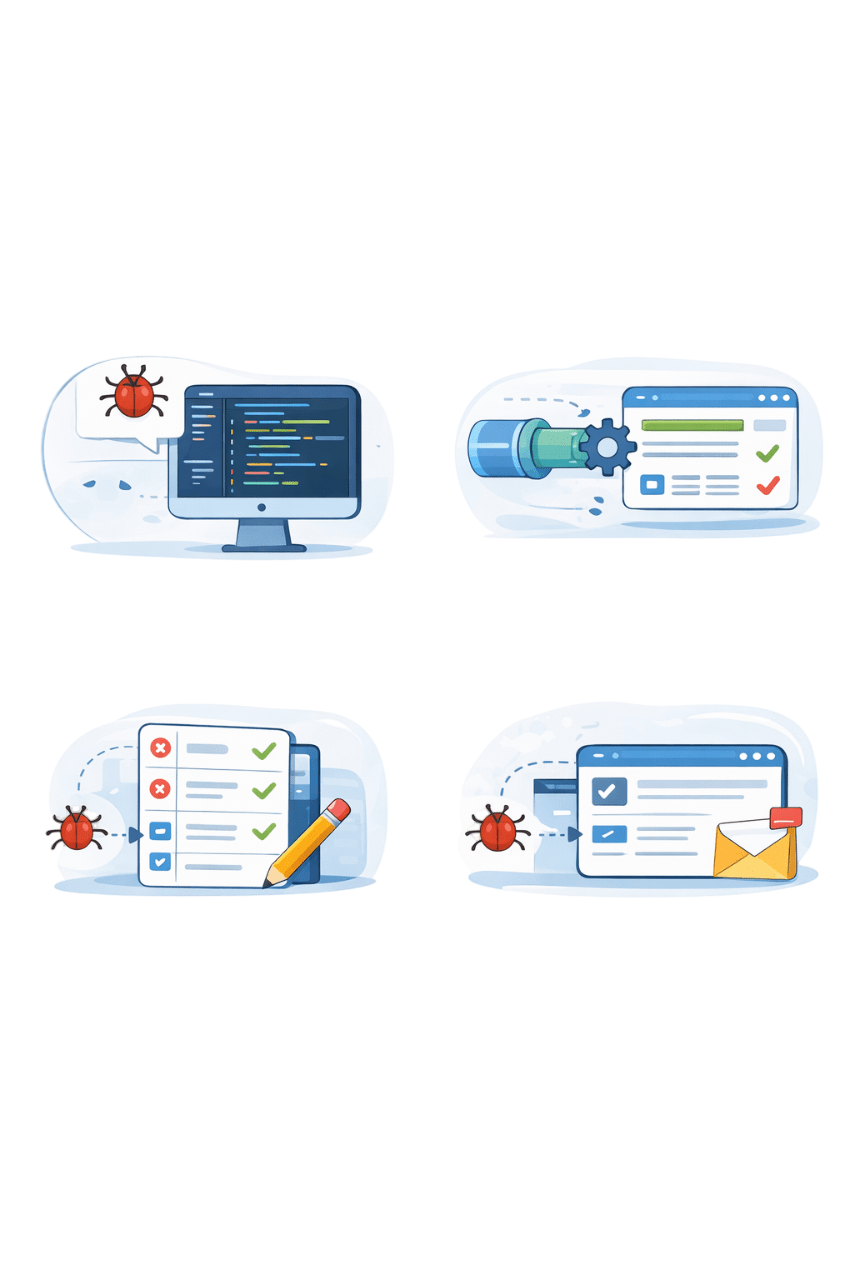
JIRA + Bitbucket
Azure DevOps
JIRA + Zephyr
Bugzilla + GitHub
Bug links to code commit
Bug linked with pipeline and test result
Map failed testcases to bugs
Bug auto-updated via commit message
What is Defect Triage?
A Triage Meeting is where stakeholders review new defects to make decisions
Accept
&
Assign
Defer
to
Future Release
Reject
Merge
with
Similar Bug
Fix Now
Fix Later
Not a Bug
Duplicate Bug
Developer Fixes
Next Release
Expected Behaviour
Combine Reports
Decision Taken
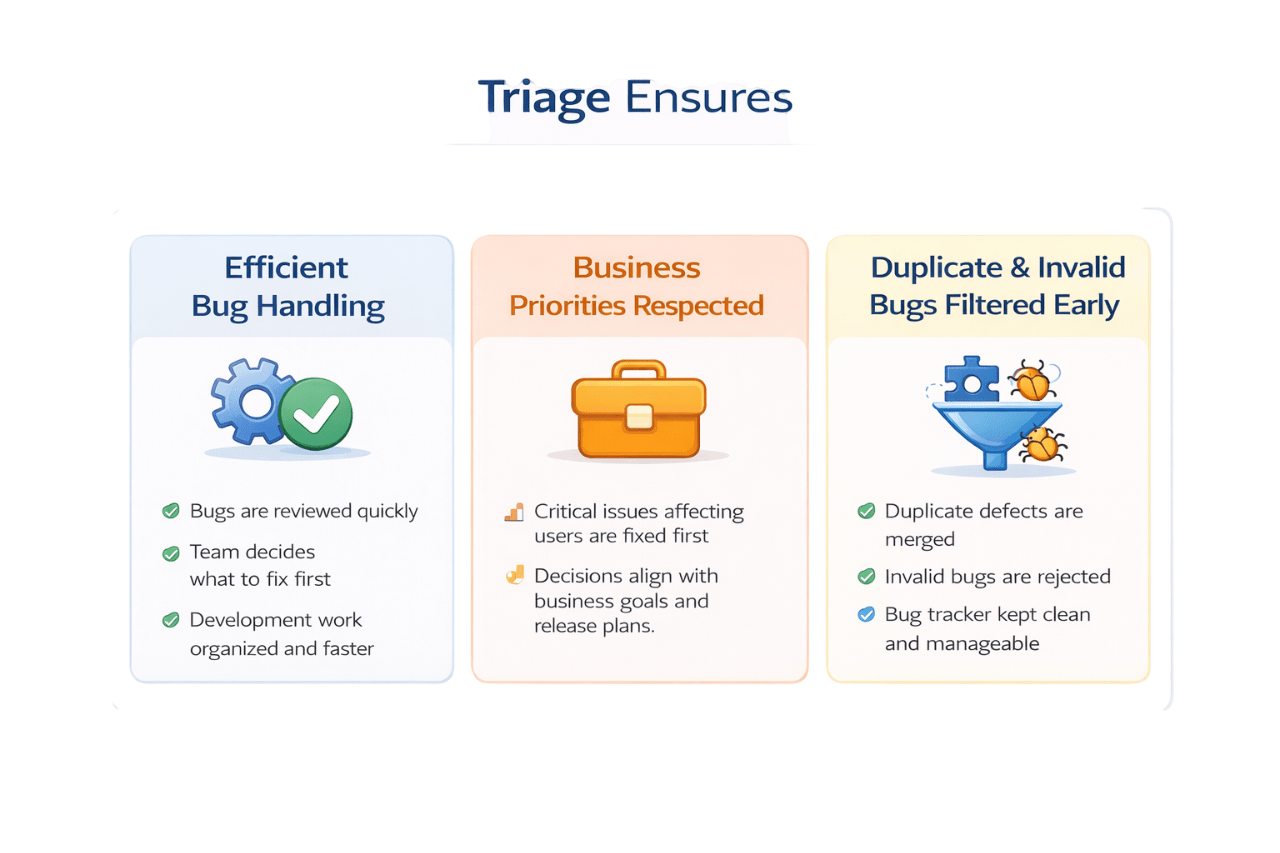
Triage Ensures
Bugs are reviewed quickly
Team decides what to fix first
Efficient Bug Handling
User-critical issues are prioritized
Decisions align with goals and plans
Business Priorities Respected
Duplicate defects are merged
Invalid bugs are rejected
Clean & manageable Bug Tracker
Duplicate & Invalid Bugs Filtered Early
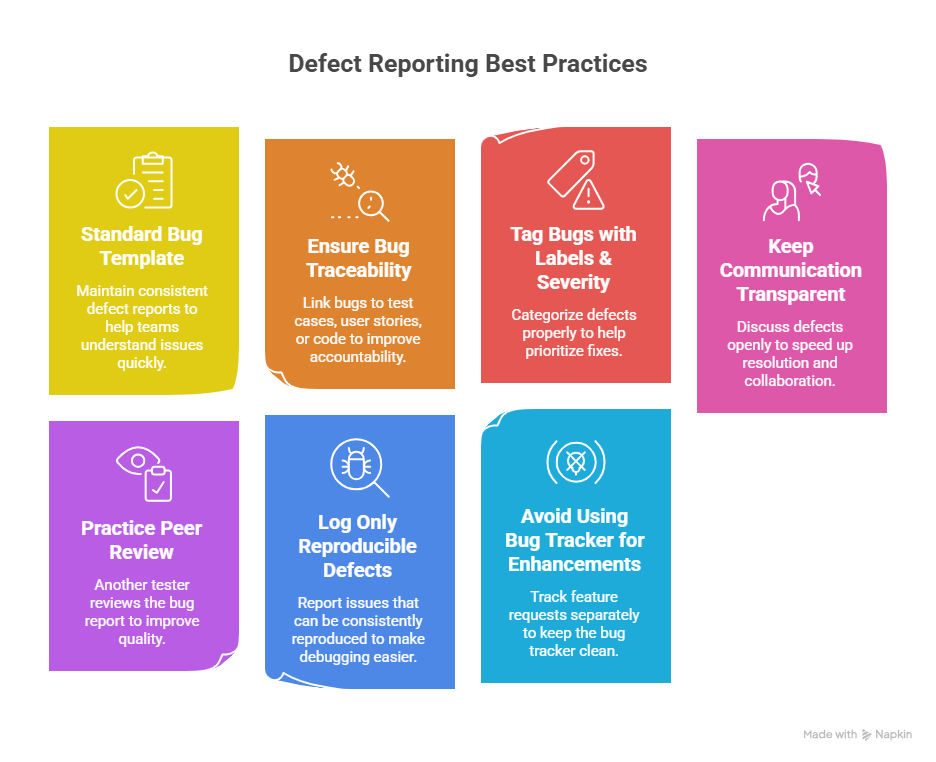
Best Practices for Reporting & Tracking
Standard Bug Template
Ensure Bug Traceability
Tag Bugs with Labels & Severity
Keep Communication Transparent
Link bugs to test cases or user stories for accountability
Properly categorize defects to prioritize fixes
Discuss defects to enhance resolution and collaboration
Provide clear defect reports for quick issue understanding
Practice Peer Review
Avoid Using Bug Tracker for Enhancements
Log Only Reproducible Defects
A tester reviews the bug report to enhance quality
Report consistently reproducible issues to aid debugging
Track feature requests separately to keep the bug tracker tidy
Defect Management in the Software Development Process
Triage
Reports
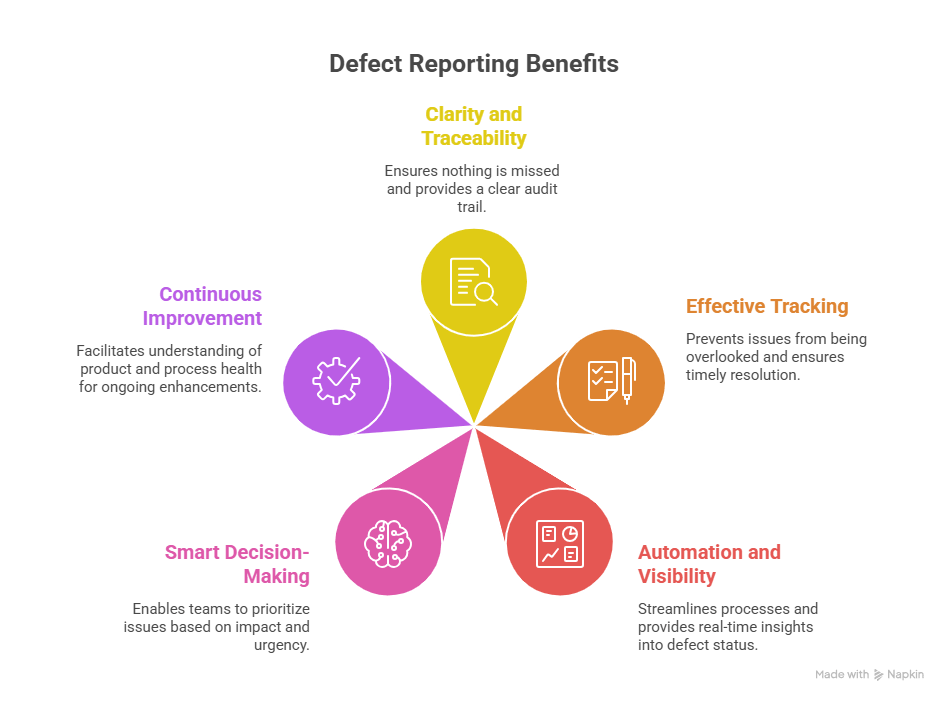
Smart decision-making for prioritizing issues
Product and development process health
Defect Reporting
Clear and traceable defect reporting
Tools
Tracking
Preventing overlooked issues in development
Automation and visibility for efficient development
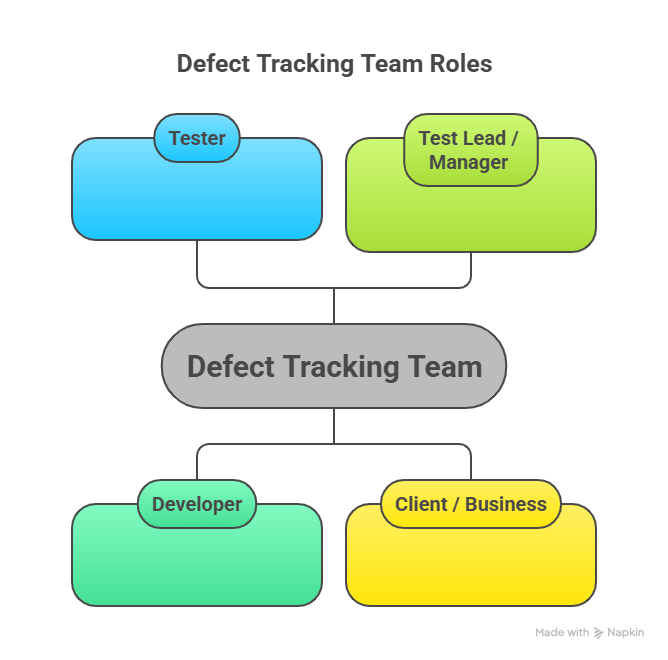
Tester
Test Lead/ Manager
Developer
Client/ Business
Identifies and reports defects
Reviews and prioritizes defects
Fixes identified defects
Confirms defects priority
Summary
5
Clear communication ensures faster resolution
4
Defect Tracking monitors the defect until it is closed
3
Steps, expected result, and actual result are essential
2
A good report includes complete and accurate details
1
Defect Reporting means identifying and documenting defects clearly
6
Clear reporting + Proper tracking = Effective defect management
Quiz
Which of the following is important in a defect report?
A. Developer’s salary
B. Company revenue
C. Steps to reproduce
D. Office location
Quiz-Answer
A. Developer’s salary
B. Company revenue
C. Steps to reproduce
D. Office location
Which of the following is important in a defect report?
By Content ITV