










































Content ITV PRO
This is Itvedant Content department
Learning Outcome
4
Understand the impact of XSS on users and organizations.
3
Identify common causes and signs of XSS vulnerabilities.
2
Differentiate Stored, Reflected, and DOM-Based XSS.
1
Explain the concept and impact of Cross-Site Scripting (XSS).
5
Apply XSS prevention techniques.
Let's Recall – Manual Vulnerability Testing Techniques
A customer visits a restaurant and places a food order.
Technical Term: Web Browser (Client) – Sends a request to the website.
Before the order reaches the kitchen, a quality inspector receives it and carefully examines every detail.
Technical Term: Burp Suite Proxy – Intercepts requests between the browser and the web server.
The inspector changes some items in the order to see how the kitchen reacts, ensuring it handles unexpected requests correctly.
Technical Term: Request Modification – Security testers edit HTTP requests to test application behavior.
The kitchen processes the modified order and prepares the meal based on the received instructions.
Technical Term: Web Server – Processes the request and generates a response.
Before giving the food to the customer, the inspector checks whether the meal is correct, complete, and safe.
Technical Term: Response Inspection – Burp Suite analyzes server responses for errors, data leakage, or vulnerabilities.
The inspector notices mistakes, such as missing ingredients or incorrect dishes, and reports them to the restaurant manager so they can be fixed before customers are affected.
Technical Term: Security Testing – Burp Suite helps identify vulnerabilities before attackers can exploit them.
What is Cross-Site Scripting (XSS)?
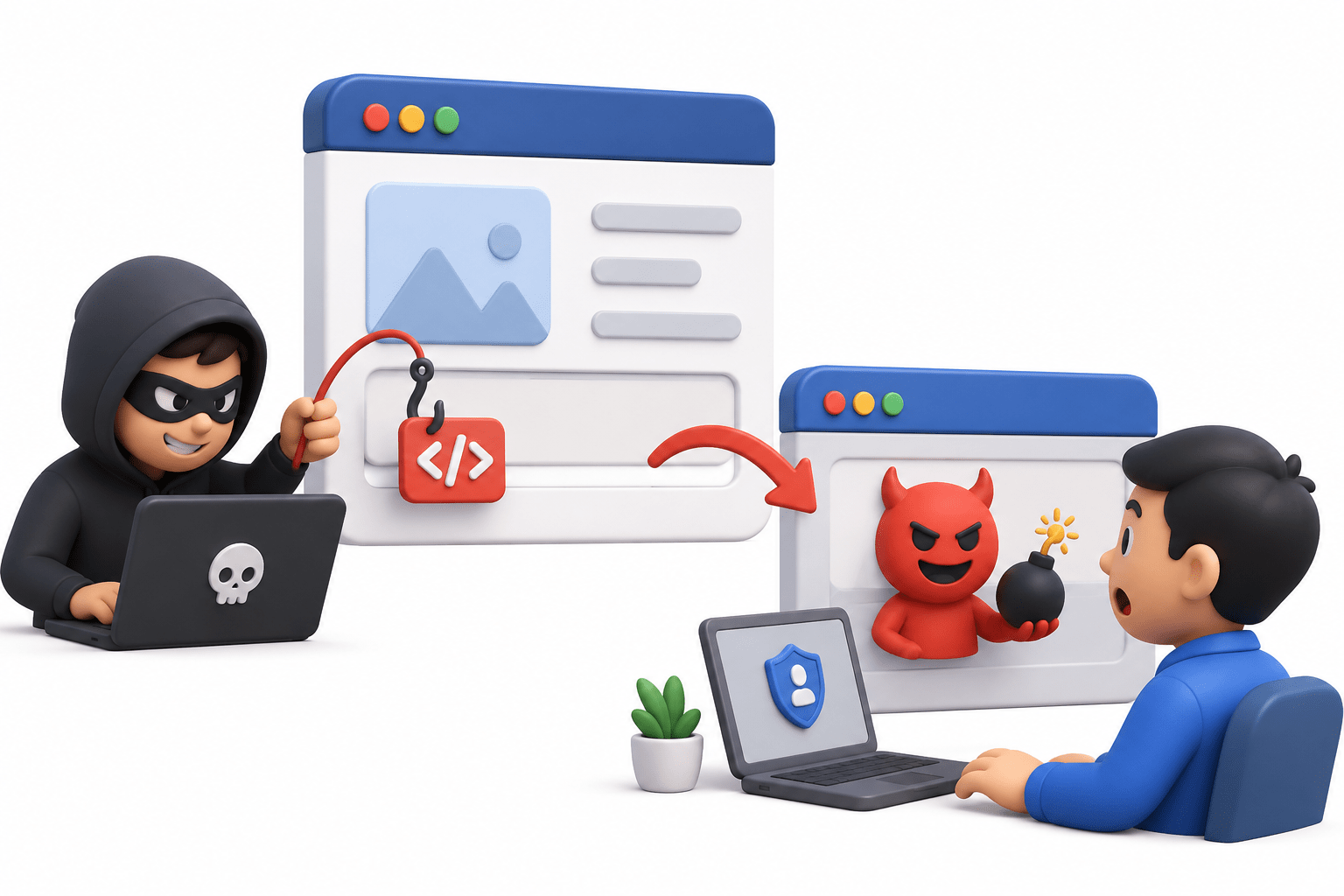
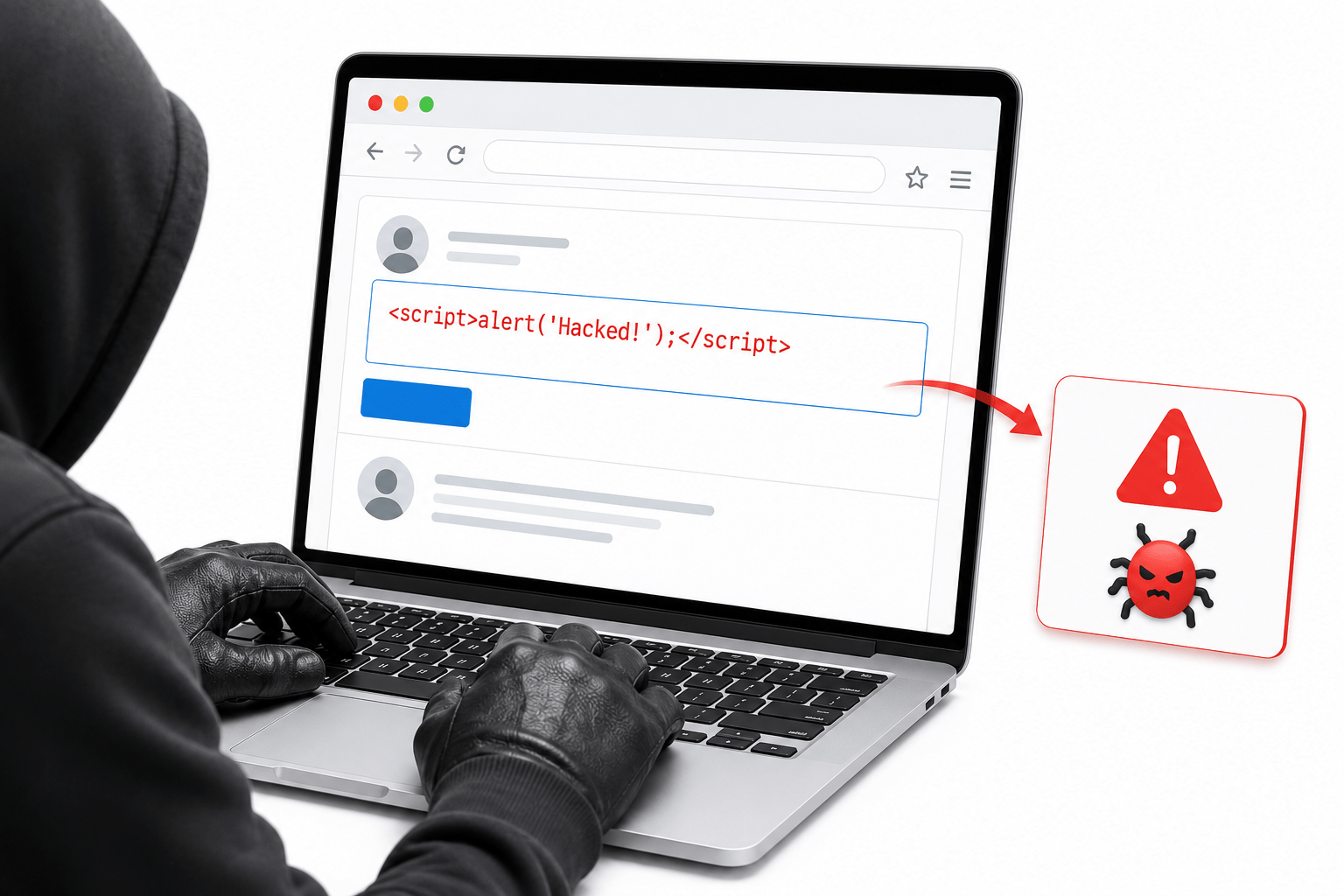
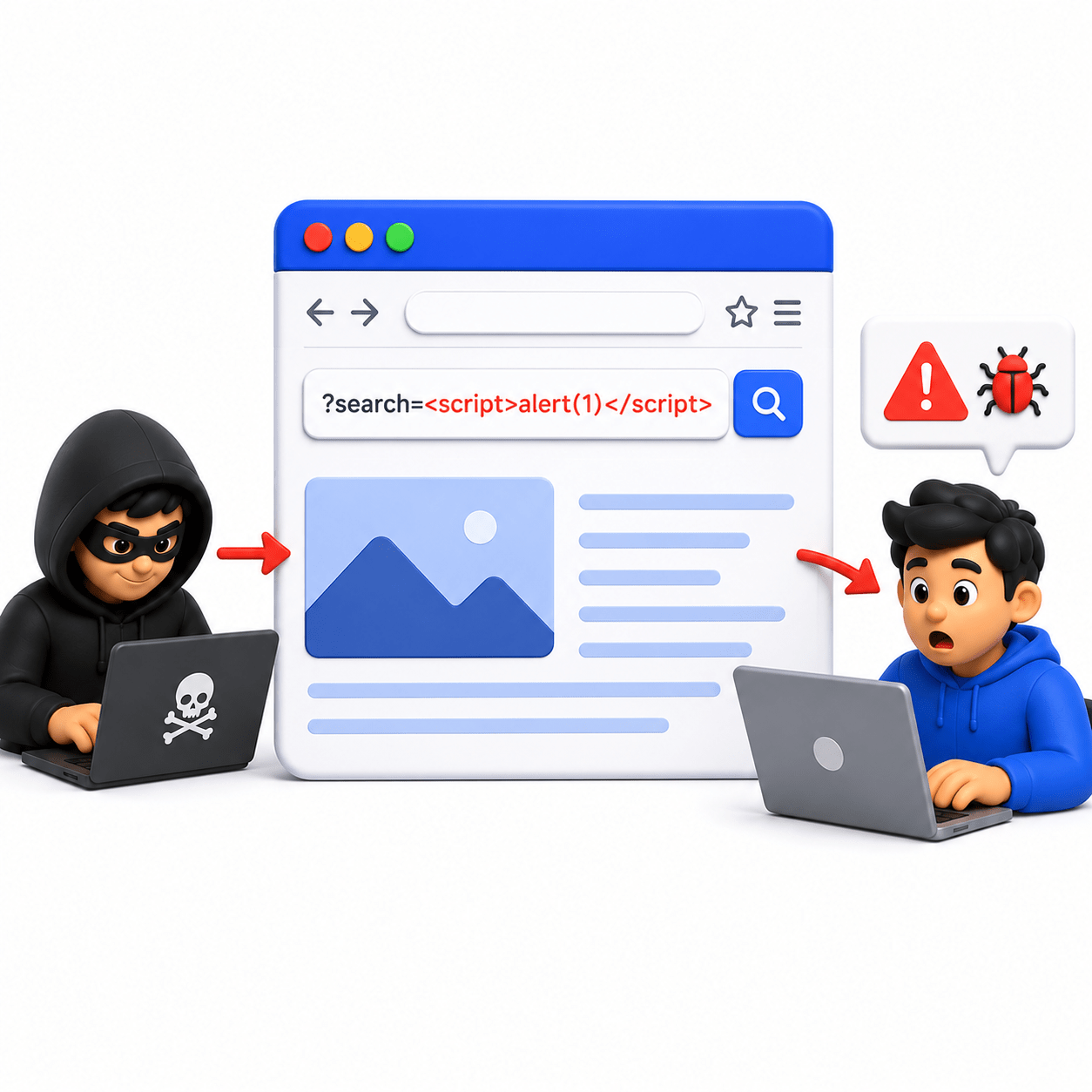
Cross-Site Scripting (XSS) is a web application vulnerability that allows attackers to inject malicious scripts into web pages viewed by other users.
These scripts execute in the victim's browser and can steal data, modify webpage content, or perform unauthorized actions.
How XSS Works?
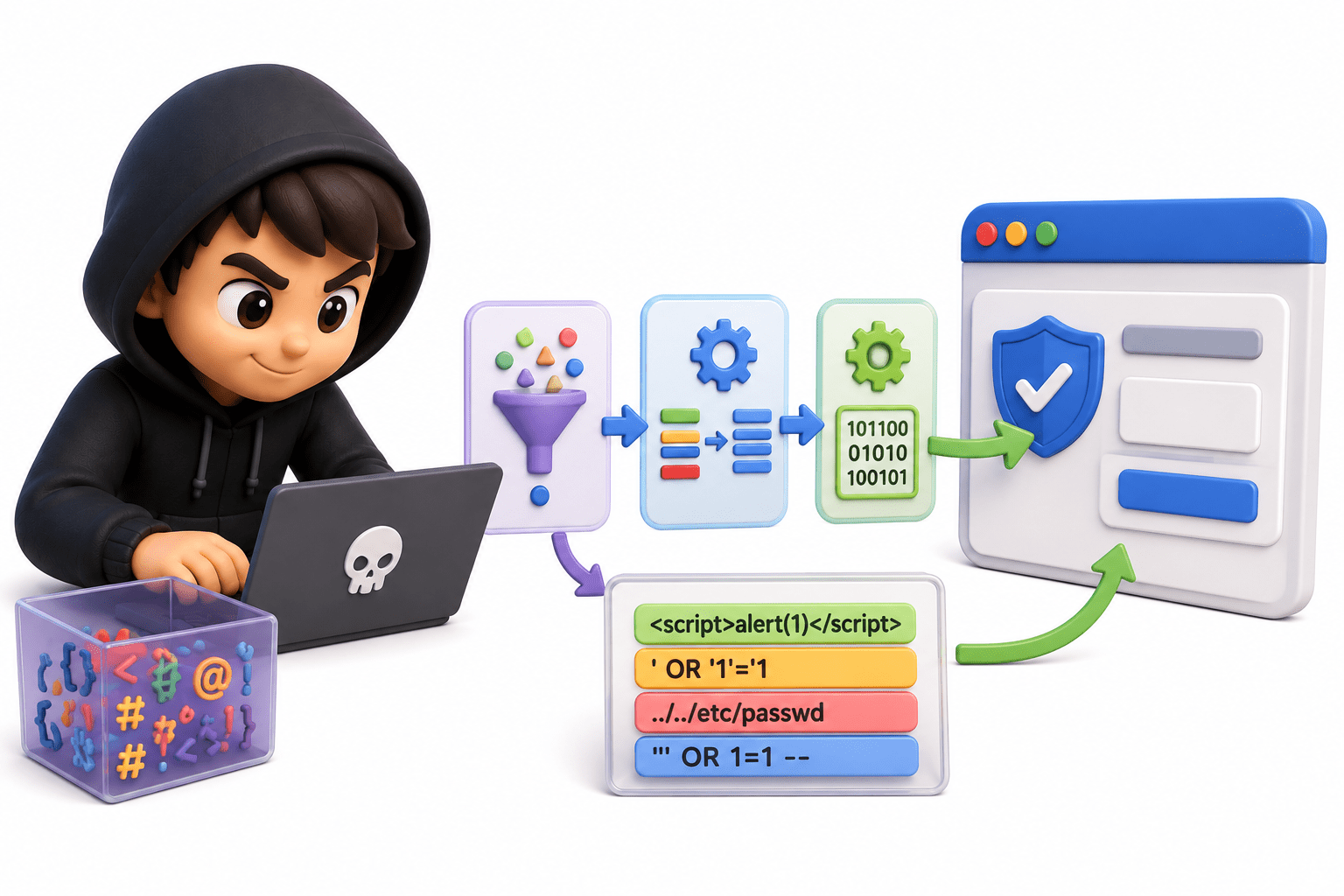
XSS occurs when a web application displays user input without proper validation, sanitization, or encoding, causing the browser to execute malicious scripts as trusted content.
Importance of Understanding XSS
Understanding XSS helps developers build secure applications, enables security professionals to identify vulnerabilities, and protects users from data theft and malicious activities.
Understanding Web Pages and User Input
Basics of Client-Side Scripting and Browsers
Client-side scripting uses JavaScript to create interactive web pages, validate input, and update content directly in the browser.
Role of HTML, JavaScript, and the DOM
HTML: Provides webpage structure.
JavaScript: Adds interactivity.
DOM: Represents the webpage as objects that scripts
can access and modify.
How Web Applications Process User Input
Web applications collect user input through forms, comments, and search fields. If this input is not handled securely, browsers may execute malicious code.
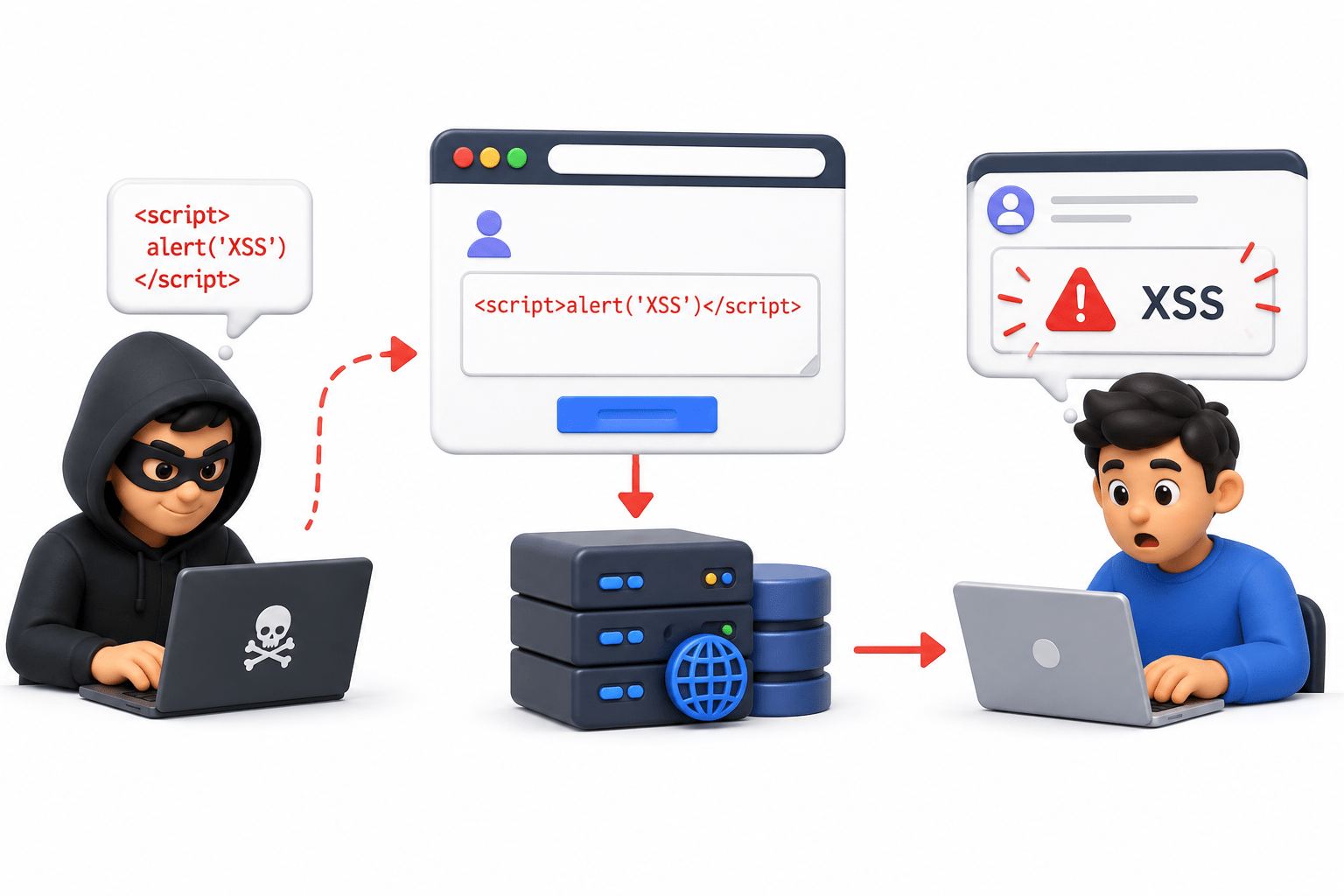
XSS Attack Lifecycle
Common Entry Points for XSS Vulnerabilities
XSS vulnerabilities can appear anywhere an application accepts and displays user-controlled data. Common entry points include
Comment sections
User Profiles
Feedback Forms
Feedback Forms
Search Fields
URL Parameters
Injection of Malicious Scripts
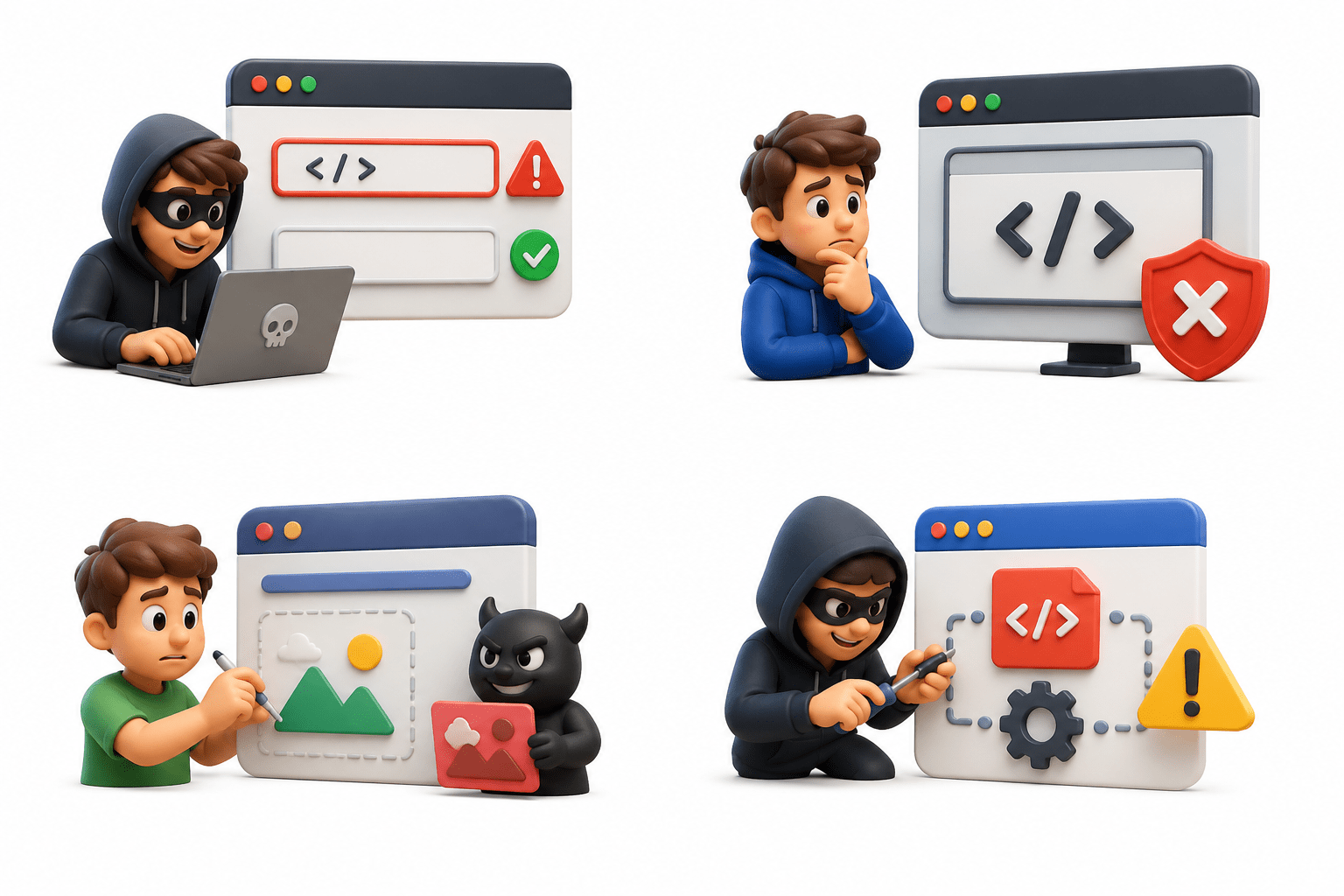
Attackers insert malicious scripts into vulnerable input fields. If treated as code instead of data, the browser executes the script.
How Attackers Exploit Applications
Attackers identify vulnerable inputs, inject malicious content, and rely on the application to deliver it to users.
Types of Cross-Site Scripting (XSS)
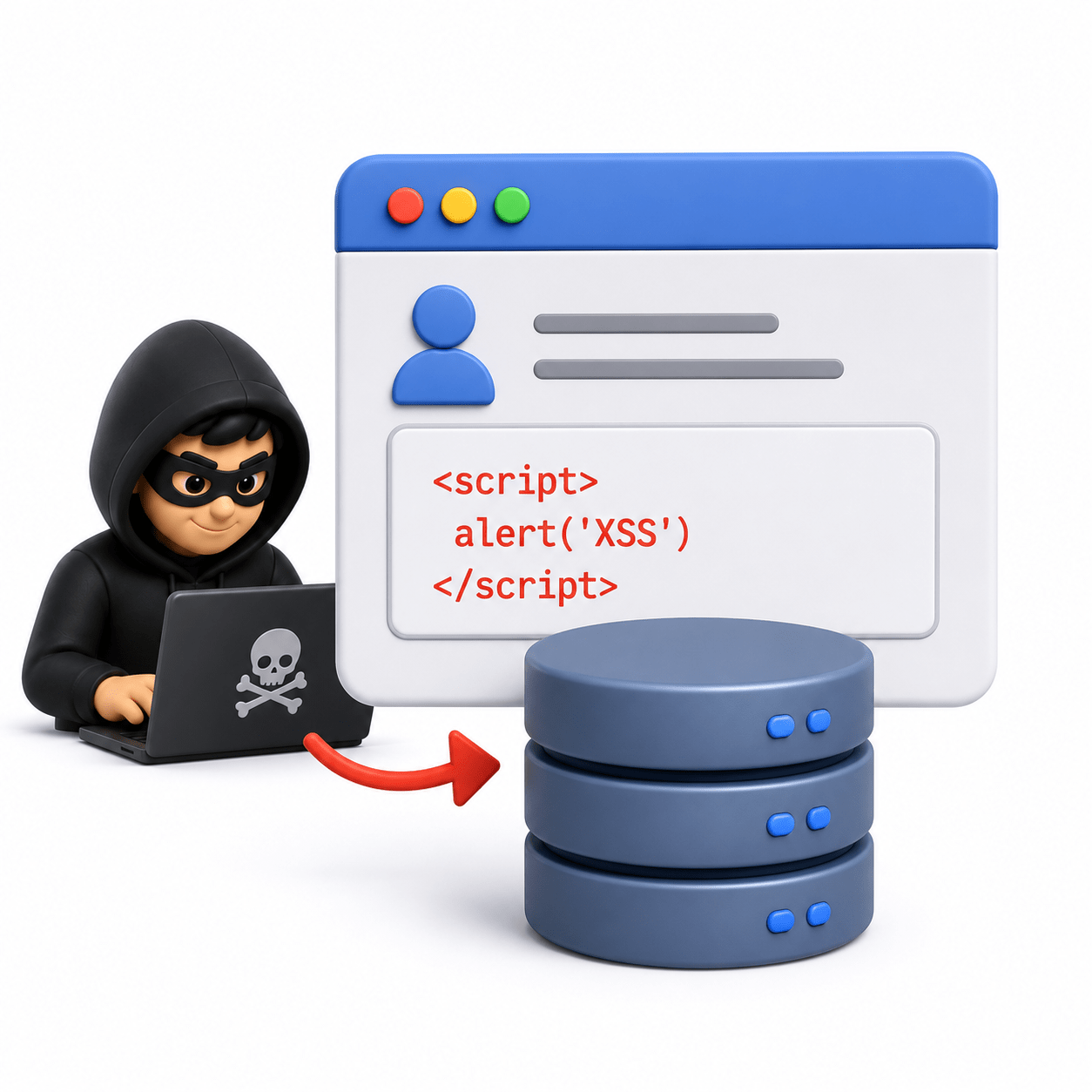
Malicious scripts are permanently stored on the server and execute whenever users access the affected content.
Stored (Persistent) XSS
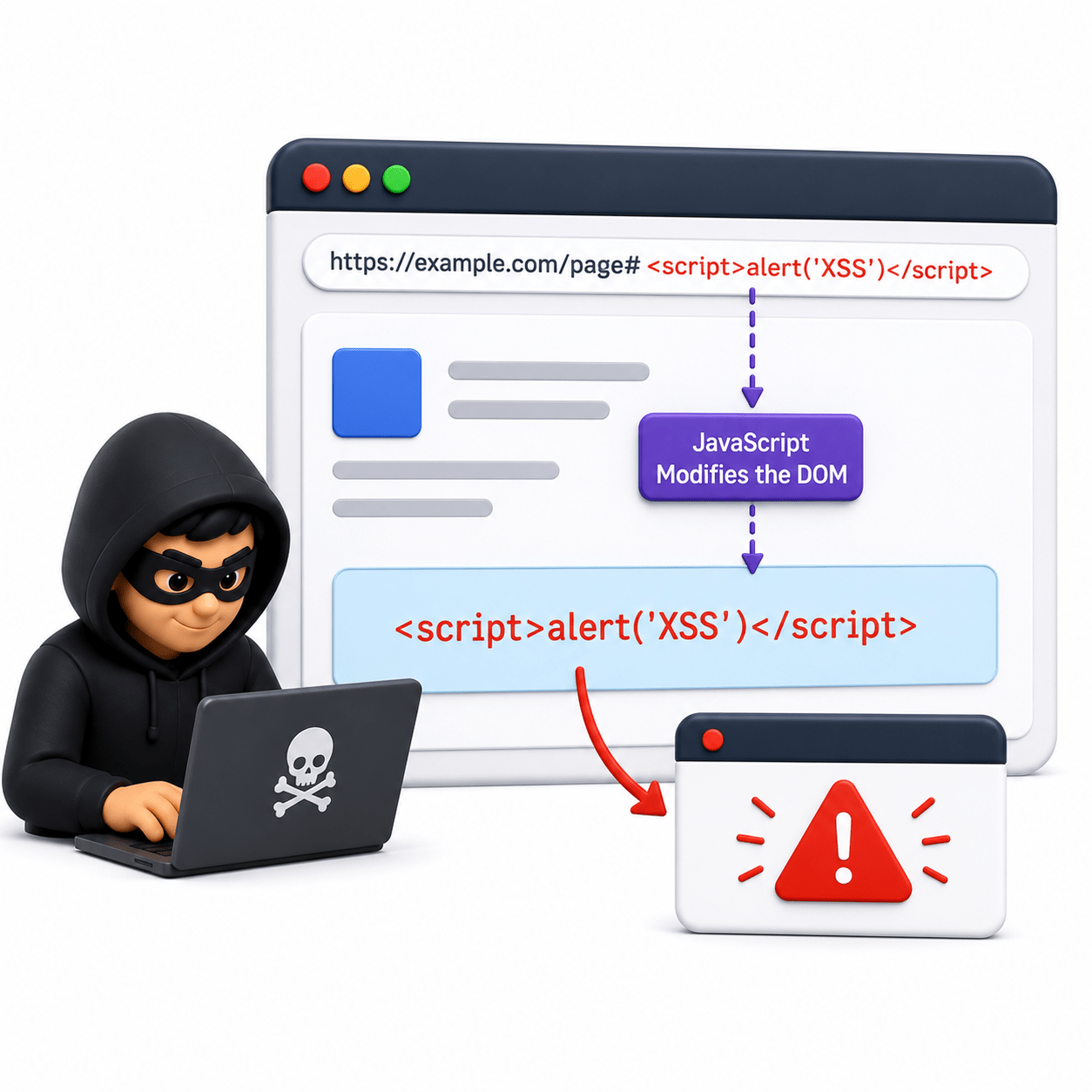
The vulnerability exists in client-side JavaScript, where unsafe DOM manipulation executes malicious content.
DOM-Based XSS
Reflected (Non-Persistent) XSS
Malicious input is immediately reflected in the server response and executes when users open a crafted request.
Common Causes of XSS Vulnerabilities
Improper Input Validation
Lack of Output Encoding
Unsafe Handling of User-Generated Content
Insecure Use of Client-Side Scripts
Improper input validation can allow unexpected content in web pages.
Unencoded user input may be executed as code instead of displayed as text.
Comments, messages, and profiles become vulnerable if user content is processed insecurely.
Insecure JavaScript handling of untrusted data can lead to DOM-based XSS.
XSS Attack Concepts and Examples
Script Injection
Attackers insert malicious scripts that execute in users' browsers.
Session and Data Exposure
XSS may expose browser-accessible session or user data.
Social Engineering and Phishing
Attackers can display fake login pages or deceptive messages to steal information.
Webpage Manipulation
Attackers can modify webpage content or user interactions.
Impact of XSS Attacks
Web Reconnaissance
Gather application information
Identify pages, APIs, technologies, entry points
Site Map
Visual representation of application structure
Improves navigation and analysis
Content Discovery
Find hidden resources
Backup files
Admin pages
API endpoints
Attack Surface Mapping
Login
Forms
File Uploads
APIs
Session Management
Identify exposed components:
Request Manipulation Concepts
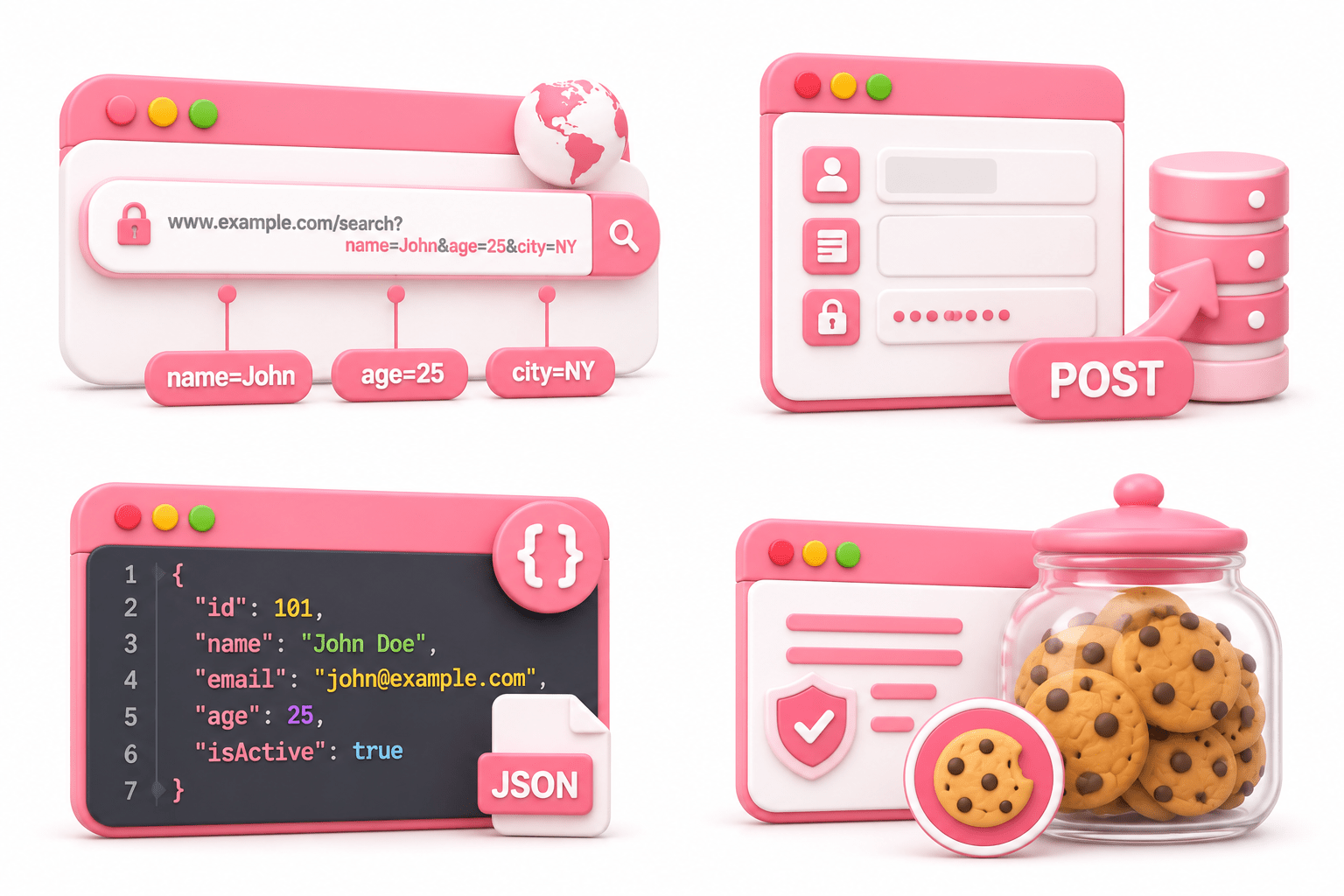
Parameter Analysis
URL Parameters
POST Data
JSON Data
Cookies
Parameter analysis involves reviewing user-controlled values transmitted between clients and servers.
Common Parameter Locations:
Parameter Tampering
Modify user input
Test validation and authorization
Header Manipulation
User-Agent
Referer
Authorization
Content-Type
Parameter tampering occurs when user-supplied values are modified to assess how an application handles unexpected input.
Examples:
Header manipulation involves analyzing how applications process HTTP header values.
Common Headers
HTTP Method Manipulation
GET
Cookie Modification
Session IDs
Preferences
Tracking Data
POST
PUT
DELETEEEE
Secure
HttpOnly
SameSite
Common Cookie Data
Best Practices
Header manipulation involves analyzing how applications process HTTP header values.
Common Headers
Cookie modification involves reviewing how applications process browser-stored information.
Session Testing
Session Creation
Session Expiration
Session Invalidation
Session Protection
Session testing evaluates how applications manage authenticated user sessions.
Areas to Review
Automated Testing Features
Brute Force Testing
Test authentication controls
Verify password policies
Fuzzing
Send unexpected input
Discover errors and weaknesses
Brute force testing involves systematically evaluating multiple credential or input combinations during authorized security assessments.
Fuzzing is the process of providing unexpected, malformed, or random input to an application to identify weaknesses and stability issues.
Payload Processing
URL Encoding
Base64
Data Formatting
Attack Configuration
Targets
Input Locations
Payloads
Response Analysis
Configure:
Payload processing involves preparing and transforming test data before it is submitted to an application.
Common Transformations:
Attack configuration refers to defining how automated testing activities are performed.
Manual vs Automated Testing
Manual
Automated
Context-aware
Accurate
Business logic testing
Faster
Broader coverage
Repetitive tasks
Performed directly by security professionals.
Uses tools to identify potential vulnerabilities.
Capture Modify Send Analyze
Repeater Workflow
Select Configure Launch Analyze
Intruder Workflow
Vulnerability Verification
Confirm findings
Remove false positives
Assess impact
Reproducing Issues
Validate vulnerabilities
Collect reliable evidence
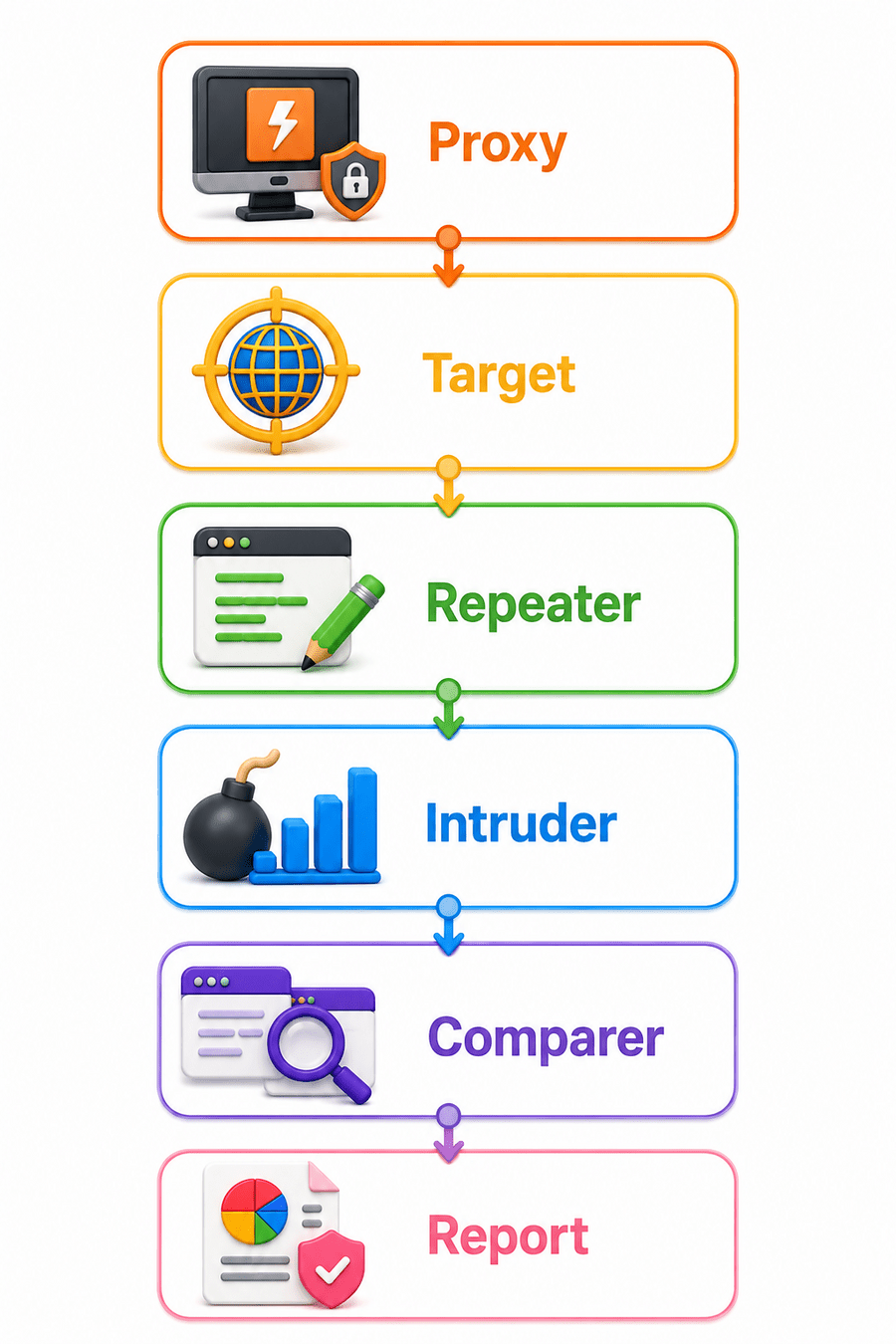
Burp Workflow
Reporting & Evidence
Common Evidence
Components of a Finding
Screenshots
Requests
Responses
Logs
Title
Description
Impact
Evidence
Risk
Remediation
Reporting communicates findings to stakeholders and supports remediation efforts.
Summary
5
Modules: Proxy, Target, Repeater, Intruder, Comparer, Decoder.
4
Manual + automated testing improves security.
3
Supports mapping and vulnerability testing.
2
It works as a proxy to intercept and modify web traffic.
1
Burp Suite is used to analyze and test web application security.
Quiz
Burp Suite acts as an:
A. Firewall
B. Operating System
C. Intermediary Proxy Between Browser and Server
D. Antivirus Software
Quiz-Answer
C. Intermediary Proxy Between Browser and Server
A. Firewall
B. Operating System
D. Antivirus Software
Burp Suite acts as an:
By Content ITV