
























Content ITV PRO
This is Itvedant Content department
Stepping into The World of Cloud Computing
Learning Outcome
6
Learn about users, access keys, and MFA
5
Understand shared security responsibility.
4
Understand authentication and authorization
3
Identify the main parts of IAM
2
Know why IAM is important for security
1
Understand what AWS IAM is
Bank Locker Analogy
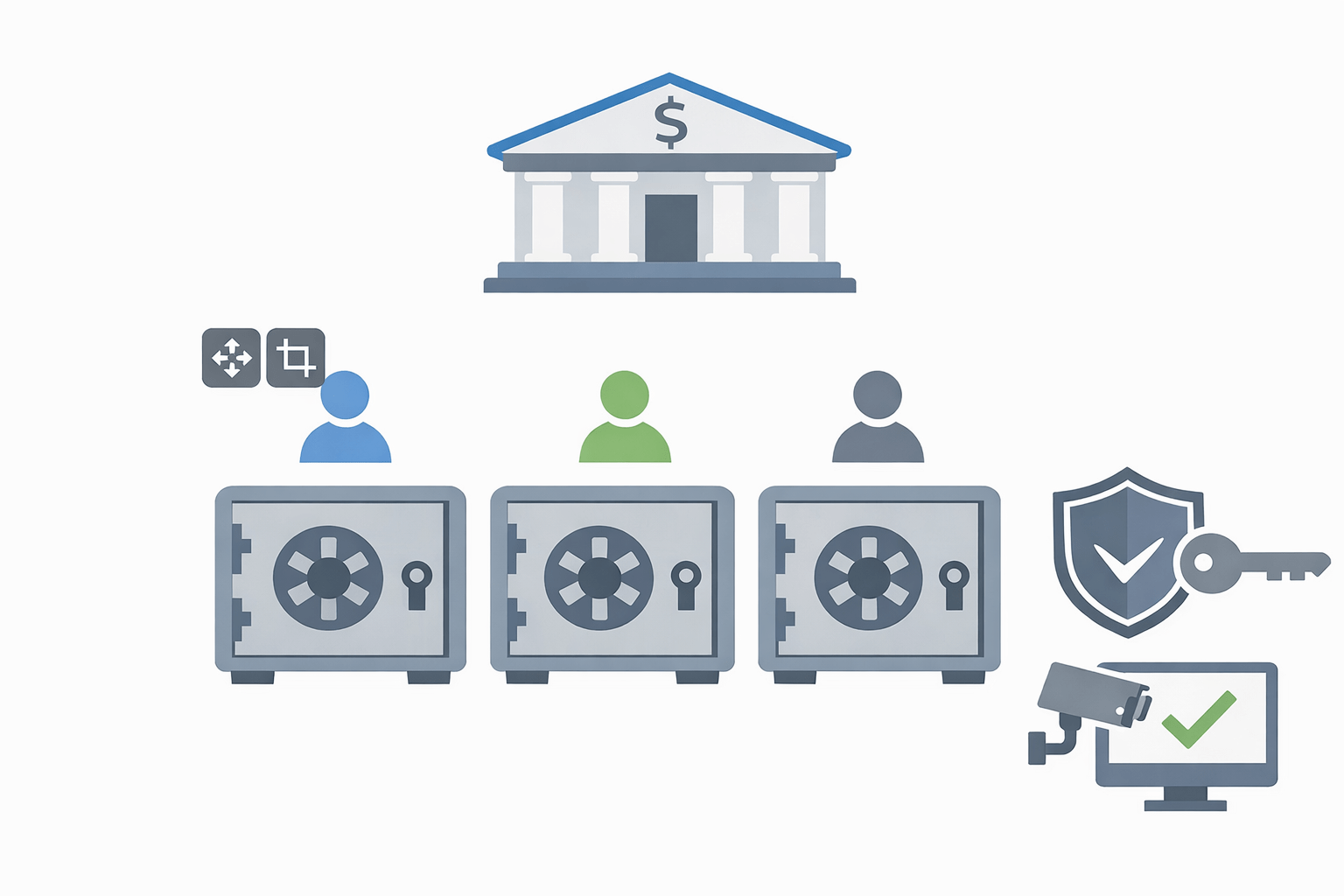
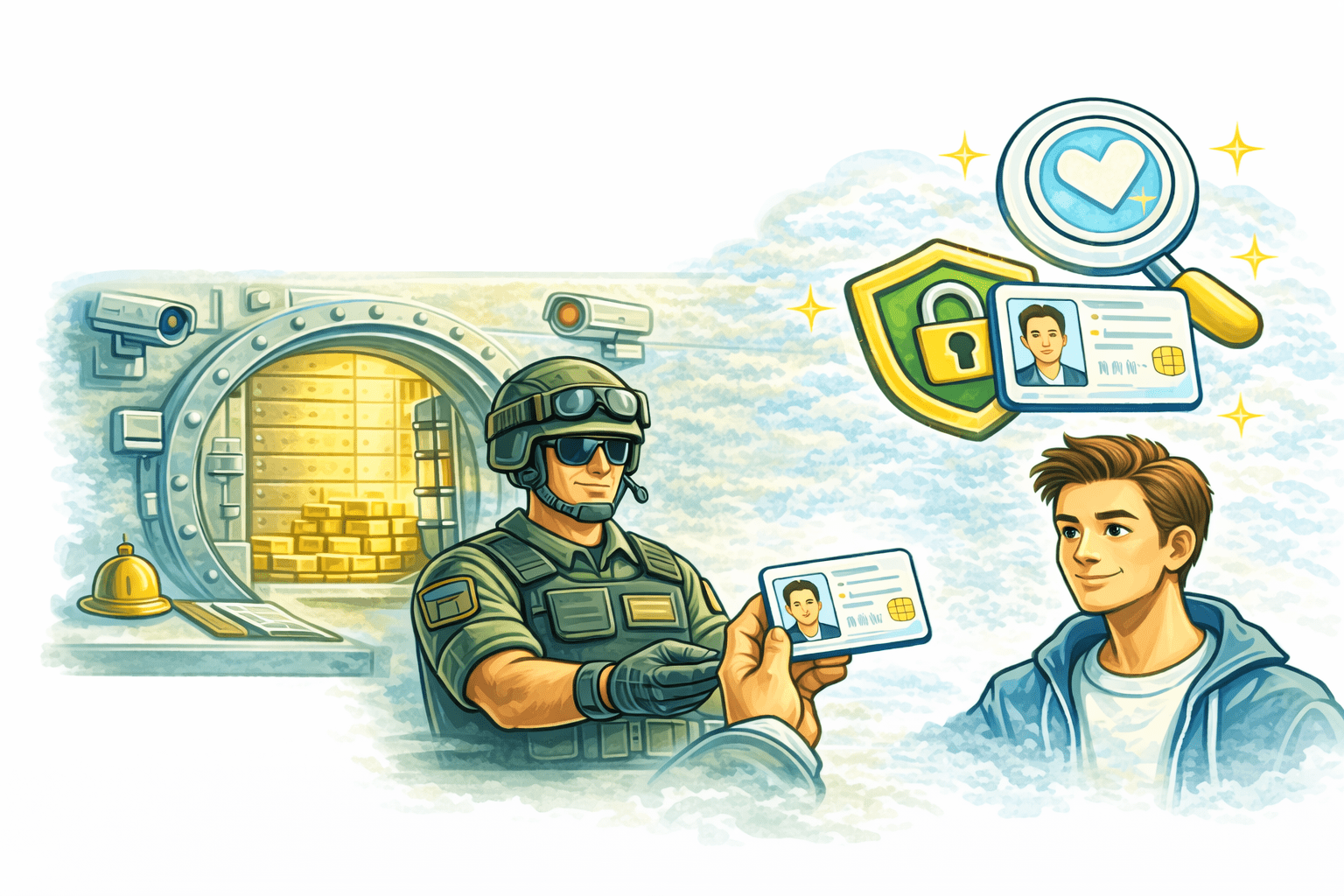
Imagine a Bank Locker
Many customers use the same bank
Each customer has their own locker
Only authorized people can open a locker
Access is strictly controlled and monitored
In the same way, IAM works like a bank locker security system for AWS
Multiple users share the same cloud environment, but each user gets controlled, secure access only to what they are allowed to use.
Before Diving to the AWS IAM
Lets know
Authentication And Authorization
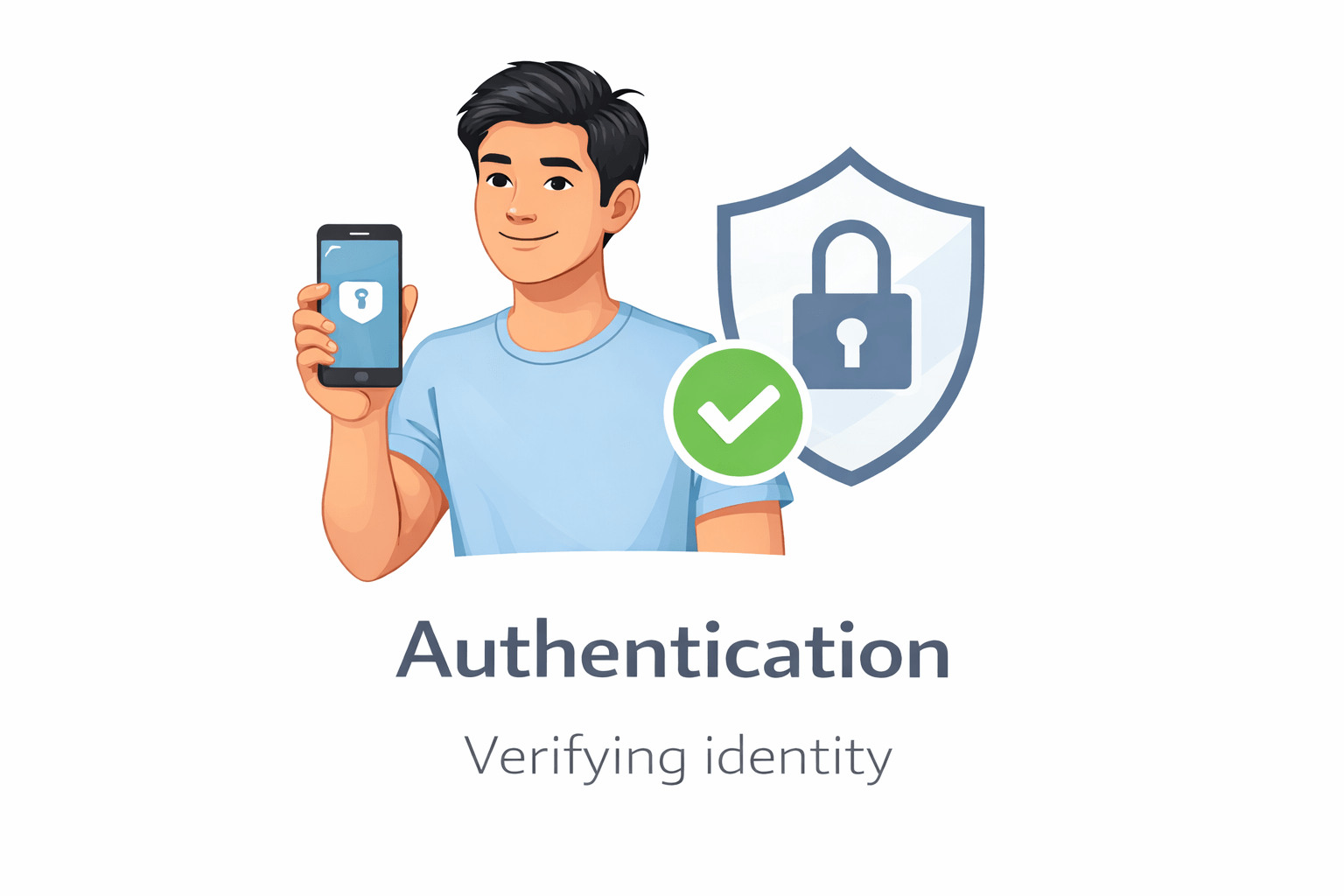
Authentication answers the question: “Who are you?”
It checks and verifies your identity before giving access.
Authorization
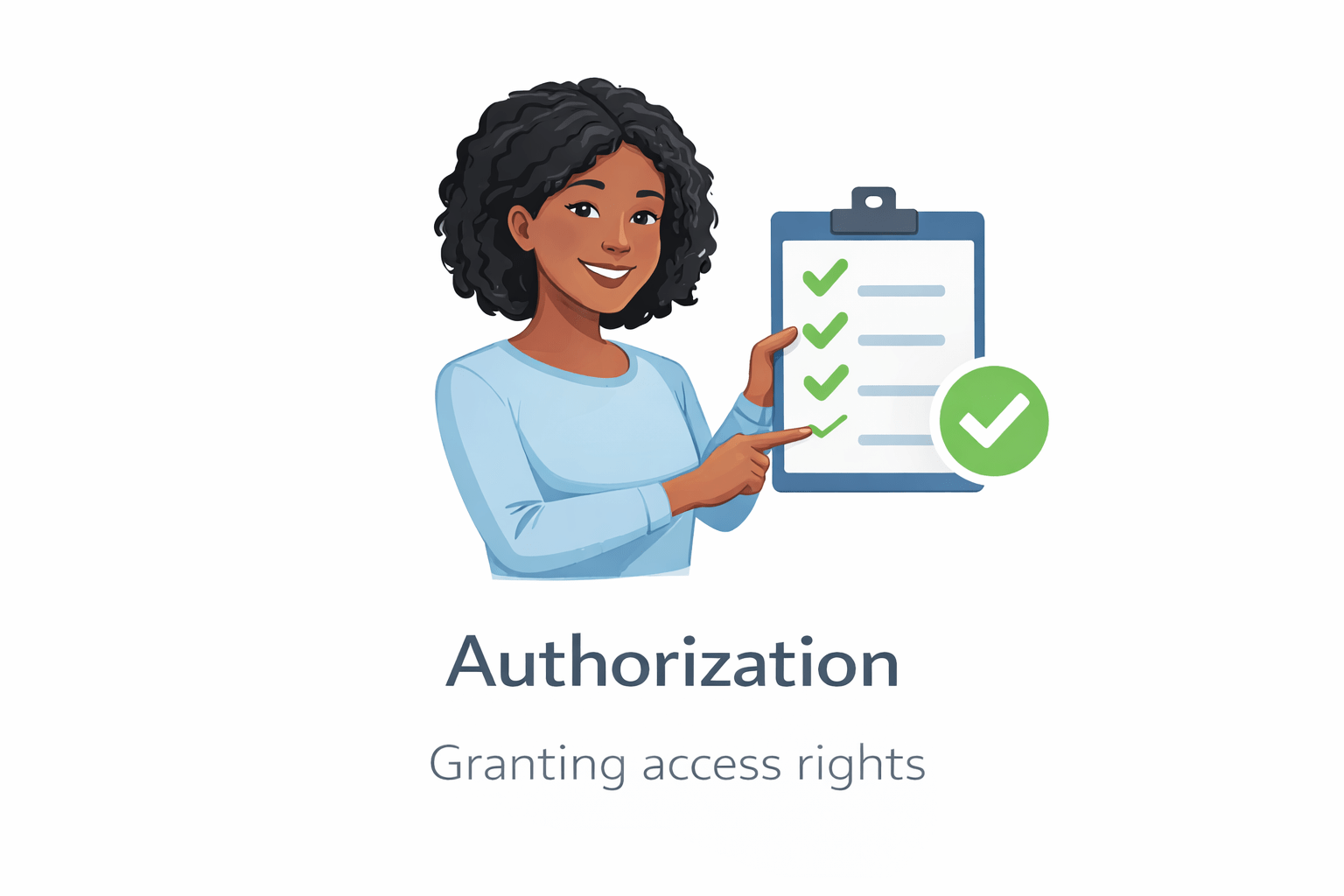
Authorization answers the question “What can you do?”
It decides what actions you’re allowed to perform after your identity is verified.
Example :
You can open only your locker
You cannot open someone else locker
Bank Locker
Similarly, authorization ensures you can access only what you are permitted to, nothing more.
Introduction to AWS IAM (Identity and Access Management)
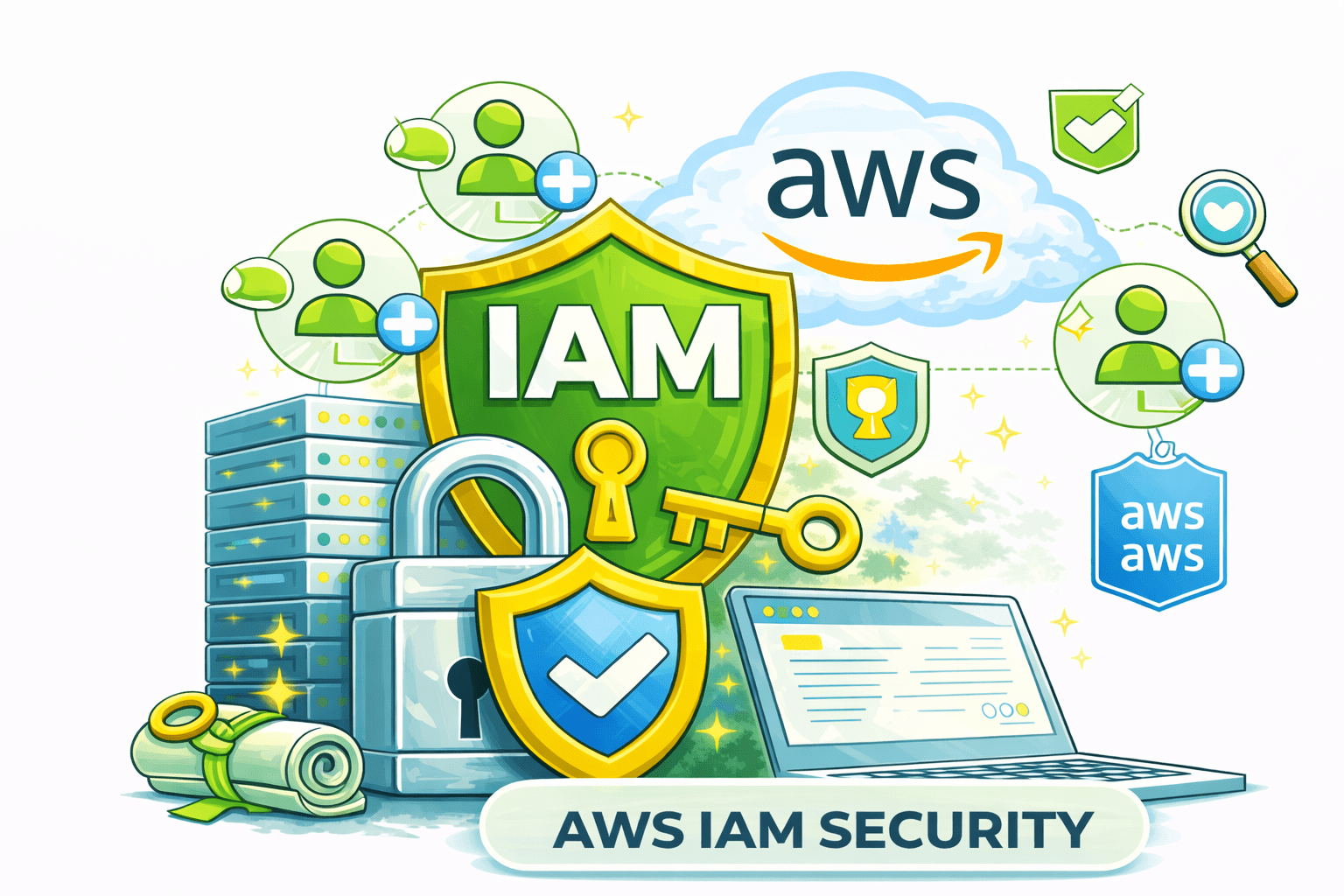
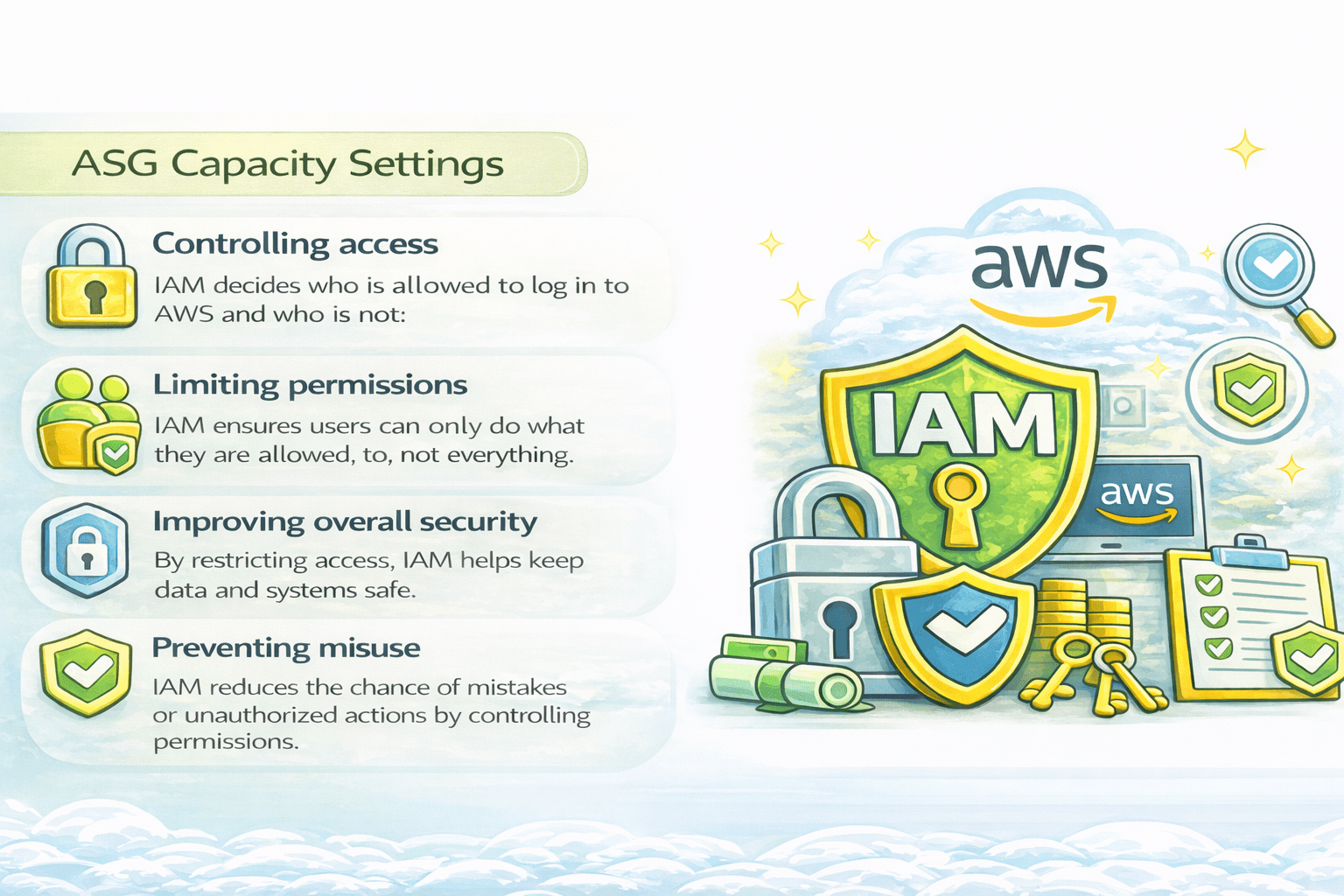
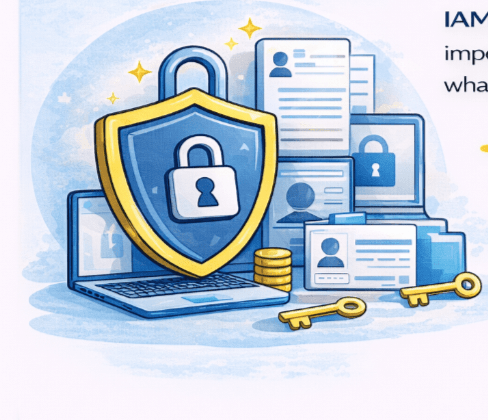
AWS IAM (Identity and Access Management) is a security service that controls who can access AWS resources.
It makes sure that only authorized people or systems can use AWS services.
Allow you to create and manage users,groups and roles
Real World Example
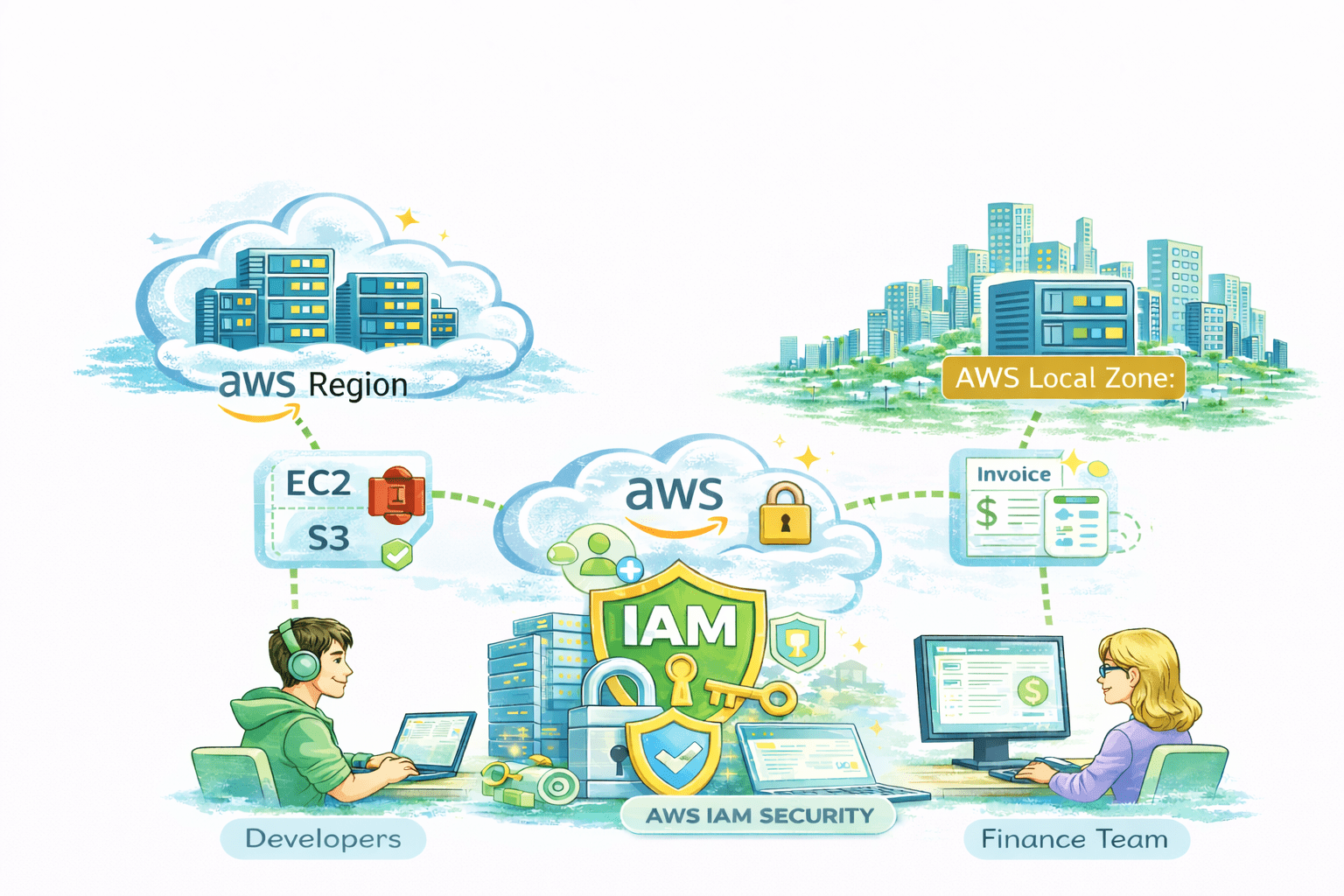
A company uses AWS IAM to give developers access only to EC2 and S3, while the finance team can access billing details.
This ensures each employee can use only what they are authorized for, keeping AWS resources secure.
Components of IAM
IAM has different parts that work together to manage access safely
User
Users are people or systems that need access.
Groups
Groups are a way to organize users who need the same type of access.
Instead of giving permissions one by one, access is assigned to the group.
Roles
Roles provide temporary access to users or systems for a specific task.
Policies
Policies are rules that decide what actions are allowed and what are denied.
Features of IAM
IAM has several features that enhance the security AWS
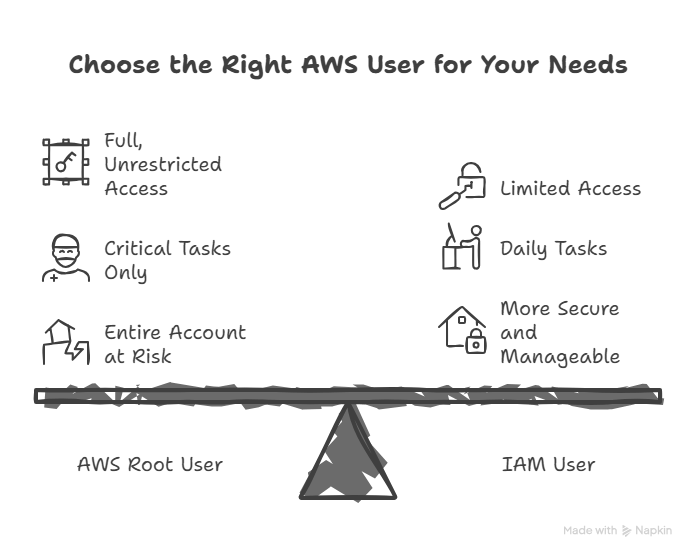
AWS Root User Account
What to Know
The original account made when you sign up for AWS
Grants complete access to all AWS services and resources for that account
Created using your registered email address and password
Provides full admin privileges, including billing, account settings, and IAM management
Real-World Example (AWS Root User Account)
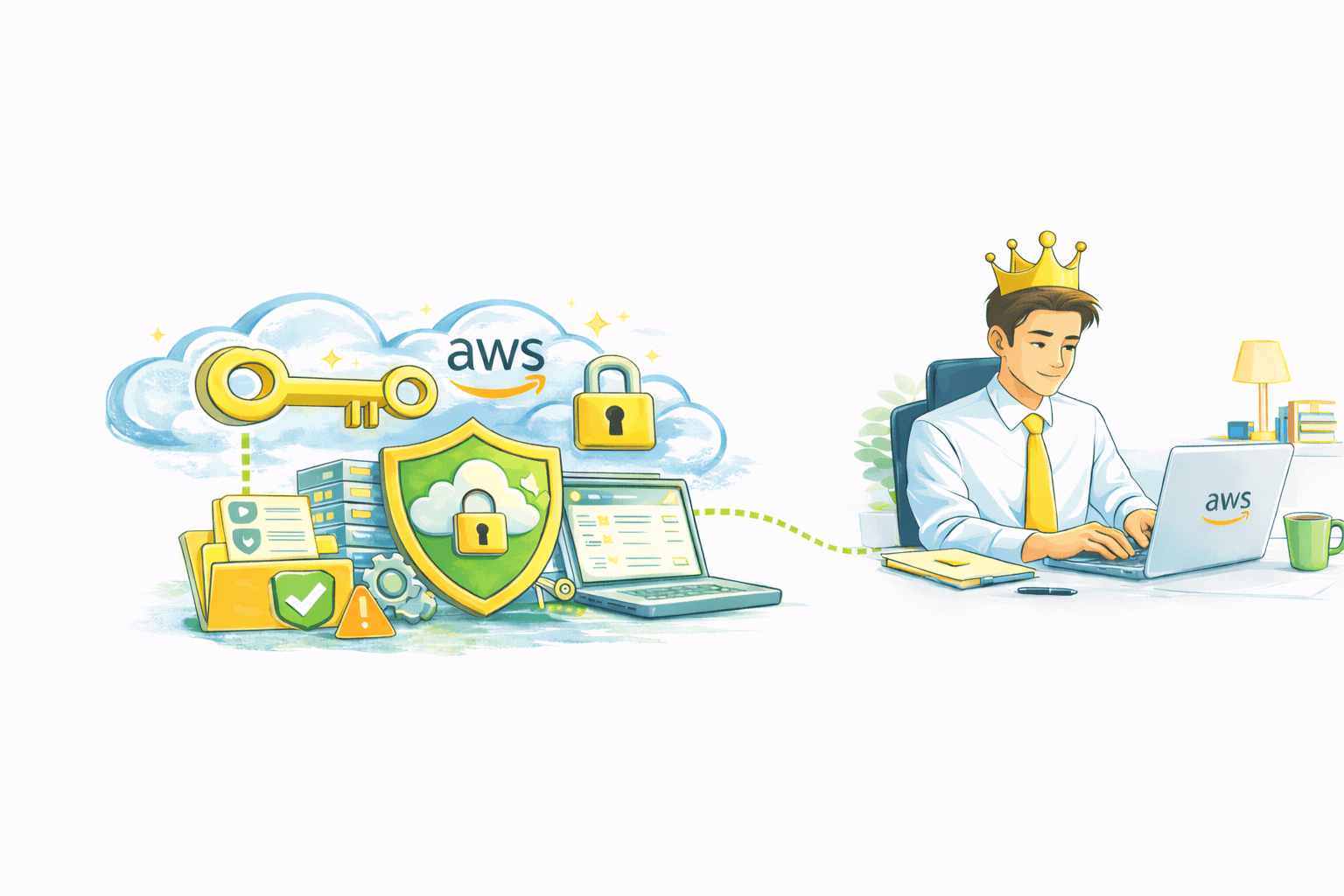
An AWS root user account is like having the master key to your AWS account.
It has full access to everything, making it very powerful
This account is usually used by a company’s founder or IT administrator to manage the entire AWS environment, from billing to security.
Root User Permissions
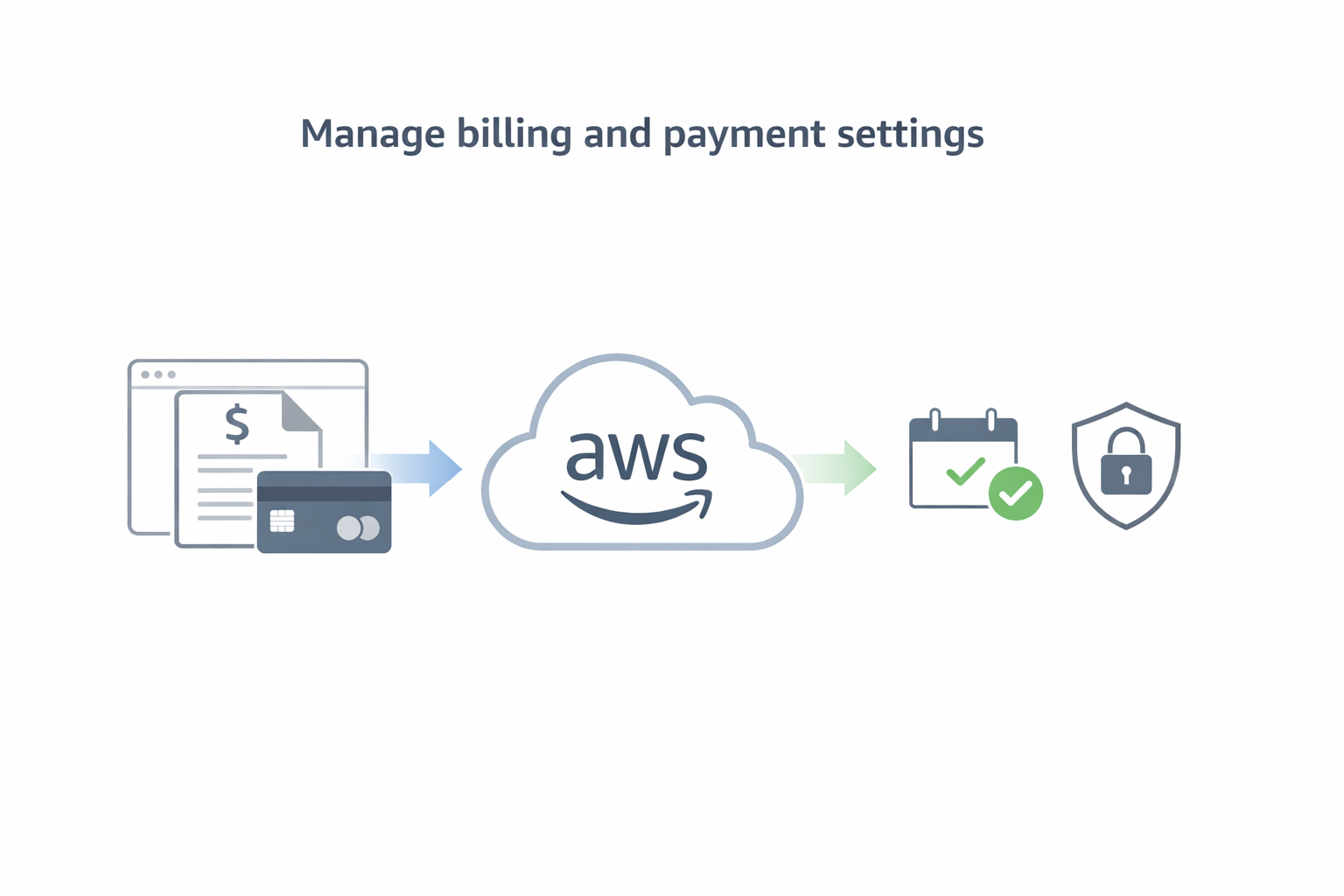
Manage billing and payment settings
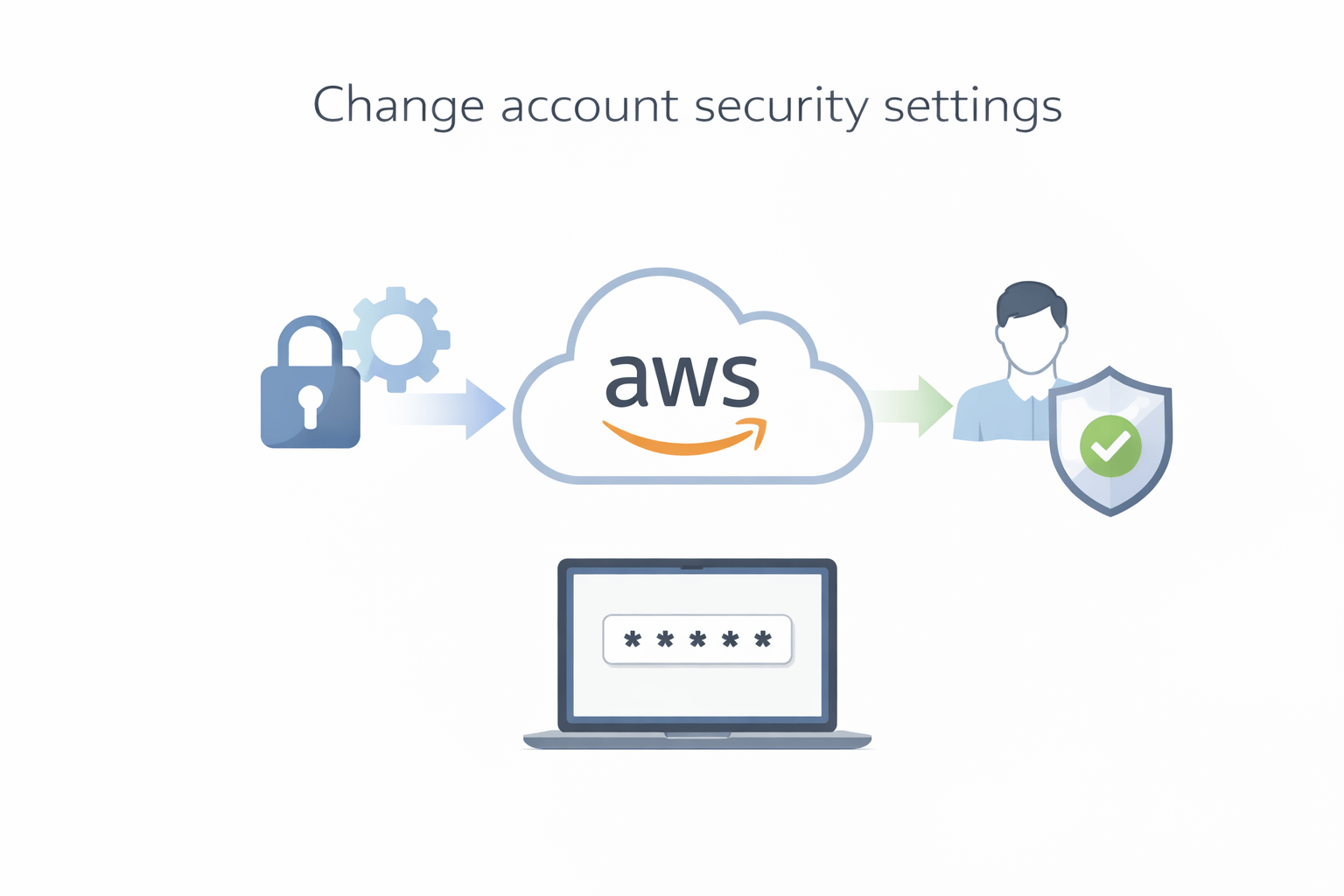
Change account security settings
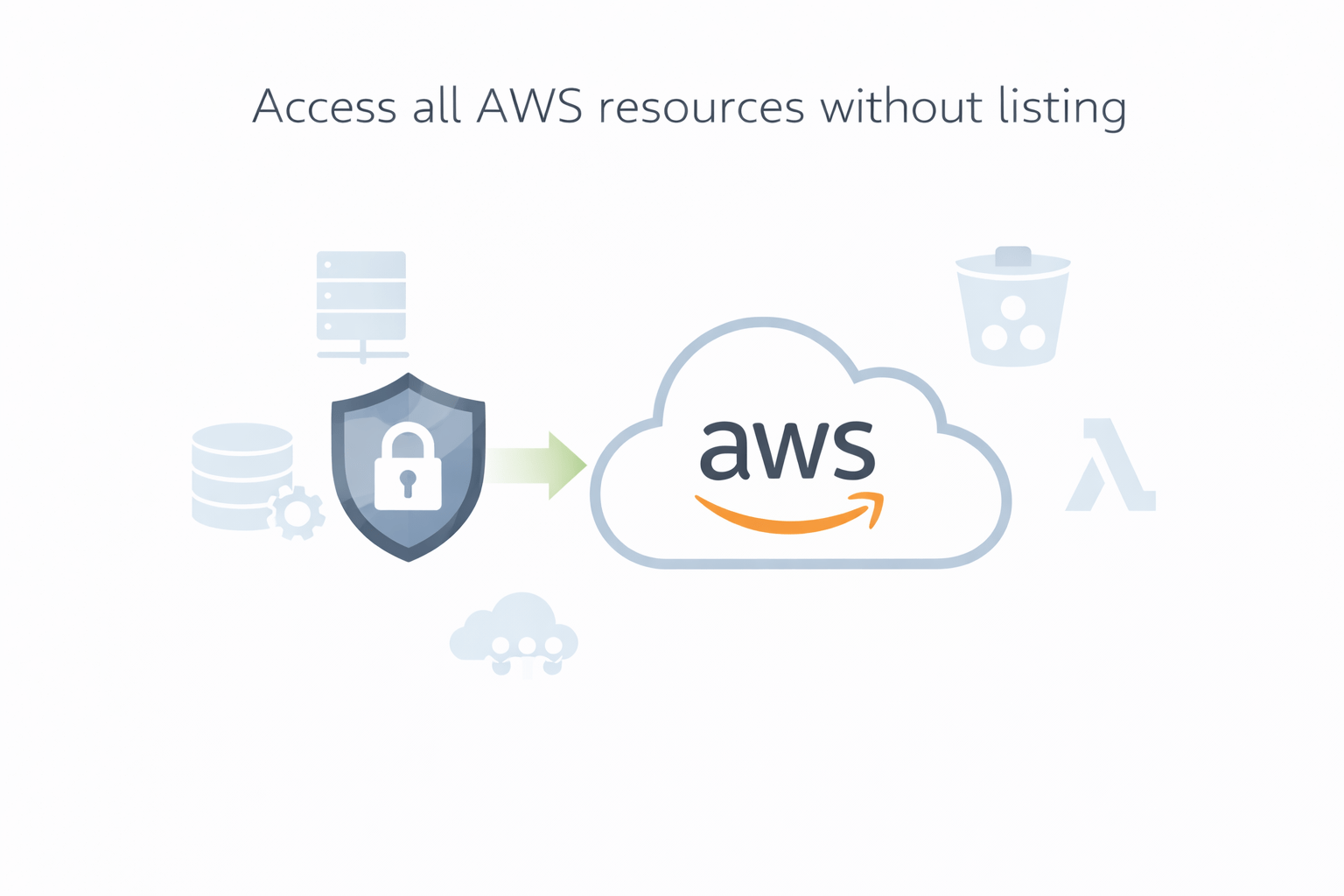
Access all AWS resources without listing
Differnece between Rootuser & IAM user
Users In IAM
IAM users are individual identities created to access AWS.
They help identify, track, and control who is using the system
They represent people or applications that need access.
Each user has unique login credentials (username, password, or access keys)
Permissions decide what the user can and cannot do
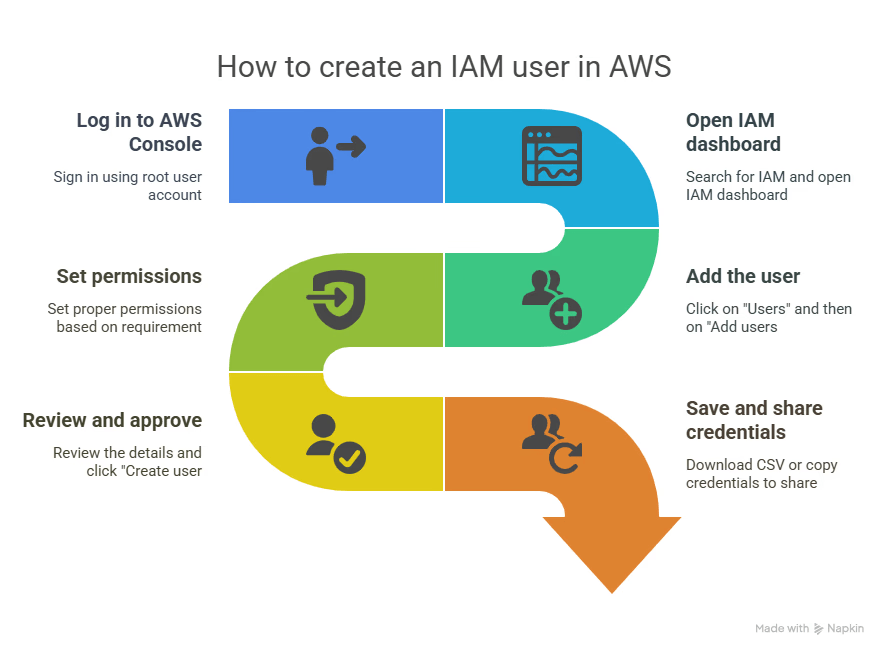
How to create IAM User
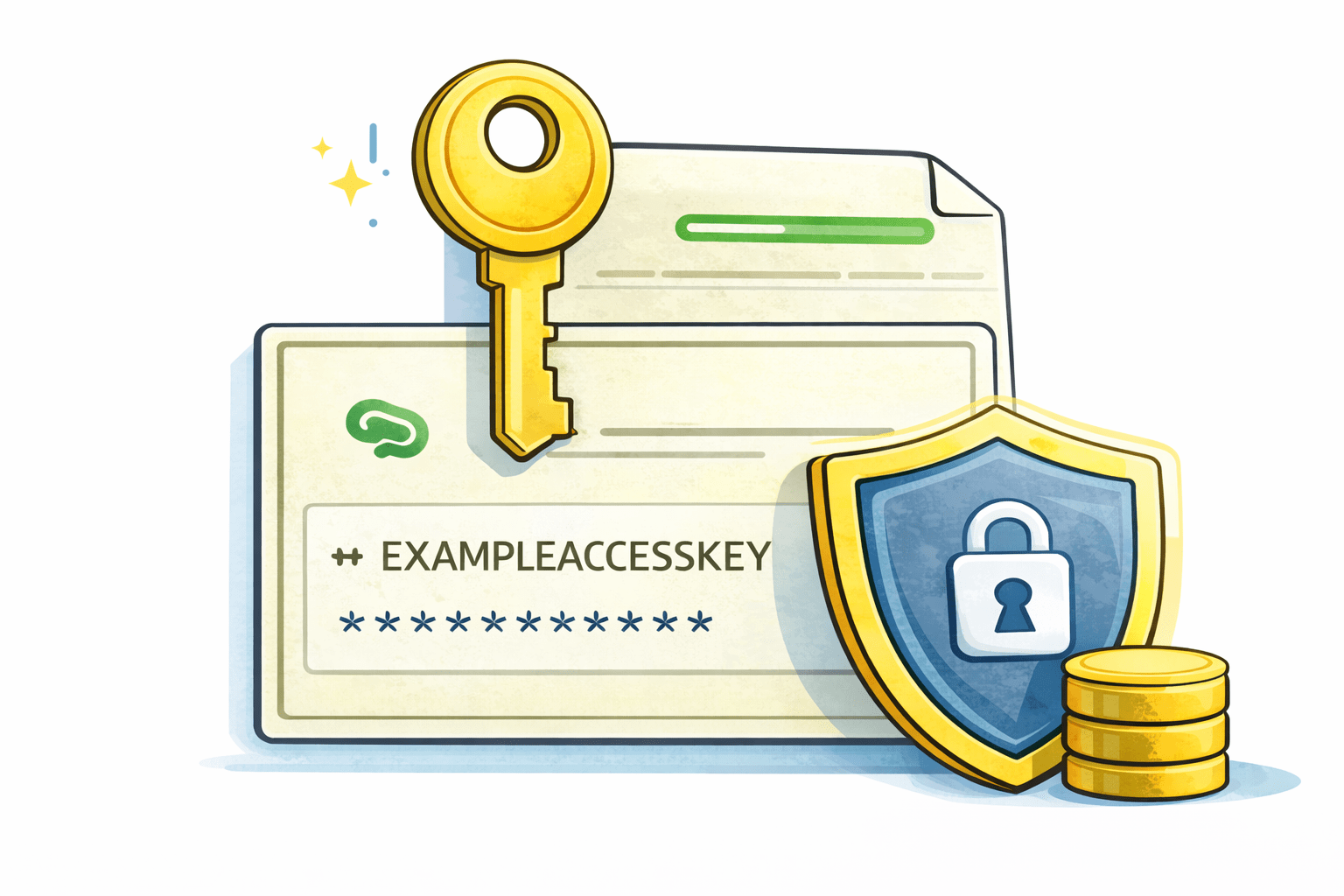
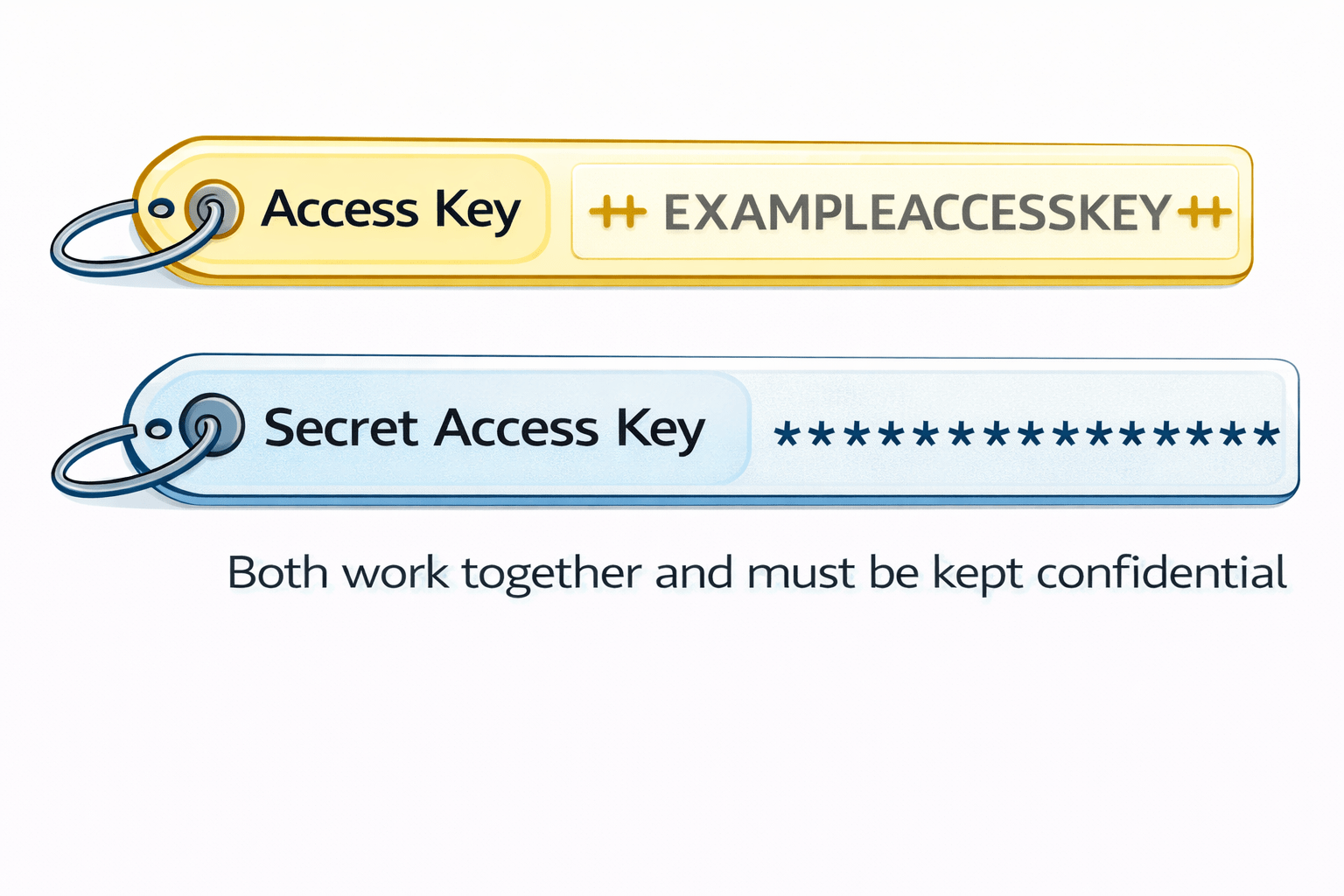
Access Keys and Secret access key
Access Keys and Secret Access Keys are digital credentials used by applications or automated systems, not humans.
They allow software to securely access services without manual login.
Digital credentials used by applications or automated systems, not humans.
Allow software to securely access services without manual login.
MFA (Multi-Factor Authentication)
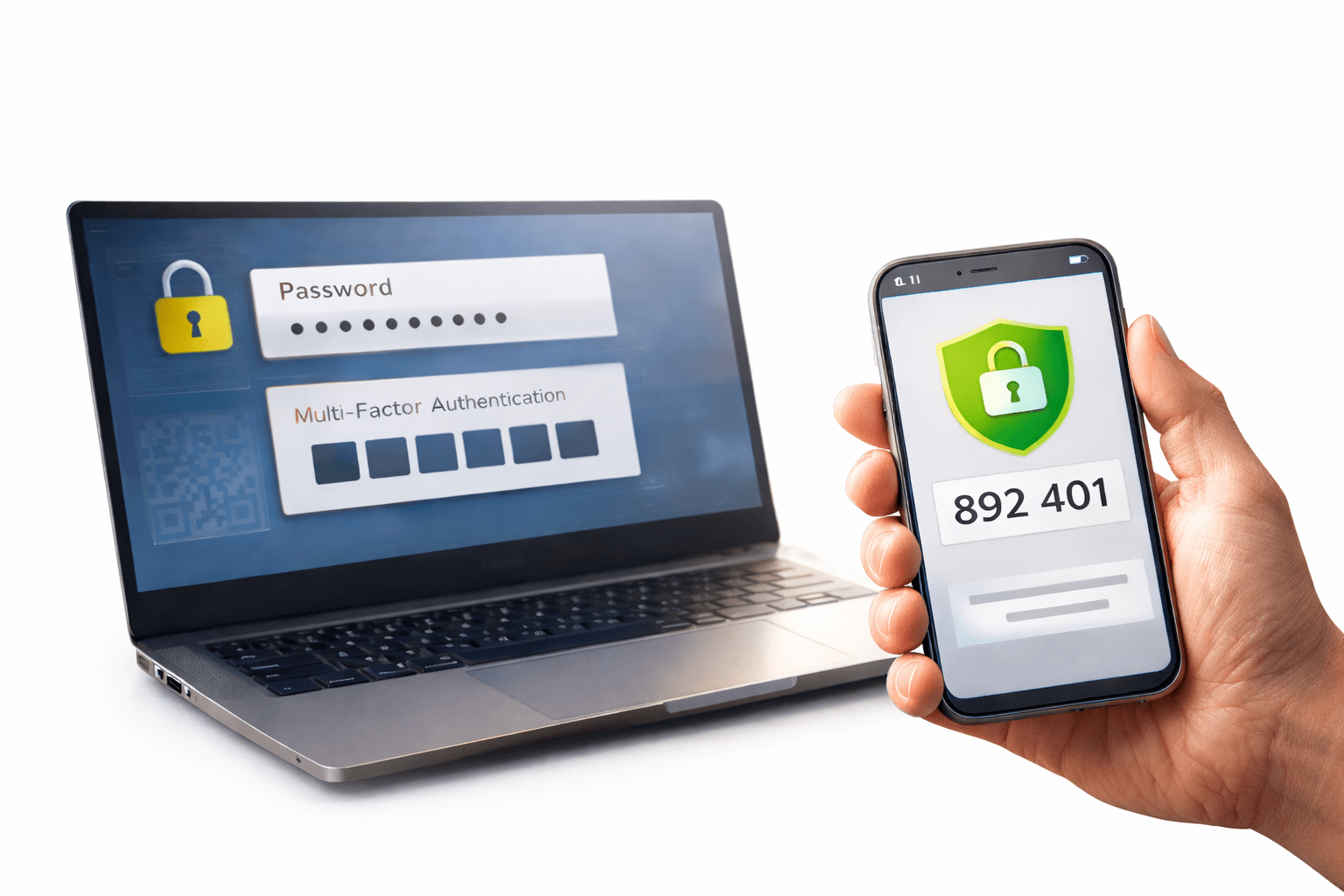
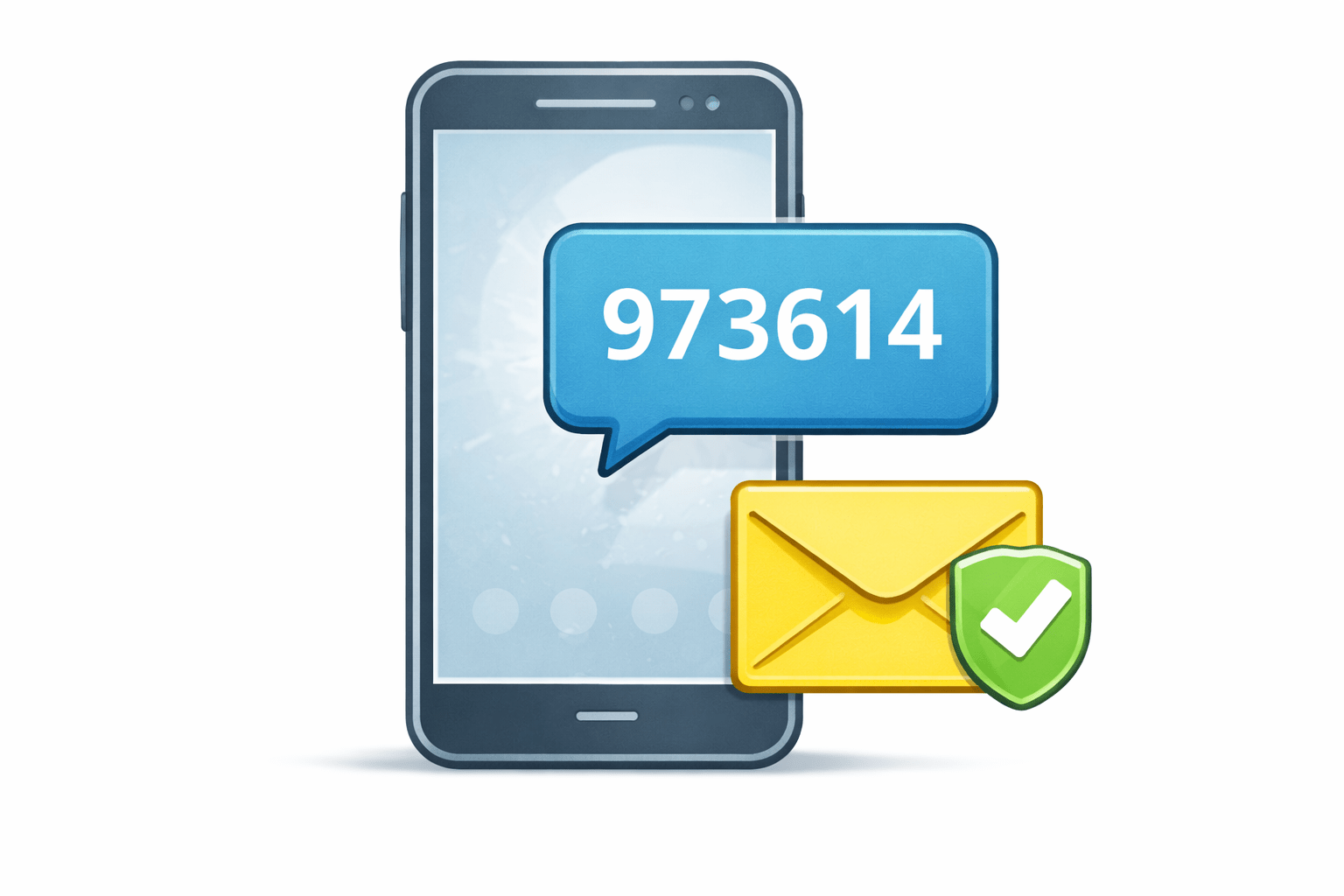
MFA (Multi-Factor Authentication) adds an extra layer of security to your account.
Even if someone knows your password, they cannot log in without the second factor (such as an OTP).
Types Of MFA
Virtual MFA
Uses an authenticator app (Google Authenticator, Authy, AWS Virtual MFA)
Generates a time-based OTP on your phone
Most commonly used and recommended by AWS
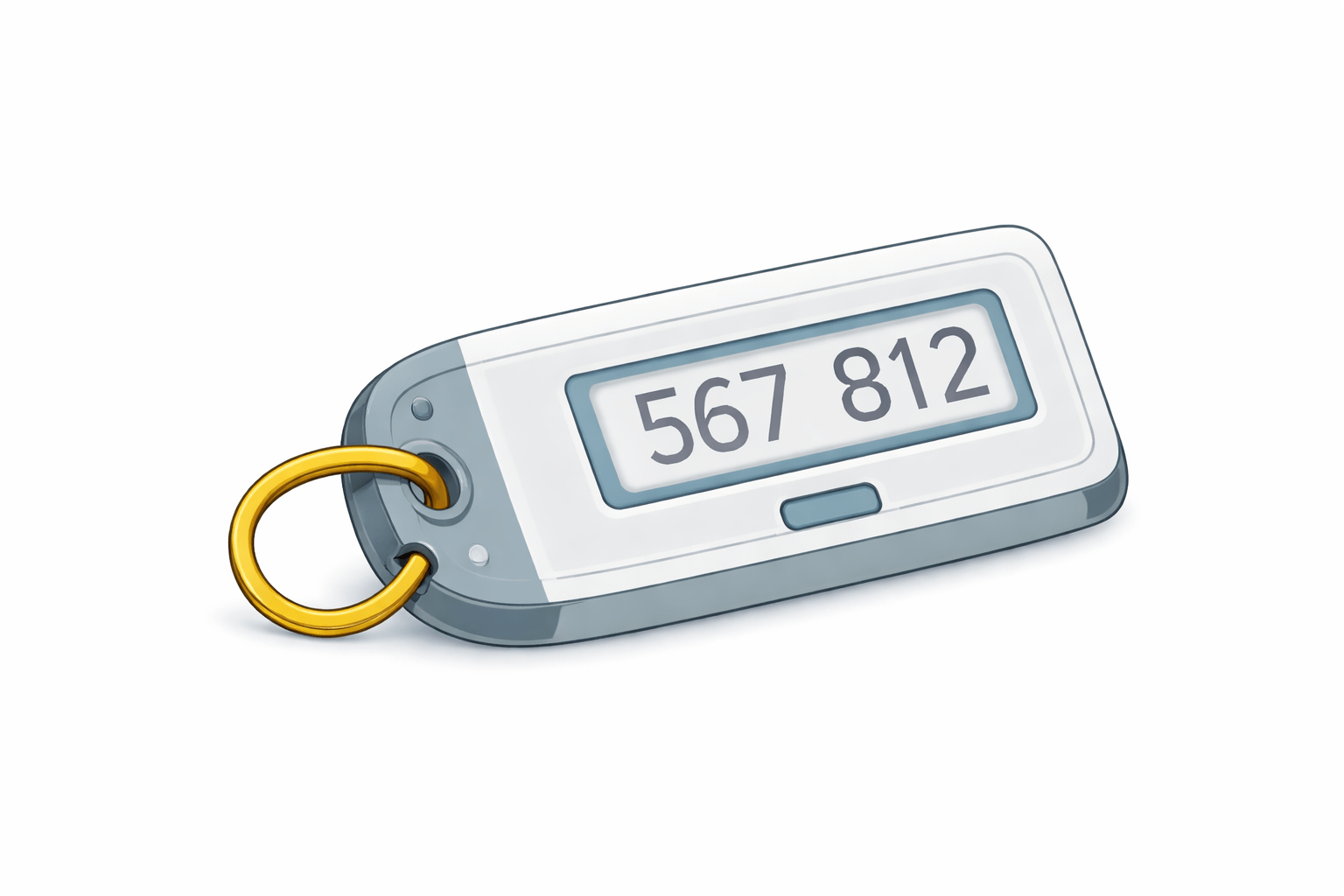
Hardware MFA
A physical device that generates OTPs
More secure than virtual MFA
Used in high-security environments
SMS-Based MFA
Sends OTP via SMS to your mobile number
Easy to use but less secure
Not recommended for critical accounts
Steps to add MFA in AWS
Sign in to the AWS Management Console
Open AWS IAM (Identity and Access Management)
Click Users in the left menu
Select the user for MFA setup
Open the Security credentials tab
6. Under Multi-Factor Authentication (MFA), click Assign MFA device
7. Choose Virtual MFA device (recommended)
8. Open an authenticator app on your phone
9. Scan the QR code displayed on the screen
10. Enter two consecutive OTPs generated by the app
11. Complete MFA setup
Why IAM is important
IAM (Identity and Access Management) is important because it controls who can access what in a system
By giving only the required permissions, IAM reduces the risk of data misuse, accidental actions, and unauthorized access.
5
MFA adds strong protection
4
Authorization controls action
3
Authentication checks identity
2
Users, groups, roles, and policies manage permissions
1
IAM controls who can access AWS
Quiz
IAM is mainly used for
A. Storage
B. Networking
C. Security
D. Billing
Quiz-Answer
A. Storage
B. Networking
C. Security
D. Billing
IAM is mainly used for
Quiz
MFA provides
A. Extra storage
B. Extra security
C. Extra user
D. Extra cost
Quiz-Answer
B. Extra security
MFA provides
A. Extra storage
C. Extra user
D. Extra cost
By Content ITV