









Content ITV PRO
This is Itvedant Content department
Gherkin Syntax
Learning Outcome
4
Write clear and maintainable Gherkin tests
3
Separate preconditions, actions, and outcomes
2
Convert requirements into test scenarios
1
Create BDD scenarios using Gherkin keywords
5
Organize scenarios into feature files
Gherkin Syntax
Basic knowledge of software testing concepts
Familiarity with requirements or user stories
Understanding of test cases (input, steps, expected result)
Basic idea of Behavior-Driven Development (BDD)
Ability to write simple, clear English statements
Basic awareness of automation tools like Cucumber
RECALL
Why do we use Gherkin syntax?
We use Gherkin syntax for the following reasons:
To describe software behavior in simple, human-readable language
To bridge communication between business stakeholders, testers, and developers
To convert requirements into structured test scenarios
To support Behavior-Driven Development (BDD) practices
To make test cases clear, consistent, and easy to understand
To enable automation testing by linking scenarios with tools like Cucumber
To ensure everyone has a shared understanding of expected system behavior
What is Gherkin?
Gherkin is a structured, plain-English language used to write test scenarios in Behavior-Driven Development (BDD).
It describes how software should behave in a way that both technical (developers/testers) and non-technical (business users) people can understand.
Features of Gherkin
Written in simple English-like language
Follows a fixed structure
Used in BDD (Behavior-Driven Development)
Works with automation tools like Cucumber
Focuses on system behavior, not code
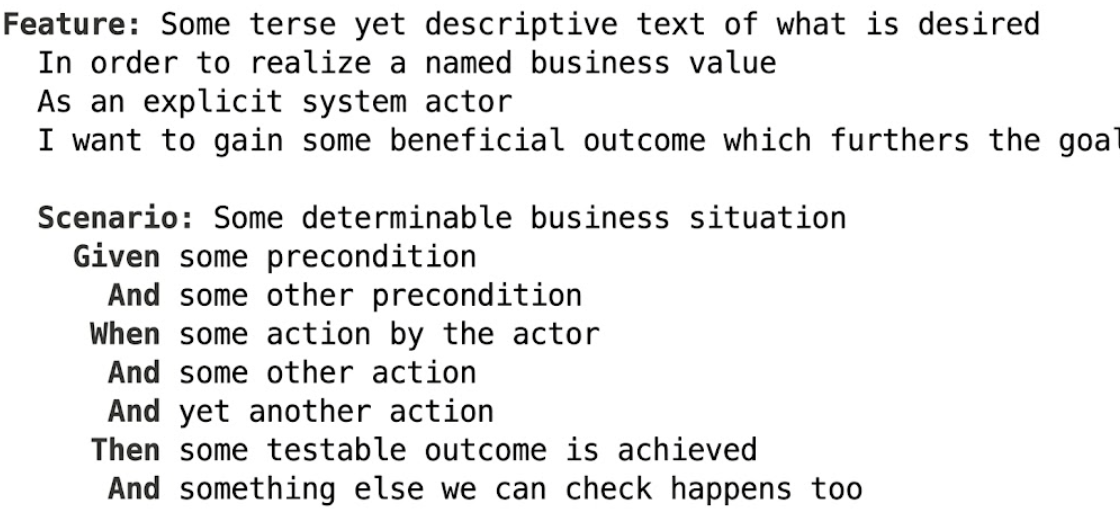
Gherkin Structure
Example:
Feature: Login functionality
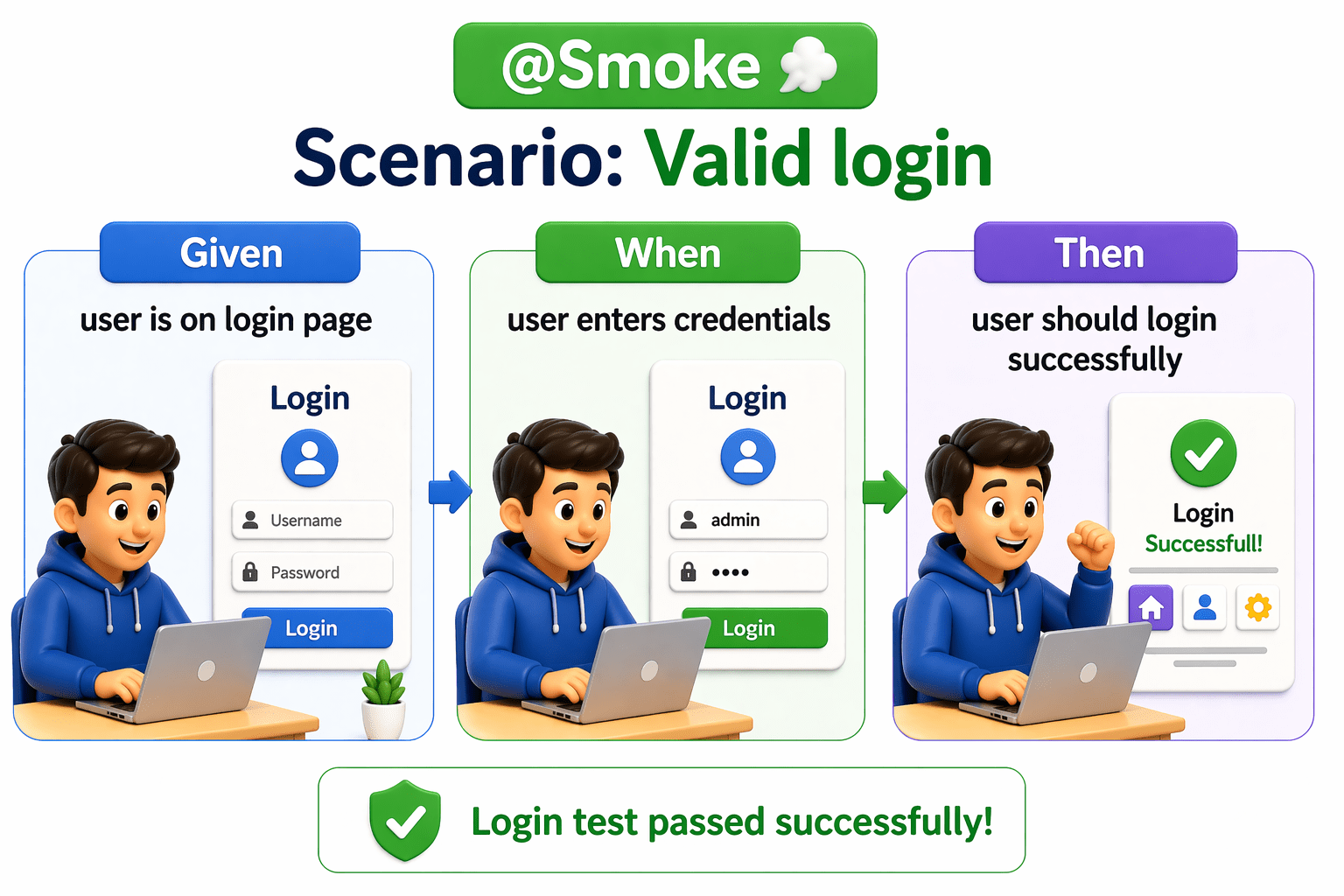
Scenario: Valid user login
Given the user is on the login page
When the user enters valid credentials
Then the user should be redirected to the dashboard
Keywords used:
Feature → What is being tested
Scenario → A specific test case
Given → Precondition
When → Action
Then → Expected result
What is pom.xml?
Differentiate between preconditions, actions, and expected outcomes
This focuses on understanding the role of each step:
Given = Precondition
Setup or initial state
Example: user is on login page
When → Action
What the user does
Example: enters username and password
When → Action
What is pom.xml?
Running Tests Using Tags
Tags are used to select and run specific scenarios from a large set of tests written in Gherkin.
Add Tags in Feature File
What is pom.xml?
Running Tests Using Tags
Tags are used to select and run specific scenarios from a large set of tests written in Gherkin.
Configure Tags in Test Runner
@RunWith(Cucumber.class)
@CucumberOptions(
   features = "src/test/resources/features",
   glue = "stepDefinitions",
   tags = "@Smoke"
)
public class TestRunner {
}
This runs only Smoke tests
Using JUnit
What is pom.xml?
Tag Execution Options
✔ Run single tag
tags = "@Smoke"
✔ Run multiple tags (AND condition)
tags = "@Smoke and @Regression"
✔ Run either tag (OR condition)
tags = "@Smoke or @Regression"
✔ Exclude tag
tags = "not @Smoke"
Summary
4
Work with JUnit / TestNG for execution control
3
Improve test control and organization
2
Tags help run specific tests only
1
Hooks (@Before, @After) → handle setup and cleanup (e.g., browser open/close)
Quiz
Which annotation is used for teardown in Cucumber?
A.@Before
B.@After
C.@Test
D.@RunWith
Which annotation is used for teardown in Cucumber?
A.@Before
B.@After
C.@Test
D.@RunWith
Quiz-Answer
By Content ITV