

















Content ITV PRO
This is Itvedant Content department
Learning Outcome
4
Use TestNG features like annotations and parallel execution.
3
Execute Cucumber tests using TestNG runner.
2
Write feature files and step definitions for automated tests.
1
Understand integration of Cucumber, Selenium, and TestNG.
5
Generate and analyze test reports.
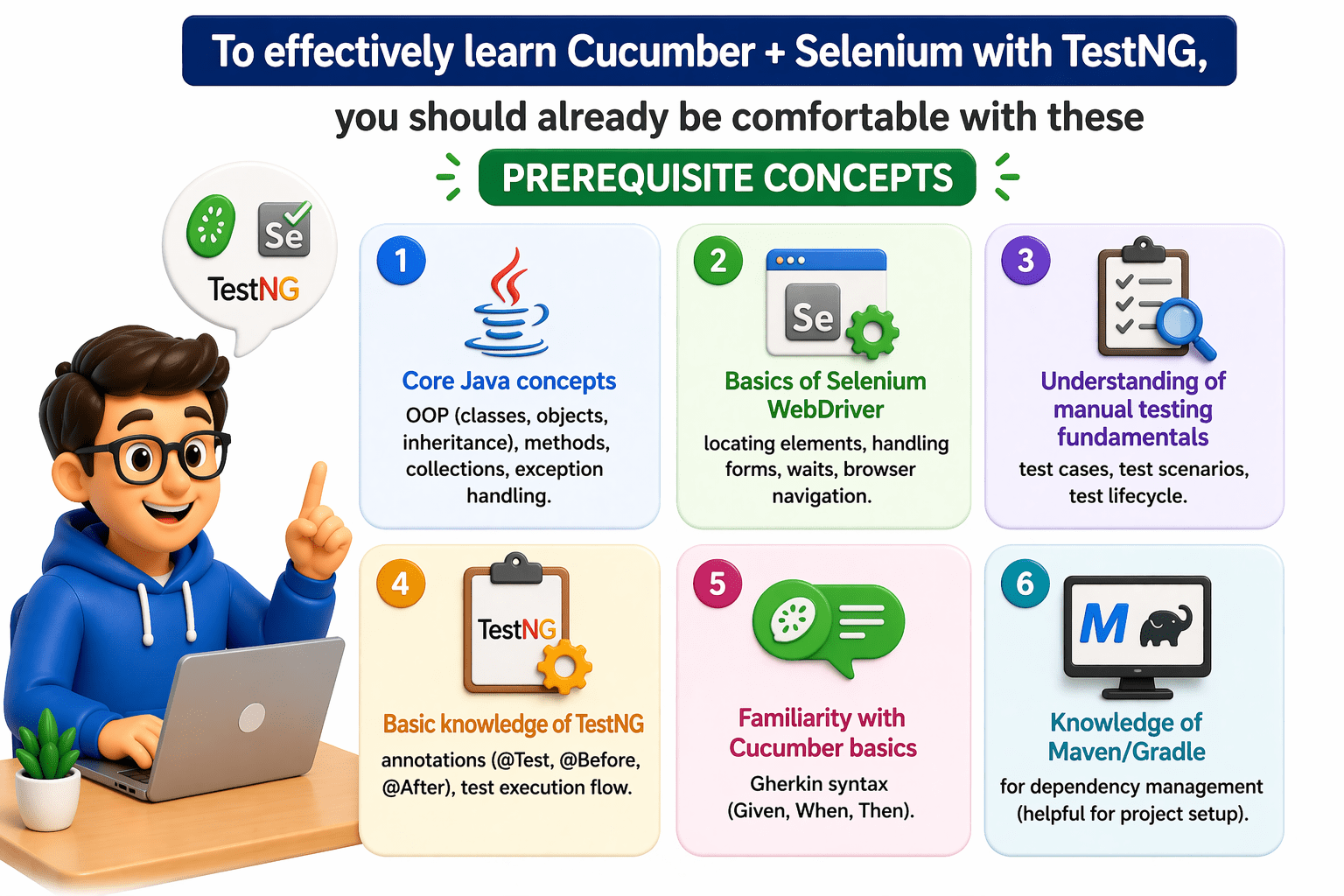
These foundations make it much easier to understand how all three tools integrate into a test automation framework.
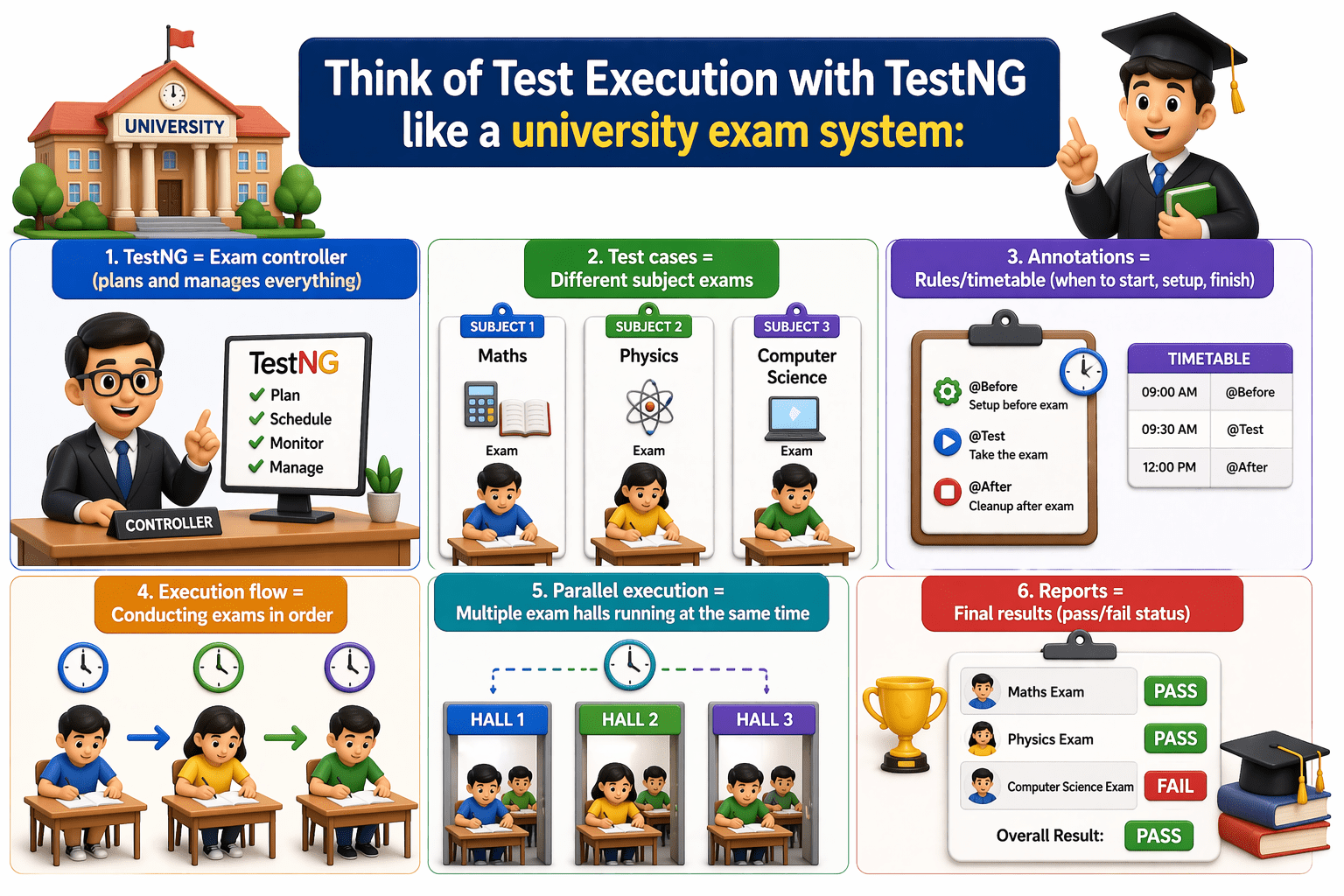
Think of Test Execution with TestNG like a university exam system:
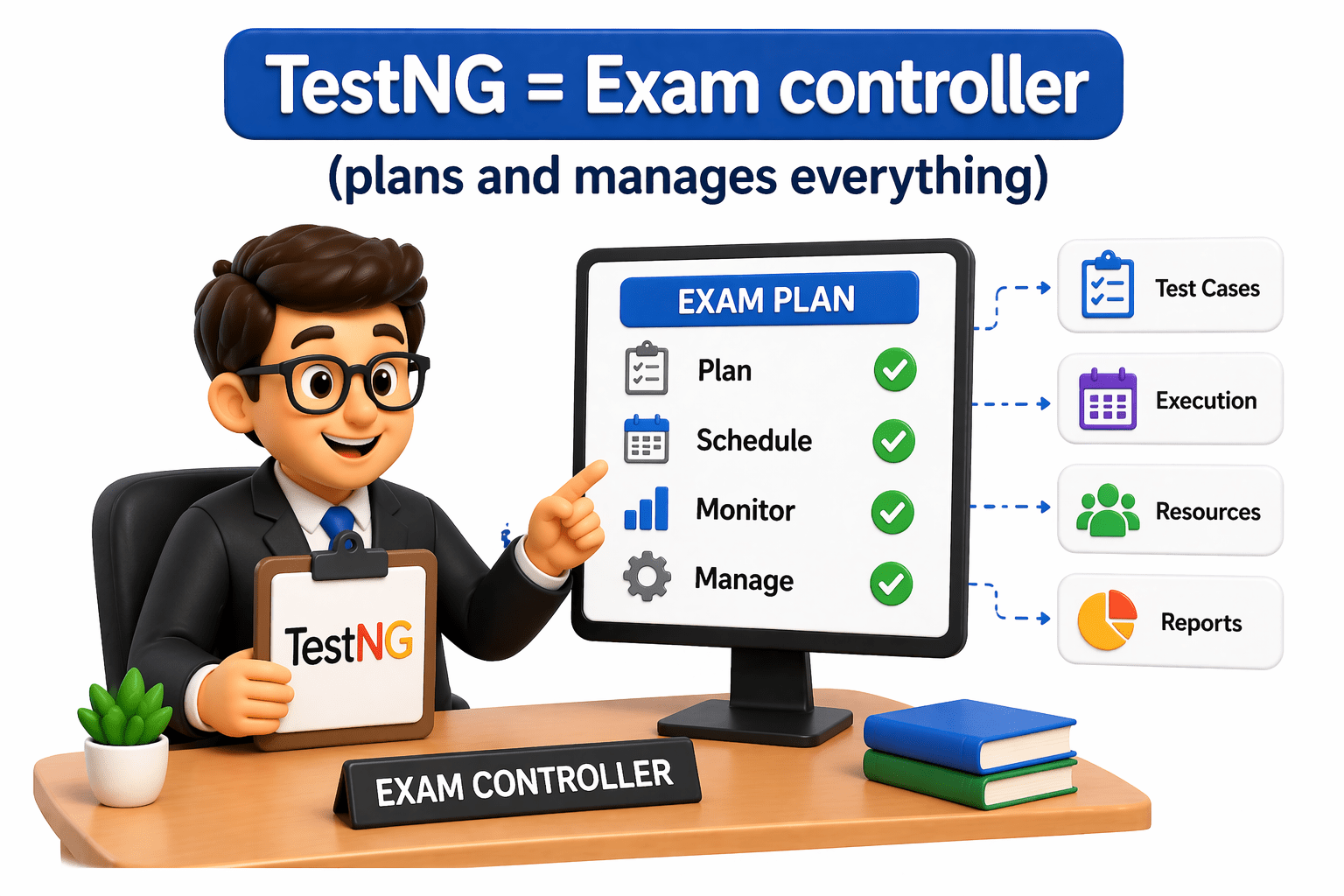
TestNG = Exam controller
(plans and manages everything)
Test cases = Different subject exams
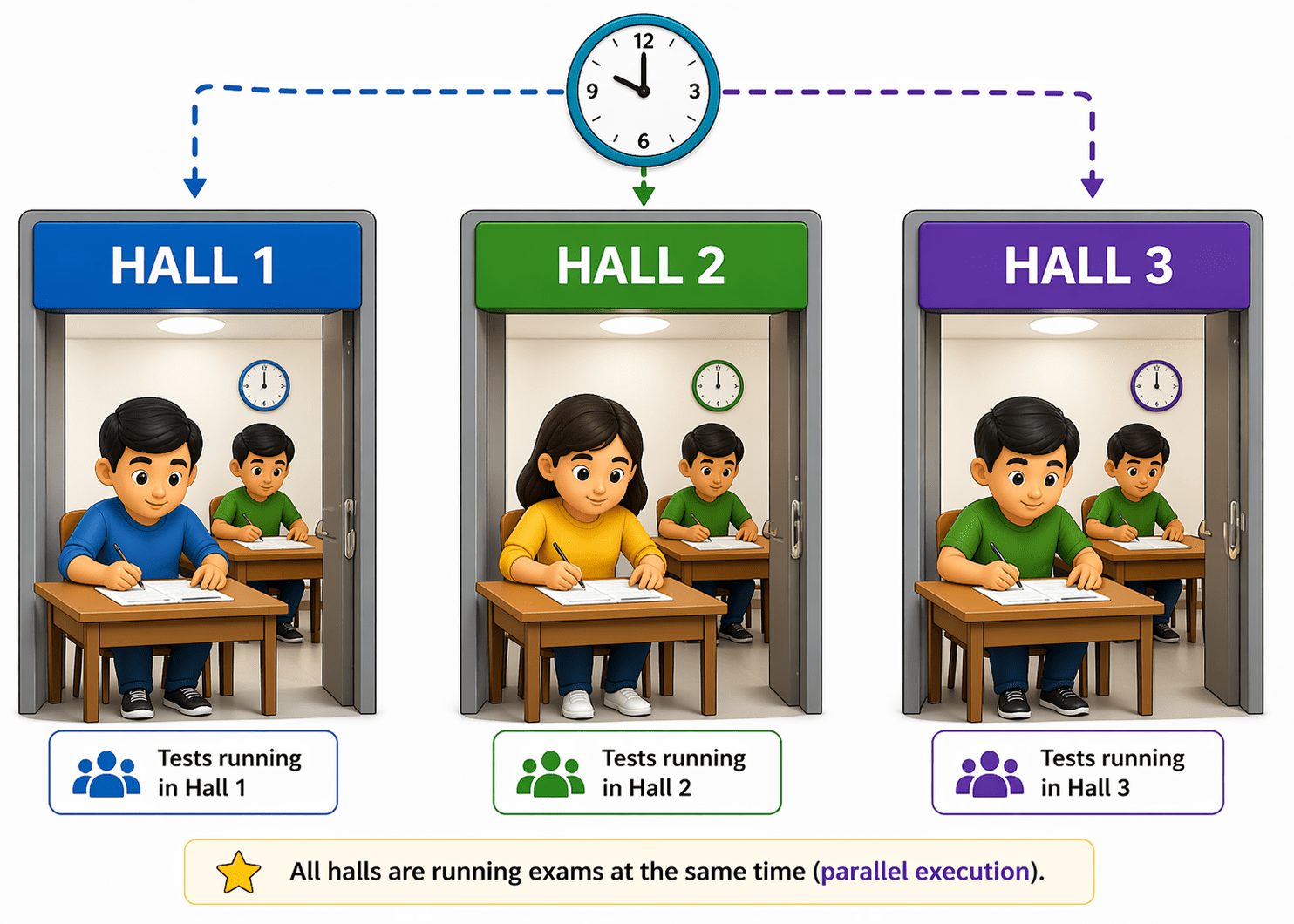
Parallel execution = Multiple exam halls running at the same time
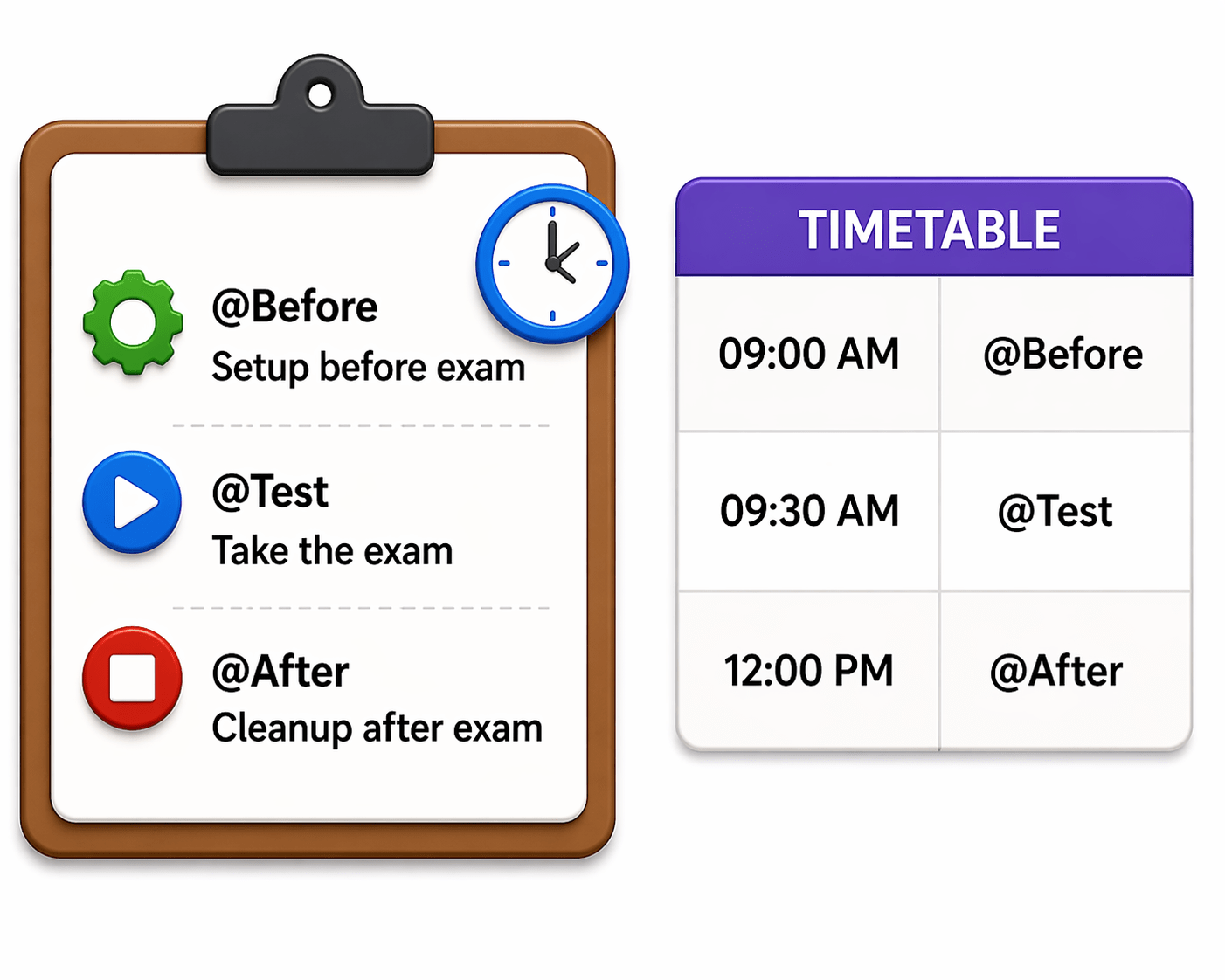
Annotations = Rules/timetable (when to start, setup, finish)
Execution flow = Conducting exams in order
Reports = Final results (pass/fail status)
It shows how TestNG organizes, runs, and evaluates tests in a structured way.
Why do we use TestNG for test execution?
Better Control Over Execution
Allows prioritization, grouping, and dependency between test cases.
Powerful Annotations
(@Test, @Before, @After) help manage setup and execution flow easily.
Parallel Execution
Runs multiple tests at the same time → saves time.
Detailed Reporting
Generates clear reports showing pass/fail status and logs.
Data-Driven Testing
Supports running the same test with multiple data sets.
Flexible Configuration
testng.xml allows customization of test suites and execution.
TestNG is used because it makes test execution organized, faster, and easy to manage.
Integration of Cucumber, Selenium, and TestNG
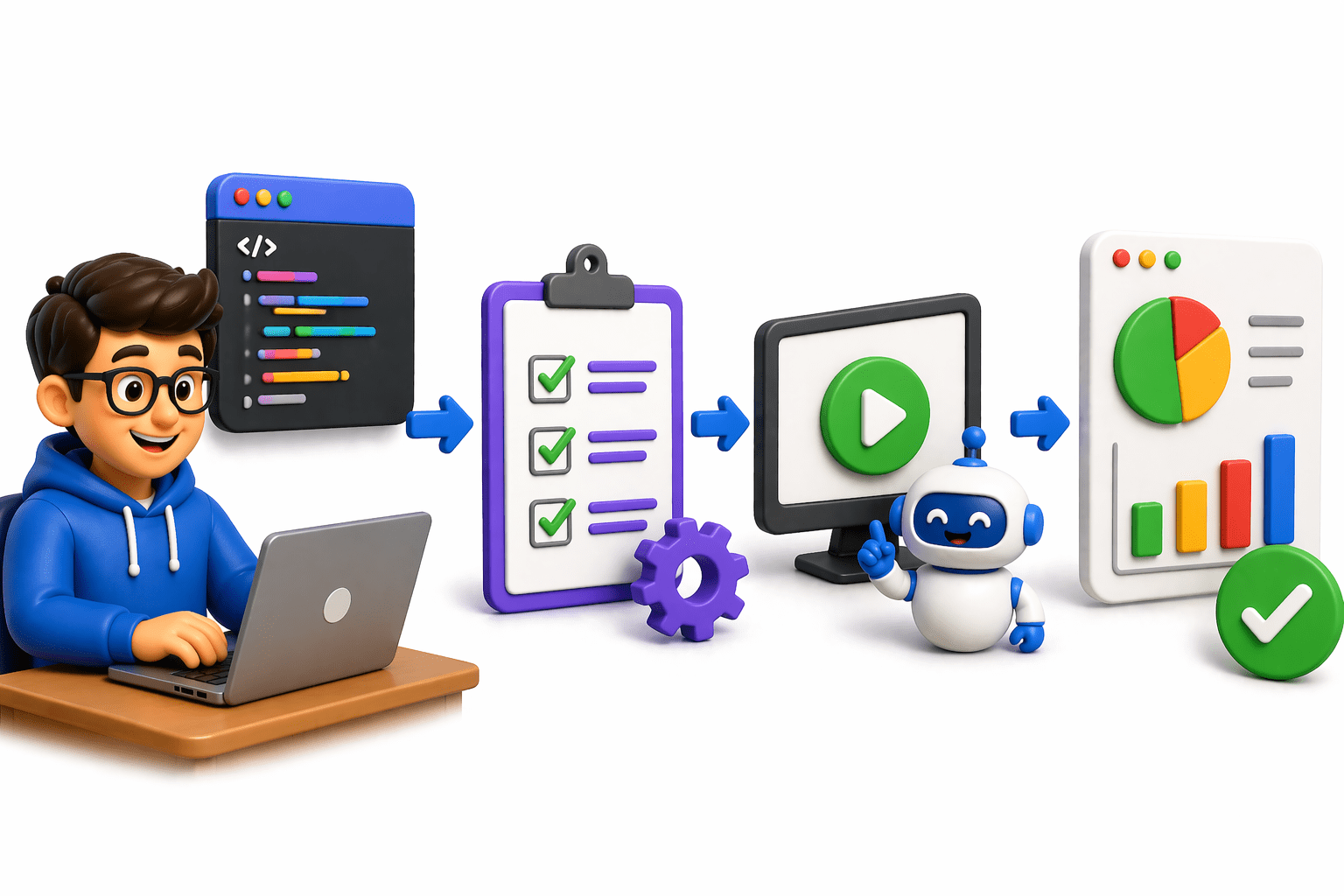
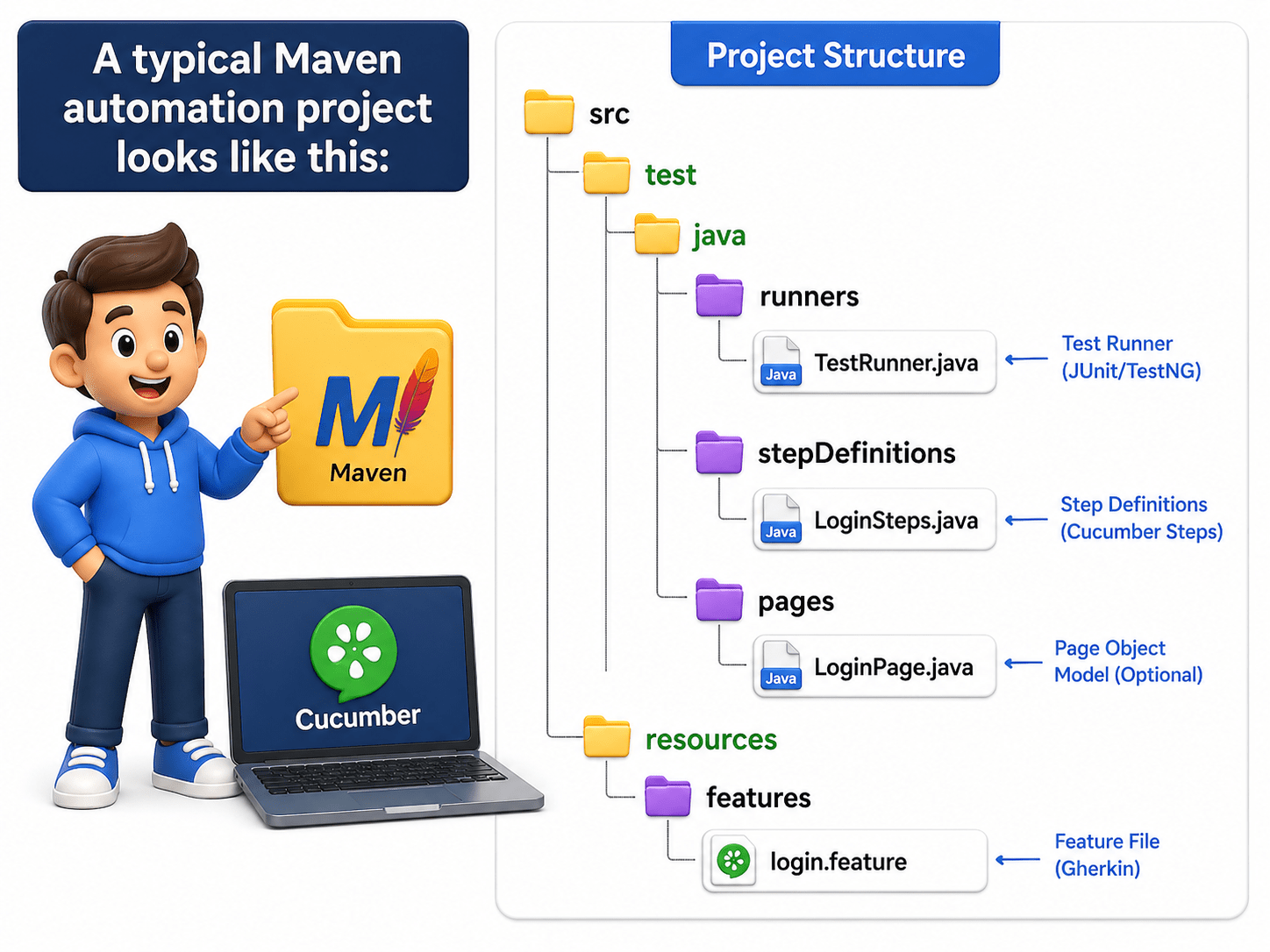
Create a Maven project
Add dependencies for Cucumber, Selenium, TestNG
Connect everything using a TestNG runner class
Write feature files & step definitions
Feature (Cucumber)
Logic (Selenium)
Execution (TestNG)
This structure ensures separation of:
Feature file (business readable):
Feature: Login functionality
Scenario: Valid login
Given user is on login page
When user enters username and password
Then user should see dashboard
@Given("user is on login page")
public void openLoginPage() {
   driver.get("https://example.com/login");
}
@When("user enters username and password")
public void enterCredentials() {
   driver.findElement(By.id("user")).sendKeys("admin");
   driver.findElement(By.id("pass")).sendKeys("1234");
}

@Then("user should see dashboard")
public void verifyDashboard() {
   Assert.assertTrue(driver.getTitle().contains("Dashboard"));
}
Step Definition (actual automation using Selenium):
Execute Cucumber tests using TestNG runner
Test Runner Class:
This is the bridge between Cucumber and TestNG:
1.Class is extended with AbstractTestNGCucumberTests class.
 <dependency>

<groupId>io.cucumber</groupId>

<artifactId>cucumber-testng</artifactId>

<version>latest</version>

</dependency>
2. Need to add cucumber-testng dependancy
@CucumberOptions(
   features = "src/test/resources/features",
   glue = "stepDefinitions",
   plugin = {
       "pretty",
       "html:target/cucumber-report.html",
       "json:target/cucumber.json"
   },
   monochrome = true
)

public class TestRunner extends AbstractTestNGCucumberTests {
}
3.import io.cucumber.testng.CucumberOptions;
What happens here?
What happens here?
where test scenarios are located
features
where test scenarios are located
features
where step definitions exist
glue
reporting format
plugin
connects Cucumber with TestNG
extends AbstractTestNGCucumberTests
Run Execution using TestNG
Right-click TestRunner.java
Select Run as TestNG Test
OR run via testng.xml
What is pom.xml?
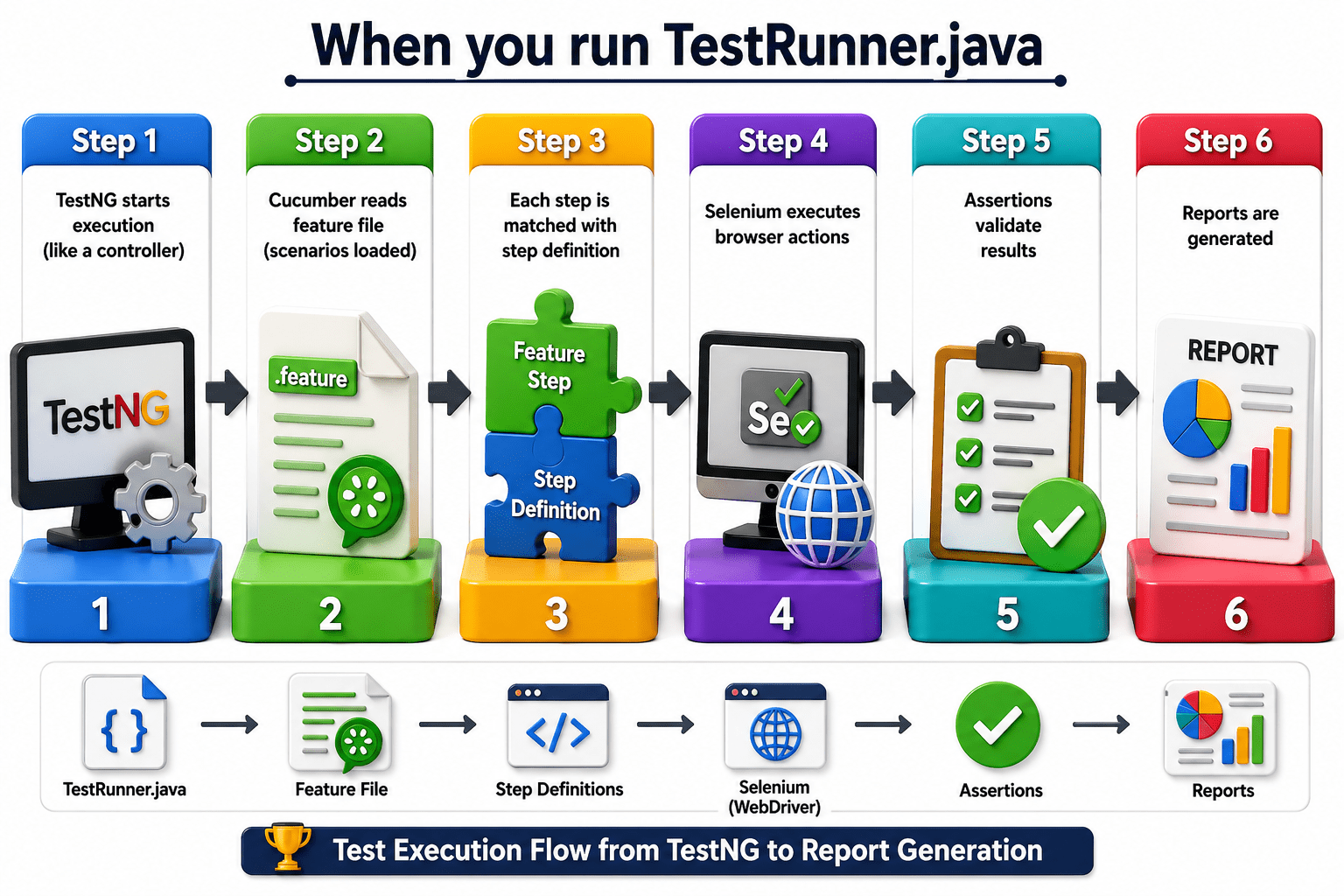
Execution Flow
When you run TestRunner.java:
What is pom.xml?
Generate and analyze test reports
Reports generated:
plugin = {

  "html:target/cucumber-report.html",

  "json:target/cucumber.json",

  "pretty"
}
TestNG report (index.html)
test-output/index.html
What you check:
Passed/Failed scenarios
Error messages
Execution time
Cucumber HTML report
Example
Summary
4
Reports are generated to analyze results
3
TestNG runs and manages test execution
2
Selenium automates browser actions
1
Cucumber defines test scenarios in simple language
Quiz
Which file is mainly used by TestNG to control execution configuration like grouping and parallel execution?
A.feature file
B.step definition file
C.testng.xml
D.pom.xml
Quiz-Answer
Which file is mainly used by TestNG to control execution configuration like grouping and parallel execution?
A.feature file
B.step definition file
C.testng.xml
D.pom.xml
By Content ITV