

Content ITV PRO
This is Itvedant Content department
Business Scenario
Welcome back,Developers!
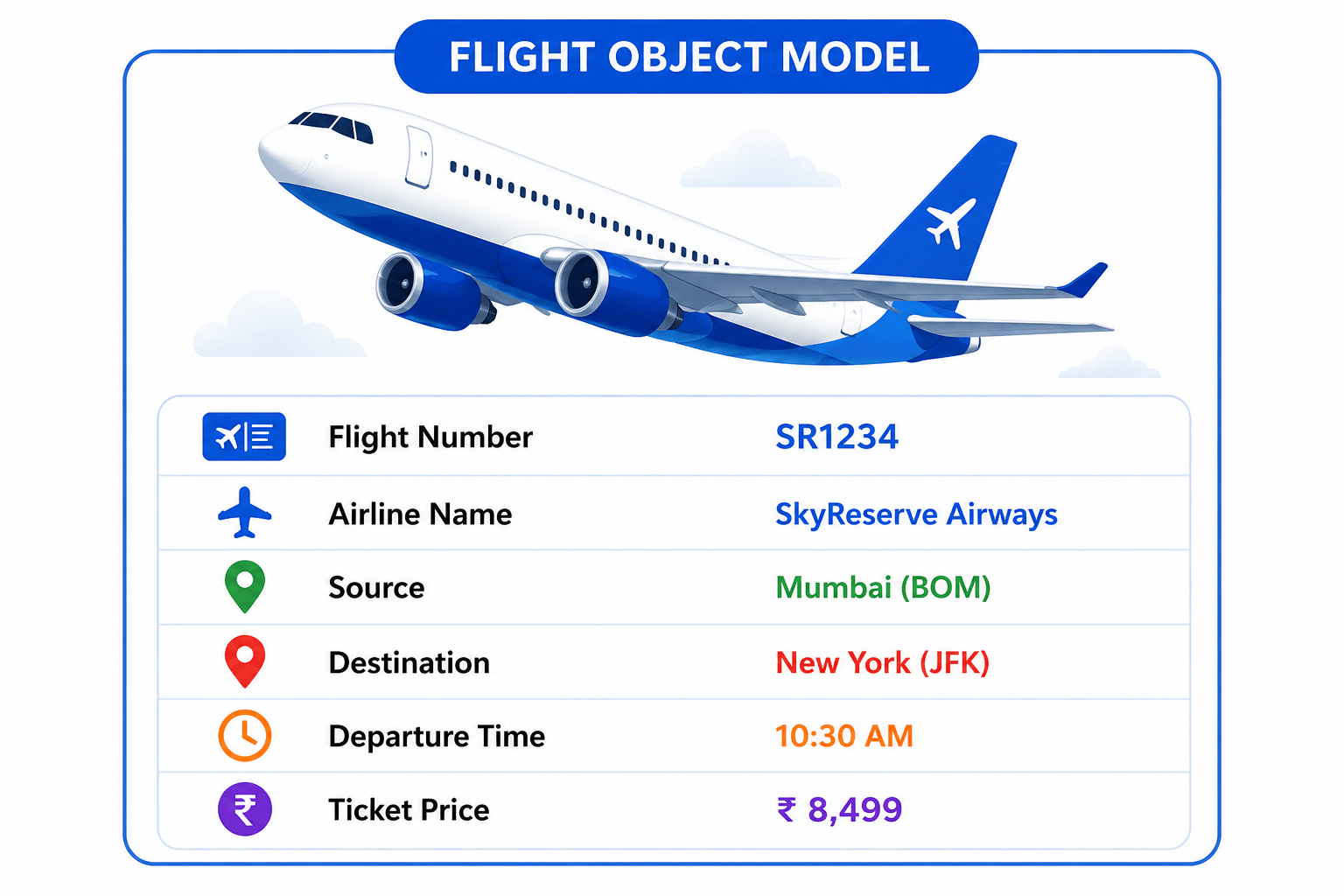
In the previous lab, we designed the Flight Object Model to organize flight information. Now, the SkyReserve booking system also needs to store passenger details such as name, age, and passport number.
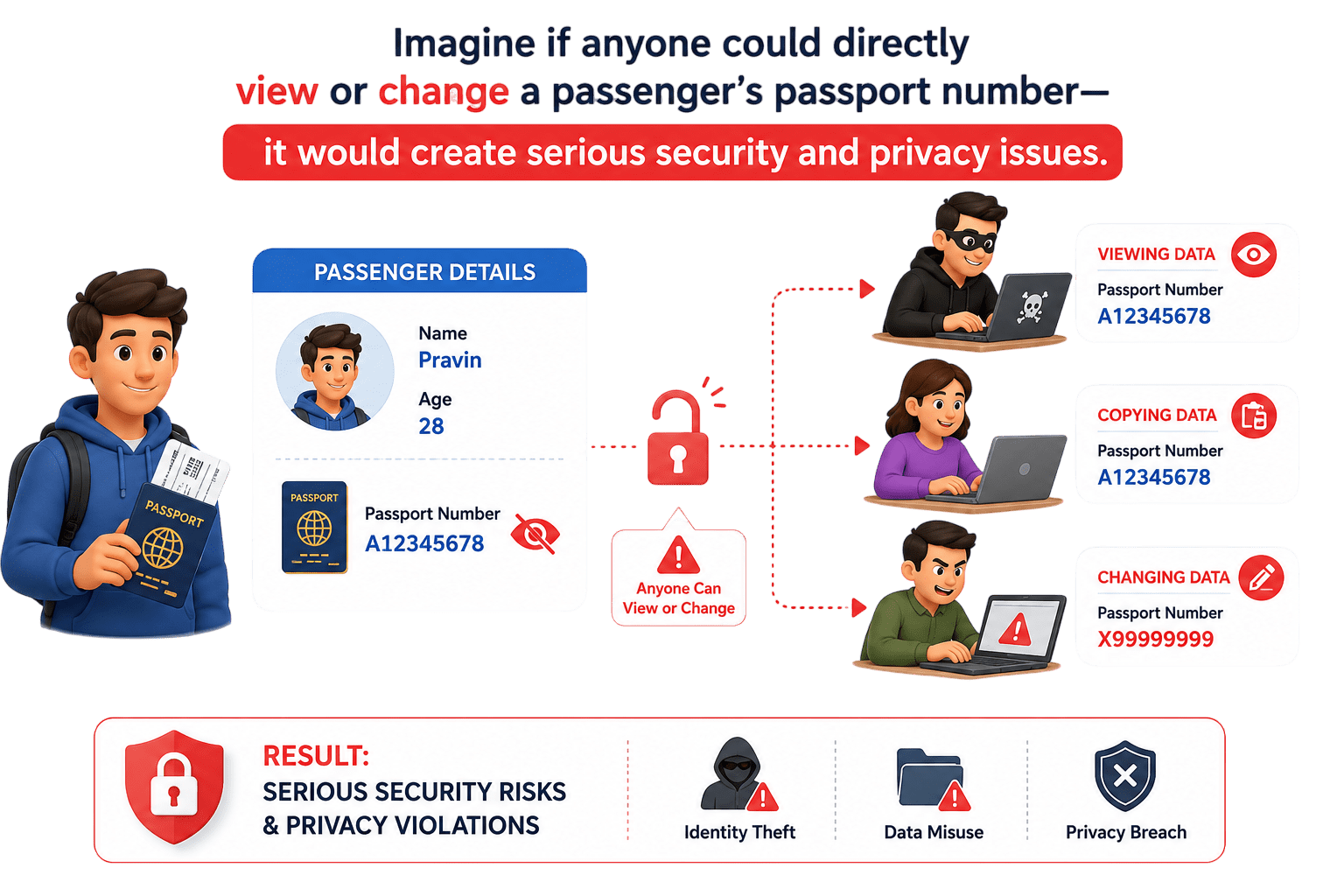
However, not all information should be freely accessible.
Your next task is to secure passenger information using Encapsulation, ensuring that sensitive data can only be accessed or updated through authorized methods.
Pre-Lab Preparation
Topic :
1) Object creation and use of Scanner to set the instance variables
2) Declaring constructors and using constructor to set the instance variables
3) Declaring toString()
git pull origin branchNameGit Pull
Task 1: Securing passenger data
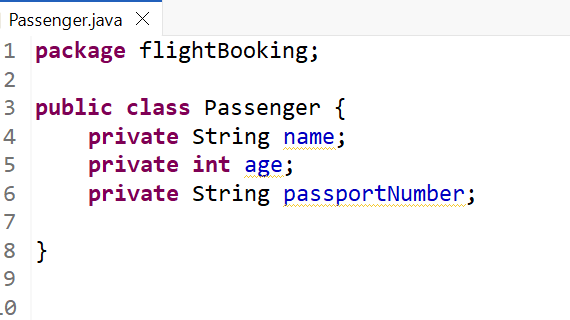
Create Passenger Class and hide data using private ( Data protection )
1
1
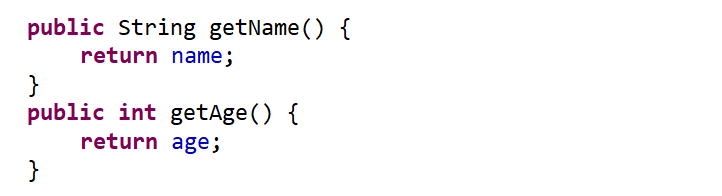
Create Getter Methods (Read Access)
2
1
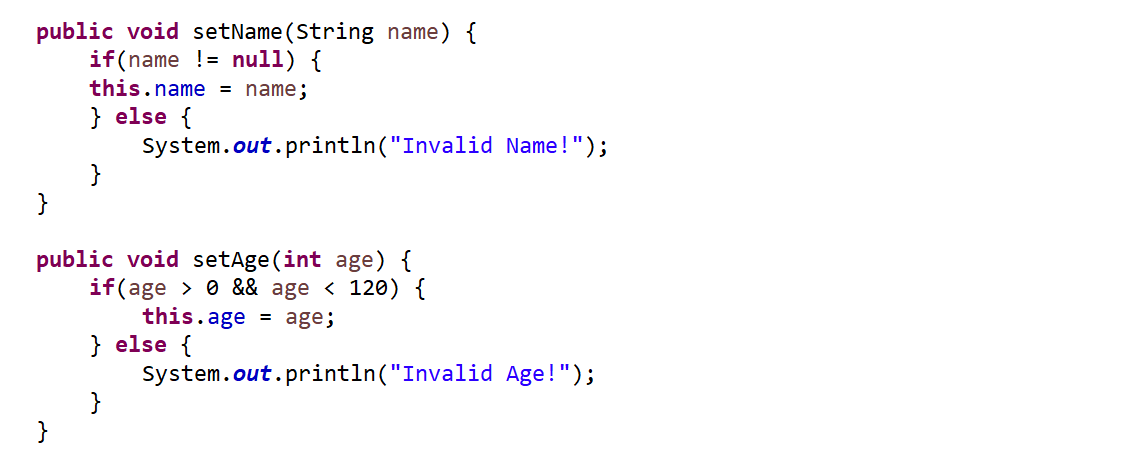
Create Setter Methods (Controlled Write Access)
3
1
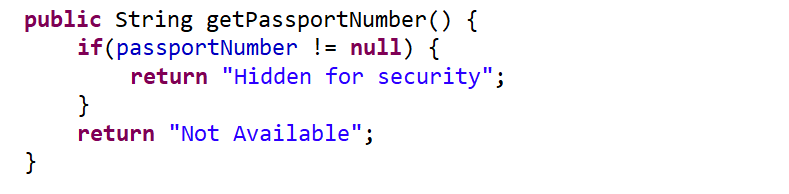
Protect Sensitive Data (Passport Masking)
4
1
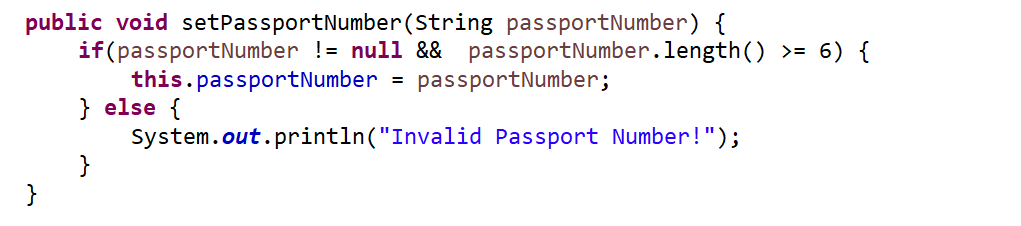
Setter for Passport (Validation)
5
1
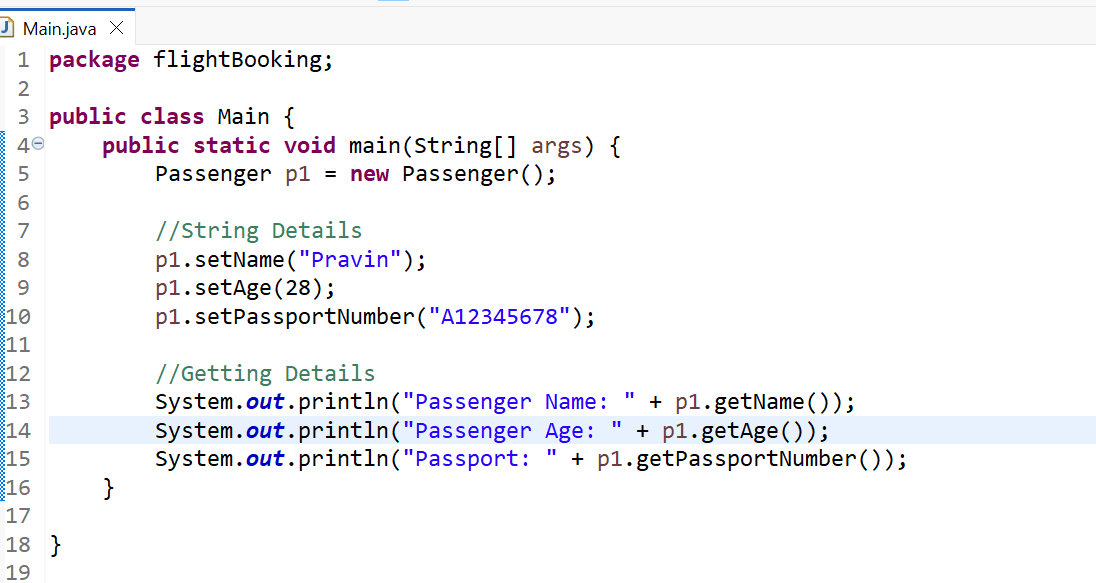
Main Class (Simulation)
6
1
Final Output
7
1
Great job!
You have successfully created your first Flight Object Model using classes, objects, and constructors. Your SkyReserve system can now represent flight information efficiently.
Checkpoint
Next-Lab Preparation
Topic :
1) OOP concepts - Instance variables, Instance methods, Constructors
2) Basic understanding of inheritance and types of inheritance
Git Push
git push origin branchNameBy Content ITV