






Content ITV PRO
This is Itvedant Content department
Business Scenario
Welcome back,Developers!
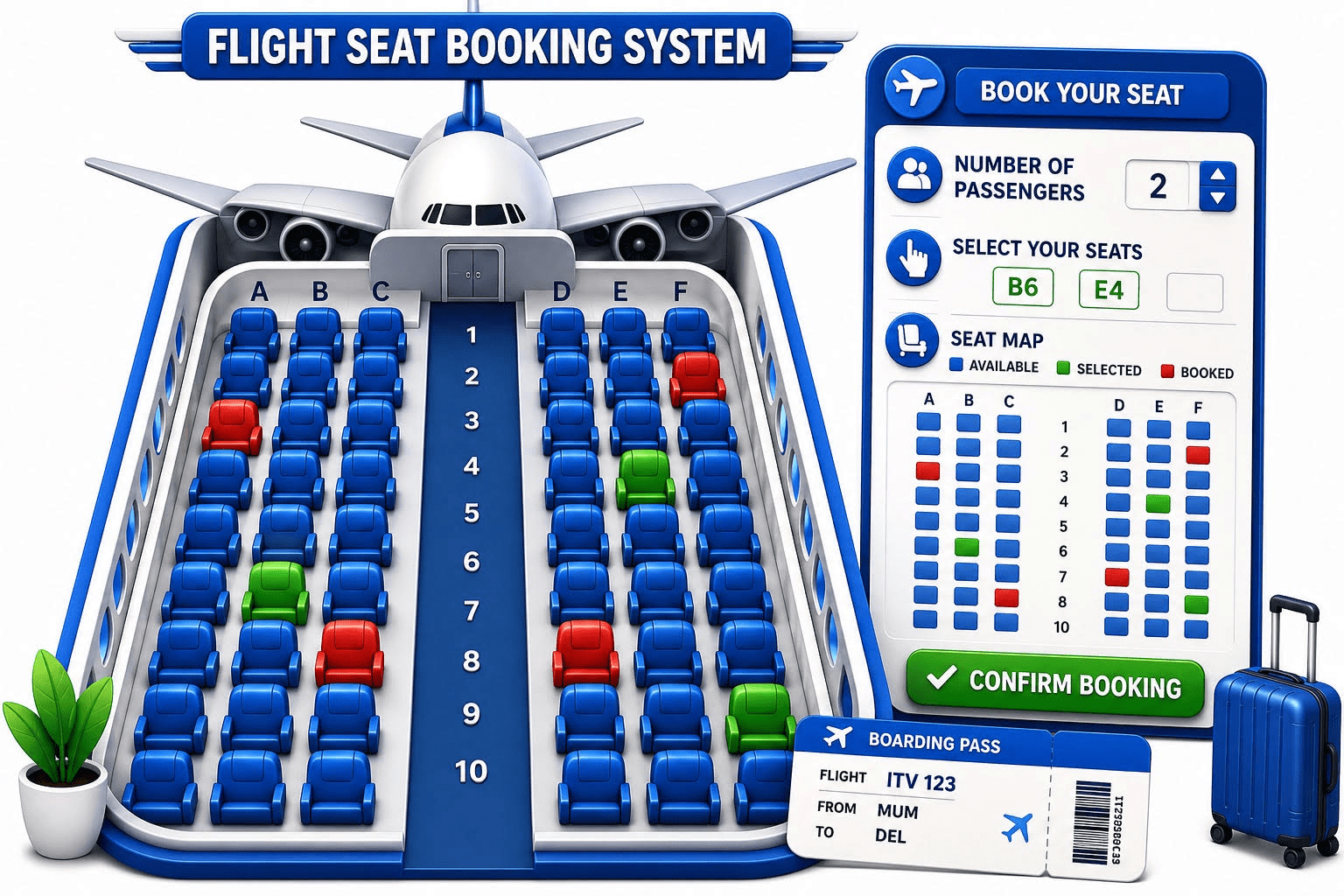
In the previous lab, we built the Flight Seat Booking System, where passengers could select and reserve seats using a 2D array. The system now knows who is sitting where.
But what about the flight itself?
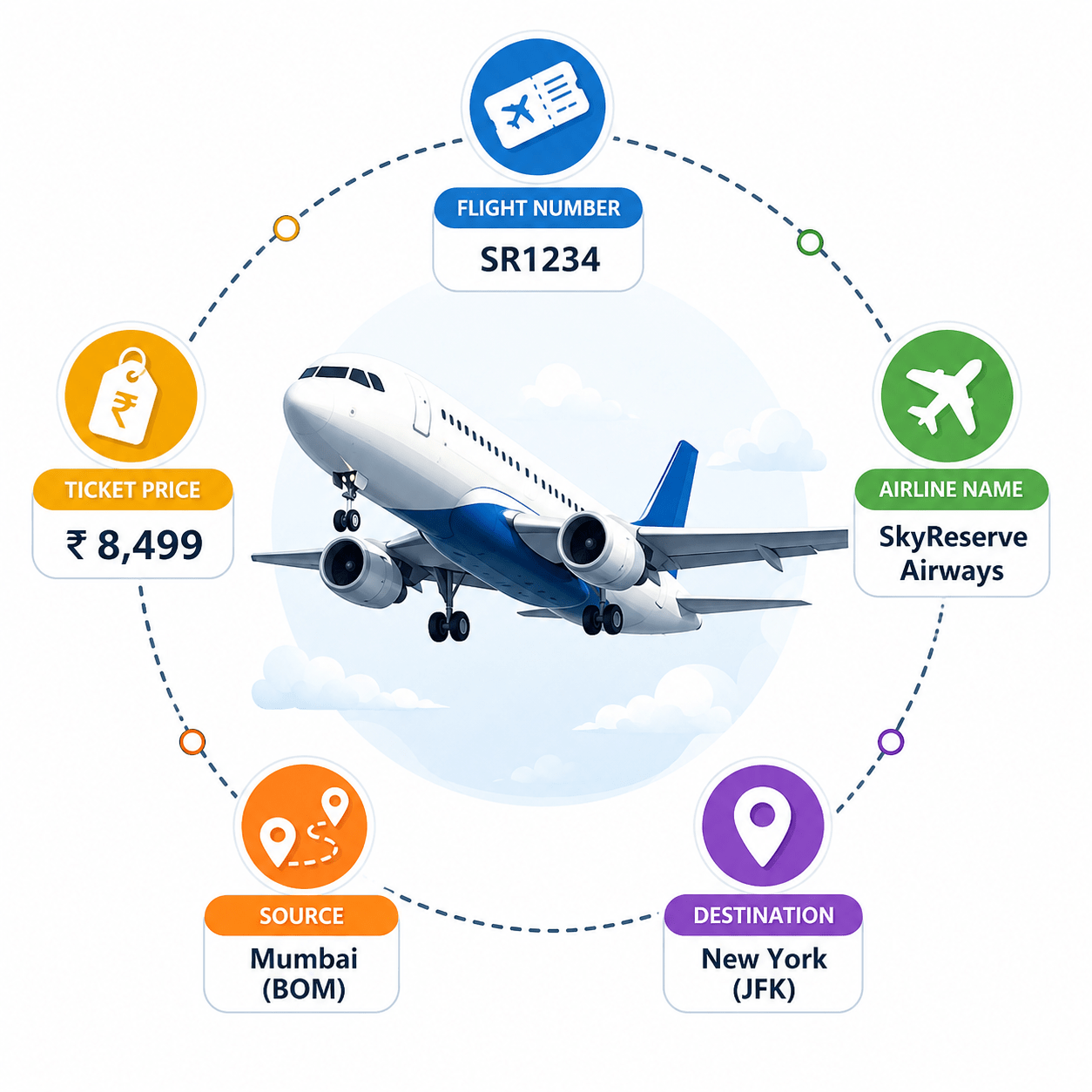
Every booking belongs to a specific flight, and the application must store details such as :
Instead of keeping these details in separate variables, we need a structured way to represent a flight.
Your next task is to design a Flight Object Model. Create a Flight object to store all flight information and use constructors to initialize it, enhancing organization and management.
Pre-Lab Preparation
git pull origin branchNameGit Pull
Task 1: Defining the Flight Model
1
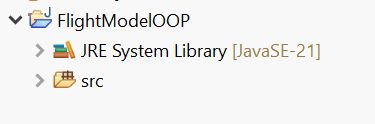
Create a new Java Project - FlightModelOOP
Topic :
1) Object creation and use of Scanner to set the instance variables
2) Declaring constructors and using constructor to set the instance variables
3) Declaring toString()
2
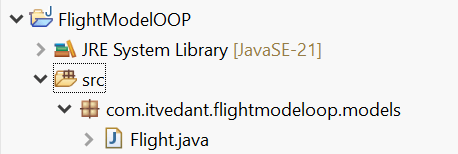
Create a new package ‘com.itvedant.flightmodeloop.models’ and a new class Flight
3
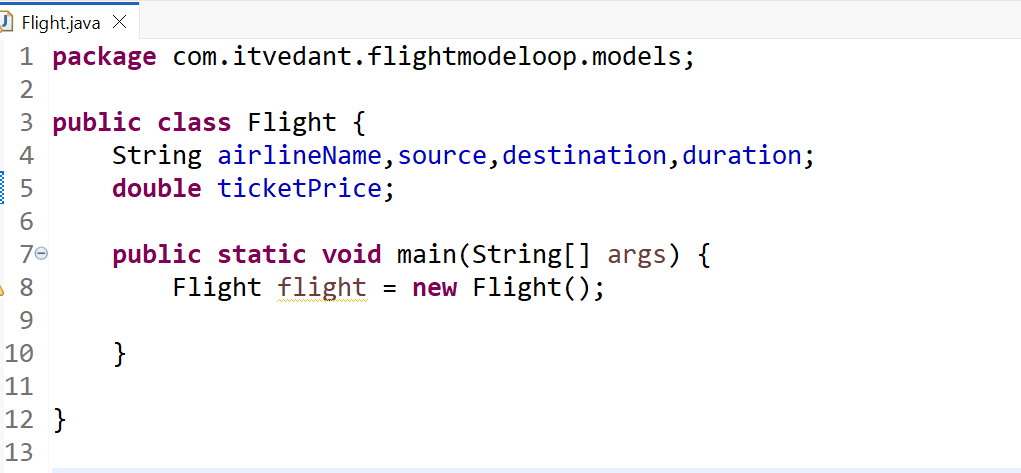
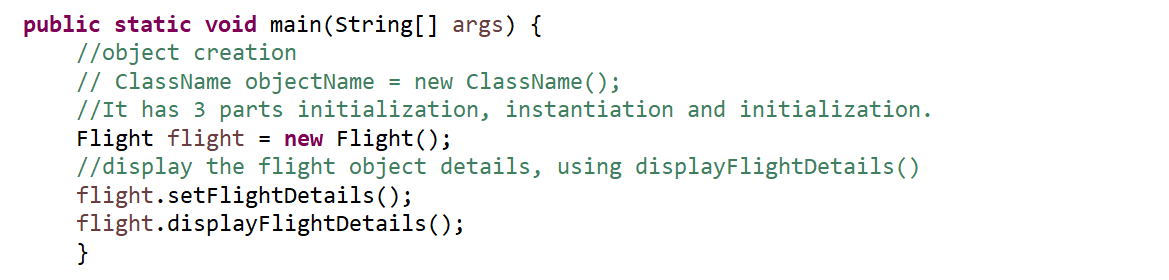
Declare the instance variable to store the Flight data and declare the
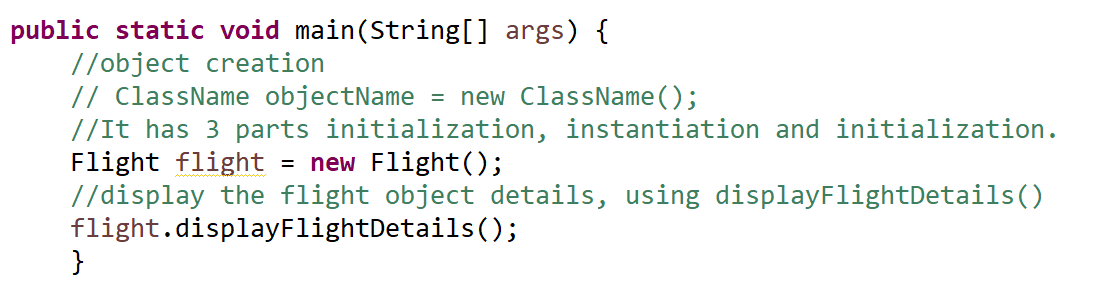
main method and create the object of Flight class
3
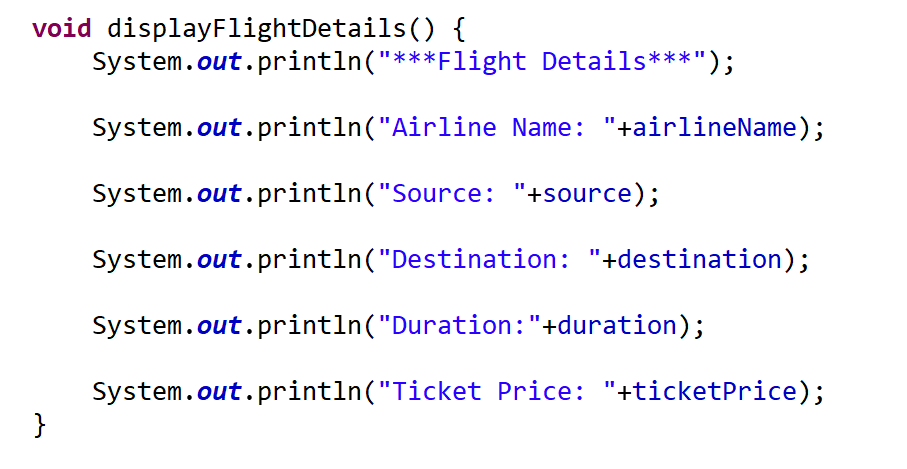
Declare the instance method ‘displayFlightDetails’ to display the flight object details
5
Call the method from main method to display the details of flight object
4
Declare the instance method ‘displayFlightDetails’ to display the flight object details
6
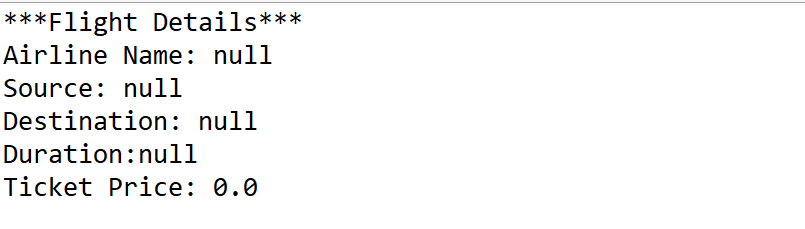
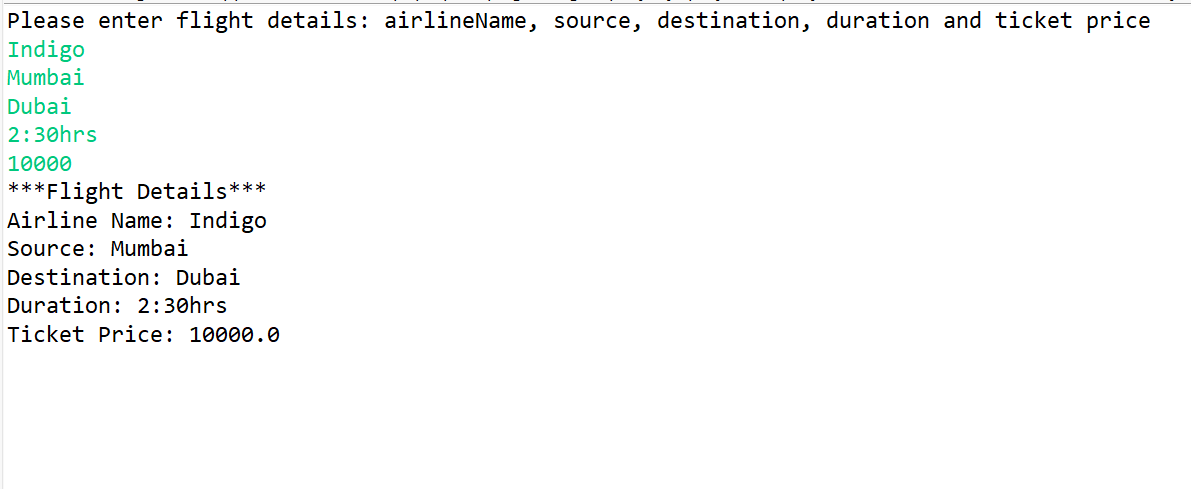
Run the code
Task 2: Accepting the user input
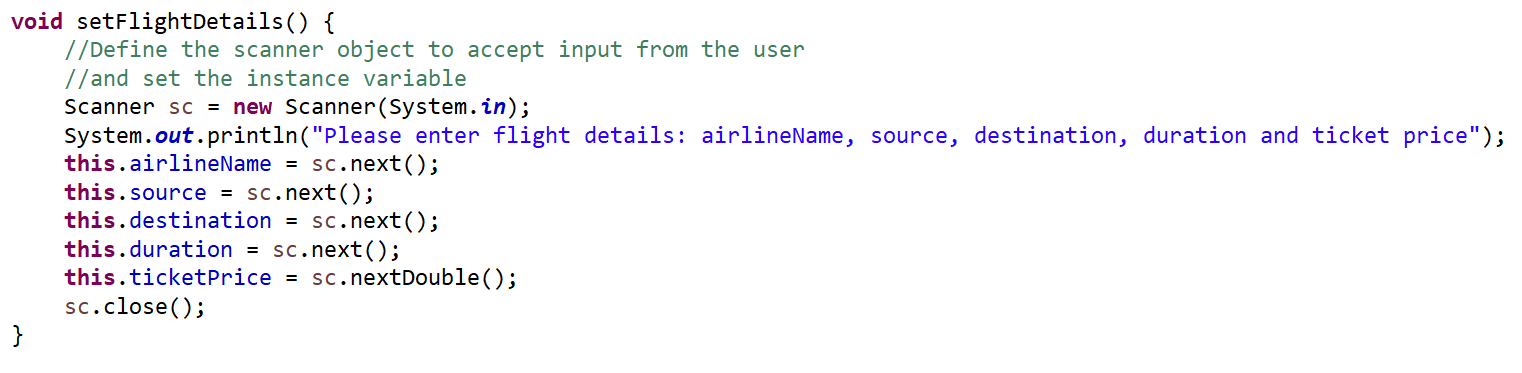
Declare the method setFlightDetails to accept user input and set the object
1
Call the method from main method
2
Run the code to and check the output
3
Task 3: Declaring Constructors
Declare the zero constructor (note that the Constructor name must be same as classname)
1
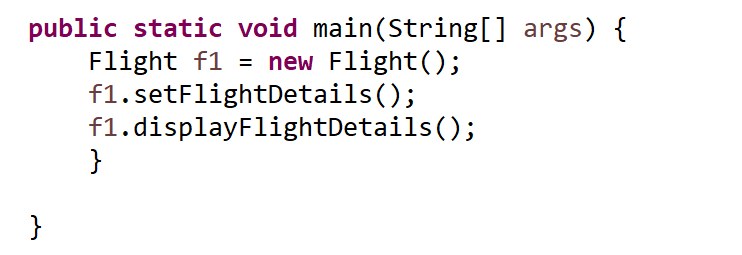
In main method, create the object and then call the method to set the flight details
and display the same
2
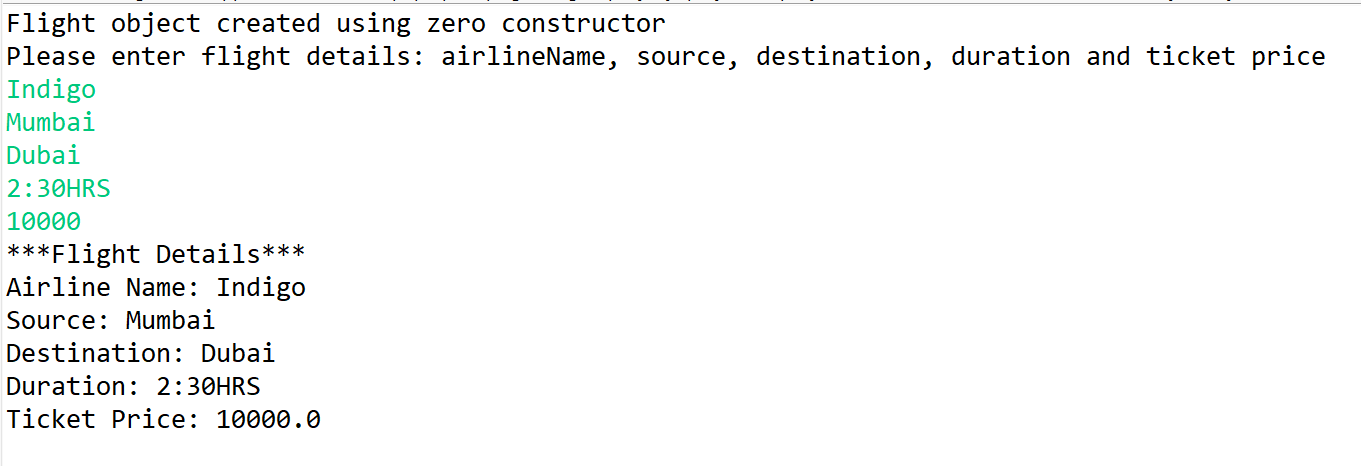
Run the code to and check the output
3
Task 4: Declaring Parameterized Constructors
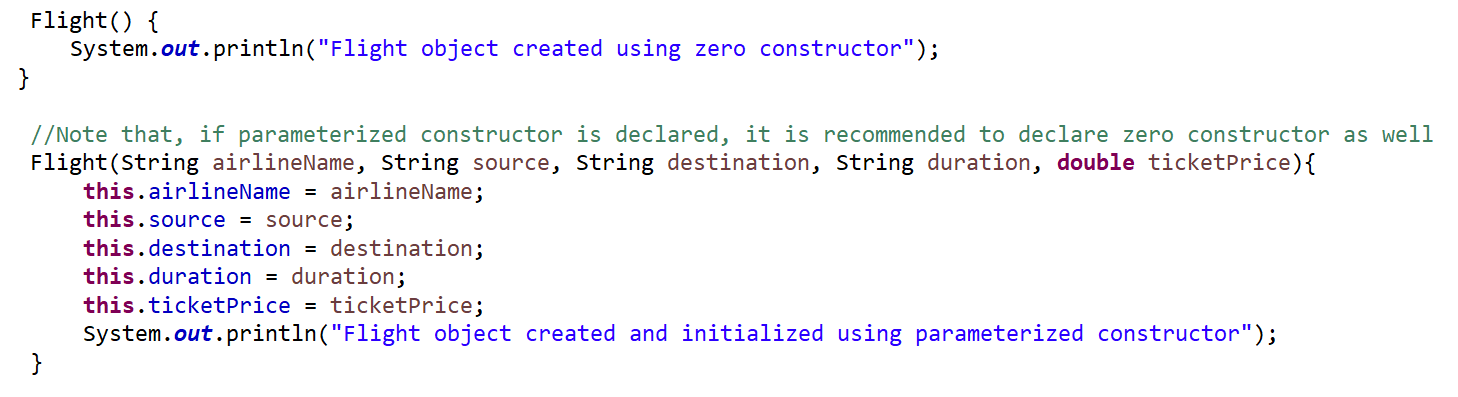
Declare the parameterized constructor
1
Create the flight object, by calling parameterized constructor, in the main method
2
Define the toString() to display the object details
3
Display the flight object within the main method and run the code
4
Great job!
You have successfully created your first Flight Object Model using classes, objects, and constructors. Your SkyReserve system can now represent flight information efficiently.
Checkpoint
Next-Lab Preparation
Topic :
1) Understanding of Instance variables and methods
2) Declaring constructors and using constructor to set the instance variables
3) Basic understanding of Encapsulation (data hiding and controlled access)
Git Push
git push origin branchNameBy Content ITV