












Content ITV PRO
This is Itvedant Content department
Learning Outcome
4
Explain the concepts of memory acquisition and memory dumps.
3
Identify the types of information commonly found in computer memory.
2
Describe the role of RAM and how it differs from permanent storage devices.
1
Define memory forensics and explain its purpose in digital investigations.
A shop owner installs CCTV and maintains a visitor register. Every visitor’s name and entry time are recorded, while the CCTV captures their activities.
CCTV and visitor register = System Logs
One evening, money goes missing from the cash counter. The owner does not blame anyone immediately because there is no direct proof.
Missing money = Security Incident
The owner checks the visitor register to find who was present and reviews the CCTV footage around the time the money disappeared.
Checking records and timestamps = Log Analysis
The records show that one person entered the shop shortly before the money disappeared and was near the cash counter during that time. The owner can now reconstruct the sequence of events.
Connecting events in time = Event Correlation and Timeline Analysis
A computer works in a similar way. It automatically records logins, file access, website activity, errors, and unauthorized access attempts. Investigators analyze these logs to understand what happened.
Just as CCTV and visitor records help reconstruct a shop incident, log analysis helps investigators reconstruct activities on computers and networks.
Memory Architecture Basics
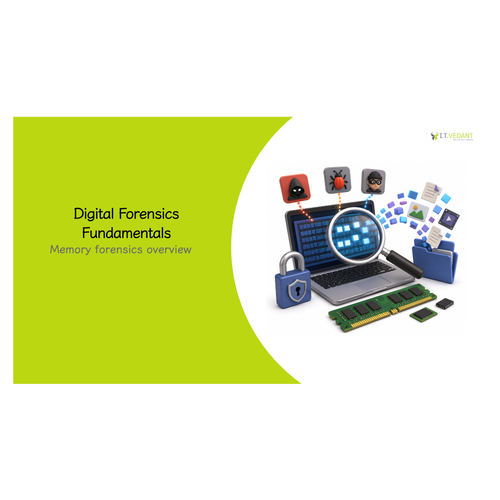
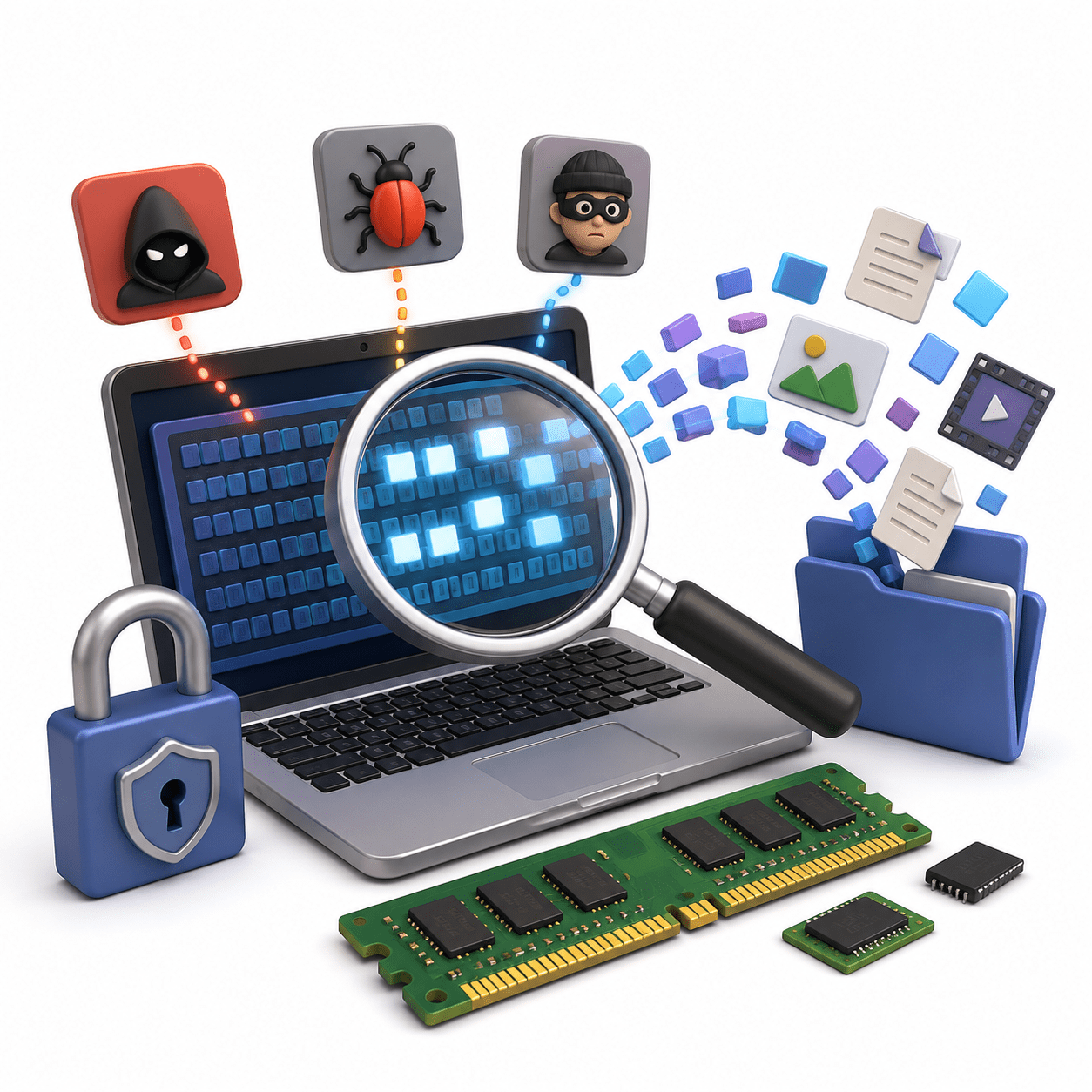
Memory architecture describes how computer memory stores and organizes data while the system is running. RAM stores the operating system, applications, and active user data. It is fast but temporary, so its contents are usually lost when the computer is turned off.
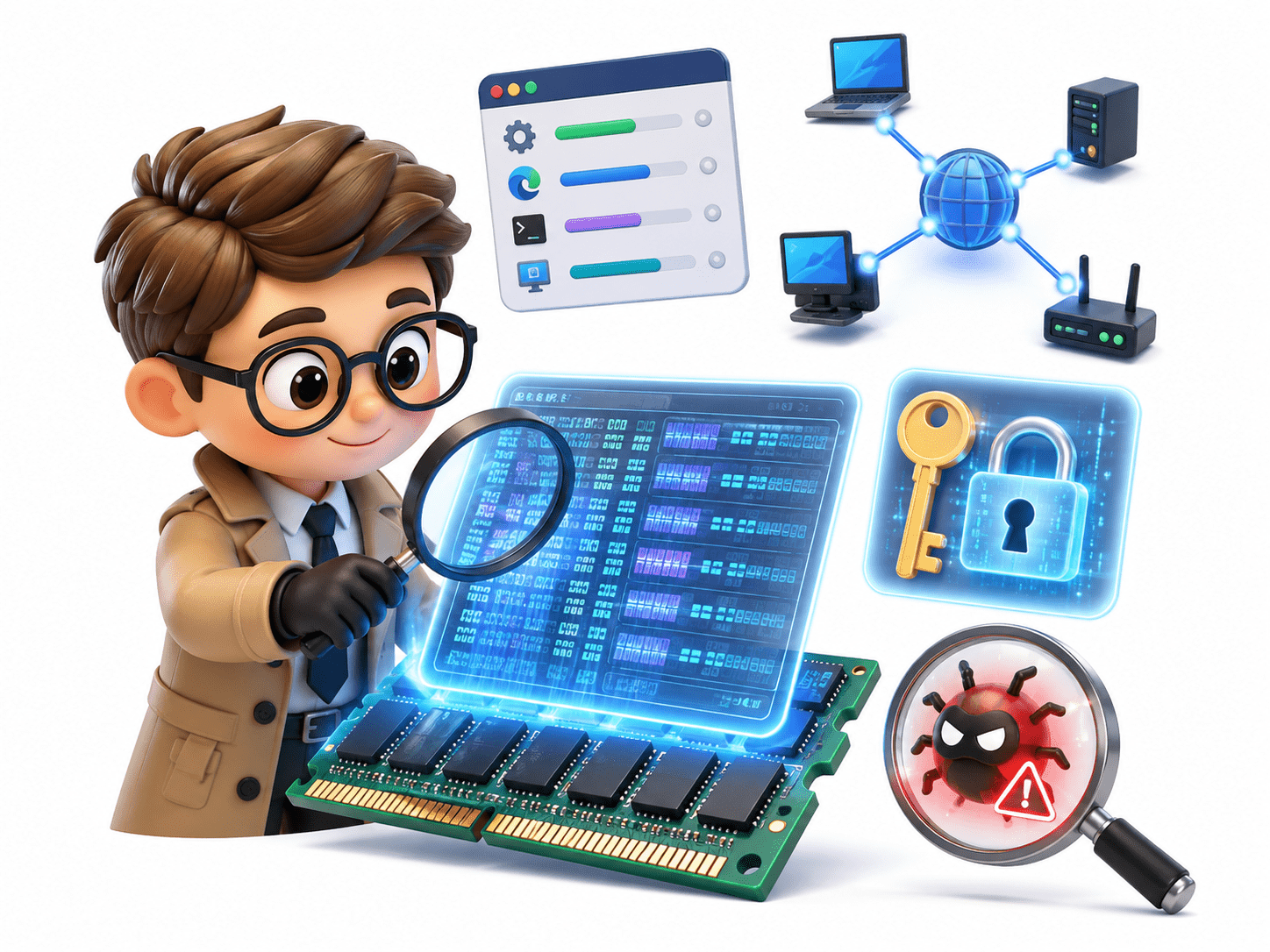
Memory analysis can reveal running processes, network connections, encryption keys, and malware.
Volatile Data Concepts
Volatile data is information stored in memory that is lost when a system is powered off or restarted.
Volatile data may provide evidence that cannot be recovered from the disk.
Active network connections
Running processes
Logged-in users
Clipboard contents
Temporary passwords
Encryption keys
Examples include:
Live System Acquisition
Live system acquisition collects digital evidence while a computer is still running. It allows investigators to capture volatile data such as RAM, running applications, active users, and network sessions.
Because live acquisition can alter some data, investigators should use trusted tools and document all actions.
Memory Capture Techniques
Memory capture creates a copy of RAM, usually saved as a memory dump.
Proper capture preserves evidence that would otherwise be lost.
Using specialized memory acquisition software
Capturing memory before shutdown
Using trusted forensic tools
Saving the image to external storage
Common techniques include:
Memory Dump Formats
A memory dump is a file containing RAM contents at a specific time.
ELF Memory Format
Kernel Memory Dump
RAW Memory Dump
Complete Memory Dump
Crash Dump
These files are analyzed using forensic software.
Common formats include:
Process Enumeration
Process names
Process IDs (PID)
Parent-child relationships
Process start times
Resource usage
Process enumeration identifies active processes stored in memory.
Investigators examine:
This helps identify suspicious or unauthorized programs.
Service and Application Analysis
Running applications
Background services
Startup programs
Suspicious software
Unauthorized applications
Investigators examine running services and applications to identify normal and suspicious activity.
Analysis may include:
This can reveal malicious or unauthorized programs active during an incident.
Active Network Session Analysis
Open Handles and Objects
Memory analysis can reveal active network connections while a computer is running.
Investigators may identify:
Connected IP addresses
Open ports
TCP/UDP connections
Remote servers
This helps determine whether the system communicated with suspicious devices.
This helps understand application activity.
An open handle is a reference used by a program to access system resources. Investigators examine handles to determine which resources were being accessed.
Examples include:
Open files
Registry keys
Running processes
Network sockets
Registry Data in Memory
Parts of the Windows Registry are loaded into memory while the system is running.
Investigators can analyze this data to identify:
User accounts
Recently opened files
Installed software
System configuration
Startup programs
Registry data helps reconstruct user activity and system settings.
Summary
5
RAM contains valuable evidence.
4
Tools include Volatility, FTK Imager, and Magnet RAM Capture.
3
Memory acquisition creates a copy of RAM for analysis.
2
RAM is volatile and loses data when powered off.
1
Memory forensics analyzes data in RAM.
Quiz
Which type of memory loses its contents when the computer is turned off?
B. Hard Disk Drive
C. RAM
D. USB Flash Drive
A. SSD
Quiz-Answer
C. RAM
Which type of memory loses its contents when the computer is turned off?
A. SSD
B. Hard Disk Drive
D. USB Flash Drive
By Content ITV