
Content ITV PRO
This is Itvedant Content department
CartSure Exploratory & Experience-Based Testing
Business Scenario
Welcome!
You are now performing advanced testing techniques in the CartSure project as a Software Tester.
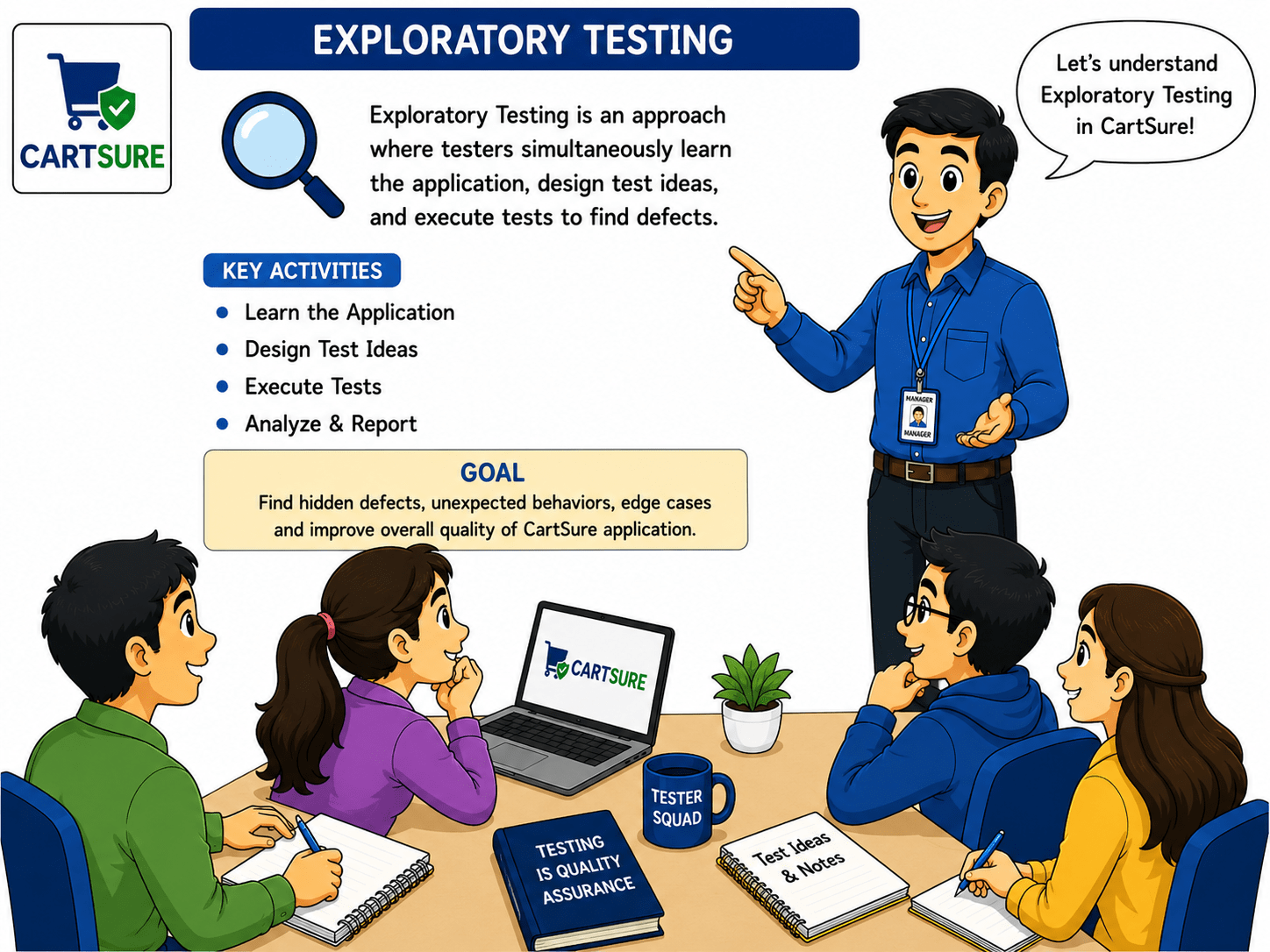
Before testing real-world applications, it is important to understand that some defects cannot be identified through predefined test cases alone, as users may perform unexpected actions or workflows.
In CartSure, you will explore different modules such as user registration, payment processing, and order management to identify edge cases and unexpected system behaviour.
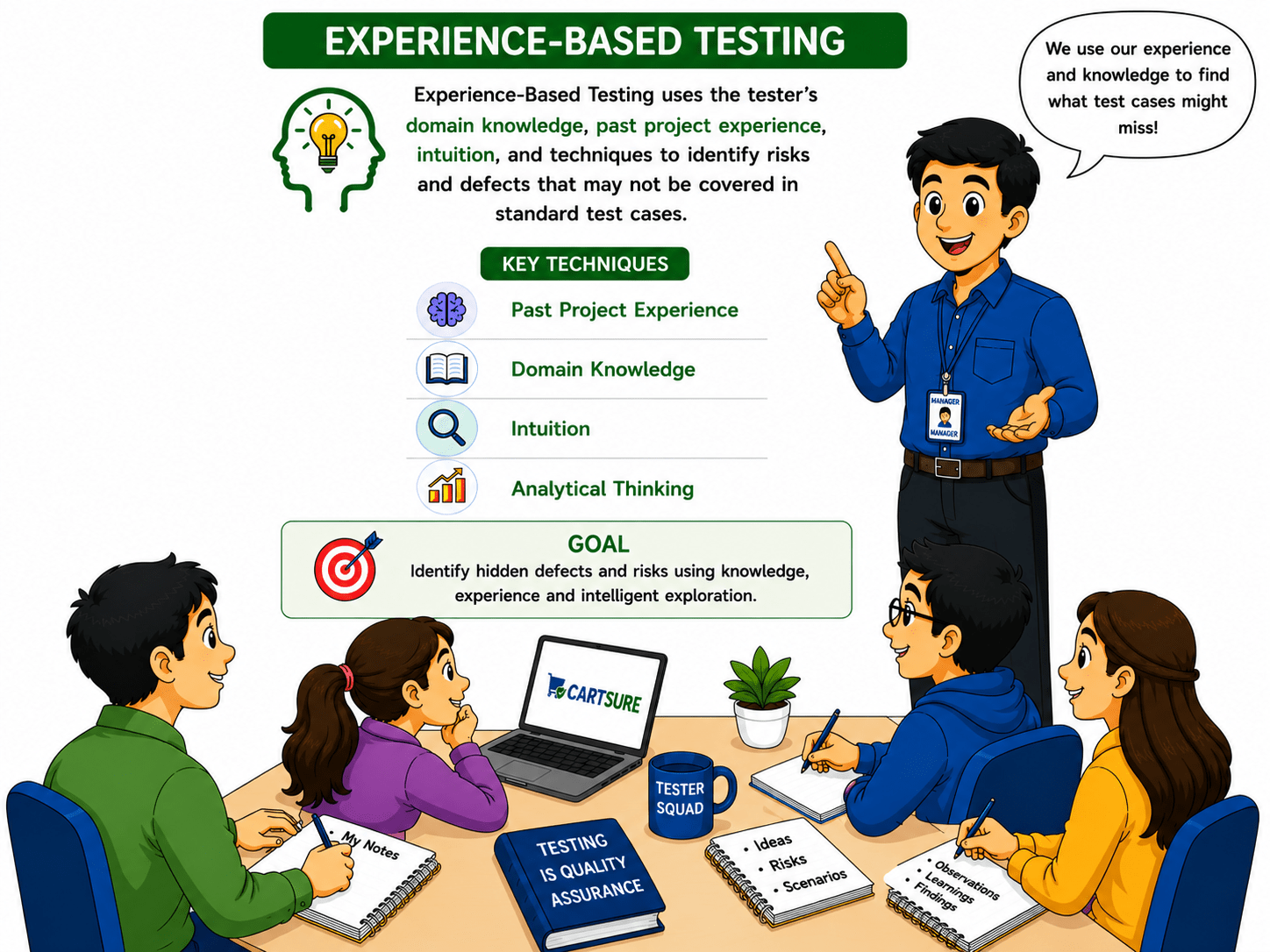
Based on your testing observations and experience-based techniques, you will then validate how the application behaves under unusual conditions, invalid workflows, and unpredictable user actions.
These activities help ensure that CartSure’s application behaviour remains stable
So, today you will learn how to perform Exploratory Testing, identify edge cases, apply Experience-Based Testing techniques.
Pre-Lab Preparation
Topic: Testing Techniques
1)Black Box vs White Box And Equivalence Partitioning
2)Boundary Value Analysis And Decision Table & State Transition
Task 1: Perform exploratory testing
git pull origin branchNameGit Pull
Prepare for Testing
1
1
Explore the Application
1
2
Perform random, unscripted actions to find unexpected behaviour:
Remove or change product quantities
b
Add different products to the cart
a
Apply valid, invalid, and expired coupon codes
c
Proceed to checkout with empty or full cart
d
Try different payment methods
e
Navigate using back/forward buttons and multiple tabs
f
Enter special characters or invalid inputs in forms
g
Observe and Note
1
3
Identify unexpected behaviour (e.g., discount not applied, payment failure not handled)
Record any usability issues
| Area | Action | Observation | Severity | Suggestion |
|---|---|---|---|---|
| Cart | Add max quantity | Scroll issue | Medium | Auto-scroll or pagination |
| Coupon | Expired code | Error unclear | High | Show “Coupon expired” |
| Payment | Invalid card | No retry guidance | High | Add retry instructions |
| Checkout | Empty cart | Checkout allowed | Critical | Disable checkout |
| UI/UX | Multiple tabs | Cart not synced | Medium | Sync in real-time |
Records Finding
1
4
Outcome
1
5
Hidden issues discovered
Edge cases identified
Ready for documentation in Exploratory Testing Report
Task 2: Identify Edge Cases
Explore Potential Edge Cases
1
1
Add maximum allowed quantity of a product to the cart
a
Apply expired, invalid, or duplicate coupon codes
b
Enter special characters or very long text in name, email, or address fields
c
Checkout with empty cart
d
Document Edge Cases
1
2
Perform payment with invalid/expired card details
e
Use slow network or browser back button during payment
f
Open multiple tabs and perform conflicting actions
g
| Area | Edge Case/Action | Expected Behaviour |
|---|---|---|
| Cart | Max quantity | System handles correctly or shows limit |
| Coupon | Expired / Invalid | Show clear error |
| Form Inputs | Special characters / long text | Reject or validate input |
| Checkout | Empty cart | Disable checkout |
| Payment | Invalid card | Show payment failure & retry |
| UI/UX | Multiple tabs | Cart sync correctly |
Outcome
3
Edge cases identified for further testing
Helps uncover hidden issues and vulnerabilities
Task 3:Document observations
Observe During Testing
1
1
Watch for system errors, crashes, and UI glitches
Note any unexpected behavior (discounts not applied, wrong totals, etc.)
Record usability issues (confusing messages, hard-to-use interfaces)
Create Observation Table
1
2
| Area | Test / Action | Observation | Severity | Suggestion |
|---|---|---|---|---|
| Cart | Add max quantity | UI scrolls awkwardly | Medium | Add auto-scroll or pagination |
| Coupon | Expired code | Error message unclear | High | Show “Coupon expired” clearly |
| Payment | Invalid card | No retry guidance | High | Add clear retry instructions |
| Checkout | Empty cart | Checkout allowed accidentally | Critical | Disable checkout if cart empty |
| UI/UX | Multiple tabs | Cart not synced across tabs | Medium | Sync cart in real-time |
| Forms | Special characters in name/email | Input accepted incorrectly | Medium | Add proper validation |
Outcome
1
3
All issues and observations recorded
Task 4: Suggest Improvements
| Area | Issue Observed | Improvement |
|---|---|---|
| Cart | Max quantity causes UI issues | Add auto-scroll or pagination |
| Coupon | Expired/invalid codes unclear | Show clear “Coupon expired/invalid” messages |
| Payment | Invalid card / no retry guidance | Provide retry instructions & better error messages |
| Checkout | Empty cart allowed | Disable checkout when cart is empty |
| UI/UX | Multiple tabs not synced | Sync cart across tabs in real-time |
| Forms | Special characters in name/email | Add proper input validation |
Severity assigned for prioritization
Provides input for improvements and report generation
Output
1
3
Exploratory testing report
Great job!
You have successfully completed your CartSure Exploratory & Experience-Based Testing session.
You now understand how testers perform exploratory testing, identify hidden issues, apply experience-based techniques, and document their findings effectively.
Checkpoint
Git Push
git push origin branchNameNext-Lab Preparation
Topic: JIRA for Testers
1)Creating Stories, Tasks, Bugs
2)Sprint Board, Backlogs
3)Test Case Management
By Content ITV