







Content ITV PRO
This is Itvedant Content department
Use this slide if there is no Heading
Note - Create Content inside Red Layout
[Delete Red Outline After creating slide]
Learning Outcome
6
Use dashboard, themes, and settings
5
Practice WordPress without domain and hosting
4
Install and use WordPress.org
3
Describe WordPress and its types
2
Explain what a CMS is
1
Understand two ways to develop websites
Topic Name-Recall(Slide3)
Text
Hook/Story/Analogy(Slide 4)
Transition from Analogy to Technical Concept(Slide 5)
Github
Introduction To Website Development Methods
There are Two Ways to Develop a Website.
Coding Method
You write code manually
Needs technical knowledge
Uses HTML, CSS, PHP, etc
Introduction To Website Development Methods
No coding required
Easy to manage
Beginner friendly
CMS Method
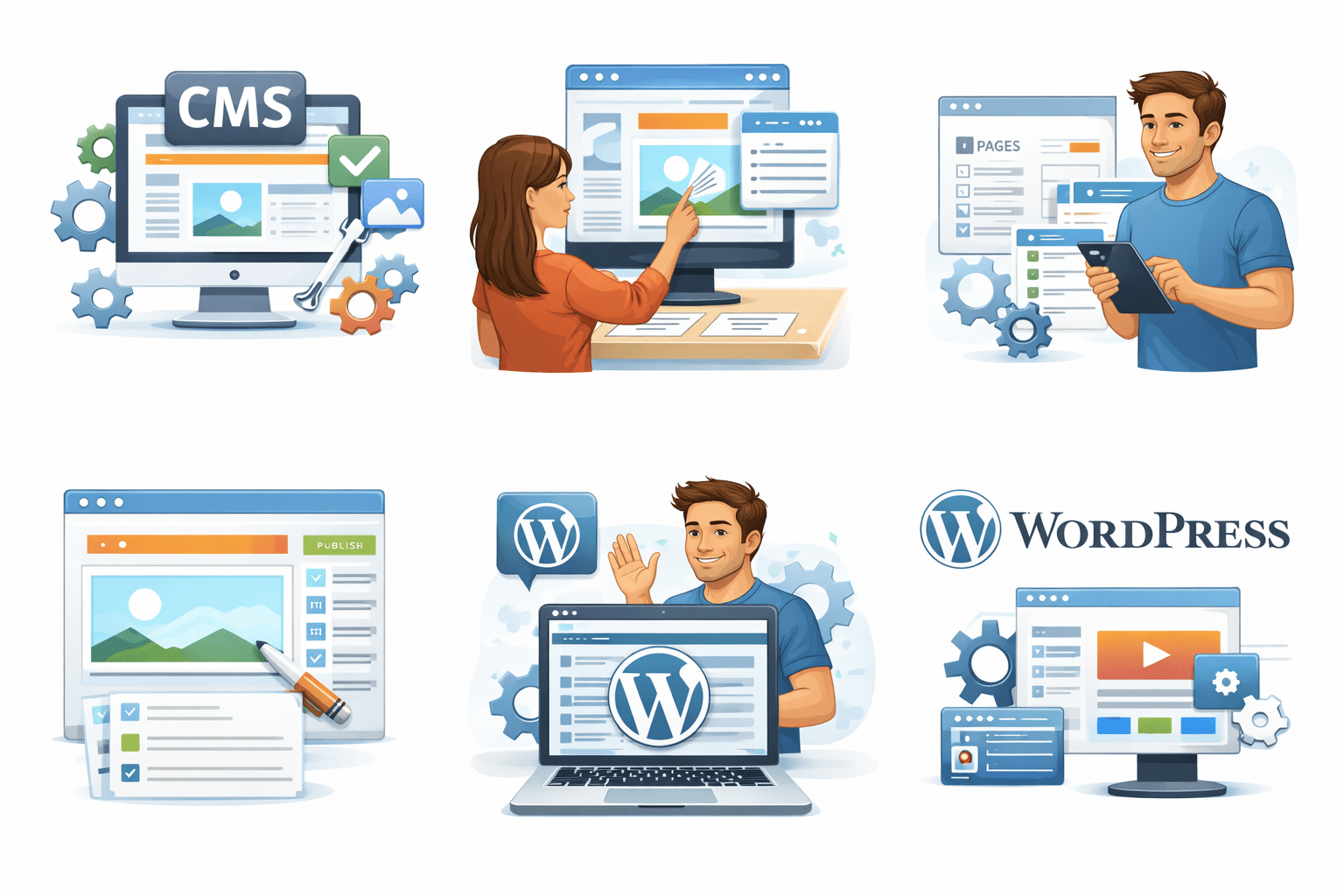
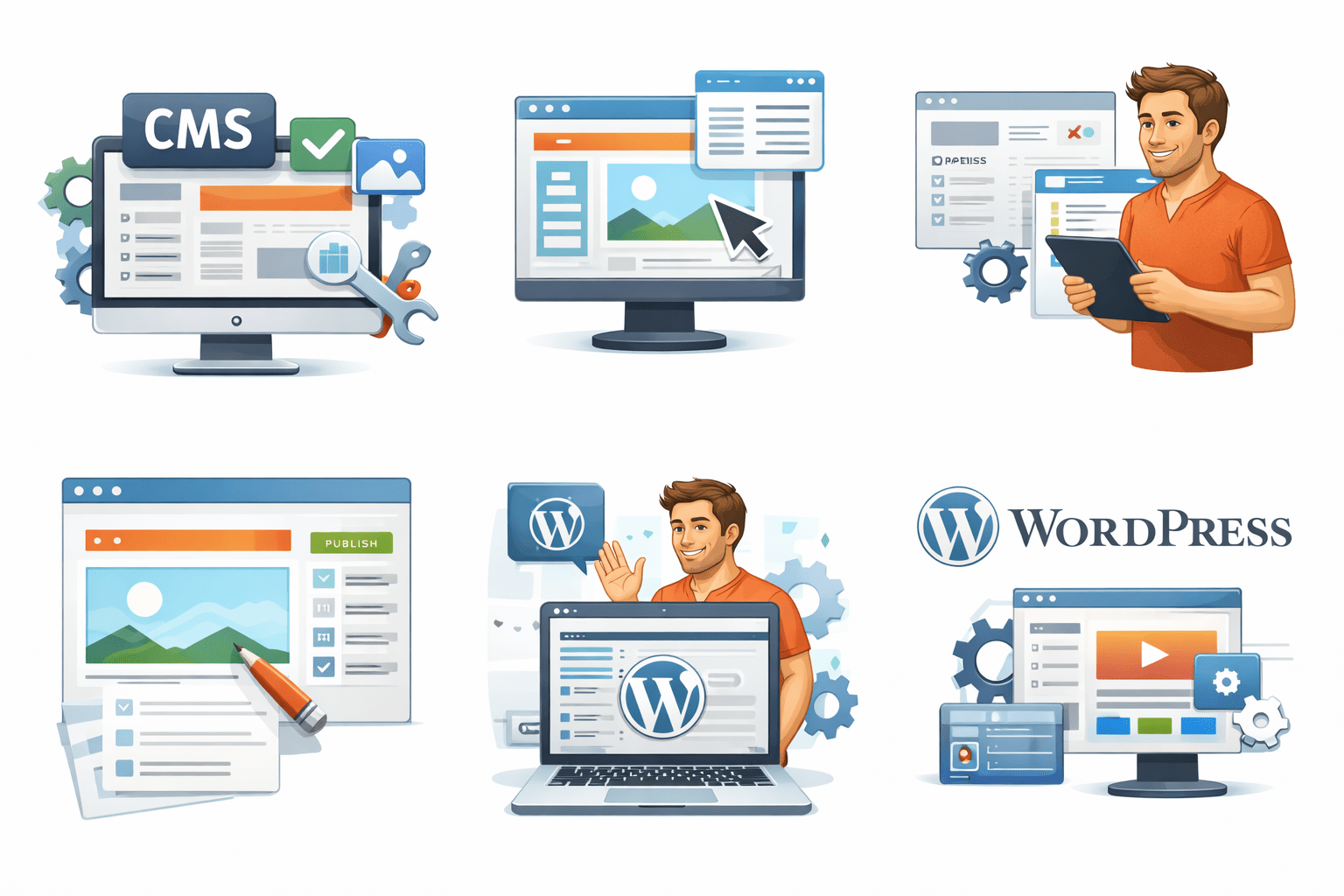
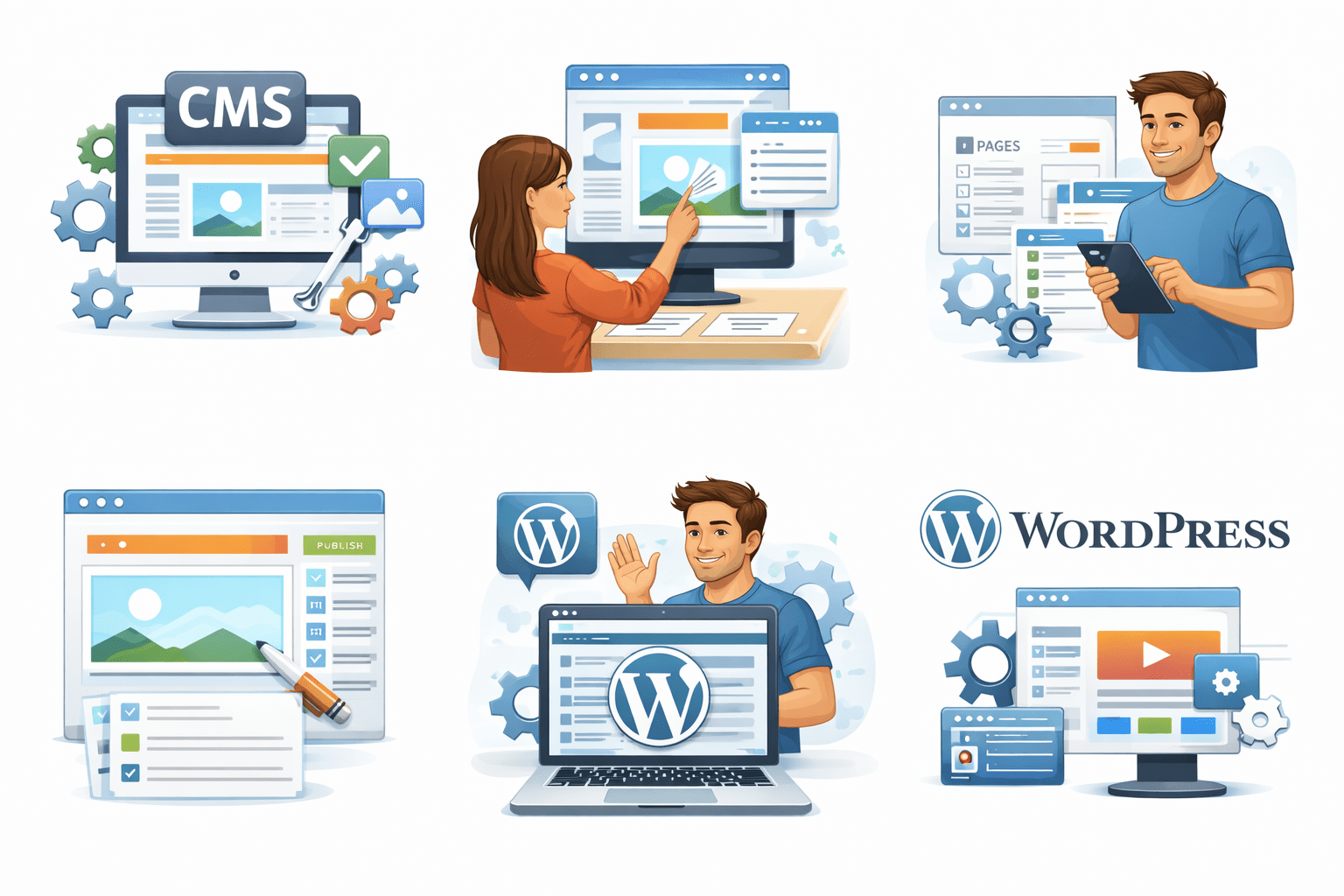
What is CMS?
CMS means Content Management System.
What is CMS?
It is a tool that helps you:
Add content
Without writing code
Build a website
Manage pages
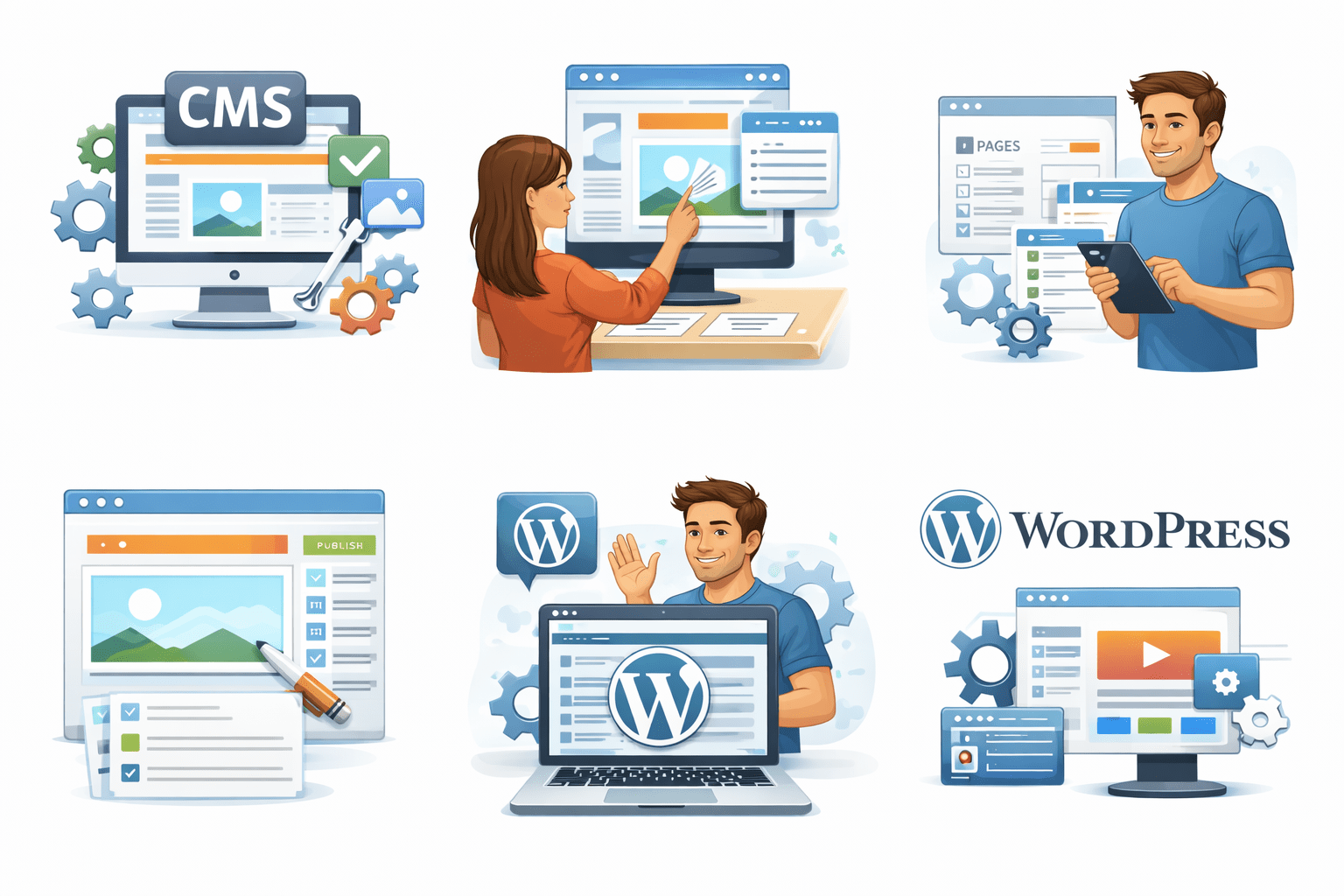
Why WordPress?
WordPress is a CMS tool.
It is the most popular website platform.
Why WordPress?
It helps you:
Design pages
Manage content easily
Create websites
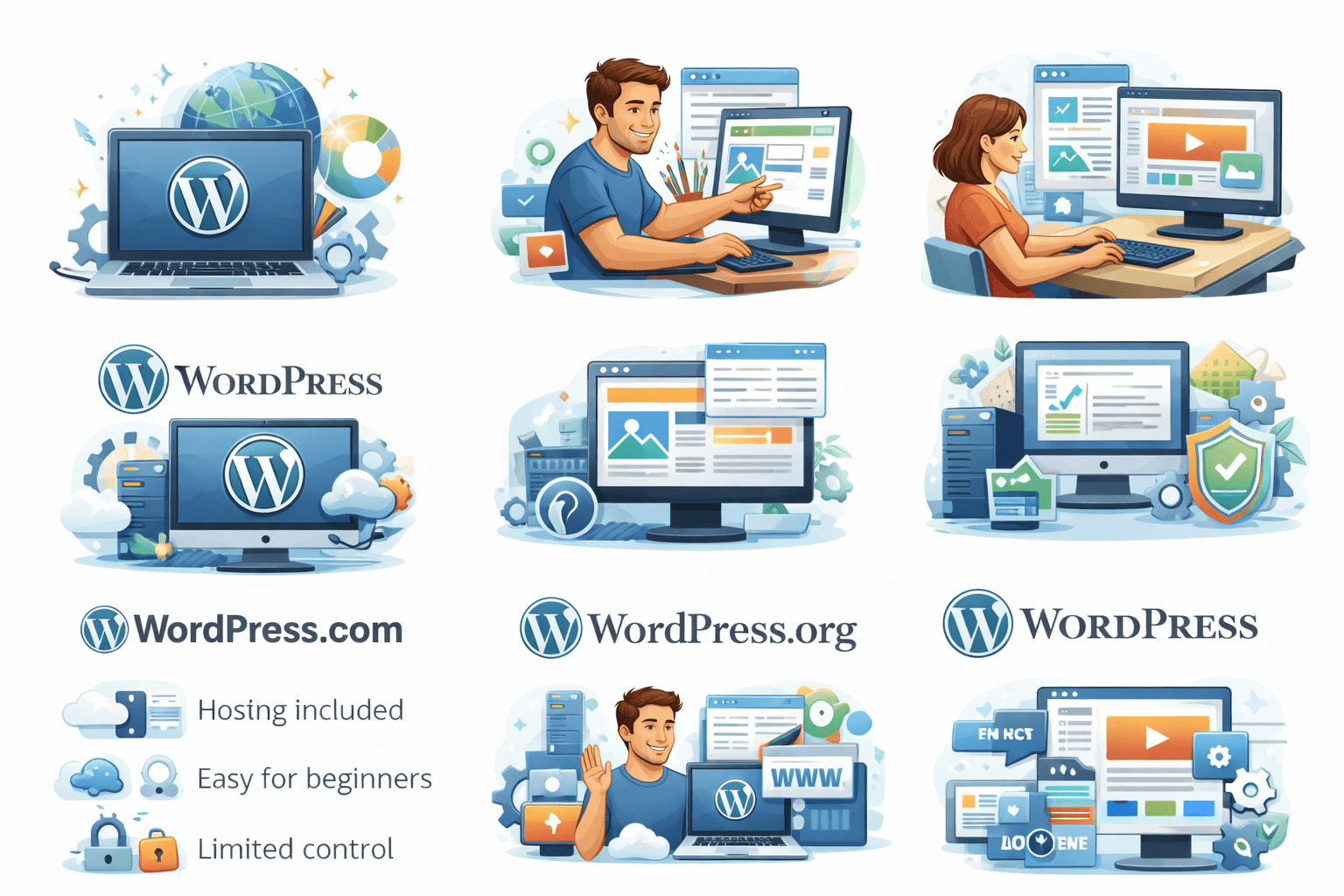
Two Types of Wordpress
Core Concepts (.....Slide N-3)
Summary
5
Build strong branding
4
Use different marketing channels
3
Target the right audience
2
Create and communicate value
1
Understand customer needs
Choose cool, soft colors instead of vibrant colors
Max 5 Points for Summary & Min 2
Quiz
Which platform is mainly used for professional networking and B2B marketing ?
A. Facebook
B. Instagram
C. LinkedIn
D. Snapchat
Quiz
Which platform is mainly used for professional networking and B2B marketing ?
A. Facebook
B. Instagram
C. LinkedIn
D. Snapchat
Quiz-Answer
Which platform is mainly used for professional networking and B2B marketing ?
A. Facebook
B. Instagram
C. LinkedIn
D. Snapchat
By Content ITV