


















Content ITV PRO
This is Itvedant Content department
Learning Outcome
4
Apply strategies to optimize website speed
3
Identify common reasons for slow website
2
Check website speed using PageSpeed Insights
1
Define website speed optimization
Let's Understand Speed Optimization with Restaurant Analogy
Two restaurants opened in the same area...
Let's Understand Speed Optimization with Restaurant Analogy
Restaurant A had
Good food
Beautiful interior
Friendly staff
Let's Understand Speed Optimization with Restaurant Analogy
But
Orders were served very late
Customers waited 30–40 minutes
Some customers left before eating
Let's Understand Speed Optimization with Restaurant Analogy
Restaurant B had
Same quality food
Faster service
Quick order processing
Let's Understand Speed Optimization with Restaurant Analogy
Customers preferred Restaurant B.
Let's Understand Speed Optimization with Restaurant Analogy
Why?
Because in today’s world, people don’t
like waiting.
Even if your website looks beautiful, if it loads slowly, users will leave.
Learning for Students:
Let's Understand Speed Optimization with Restaurant Analogy
Slow website = Lost customers
Fast website = Better experience + more conversions
WHAT IS WEBSITE SPEED OPTIMIZATION?
Website Speed Optimization is the process of improving a website’s loading time and overall performance to provide a better user experience, reduce bounce rate, and increase conversions.
CHECK WEBSITE SPEED
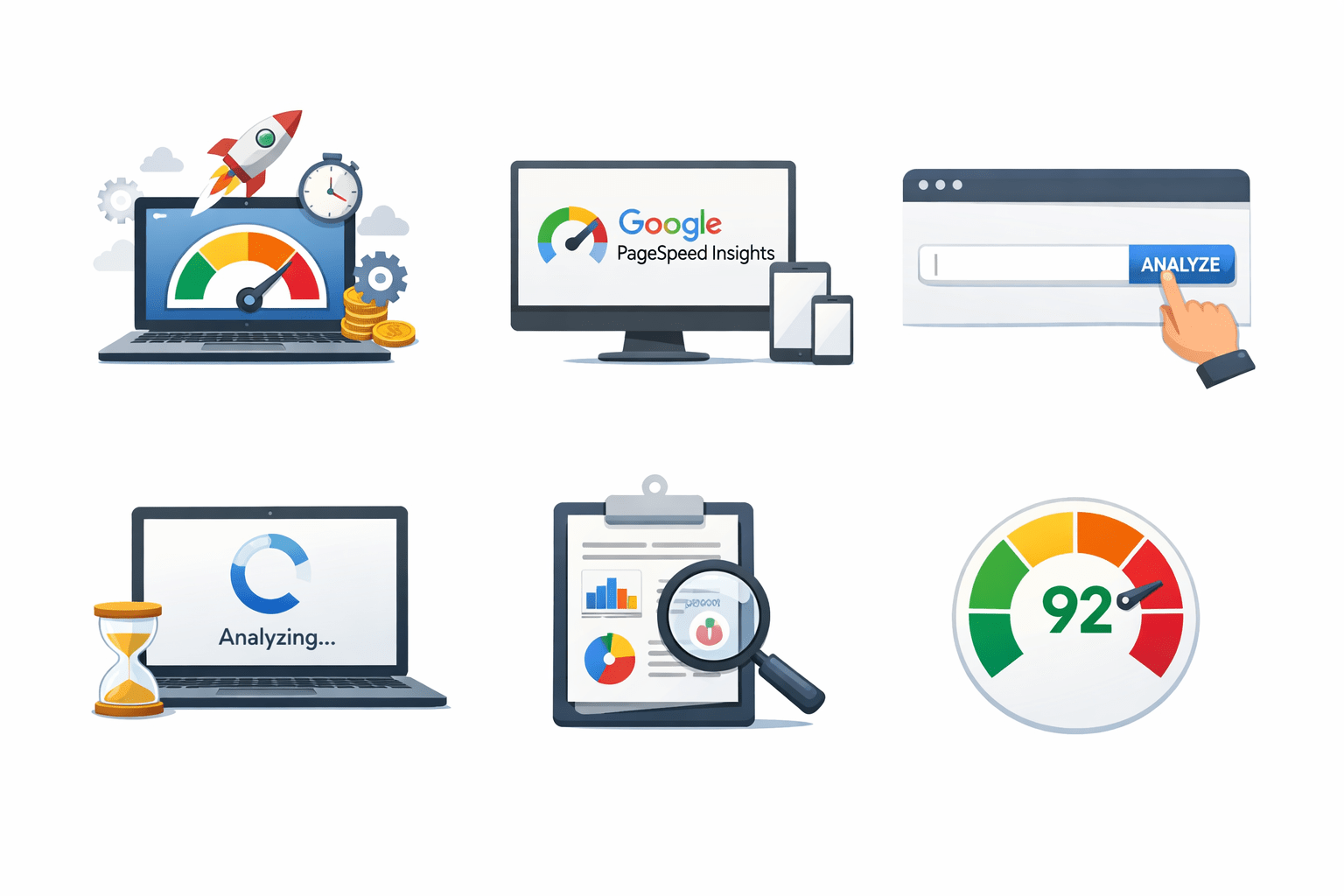
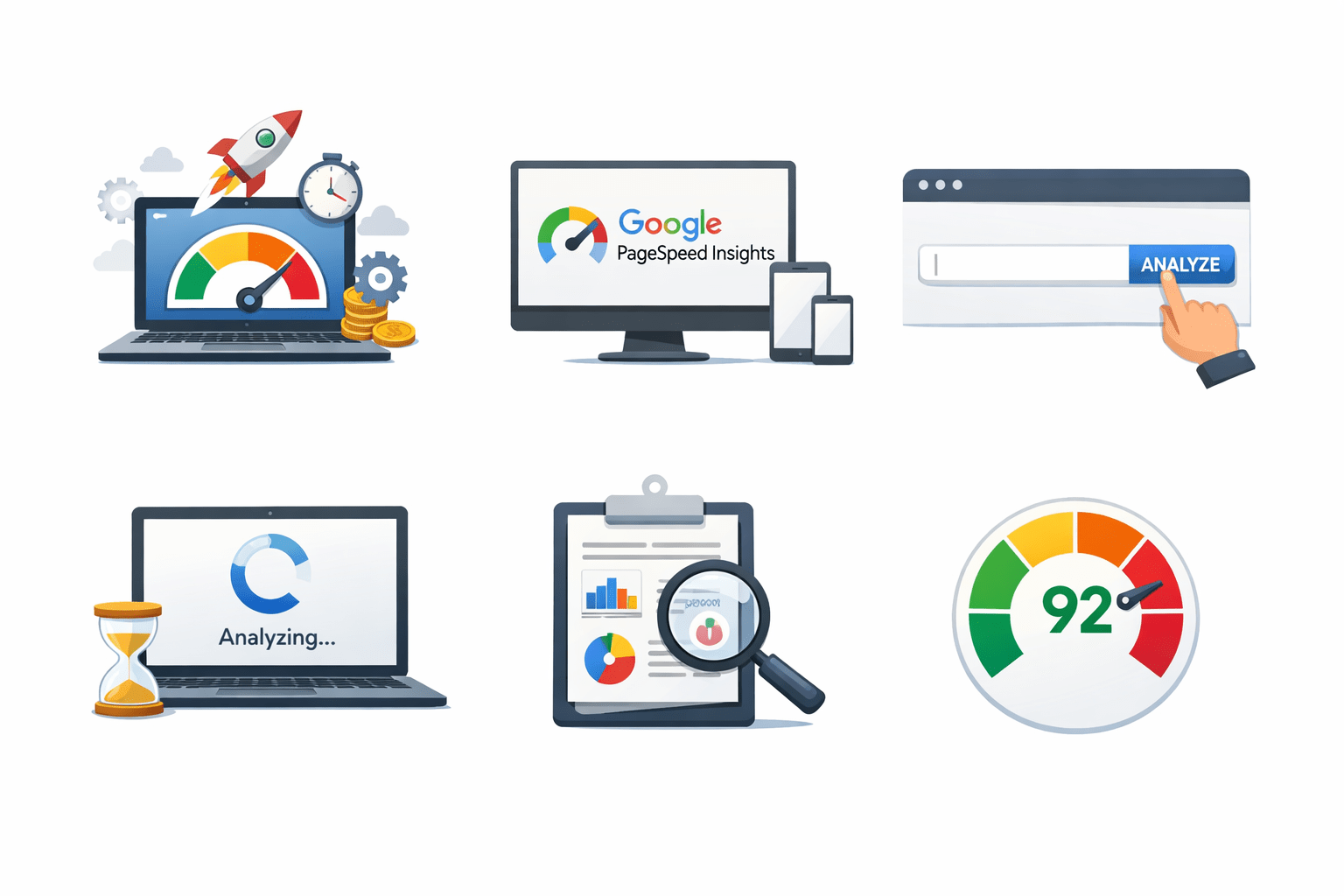
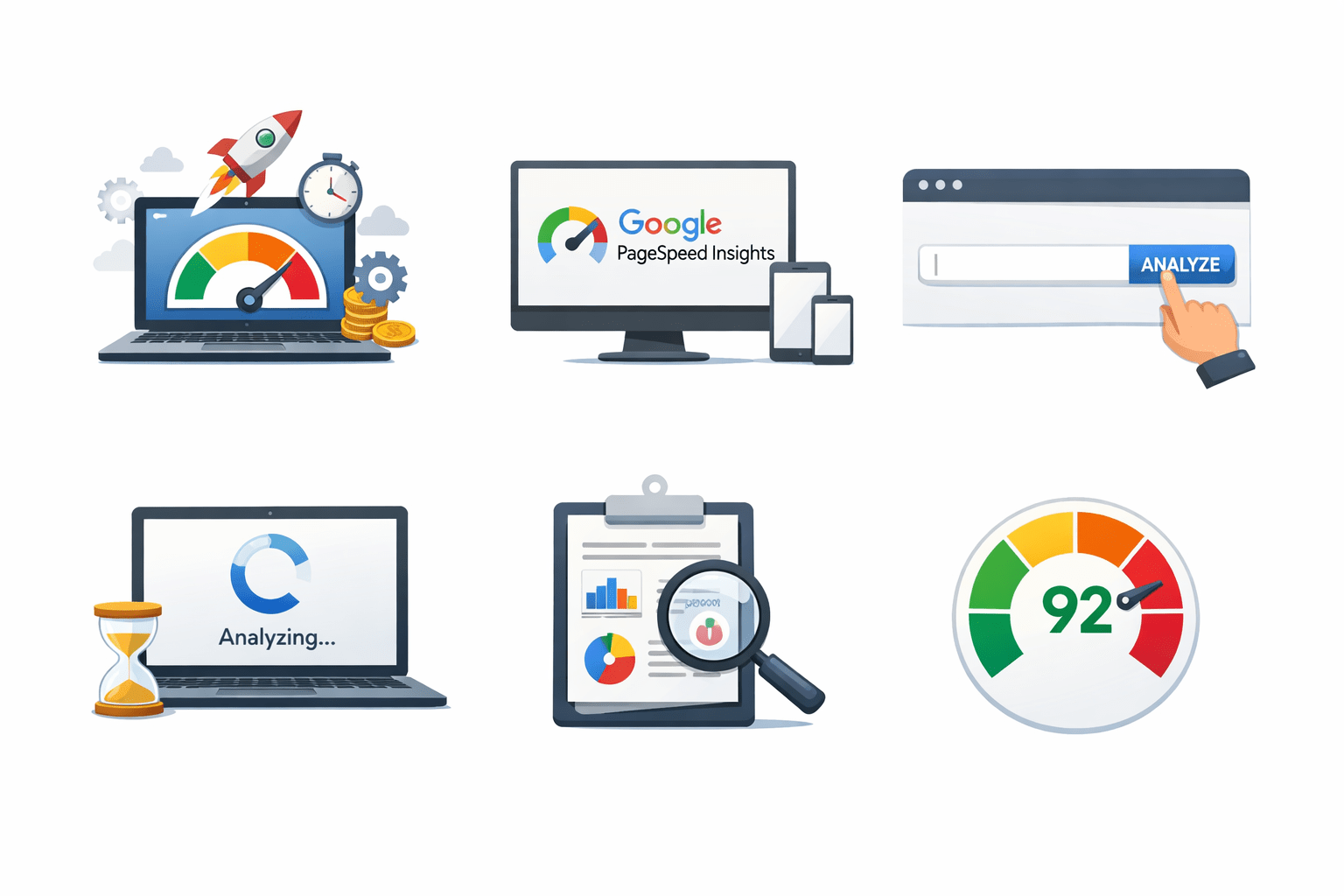
Open Google PageSpeed Insights
Enter the website URL
Click on Analyze
Wait for the report
Check the Performance Score
COMMON REASONS FOR SLOW WEBSITE
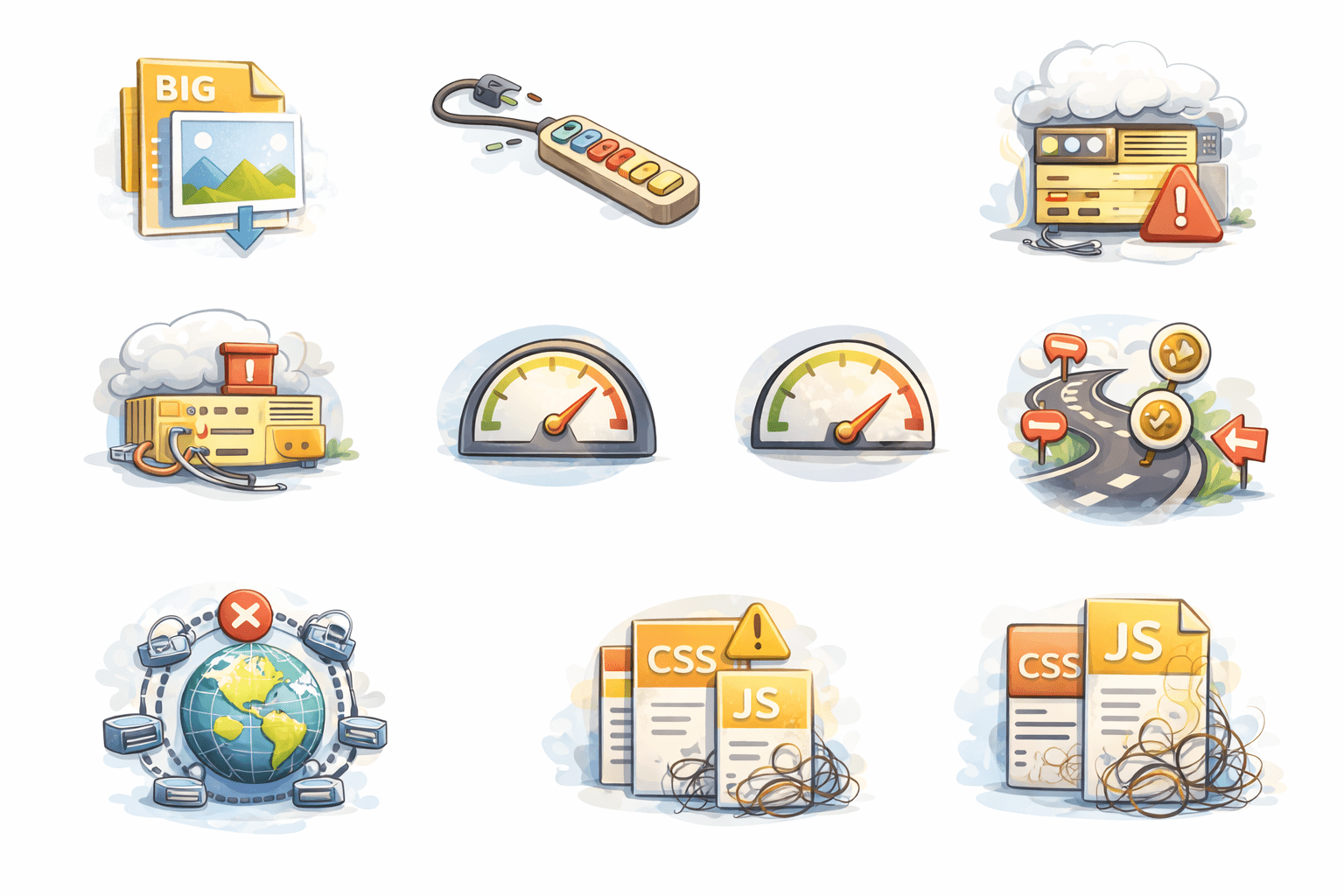
Heavy themes
Uncompressed images
Too many plugins
No caching
Unoptimized CSS/JS
No CDN
Poor hosting
Too many redirects
STRATEGIES TO OPTIMIZE WEBSITE SPEED
Reduce Redirects
CDN
Limit Plugins
Choose Lightweight Theme
Use Good Hosting
Optimize Images
Enable Caching
Lazy Loading
Minify CSS, HTML, JavaScript
Summary
5
Optimization techniques improve loading speed and results
4
Many technical factors can slow a website
3
PageSpeed Insights helps check performance
2
Slow websites increase bounce rate
1
Website speed affects user experience and conversions
Quiz
Which tool is commonly used to check website loading performance?
A. Google Docs
B. PageSpeed Insights
C. Canva
D. Elementor
Quiz-Answer
Which tool is commonly used to check website loading performance?
A. Google Docs
B. PageSpeed Insights
C. Canva
D. Elementor
By Content ITV