



















Content ITV PRO
This is Itvedant Content department
Learning Outcome
4
Implement search functionality using Django QuerySets in an e-commerce scenario
3
Apply Q objects to perform complex queries with OR and AND conditions
2
Use filter(), exclude() and get() to retrieve specific data
1
Understand what a QuerySet is in Django
Imagine you are managing an online shopping platform
Thousands of products are stored in the database
Customers may want to:
See products under ₹1000
See all products
Exclude out-of-stock products
Search for “wireless headphones”
What is a QuerySet?
A QuerySet is a collection of database queries in Django
QuerySet = A way to interact with database records using Python code
It allows developers to:
Retrieve data
Filter data
Exclude specific records
Perform complex queries
Example Scenario (E-Commerce Product Model)
Before using QuerySets, we first need a model
class Product(models.Model):
   name = models.CharField(max_length=100)
   price = models.IntegerField()
   category = models.CharField(max_length=50)
   is_active = models.BooleanField(default=True)
This model represents products in an online store
Now the question becomes:
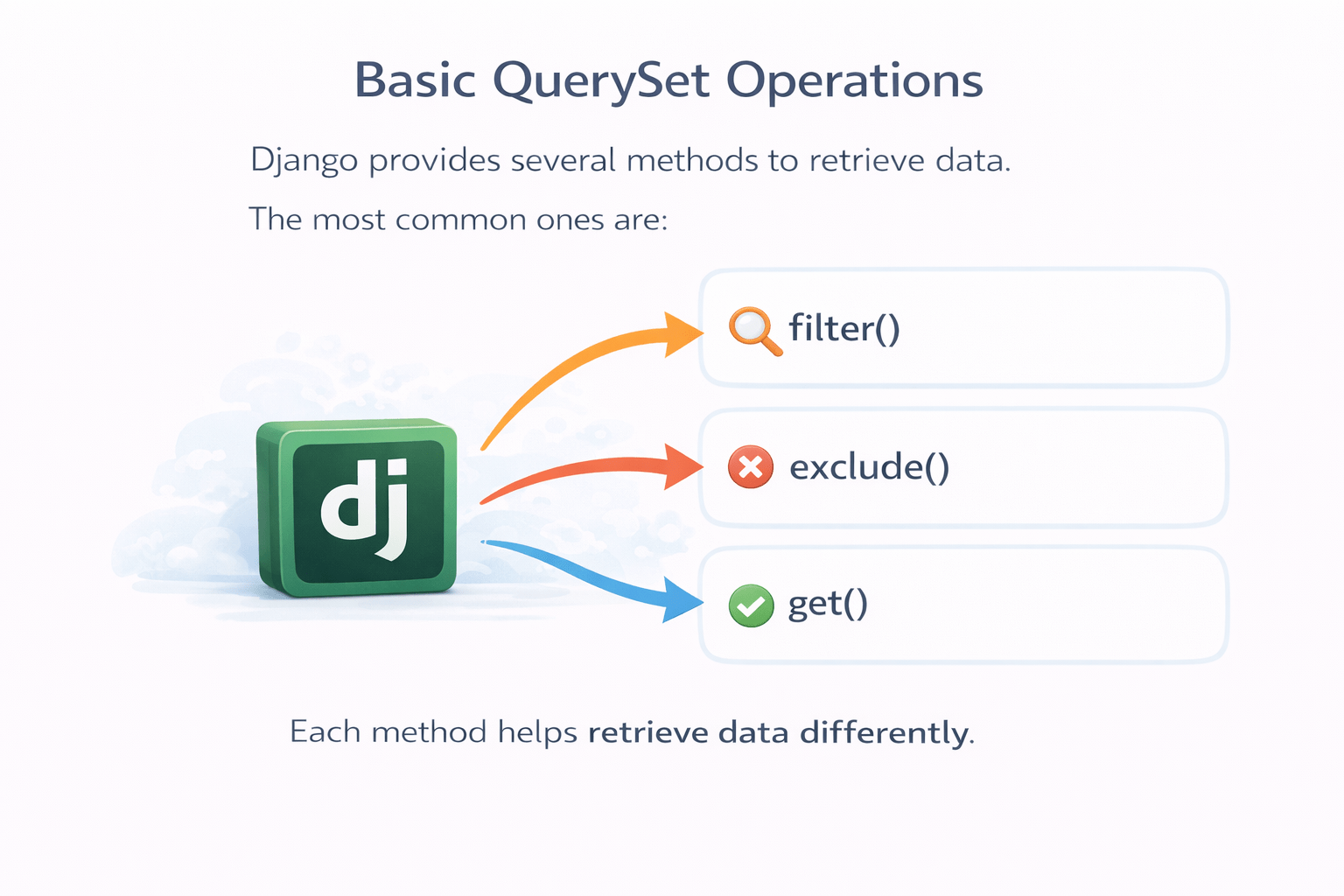
Basic QuerySet Operations
Django provides several methods to retrieve data
The most common ones are:
filter()
get()
exclude()
Each method helps retrieve data differently
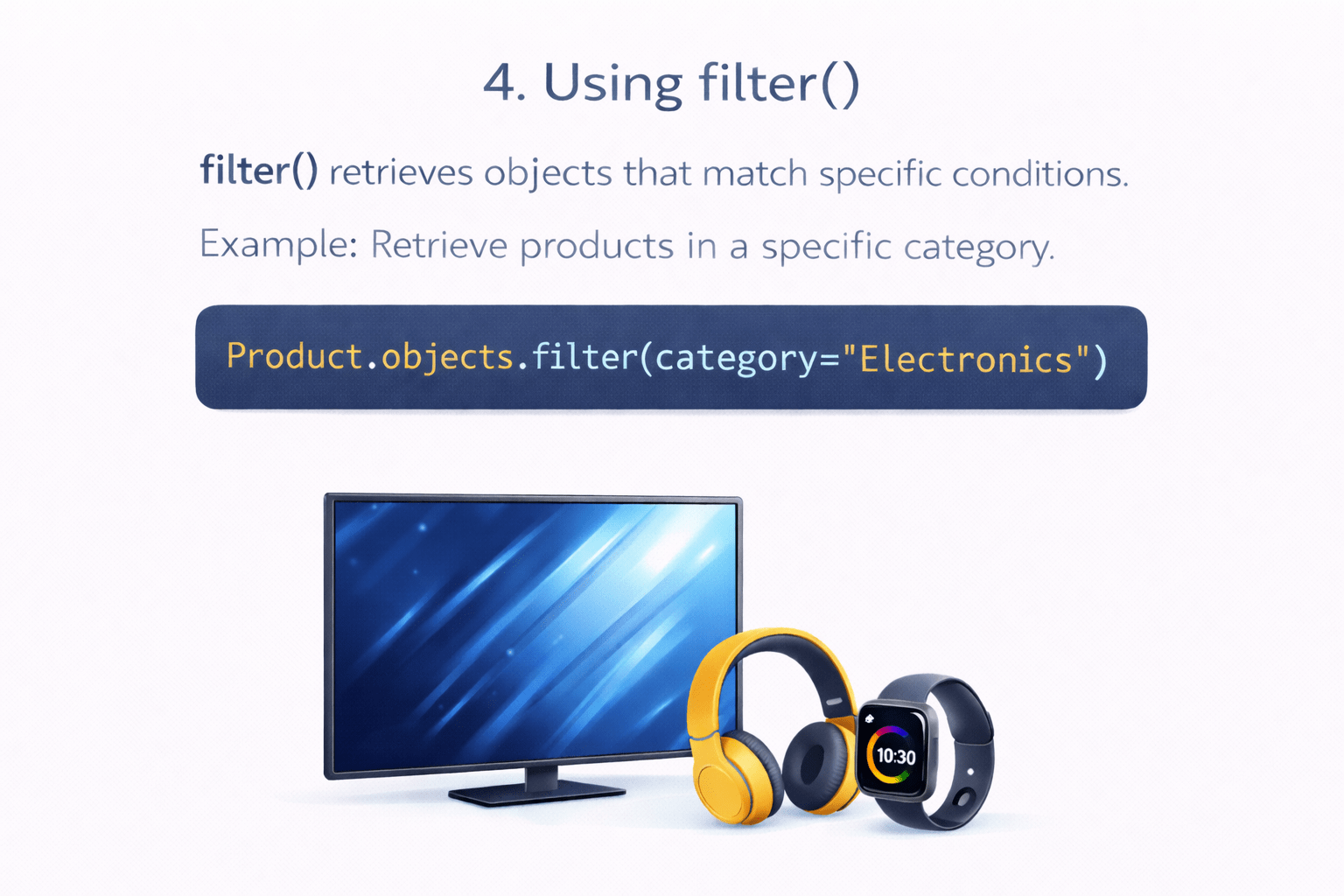
Using filter()
filter() retrieves objects that match specific conditions
Example: Retrieve products
in a specific category
Shown all
electronics products
Now imagine another situation
That leads to exclude()
Product.objects.filter(category="Electronics")What if we want products except a certain category ?
Using exclude()
exclude() returns objects excluding certain conditions
Example:
Product.objects.exclude(category="Clothing")Meaning:
But sometimes we need only one specific object
Using get()
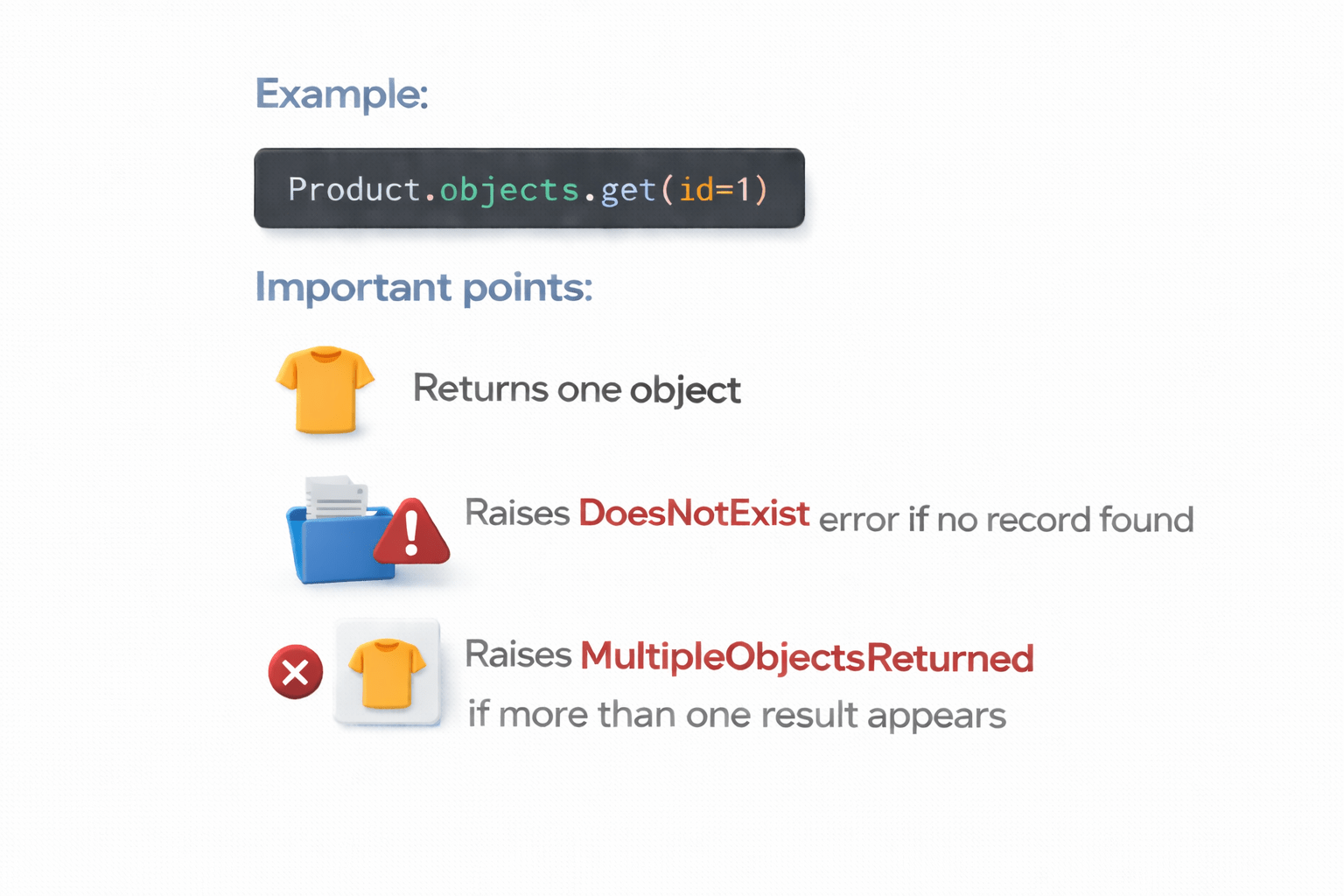
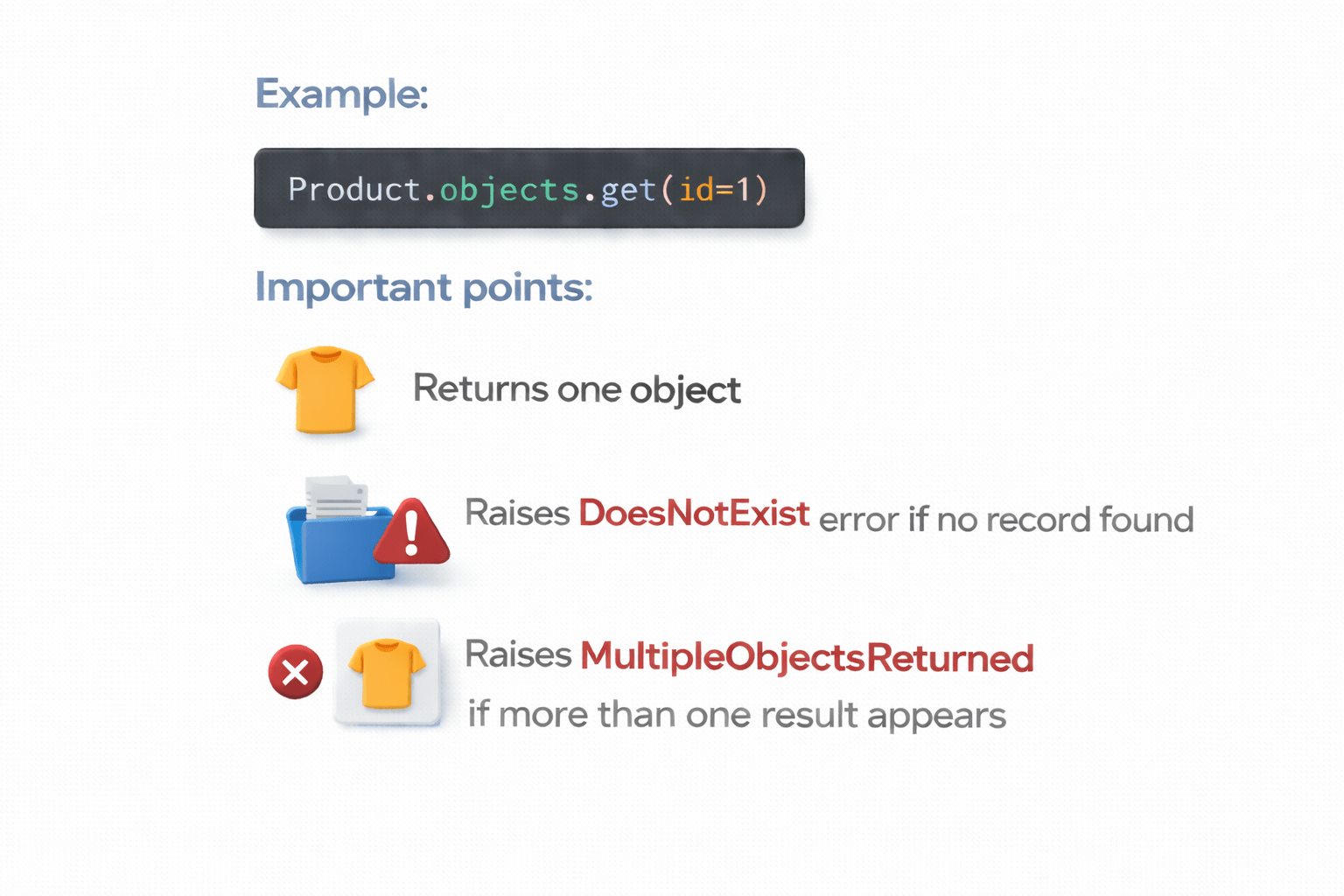
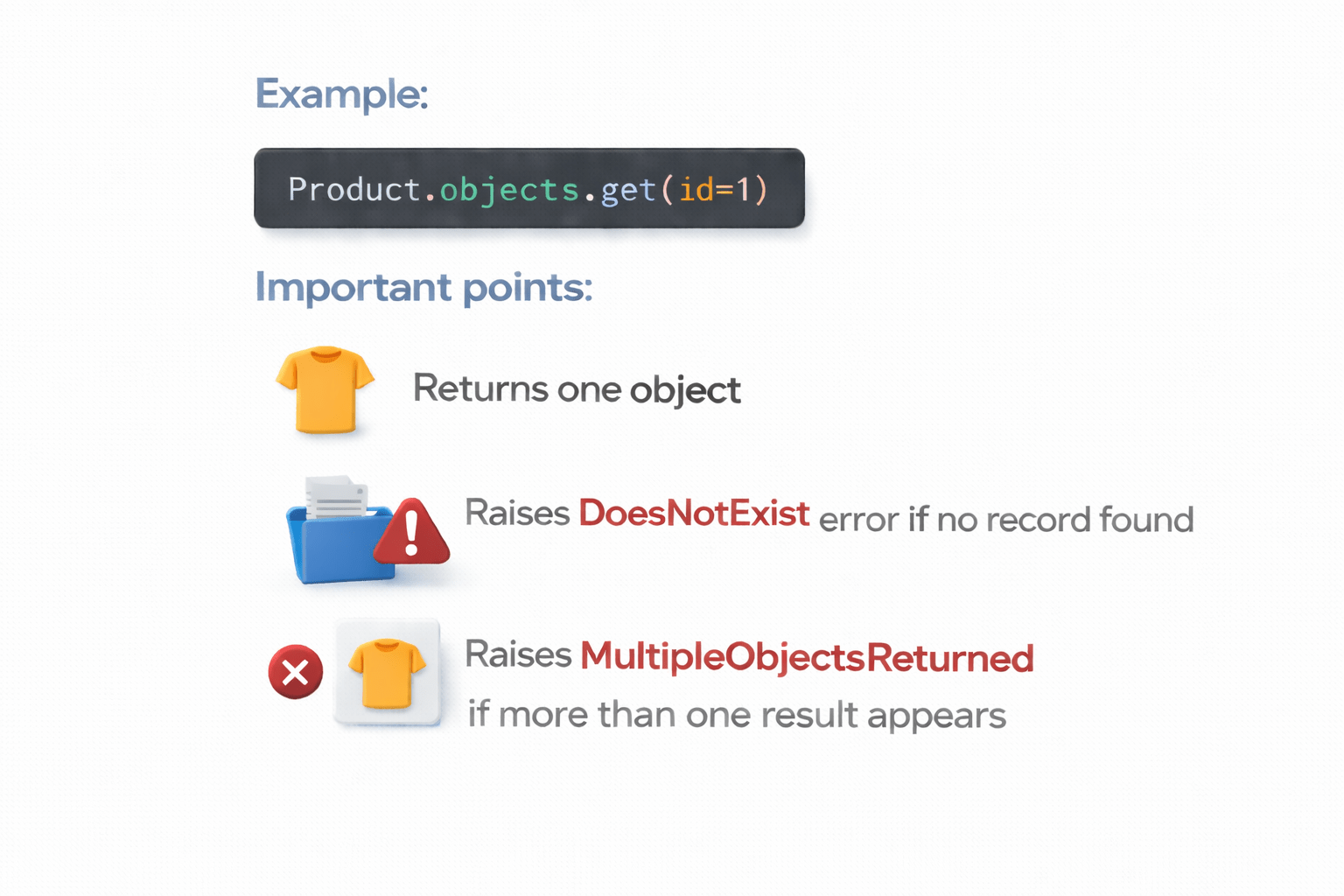
get() retrieves a single object that matches the condition
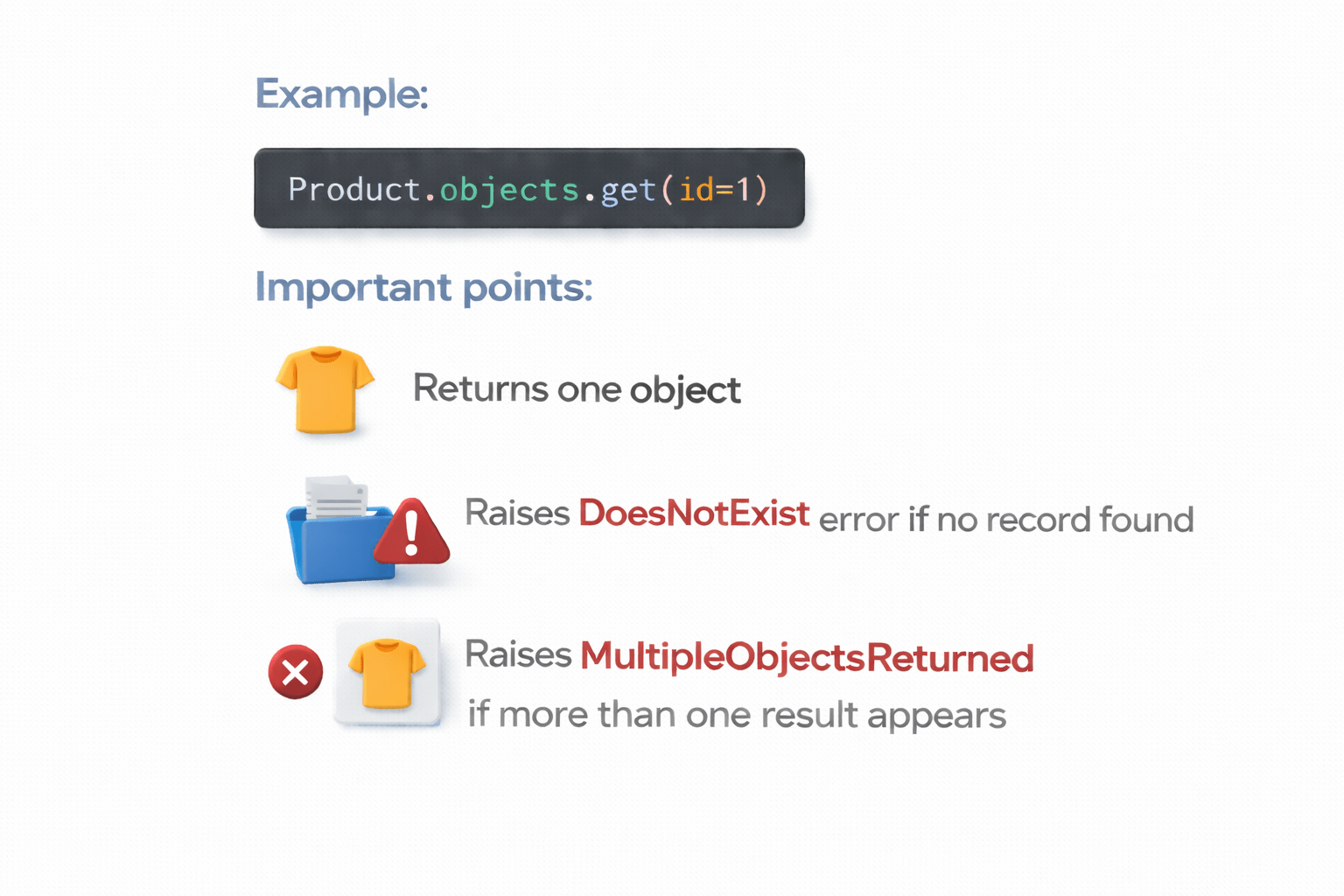
Example:
Product.objects.get(id=1)Important points:
Returns one object
Raises MultipleObjectsReturned if more than one result appears
Raises DoesNotExist error if no record found
That is where Q Objects become useful
What is a Q Object?
A Q Object allows complex queries using logical operators
It helps combine conditions using:
AND (&)
Core Concepts (.....Slide N-3)
Core Concepts (.....Slide N-3)
Core Concepts (.....Slide N-3)
Core Concepts (.....Slide N-3)
Core Concepts (.....Slide N-3)
Core Concepts (.....Slide N-3)
Core Concepts (.....Slide N-3)
Core Concepts (.....Slide N-3)
Core Concepts (.....Slide N-3)
Core Concepts (.....Slide N-3)
Core Concepts (.....Slide N-3)
Core Concepts (.....Slide N-3)
Core Concepts (.....Slide N-3)
Core Concepts (.....Slide N-3)
Summary
4
QuerySets can power powerful features like search functionality in e-commerce applications
3
Q Objects enable complex queries with AND and OR conditions
2
Methods like filter(), exclude() and get() help fetch specific data
1
QuerySets allow developers to retrieve and manipulate database records using Python
Quiz
Which method is used to retrieve objects matching certain conditions?
A. get()
B. delete()
C. filter()
D. create()
Quiz-Answer
Which method is used to retrieve objects matching certain conditions?
A. get()
B. delete()
C. filter()
D. create()
By Content ITV