







Content ITV PRO
This is Itvedant Content department
Learning Outcome
6
Learn Google Ads policies for banner ads
5
Understand components of high-converting banners
4
Recognize standard banner ad sizes
3
Identify different types of banner ads
2
Explain what banner ads are
1
Understand what display advertising is
Traditional Advertising Analogy
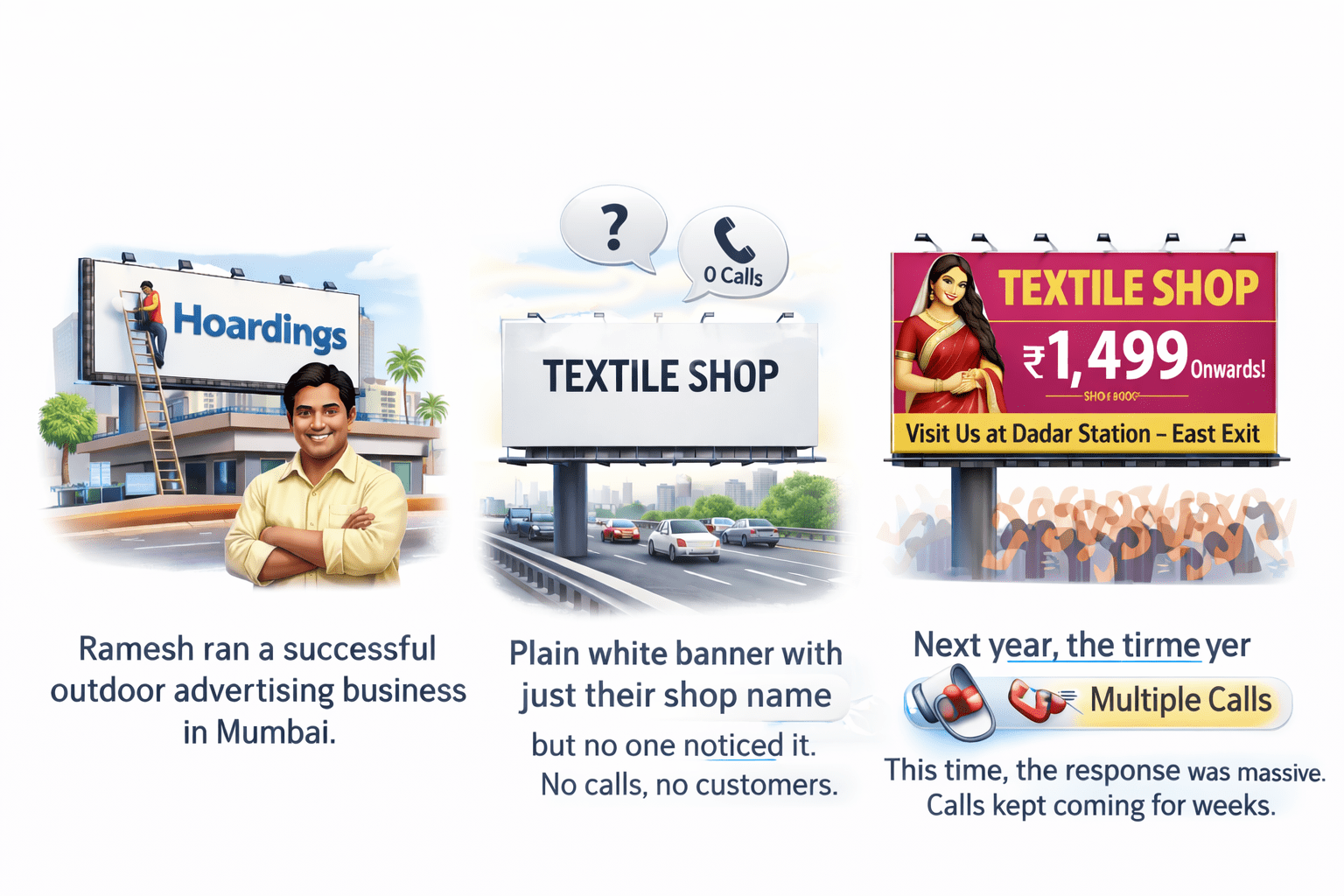
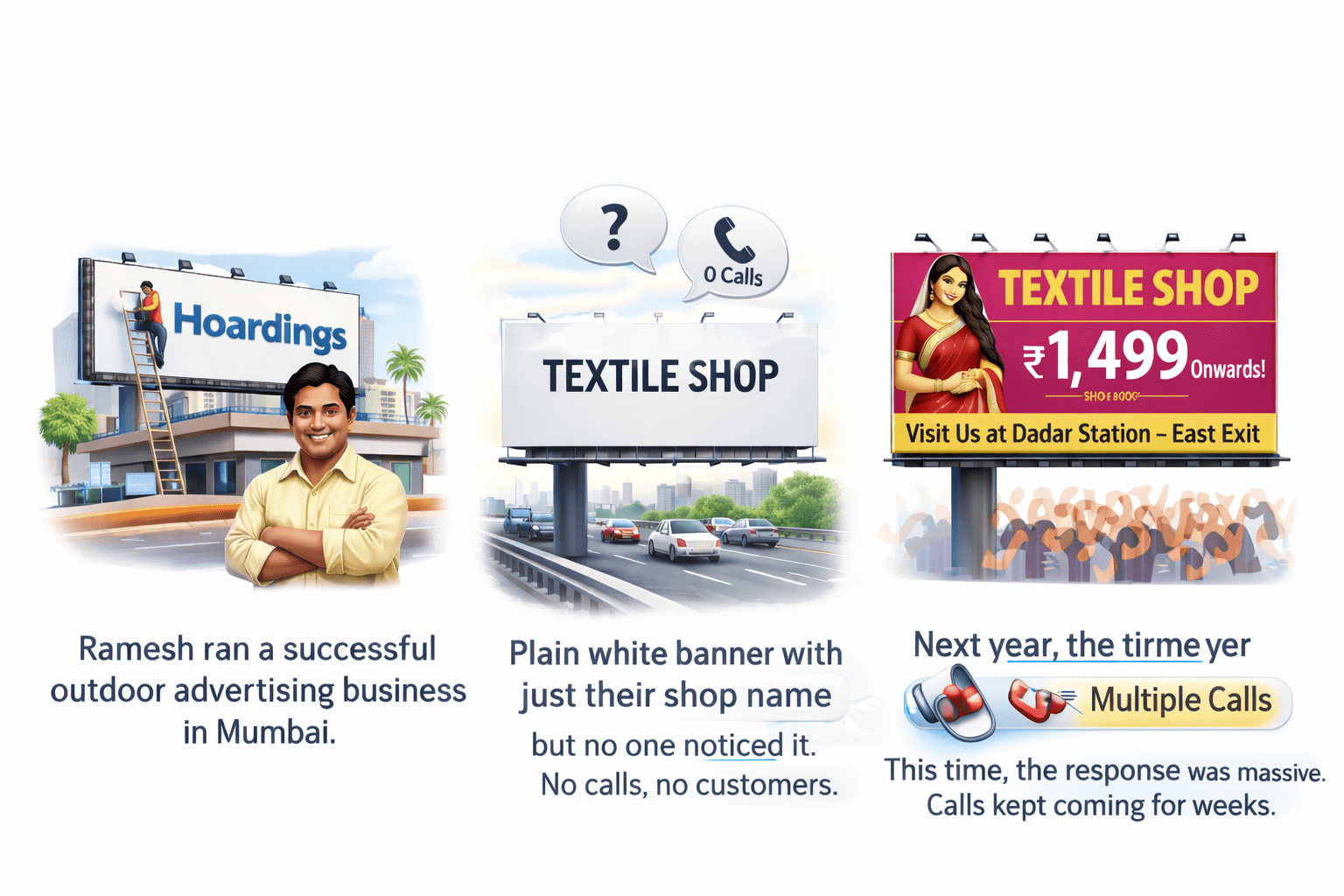
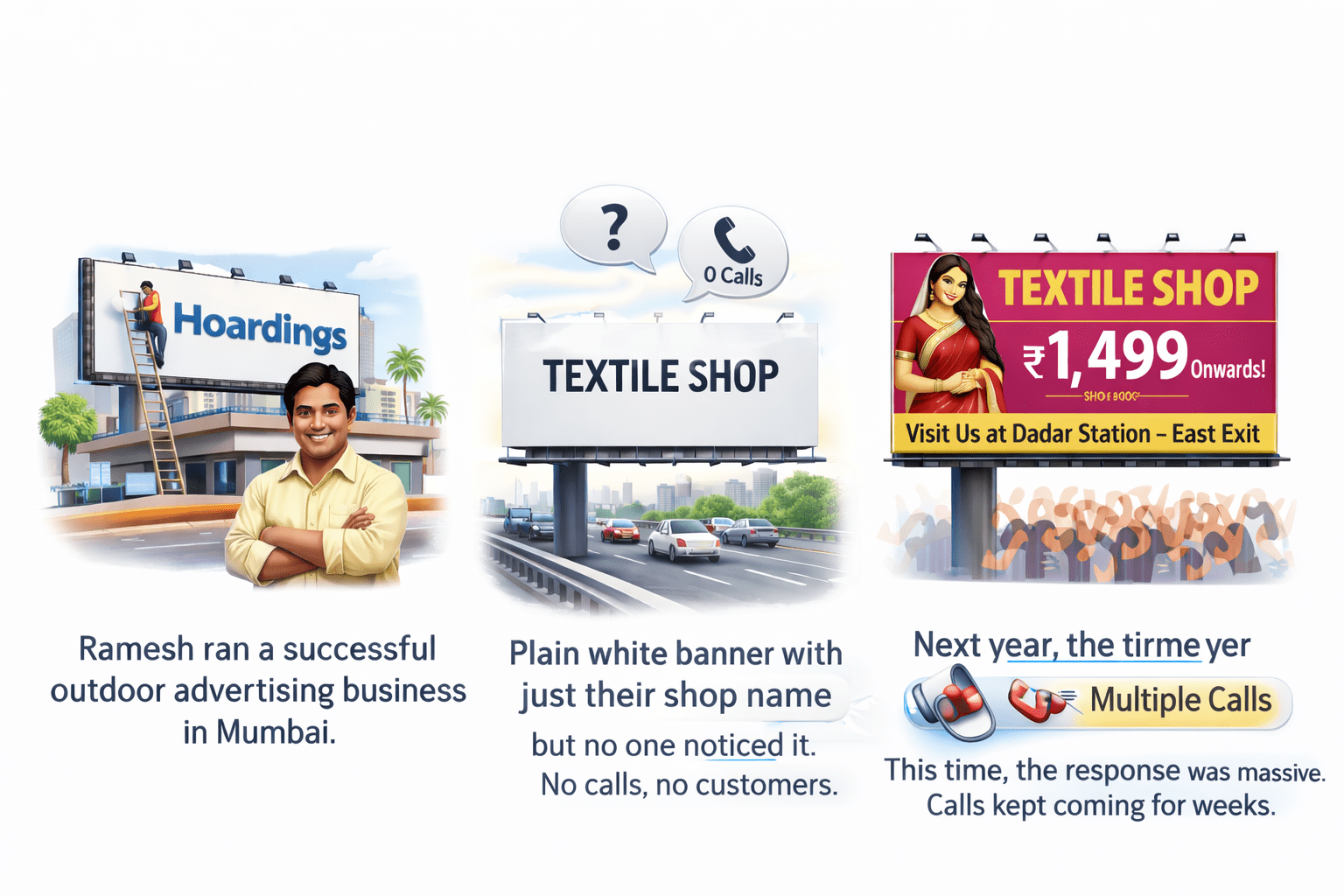
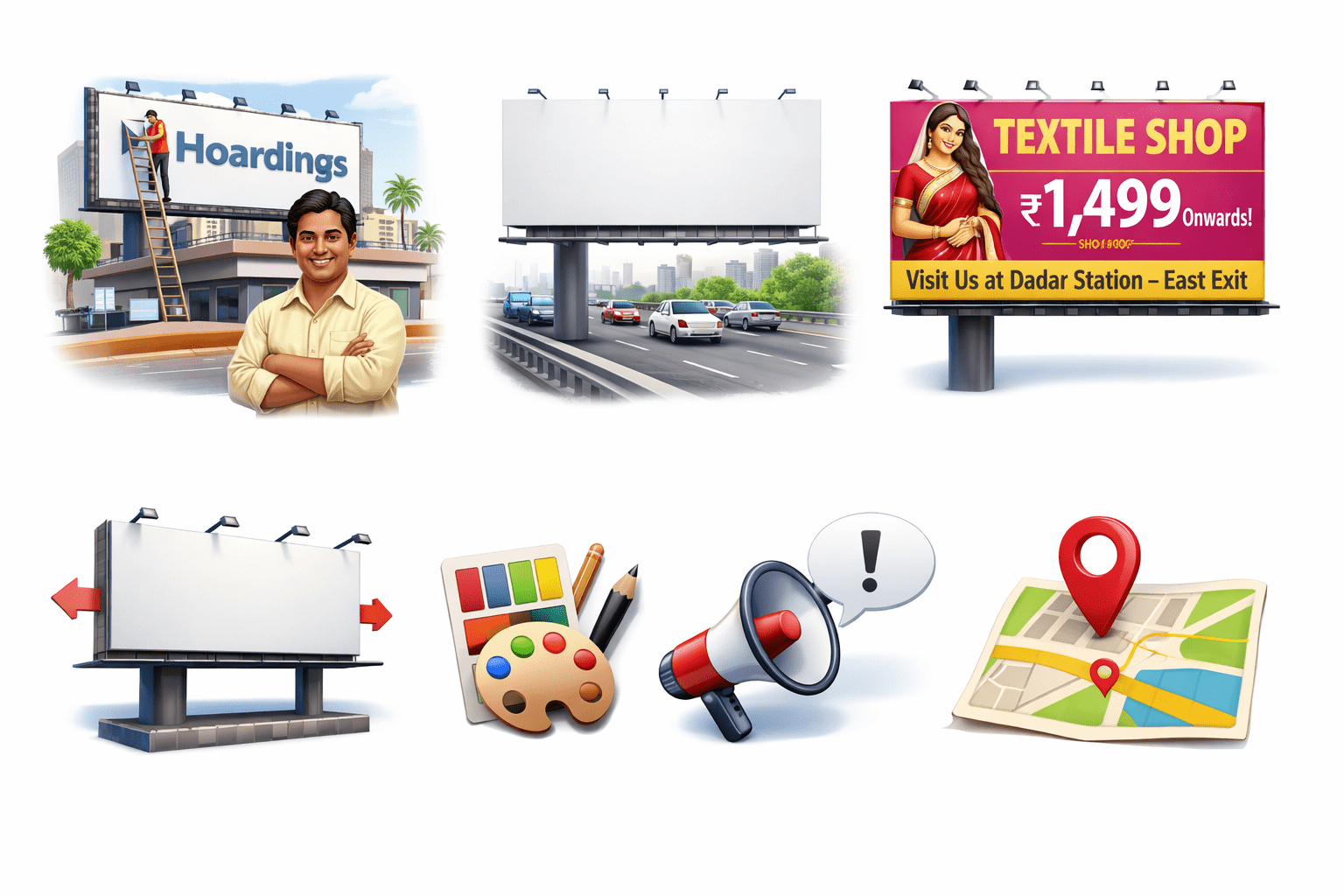
Ramesh ran a successful outdoor advertising business in Mumbai in the 1990s. Businesses came to him to put up hoardings across the city.
Traditional Advertising Analogy
One day, a textile shop gave him a plain white banner with just their shop name. It was placed on a busy highway — but no one noticed it.
No calls, no customers.
Traditional Advertising Analogy
The next year, the same shop returned with a better banner —
This time, the response was massive. Calls kept coming for weeks.
Traditional Advertising Analogy
Ramesh realized a simple rule:
Message matters
Design matters
Location matters
Size matters
Banner Ads in Digital Marketing
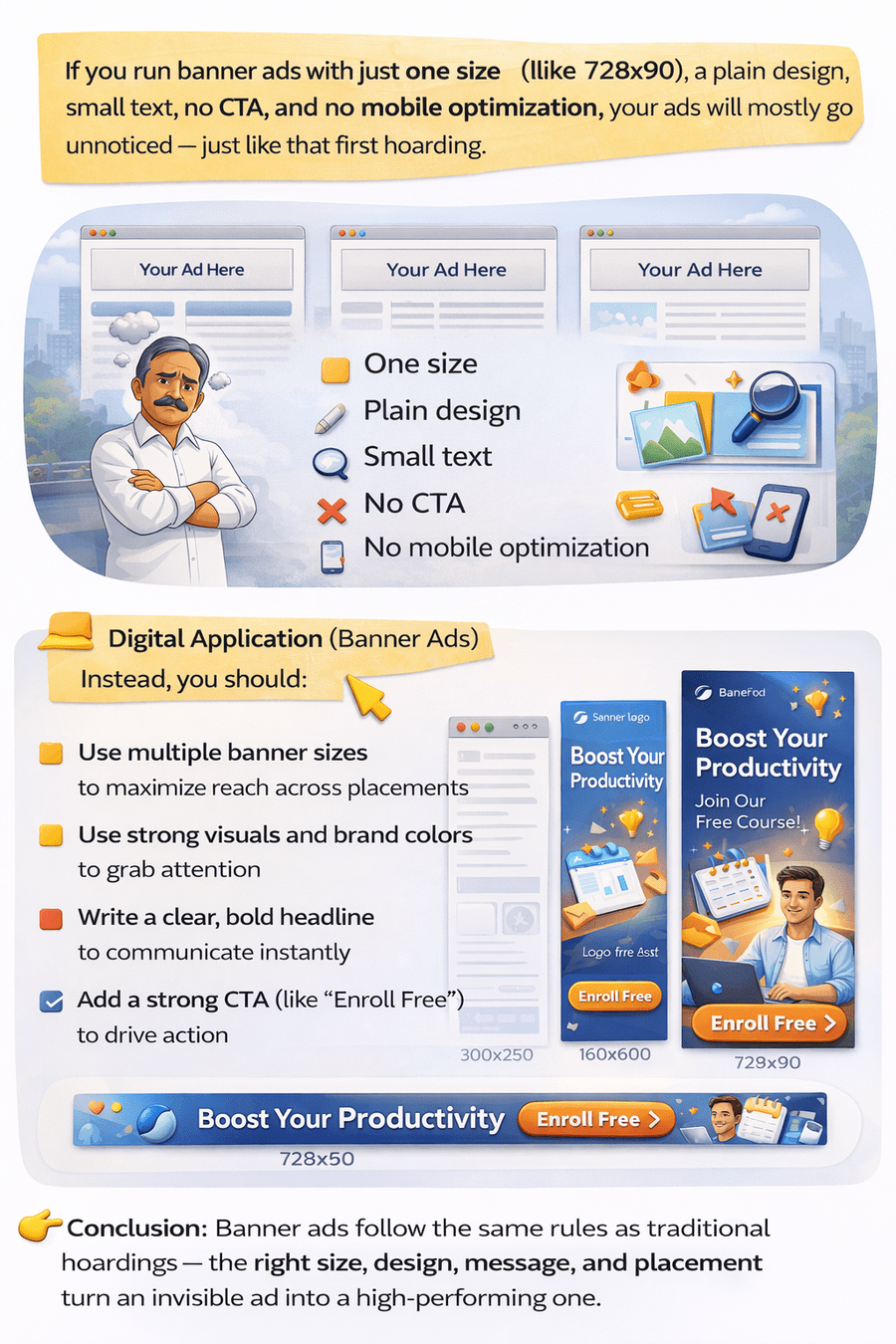
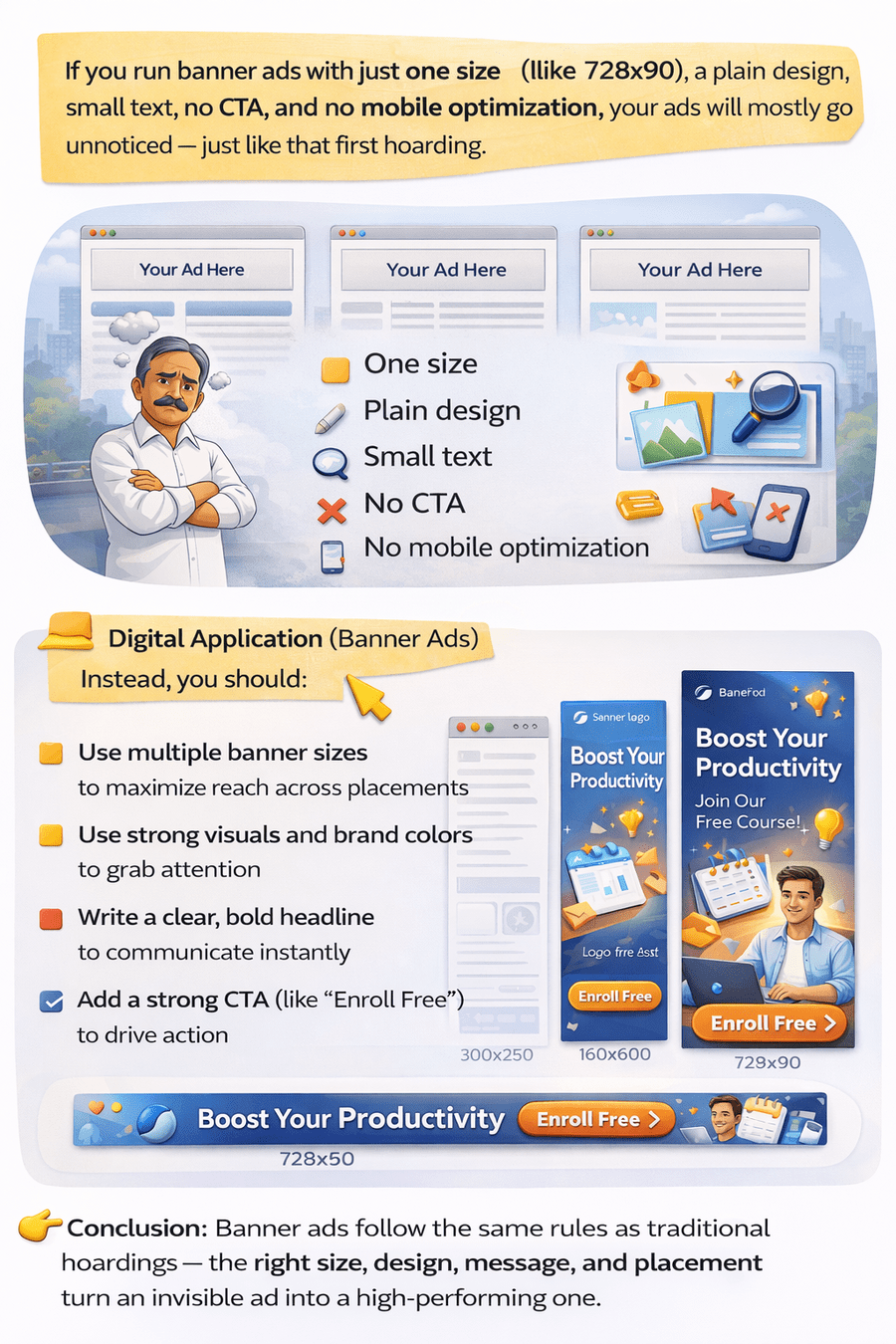
Today, the same thing happens in digital marketing.
Banner Ads in Digital Marketing
Instead, you should:
Banner Ads in Digital Marketing
Banner ads follow the same rules as traditional hoardings — the right size, design, message, and placement turn an invisible ad into a high-performing one.
Conclusion
What is Display Advertising?
Display advertising shows visual ads (images, banners, videos) across websites and apps on the Google Display Network. It focuses on building brand awareness and reaching users based on their interests and behavior.
What are Banner Ads?
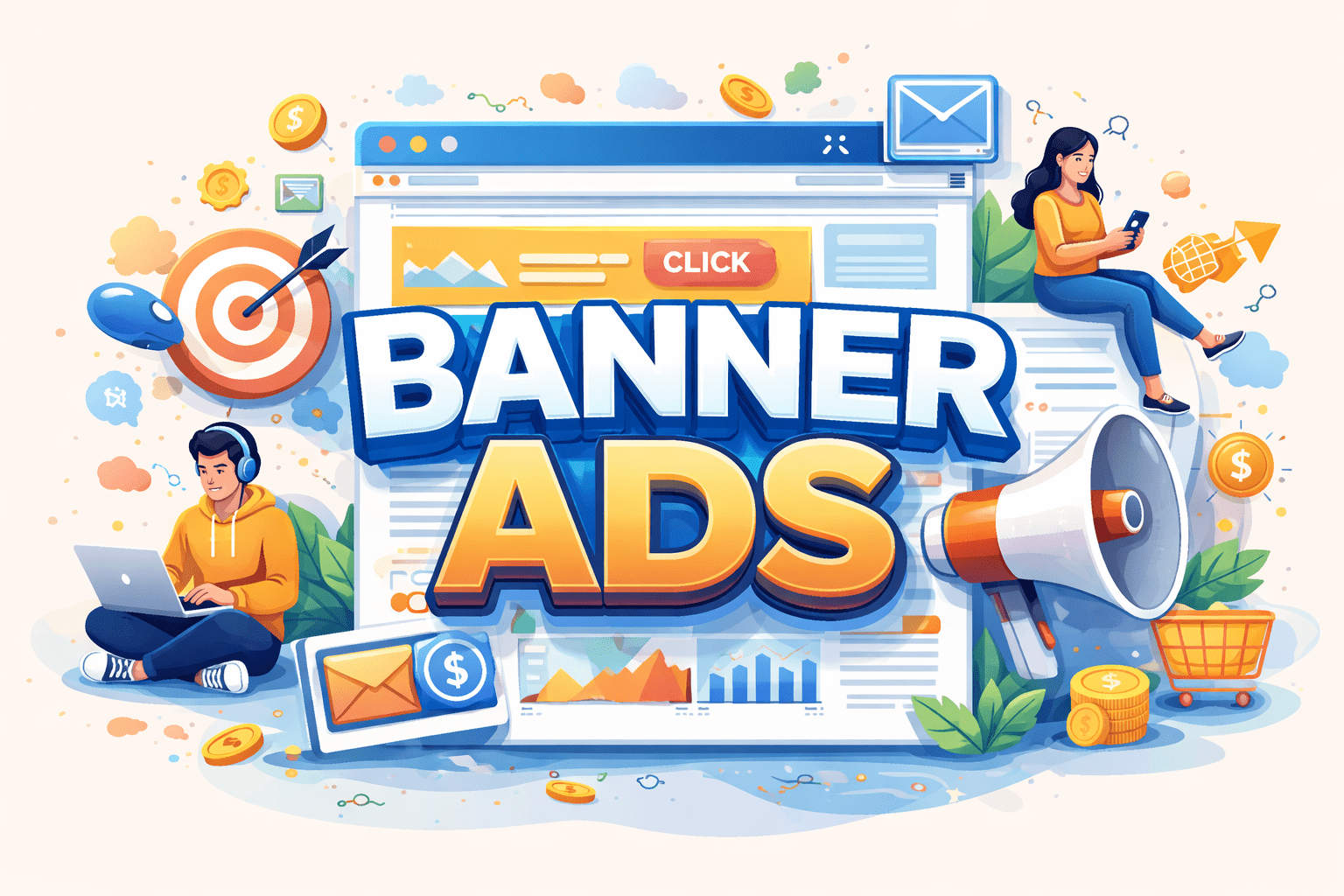
Banner ads are image-based display ads that appear on websites, apps, and platforms like YouTube. They use visuals, text, and a call-to-action to grab attention and drive users to a landing page.
Types of Banner Ads based on format
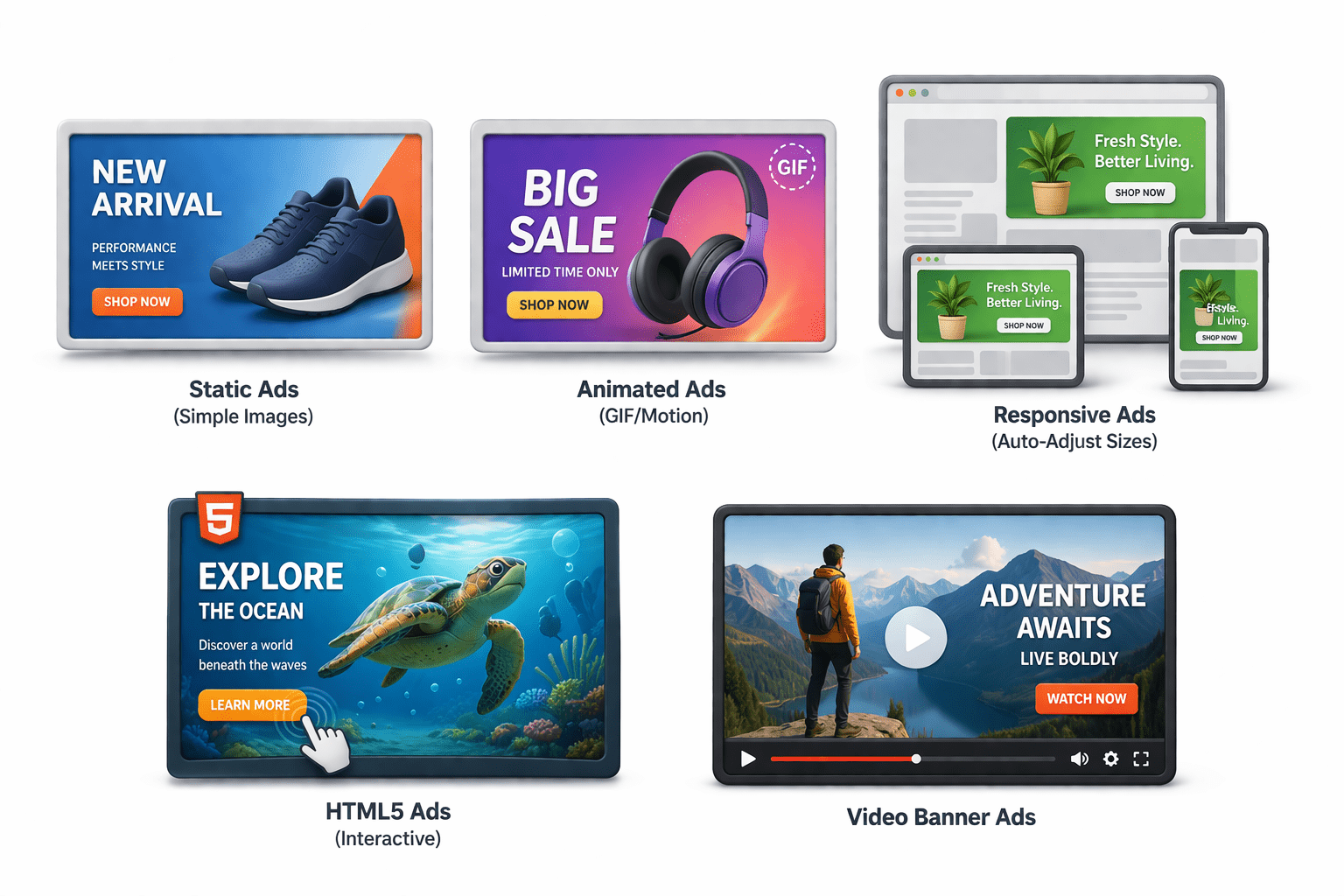
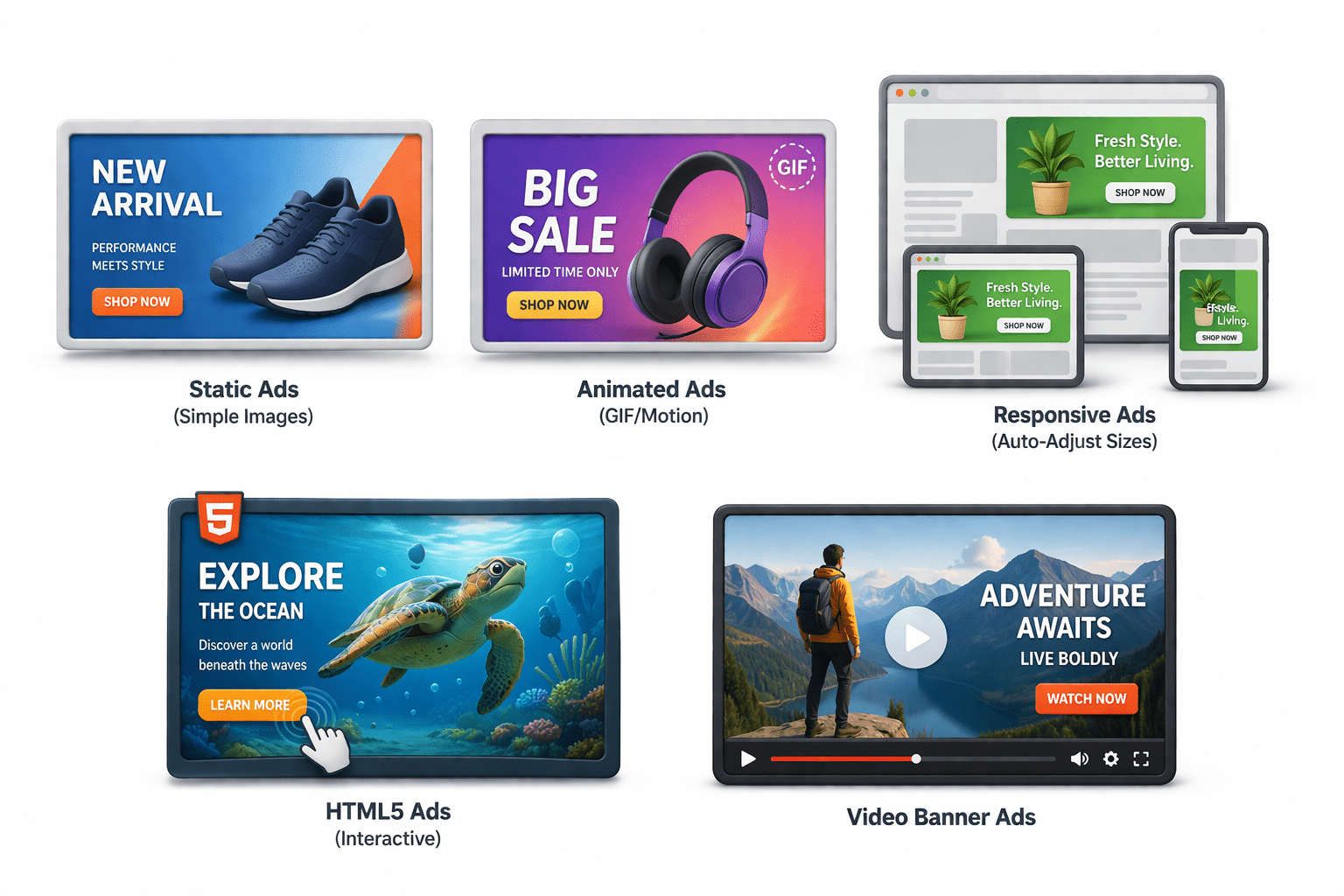
Static Ads (simple images)
Animated Ads (GIF/motion)
Responsive Ads (auto-adjust sizes)
HTML5 Ads (interactive)
Video Banner Ads
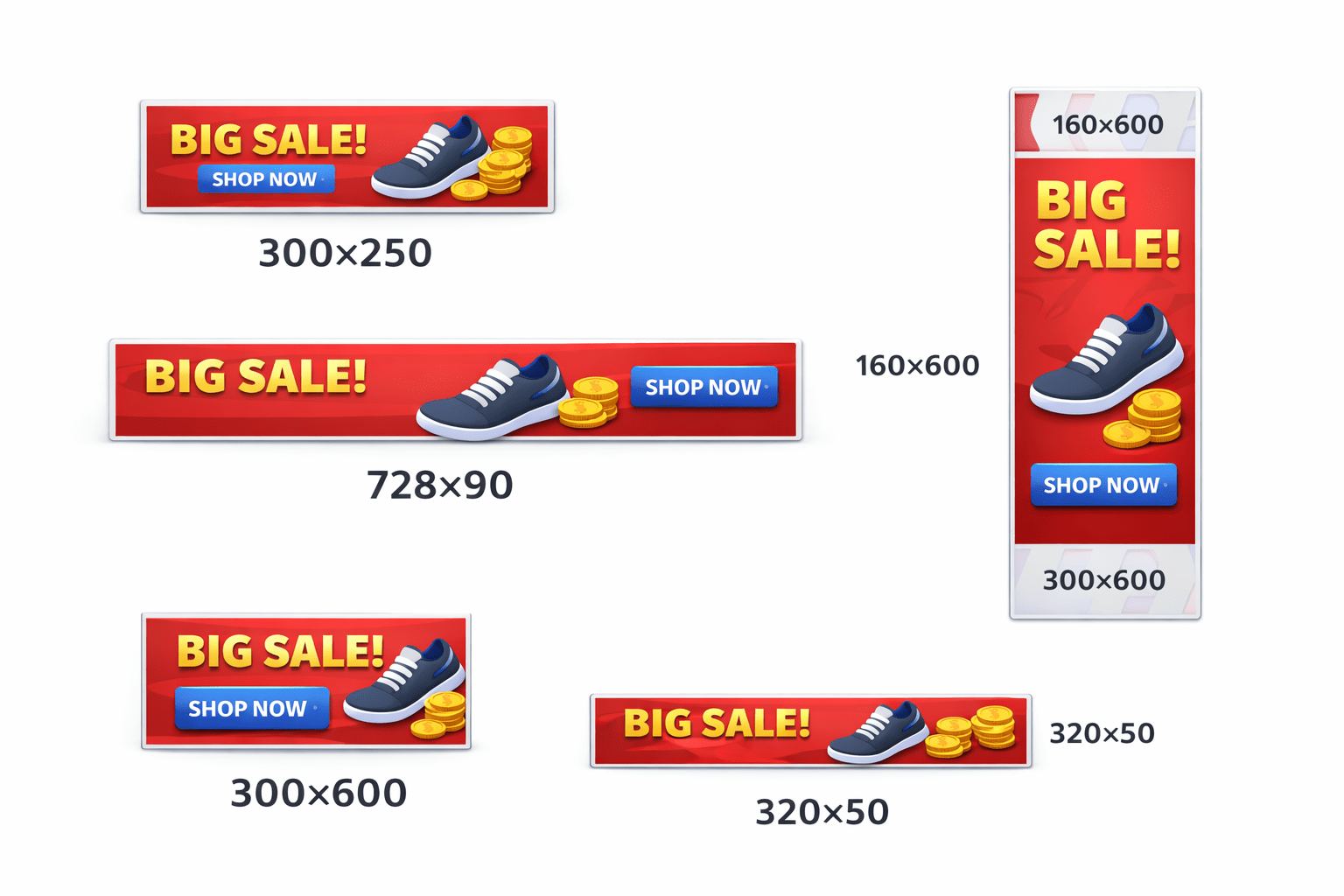
Standard Banner Ad Sizes
300×250 – Medium Rectangle
728×90 – Leaderboard
160×600 – Skyscraper
300×600 – Half Page
320×50 – Mobile Banner
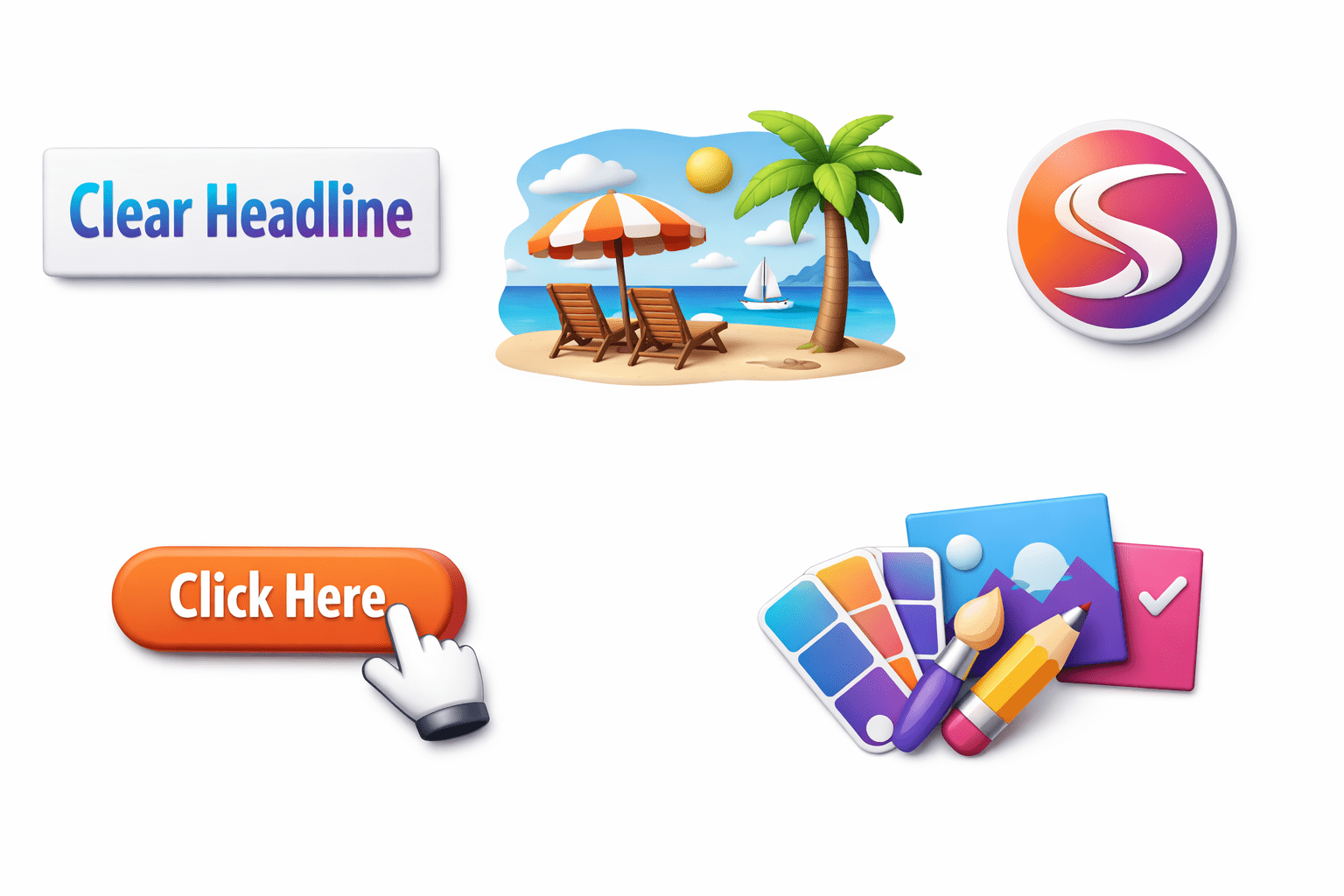
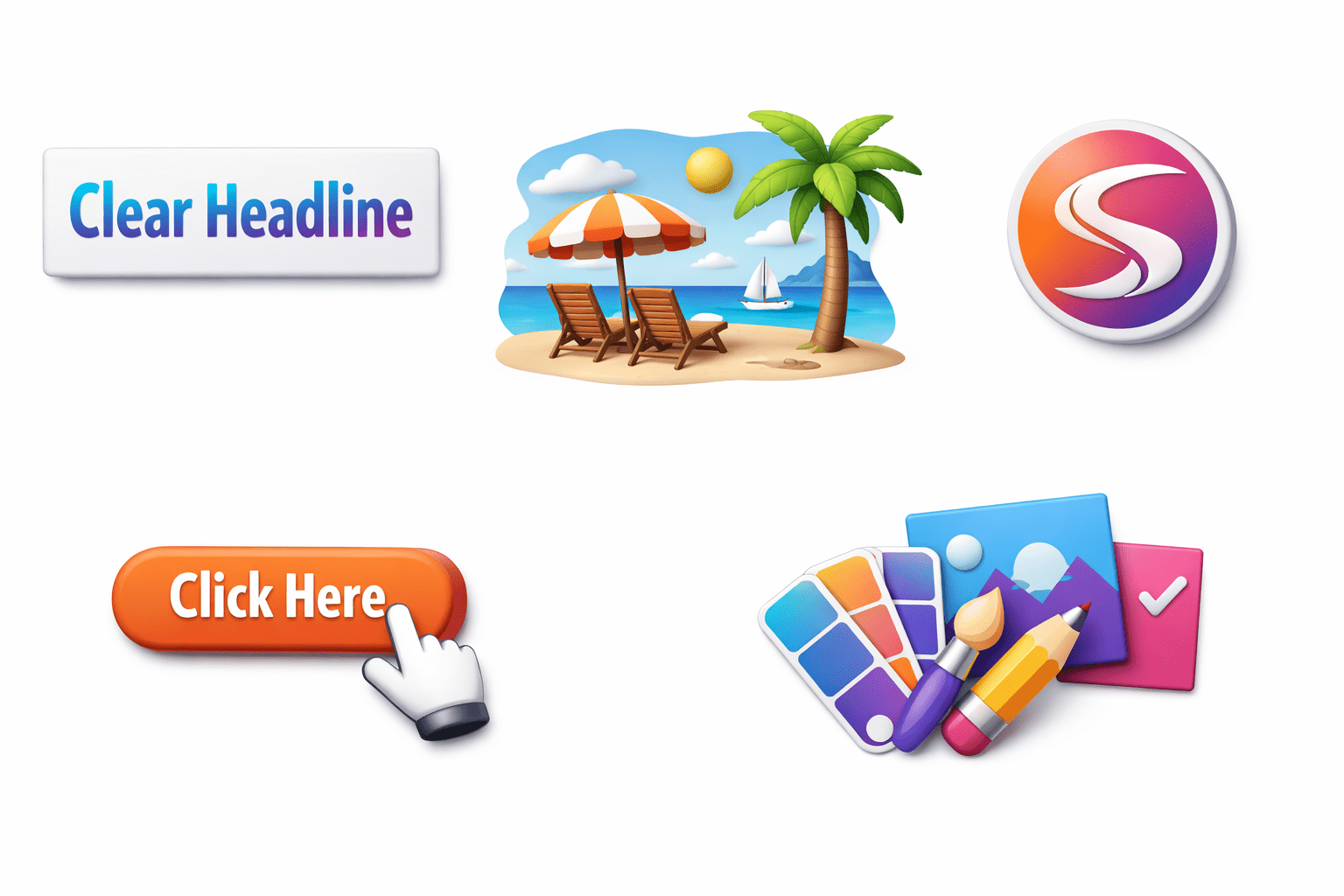
Components of a High-Converting Banner Ad
Clear headline
Relevant image/visual
Brand logo
Consistent colors & design
Strong CTA button
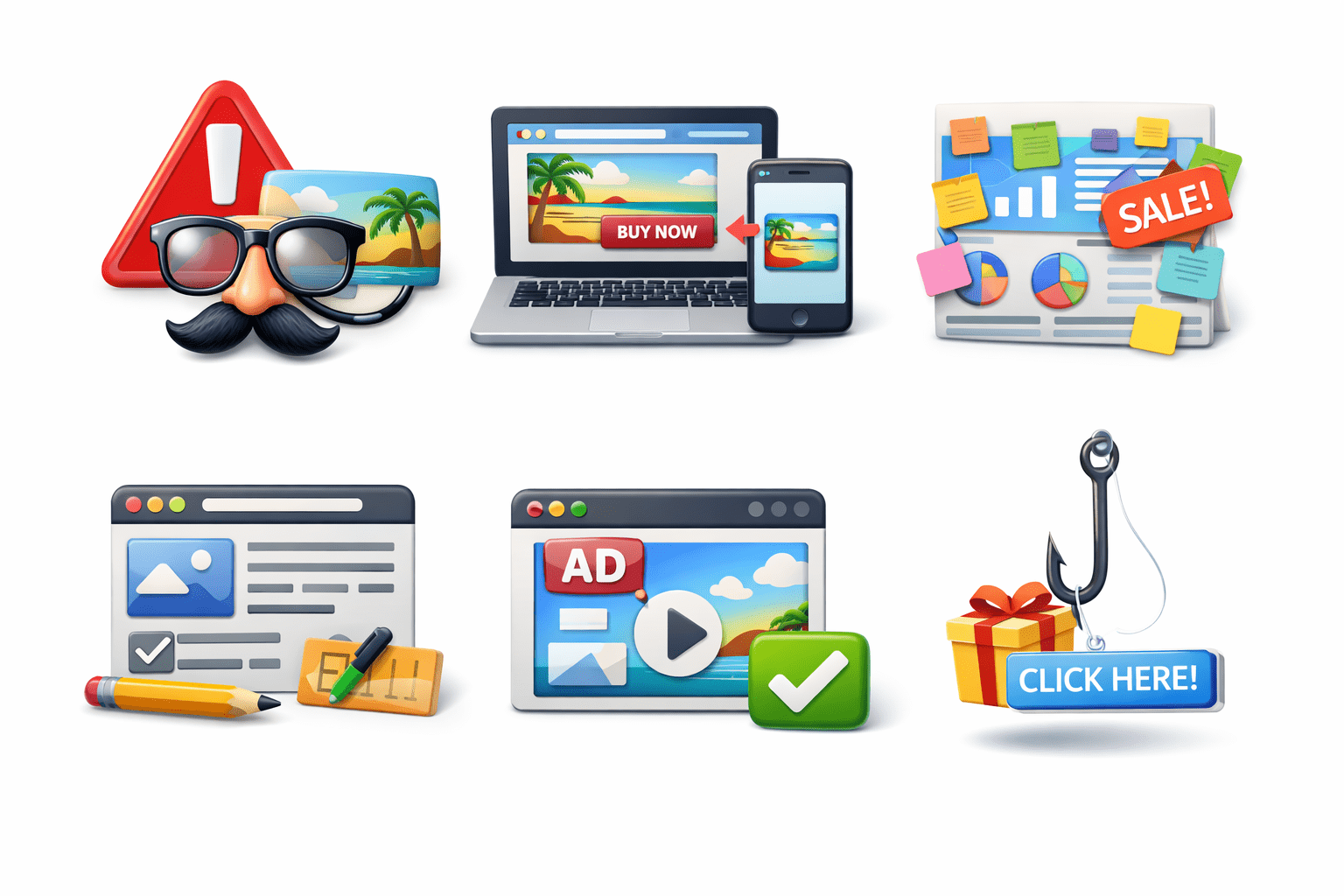
Google Ads Policies for Banner Ads
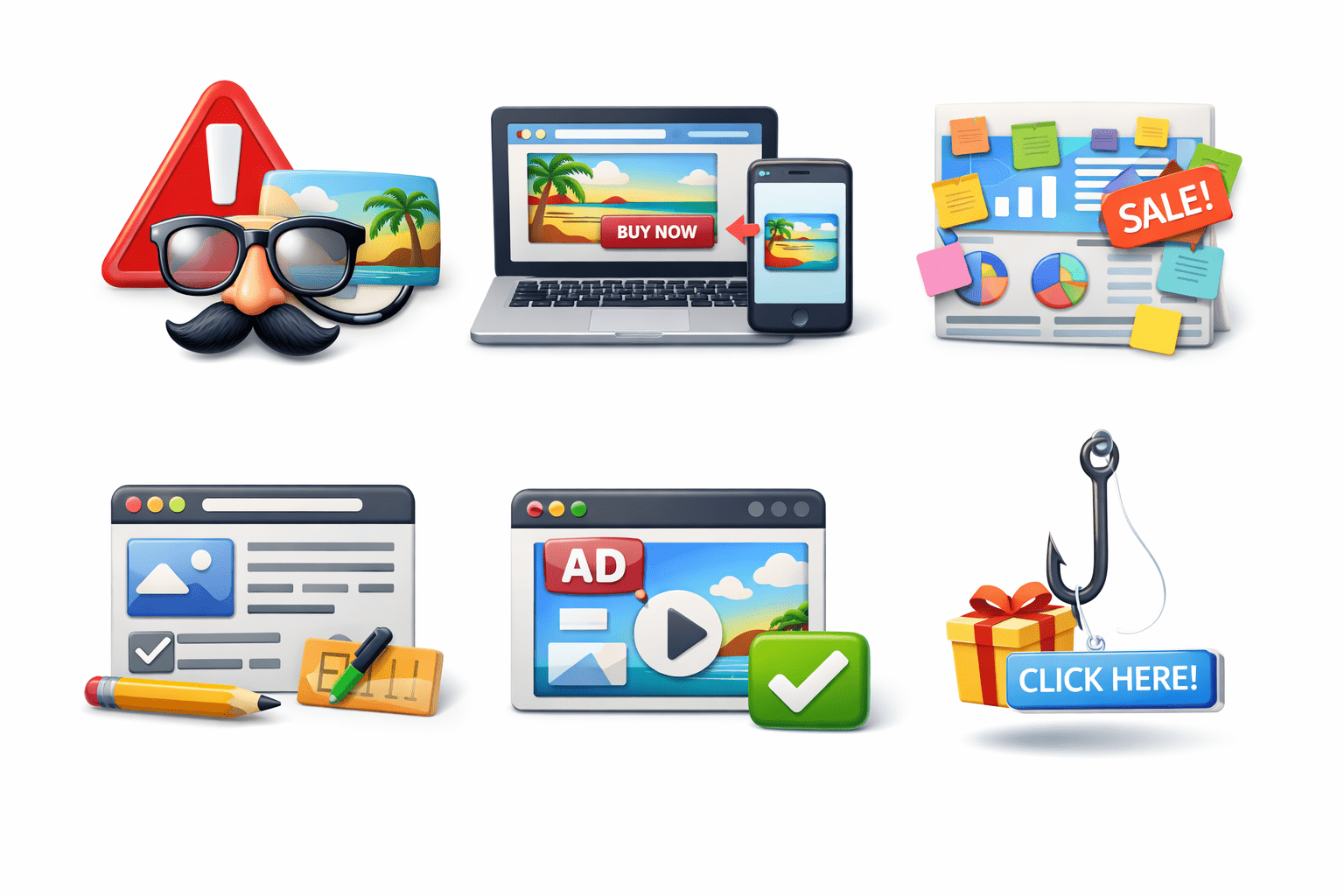
No misleading or fake elements
Clear and matching landing page
Avoid excessive text or clutter
Google Ads Policies for Banner Ads
Must follow ad format guidelines
No deceptive clickbait design
Summary
5
Following Google Ads policies ensures approval & effectiveness
4
Strong visuals, clear message, and CTA improve performance
3
Multiple types and sizes maximize reach
2
Banner ads attract attention and drive clicks
1
Display advertising uses visuals on websites/app for awareness
Quiz
What should be avoided in banner ads?
A. Clear design
B. Strong CTA
C. Deceptive clickbait design
D. Brand logo
Quiz-Answer
What should be avoided in banner ads?
A. Clear design
B. Strong CTA
C. Deceptive clickbait design
D. Brand logo
By Content ITV