










Content ITV PRO
This is Itvedant Content department
Learning Outcome
6
Understand Dynamic Creative, A/B testing, and ad scheduling
5
Analyze performance using key metrics like CTR, ROAS
4
Plan budgets, placements, duration, and CBO effectively
3
Define and implement effective audience targeting strategies
2
Select appropriate ad formats based on campaign goals
1
Set up and manage Meta Business Manager efficiently
Shop Analogy
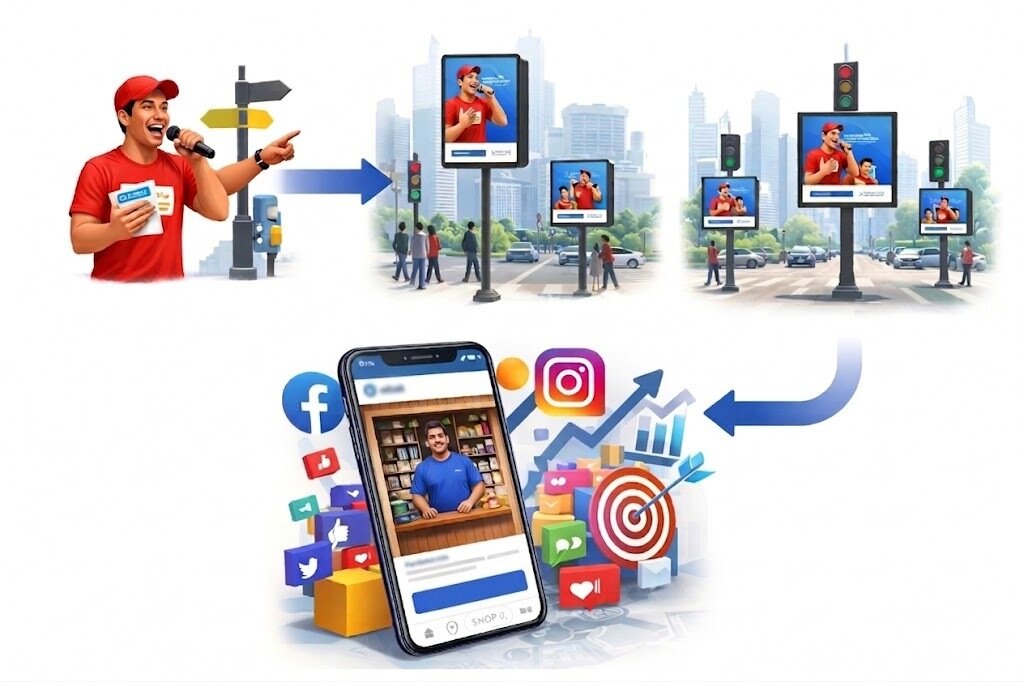
In a busy market, there are two shop owners — Ramesh and Suresh.
Shop Analogy
Ramesh opens his shop, arranges everything nicely, and waits for customers to walk in. Some people pass by, a few notice, and even fewer enter. His business grows... but very slowly.
Shop Analogy
Suresh, on the other hand, does something different.
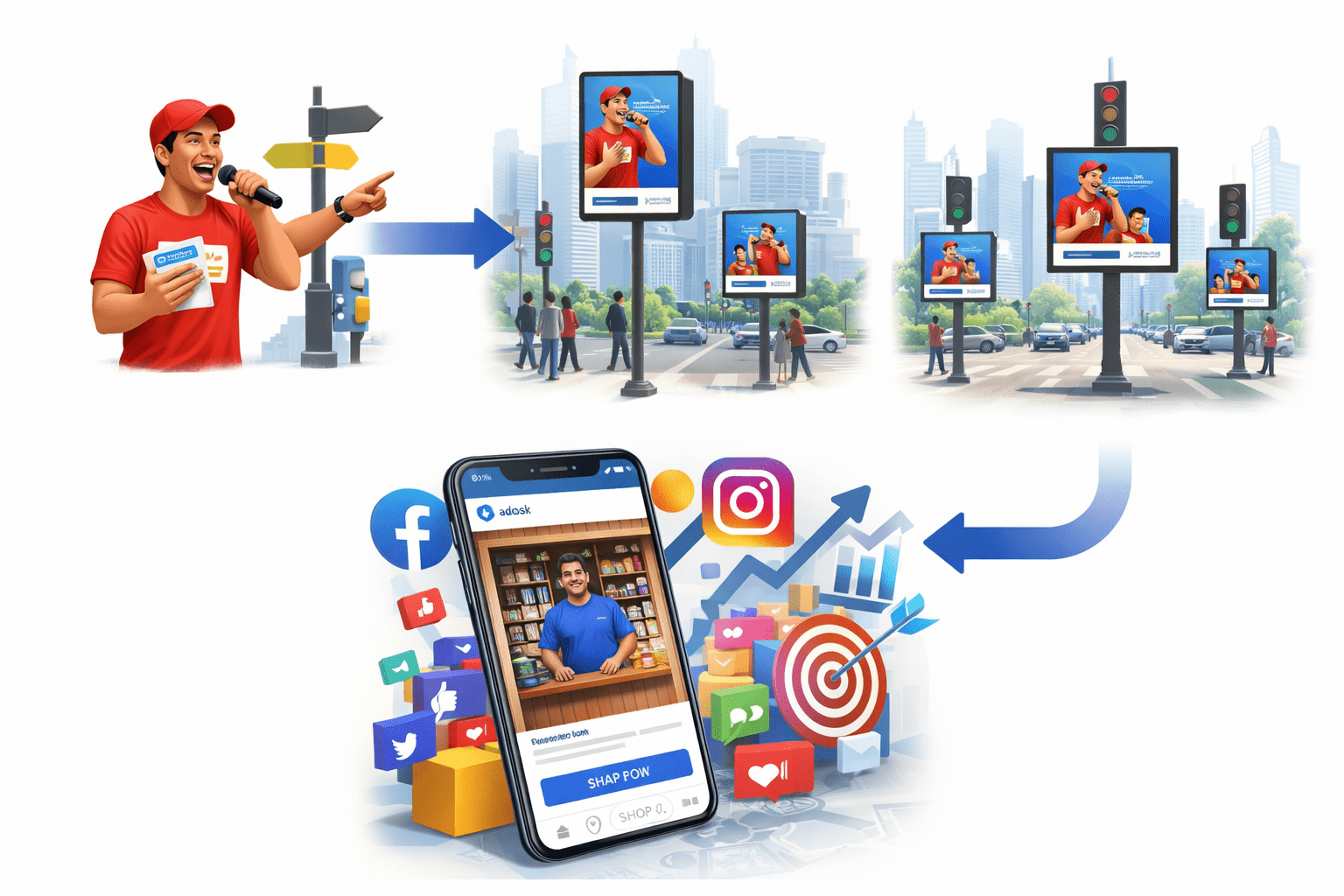
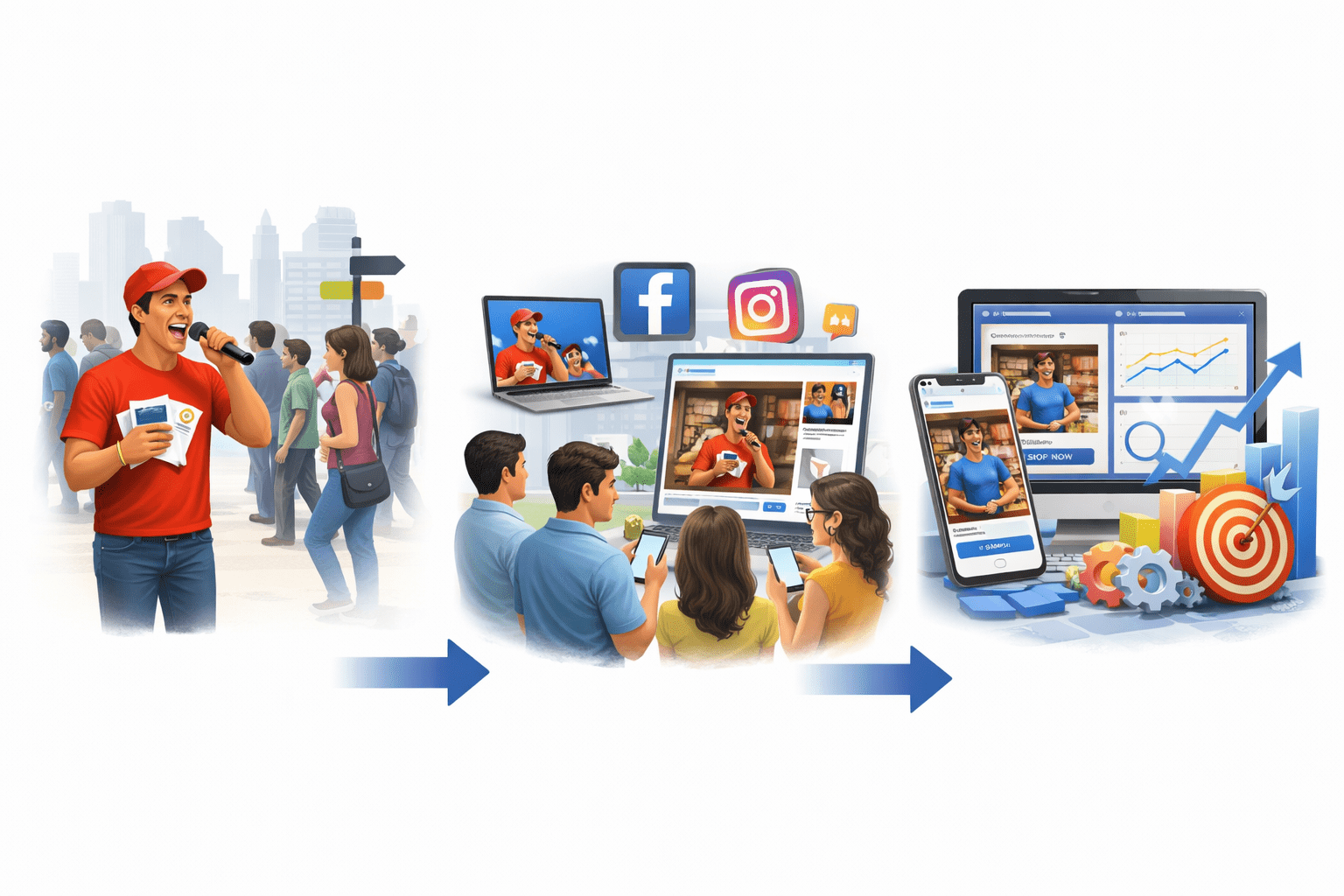
He hires a person to stand at the busiest crossroads with a mic and flyers. That person loudly announces offers, directs people to the shop, and even hands out discount coupons.
Shop Analogy
Suddenly, more people start coming to Suresh’s shop — not just random people, but the right people who are interested in his products.
From Street Promoter to Paid Ads
In the offline world, Suresh hired a promoter to stand at a busy signal and attract people.
Now imagine... instead of one person at one signal, you have a smart digital promoter who can stand at every signal in the city at the same time.
From Street Promoter to Paid Ads
Instead of shouting randomly → it speaks only to interested people
Instead of one location → it works across multiple platforms
Instead of guessing → it uses data to improve daily
From Street Promoter to Paid Ads
That smart promoter is nothing but paid ads on platforms like Facebook & Instagram.
Setting Up Meta Business Manager
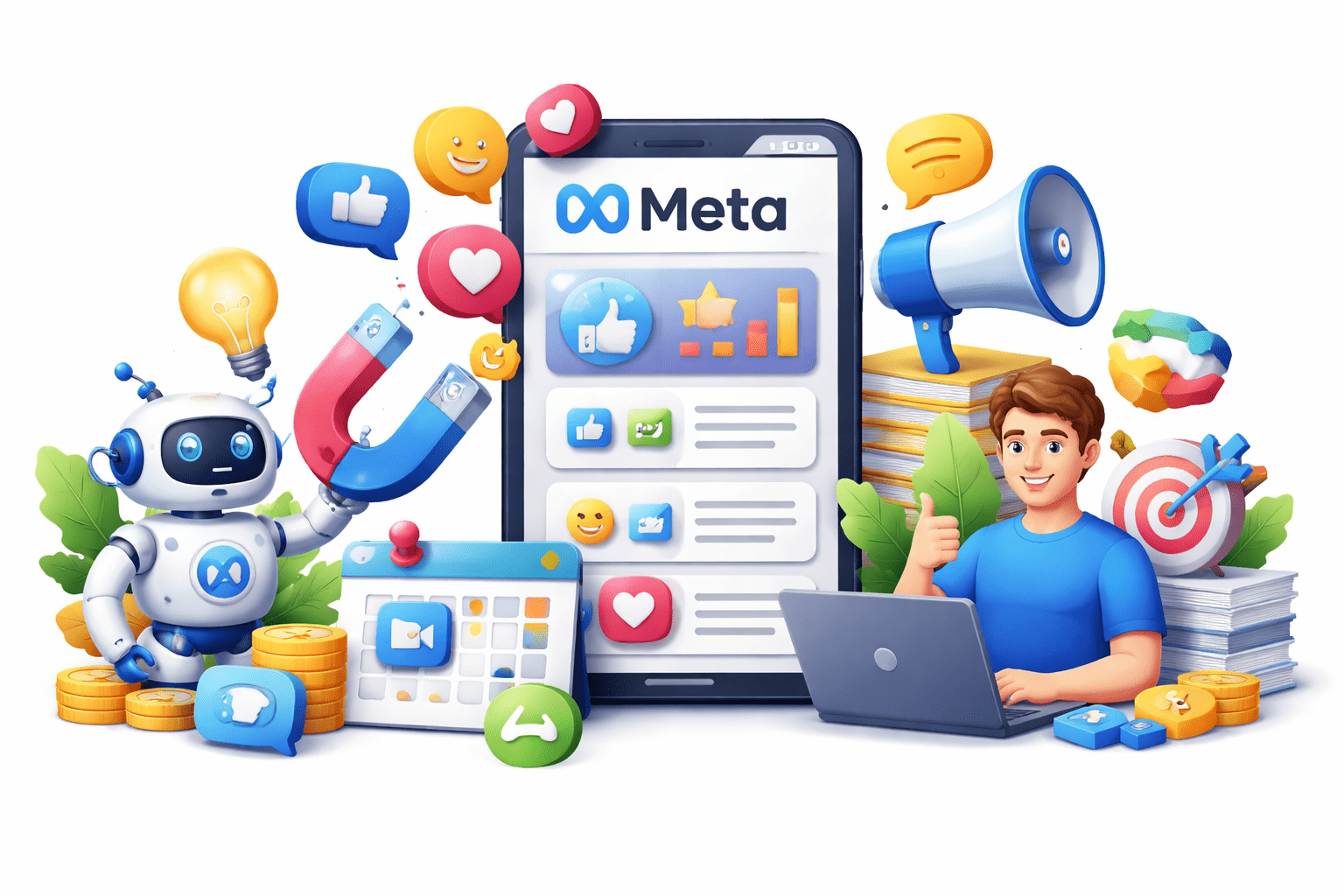
Meta Business Manager is the central hub to manage Facebook & Instagram ads, assets, and teams.
Setting Up Meta Business Manager
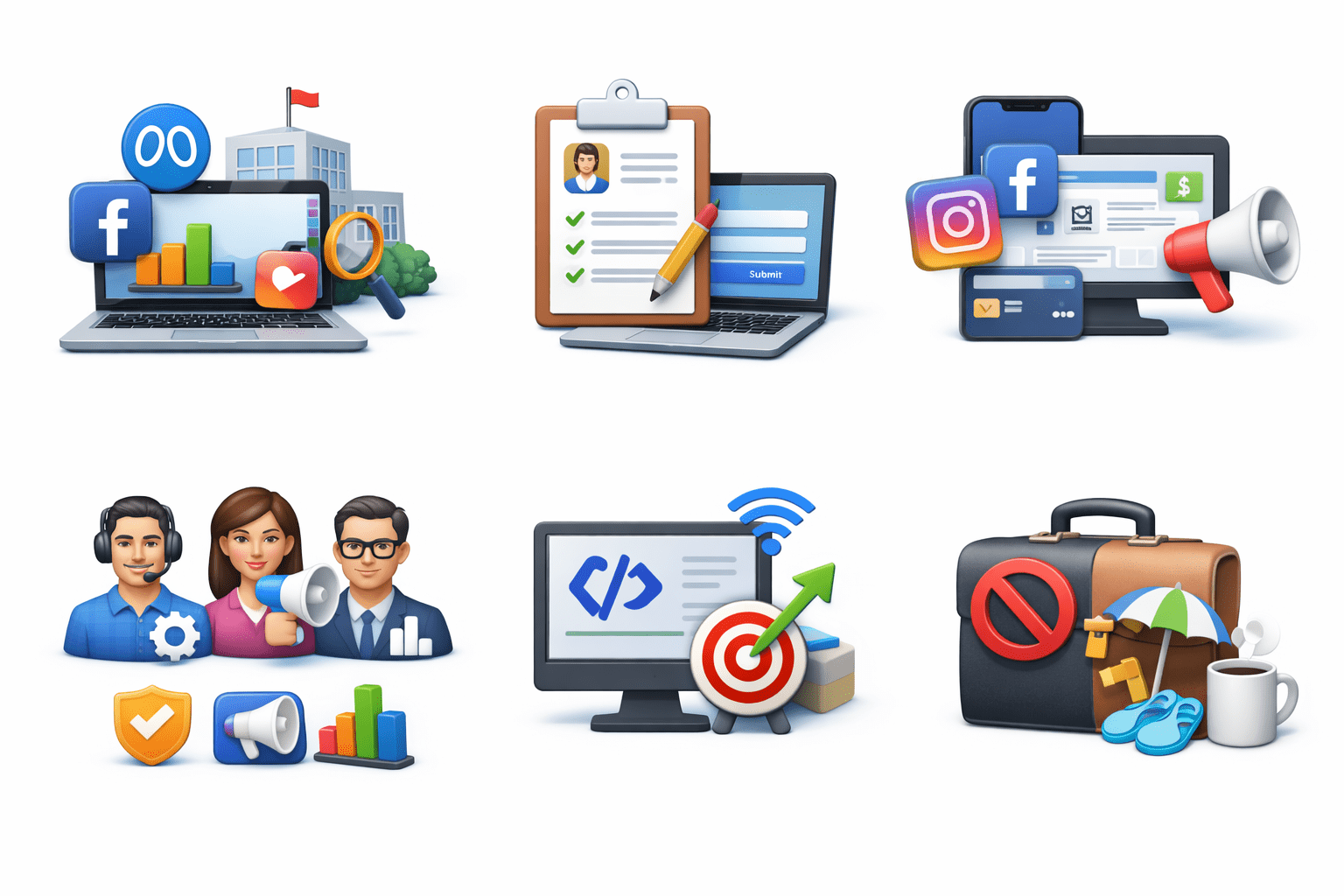
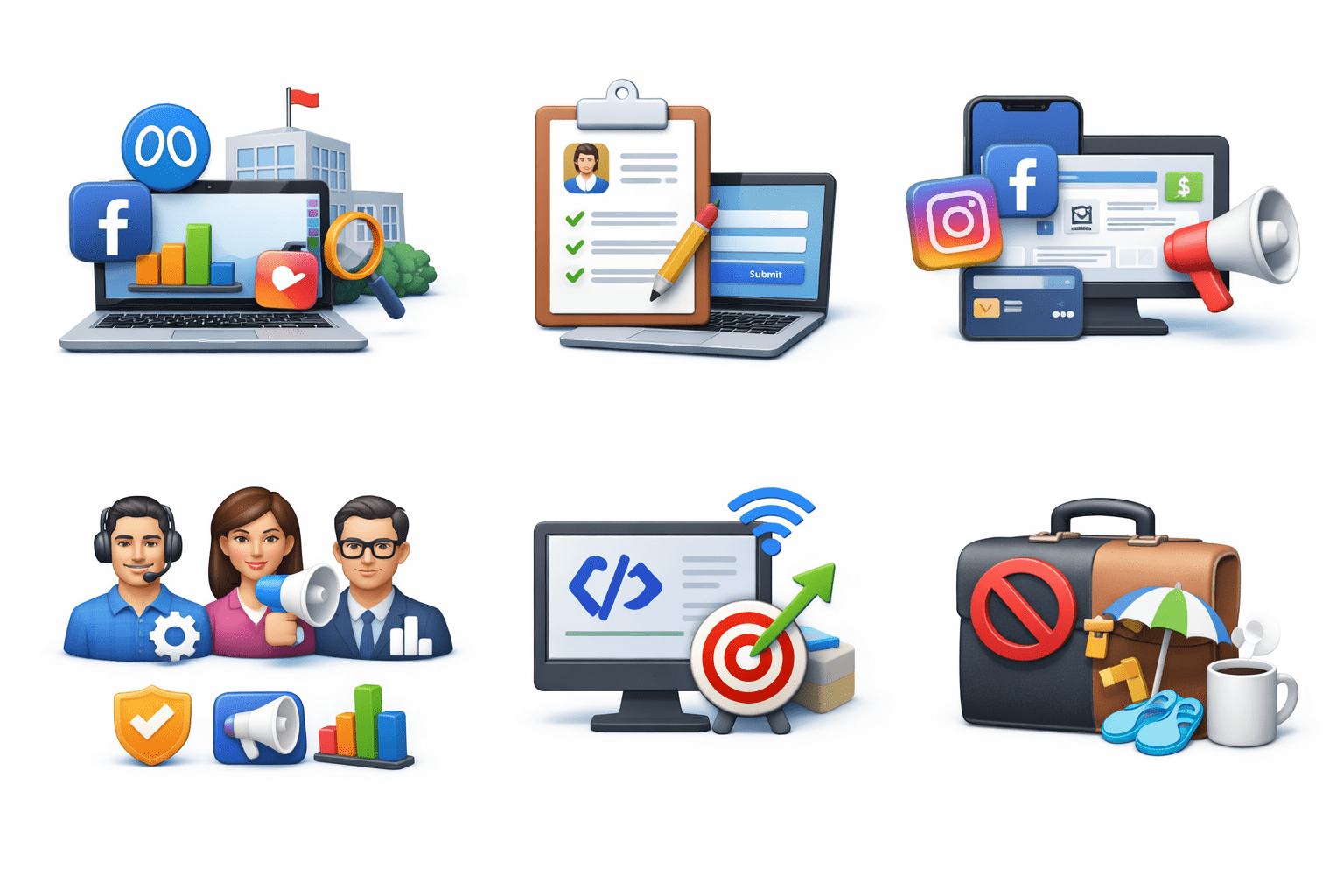
Create Account: Go to business.facebook.com, add business details
Add Assets: Connect Facebook Page(s), Instagram, Ad Account
Assign Roles: Admin, advertiser, analyst access levels
Install Meta Pixel: Track conversions, build audiences
Tip: Keep business and personal activities separate
Ad Types: Choosing the Right Format
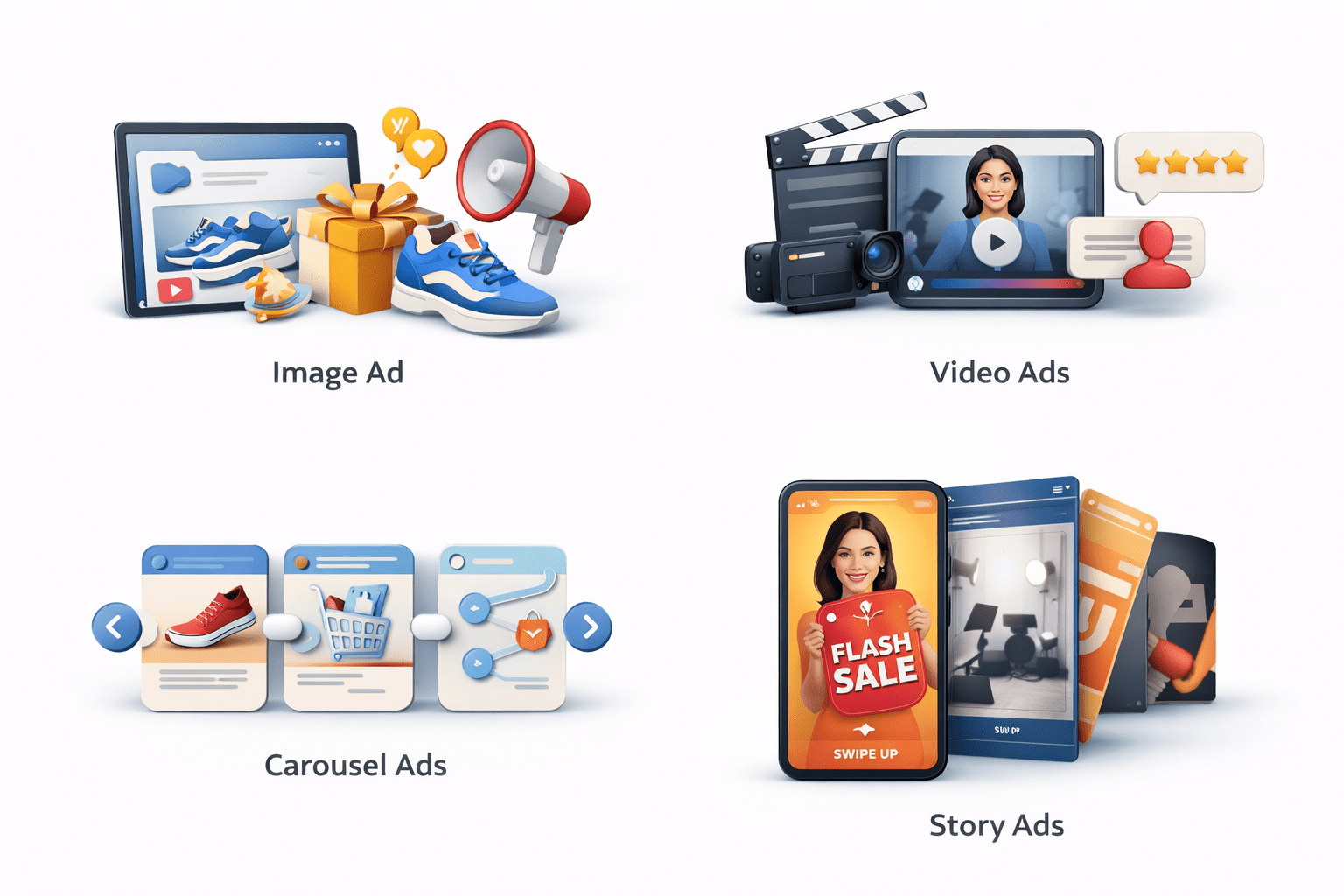
Use mix of formats for engagement and A/B testing.
Image Ads:
Product highlights, announcements
Video Ads:
Storytelling, demos, testimonials
Carousel Ads:
Collections, step-by-step
Story Ads:
Flash sales, behind-the-scenes, CTAs
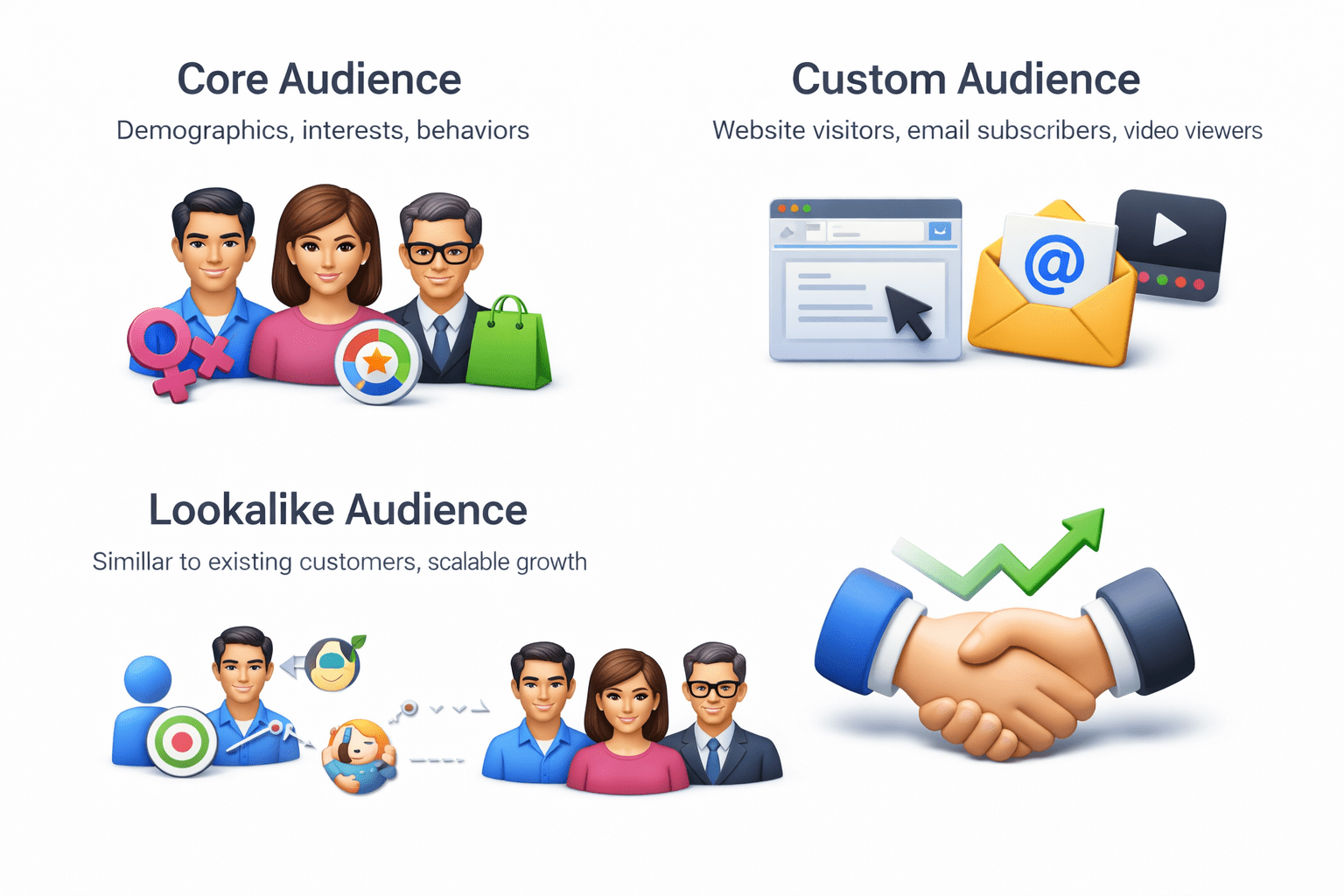
Audience Targeting Strategies
Core Audience: Demographics, interests, behaviors
Custom Audience: Website visitors, email subscribers, video viewers
Lookalike Audience: Similar to existing customers, scalable growth
Pro Tip:
Start core → scale with custom & lookalike
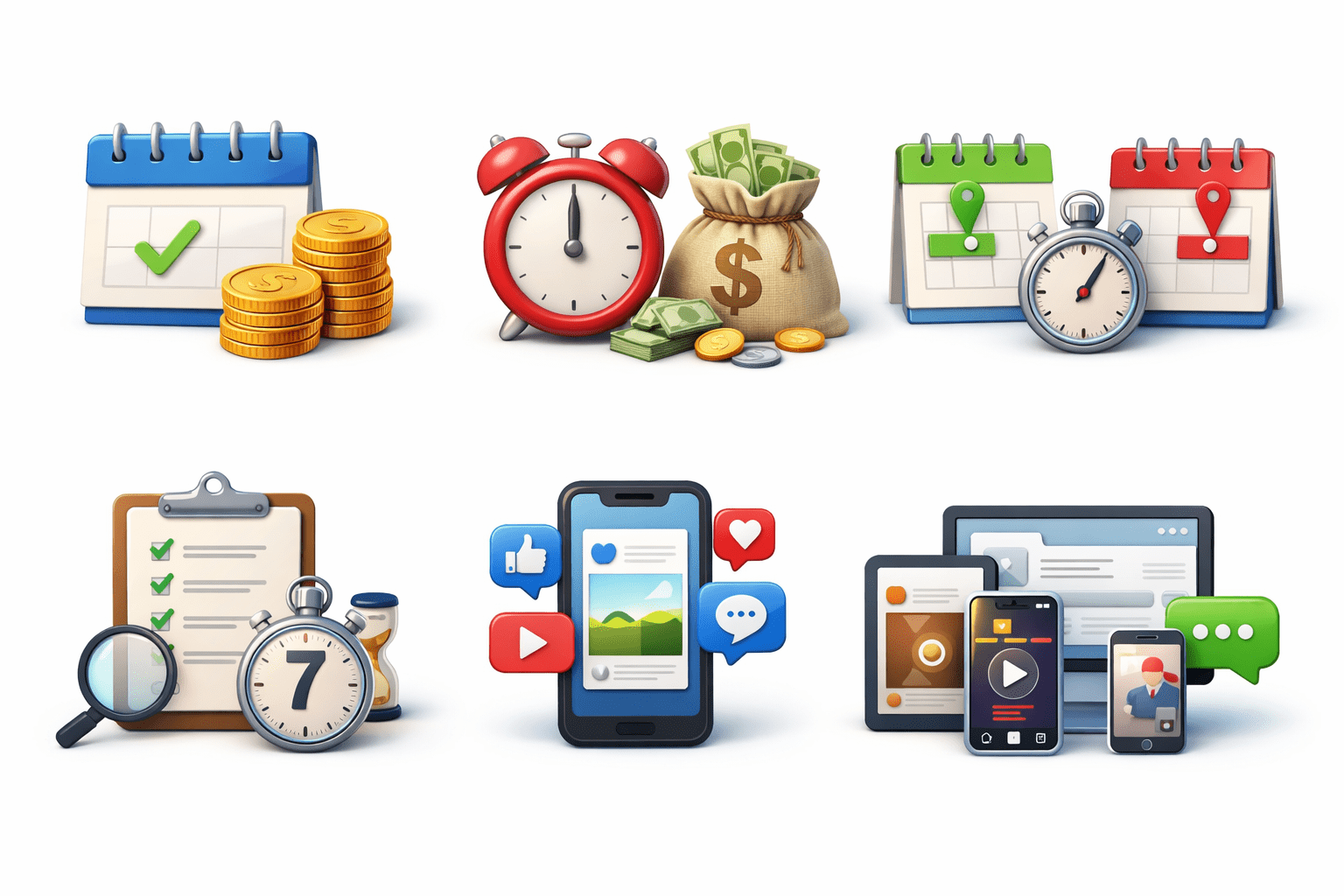
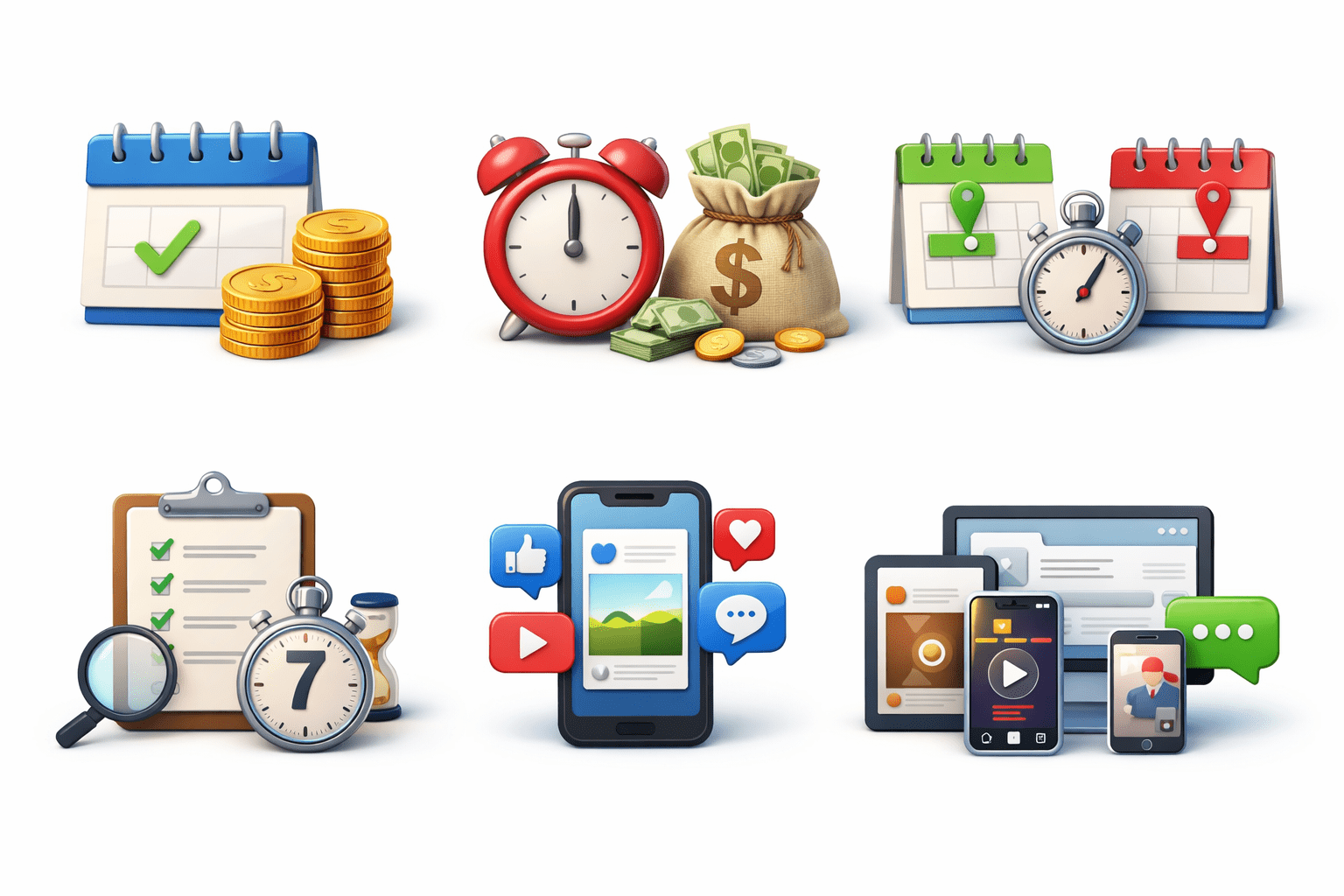
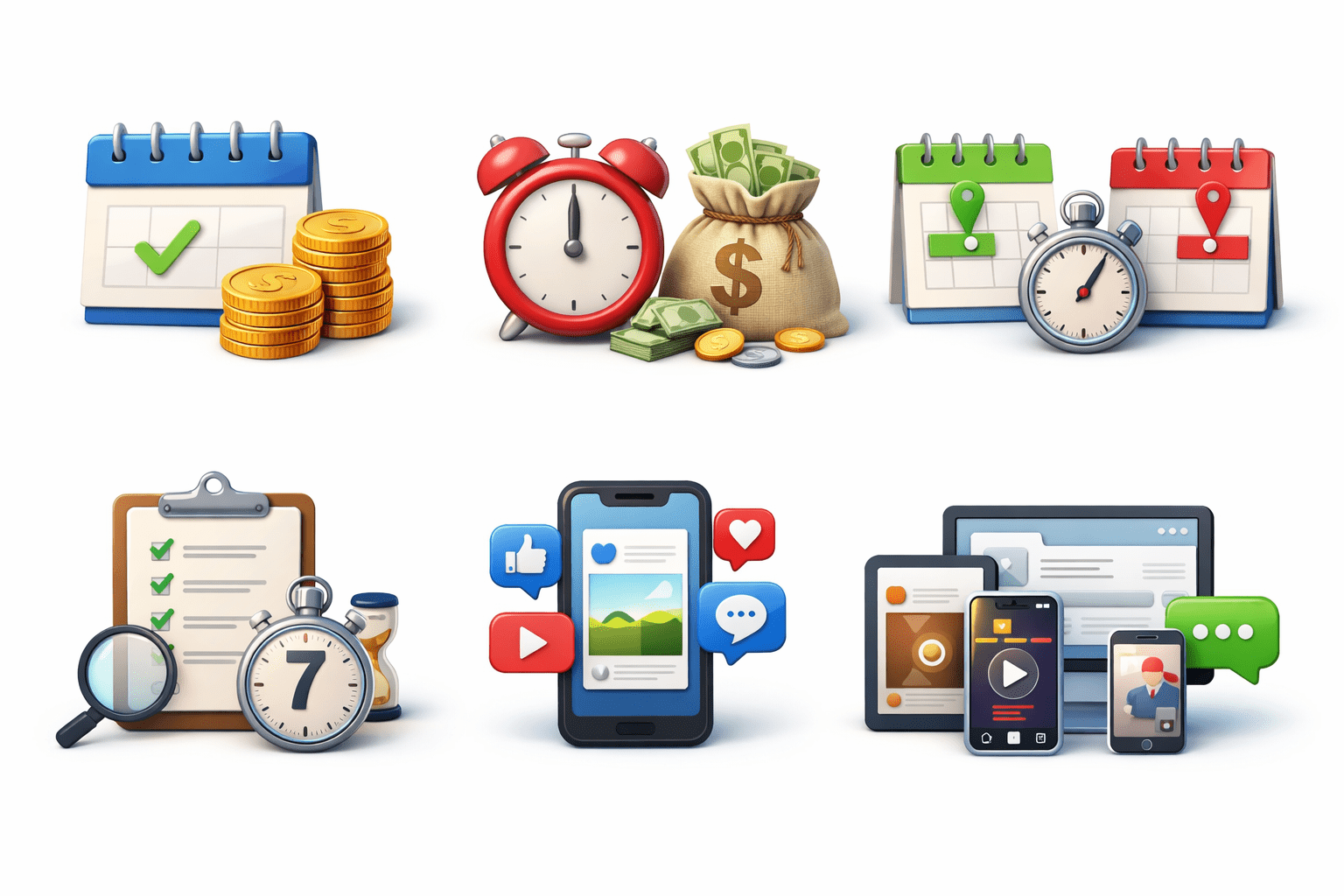
Budget, Duration & Placement
Budget Types:
Duration:
Set start & end dates or run continuously
Test 5–7 days for accurate results
Daily:
Fixed per day
Lifetime:
Spend across duration
Budget, Duration & Placement
Placement Options:
Automatic:
Meta optimizes (recommended)
Manual:
Feed, Stories, Reels, Messenger
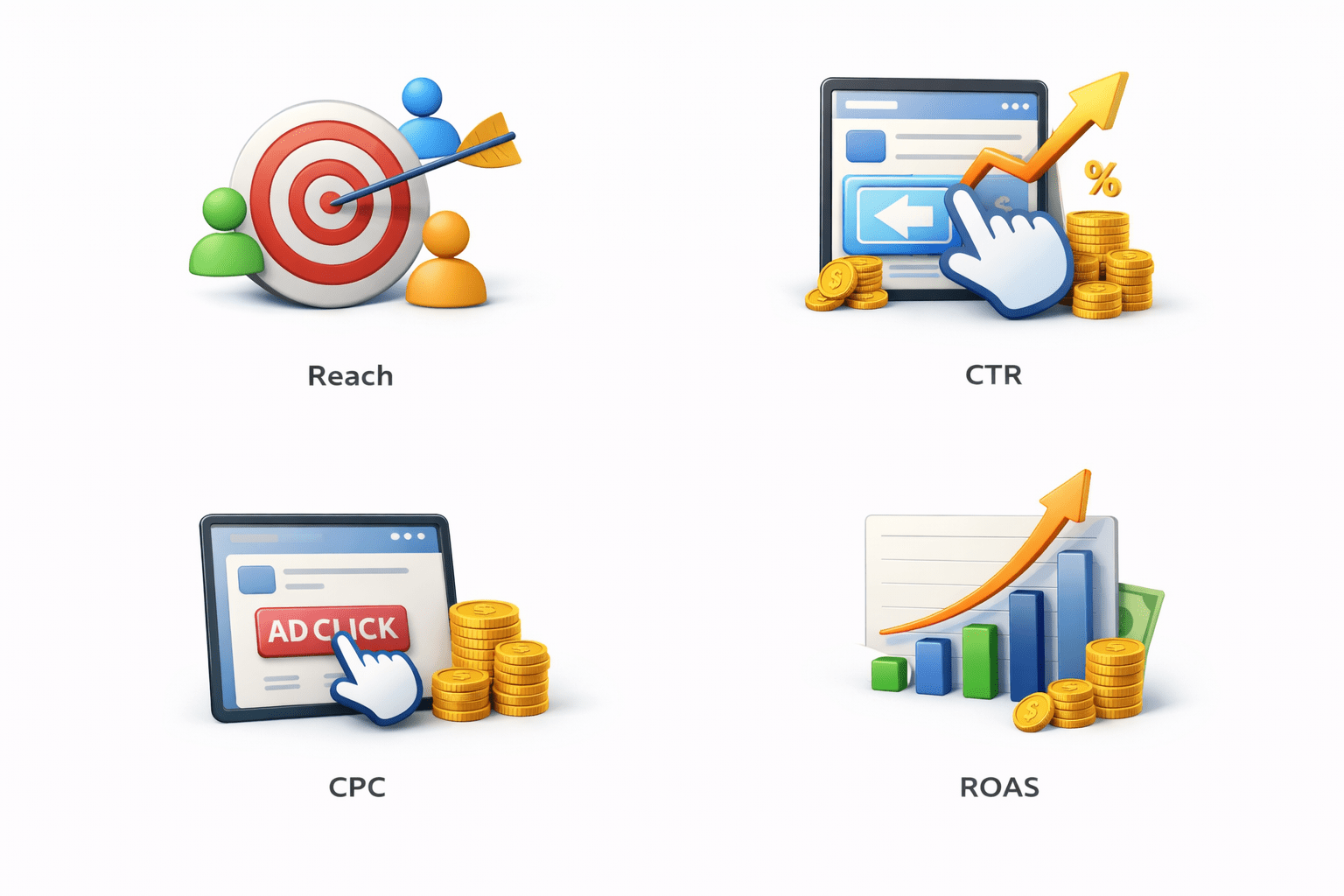
Tracking Performance via Ads Manager
Meta Ads Manager provides real-time analytics and reporting
ROAS:
Revenue per spend (profitability)
CPC:
Cost per click (efficiency)
Reach:
Unique users (visibility)
CTR:
Click percentage (engagement)
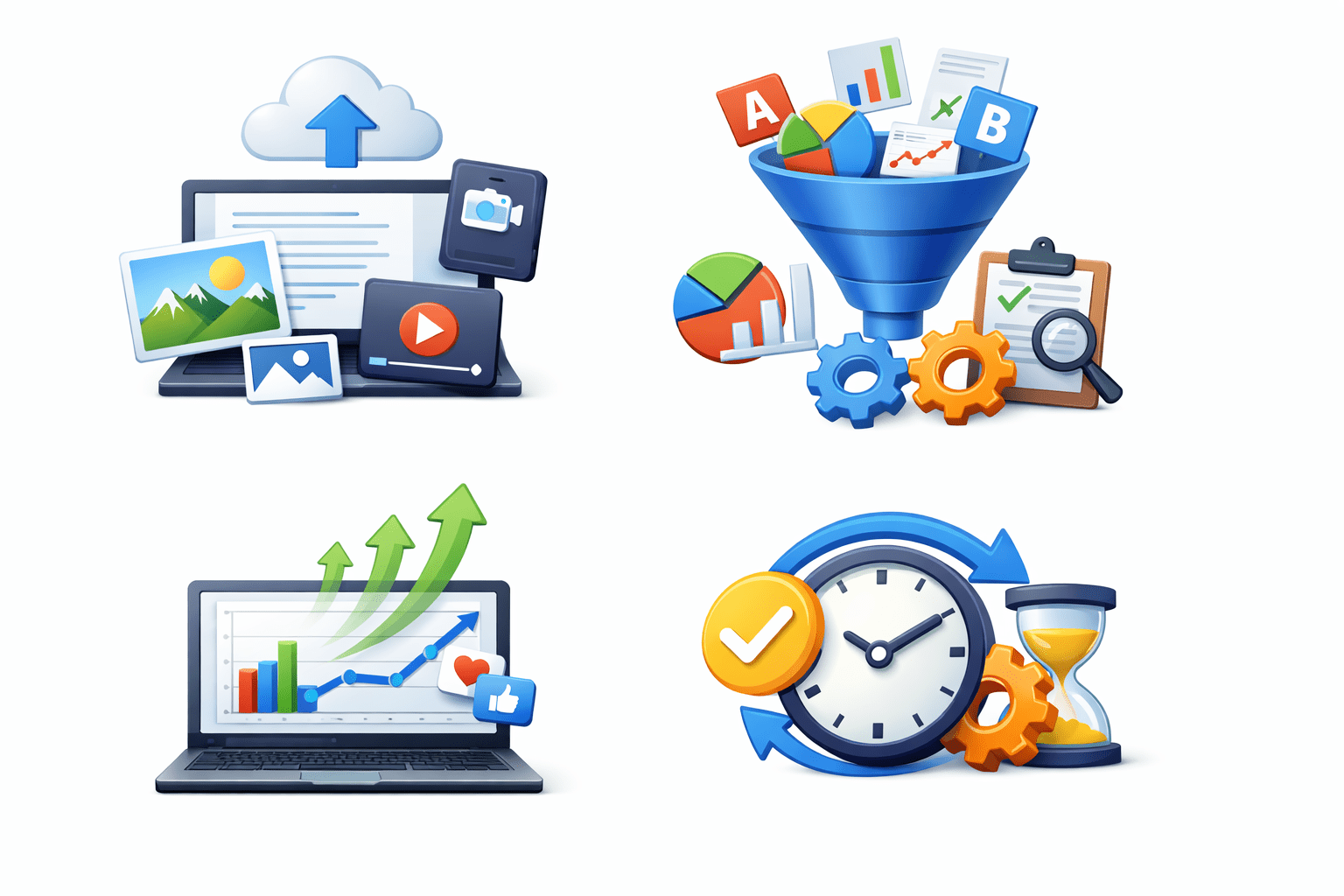
Dynamic Creative
Meta tests combinations automatically
Shows best-performing variations frequently
Saves time, improves performance via automation
Upload multiple headlines, descriptions, images, videos
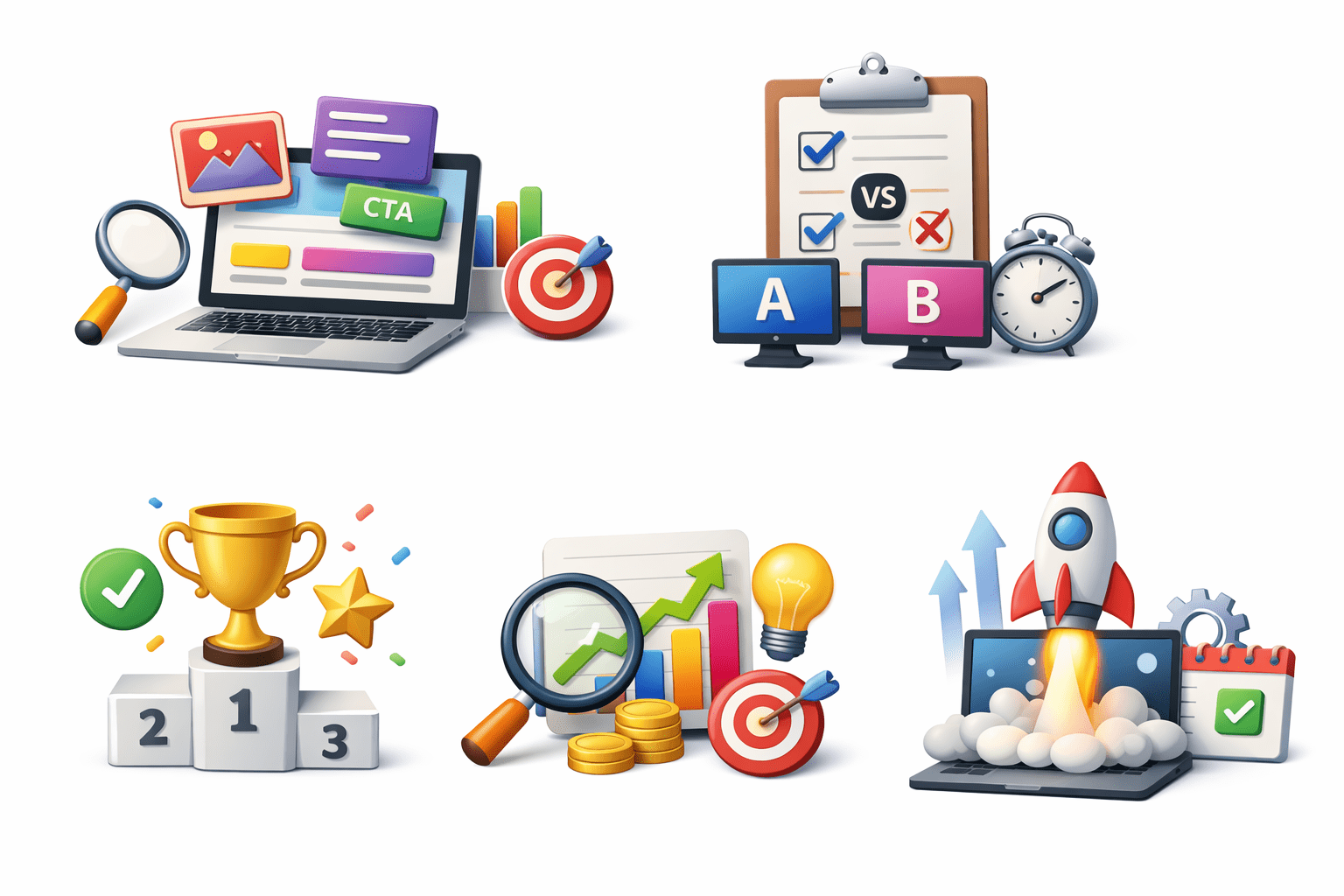
A/B Testing (Split Testing)
Test creatives, headlines, CTAs, audiences, placements
Optimize future campaigns
Identify winning variations
Meta runs controlled comparisons
Tip: Change one variable at a time
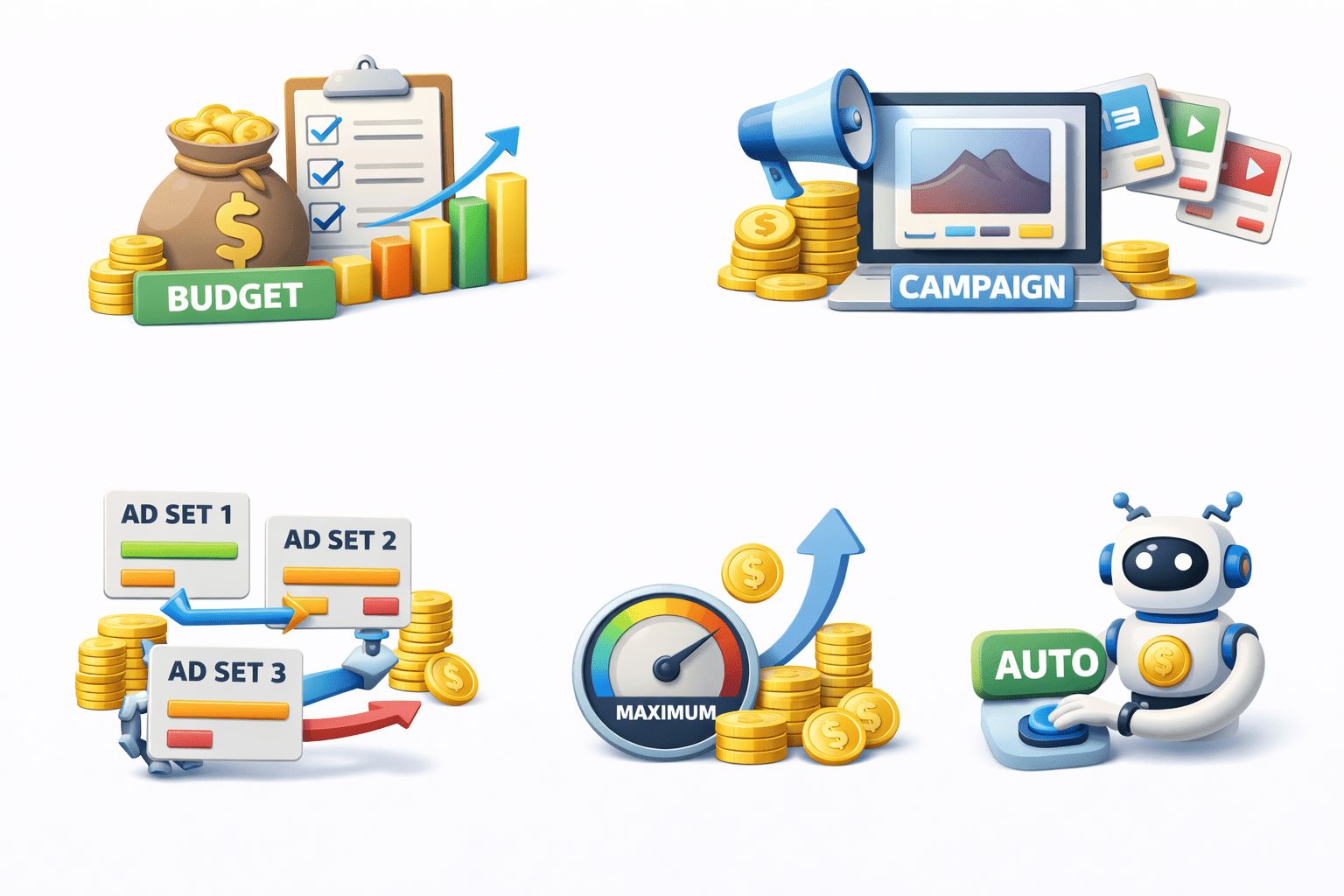
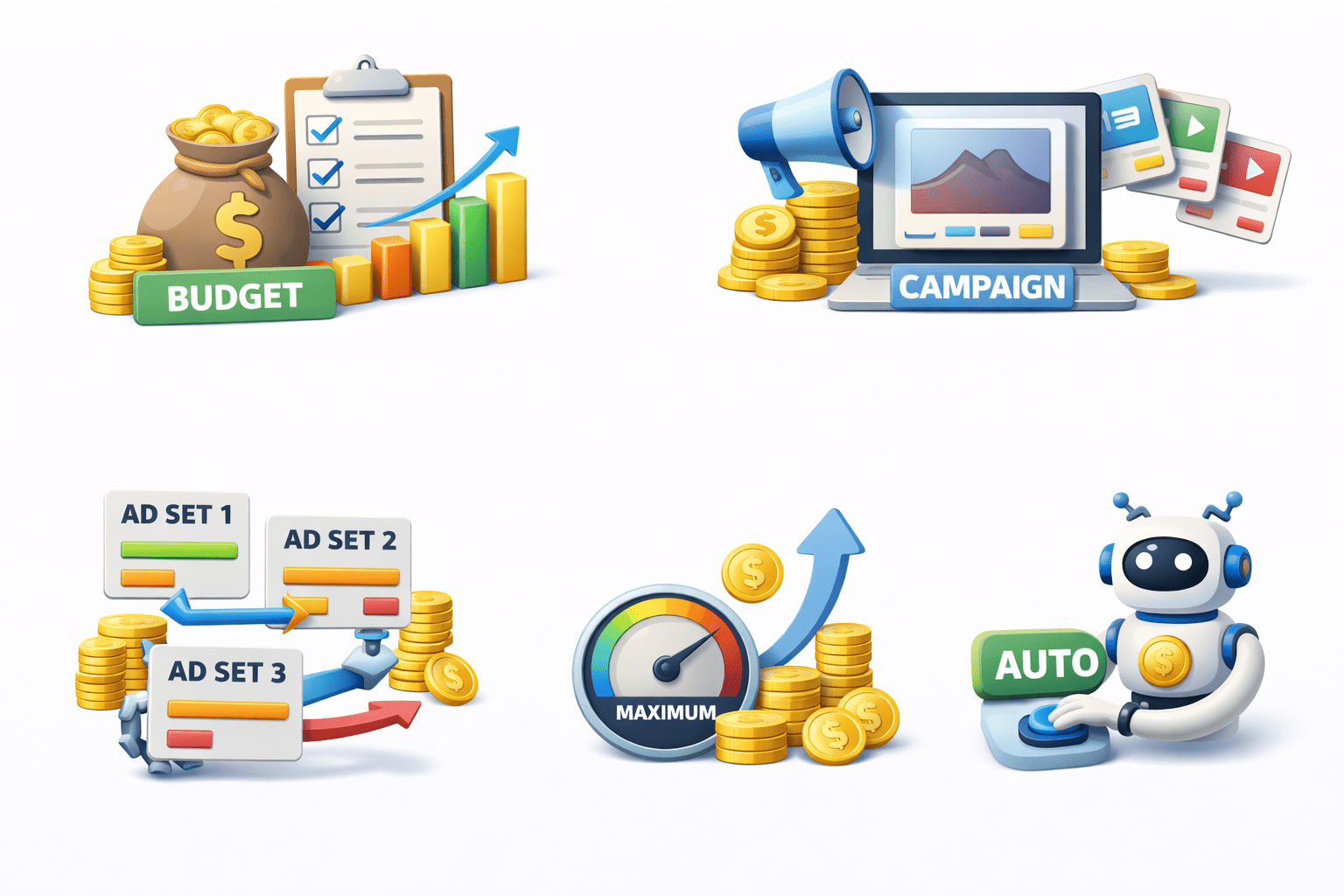
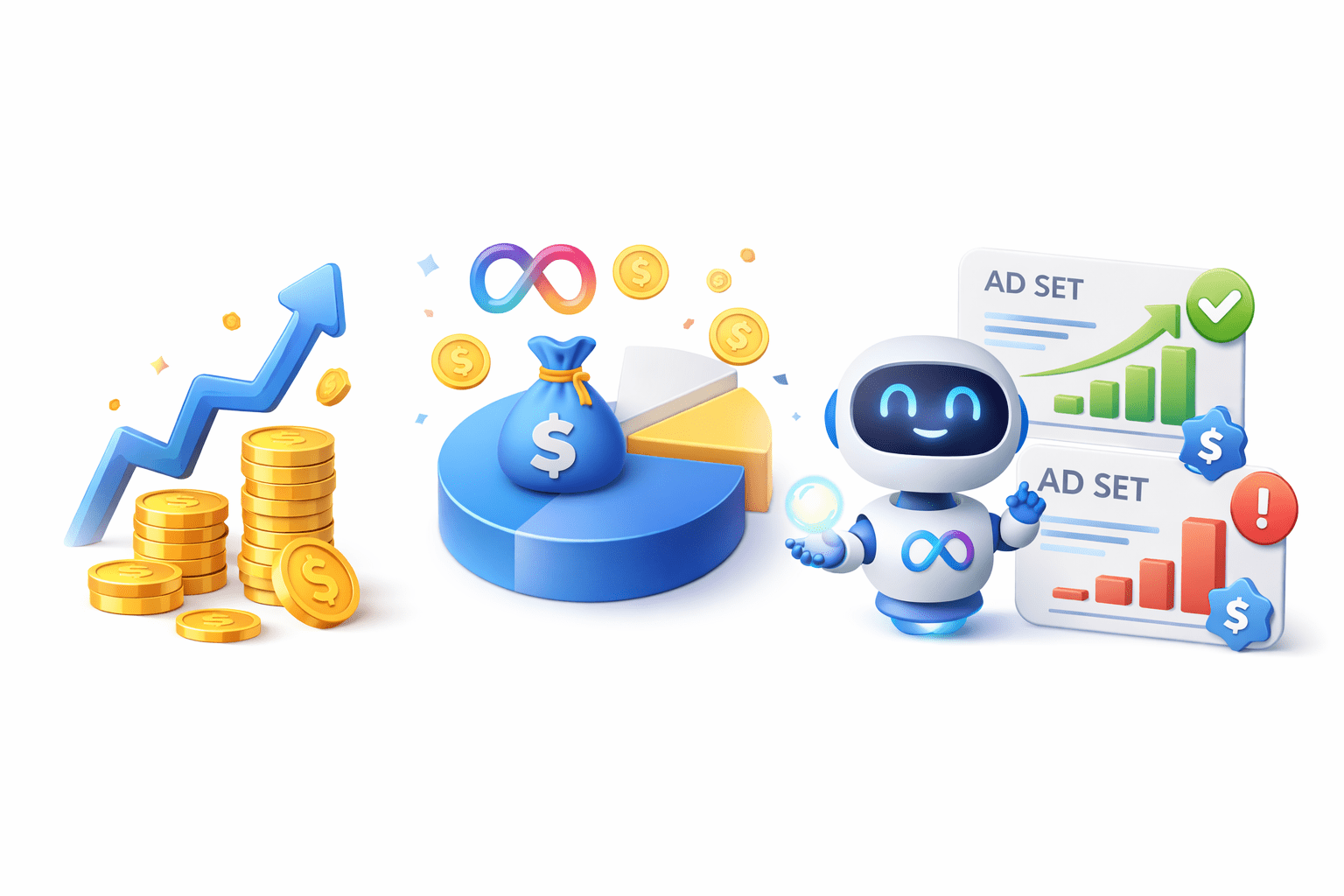
Campaign Budget Optimization (CBO)
Set single campaign budget
Meta distributes across ad sets
Allocates more to top-performing sets
Campaign Budget Optimization (CBO)
Maximizes results, reduces manual effort
Use when auto-optimization across ad sets needed
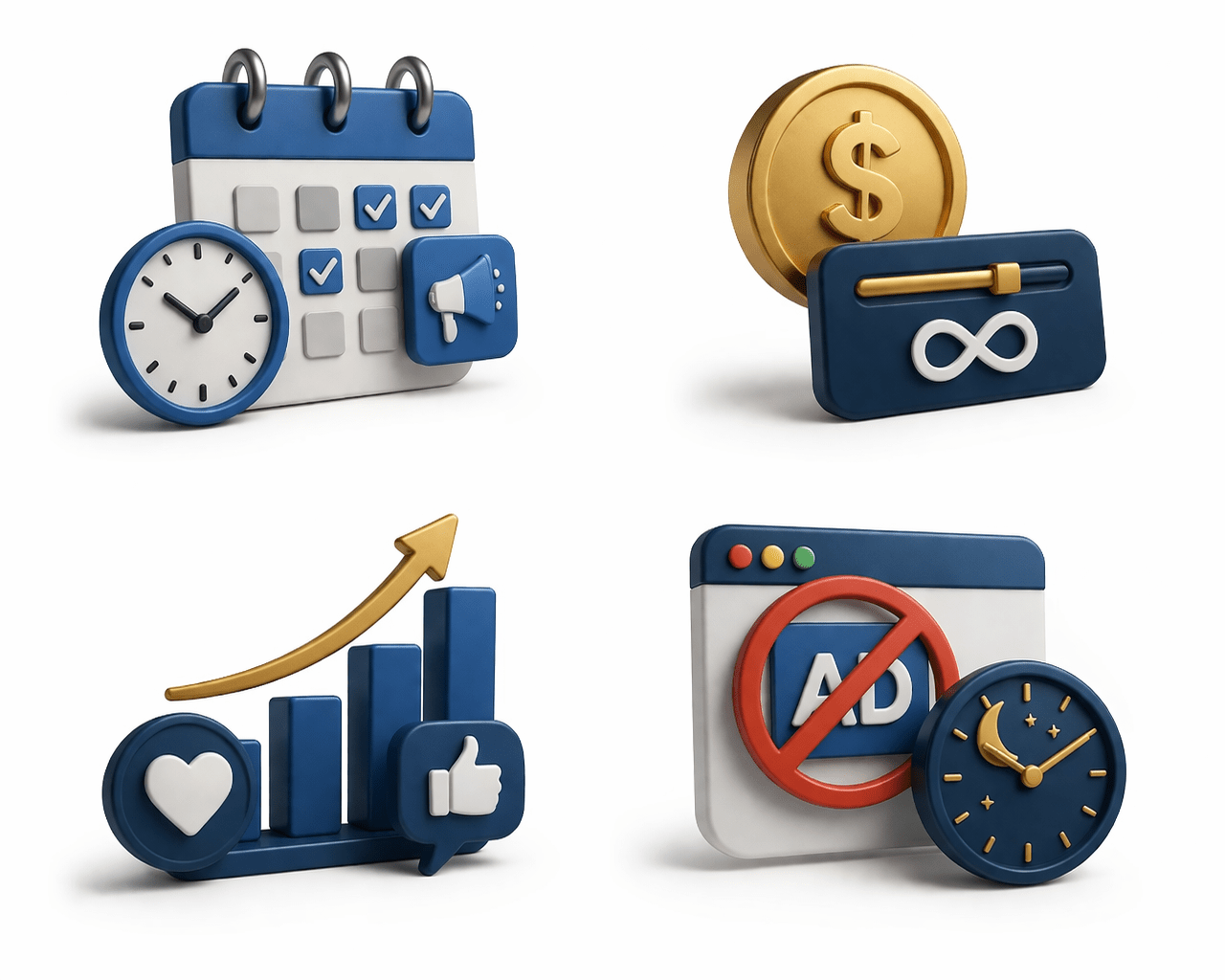
Ad Scheduling (Dayparting)
Only with lifetime budget
Set specific days and times for ads
Targets high-engagement periods
Avoids spending during low-conversion hours
Summary
5
Understand Dynamic Creative, A/B testing, and ad scheduling
4
Track performance using metrics like Reach, CTR, CPC, ROAS
3
Plan budgets, duration, placements, and use CBO
2
Choose ad formats and target audiences effectively
1
Set up Meta Business Manager with assets, roles, and Pixel
Quiz
Which platform is used to manage Facebook and Instagram ads?
A. Google Ads
B. Meta Ads Manager
C. Canva
D. Mailchimp
Quiz-Answer
Which platform is used to manage Facebook and Instagram ads?
A. Google Ads
B. Meta Ads Manager
C. Canva
D. Mailchimp
By Content ITV