



Content ITV PRO
This is Itvedant Content department
Learning Outcome
4
Identify commonly used plugins
3
How to install a plugin
2
Explain why plugins are important
1
Define what a plugin is
What is a Plugin?
A plugin is a small software that adds extra features and functionality to your website.
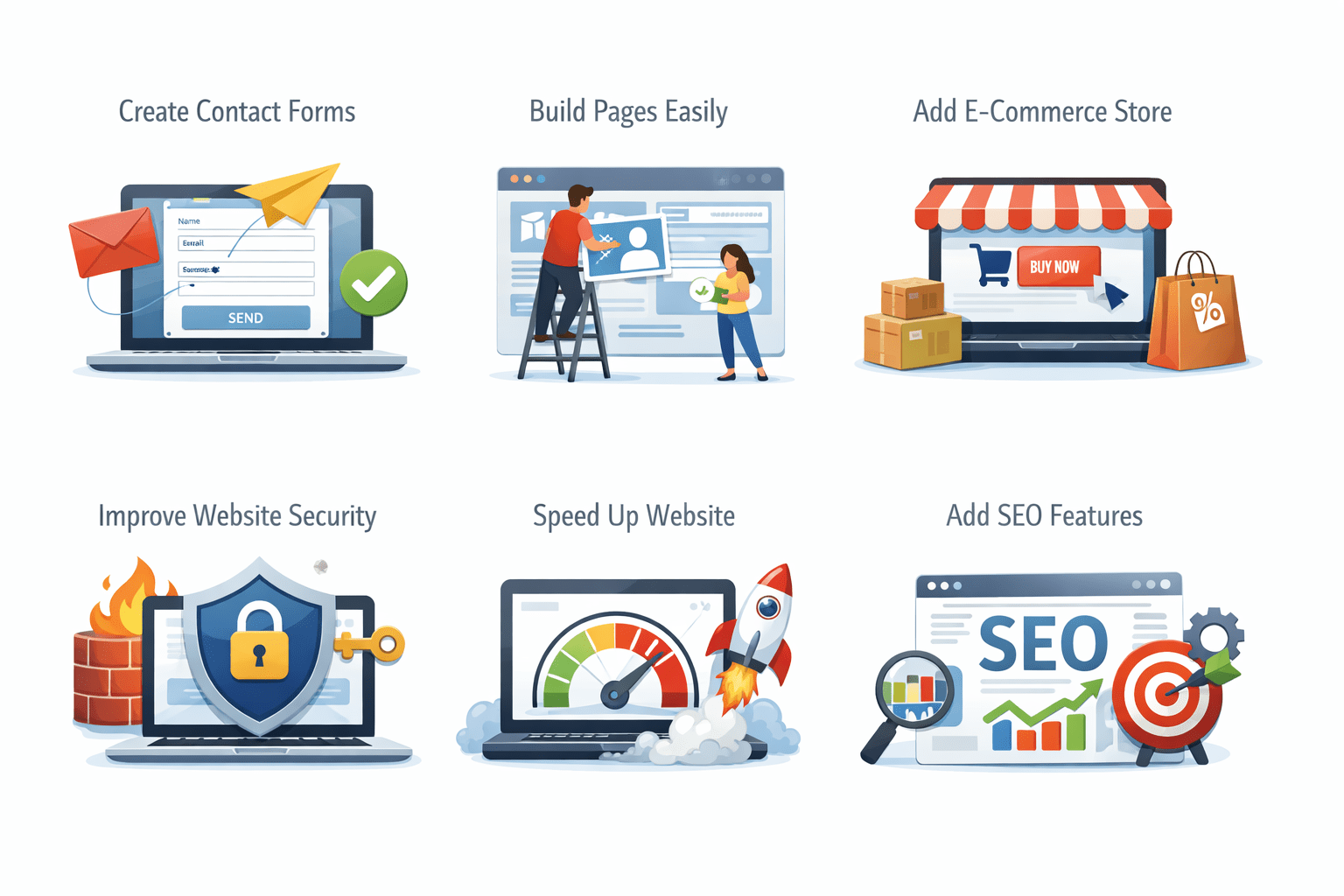
Why Plugins Are Important?
Add e-commerce store
Add SEO features
Create contact forms
Improve website security
Speed up website
Build pages easily
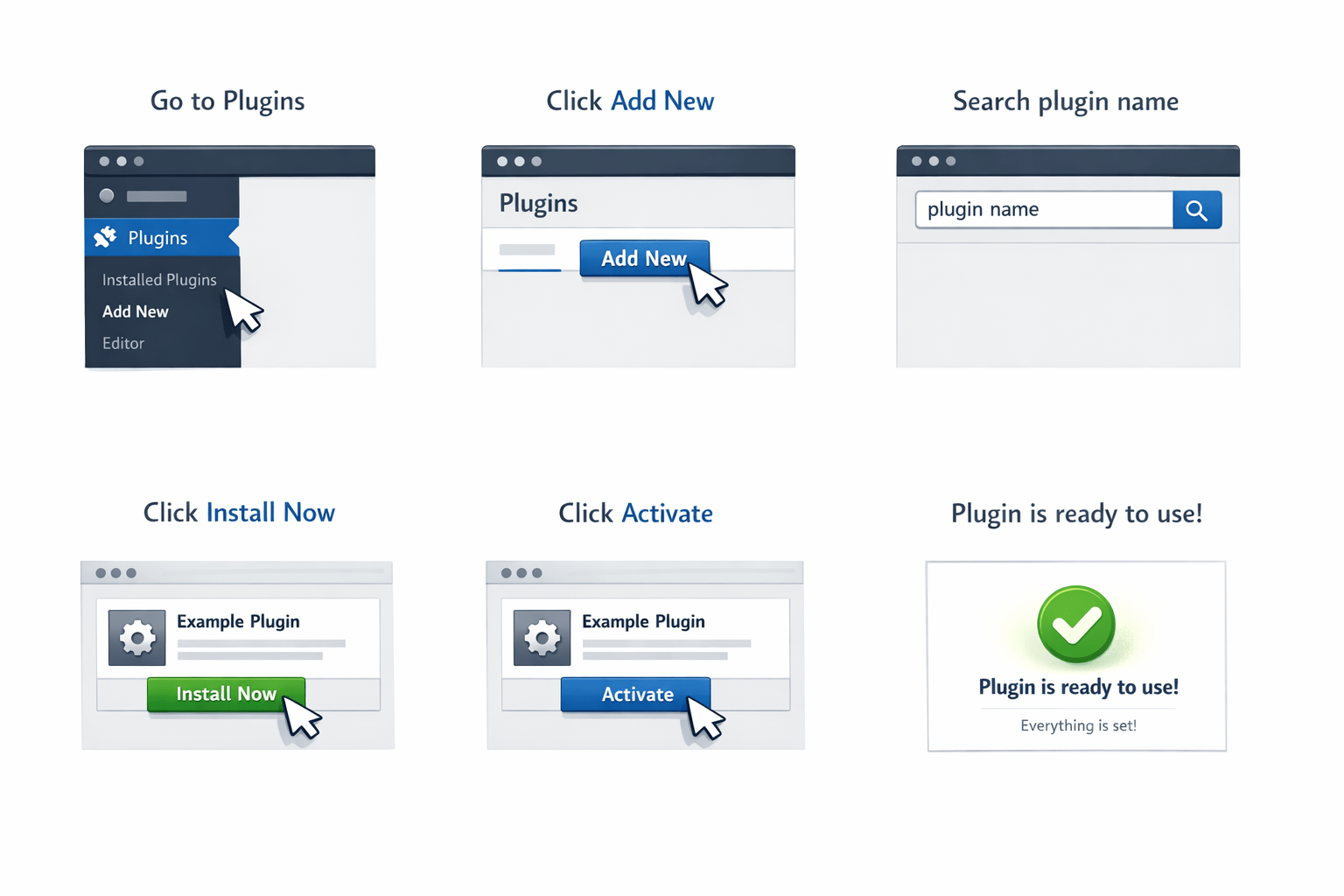
How to Install Plugins
Go to Plugins
Click Add New
Click Install Now
Search plugin name
Click Activate
Plugin is ready to use
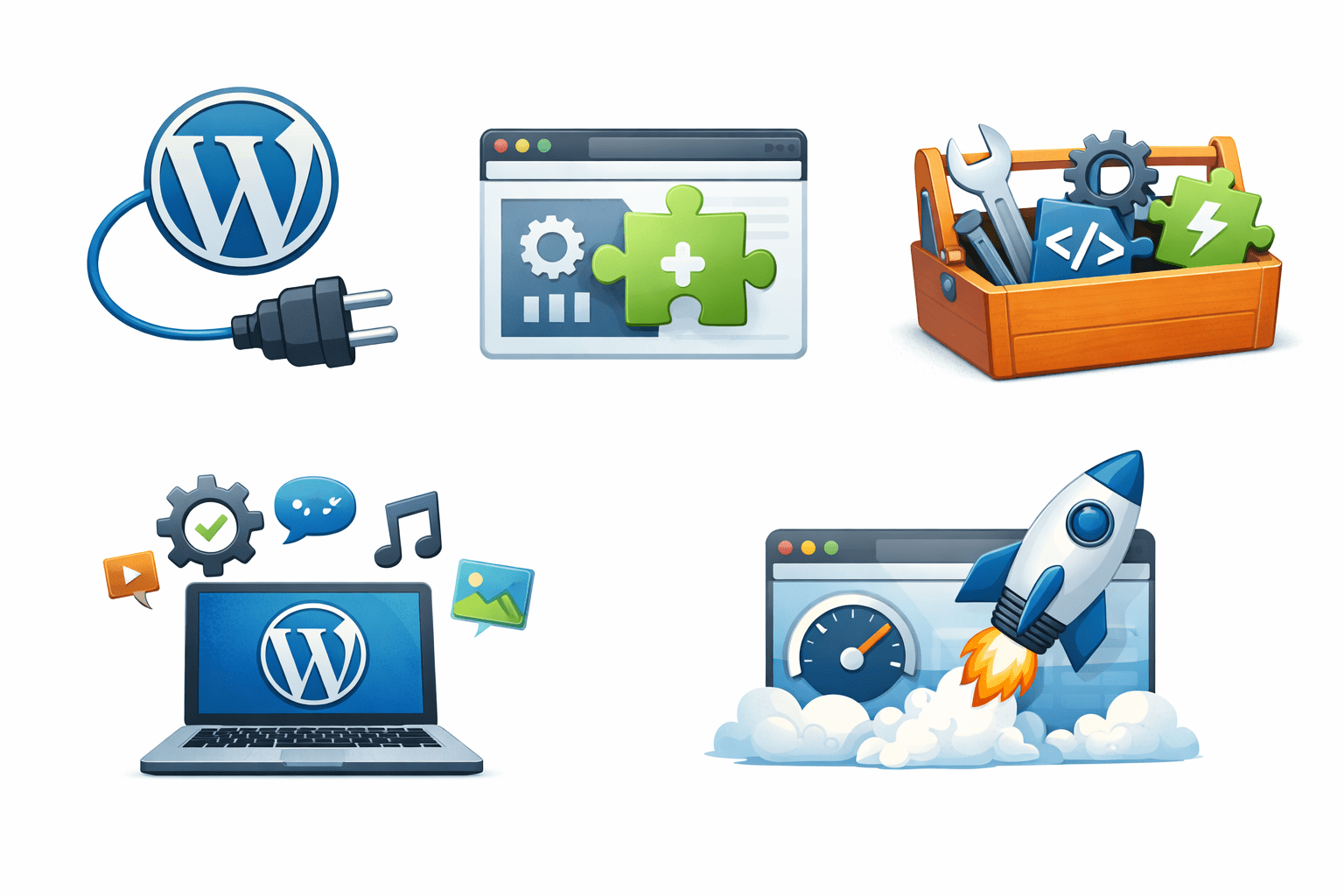
Important Plugins For Website Development
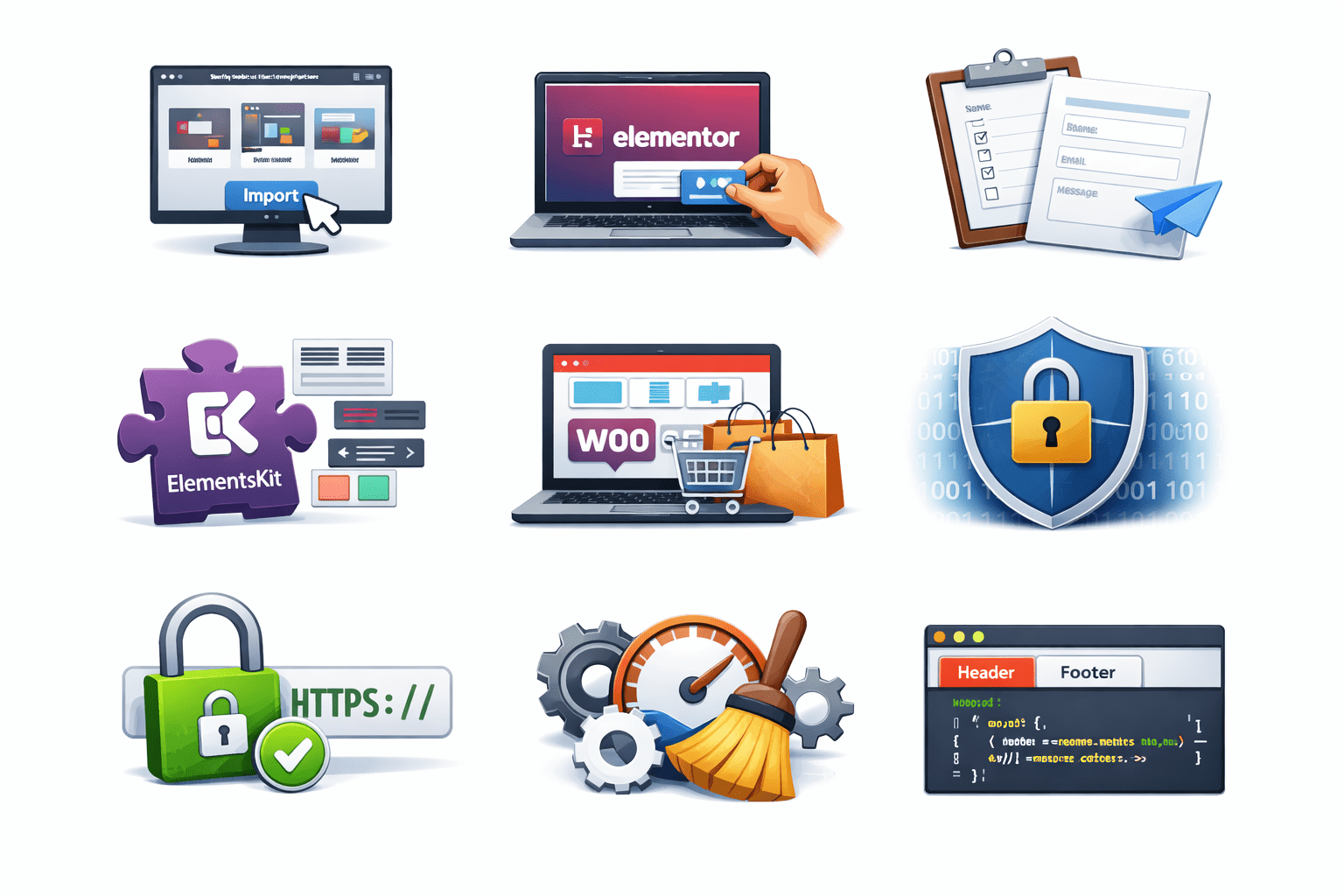
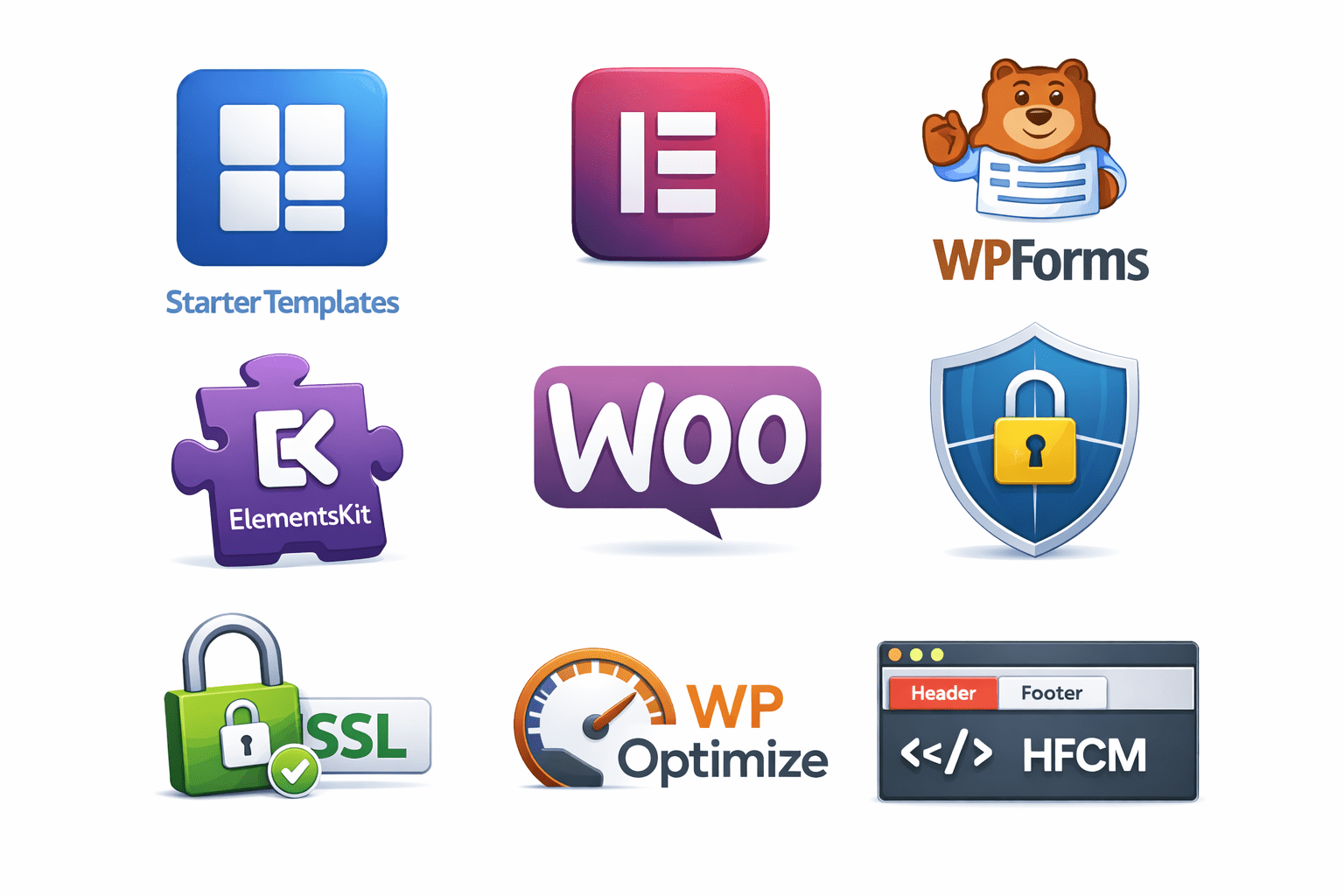
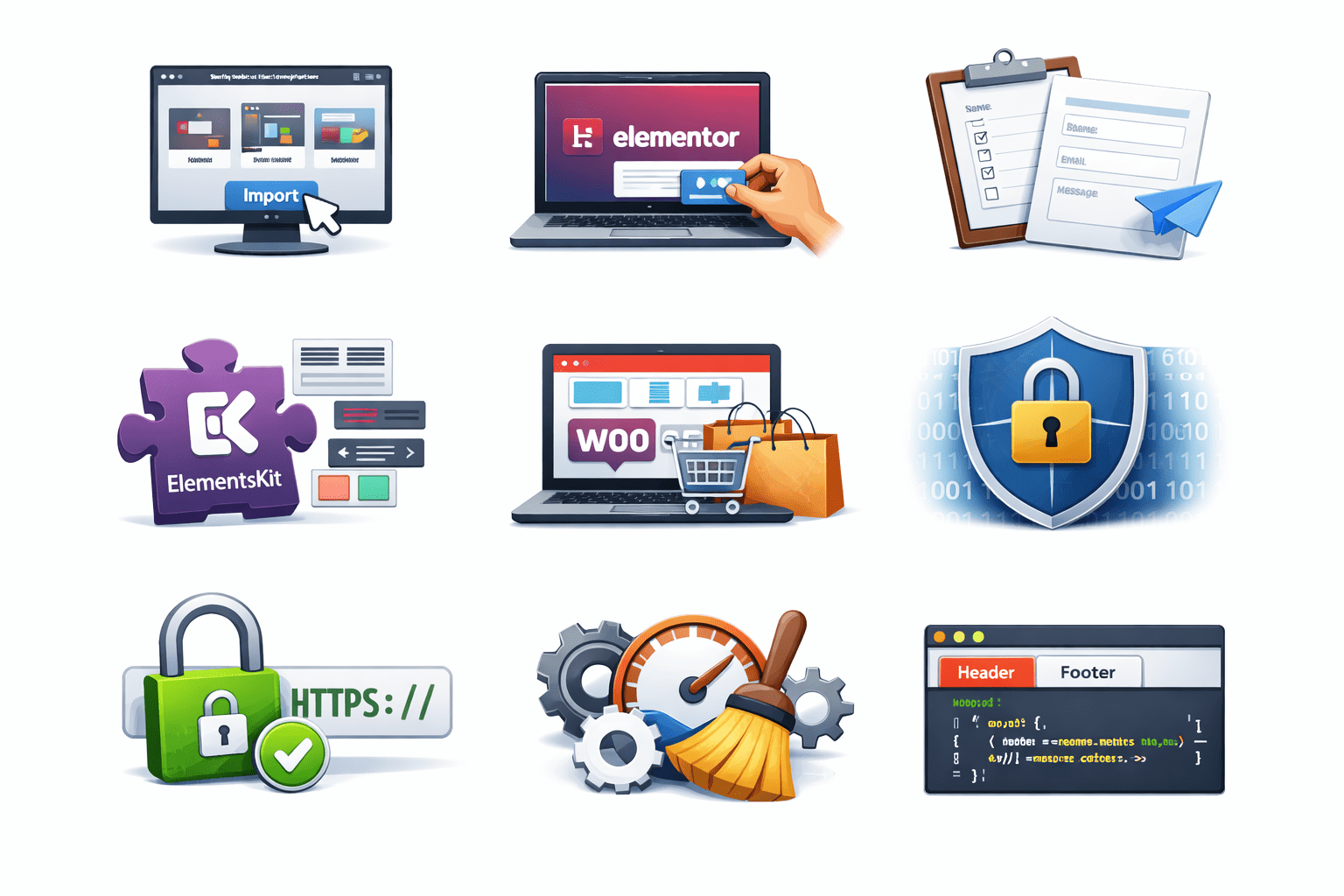
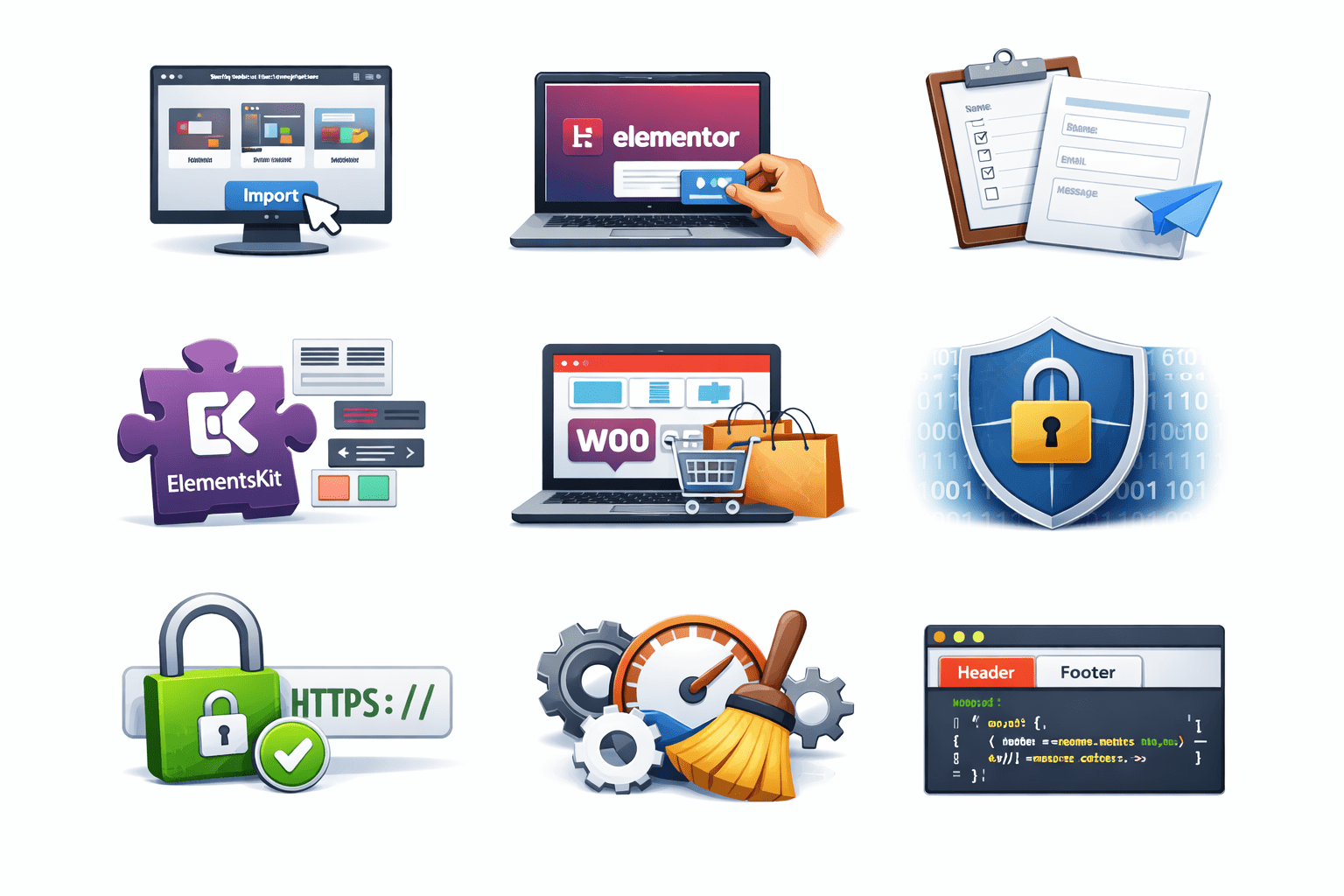
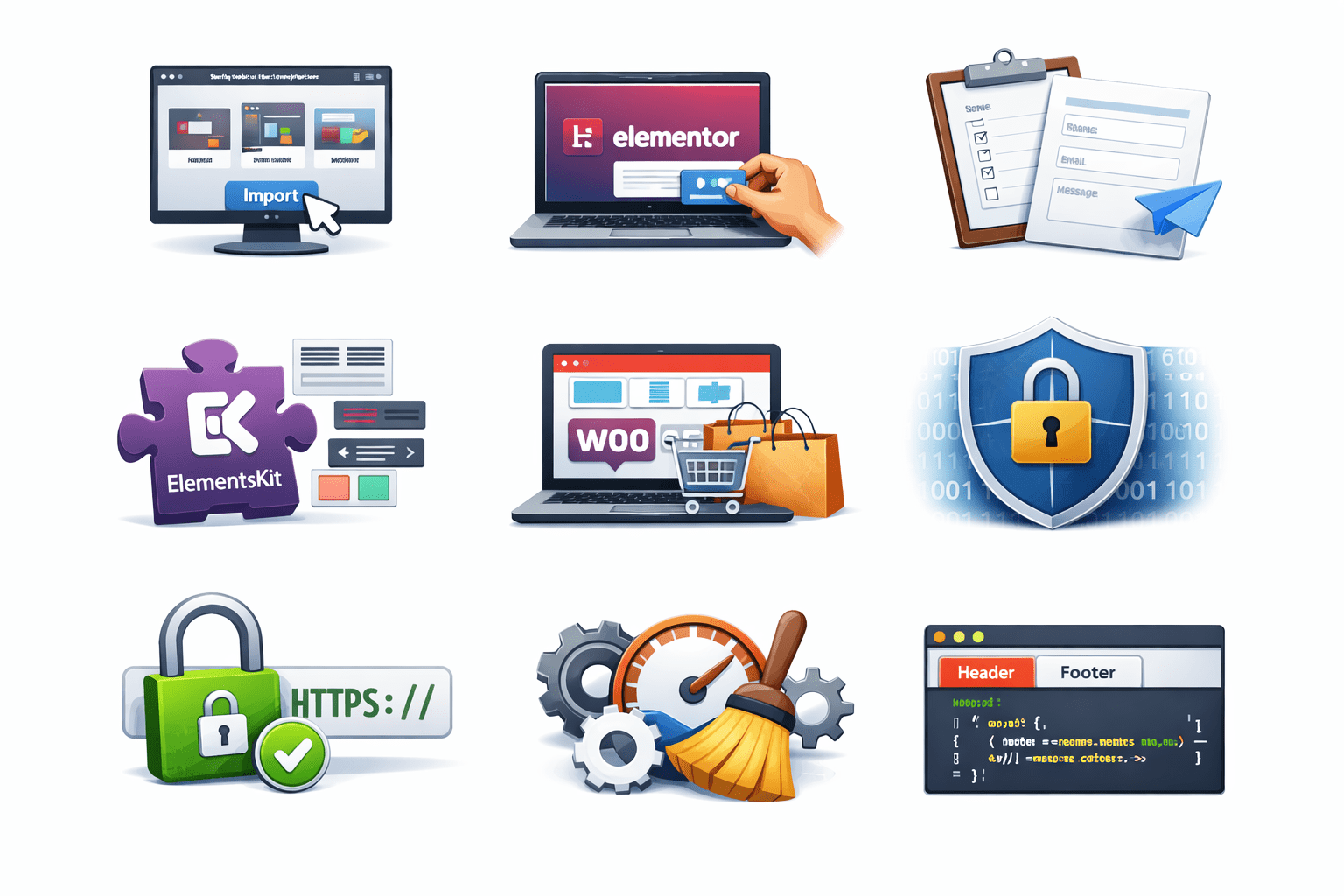
Starter Templates
It helps you import ready-made website designs quickly.
Elementor
It allows you to design pages using drag-and-drop without coding.
Important Plugins For Website Development
WPForms
It is used to create contact forms easily.
ElementsKit
It adds extra design features to Elementor.
Important Plugins For Website Development
Woocommerce
It helps you create an online store and sell products.
Wordfence
It protects your website from hackers and security threats.
Important Plugins For Website Development
Simple SSL
It enables HTTPS to make your website secure.
Wp Optimize
It improves website speed and cleans unnecessary data.
Important Plugins For Website Development
HFCM
It allows you to add custom code to your website header and footer.
Summary
4
Different plugins serve different purposes
3
Plugins are easy to install
2
Plugins improve website functionality
1
A plugin adds new website features
Quiz
Which plugin is commonly used for building pages using drag-and-drop functionality?
A. WooCommerce
B. Yoast SEO
C. Elementor
D. Wordfence
Quiz-Answer
Which plugin is commonly used for building pages using drag-and-drop functionality?
A. WooCommerce
B. Yoast SEO
C. Elementor
D. Wordfence
By Content ITV