












Content ITV PRO
This is Itvedant Content department
Learning Outcome
5
Implement global error handling
4
Handle errors using RxJS and Interceptors
3
Perform GET, POST, PUT, DELETE operations
2
Use HttpClient for API communication
1
Understand how to make HTTP requests in Angular
Analogy
Imagine a restaurant system.
Mapping:
Frontend → Customer
Backend API → Kitchen
HttpClient → Waiter
Waiter → delivers response
Customer → sends order
Kitchen → processes request
Analogy
Requests go → Response comes back
Same happens in HTTP calls.
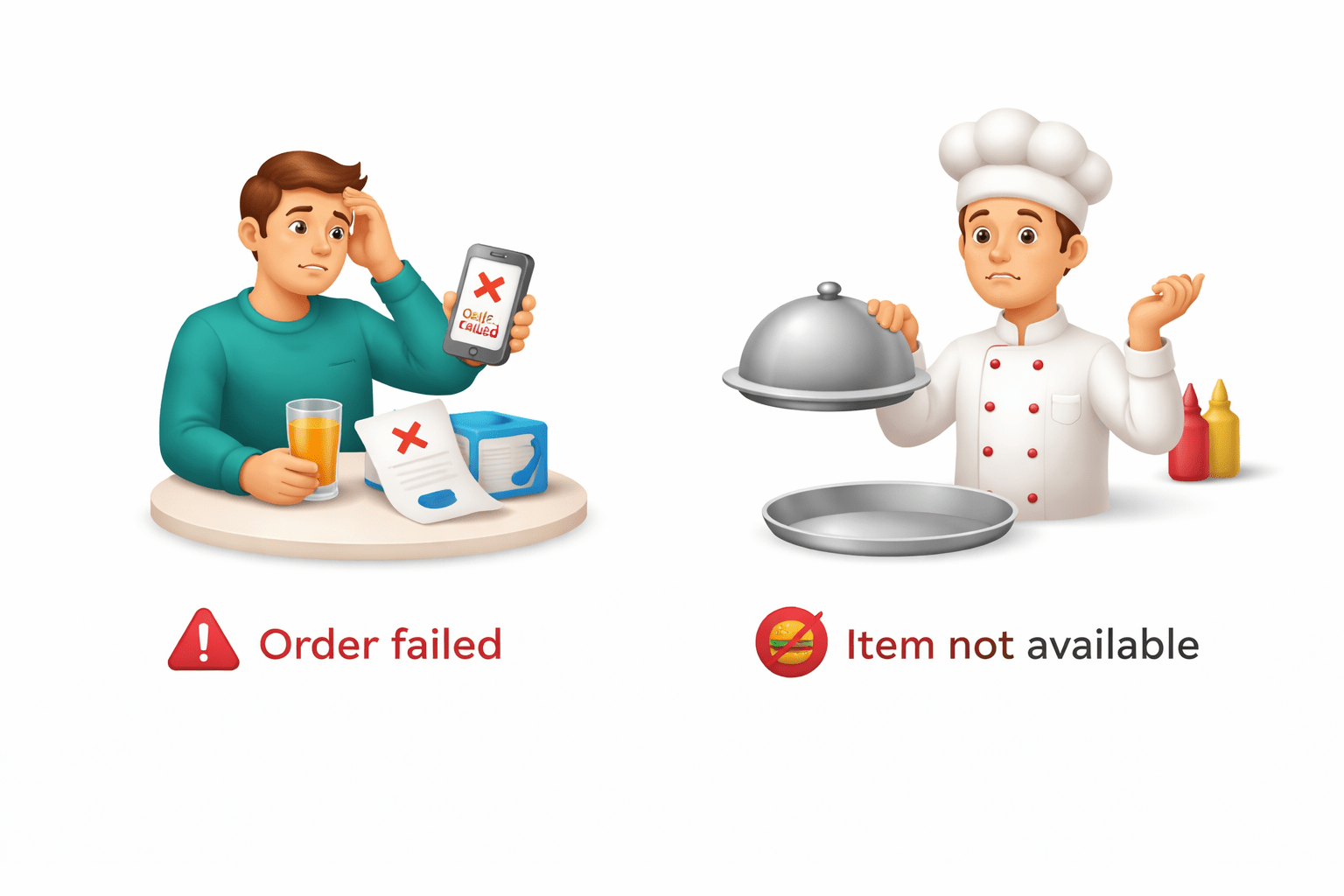
Errors can happen:
Order failed
Item not available
Why HTTP Requests Matter
Modern applications depend on APIs.
Examples :
Fetching user data
Sending form data
Updating records
Deleting resources
Without HTTP :
No dynamic data
No backend communication
Handle async API calls
Manage responses efficiently
Handle errors properly
Angular uses HttpClient + RxJS to:
HTTP GET Request (Fetching Data)
Used to retrieve data from API.
Example :
import { HttpClient } from '@angular/common/http';

constructor(private http: HttpClient) {}

getUsers() {
 return this.http.get('https://api.example.com/users');
}
#Subscribe
 this.getUsers().subscribe(data => {
 console.log(data);
});
Using HttpClient in Angular
Steps:
HttpClient enables API communication.
1. Import module
import { HttpClientModule } from '@angular/common/http';2. Add in AppModule
imports: [HttpClientModule]3. Inject HttpClient in component/service
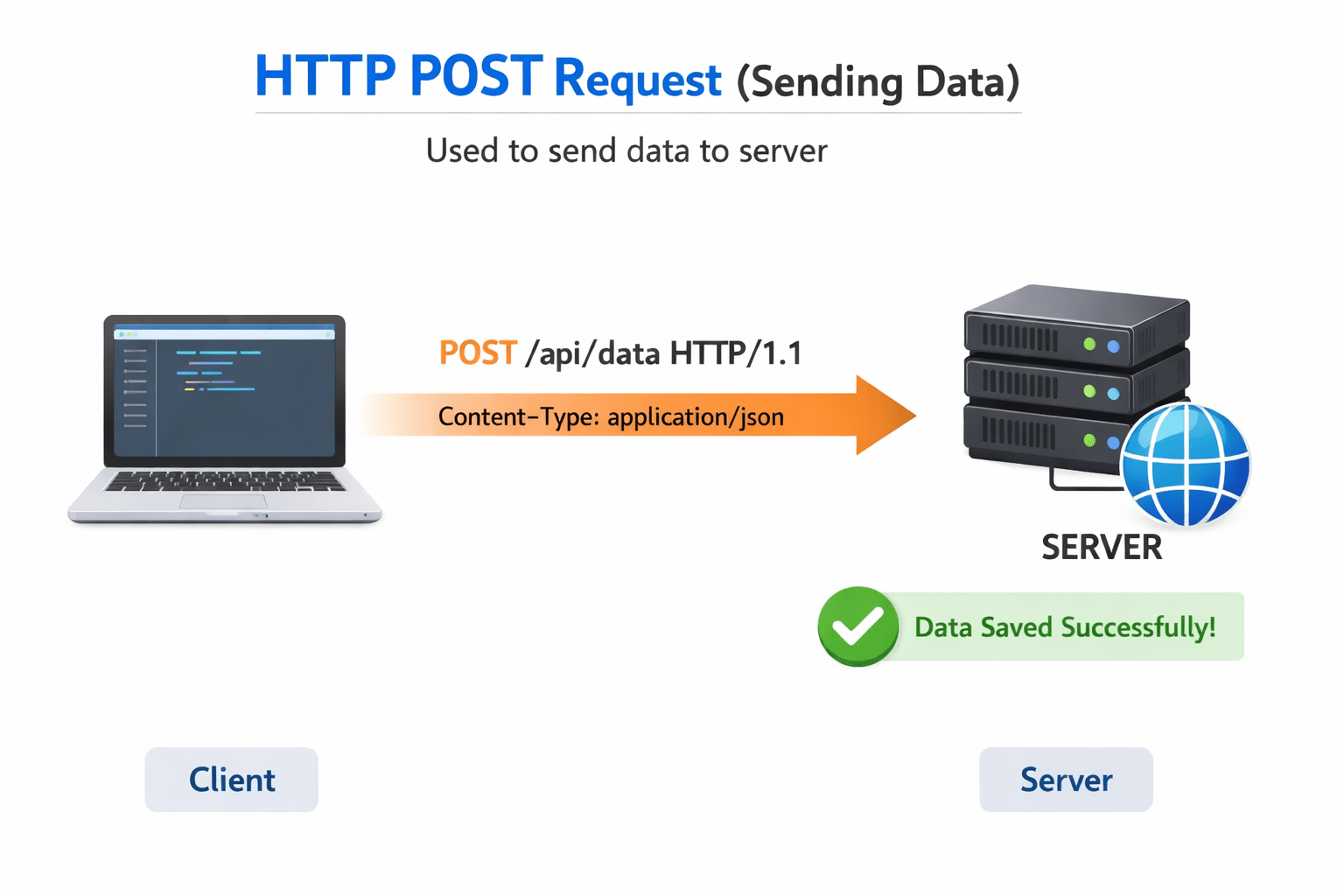
HTTP POST Request (Sending Data)
Used to send data to server.
Example :
addUser(user: any) {
 return this.http.post('https://api.example.com/users', user);
}
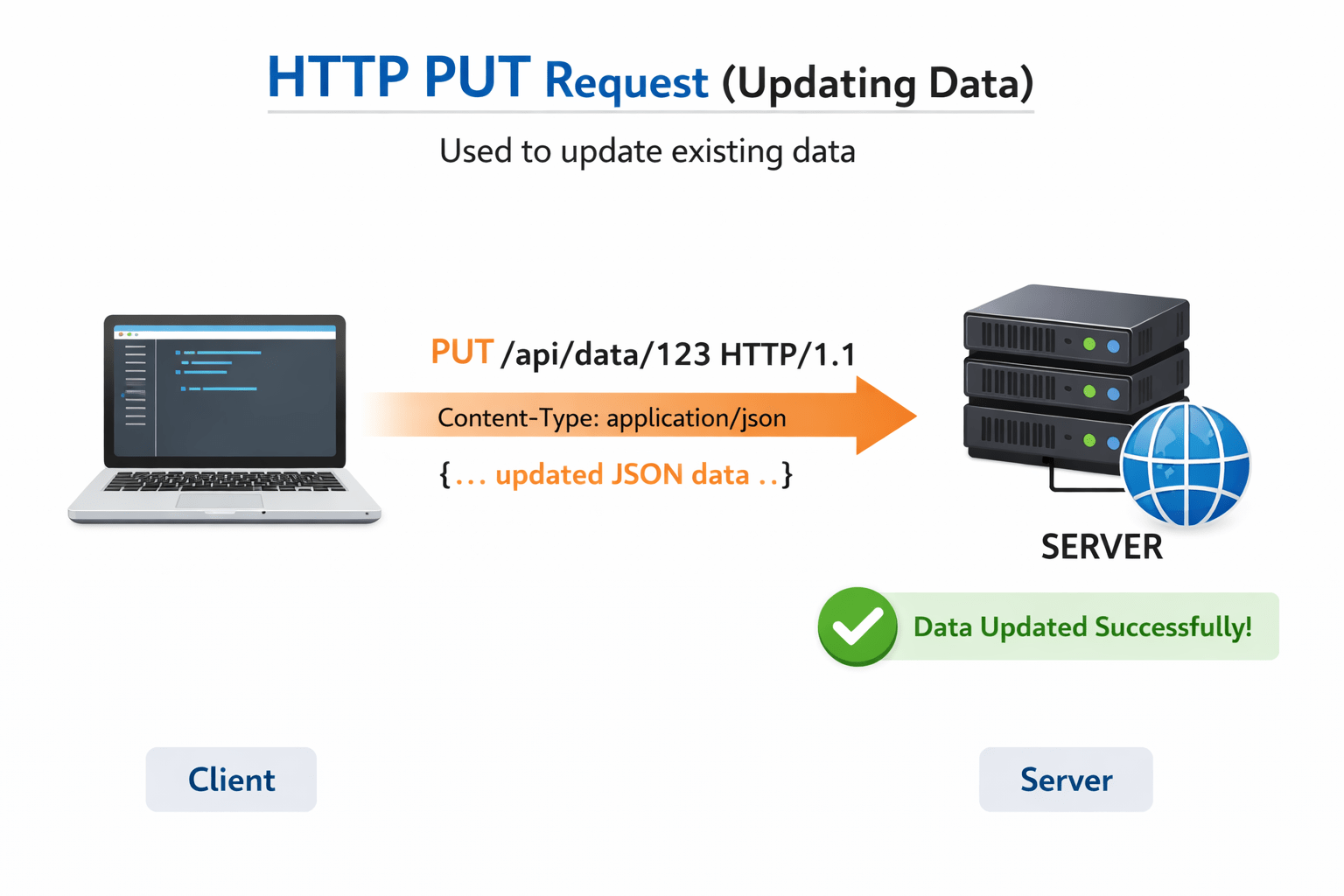
HTTP PUT Request (Updating Data)
Used to update existing data.
Example :
updateUser(id: number, user: any) {
 return this.http.put(`https://api.example.com/users/${id}`, user);
}
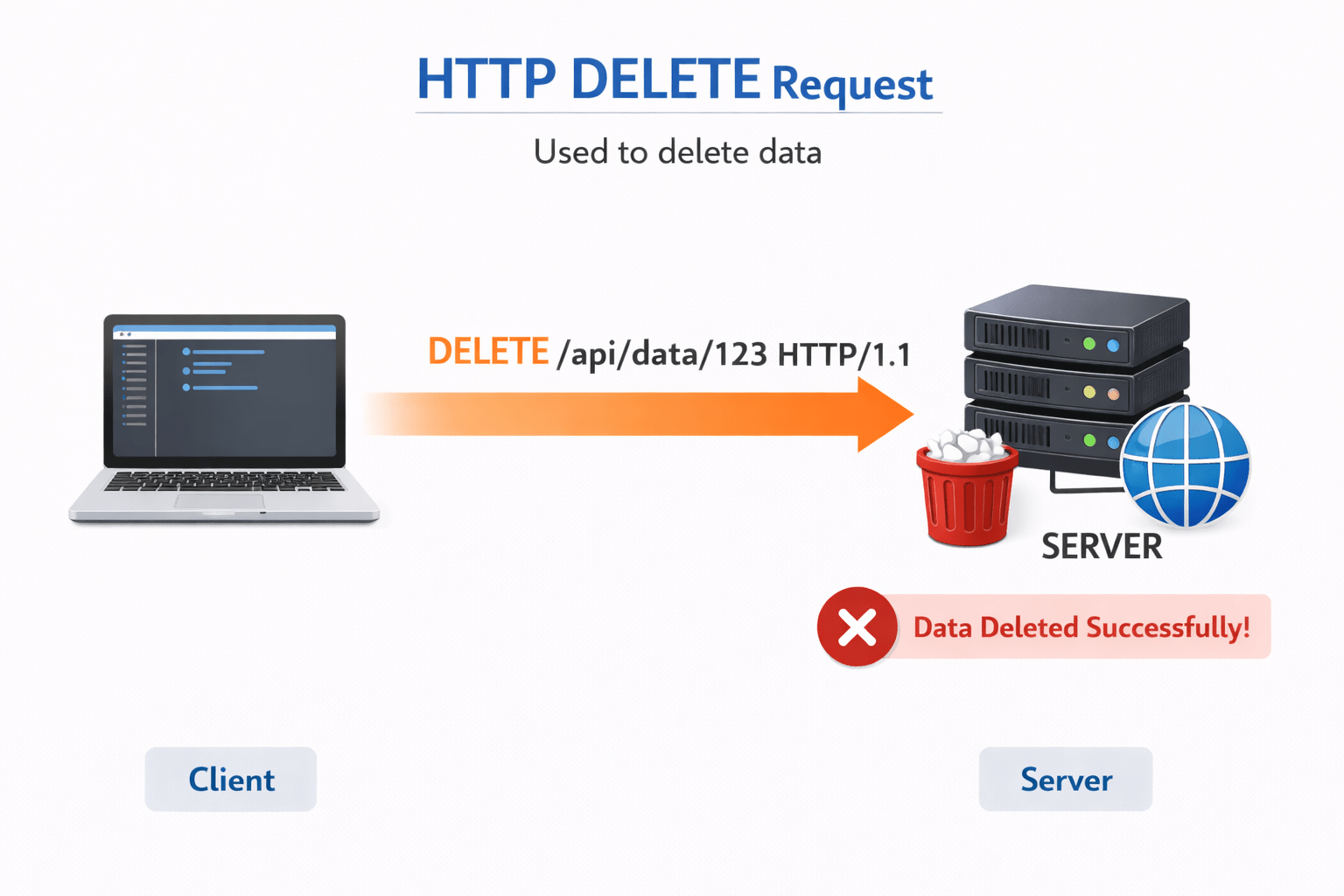
HTTP DELETE Request
Used to delete data.
Example :
deleteUser(id: number) {
 return this.http.delete(`https://api.example.com/users/${id}`);
}
Exception Handling in HTTP
Errors can occur due to:
Network issues
Server errors
Invalid requests
RxJS provides operators for error handling.
This prevents application failure and provides fallback data.
Example using RxJS
import { of, catchError } from 'rxjs';

source$.pipe(
 catchError(error => {
 console.log("Error occurred");
 return of("Fallback value");
})
).subscribe(value => console.log(value));
HttpInterceptor (Global Error Handling)
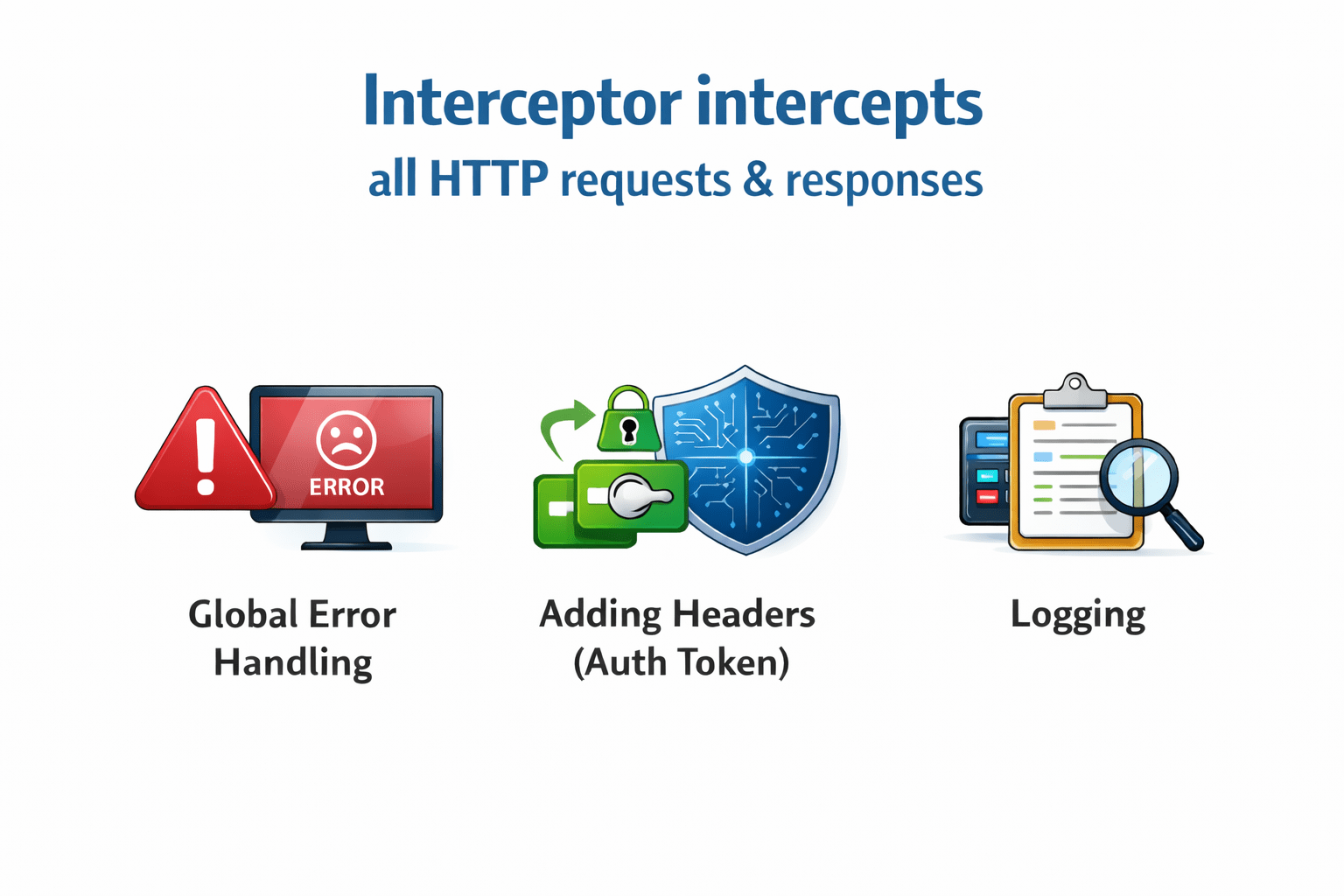
Interceptor intercepts all HTTP requests/responses.
Use cases :
Global error handling
Adding headers (auth token)
Logging
Creating an Interceptor
Example :
import { HttpInterceptor } from '@angular/common/http';

export class ErrorInterceptor implements HttpInterceptor {

intercept(req, next) {
 return next.handle(req).pipe(
  catchError(error => {
   console.log("Global Error:", error);
   throw error;
  })
 );
}}
Registering the Interceptor
Add in providers
providers: [
  {
    provide: HTTP_INTERCEPTORS,
    useClass: ErrorInterceptor,
    multi: true
  }
]
Now it works globally.
Summary
5
Interceptors provide centralized control
4
Errors should be handled properly
3
RxJS helps handle asynchronous responses
2
Supports GET, POST, PUT, DELETE
1
Angular uses HttpClient for API communication
Quiz
What is HttpInterceptor used for?
A. Routing
B. Styling
C. Global request/response handling
D. Component creation
Quiz-Answer
What is HttpInterceptor used for?
A. Routing
B. Styling
C. Global request/response handling
D. Component creation
By Content ITV