















Content ITV PRO
This is Itvedant Content department
Learning Outcome
4
Use groups to manage roles and simplify permission management
3
Assign permissions to users and groups using the admin interface
2
Identify Django’s built-in model permissions
1
Understand the concept of authorization and permissions in Django
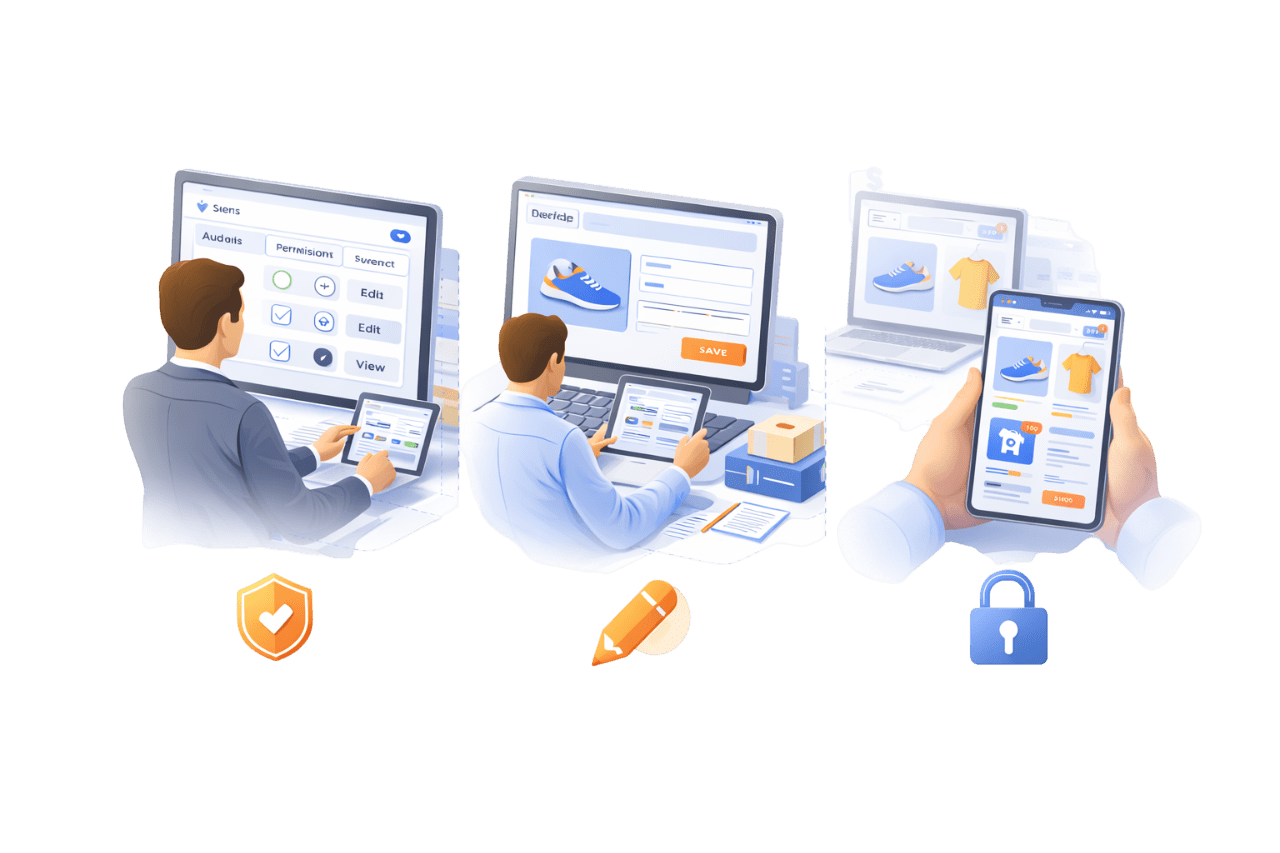
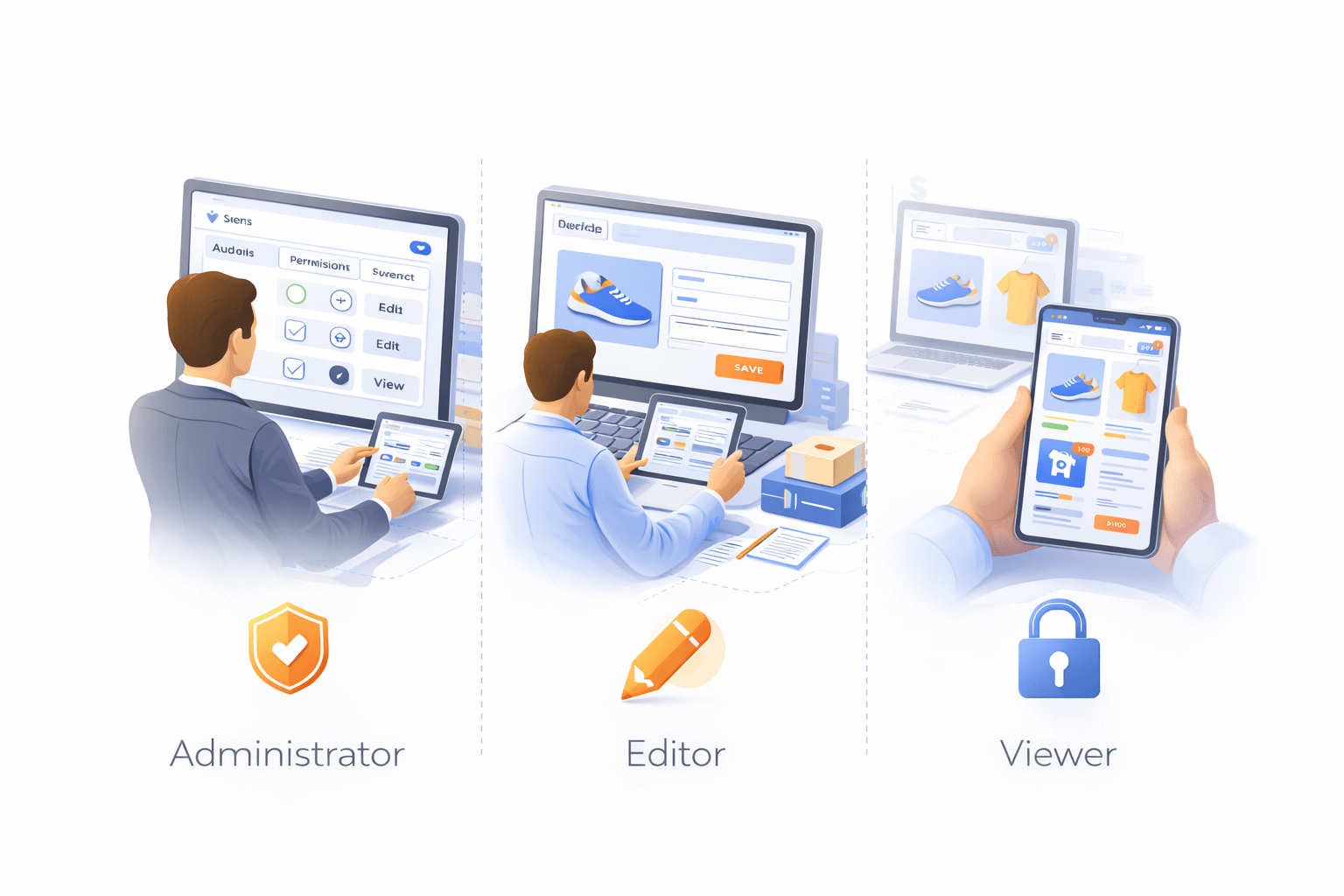
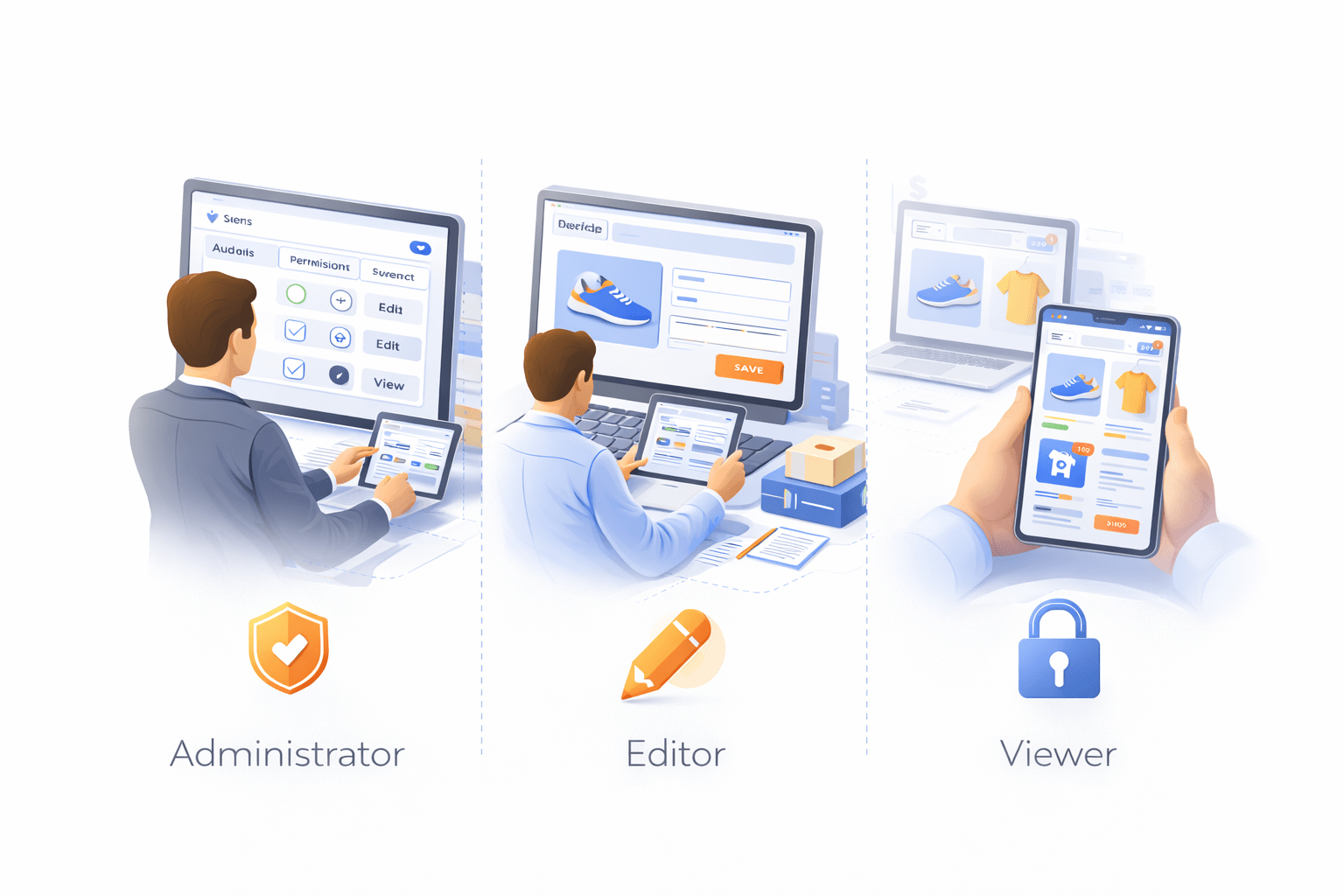
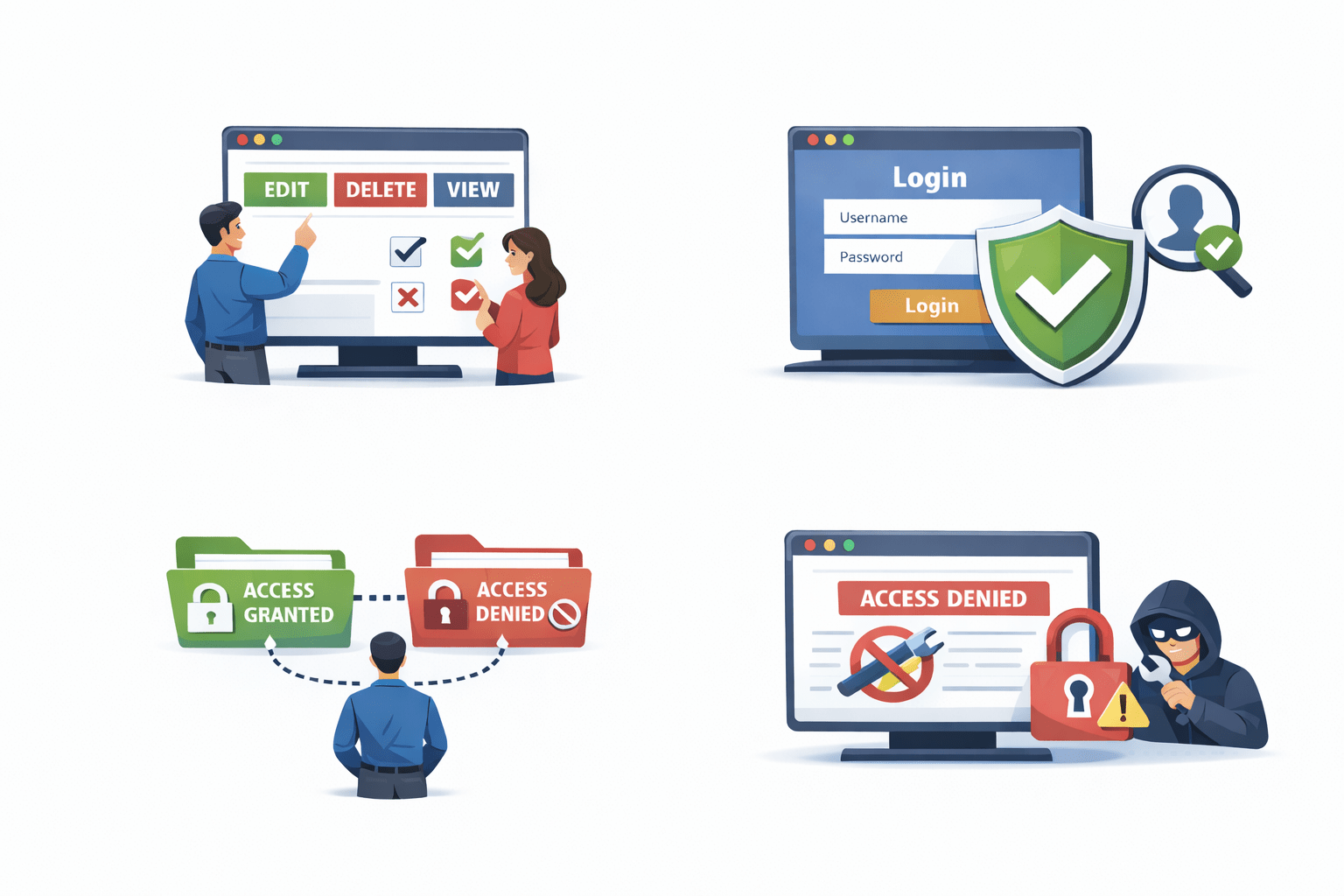
Imagine an e-commerce company like an online store
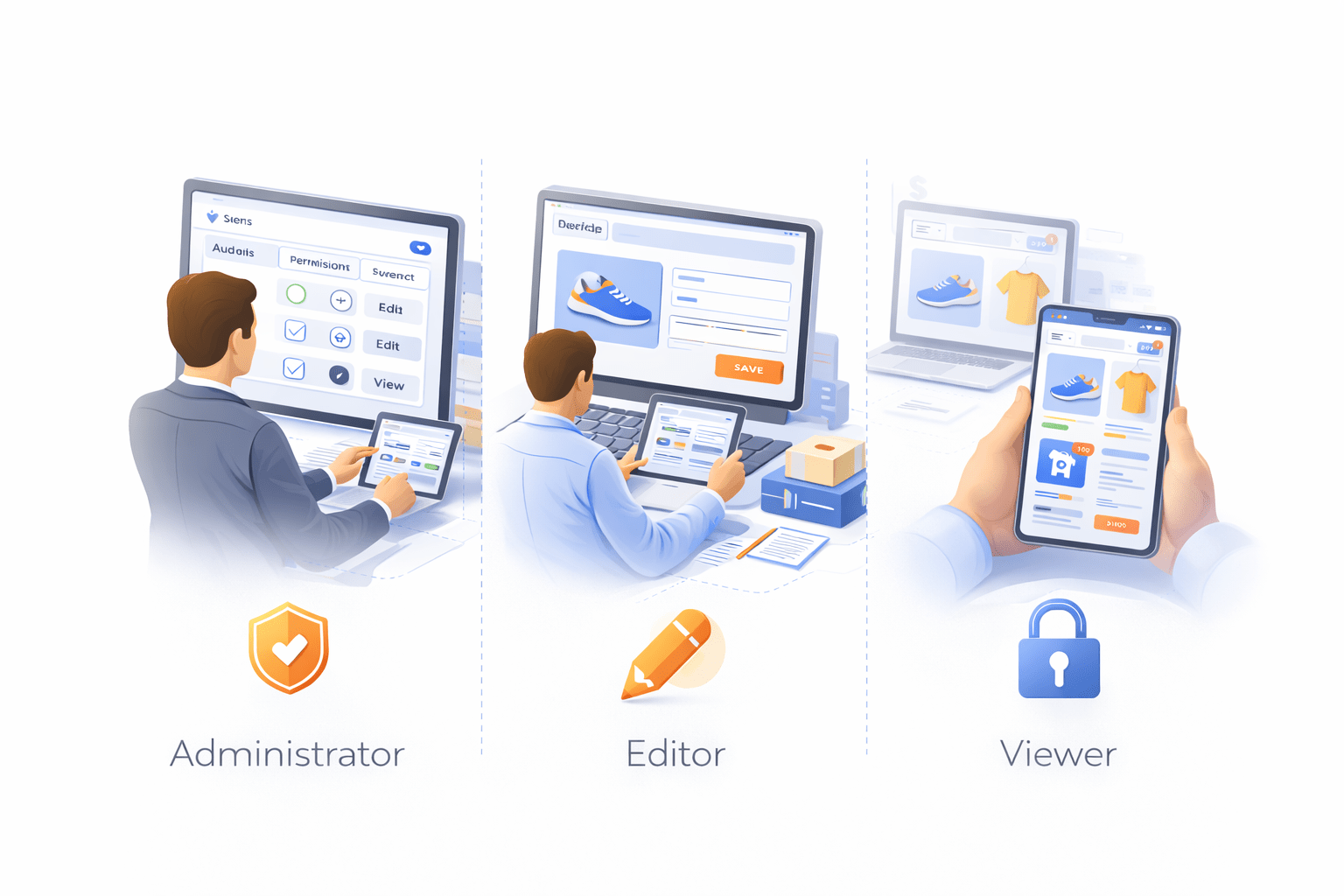
Different employees perform different tasks
Each person gets access based on their role
Product managers add products
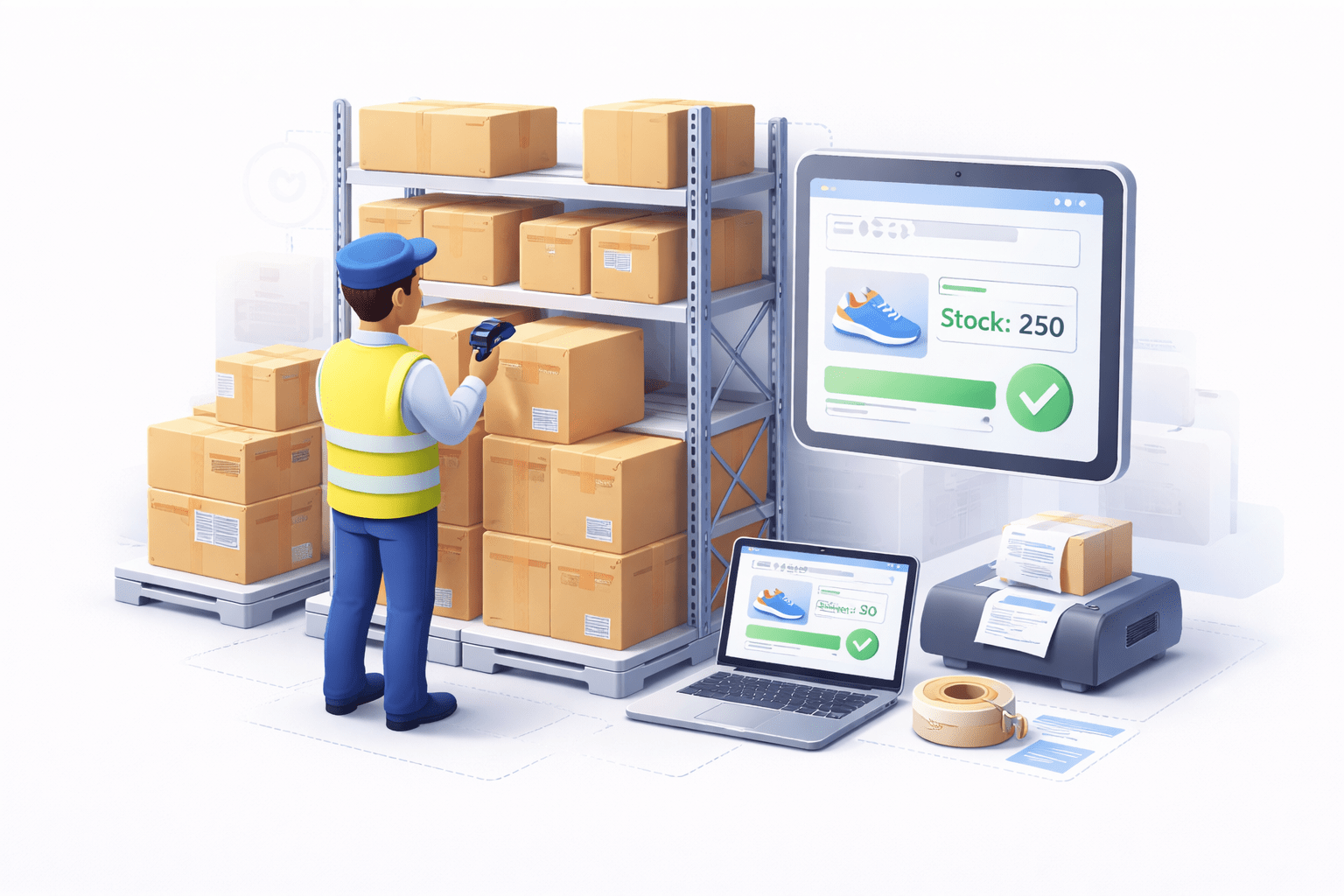
warehouse staff update stock
customers can only view products
Editor
Viewer
Administrator
Understanding Authorization in Django
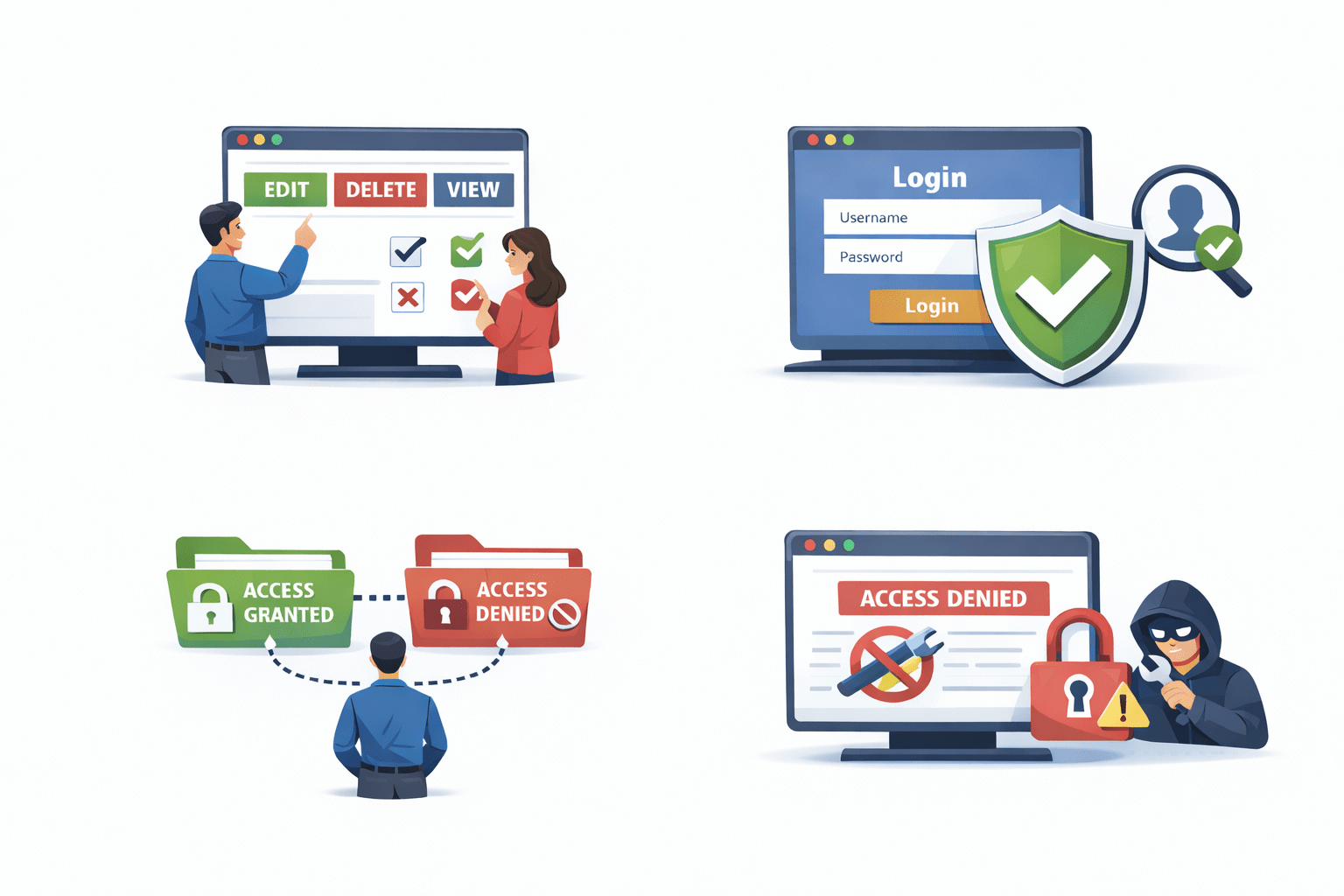
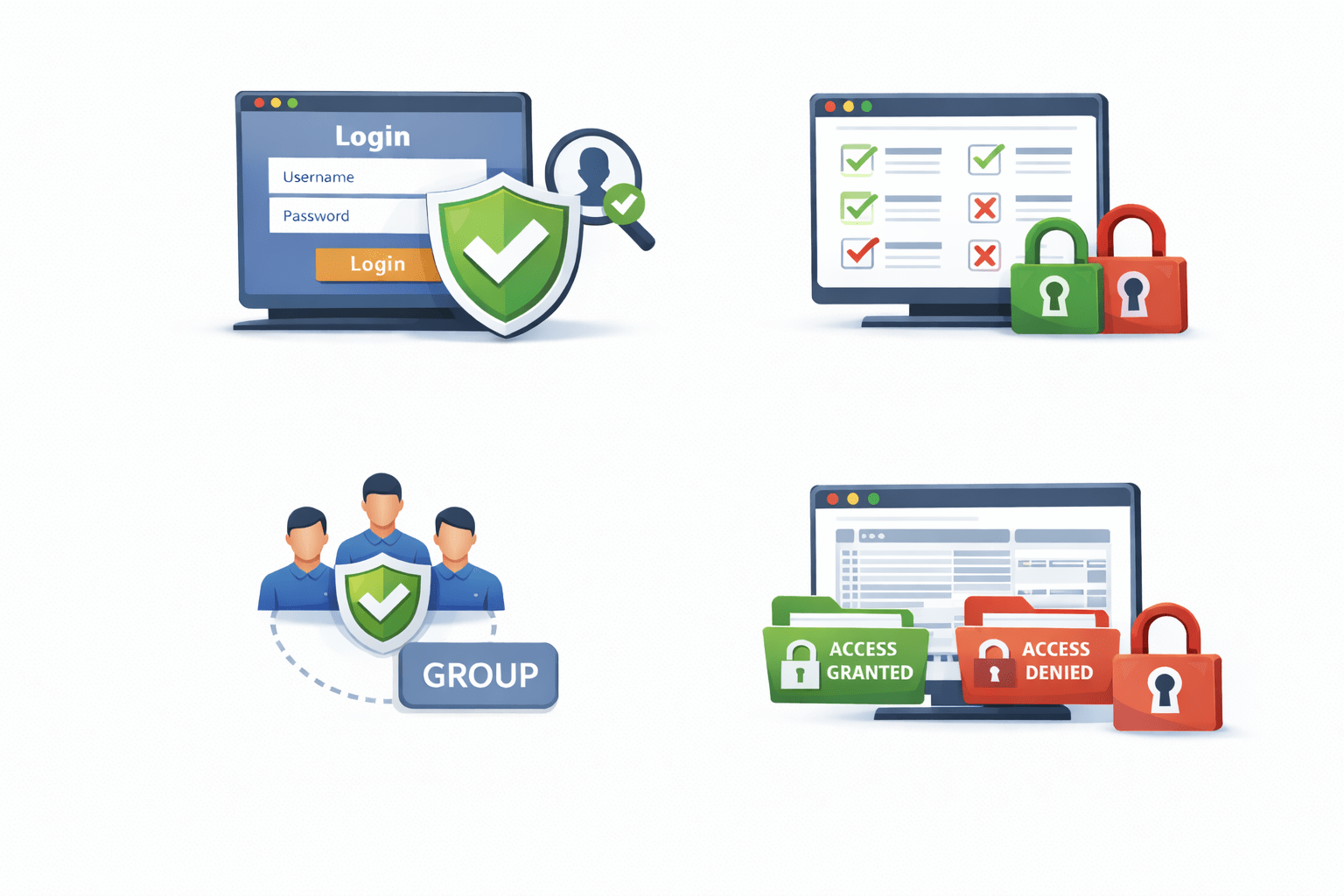
It works after authentication verifies user identity
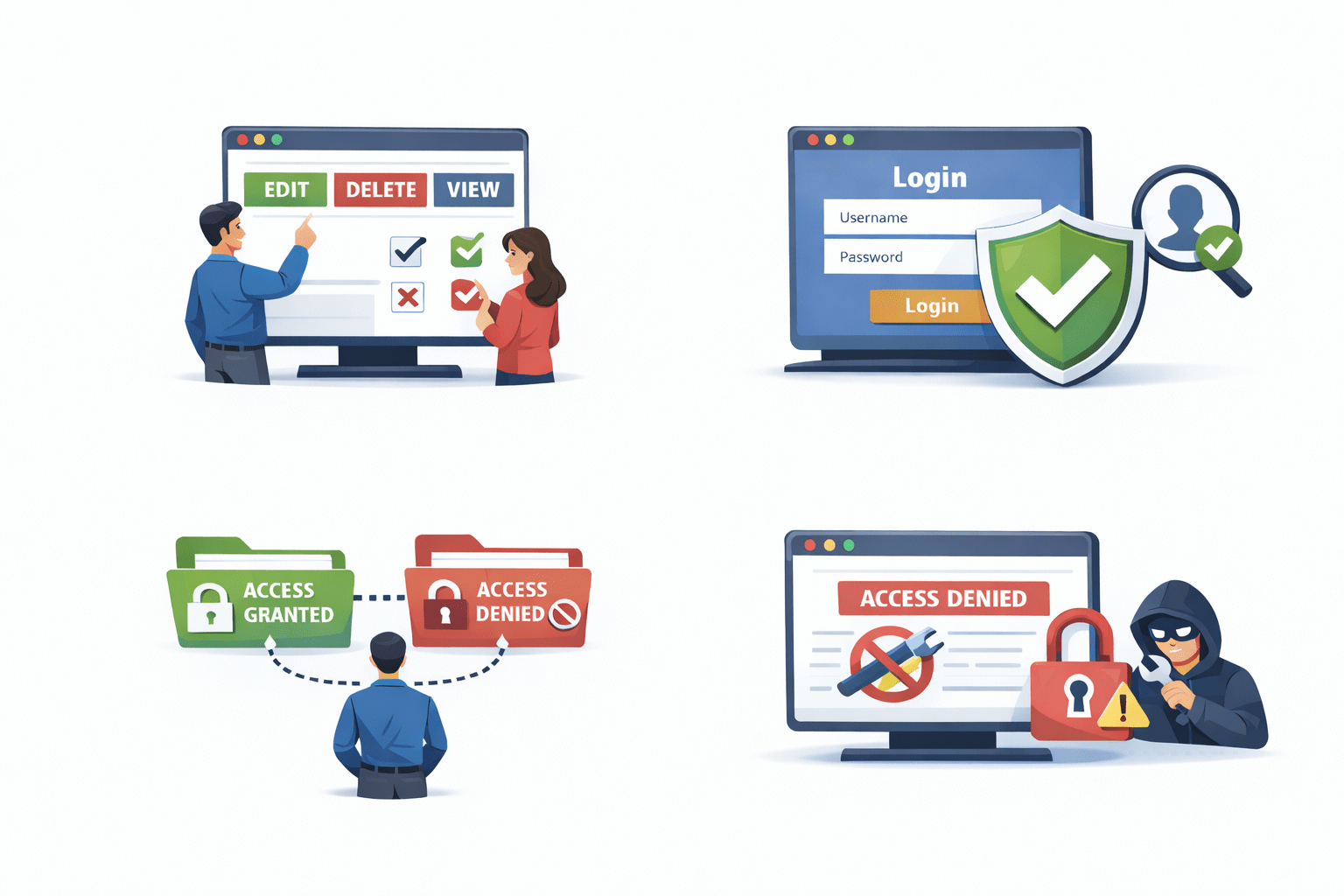
Prevents unauthorized modifications in applications
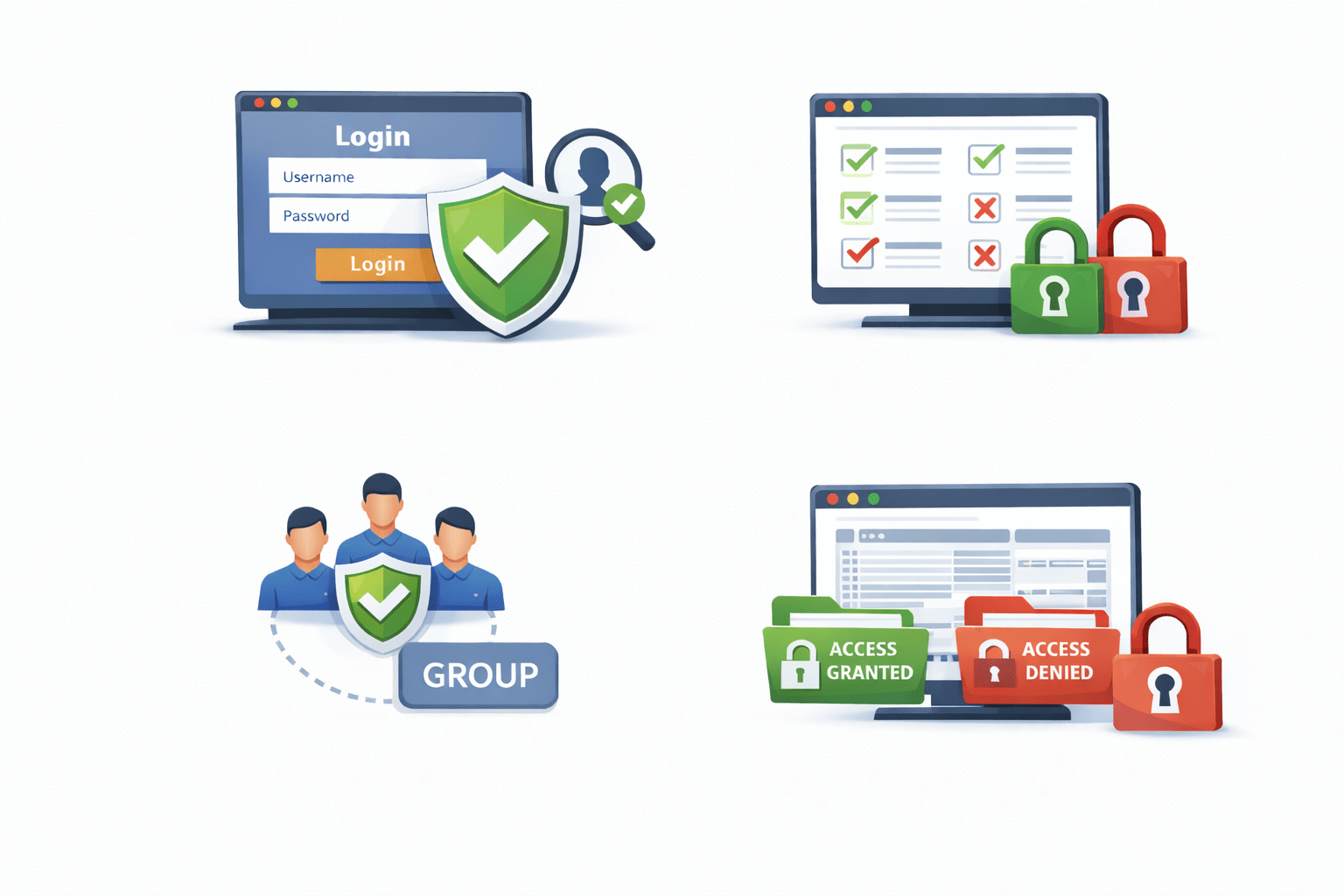
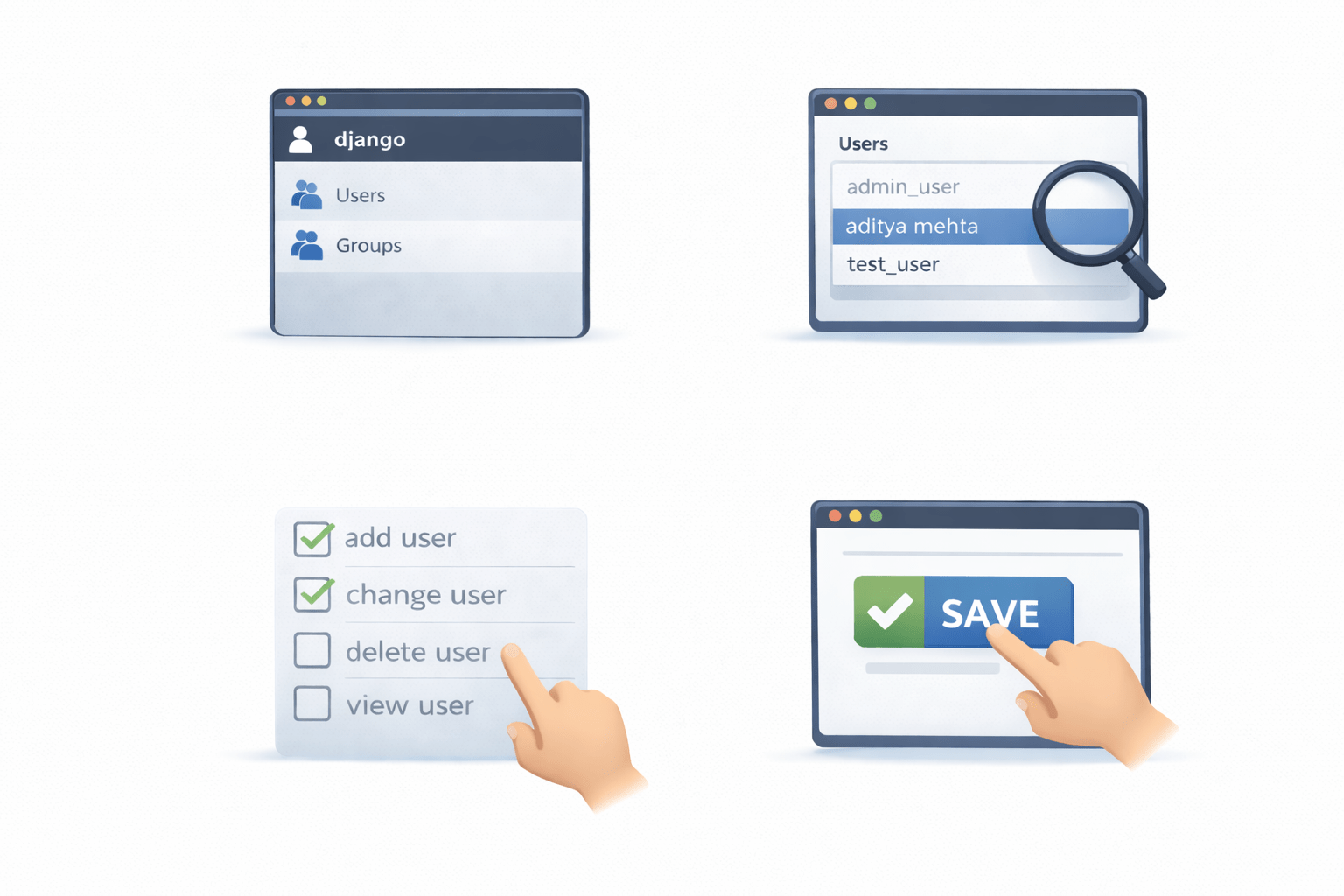
Determines which resources a user can access
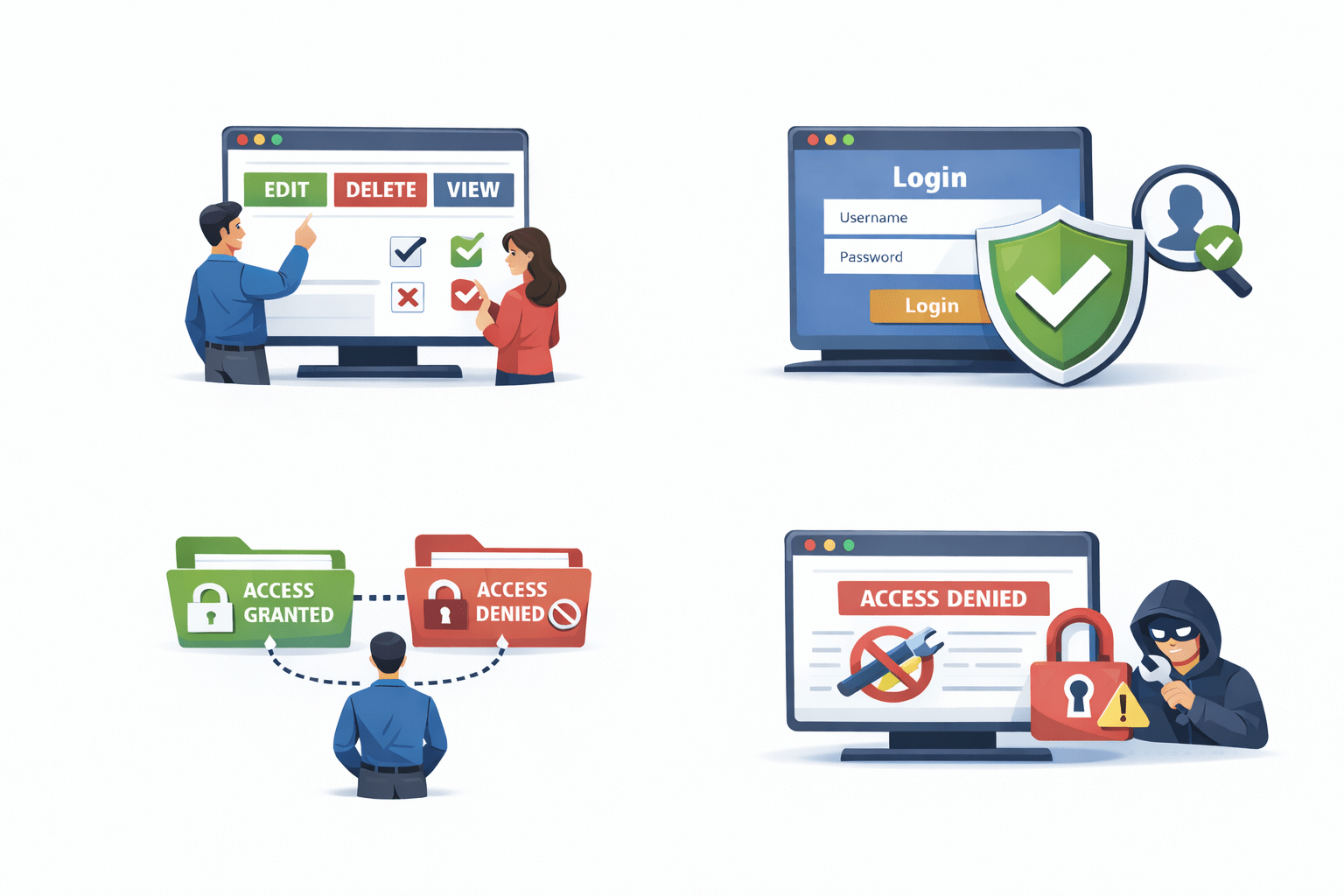
Authorization controls what actions users can perform
Django Authentication System and Permissions
Django provides a built-in authentication system
Key Features:
This system helps control user actions within the application
User authentication
Permission management
Access control for models and data
Group-based authorization
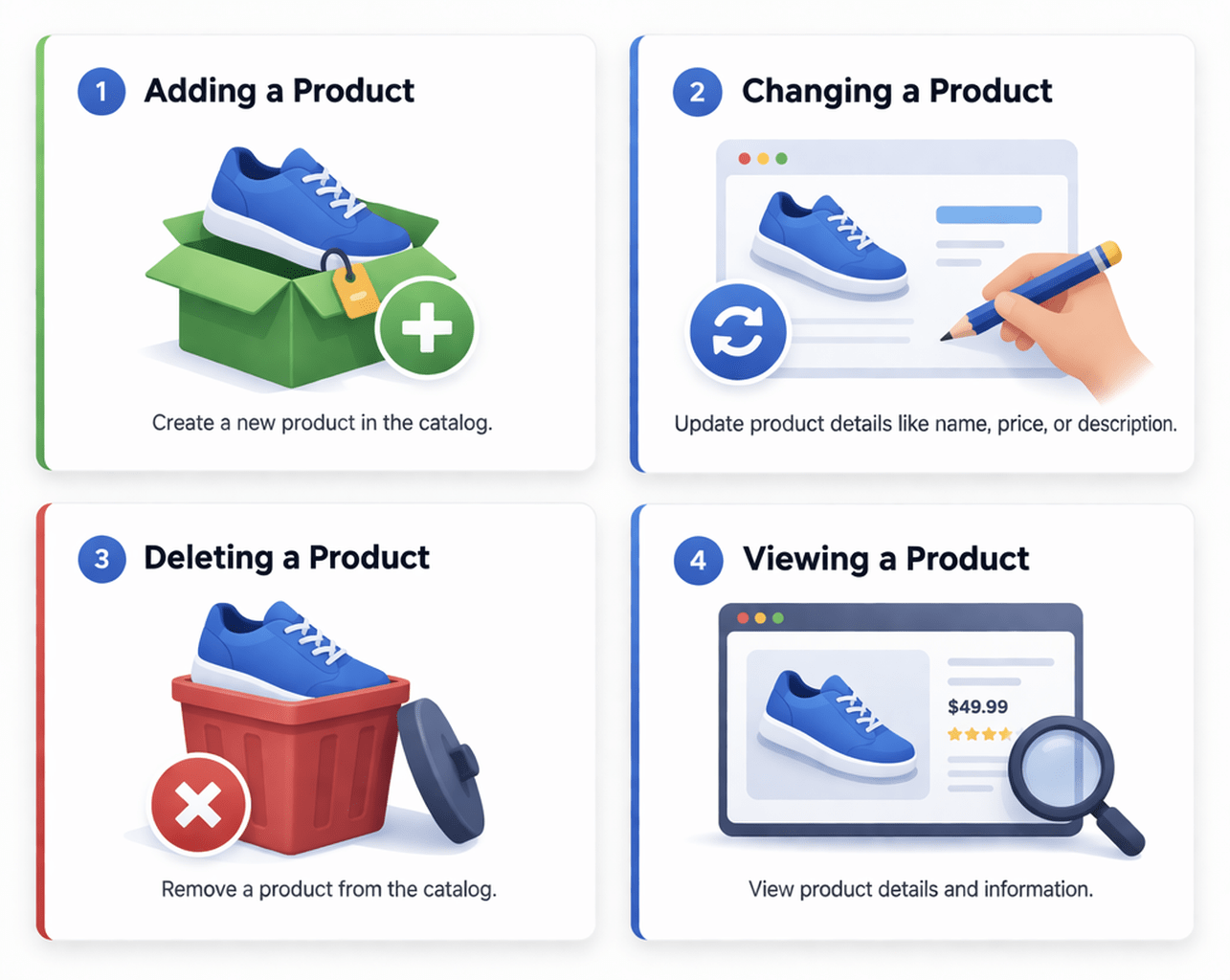
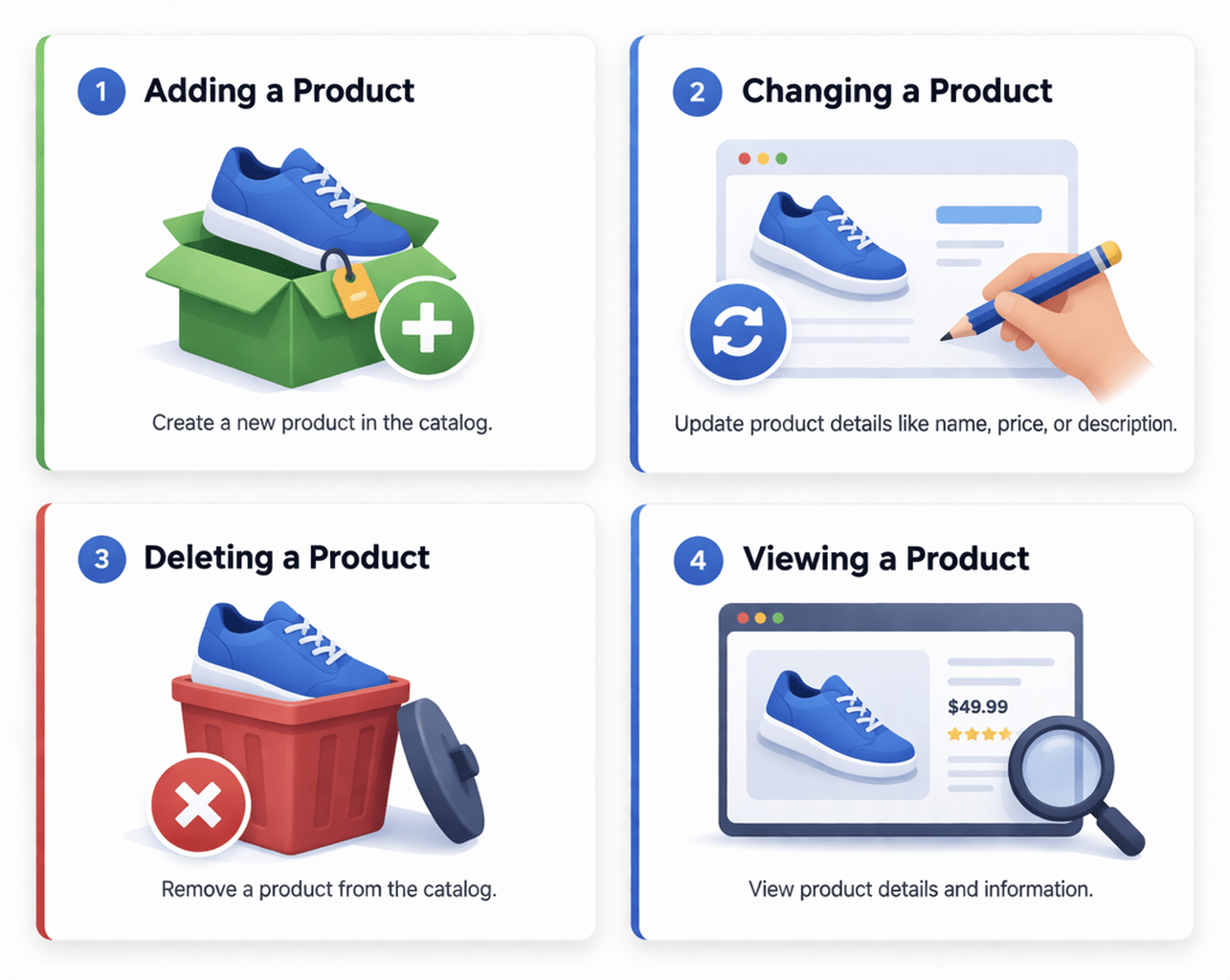
Default Model Permissions in Django
Django automatically creates default permissions for each model
These permissions include:
These permissions are generated when the model is registered with the admin site
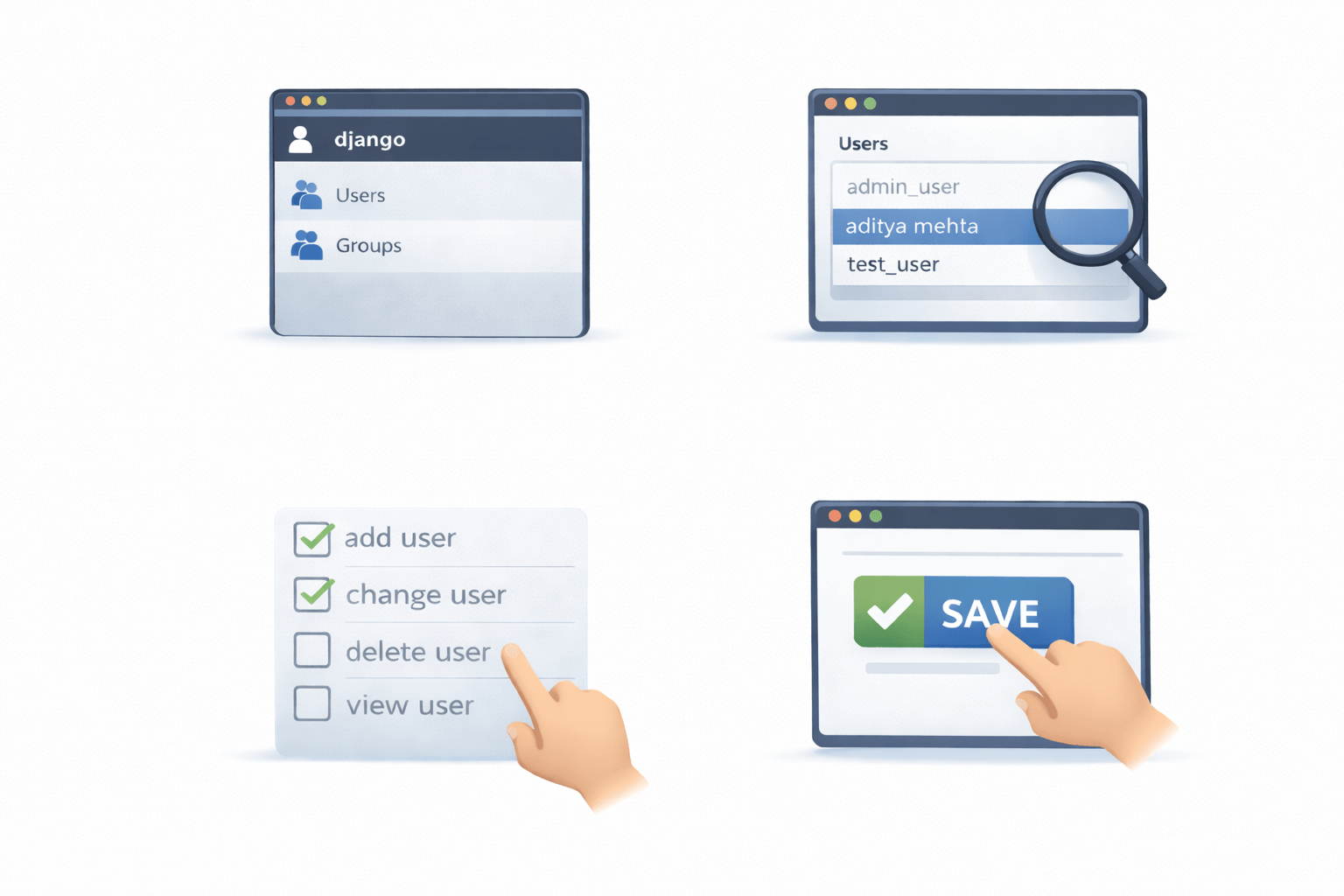
View → read data
Change → update existing records
ADD → create new records
Delete → remove records
Managing Permissions in Django Admin
Permissions can be managed through the Django admin panel
Steps:
This allows administrators to control access easily
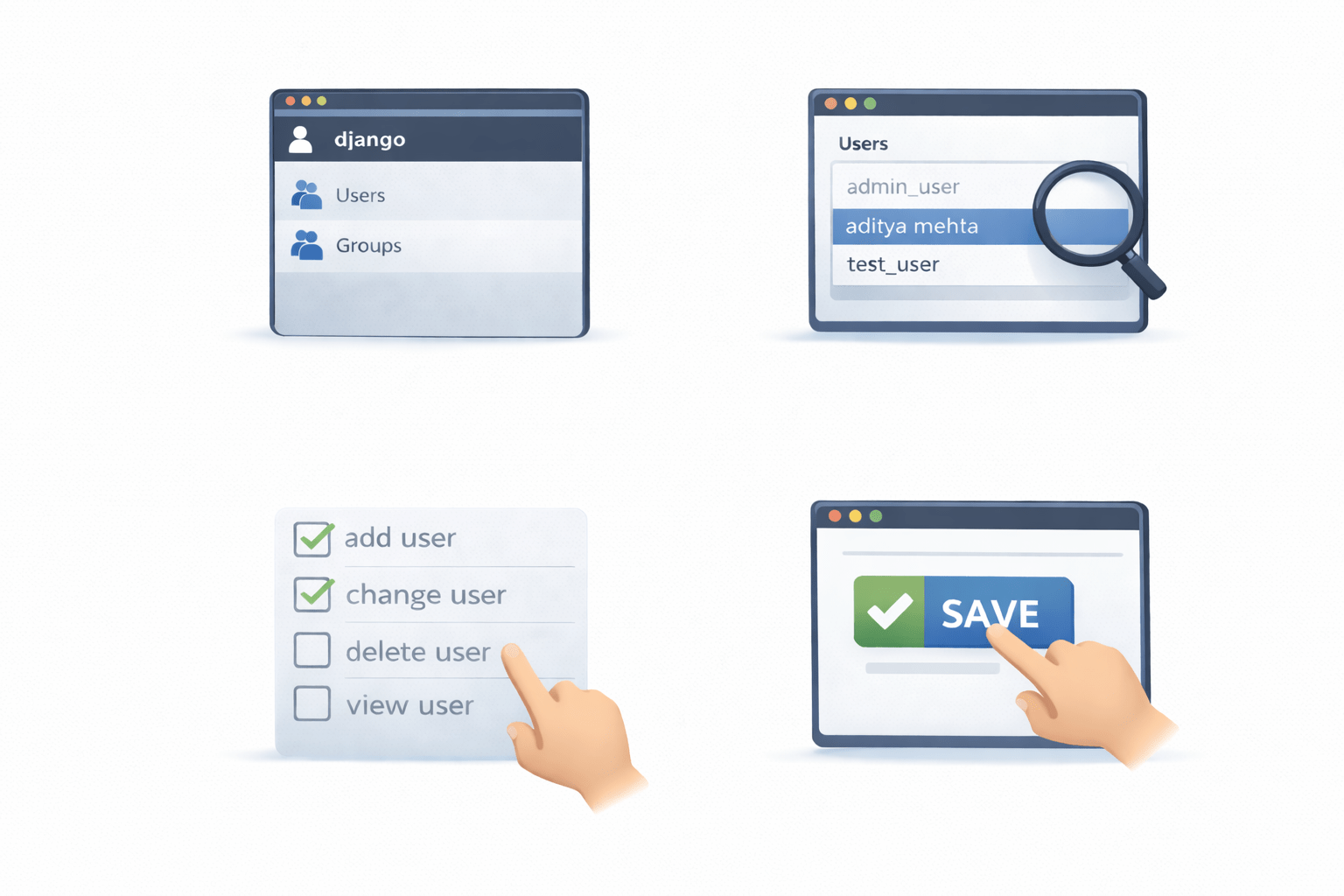
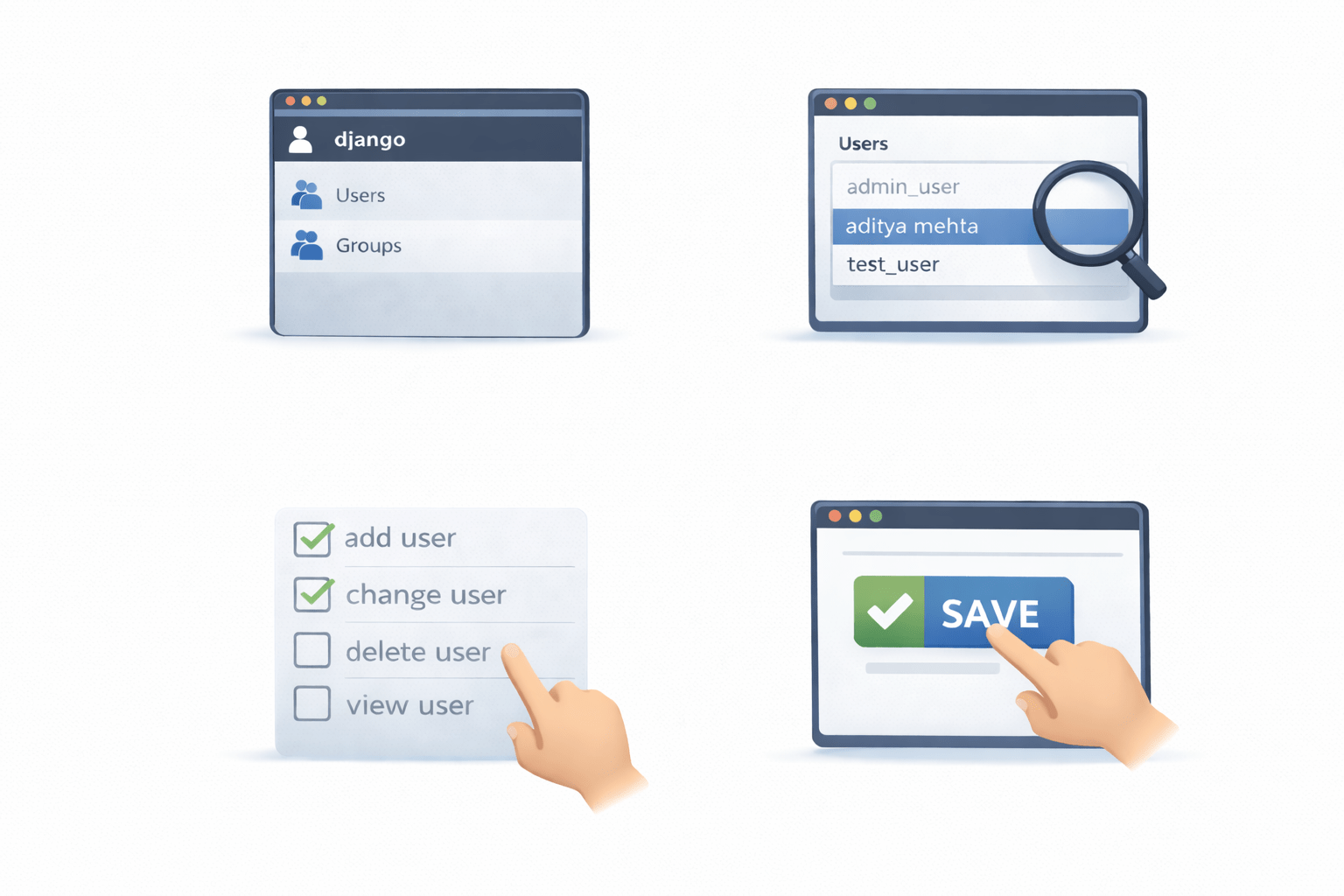
Navigate to the Users or Groups section
Select the user or group
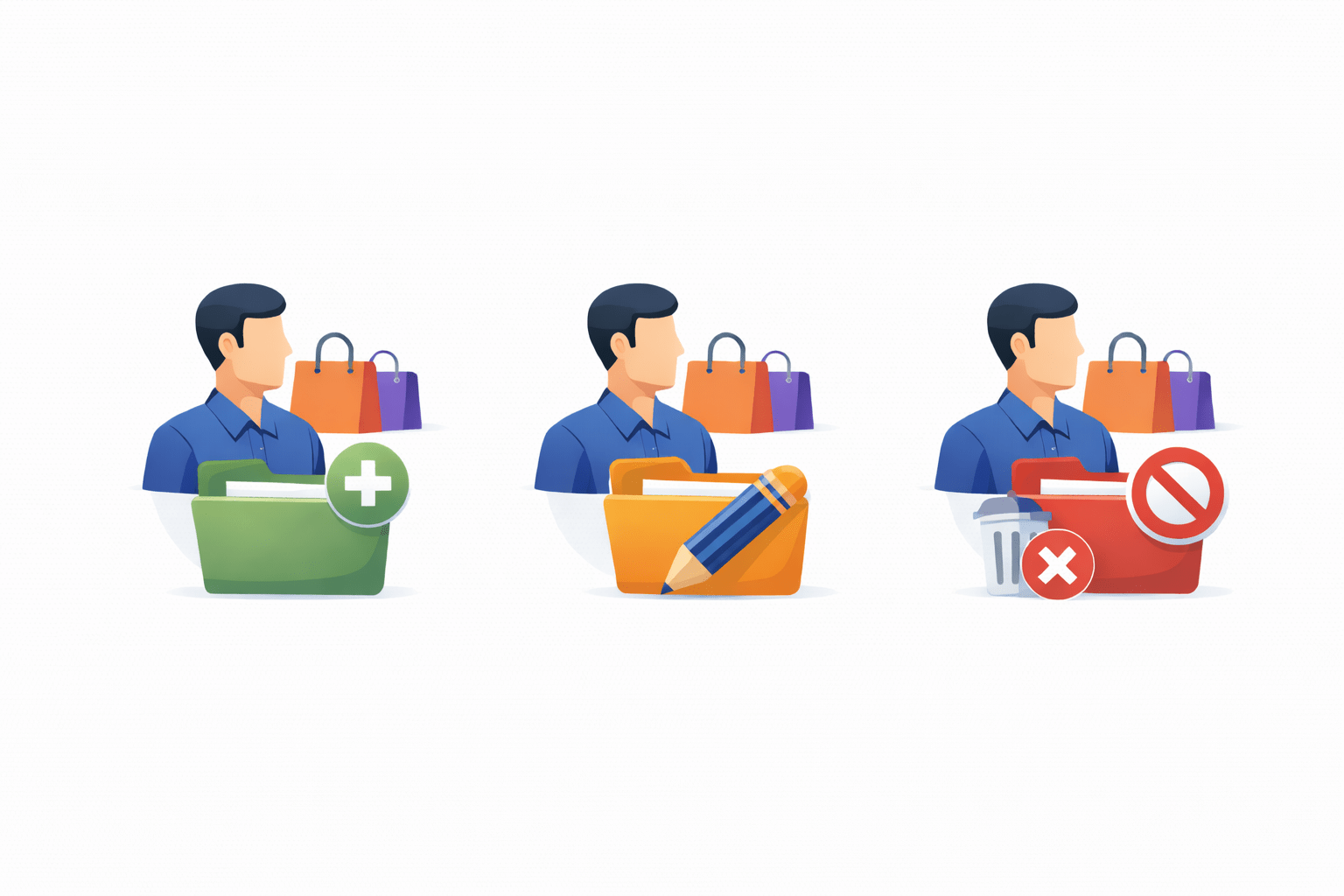
Save the changes
Assign permissions using checkboxes
Assigning Permissions to Users
Permissions can be assigned directly to users
Example scenario (E-commerce):
This provides granular control over application data
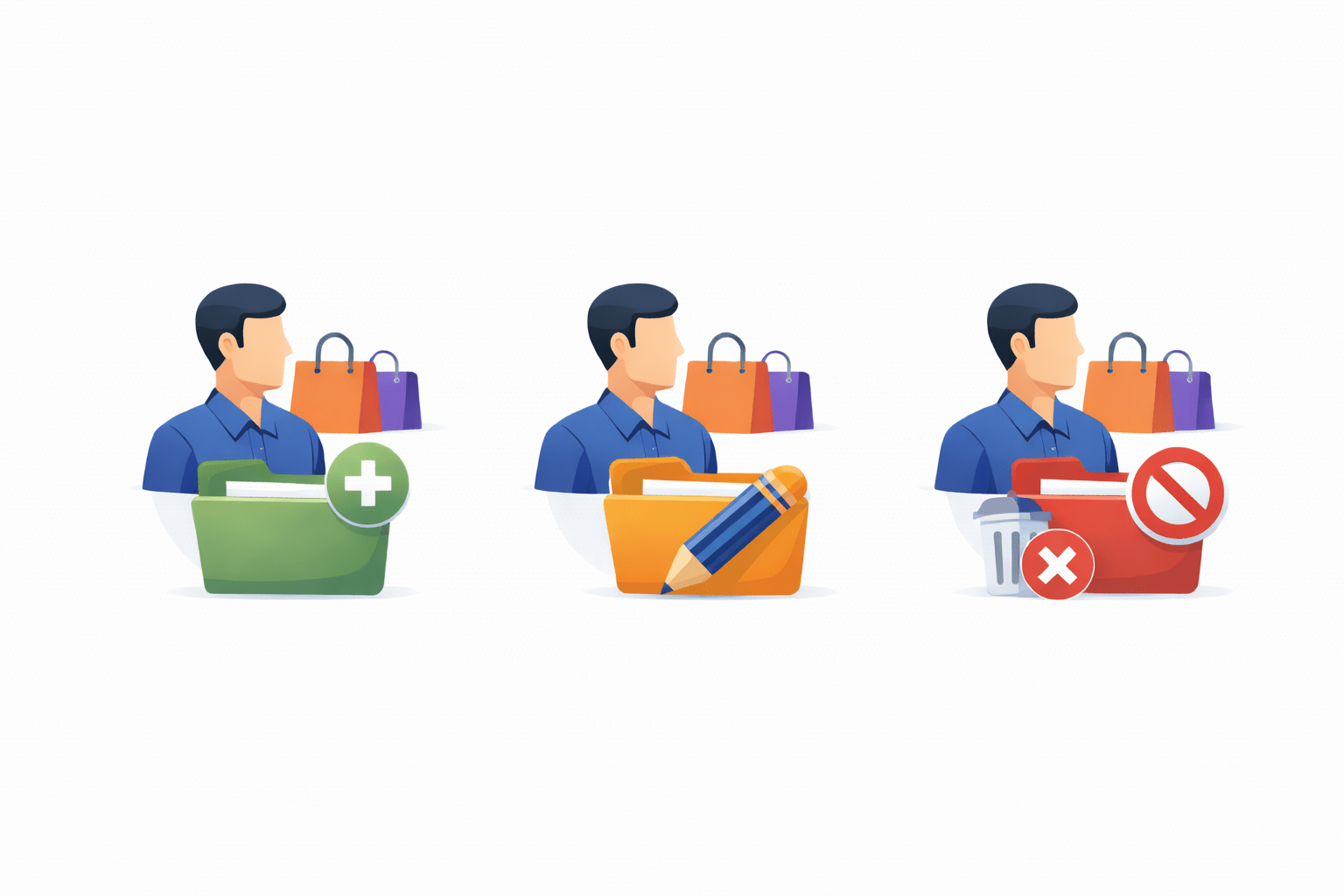
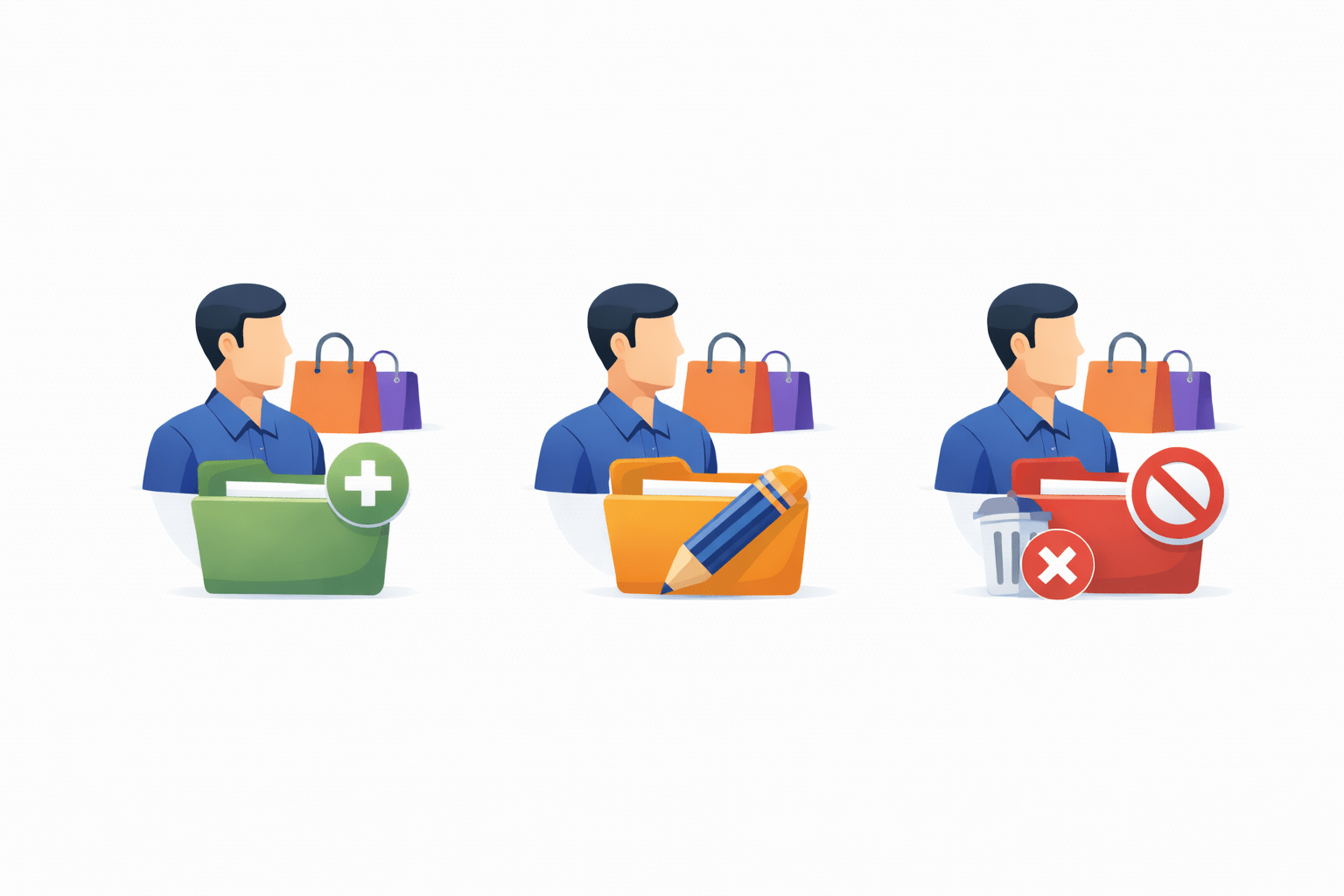
A user can have
permission to add products
But the user may not
delete products
The same user may
update product details
Example of Model Permission Usage (E-commerce)
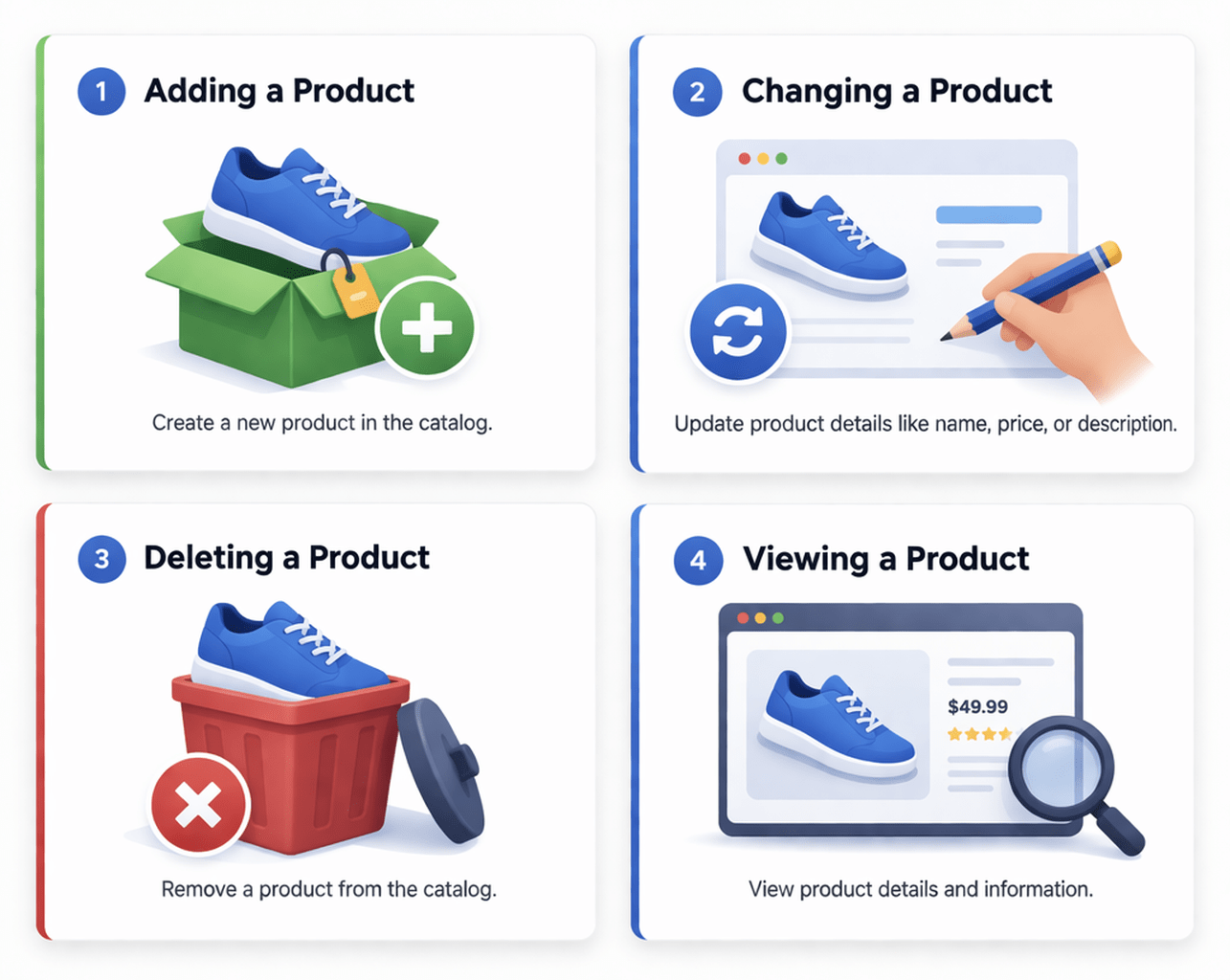
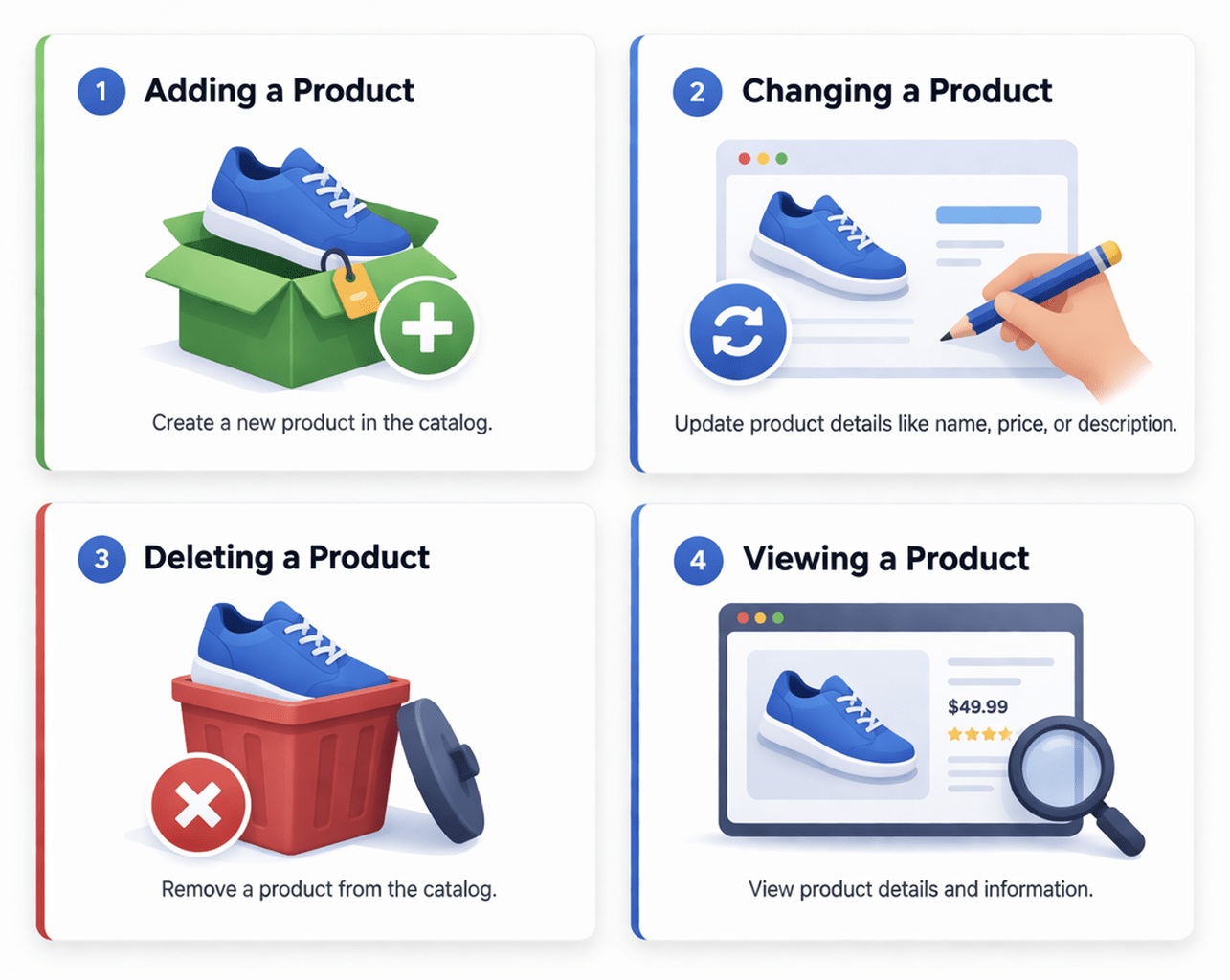
For a Product model:
Permissions could be:
A user with Add and Change permissions can create and update product records but cannot delete them
3
Delete Product
1
Add Product
2
Change Product
4
View Product
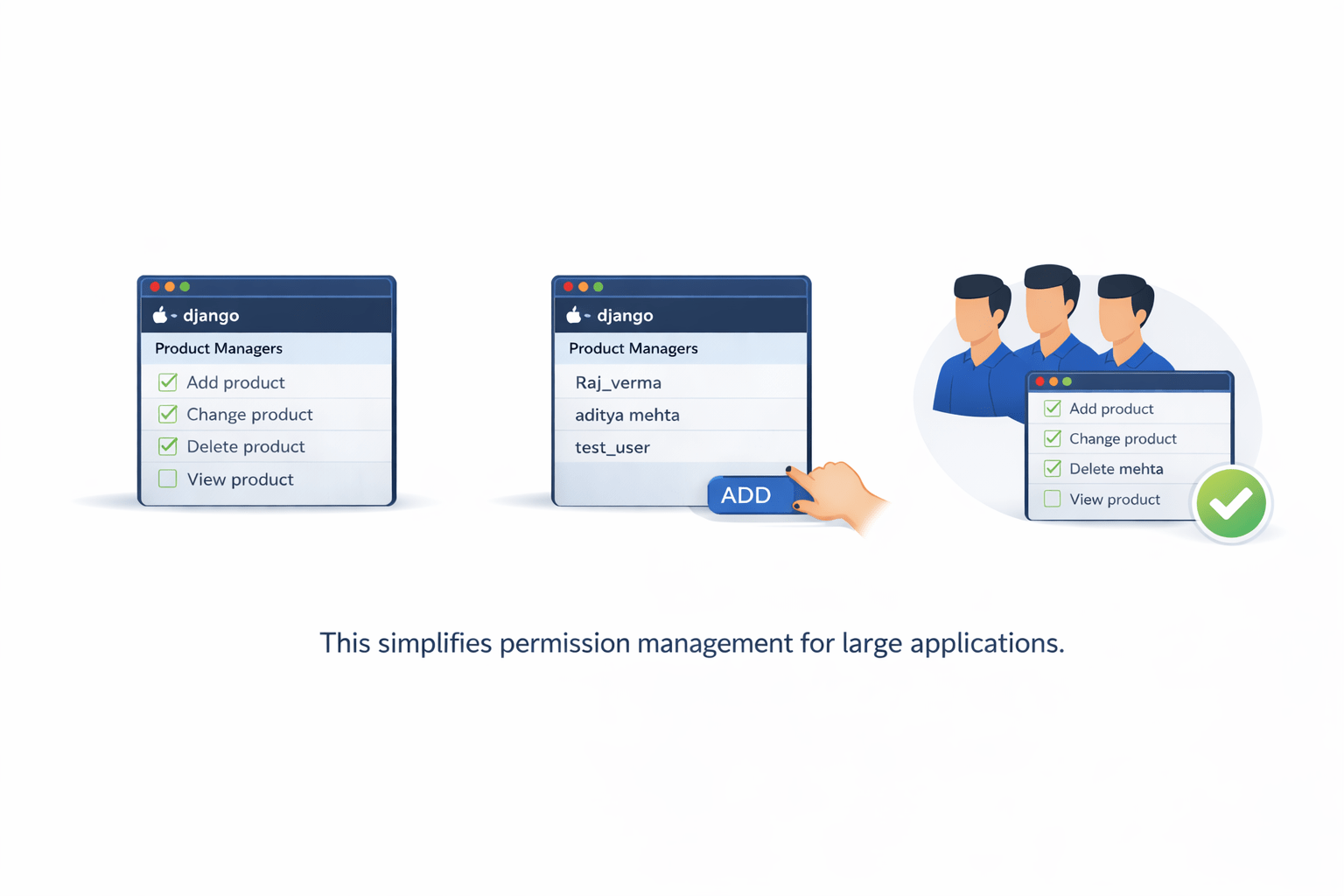
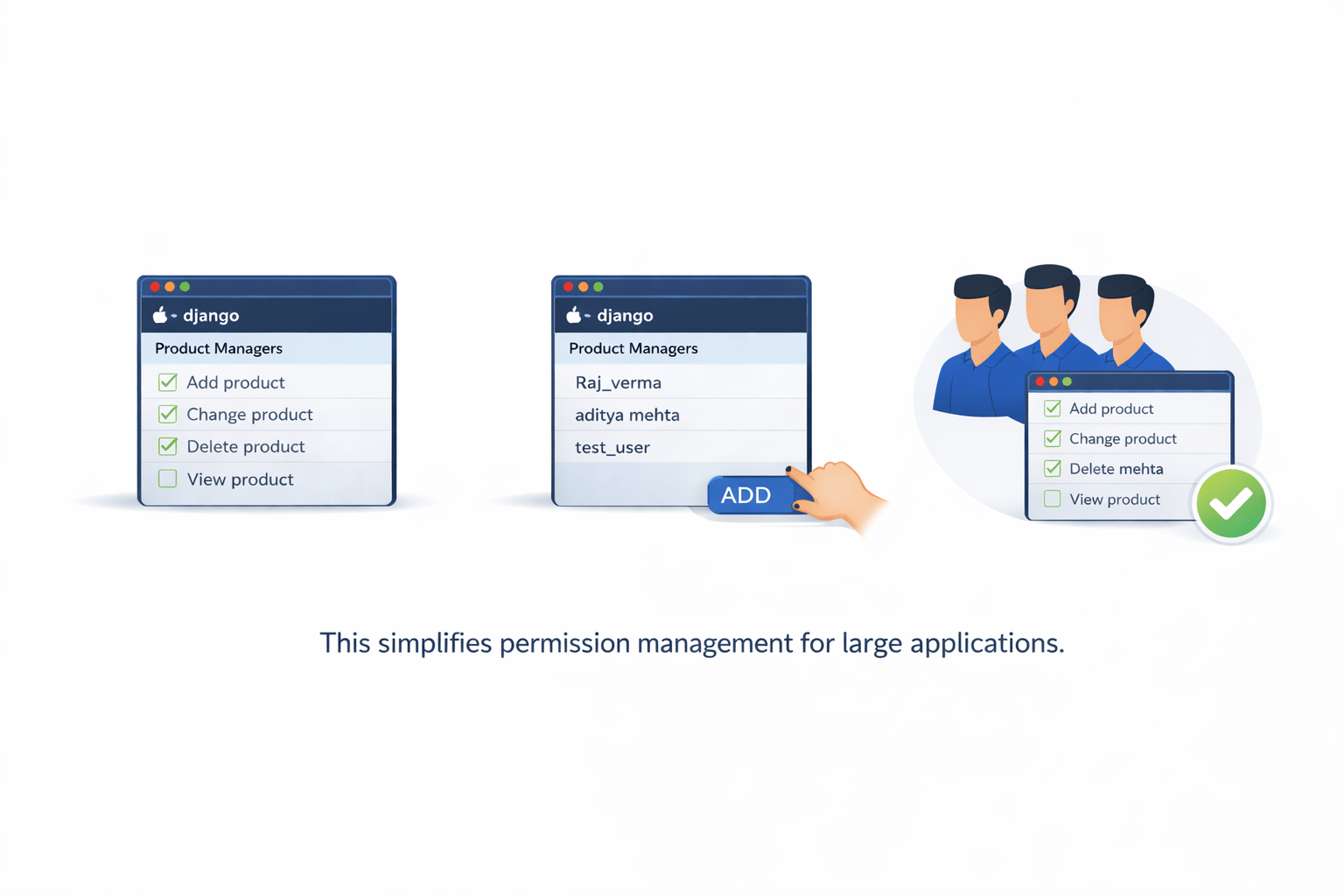
Introduction to Groups in Django
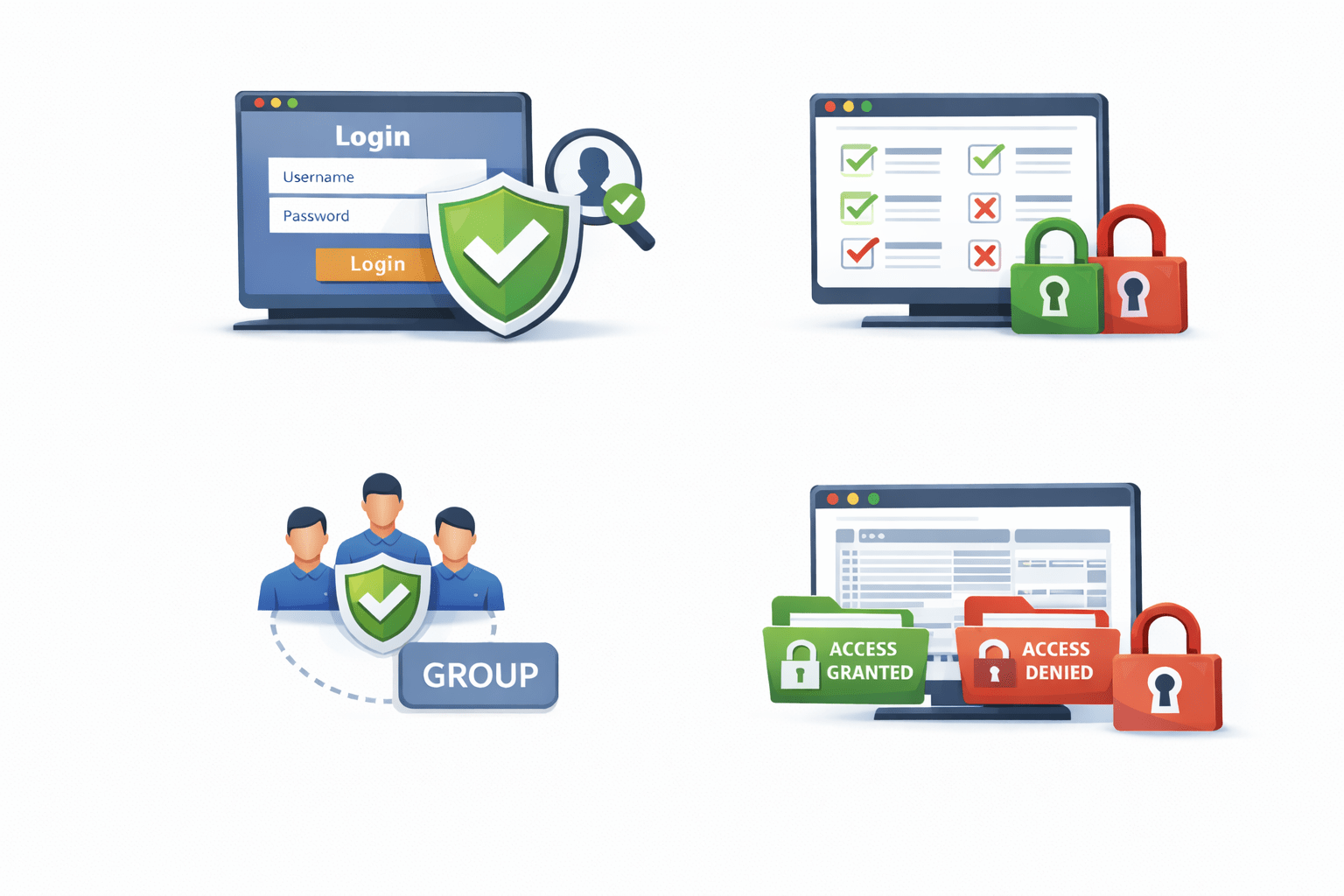
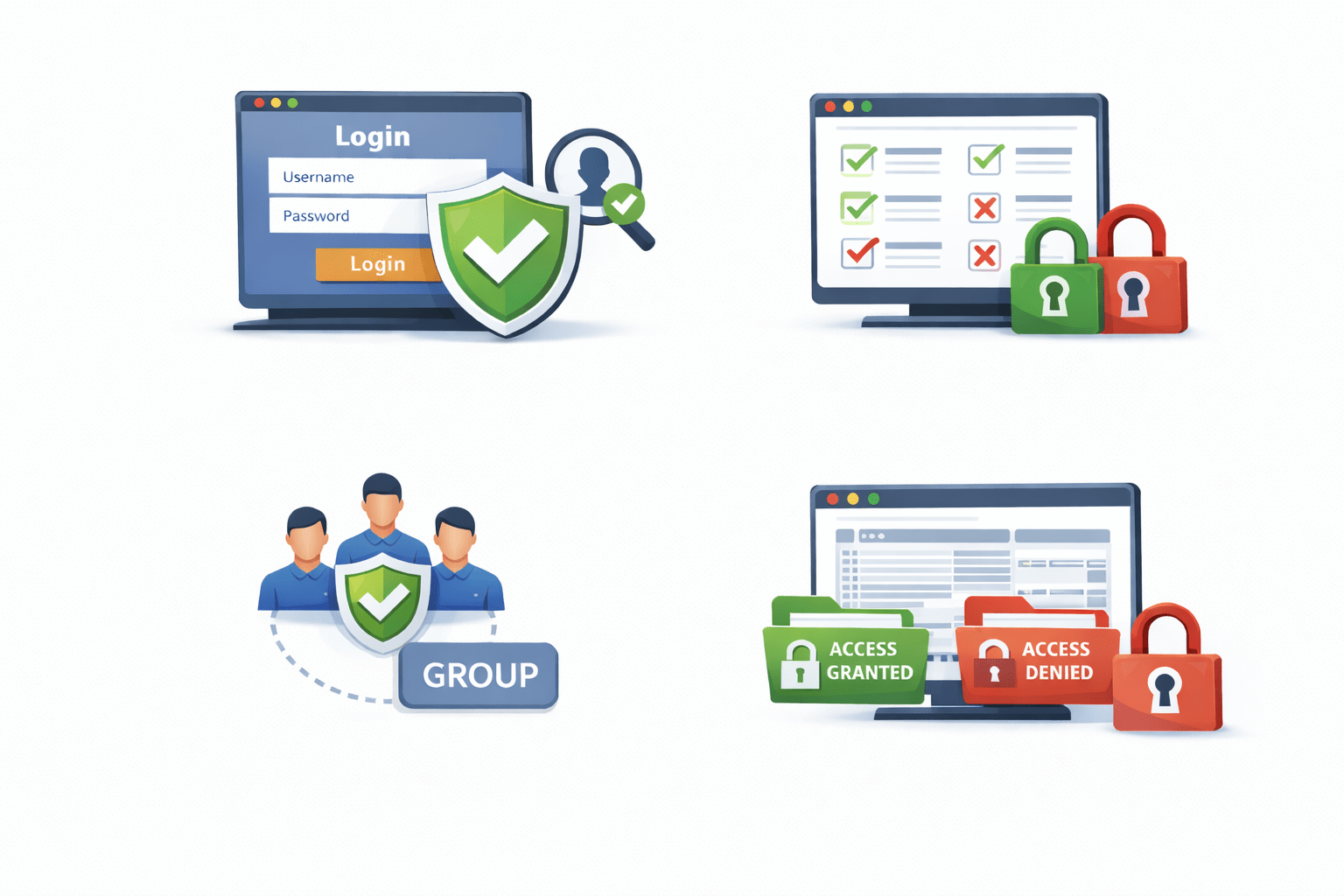
Groups help manage permissions efficiently
Key idea:
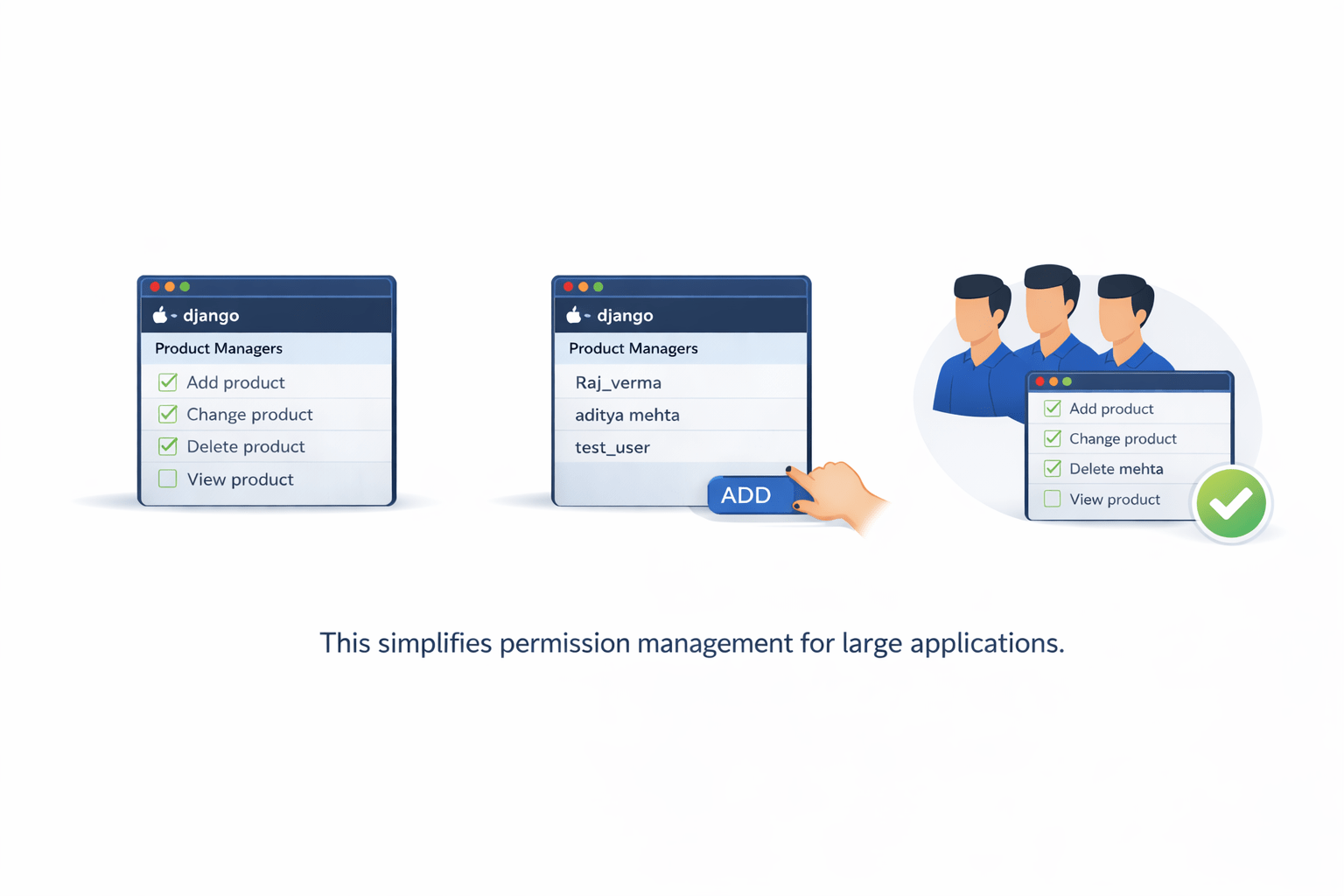
This simplifies permission management for large applications
Users can be added to that group
All group permissions apply to those users
Multiple permissions can be assigned to a group
Example of Role-Based Groups (E-commerce)
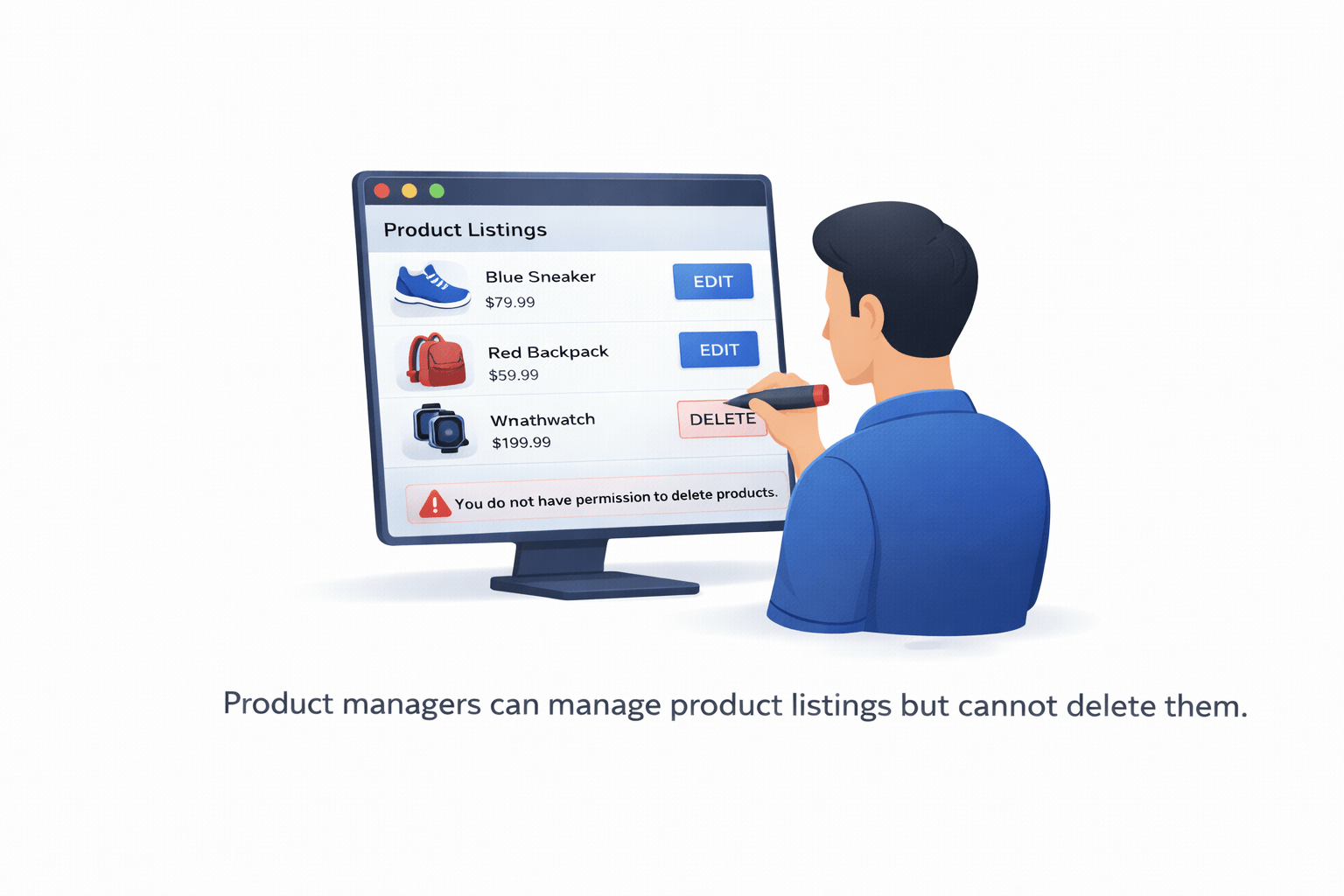
Example: Product Managers Group
Permissions assigned:
1
Add Product
2
Change Product
3
View Product
Product managers can manage product listings but cannot delete them
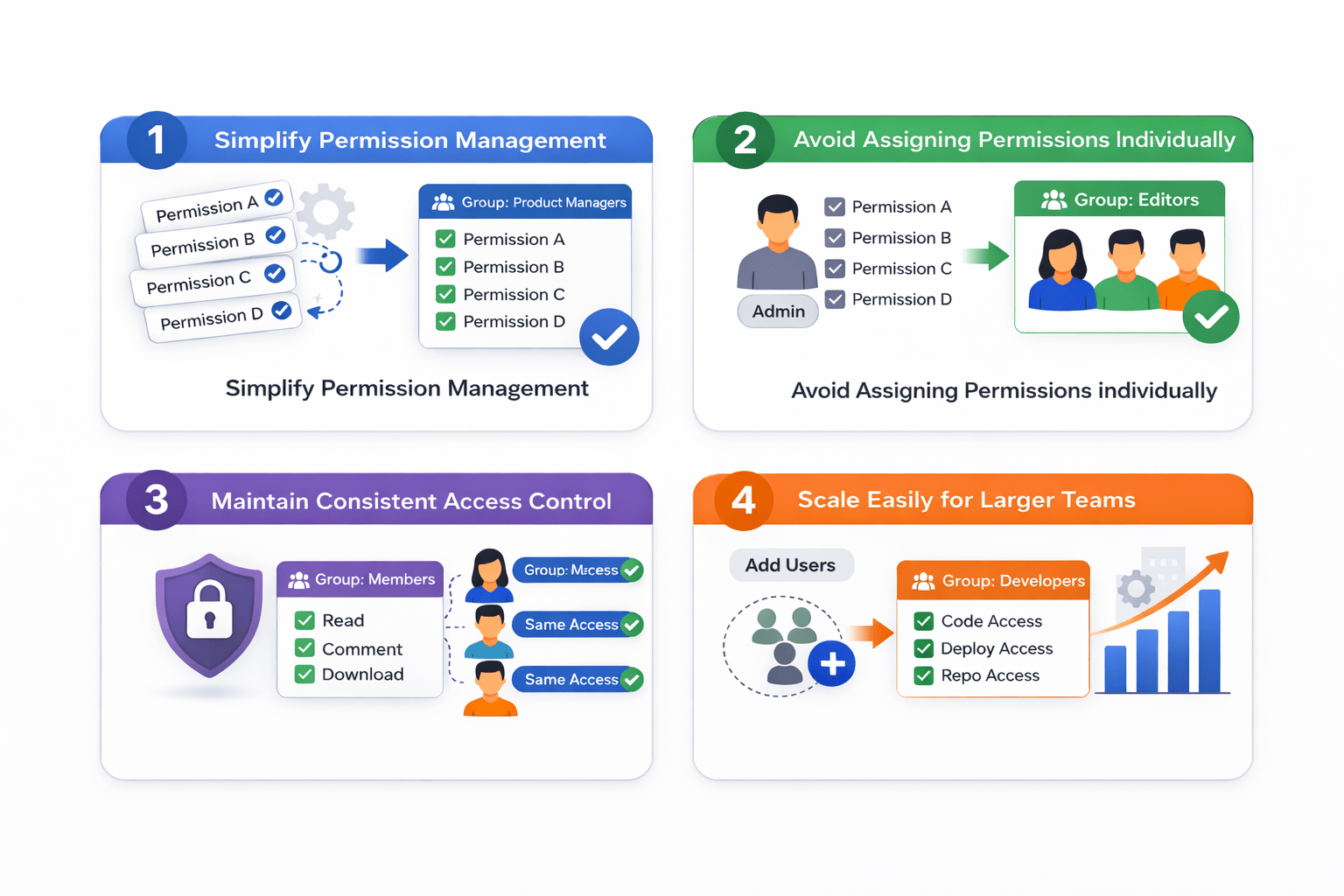
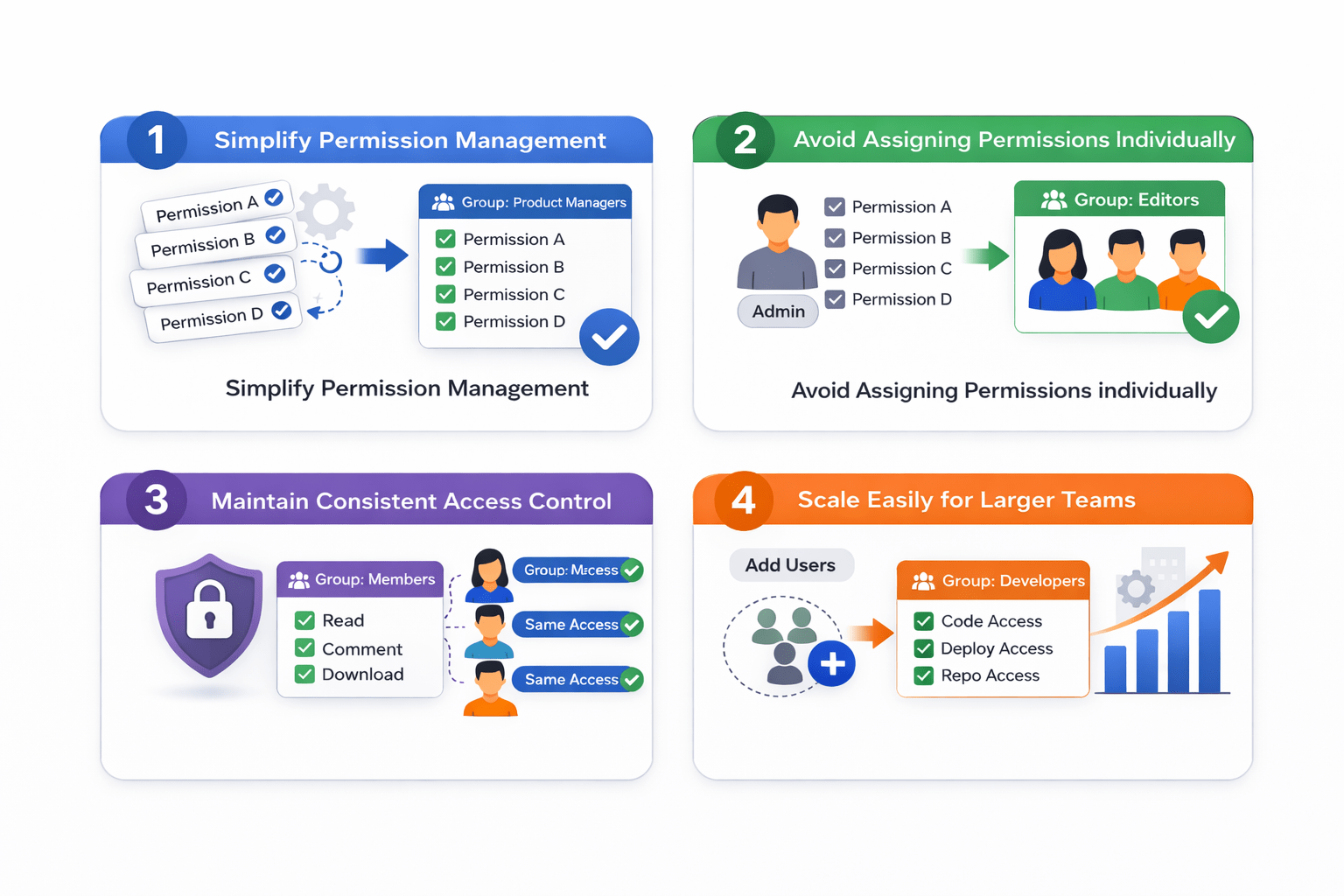
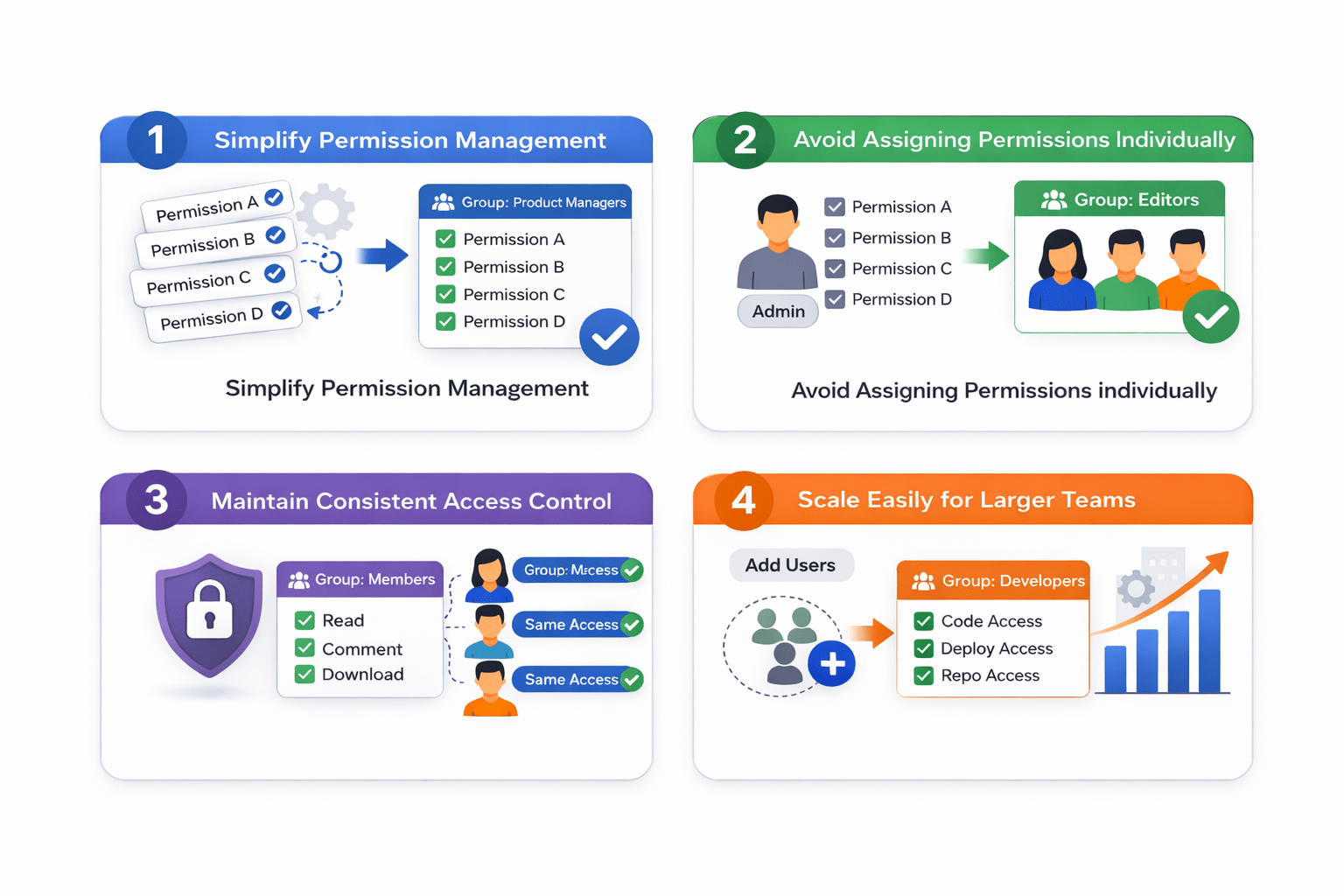
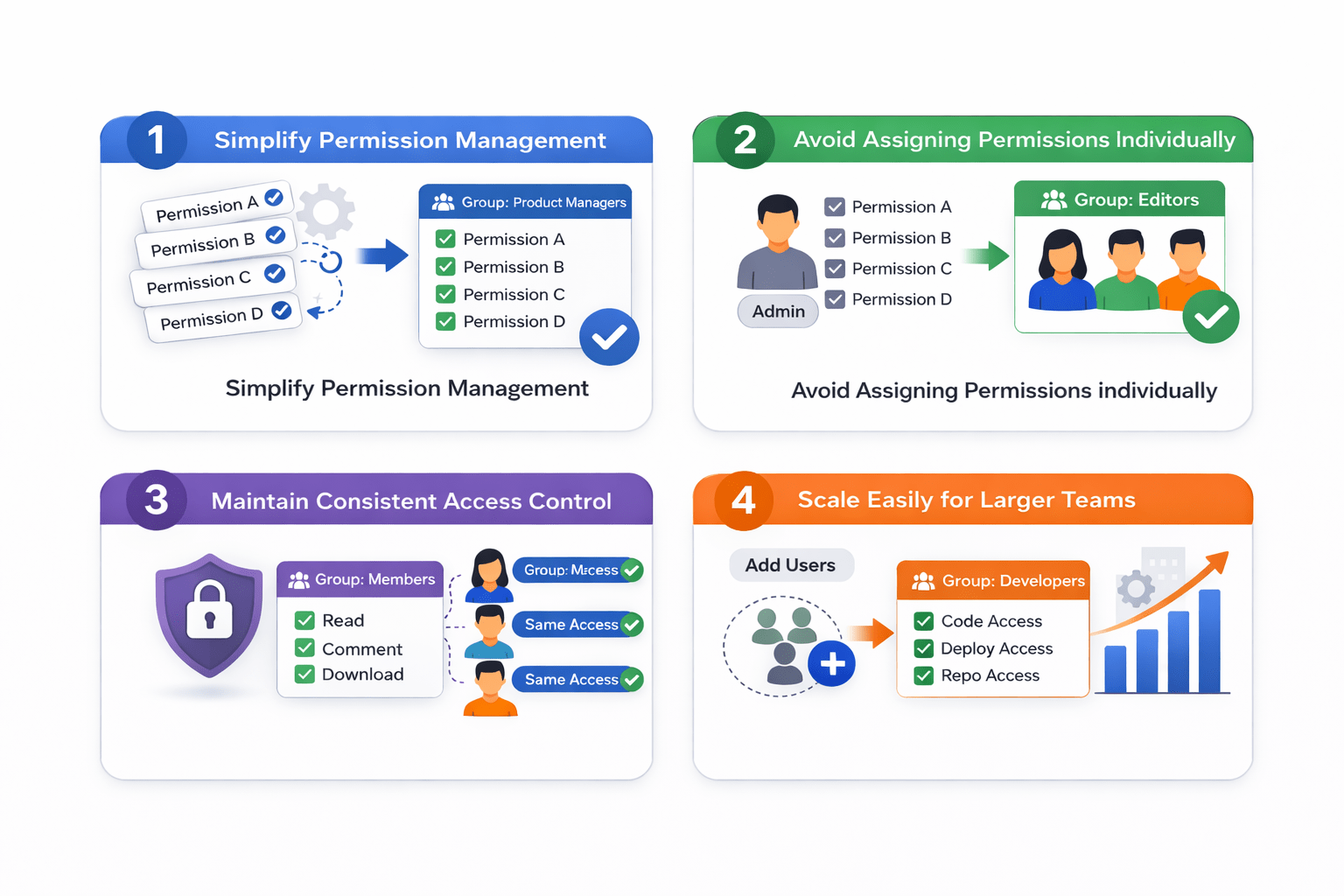
Benefits of Using Groups
Groups help:
1
Simplify permission management
2
Avoid assigning permissions individually
4
Scale easily for larger teams
3
Maintain consistent access control
Group Access
This approach improves administrative efficiency
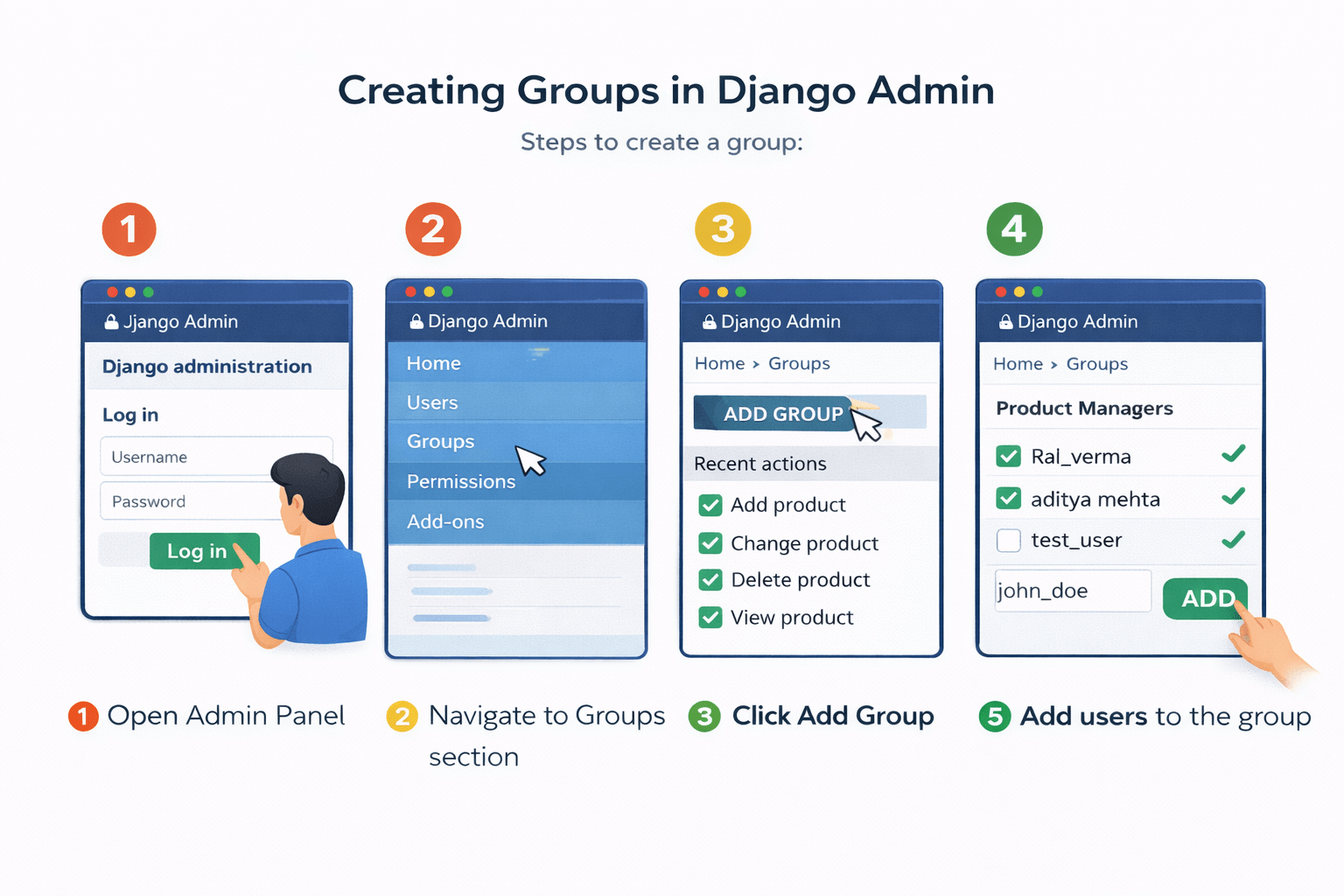
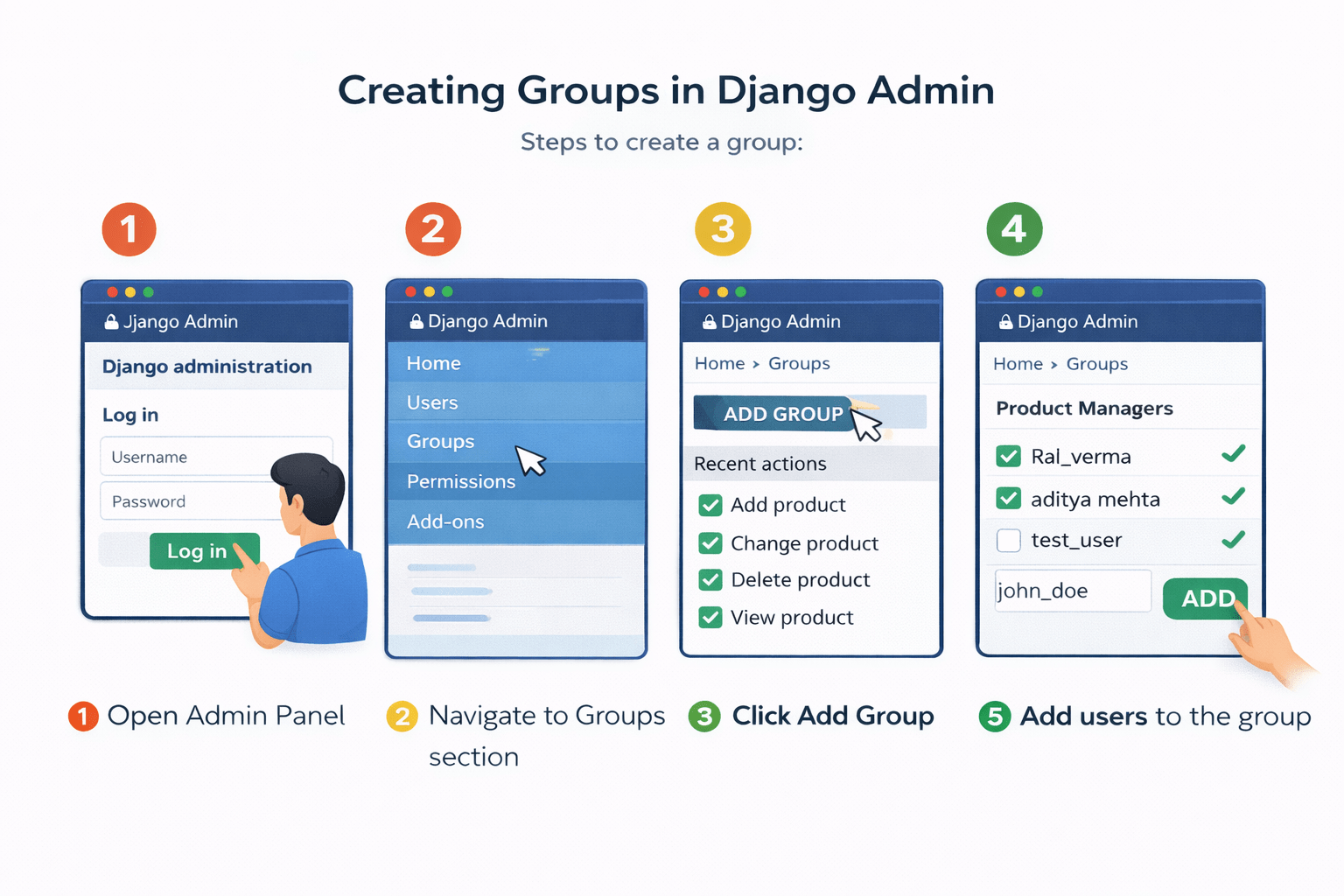
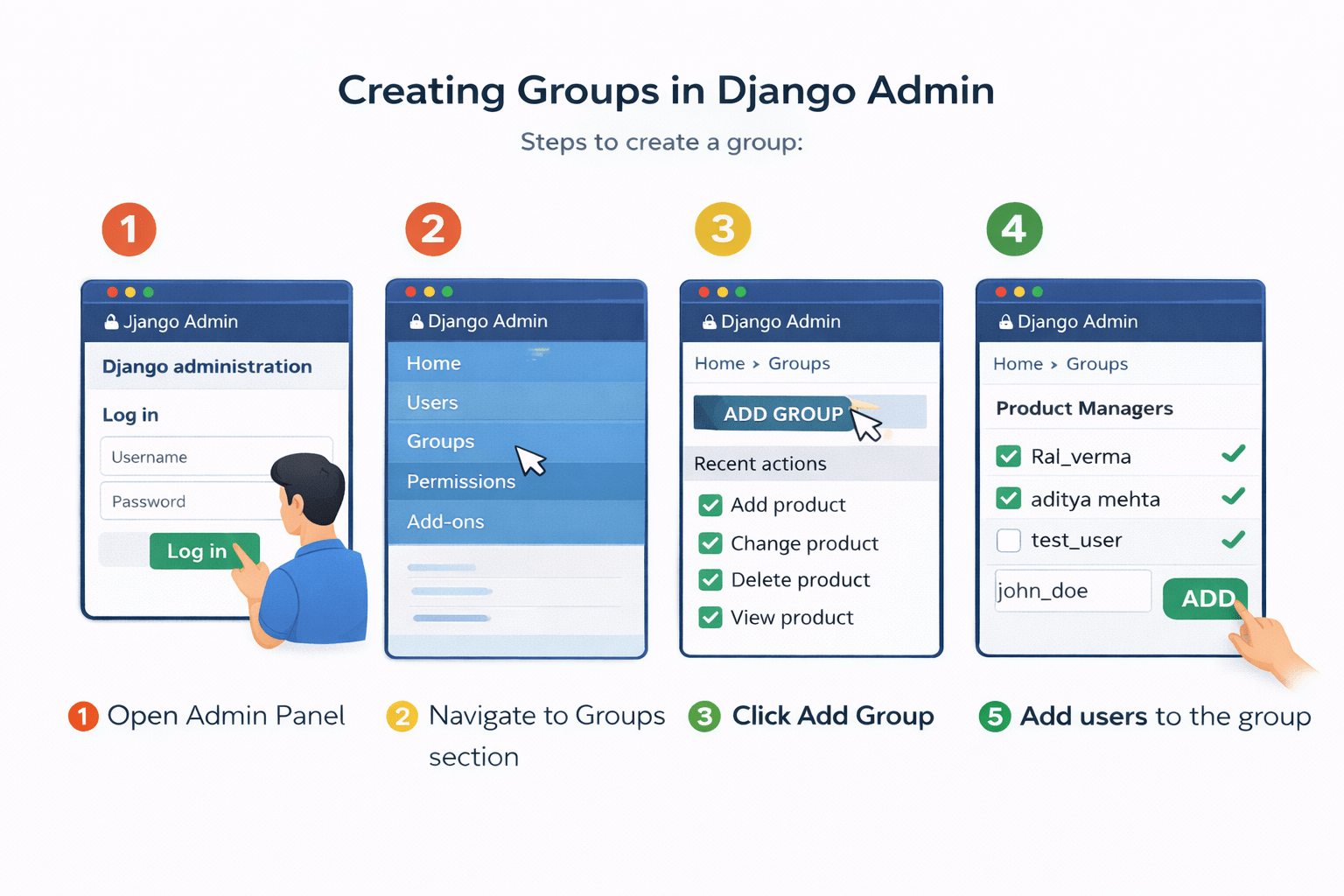
Creating Groups in Django Admin
Steps to create a group:
3
Click Add Group
2
Navigate to Groups section
1
Open Admin Panel
Creating Groups in Django Admin
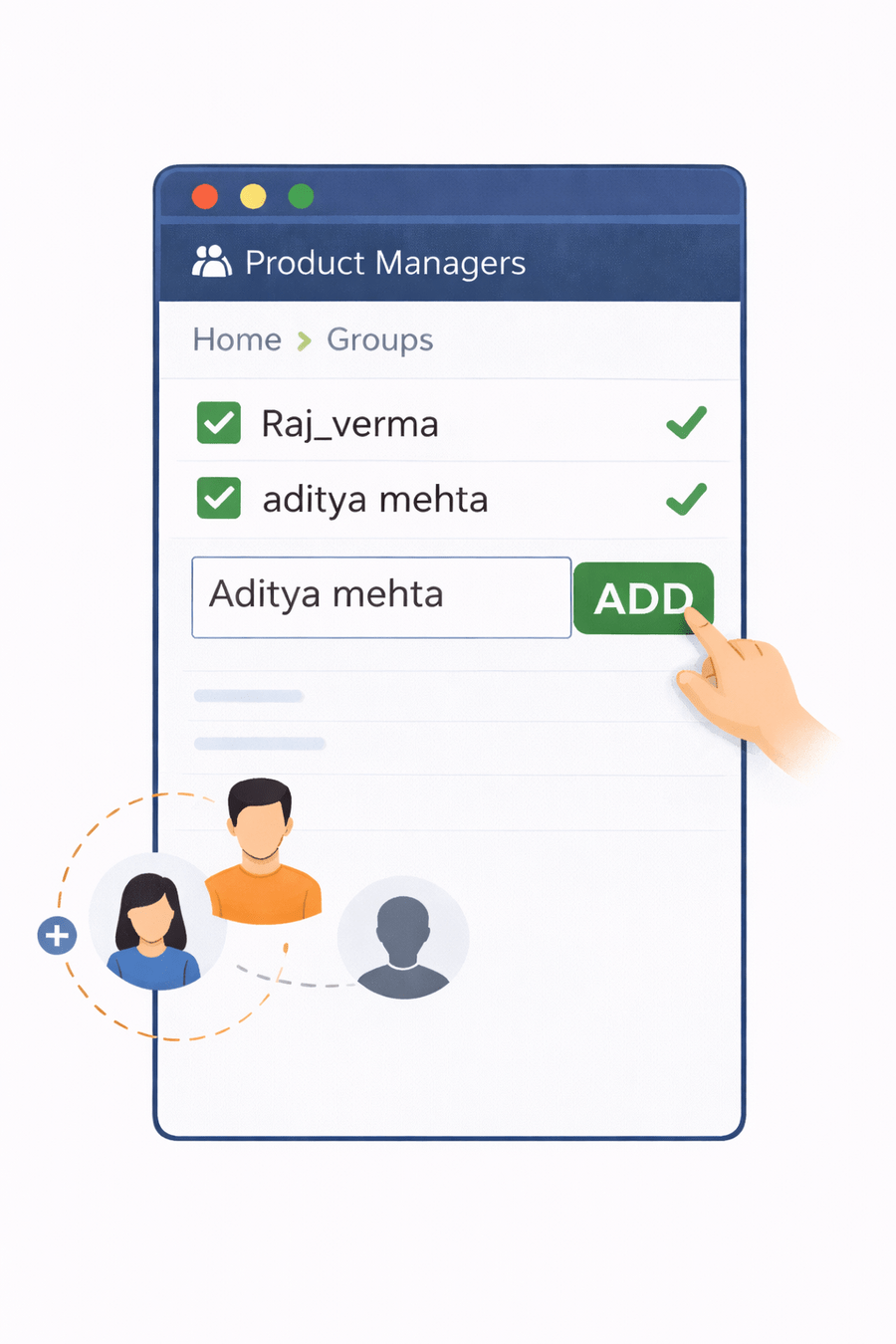
All users in that group automatically receive the assigned permissions
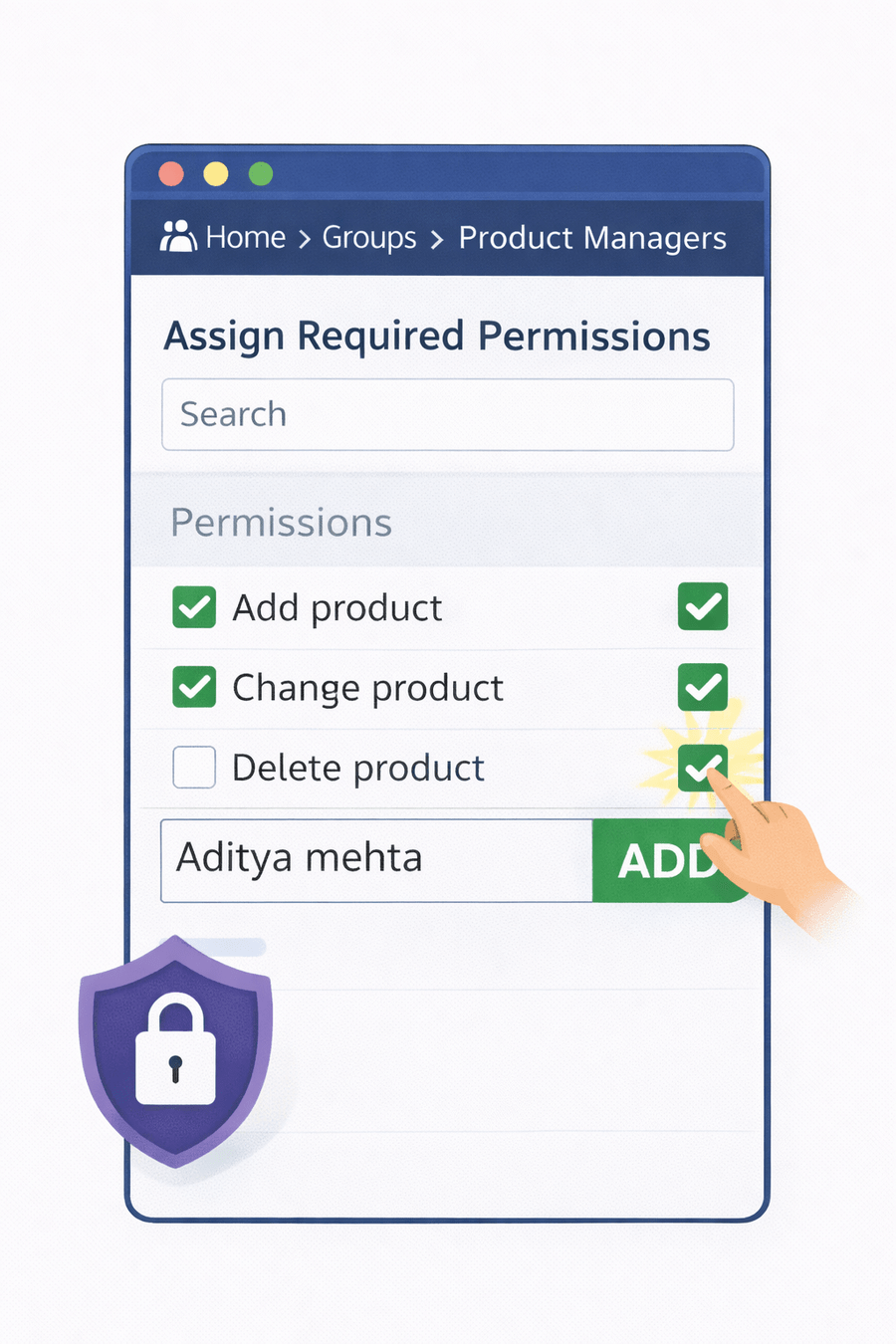
4
Assign required permissions
5
Add users to the group
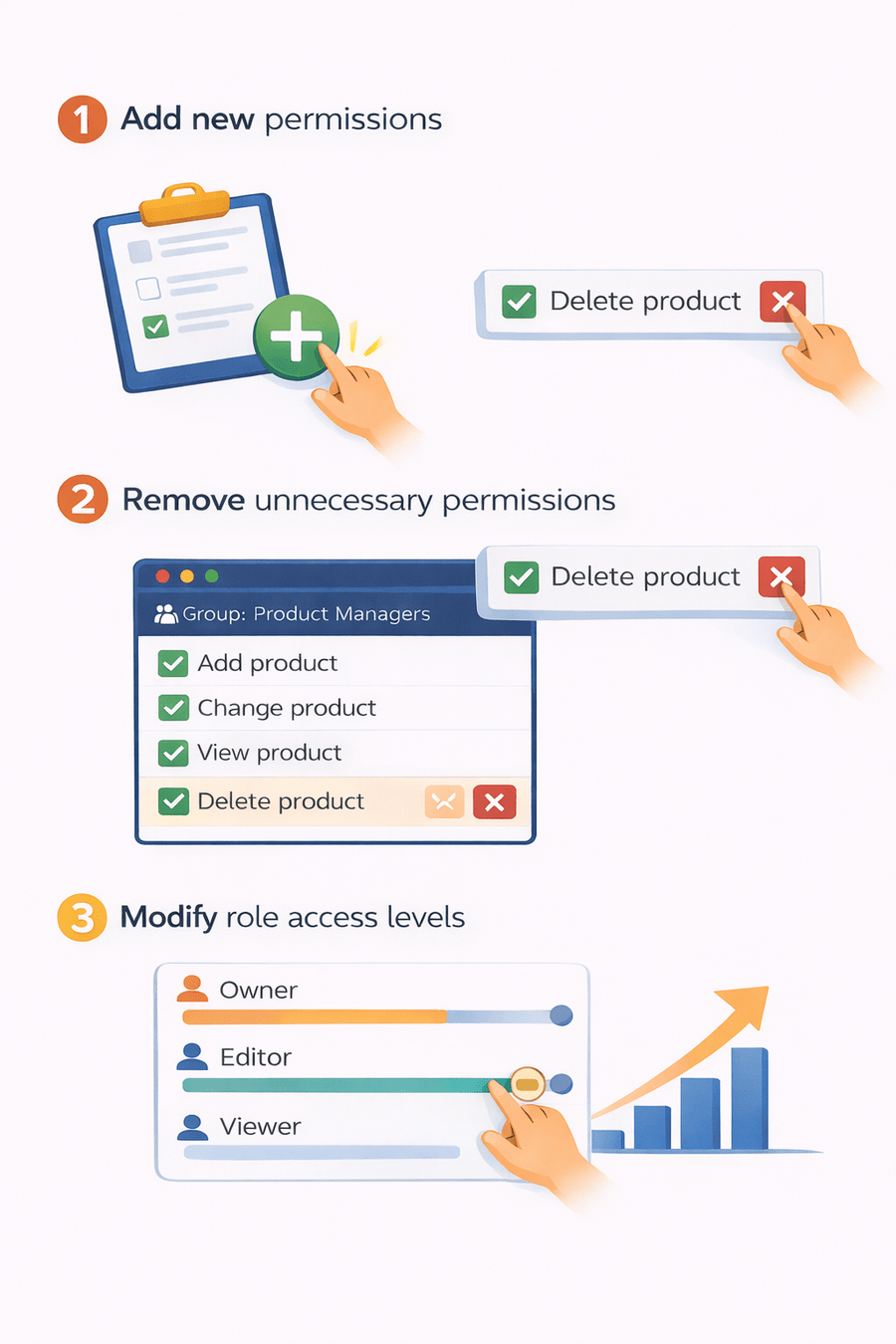
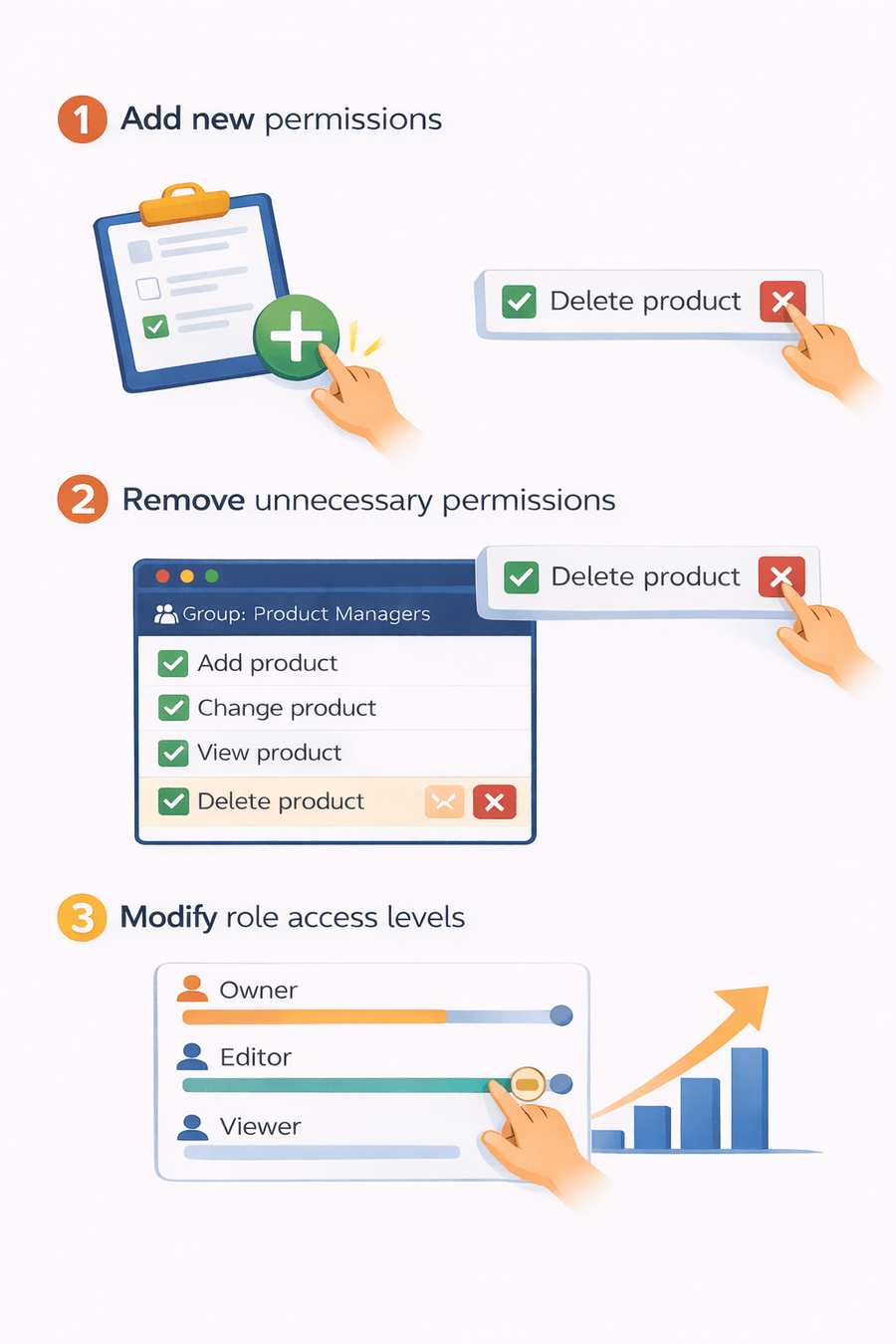
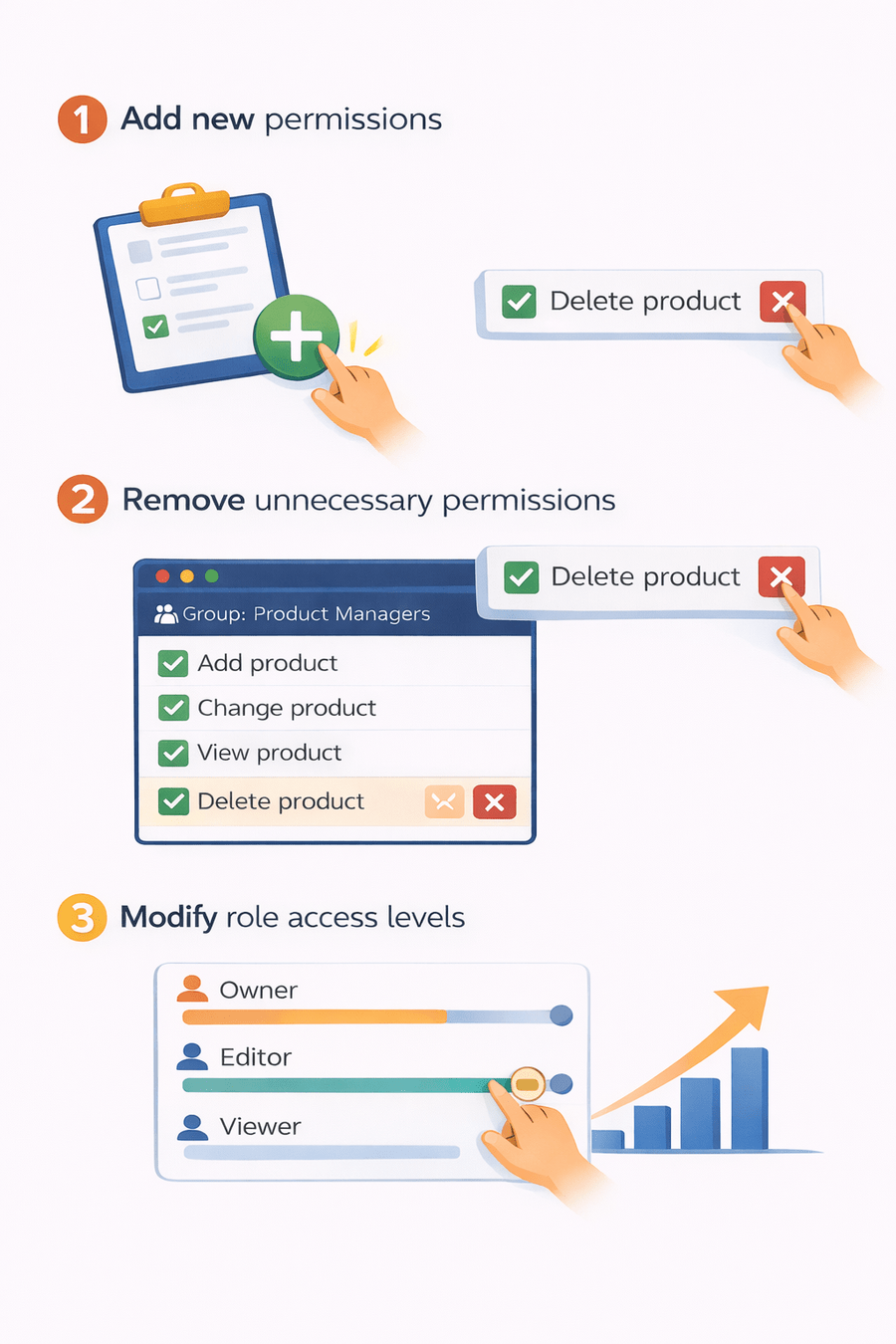
Managing Group Permissions
Group permissions can be updated anytime
Administrators can:
These changes apply to all users within the group
Add new permissions
1
Remove unnecessary permissions
2
Modify role access levels
3
Example: Store Admin Group
An Store Admin group can be created with full permissions
Permissions may include:
3
Delete Product
1
Add Product
2
Change Product
4
View Product
Users in this group have full control over the store management system
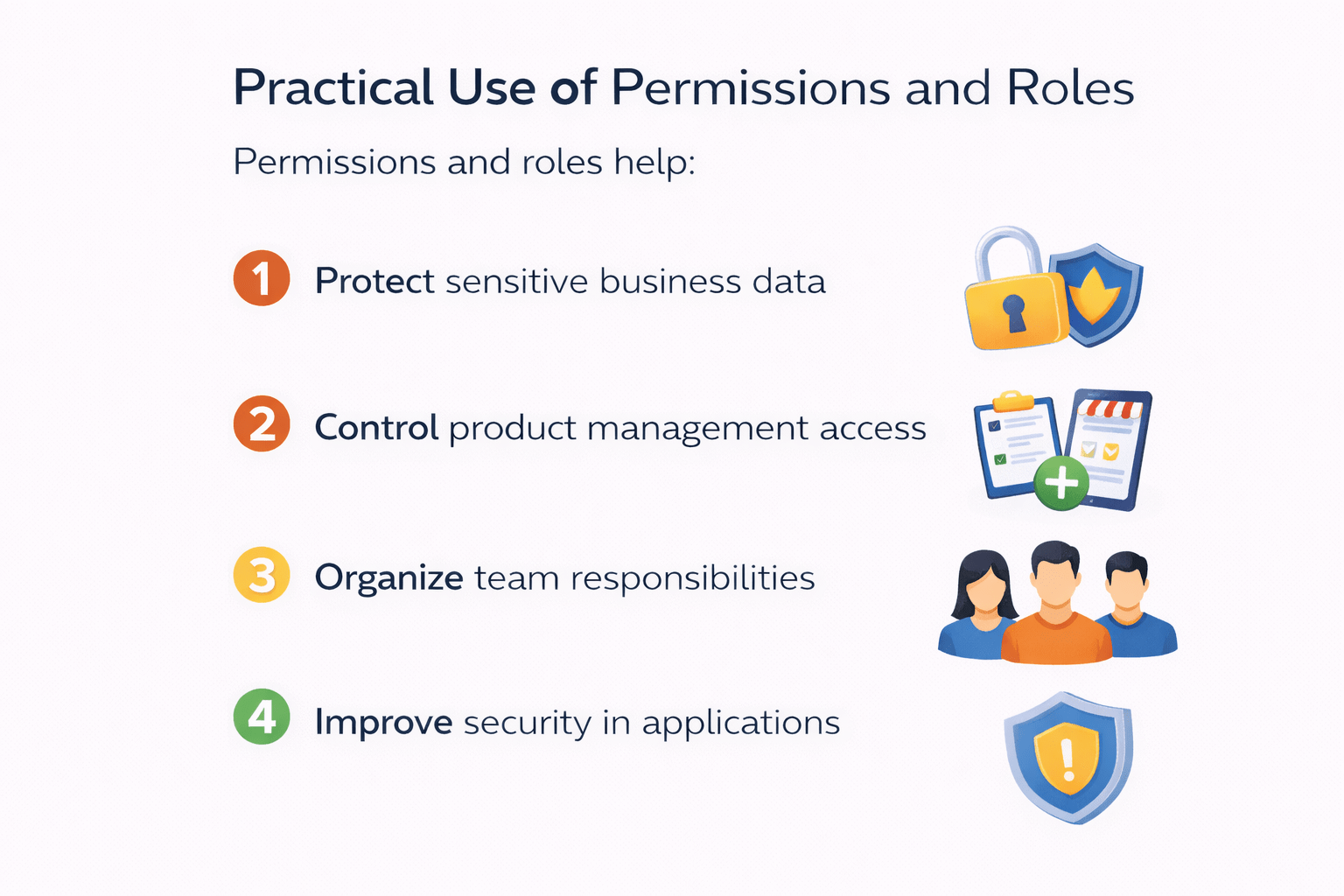
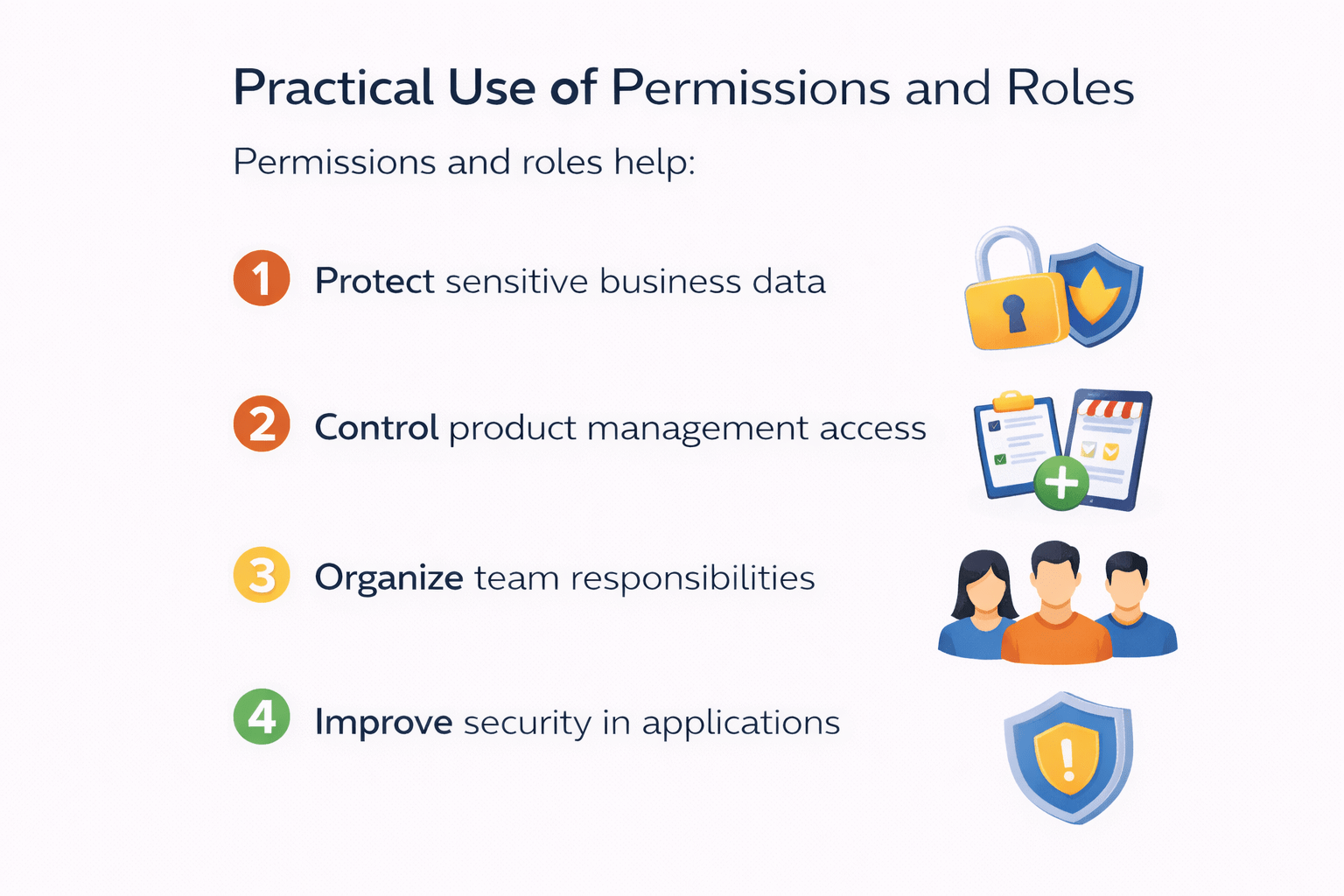
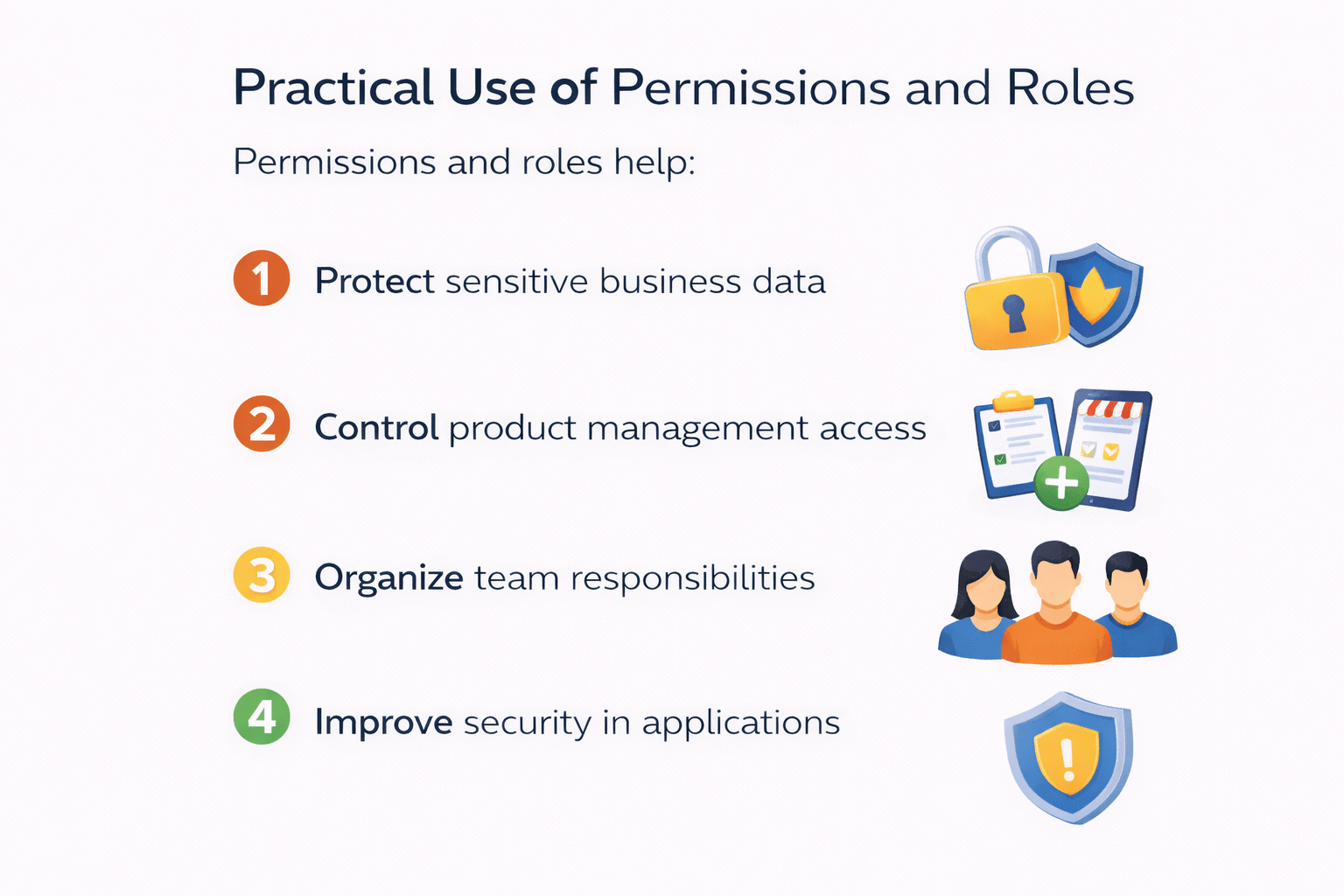
Practical Use of Permissions and Roles
Permissions and roles help:
Protect sensitive business data
Control product management access
Organize team responsibilities
Improve security in applications
They are essential for real-world web applications
1
4
3
2
Summary
5
Groups simplify role-based permission management
4
Permissions can be assigned to users or groups
3
Permissions include add, change, delete and view
2
Django automatically creates default permissions for each model
1
Authorization controls what users can do in an application
6
Django admin provides an easy interface for managing permissions
Quiz
Which permissions are created by default for every Django model?
A. create, update, remove, read
B. add, change, delete, view
C. insert, modify, remove, display
D. create, edit, delete, open
Quiz-Answer
Which permissions are created by default for every Django model?
A. create, update, remove, read
B. add, change, delete, view
C. insert, modify, remove, display
D. create, edit, delete, open
By Content ITV