
































Content ITV PRO
This is Itvedant Content department
Learning Outcome
5
Design and display cart UI dynamically in React
4
Learn how to integrate React with backend APIs
3
Build APIs to add, update, and remove cart items
2
Learn how to design Cart and CartItem models
1
Understand how cart systems work in real-world applications
What is a Cart Model
User
Items Save
Until Checkout
CART (Parent)
id (PK)
totalPrice
Holds all selected items
+ aggregated totalprice
Cart Item
Qty:1
$499
Cart Item
Cart Item
Qty:2
$749
Qty:1
$1200
@Entity
public class Cart {

   @Id
   @GeneratedValue
   private Long id;

   private double totalPrice;
}
CartItem Entity Architecture
CartItem represents an individual product inside the cart
Each item contains product-related information along with the quantity selected by the user.
linked to Cart using relationships like OneToMany,
Multiple CartItems belong to a single Cart
Stores essential product details + quantity
@Entity
public class CartItem {

   @Id
   @GeneratedValue
   private Long id;

   private String productName;
   private int quantity;
   private double price;
}
State Management vs Database Persistence
In frontend development, React uses state to manage cart data temporarily. This allows instant UI updates when a user adds or removes items.
const [cart, setCart] = useState([]);❌ Data is lost after page refresh
React State (Temporary)
✅ Data remains even after refresh
Database Persistence (Permanent)
API: Add Item to Cart
The Add API allows users to add new items to the cart. This is triggered when a user clicks “Add to Cart” in the UI.
T-Shirt
$499
Add To Cart
1. User Action (Frontend)
2.API Request
@PostMapping("/cart/add")
public CartItem addItem
(@RequestBody CartItem item) {
   return repo.save(item);
}
repo.save()4. Database
This API receives item data from the frontend, processes it, and stores it in the database.It is one of the most frequently used operations in any e-commerce system
API: Update & Remove Item
@PutMapping("/cart/{id}")
public CartItem update

(@PathVariable Long id, @RequestBody CartItem item){
   return service.updateItem(id, item);
}
Update Item API
@PutMapping("/cart/{id}")
public CartItem update

(@PathVariable Long id, @RequestBody CartItem item){
   return service.updateItem(id, item);
}
Remove Item API
Sync Cart with Backend
Synchronization ensures that frontend UI always reflects the latest backend data.
Whenever the page loads or updates, React fetches the latest cart state from the backend.
1.Page Loads
2.useEffect Runs
3.Backend Response
4.UI Updated
useEffect(() => {
 axios.get("http://localhost:8080/cart")
   .then(res => setCart(res.data));
}, []);
Designing Cart UI in React
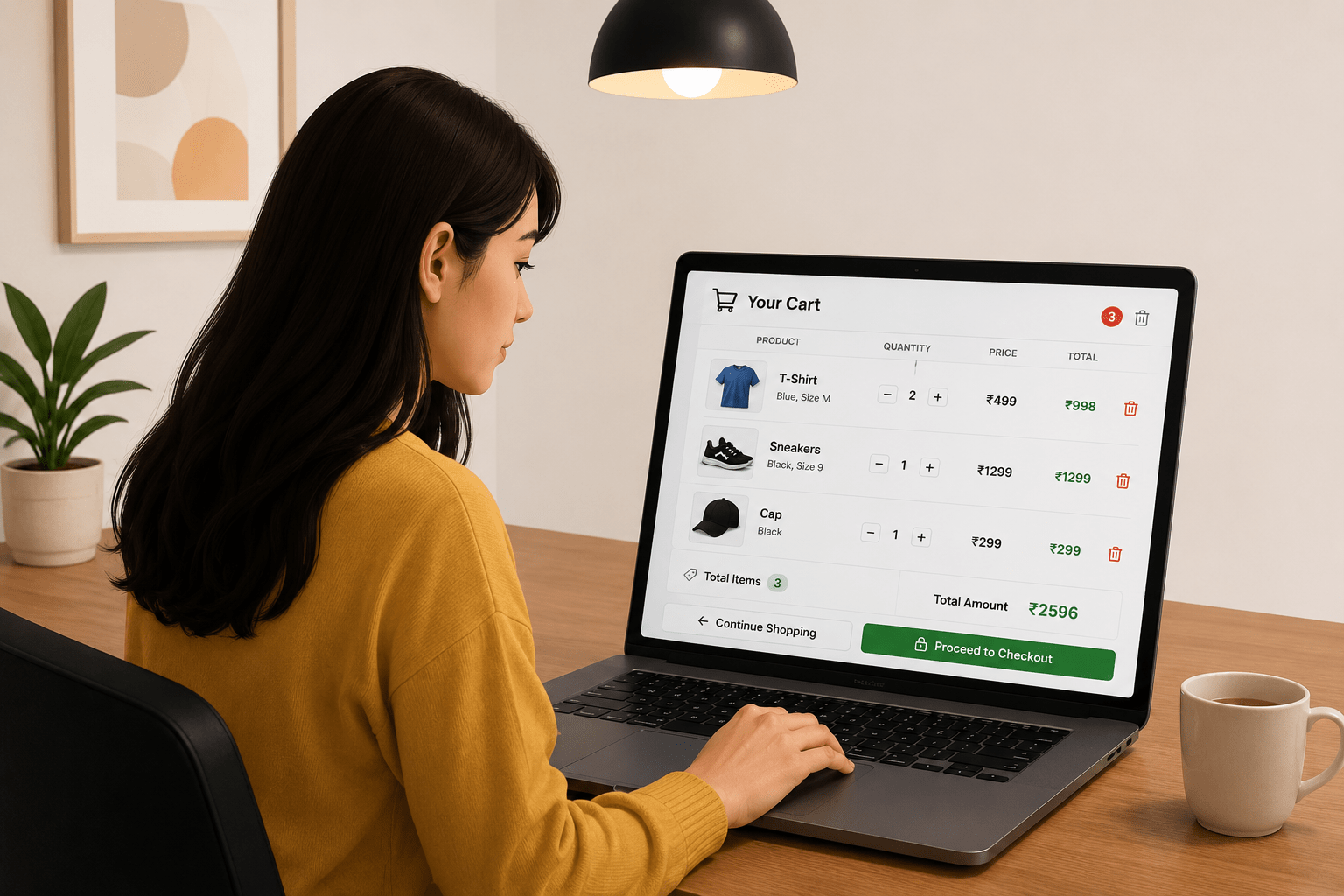
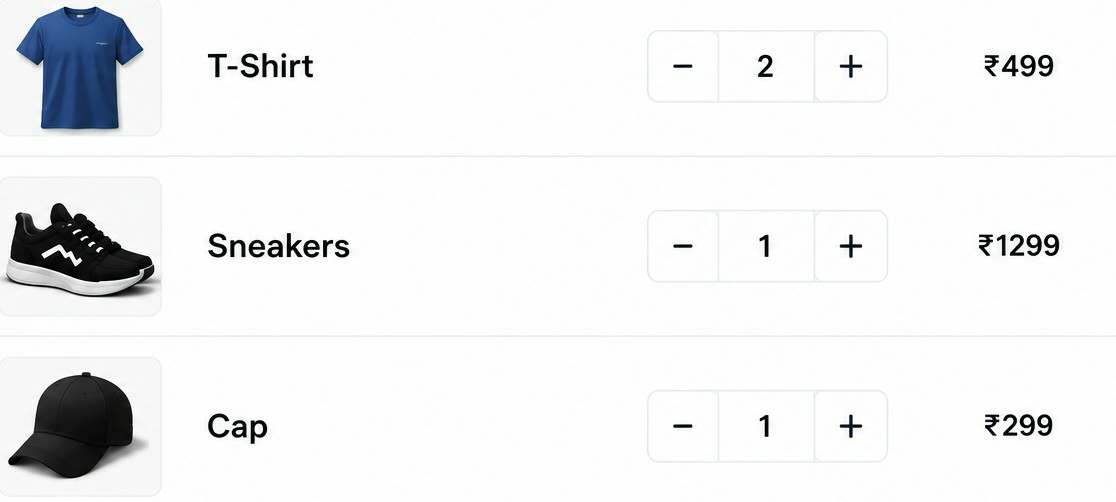
The cart UI displays all selected items along with their details. It updates automatically whenever the cart state changes.
User Add/Updates Item
{cart.map(item => (
 <li key={item.id}>
   {item.productName} - {item.quantity}
 </li>
))}
End-to-End Flow
$49.99
Cart To Cart
1. User Action
2,React Frontend
/api/cart/add
3.Spring Boot Backend
Receives Request
4.Database
Data Stored in Database
5.Response
Sends Response
6.Updated UI
Receives Response
Summary
5
Frontend + Backend sync ensures smooth user experience
4
APIs support add, update & remove operations
3
Spring Boot stores cart data in database (backend)
2
React handles temporary cart state (frontend)
1
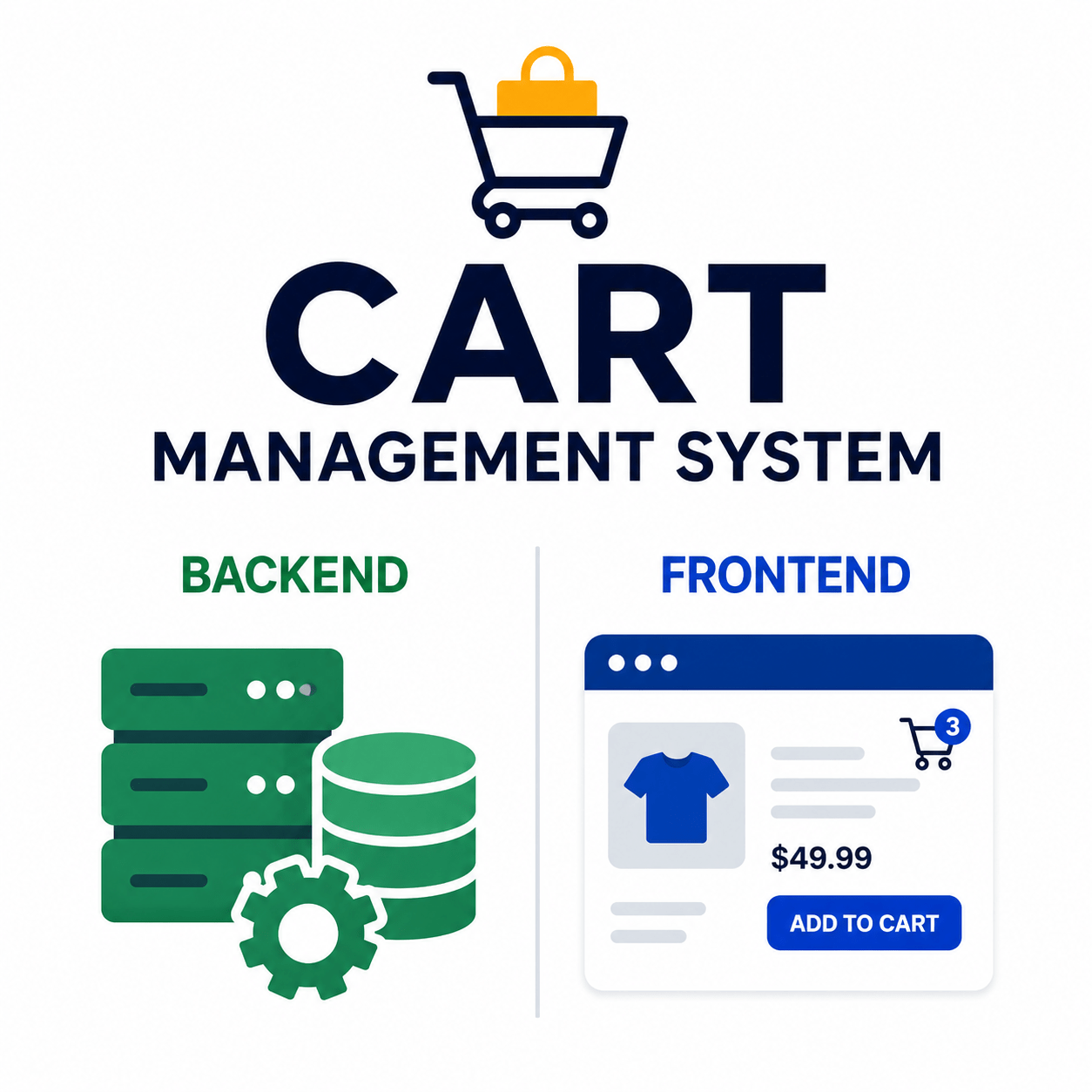
Cart management helps users add & manage items easily
Quiz
1.CartItem represents:
A. Entire cart
B. Single item in cart
C. Database connection
D. UI component
Quiz-Answer
2.State in React is:
A. Permanent storage
B. Temporary storage
C. Database
D. API
Quiz-Answer
3.Cart API is used to:
A. Style UI
B. Manage cart data
C. Compile code
D. Routing
By Content ITV