
















Content ITV PRO
This is Itvedant Content department
Learning Outcome
5
Validate inputs and debug test failures.
4
Explain the role of browser, context, and page during execution.
3
Understand how hooks, test methods, and assertions are executed.
2
Identify the sequence from test setup to test completion.
1
Understand the test execution flow in Playwright.
Recall / Revisit
1
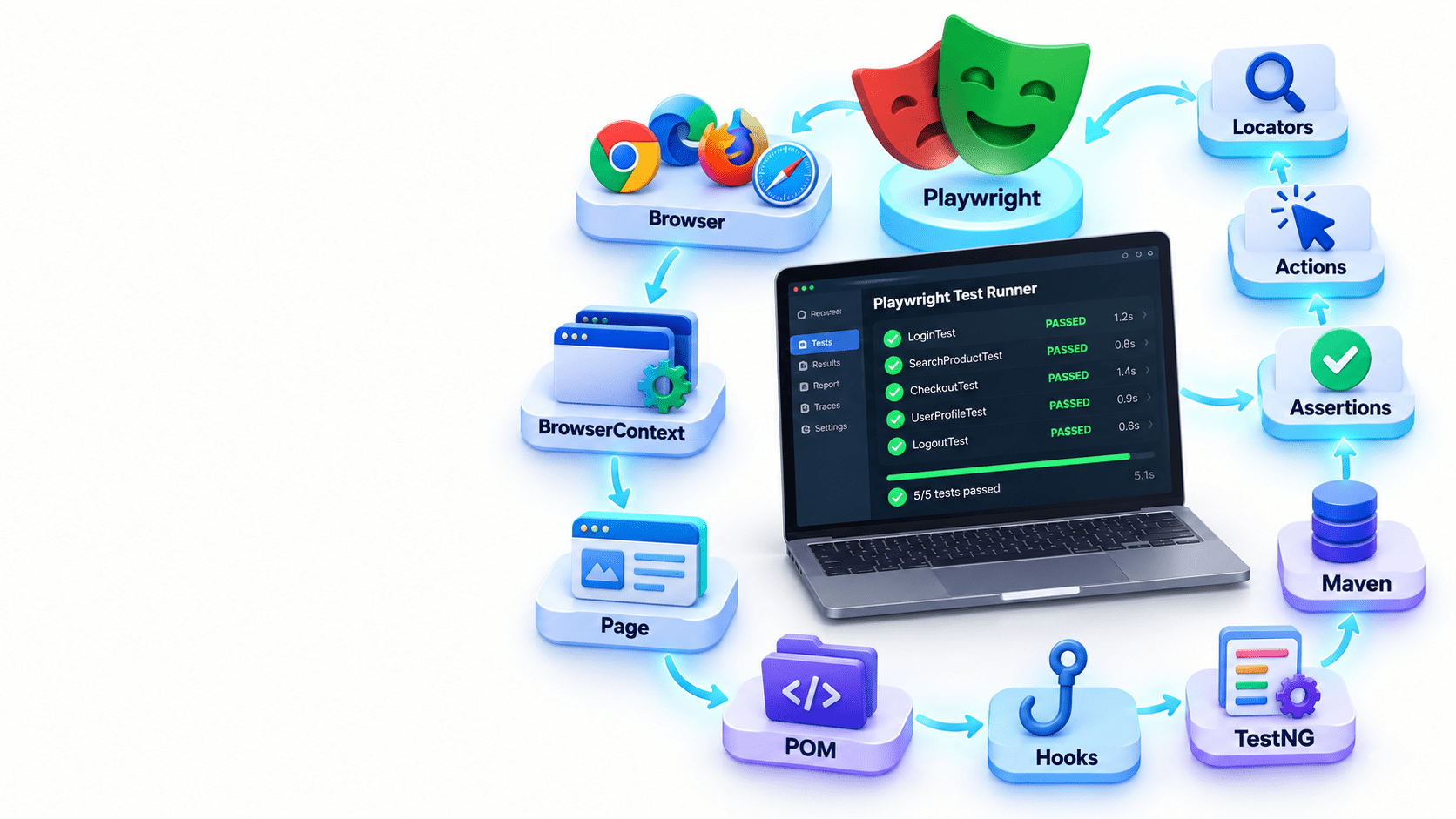
Playwright Architecture – Browser, BrowserContext, and Page.
2
TestNG Basics – @Test, @BeforeMethod, and @AfterMethod.
3
Locators and Actions – Finding elements and performing actions.
4
Assertions – Verifying expected and actual results.
5
Page Object Model (POM) – Separating test logic from page actions.
6
Hooks – Understanding setup and cleanup activities before and after tests.
7
Test Configuration – Running tests through TestNG and Maven.
Launch the browser and open the application.
Setup
Navigate to the Login page.
Test Start
Enter username and password and click Login.
Test Steps
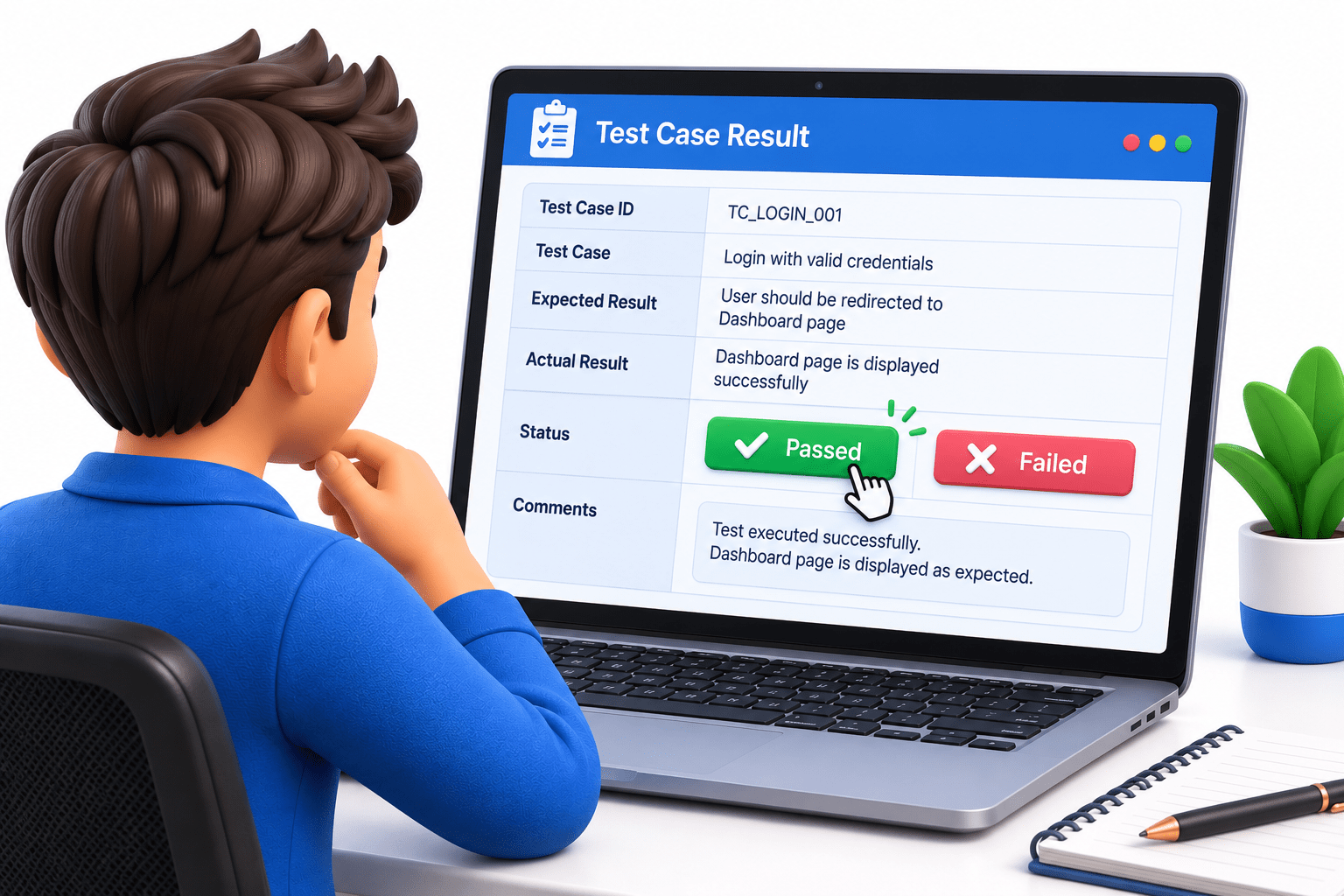
Mark the test as Passed if the expected result matches; otherwise, mark it as Failed.
Test Result
Verify that the Dashboard/Home page is displayed.
Validation
Close the page/browser and complete the test execution.
Cleanup
1
2
3
4
5
6
Browser Setup
Page Creation
Test Actions
Assertions
Test Result
Cleanup
Playwright Flow:
Understanding the Test Execution Lifecycle
A Playwright test follows a predictable sequence from setup to cleanup.
Lifecycle meaning
The test execution lifecycle describes how a test starts, runs actions, validates the application, reports the result, and releases resources.
6
Test Setup and Initialization
6
Browser, Context, and Page Creation
Test Execution and Assertions
Test Hooks and Execution Order
Test Result and Cleanup
Handling Test Failures
Why Do We Need State Validation?
A web element may be visible but still not be ready for interaction.
For example:
A button may be disabled.
A textbox may be read-only.
A checkbox may be unchecked.
An input field may contain an unexpected value.
State Validation verifies that the element is in the expected condition before continuing the test.
Engine
Is it ON?
Brake
Is it released?
Seat belt
Is it fastened?
Controls
Are they working?
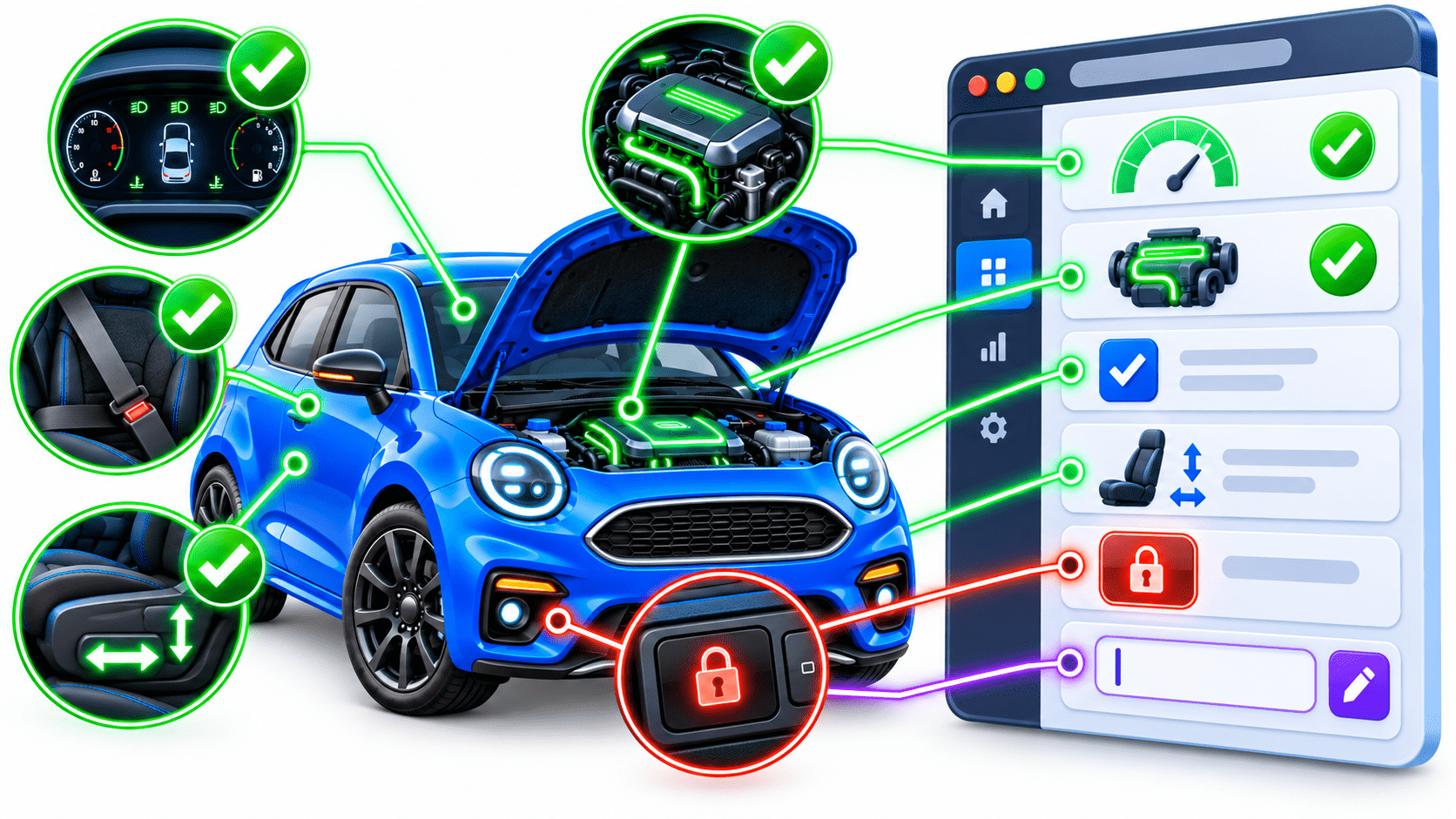
Seeing the car does not mean it is ready to drive.
Imagine driving a car.
Before driving, you check:
Car
Car Control
Engine ON
Control Locked
Seat Belt Fastened
Adjustable Control
Dashboard Check
Web Application
Textbox Editable
State Validation
Checkbox Checked
Element Disabled
Element Enabled
Web Element
Just as a driver checks the condition of a car before driving, Playwright validates the state of web elements before or after interaction.
Common State Validations
| Validation | Playwright Assertion | Purpose |
|---|---|---|
| Enabled | isEnabled() | Element can be interacted with |
| Disabled | isDisabled() | Element cannot be interacted with |
| Checked | isChecked() | Checkbox/radio is selected |
| Editable | isEditable() | Input can be modified |
| Empty | isEmpty() | Input contains no value |
| Value | hasValue() | Input contains expected value |
Practical Assertions
Enabled
Verifies that the button is available for interaction.
assertThat(loginButton).isEnabled();Disabled
assertThat(loginButton).isDisabled();Verifies that the button is unavailable.
Checked
assertThat(checkbox).isChecked();Verifies that the checkbox is selected.
Practical Assertions
Checks whether the textbox can be modified.
Empty
Checks whether the input field contains no value.
Editable
assertThat(searchBox).isEmpty();assertThat(username).isEditable();Practical Scenario
Login Form Validation
Imagine a login page where the Login button becomes enabled only after entering credentials.
Username → Editable?
Password → Editable?
Enter Credentials
Verify Values
Login Button → Enabled?
Click Login
⬇
⬇
⬇
⬇
⬇
This combines state validation + element interaction in a realistic workflow.
assertThat(username).isEditable();
assertThat(password).isEditable();
username.fill("Admin");
password.fill("Admin123");
assertThat(username).hasValue("Admin");
assertThat(loginButton).isEnabled();
loginButton.click();
Example:-
Summary
4
Close Resources and complete the test execution
3
Use isEnabled() and isDisabled() for buttons.
2
Create Context & Page and perform test actions.
1
Initialize Playwright and launch the browser.
Quiz
Which component is initialized first in a Playwright test?
A. Page
B. Browser Context
C. Playwright
D. Assertion
Quiz-Answer
Which component is initialized first in a Playwright test?
A. Page
B. Browser Context
C. Playwright
D. Assertion
By Content ITV