






















Content ITV PRO
This is Itvedant Content department
Build & Automate With AWS
Learning Outcome
5
Understand how CodePipeline automates the complete CI/CD workflow
4
Understand how CodeDeploy deploys applications to servers
3
Explain how CodeBuild builds applications automatically
2
Identify important AWS CI/CD services like AWS CodeBuild, AWS CodeDeploy, and AWS CodePipeline
Explain what a Dockerfile is
1
Understand the concept of CI/CD in AWS and why it is used
Earlier, we learned that
Analogy
Imagine an Online Shopping Company
The company processes thousands of orders every day
Instead of handling each order manually, they use an automated system
In this system:
One system receives the order
Another checks and prepares the product
Another packs it
Another ships it to the customer
This automation makes the process:
Faster
Accurate
Consistent
What is AWS CI/CD
CI/CD stands for:
Continuous Integration (CI)
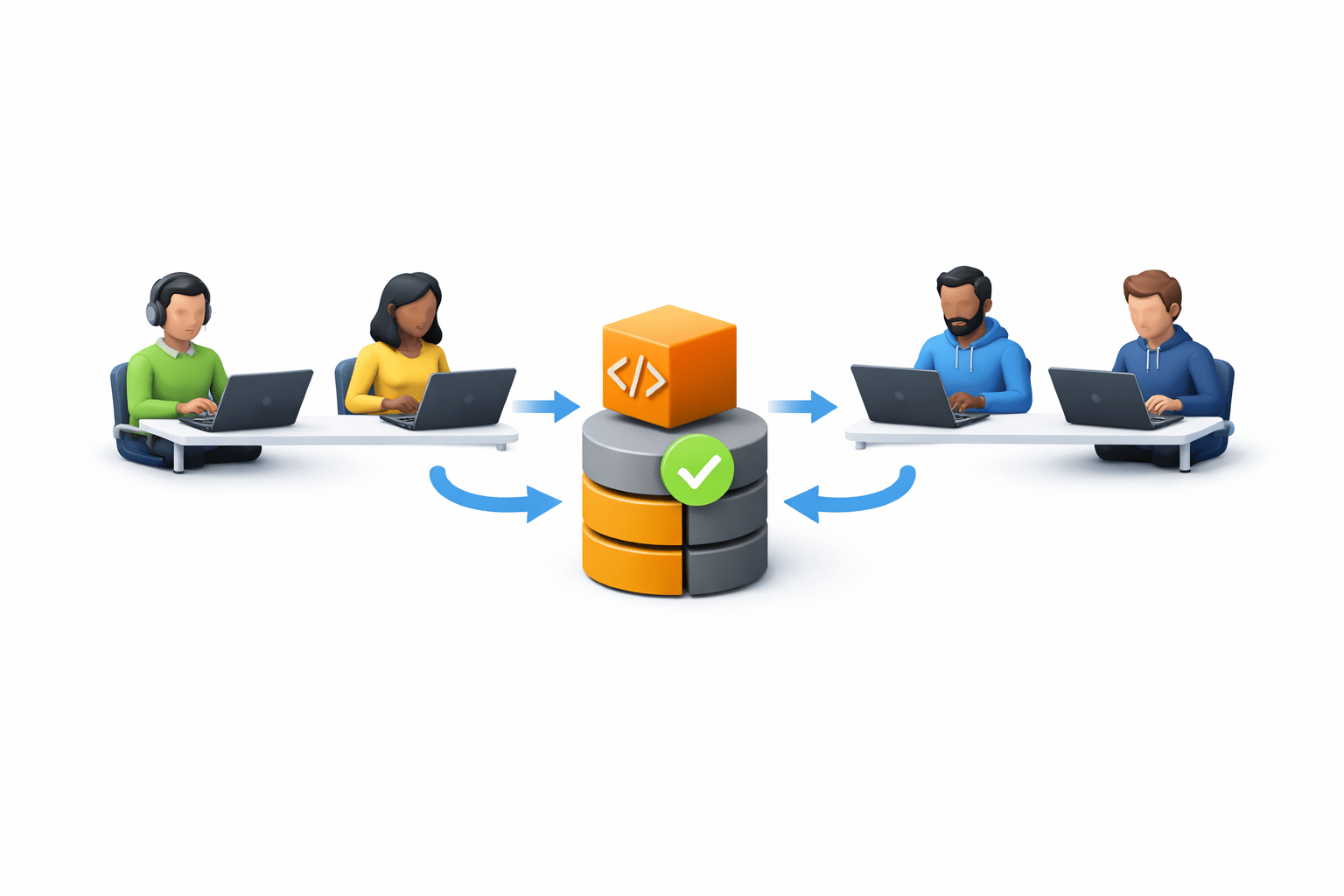
Developers regularly merge code into a shared repository
Continuous Delivery / Continuous Deployment (CD)
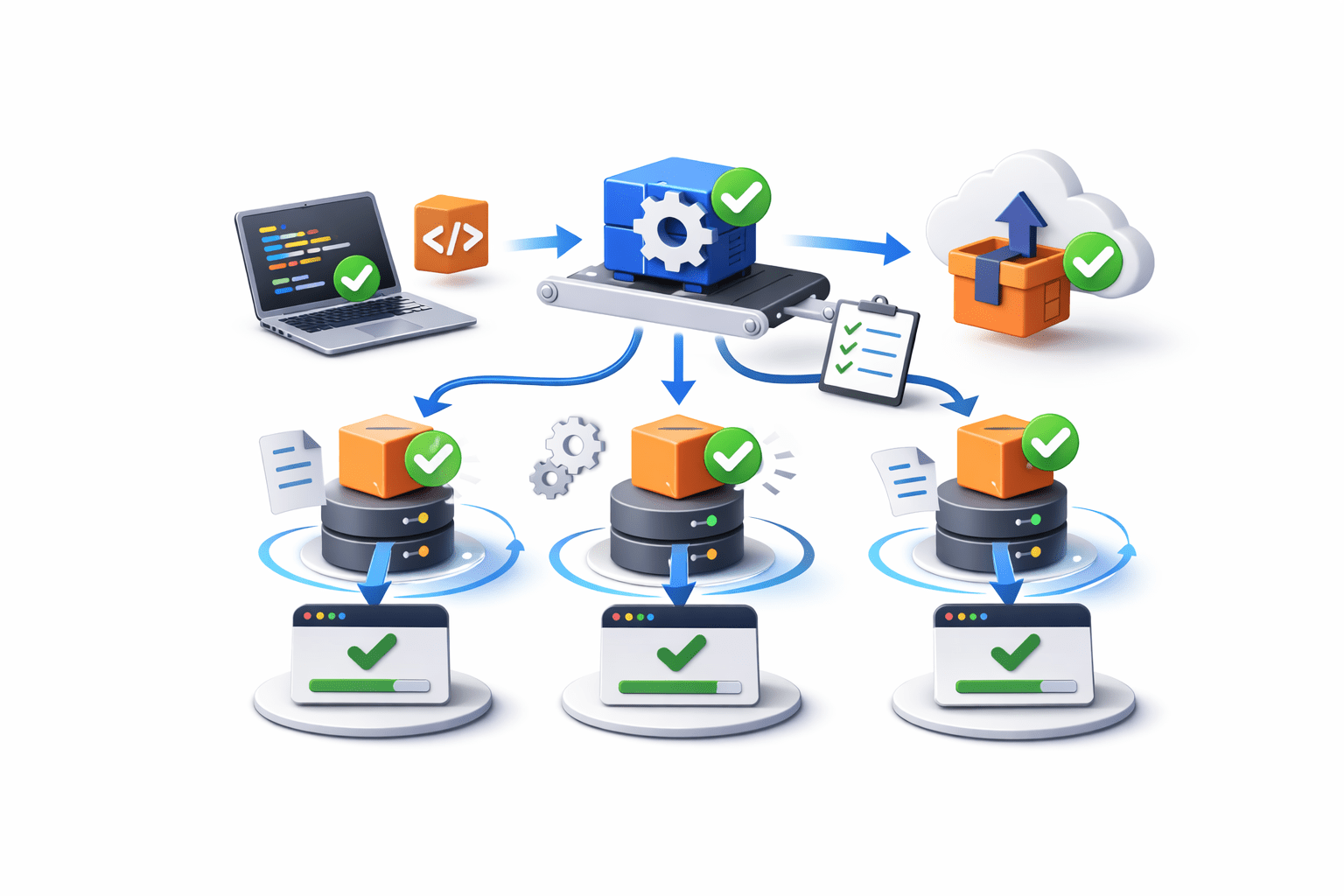
Applications are automatically tested and deployed
Why CI/CD is Needed
CI/CD helps organizations achieve:
Faster software delivery
Reduced manual work
Consistent deployments
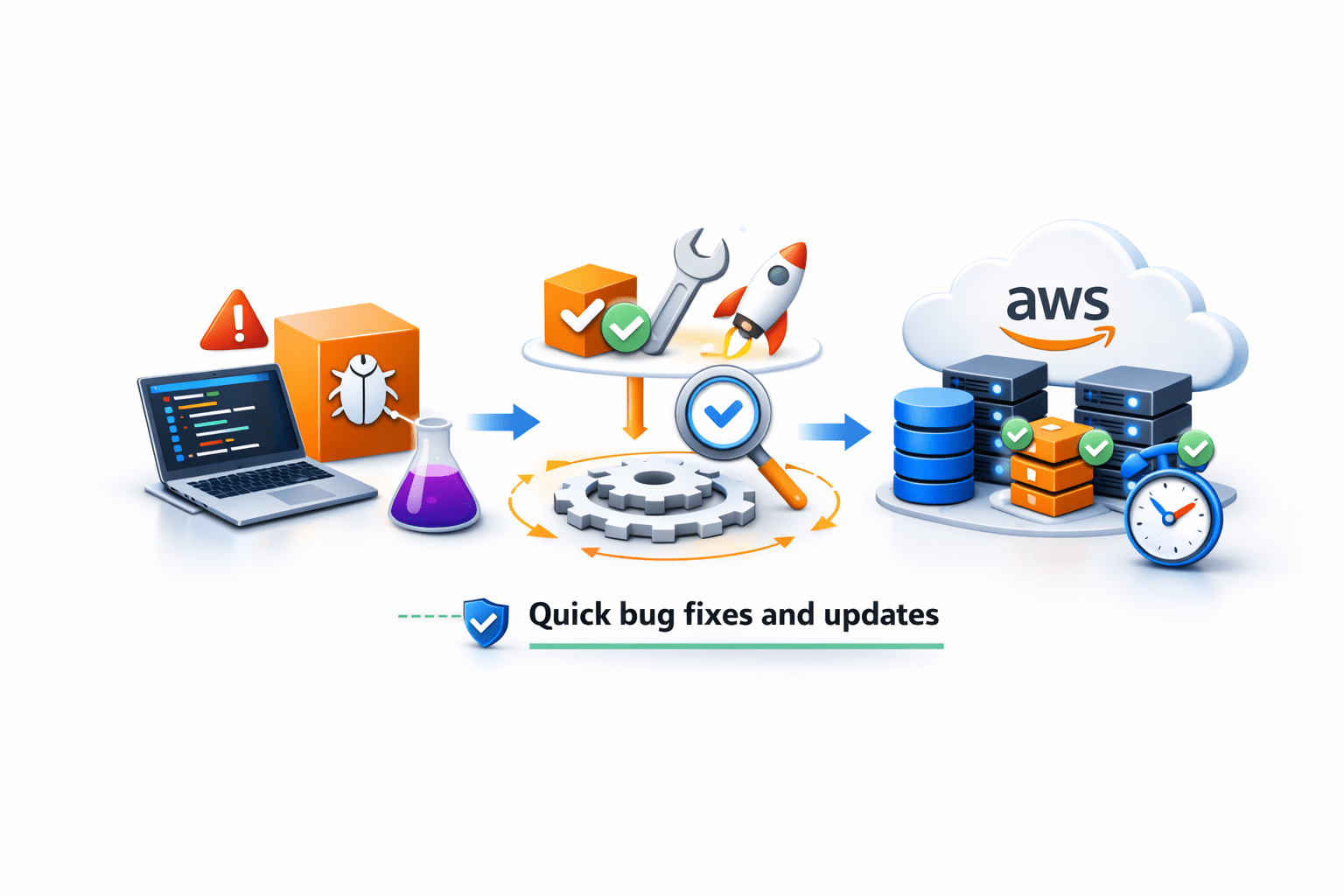
Quick bug fixes and updates
Better collaboration among developers
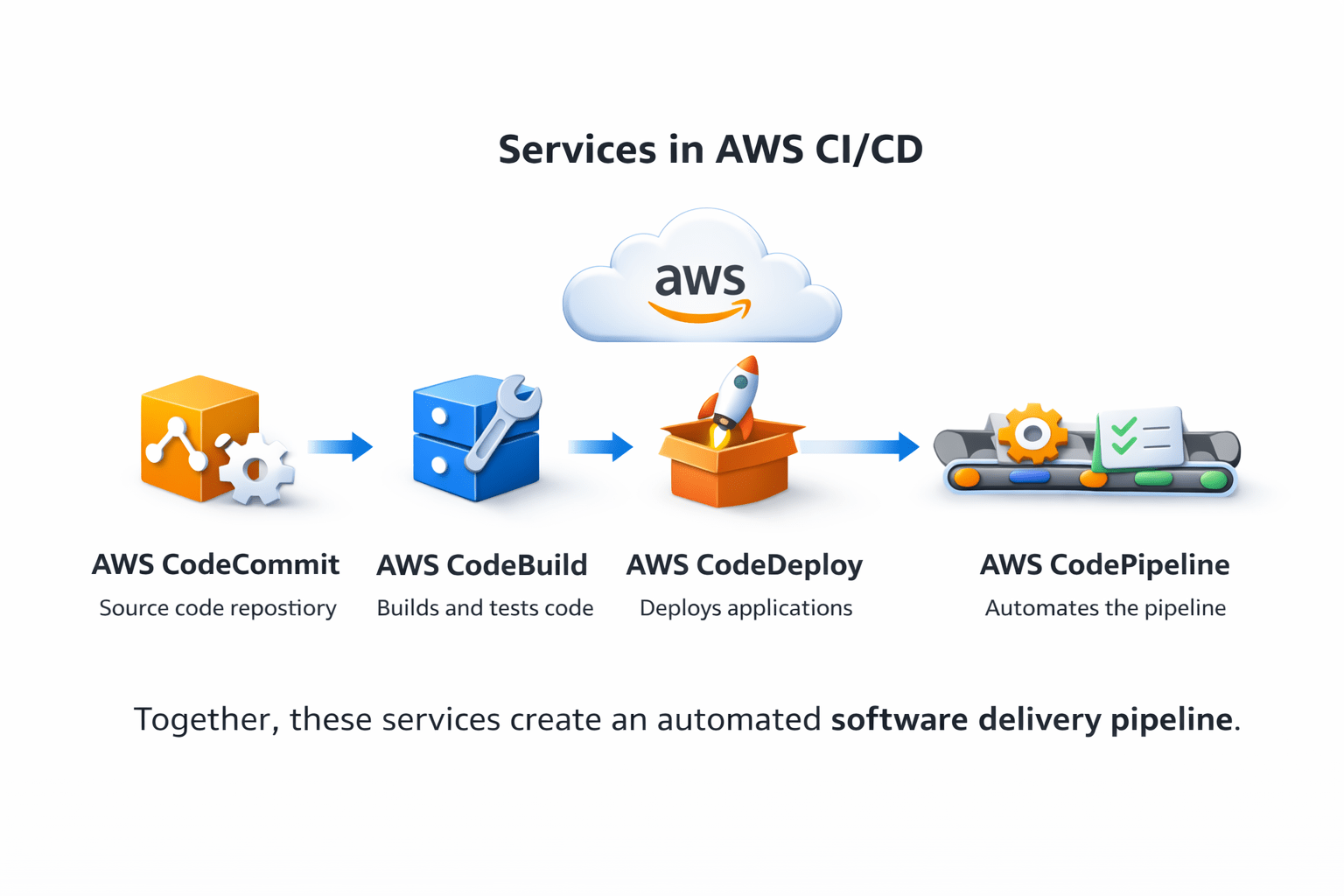
Services in AWS CI/CD
AWS provides several services for CI/CD workflows
Main services include:
AWS CodeDeploy – Deploys applications
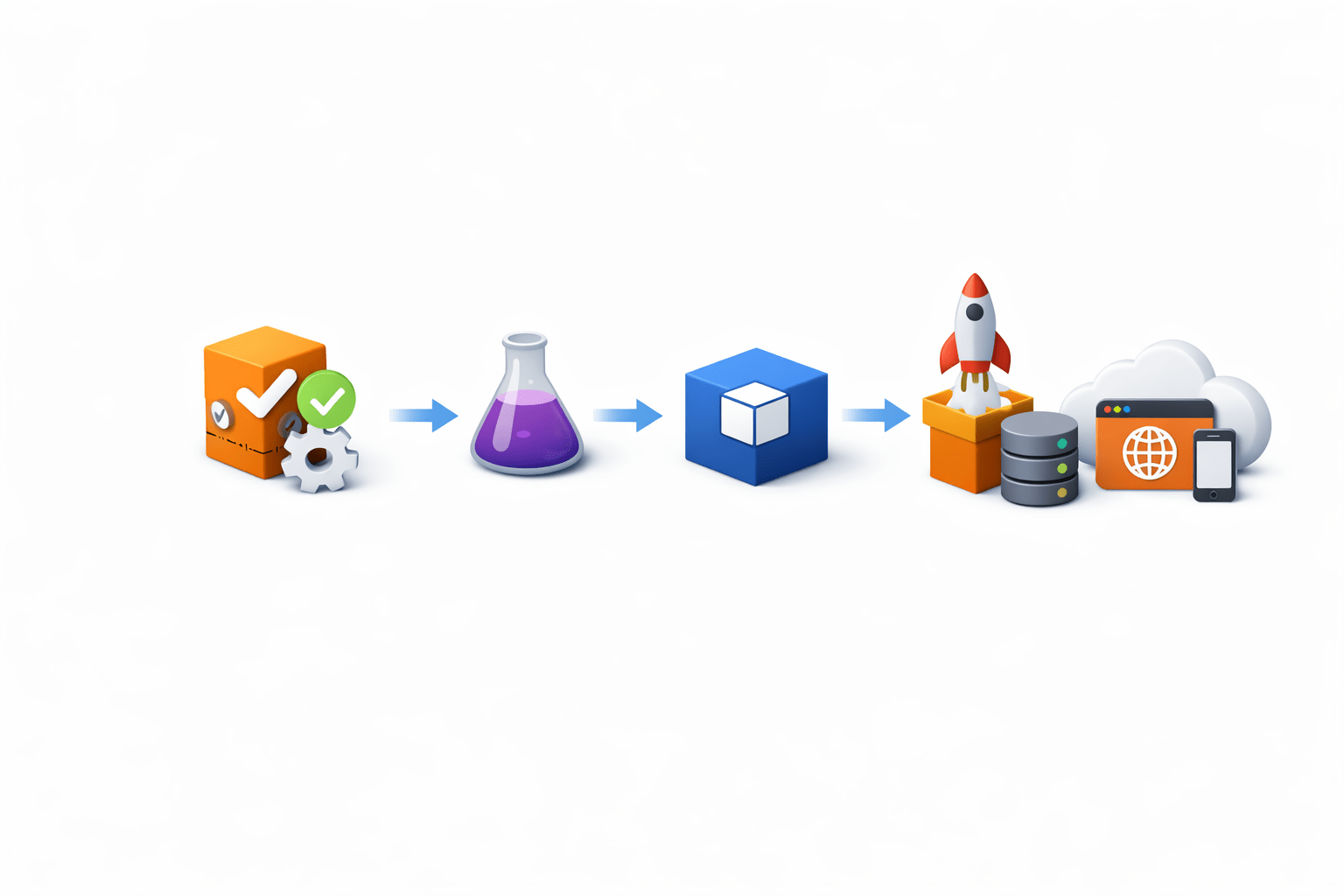
Together, these services create an automated software delivery pipeline
AWS CodeBuild
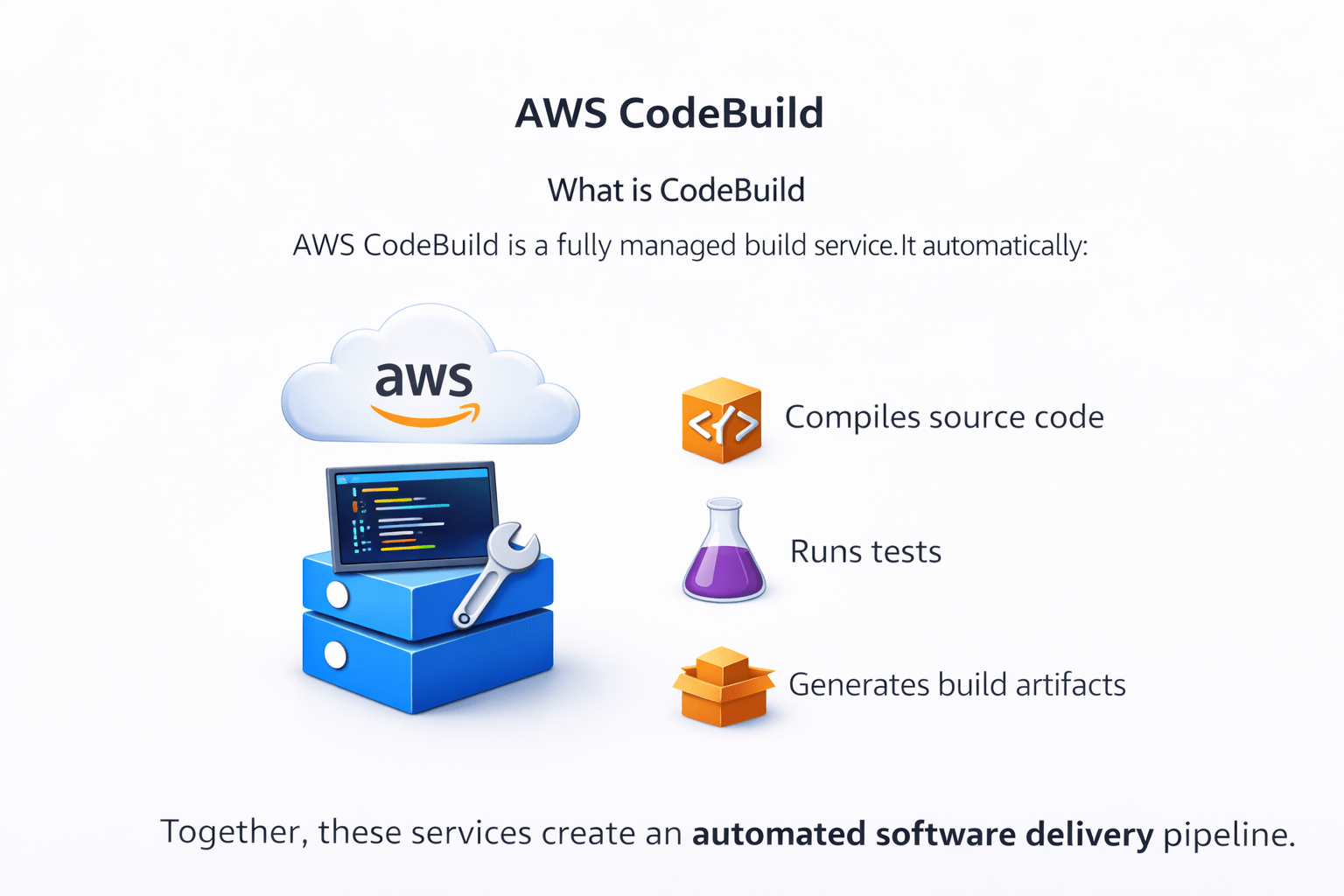
What is CodeBuild
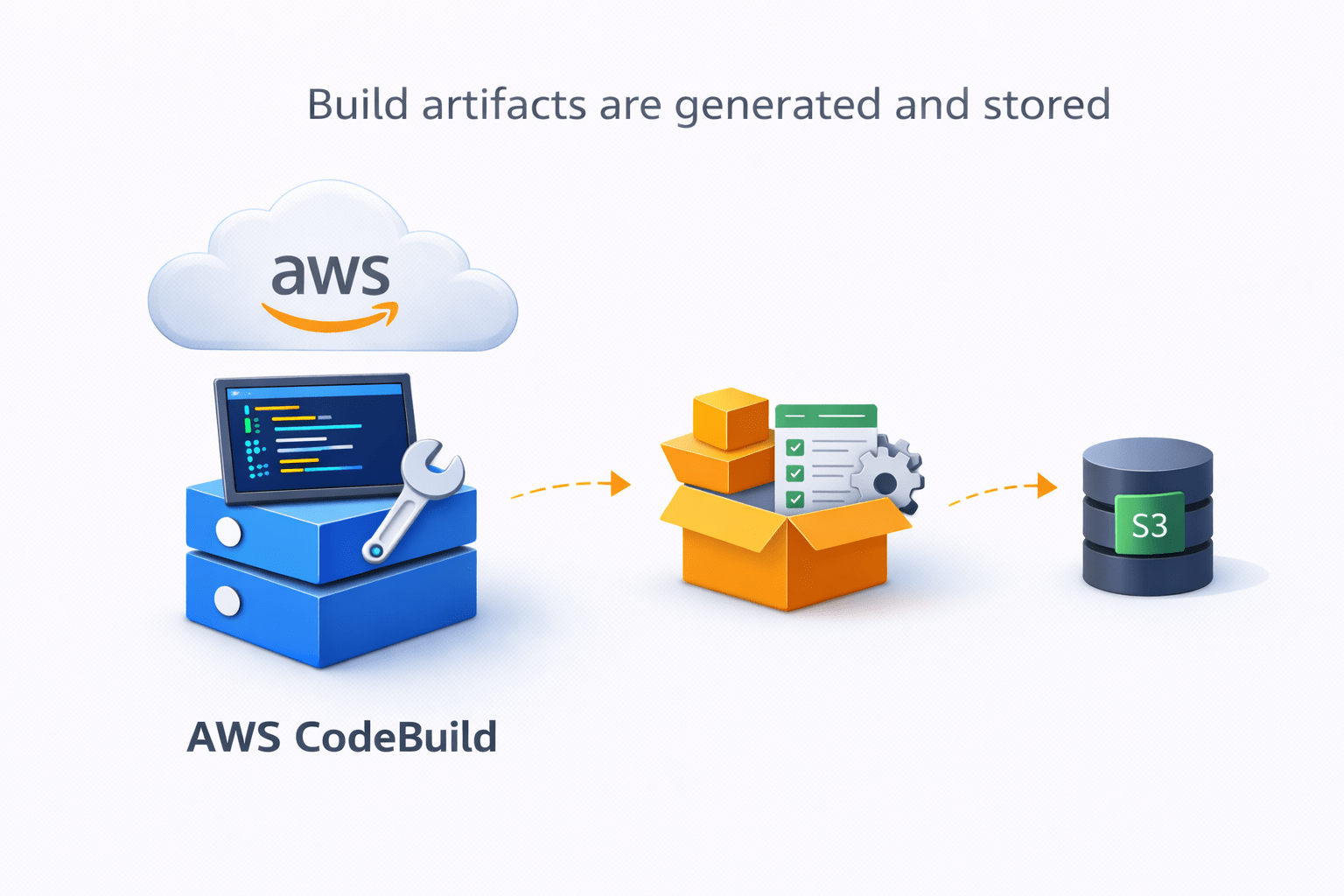
AWS CodeBuild is a fully managed build service
It automatically:
Compiles source code
Runs tests
Generates build artifacts
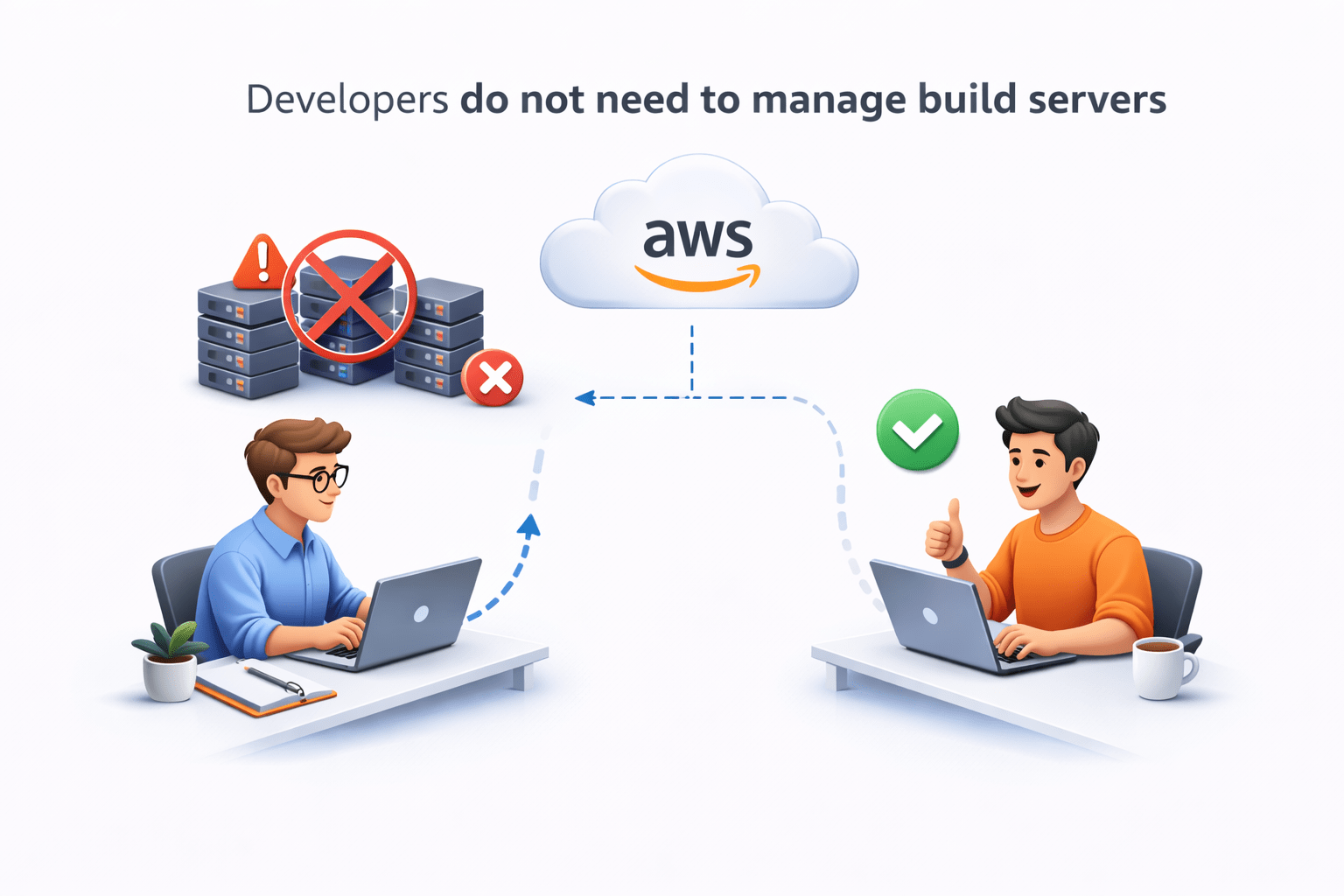
Developers do not need to manage build servers
How CodeBuild Works
Basic workflow:
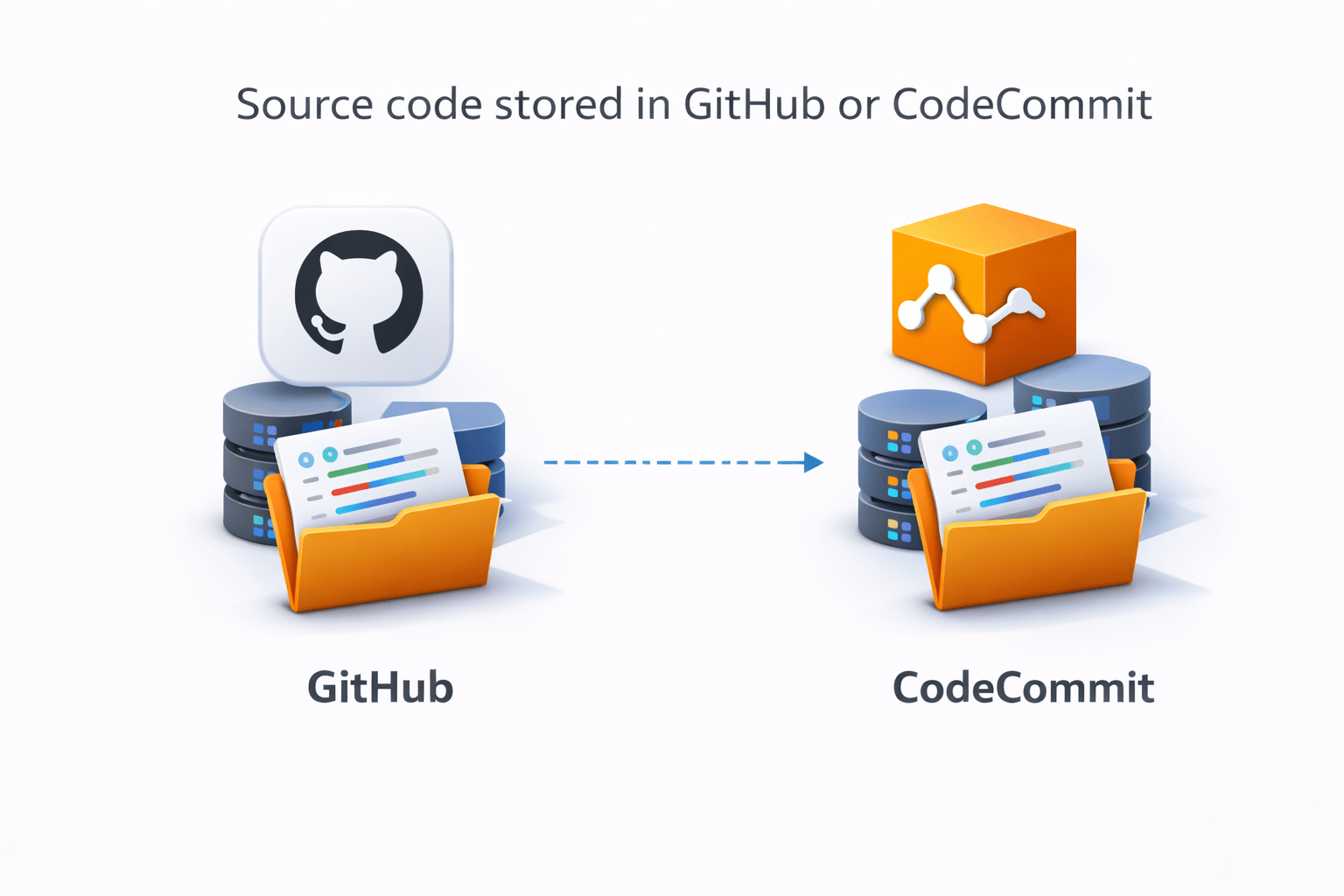
Source code stored in GitHub or CodeCommit
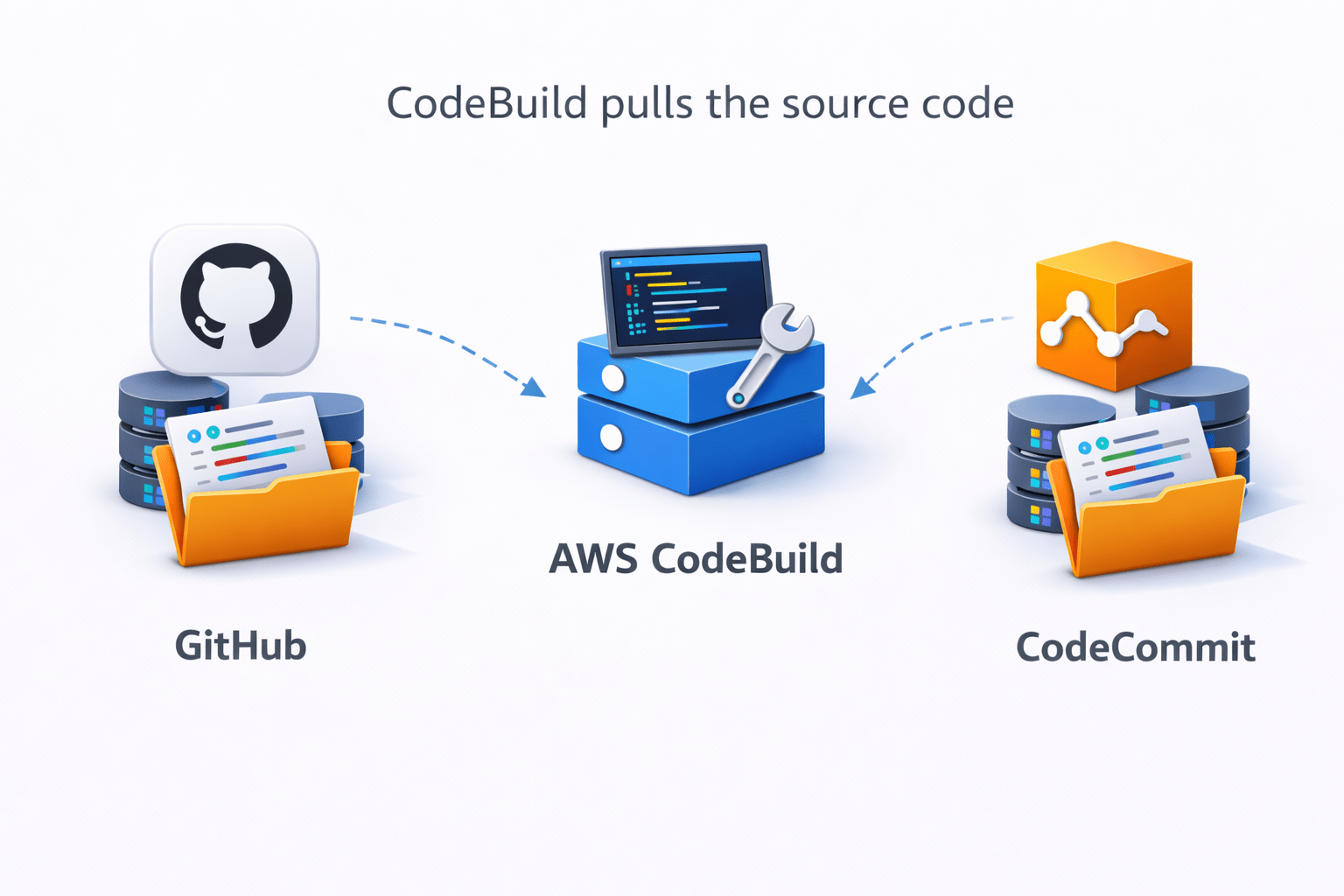
CodeBuild pulls the source code
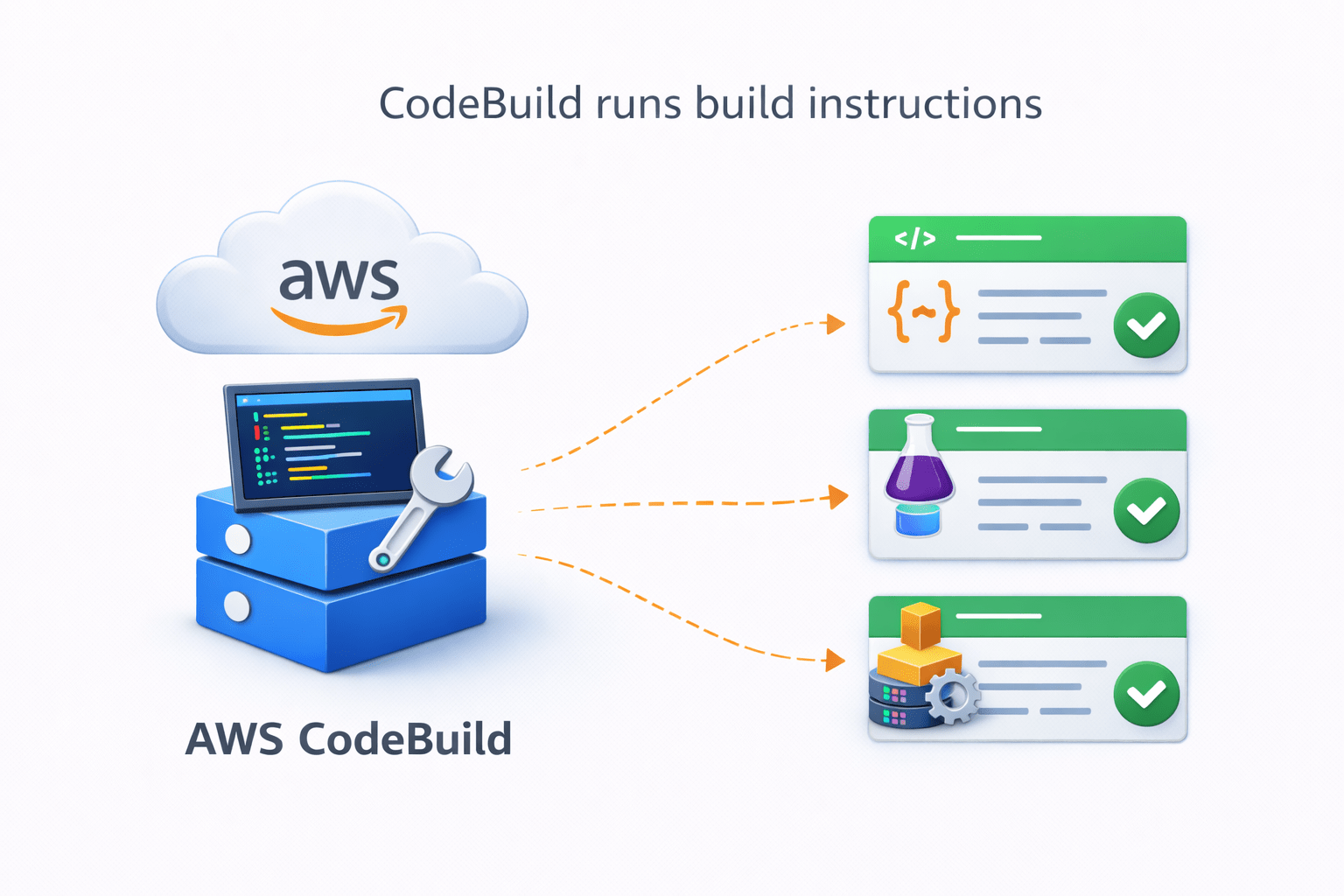
CodeBuild runs build instructions
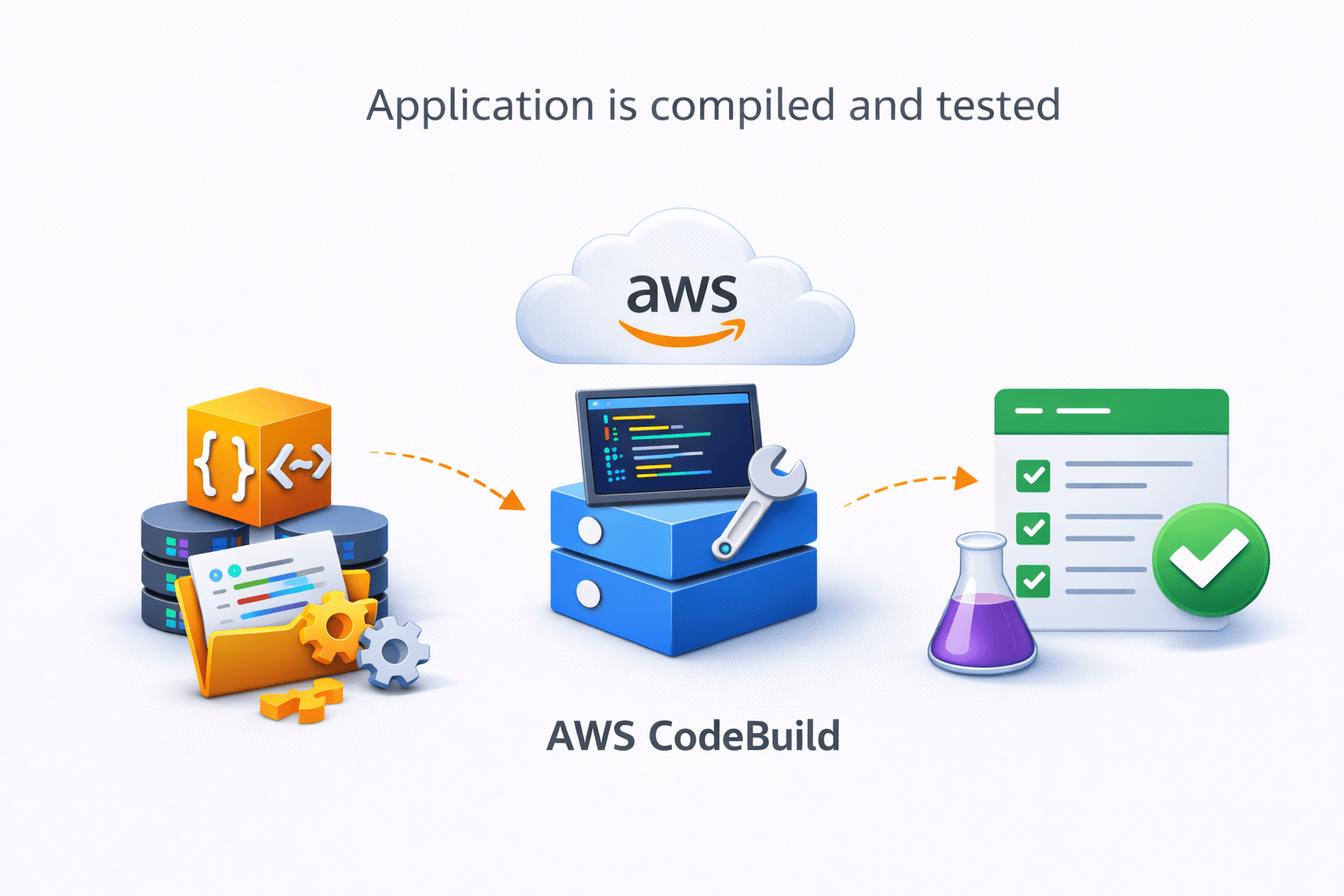
Application is compiled and tested
Build artifacts are generated and stored
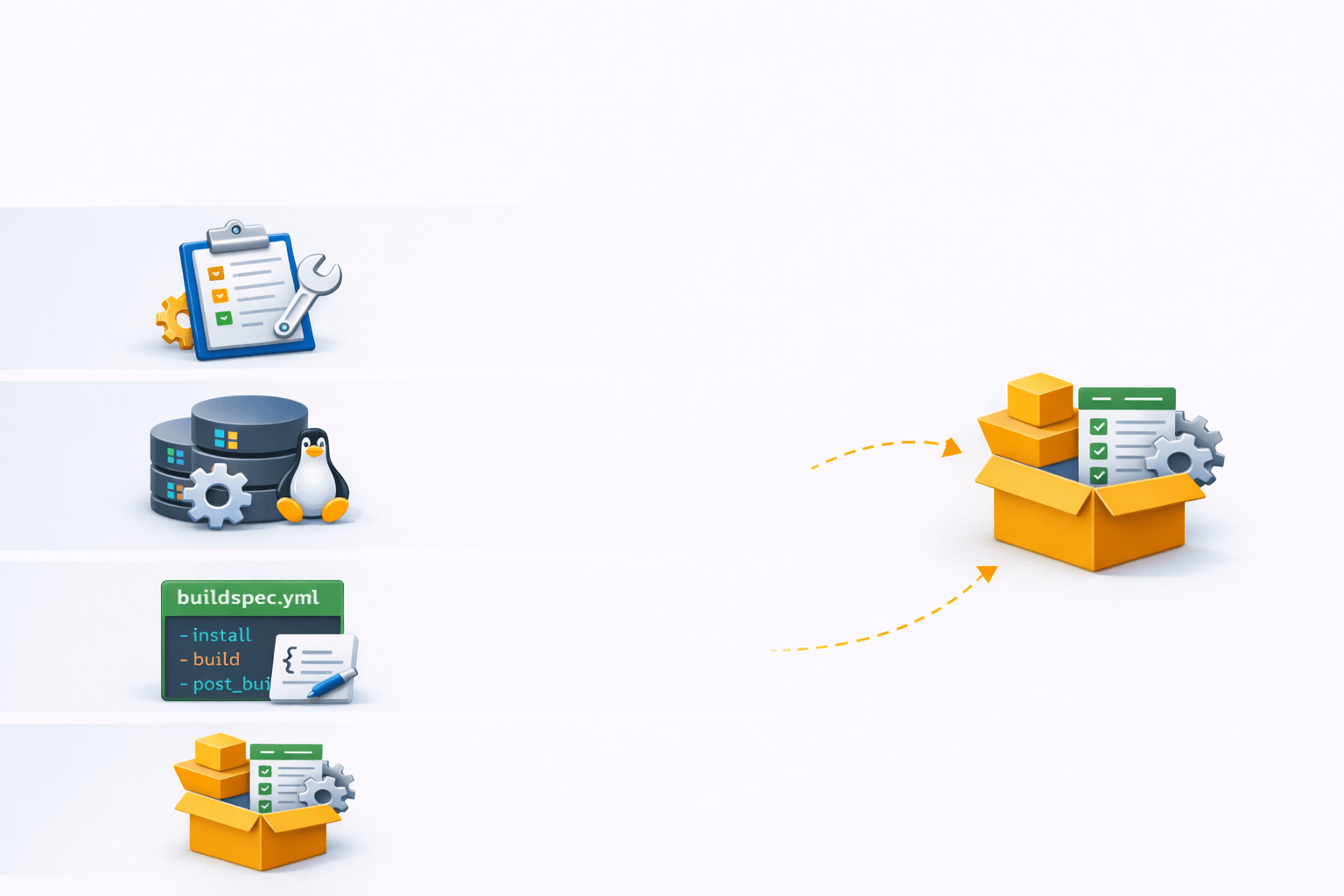
Key Components of CodeBuild
Main components include:
AWS CodeDeploy
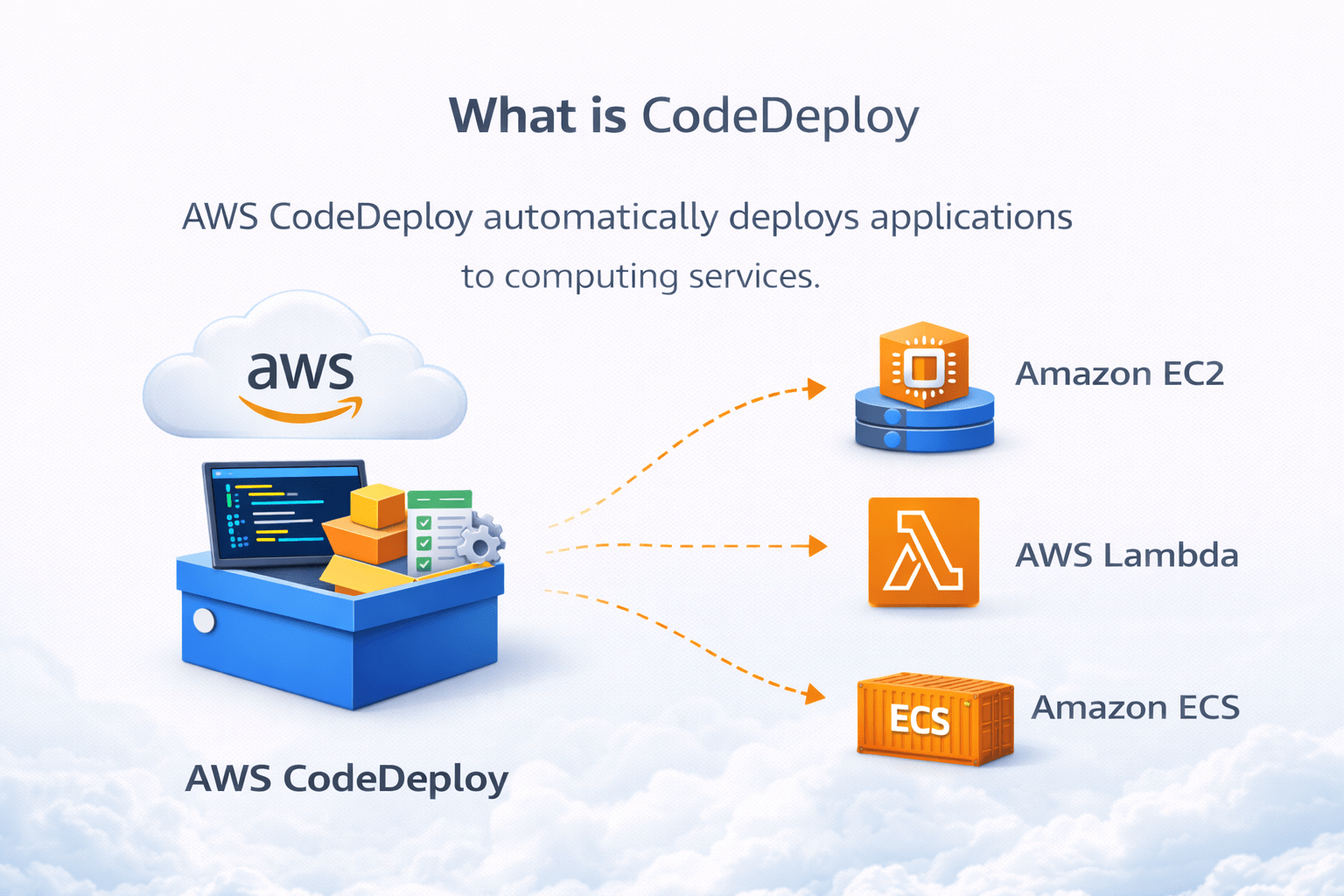
What is CodeDeploy
AWS CodeDeploy automatically deploys applications to computing services
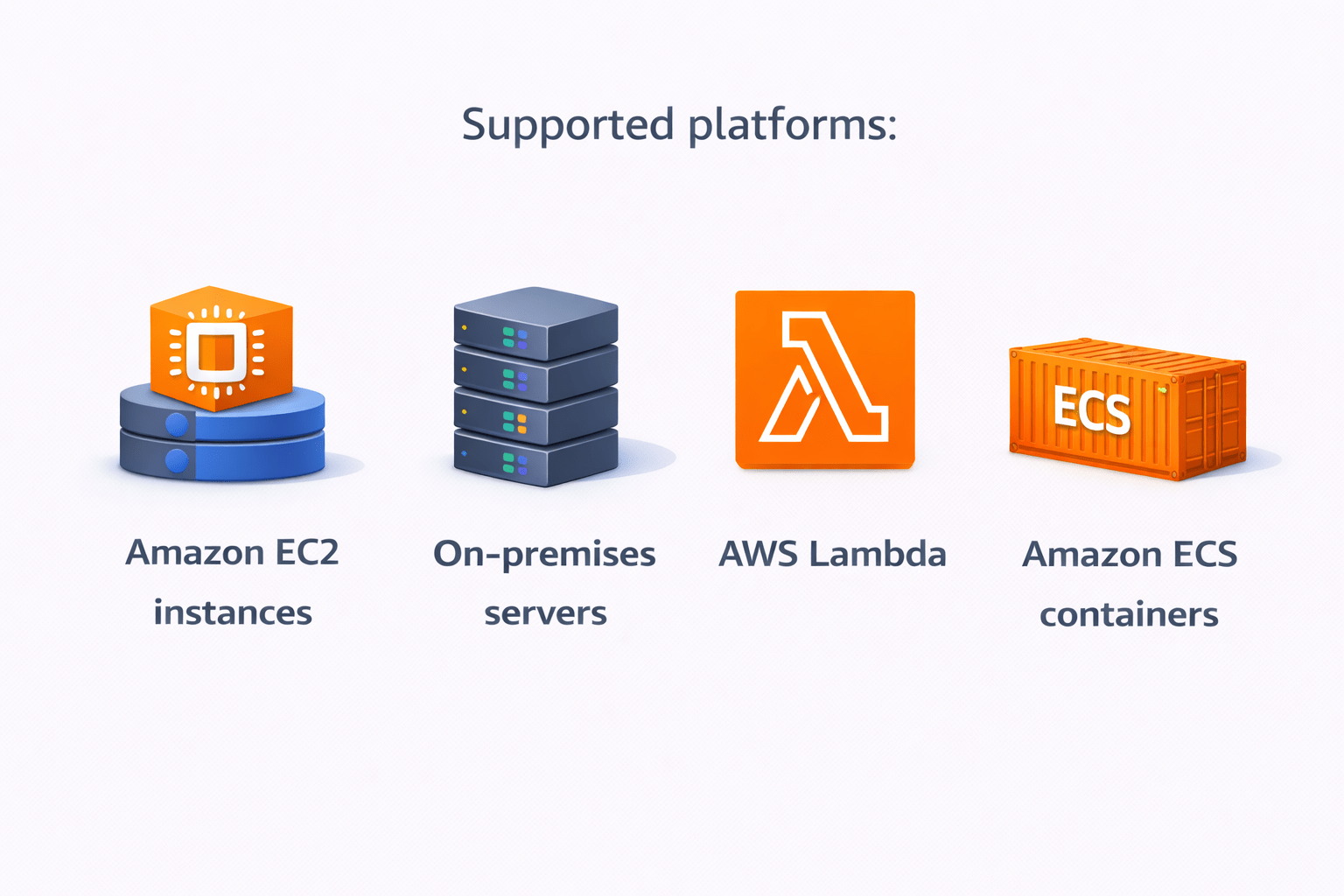
Supported platforms:
Amazon EC2 instances
On-premises servers
AWS Lambda
Amazon ECS containers
How CodeDeploy Works
Basic deployment process:
Application files stored in S3 or GitHub
CodeDeploy receives deployment request
Understanding AWS CodeArtifact
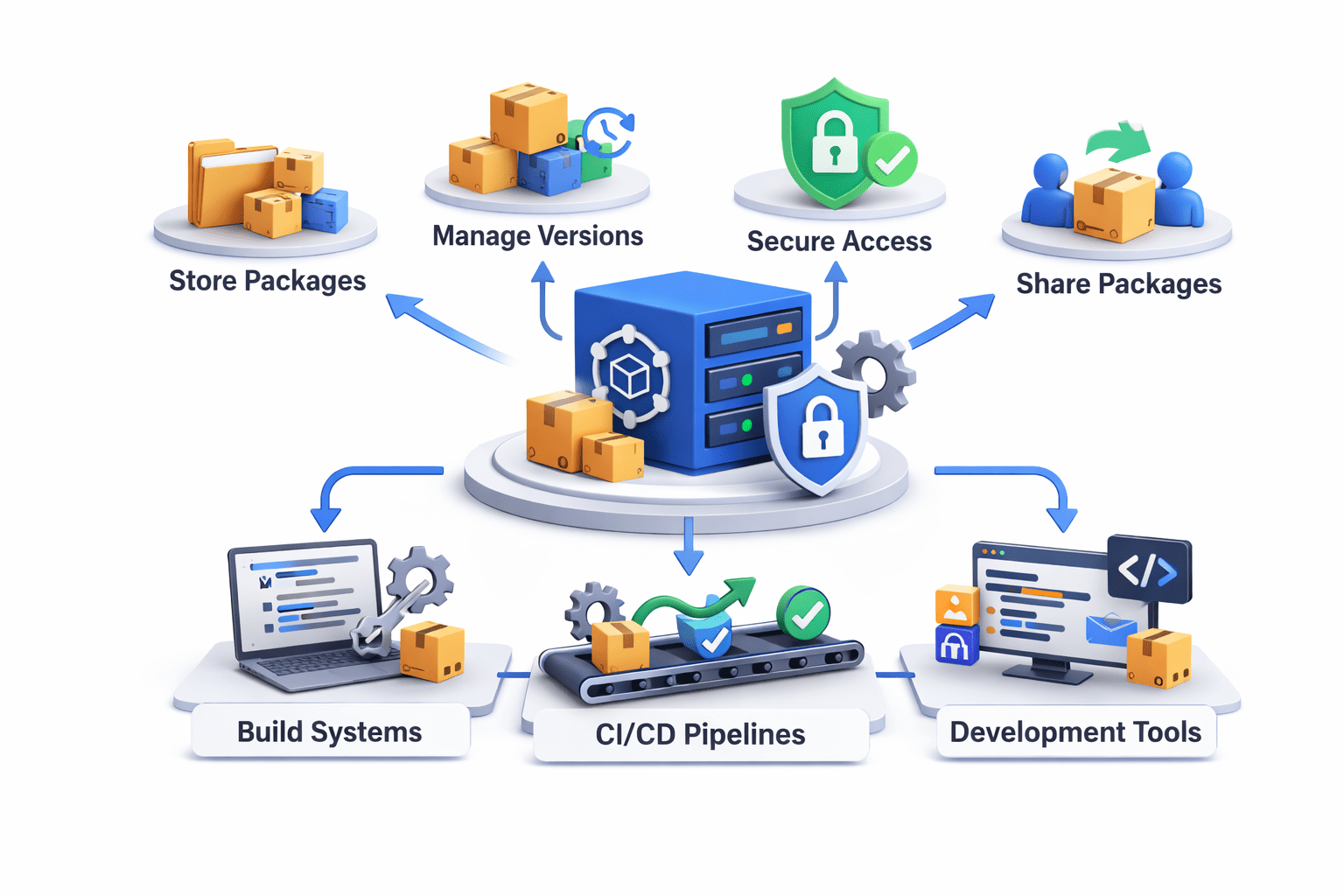
AWS CodeArtifact is a fully managed package repository service
It helps organizations store and manage software packages used during application development
Developers can:
Store dependencies
Share packages
Manage versions
Secure package access
CodeArtifact integrates with:
Build systems
CI/CD pipelines
Development tools
Package Repository
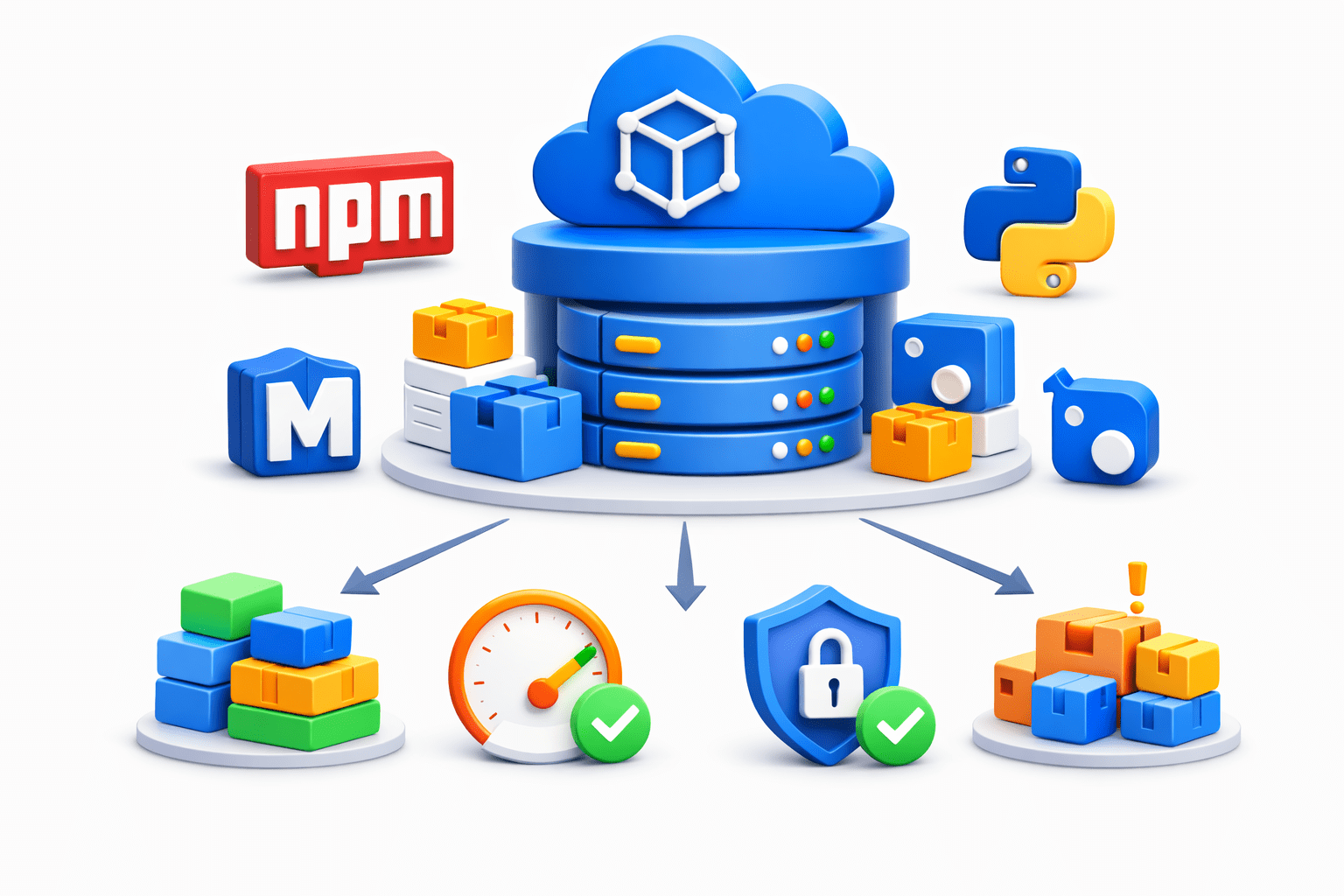
CodeArtifact acts as a centralized package repository
It stores packages such as
npm packages
Maven dependencies
Python packages
NuGet libraries
Benefits:
Centralized dependency management
Faster builds
Reliable package access
Reduced dependency issues
Security and Access Control
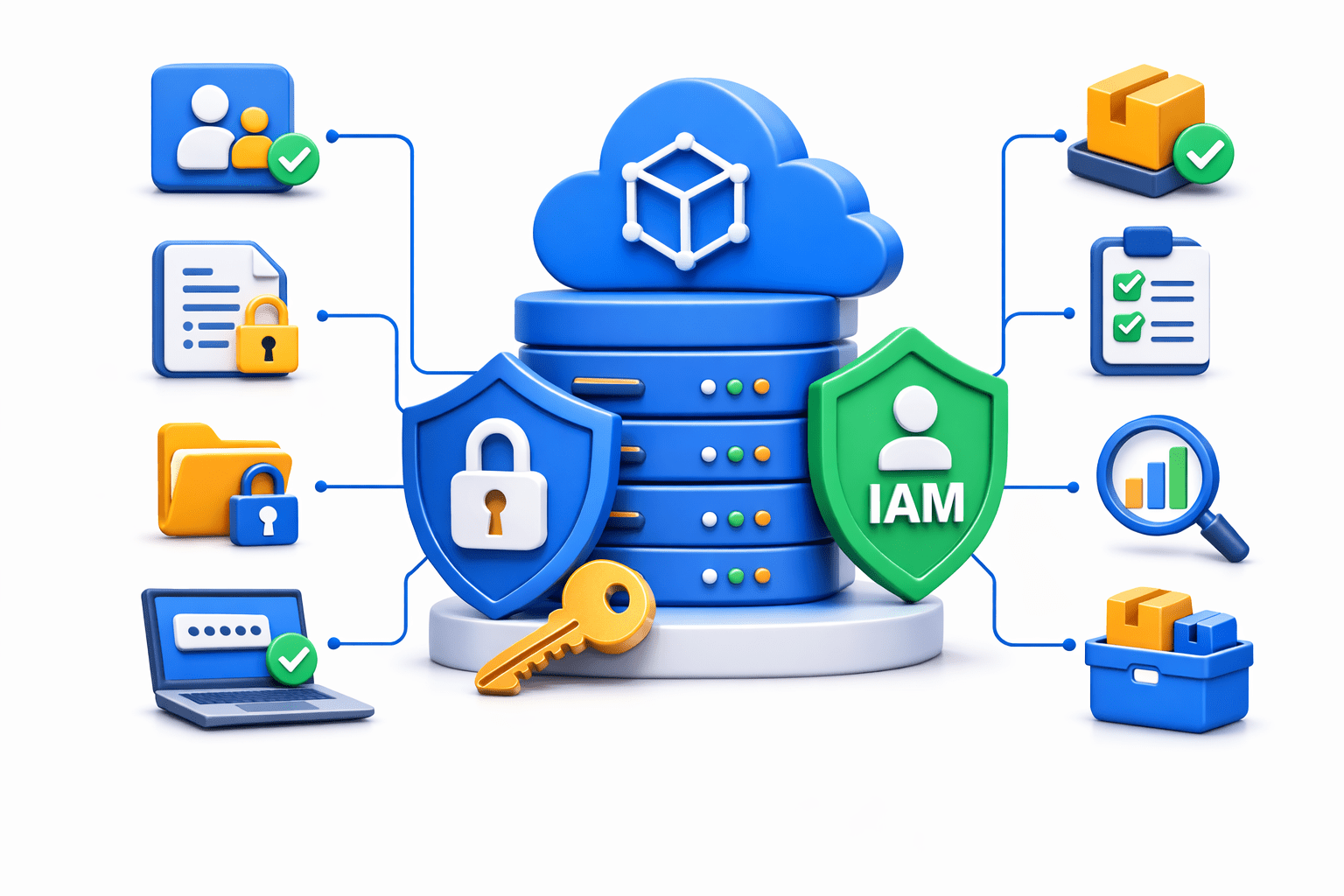
CodeArtifact integrates with AWS IAM for security
Security features include:
Fine-grained access permissions
Authentication control
Secure package storage
Audit and monitoring
This ensures that only authorized developers and systems can access packages
Version Control
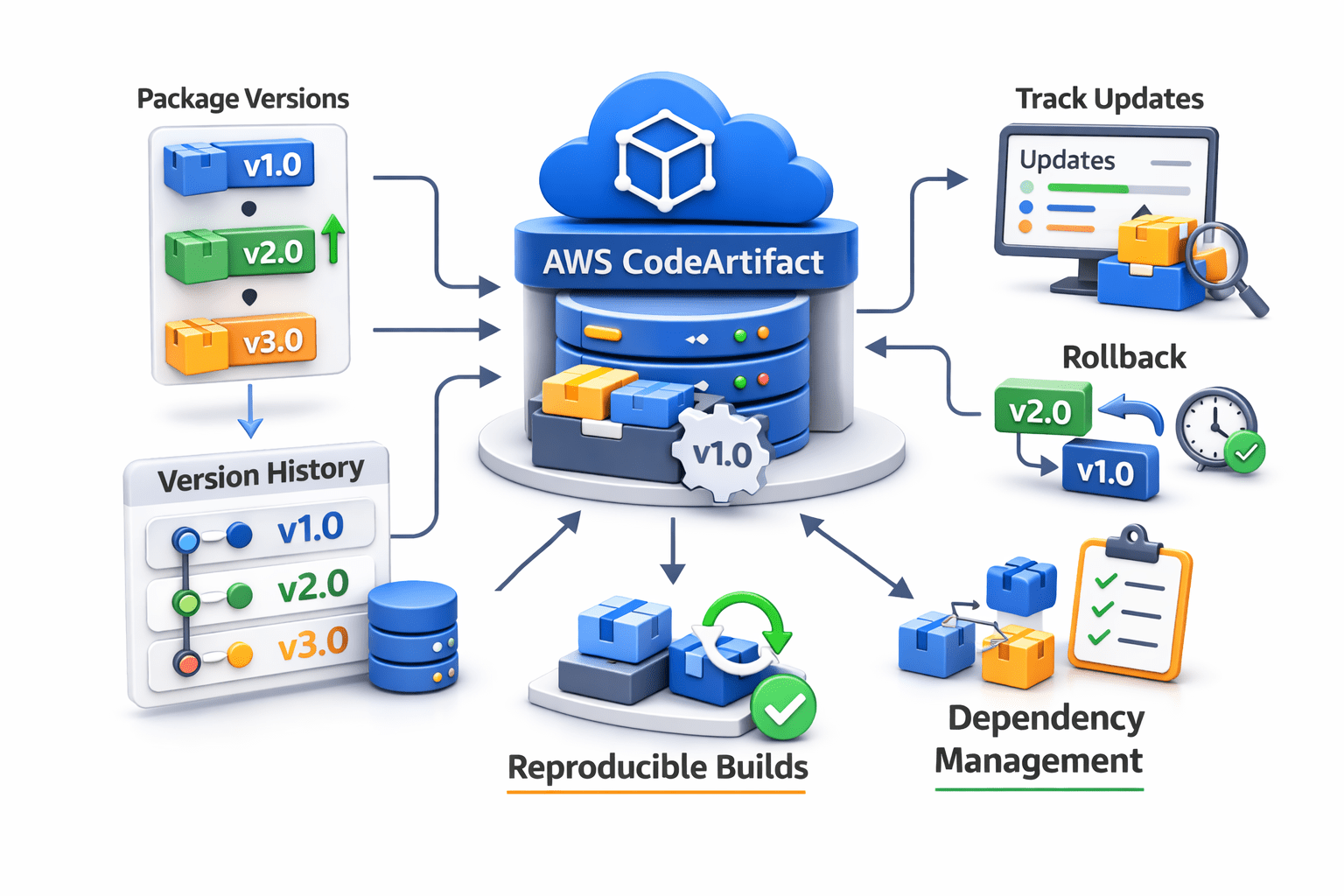
CodeArtifact supports package version management
This allows developers to:
Maintain multiple package versions
Track package updates
Roll back to previous versions if needed
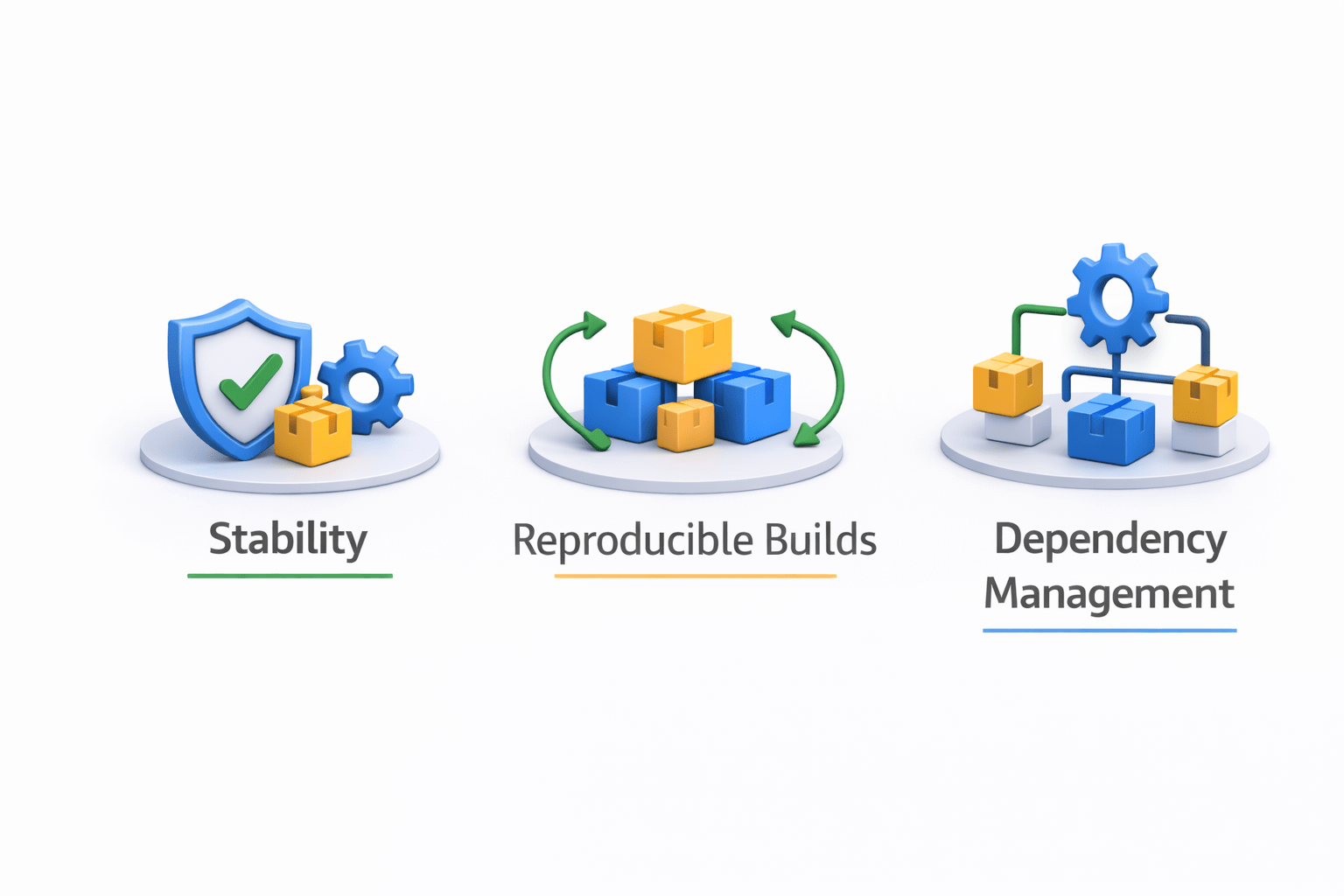
Version control ensures:
Stability in applications
Reproducible builds
Better dependency management
4
Security and version control features in CodeArtifact
3
How AWS CodeArtifact manages software packages
2
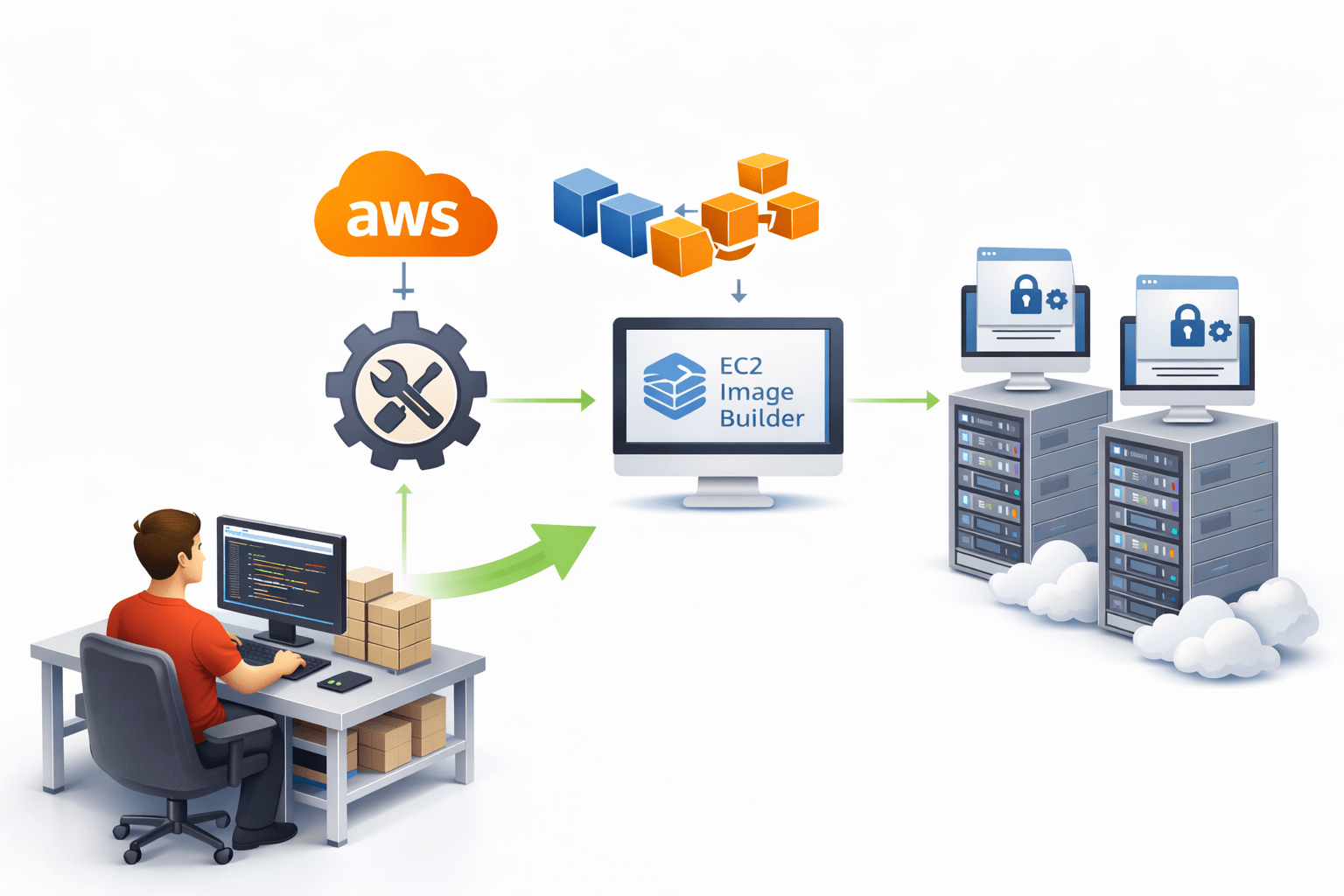
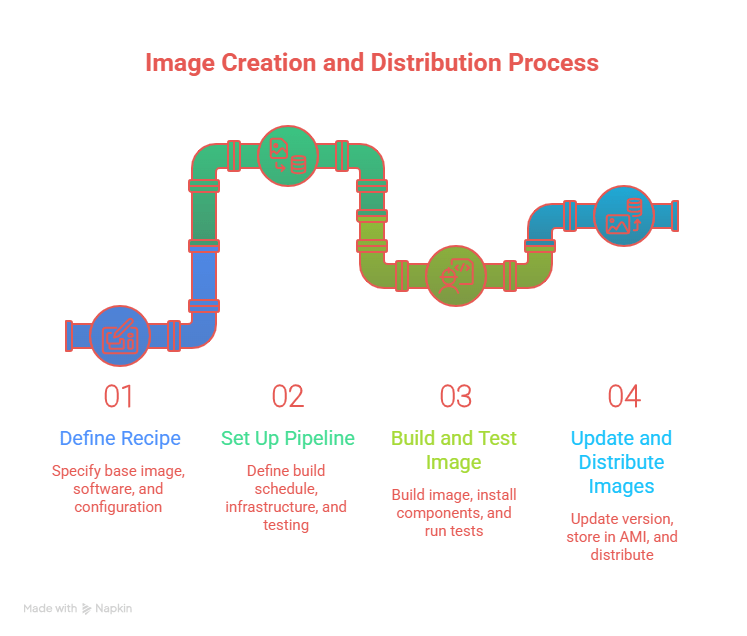
What EC2 Image Builder is , How automated image creation , workSteps to create an Image Builder pipeline
1
How AWS transforms application deployment using DevOps tools
Quiz
Which AWS service is used to automatically create and manage machine images?
A. AWS CodeBuild
B. AWS CodePipeline
C. EC2 Image Builder
D. AWS CodeArtifact
Quiz-Answer
Which AWS service is used to automatically create and manage machine images?
A. AWS CodeBuild
B. AWS CodePipeline
C. EC2 Image Builder
D. AWS CodeArtifact
Which command is used to upload a Docker image to Docker Hub?
A. docker build
B. docker run
C. docker push
D. docker create
By Content ITV