

Content ITV PRO
This is Itvedant Content department
Understand API vulnerabilities and perform security testing.
Business Scenario
Welcome!
You are a Junior Security Tester at CyberSecure Solutions. The company has provided an intentionally vulnerable API application for security testing.
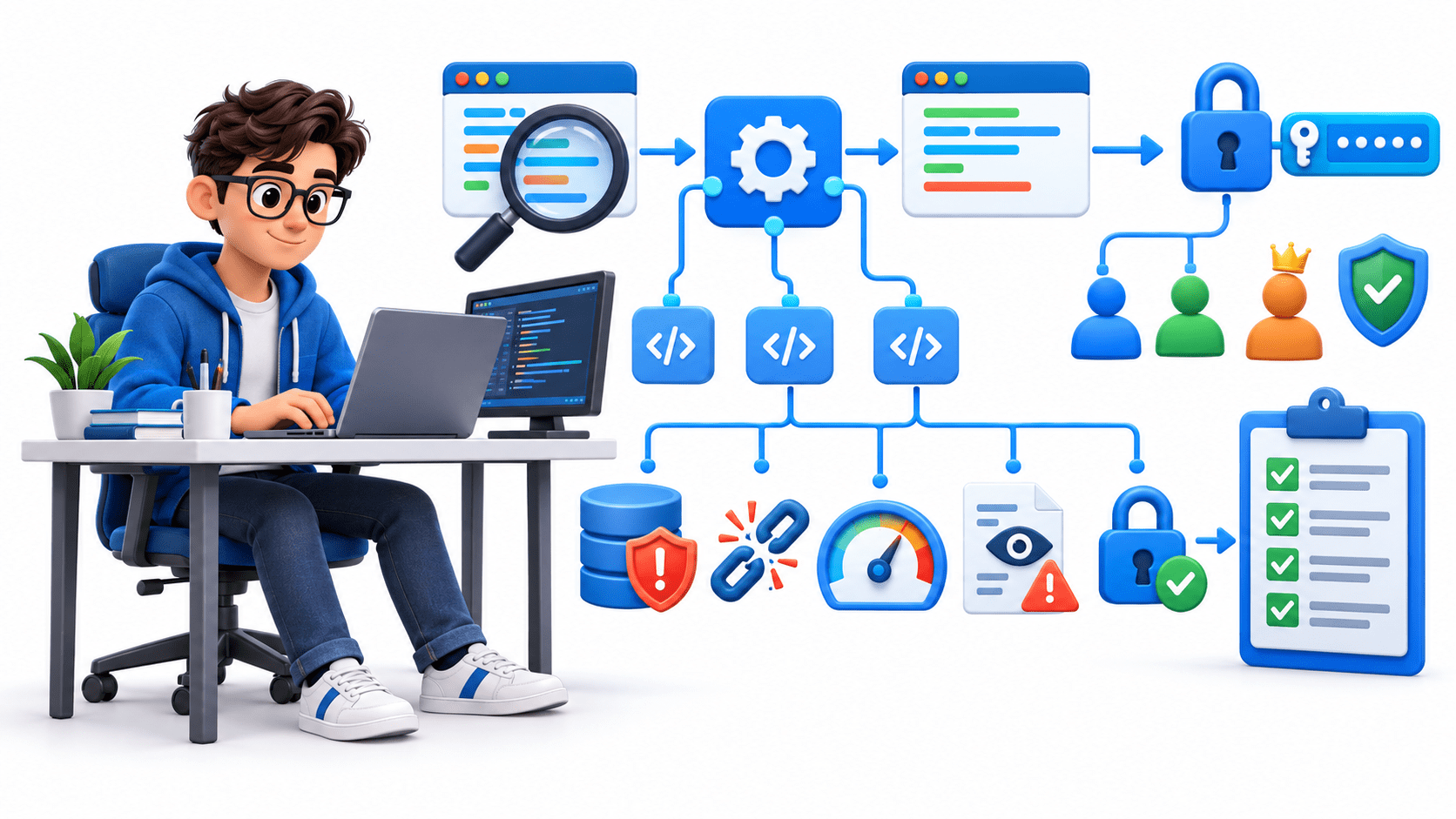
Your task is to identify API endpoints, analyze requests, test authentication and authorization, identify common vulnerabilities, and document your findings.
Pre-Lab Preparation
Topic : Cryptography and Cloud Security
1) Cloud Architecture & Web Application Hosting
2) Access Control & Identity Exploitation
3) API Security in Cloud Environments Storage, Data Exposure & Misuse
4) Cloud Attack Simulation & Defense
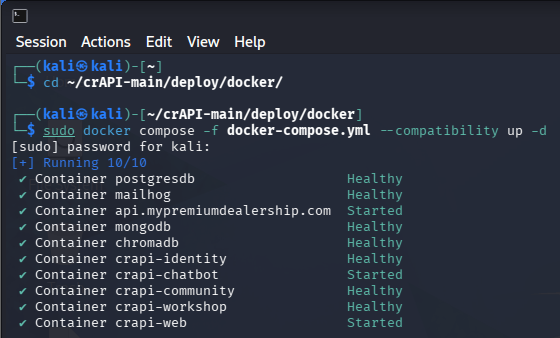
Install Docker and Docker Compose on Kali Linux, deploy the OWASP crAPI vulnerable application, and verify that all required containers are running correctly.
1
Install Docker, Docker Compose, and Git:
Task 1: Install Docker and Deploy OWASP crAPI on Kali Linux
sudo apt install -y docker.io docker-compose git2
Enable and start the Docker service:
sudo systemctl enable docker --now3
Check the Docker service status:
sudo systemctl status docker4
Press q to exit the service-status screen.
5
Verify the Docker installation:
docker --version6
Verify Docker Compose:
docker compose version7
Test whether Docker can run a container:
sudo docker run --rm hello-world8
Download the official OWASP crAPI project from GitHub.
9
Move to the home directory and create a folder named crAPI
10
Clone the official crAPI repository into a folder named crAPI:
git clone https://github.com/OWASP/crAPI.git ~/crAPI11
Enter the Docker deployment directory:
cd ~/crAPI/deploy/docker12
Confirm that the required files are present:
13
Verify that docker-compose.yml appears in the output
git clone https://github.com/OWASP/crAPI.git ~/crAPITask 2: Download the crAPI Container Images and Start crAPI
Download the container images required by crAPI and Launch crAPI and its supporting services
1
Confirm that you are inside the deployment directory:
2
Download the required container images:
sudo docker compose pull3
Wait for every image to finish downloading
4
Start the complete crAPI environment:
cd ~/crAPI/deploy/dockersudo docker compose -f docker-compose.yml --compatibility up -d5
Wait a few minutes for the application and databases to initialize.
6
Display the Compose service status:
sudo docker compose ps7
Display all running Docker containers:
sudo docker psTask 3: Login and Identify API Endpoints
Understand how an application communicates with its API.
1
Start the vulnerable API application.
2
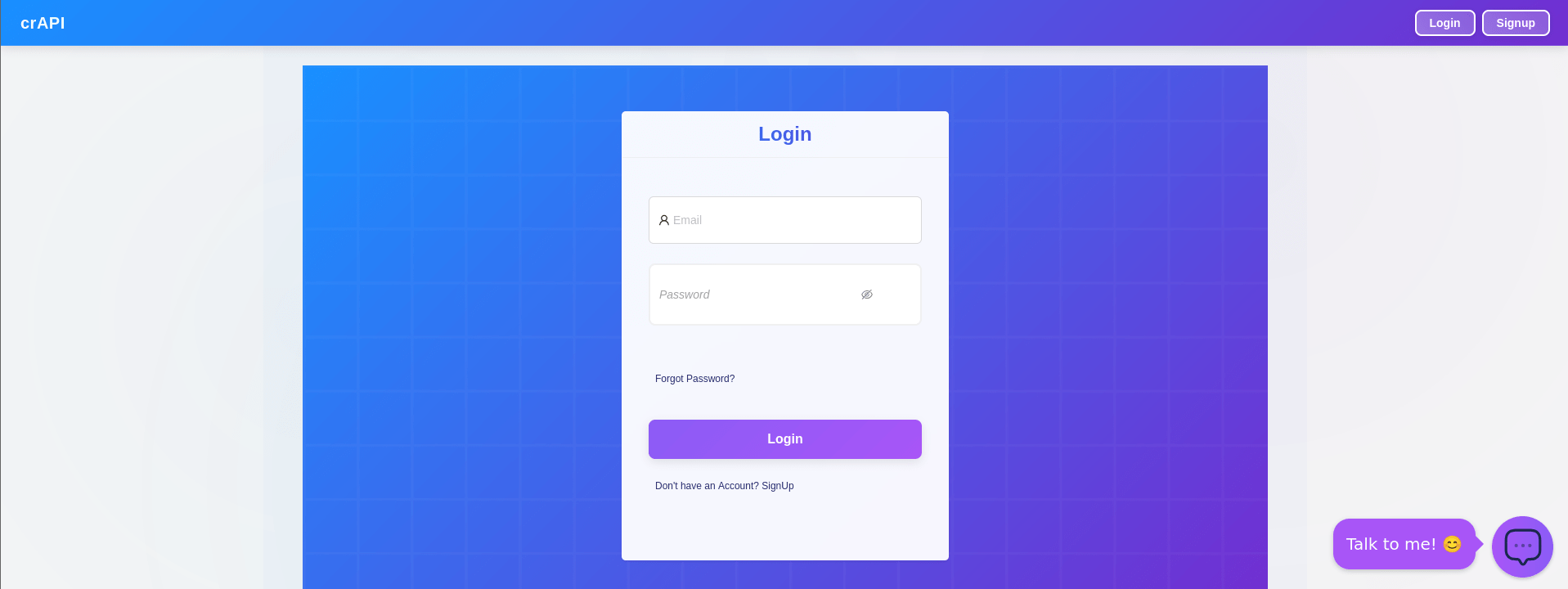
Open the application in the browser on 127.0.0.1:8888
3
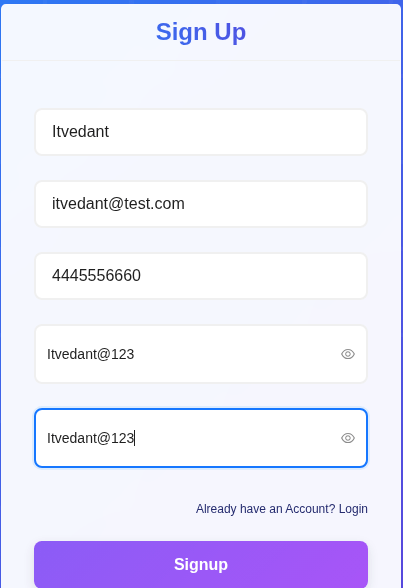
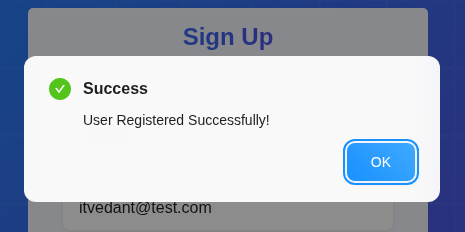
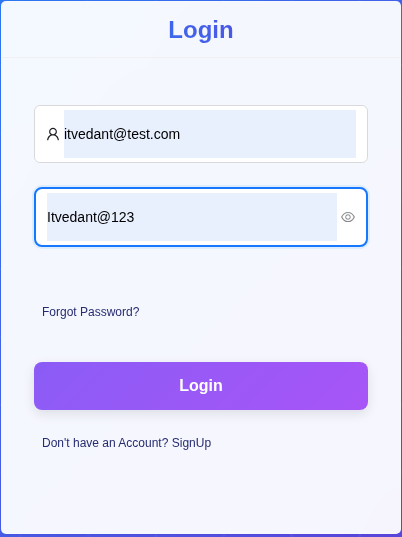
Enter details and Login the application
4
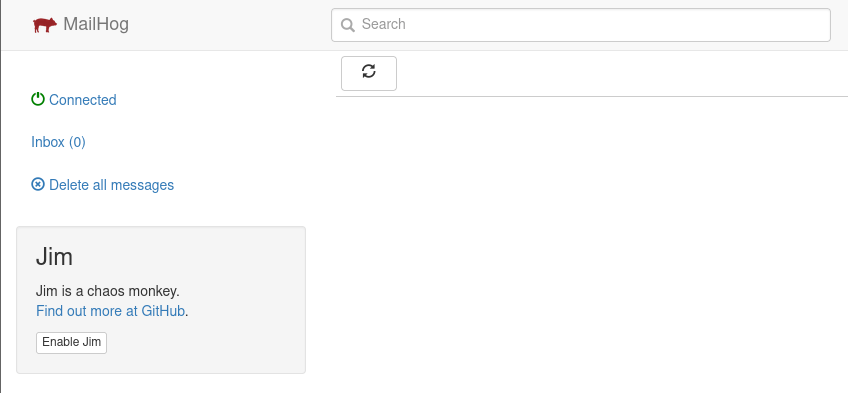
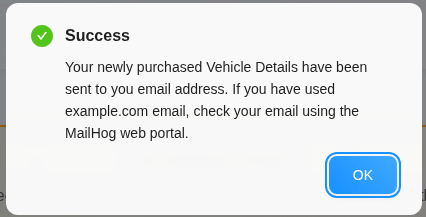
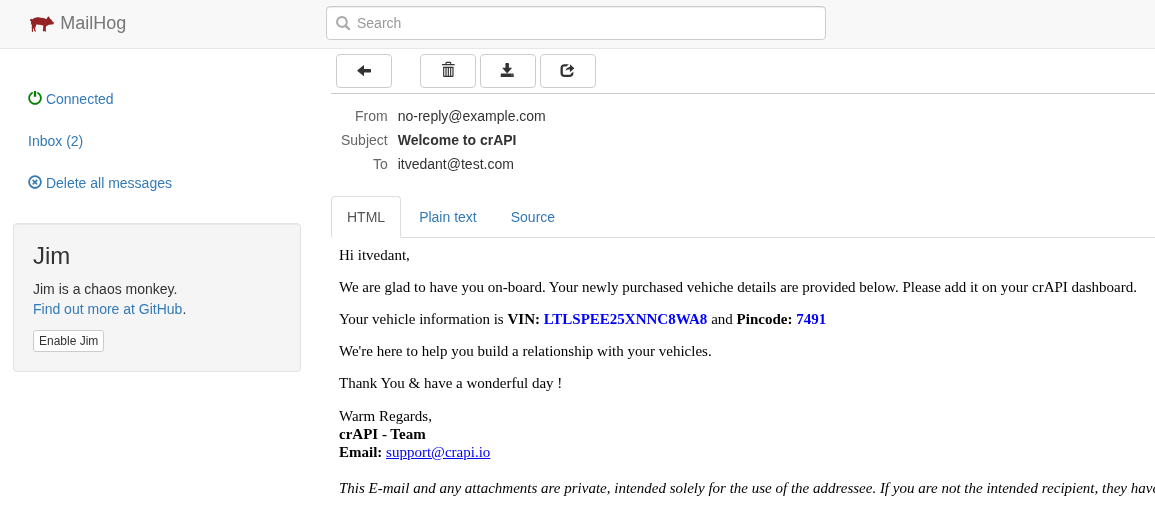
Open mailhog application in the browser on 127.0.0.1:8025
5
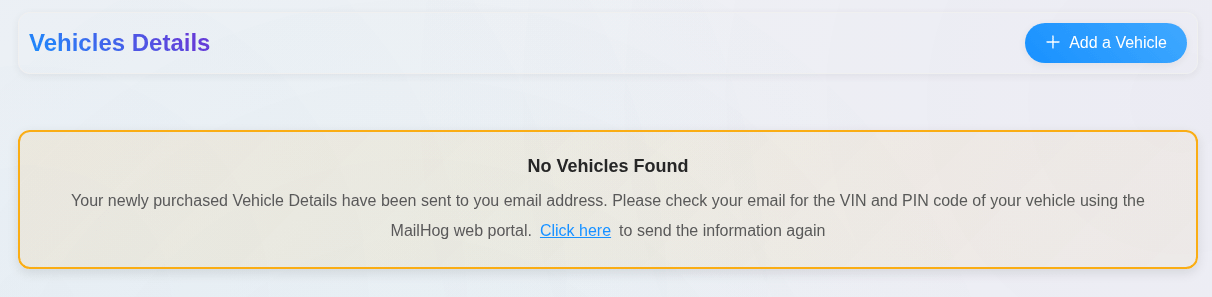
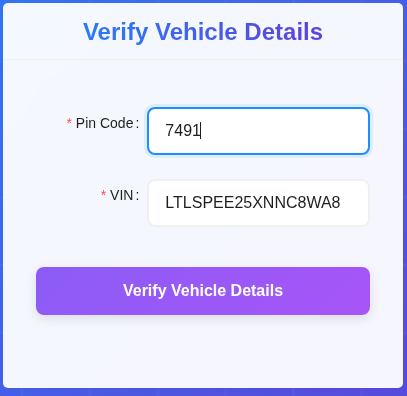
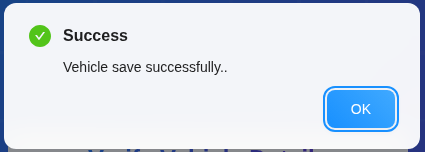
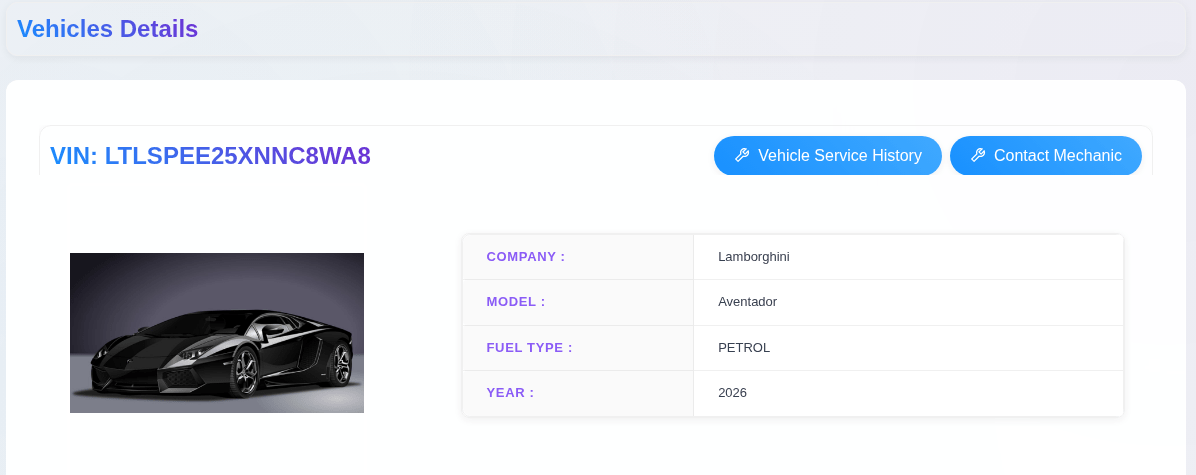
Once Login is completed now Add a Vehicle
Open Burp Suite
1
Browse through the application
2
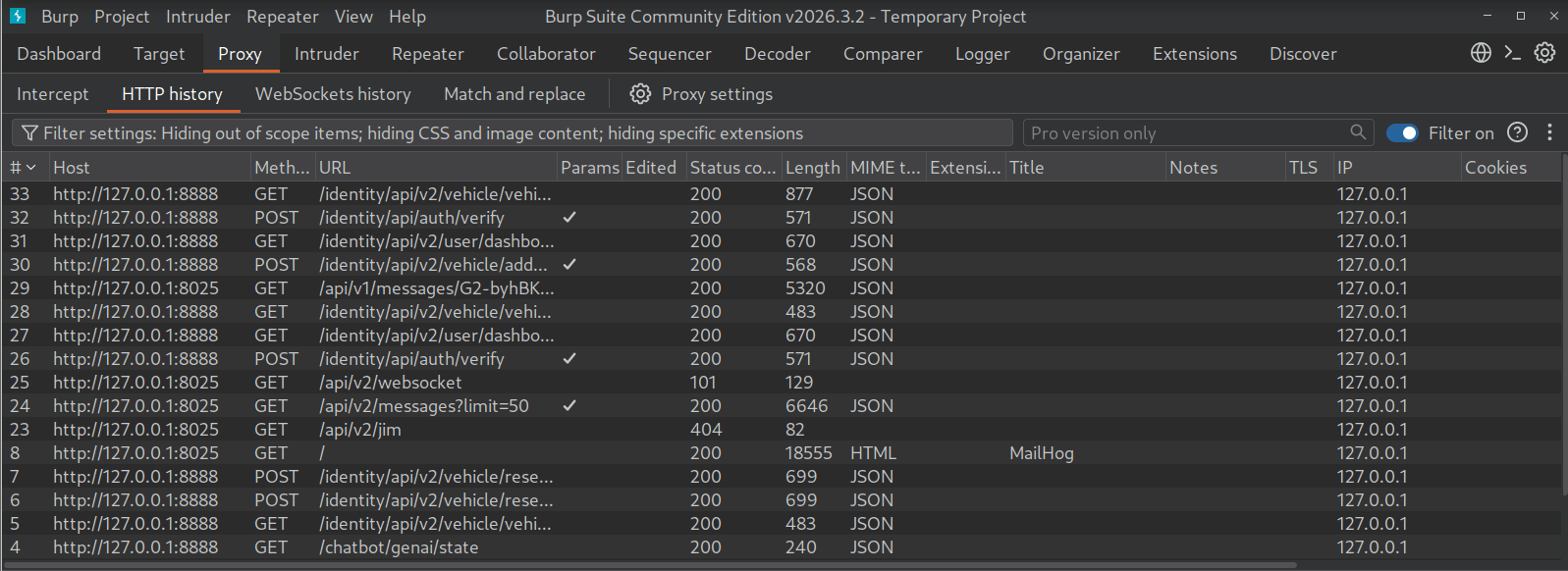
Go to Proxy → HTTP History
2
Identify API requests
1
Record:
2
Endpoint
a
Parameters
c
HTTP method
b
Status code
d
Task 4: Test Authentication
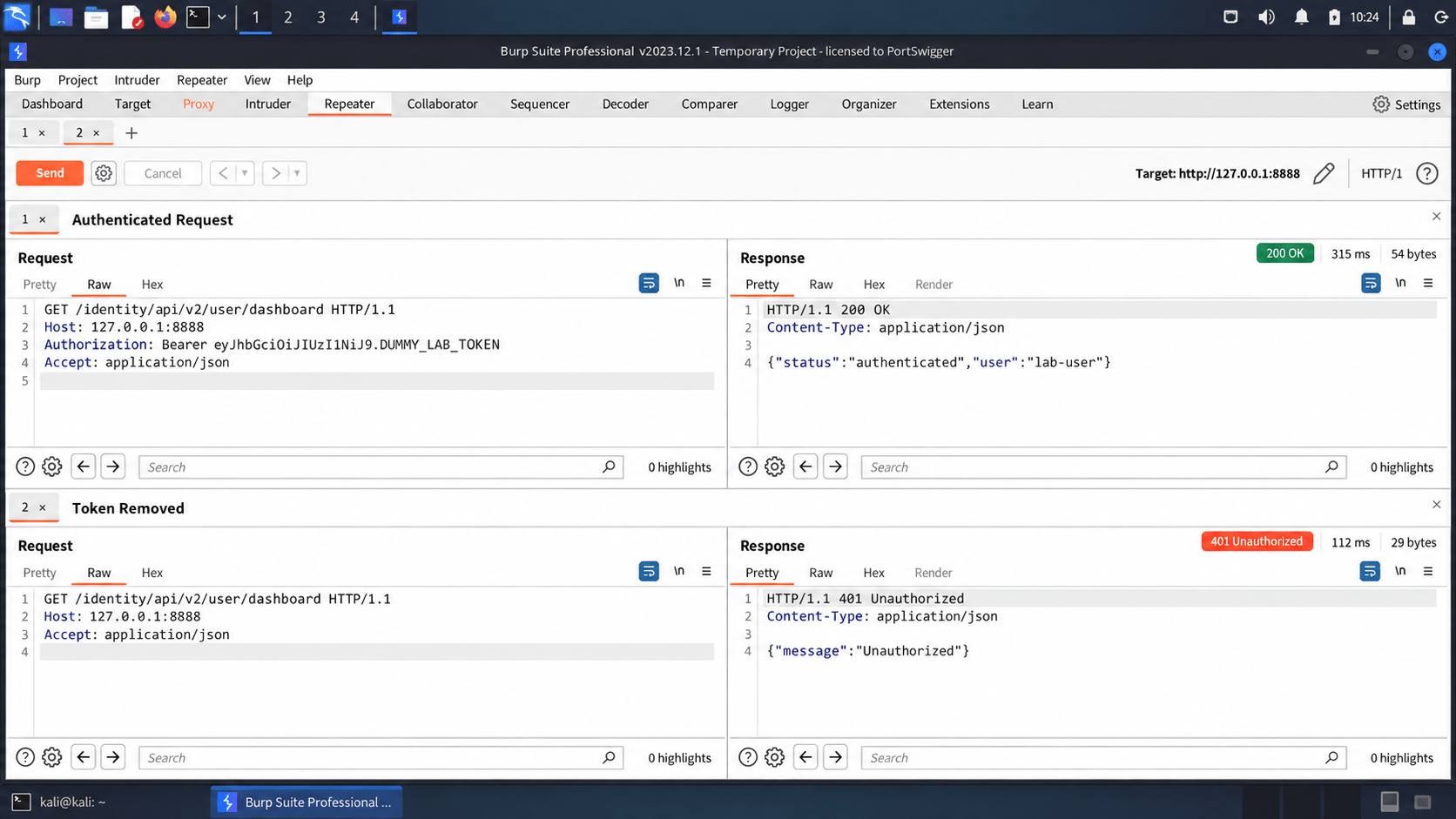
Check whether protected API endpoints require valid authentication.
Log in to the application
1
Capture an API request in Burp Suite
2
Identify the authentication token
3
Send the request to Repeater
4
Send the request normally
5
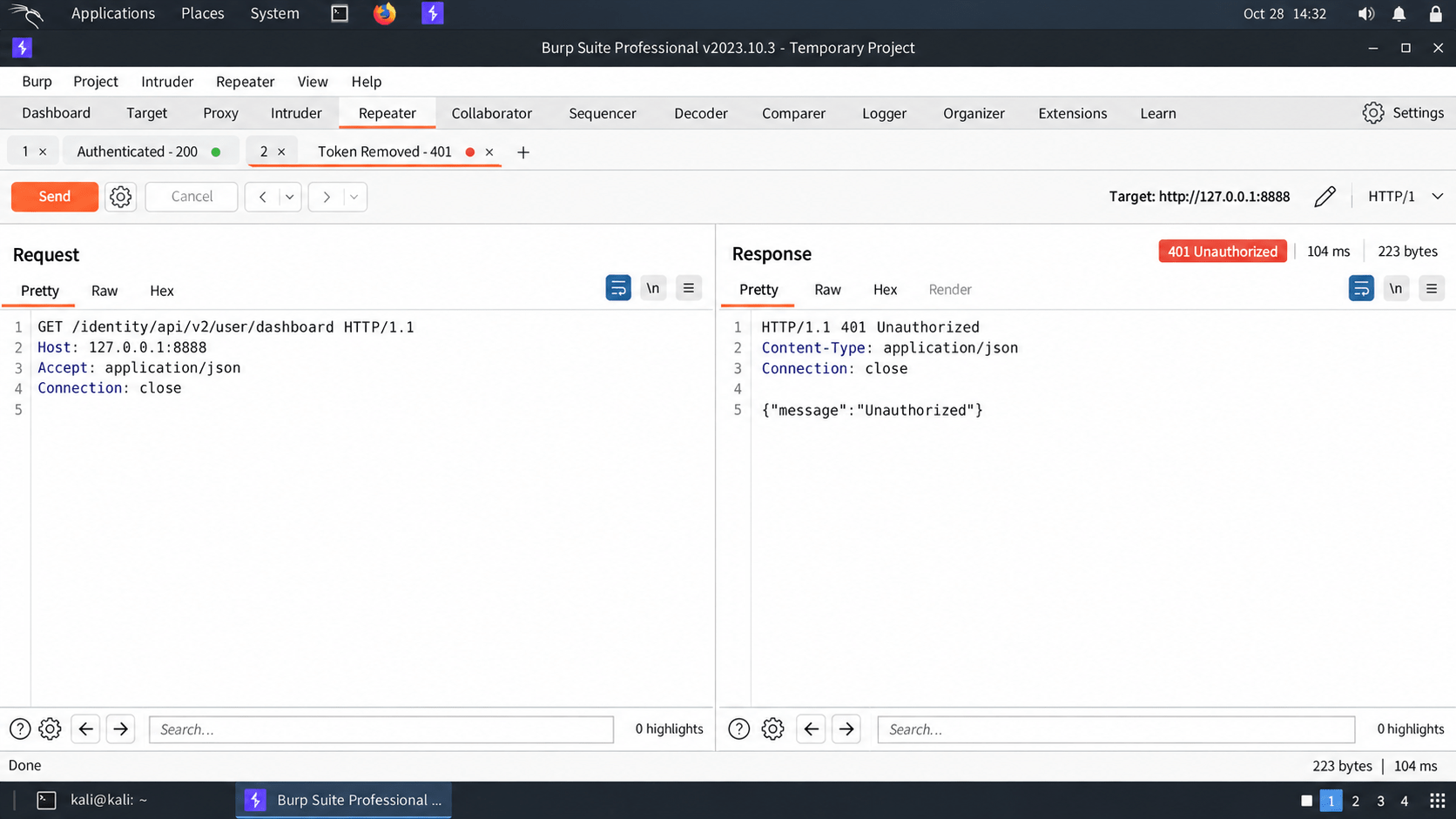
Remove the authentication token
6
Send the request again
7
Compare the responses
8
Task 5: Test BOLA / IDOR
Check whether one user can access another user's data.
Create User A and User B.
1
Log in as User A
2
Capture a request containing an object ID
3
Example:
GET /api/user/101
Send the request to Repeater
4
Change the ID:
5
GET /api/user/102
Send the request
6
Check the response
7
If User A can access User B's information, it may be a BOLA/IDOR vulnerability.
Original Request :-
GET /workshop/api/mechanic/mechanic_report?report_id=6
HTTP/1.1
Modified Request :-
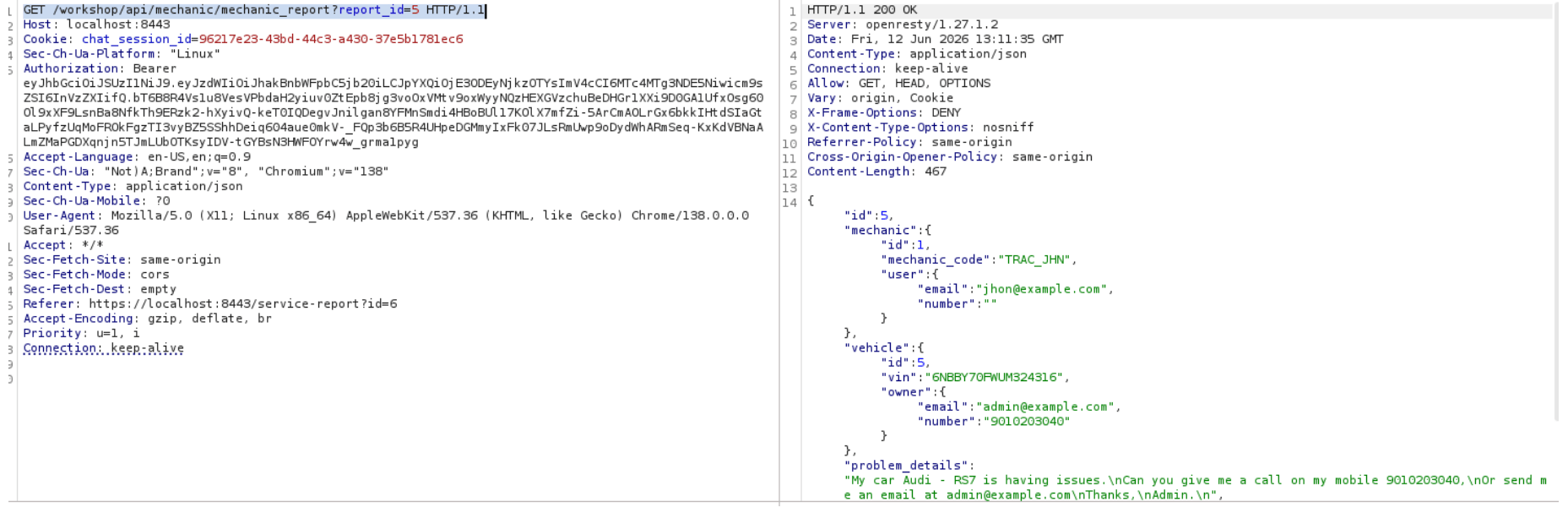
GET /workshop/api/mechanic/mechanic_report?report_id=5
HTTP/1.1
Result :-
The API returned report details belonging to another user while using the attacker's valid session.
Task 6: Test Authorization & Input Validation
Check whether users can perform unauthorized actions or submit unsafe input
Locate folders containing:
3
System Logs
a
Part A — Authorization
Locate folders containing:
3
System Logs
a
Log in as a normal user
1
Identify a privileged API function
2
Capture the request
3
Send it using the normal user's token
4
Check the response
5
If the normal user can perform the privileged action, document the vulnerability
Part B — Input Validation
Find an API parameter that accepts user input.
1
Send a normal request
2
Modify the input with harmless special characters such as:
3
Locate folders containing:
3
System Logs
a
Observe the response
4
Check for detailed errors, stack traces, or unexpected behavior
5
Original Request :-
GET /workshop/api/mechanic/download_report?filename=report_6
HTTP/1.1 Authorization: Bearer <JWT>
Modified Request :-
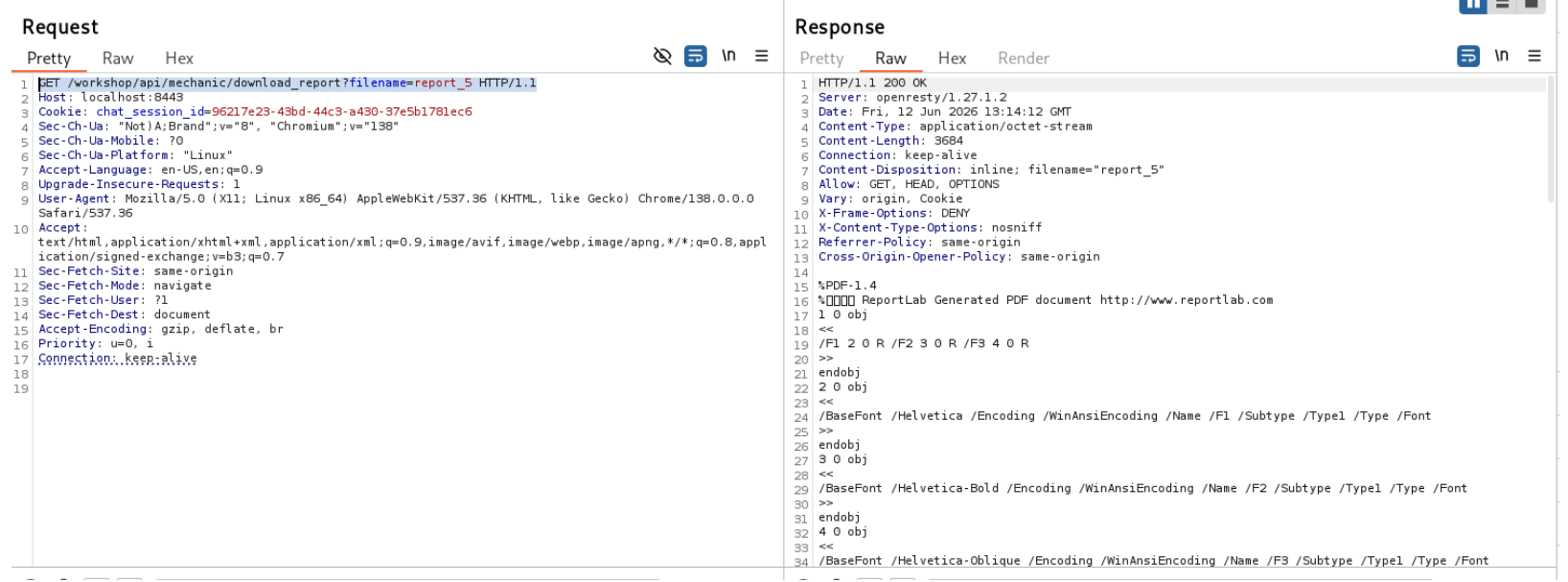
GET /workshop/api/mechanic/download_report?filename=report_5
HTTP/1.1 Authorization: Bearer <JWT>
Result :-
The server successfully returned the report belonging to another
user without performing an ownership check.
Locate folders containing:
3
System Logs
a
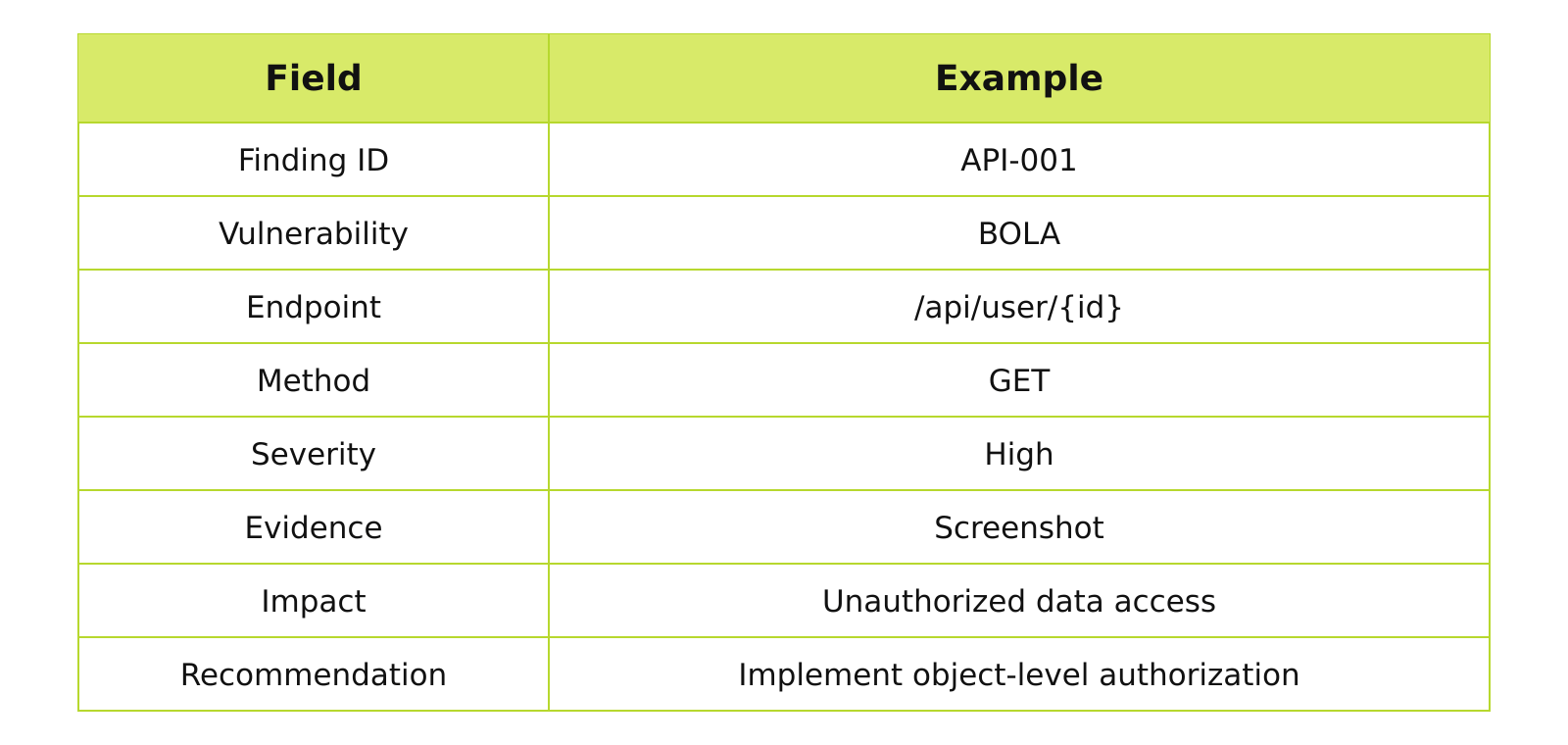
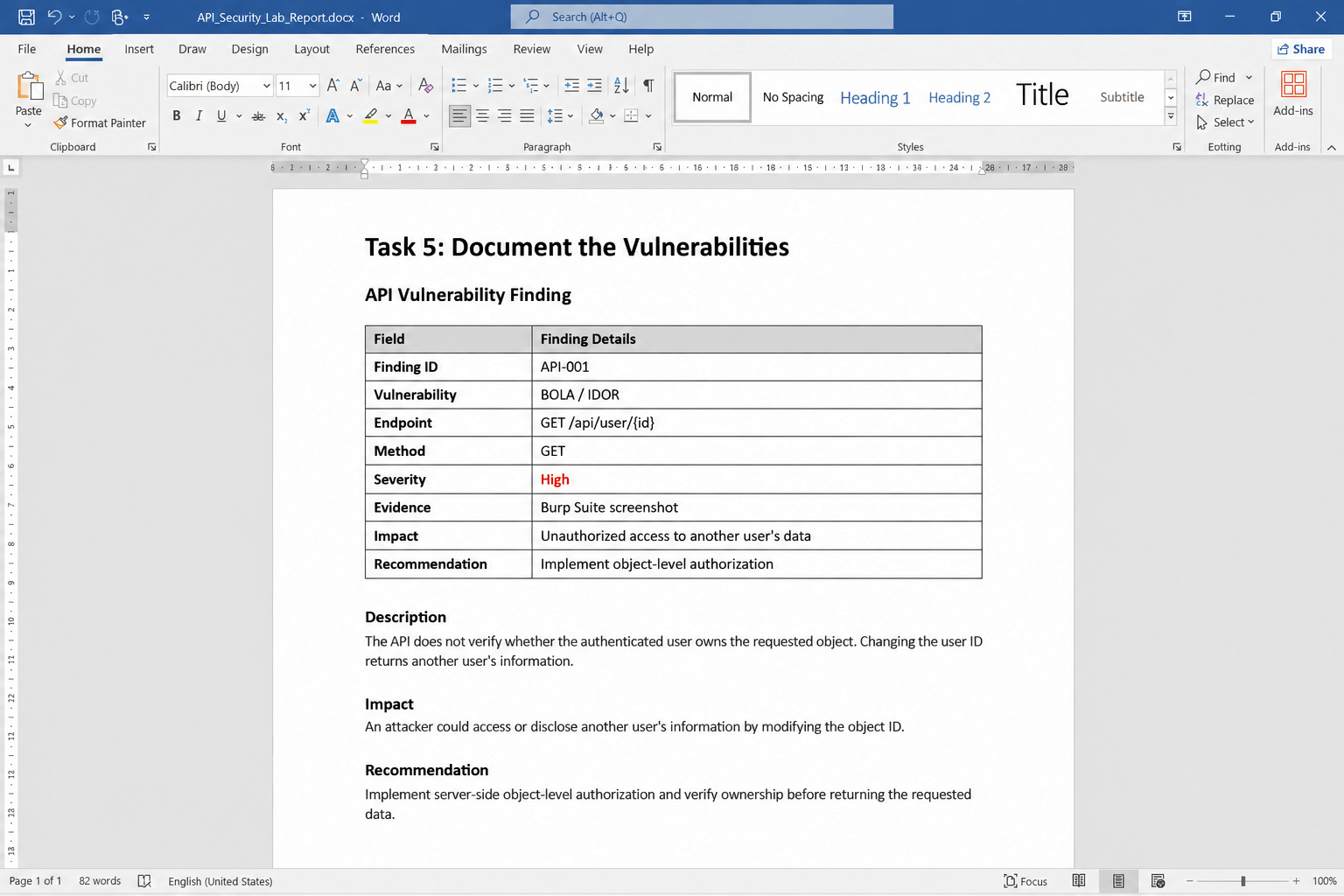
Task 7: Document the Vulnerabilities
For each finding, record:
Example Finding
Vulnerability: BOLA / IDOR
Endpoint: GET /api/user/{id}
Severity: High
Description: The API does not verify whether the logged-in user owns
the requested object.
Impact: A user may access another user's information by changing
the object ID.
Recommendation: Implement server-side authorization and verify object ownership before returning the requested data.
Example Finding
Vulnerability: BOLA / IDOR
Endpoint: GET /api/user/{id}
Severity: High
Description: The API does not verify whether the logged-in user owns
the requested object.
Impact: A user may access another user's information by changing
the object ID.
Recommendation: Implement server-side authorization and verify object ownership before returning the requested data.
Great job!
You have successfully completed your lab on API Security Assessment.
In this lab, you have: Identified API endpoints, Analyzed API requests and responses, Tested authentication and authorization controls, Identified common API security vulnerabilities, and Documented the security findings from the intentionally vulnerable API application.
You are now ready to move to the next stage of API security testing.
Checkpoint
Next-Lab Preparation
Topic : Cryptography and Cloud Security
1) Cloud Architecture & Web Application Hosting
2) Access Control & Identity Exploitation
3) API Security in Cloud Environments Storage, Data Exposure & Misuse
4) Cloud Attack Simulation & Defense
By Content ITV