










Content ITV PRO
This is Itvedant Content department
Text
Understanding Webpage UI Testing
What is UI Testing?
Visual Accuracy
Ensures UI elements look asexpected across devices andbrowsers
Functional Behavior
Checks if buttons, forms, links,
and inputs behave correctly
User Experience
Essential for maintaining smooth interactions and consistent branding
Key Testing Areas
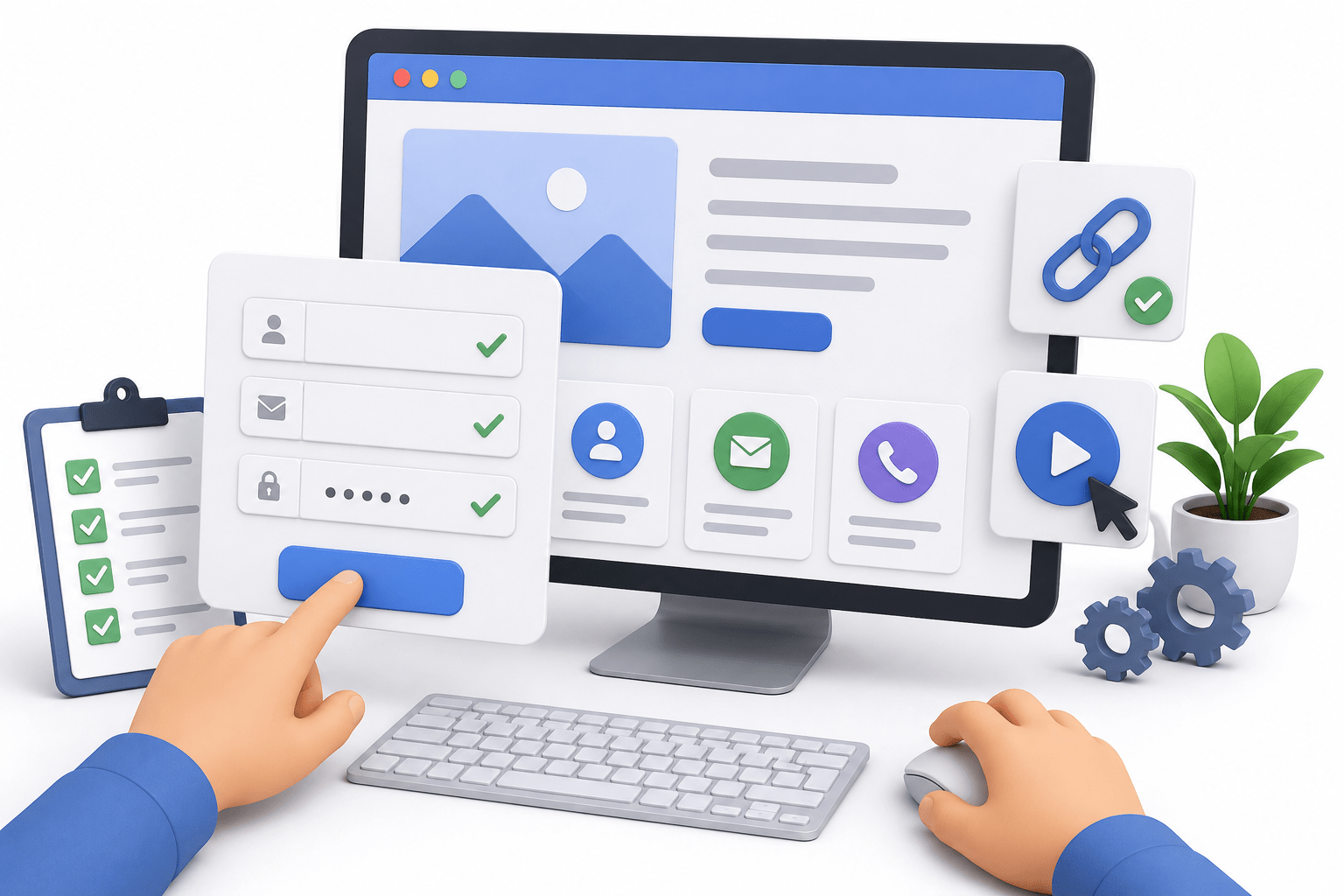
Forms, Tables, Buttons
Are elements displayed, interactive, and styled correctly?
Field Validation
Required fields, placeholders, input patterns, error messages
Layout & Spacing
Proper alignment, spacing, and responsiveness
Visual Consistency
Font sizes, colors, and themes match the design spec.
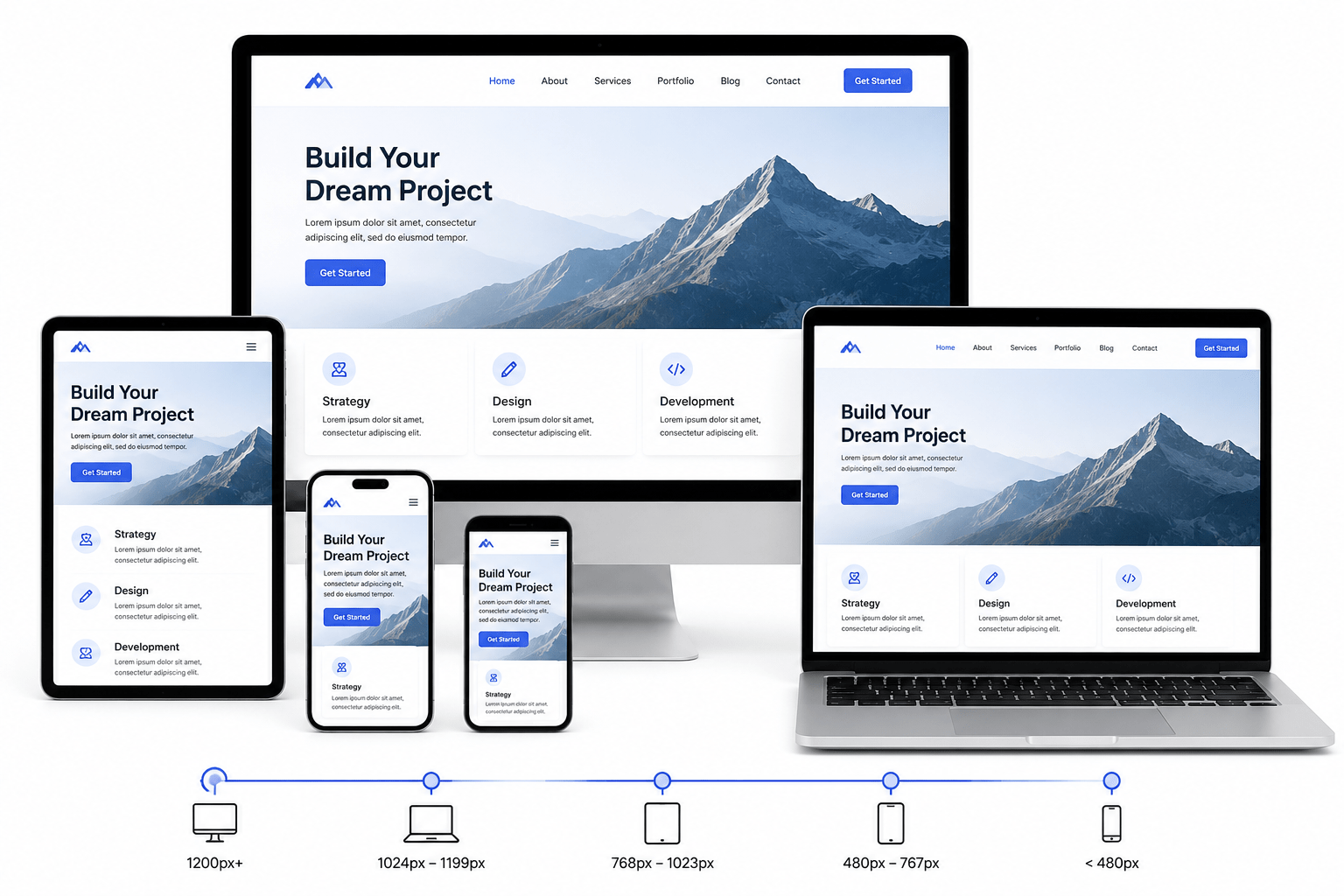
Responsive Design Testing
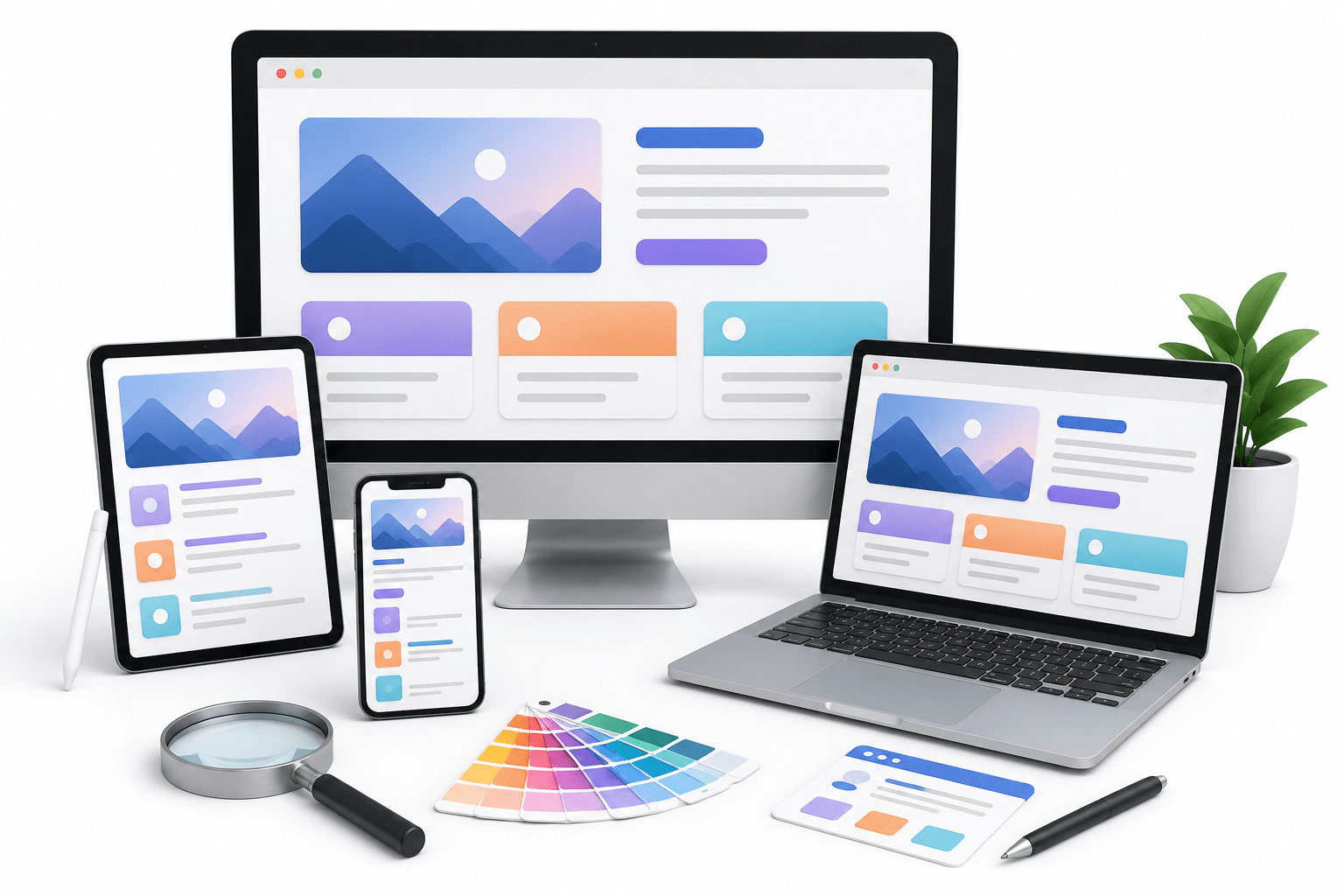
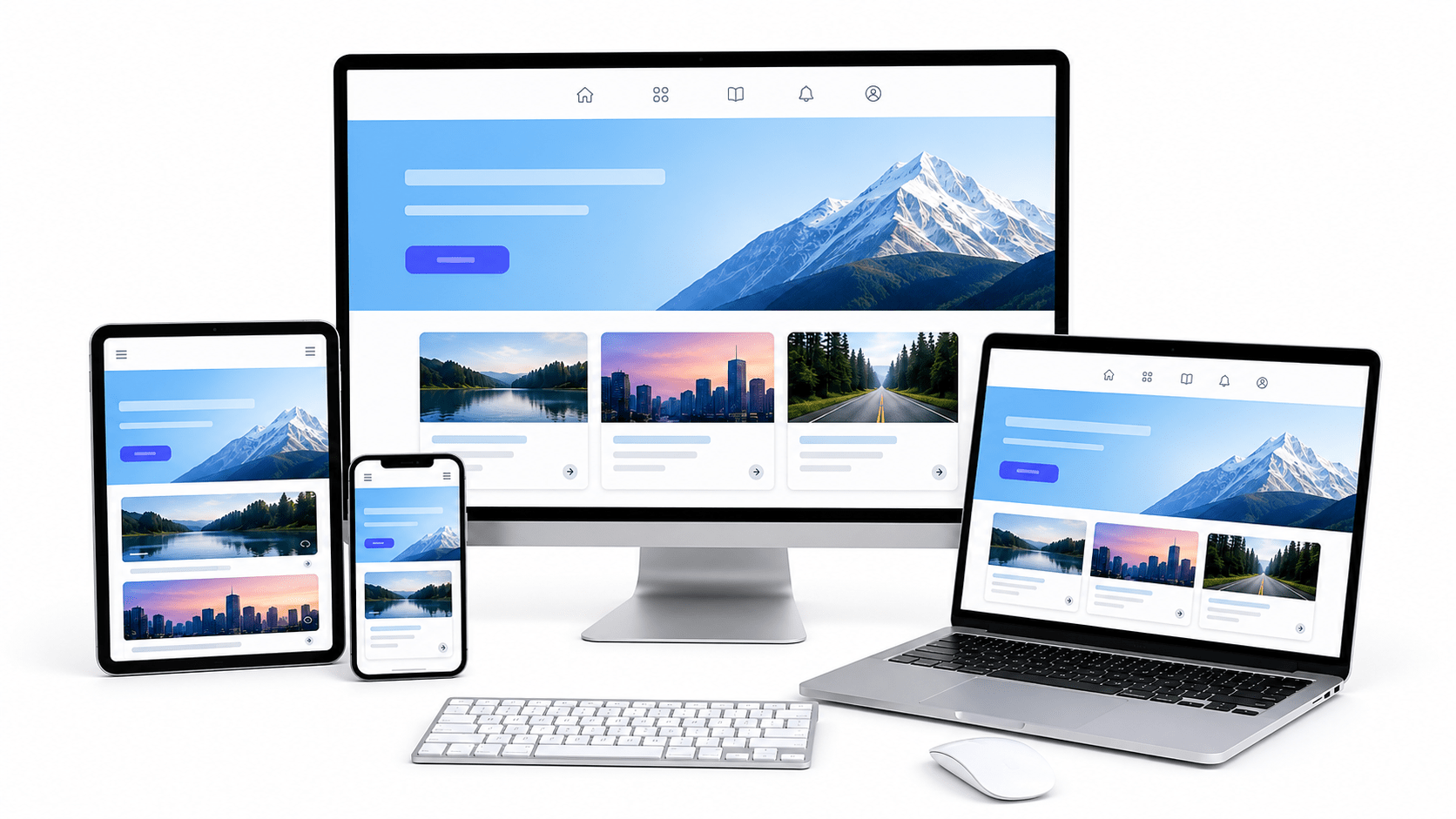
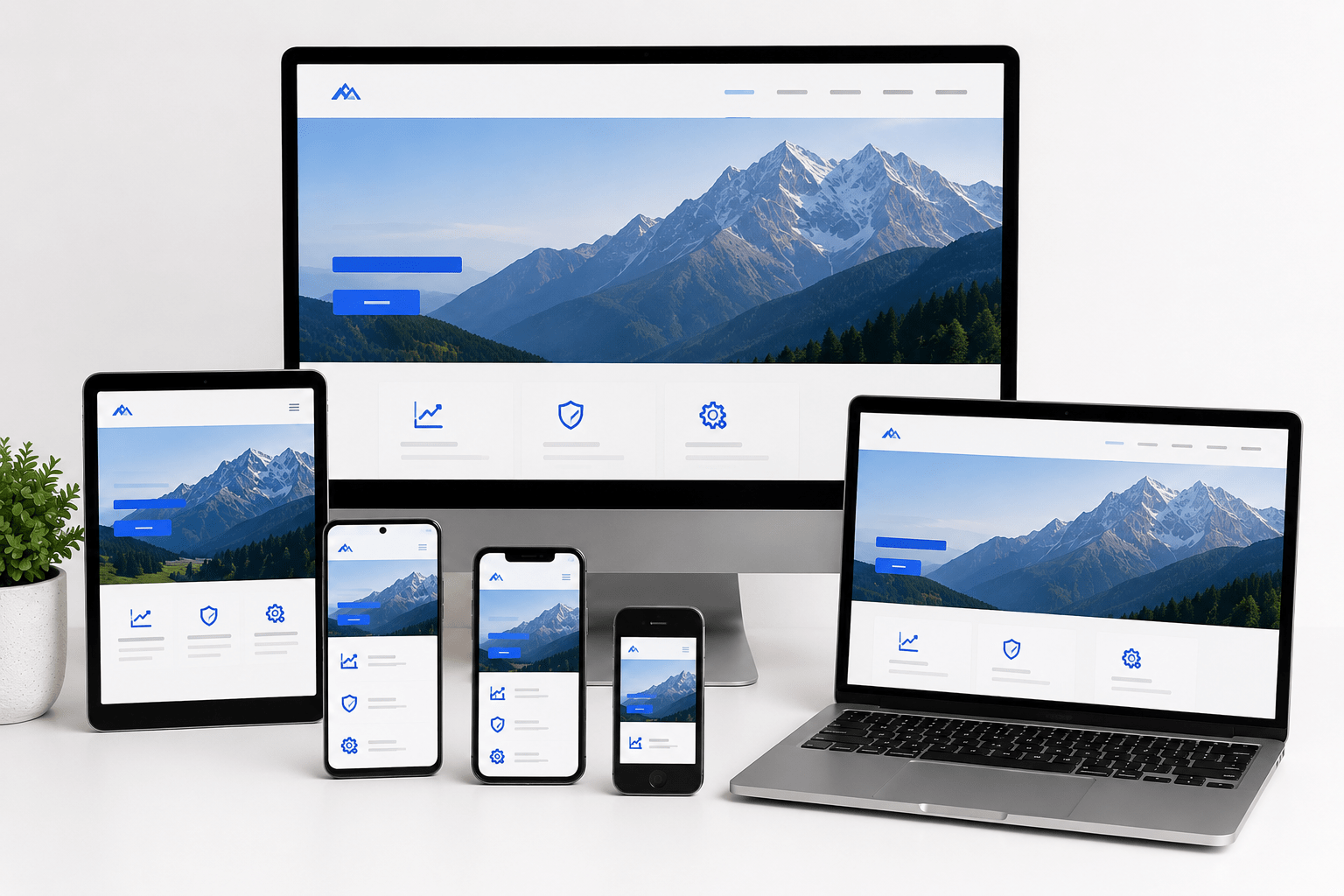
Multi-Device Compatibility
UI must adapt seamlessly to mobile, tablet, and desktop screens
Breakpoint Validation
Test how layouts change at different screen widths.
Real Device Testing
Verify behavior on actual devices, not just emulators
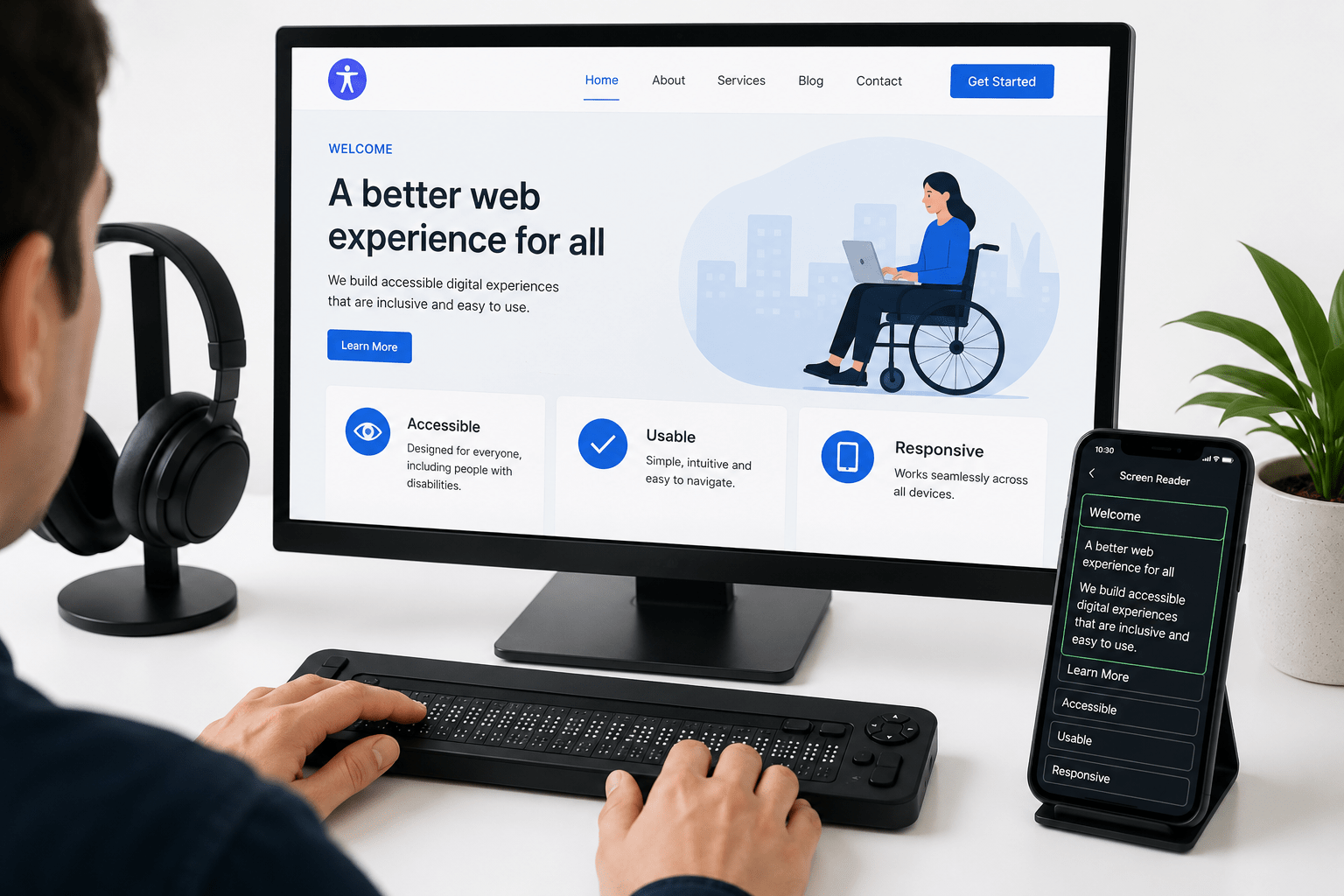
Accessibility Testing
Screen Reader Compatibility
Content must be accessible to visually impaired
users
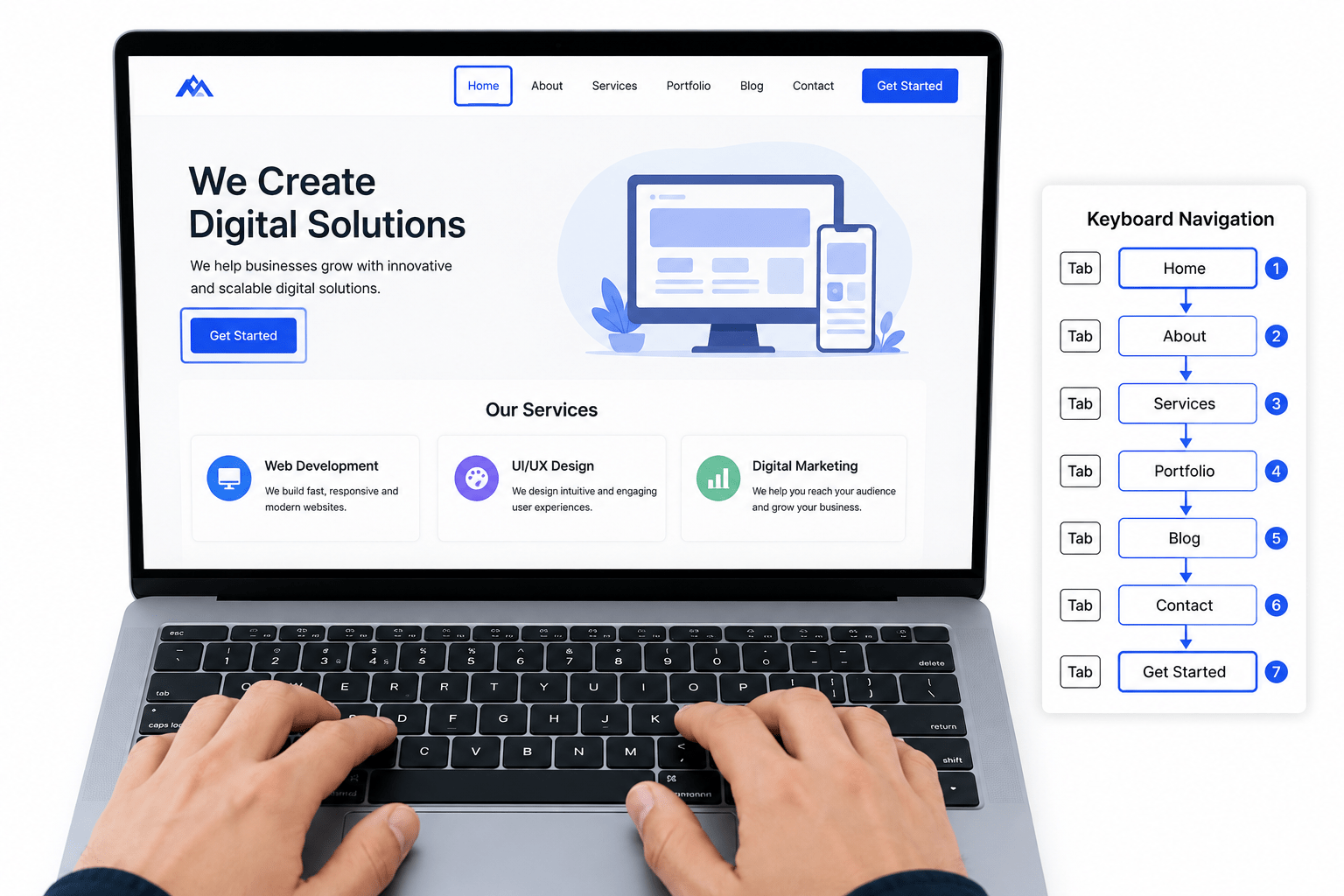
Keyboard Navigation
All functions must be accessible without a mouse.
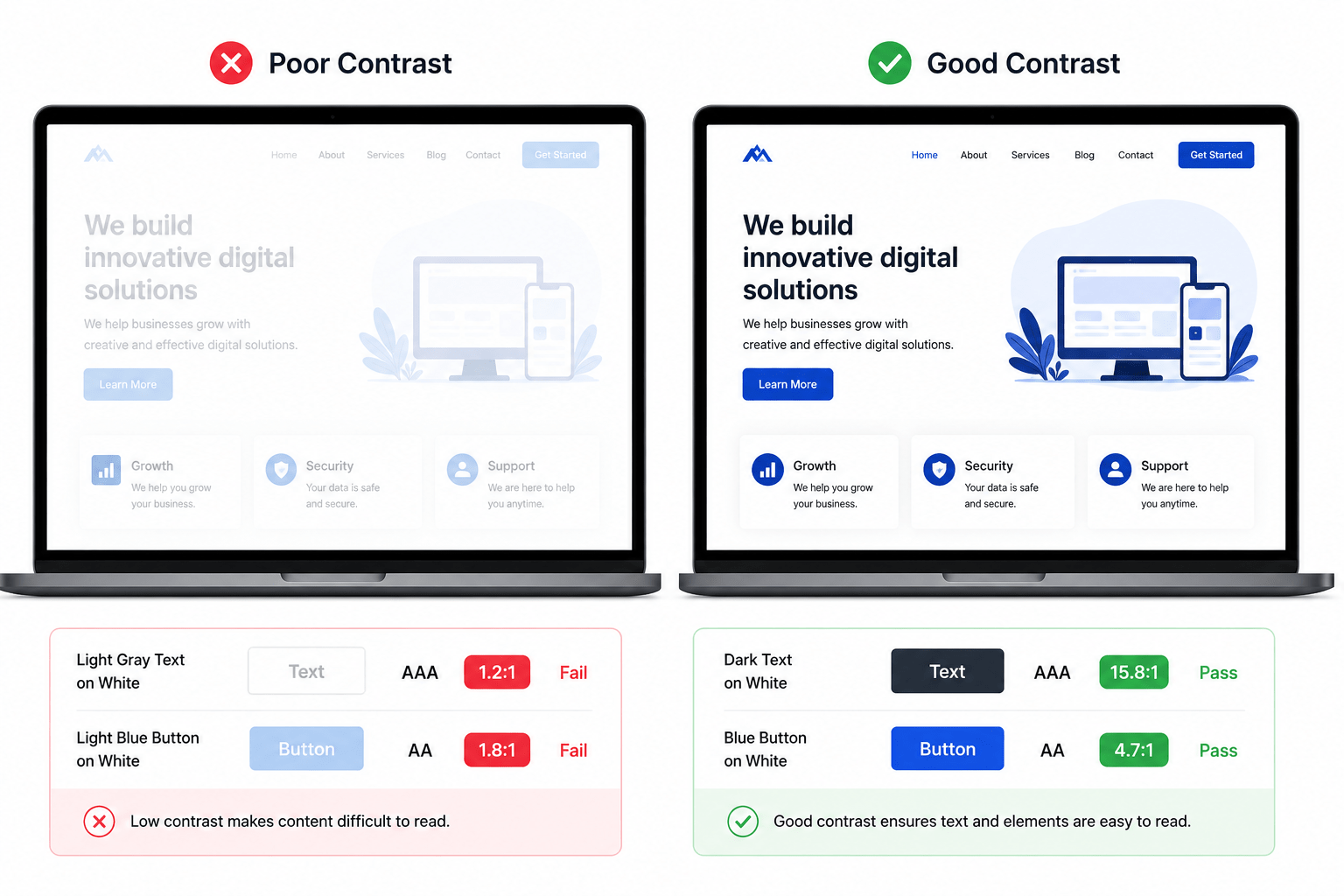
Color Contrast
Text must be readable against its background.
Testing Tools
Browser DevTools
Inspect HTML/CSS, debug issues, check console errors
Responsive Design Mode
Preview layouts on various screen sizes
Cross-Browser Testing
BrowserStack, Sauce Labs ensure consistent behavior across browsers.
UI Automation Tools
Selenium, Cypress automate UI workflows
Cross-Browser Testing
Chrome
Most popular browser with
frequent updates
Firefox
Strong privacy features and
rendering differences
Safari
Important for iOS users and
Mac compatibility
Edge
Microsoft's browser with
growing market share
By Content ITV