



















Content ITV PRO
This is Itvedant Content department
Learning Outcome
4
How to use Environment
3
How to create Environment
2
Why do we need Environments
1
Chaining API RequestsWhat is Environment
Environments in Postman
Definition
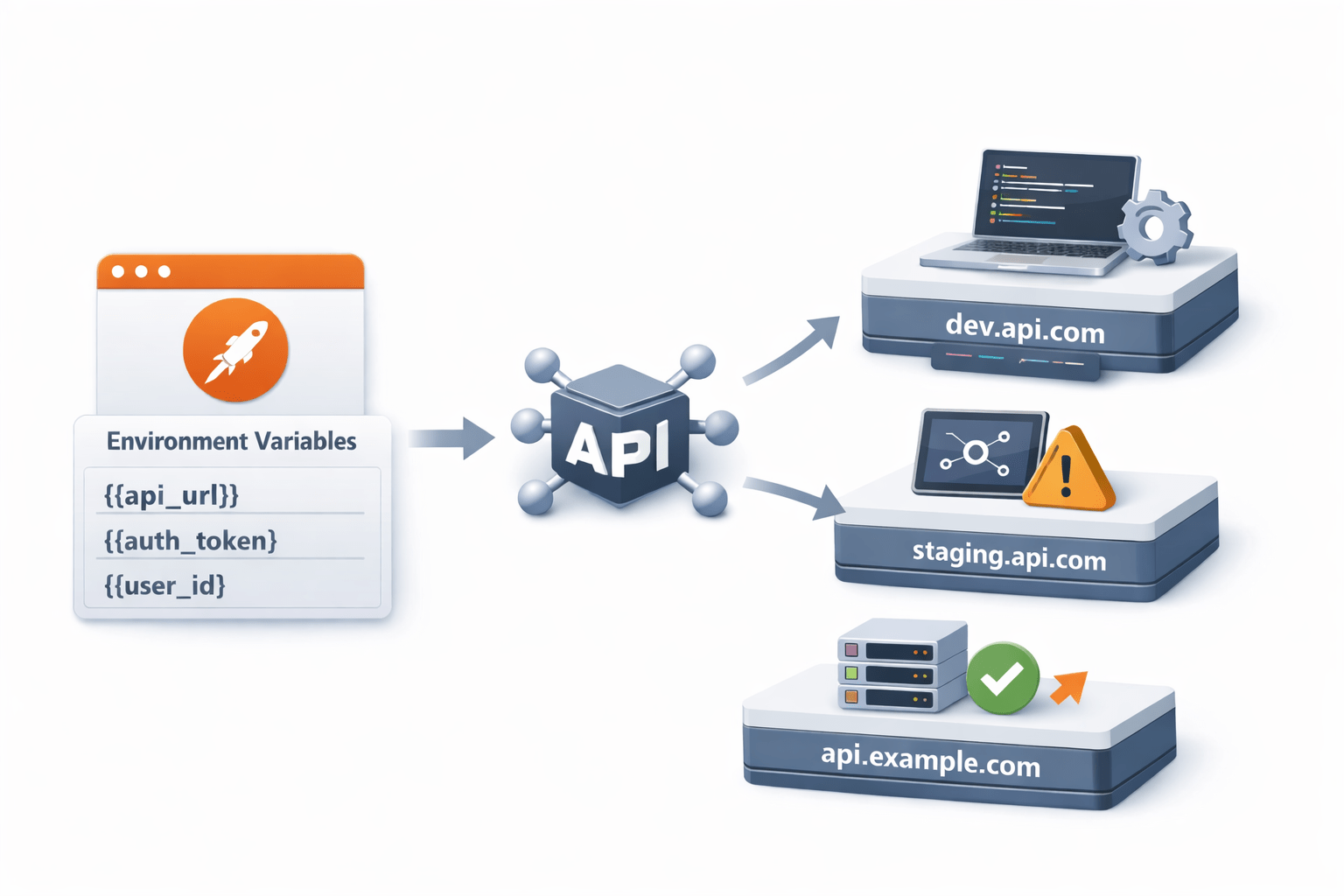
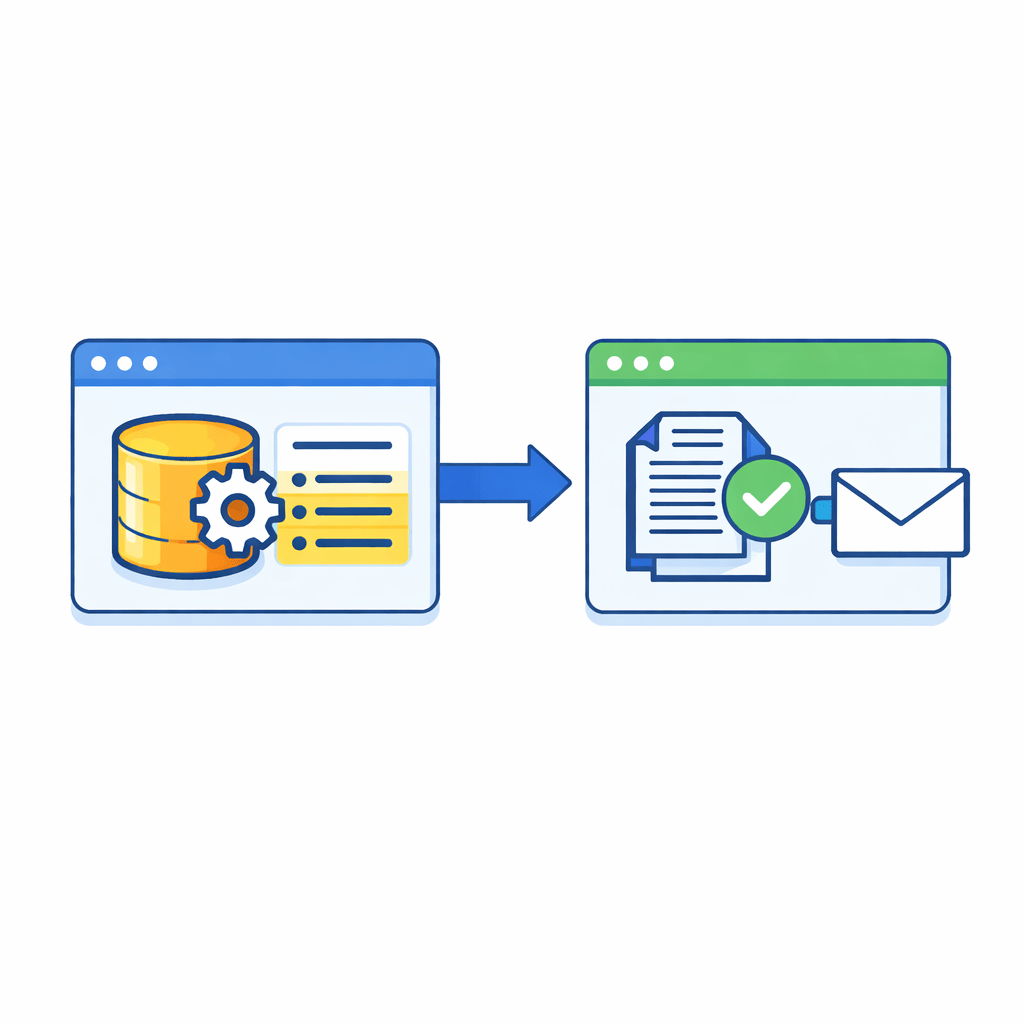
Base URL, tokens, or user credentials might be different for Development, Testing, or Production
Instead of manually updating these values every time, Postman allows you to store them as variables inside an environment
This makes testing faster, Reduces manual effort
Helps avoid mistakes when working with multiple setups
Why Environments are Used
Chaining API Requests in Postman
Understanding the Concept
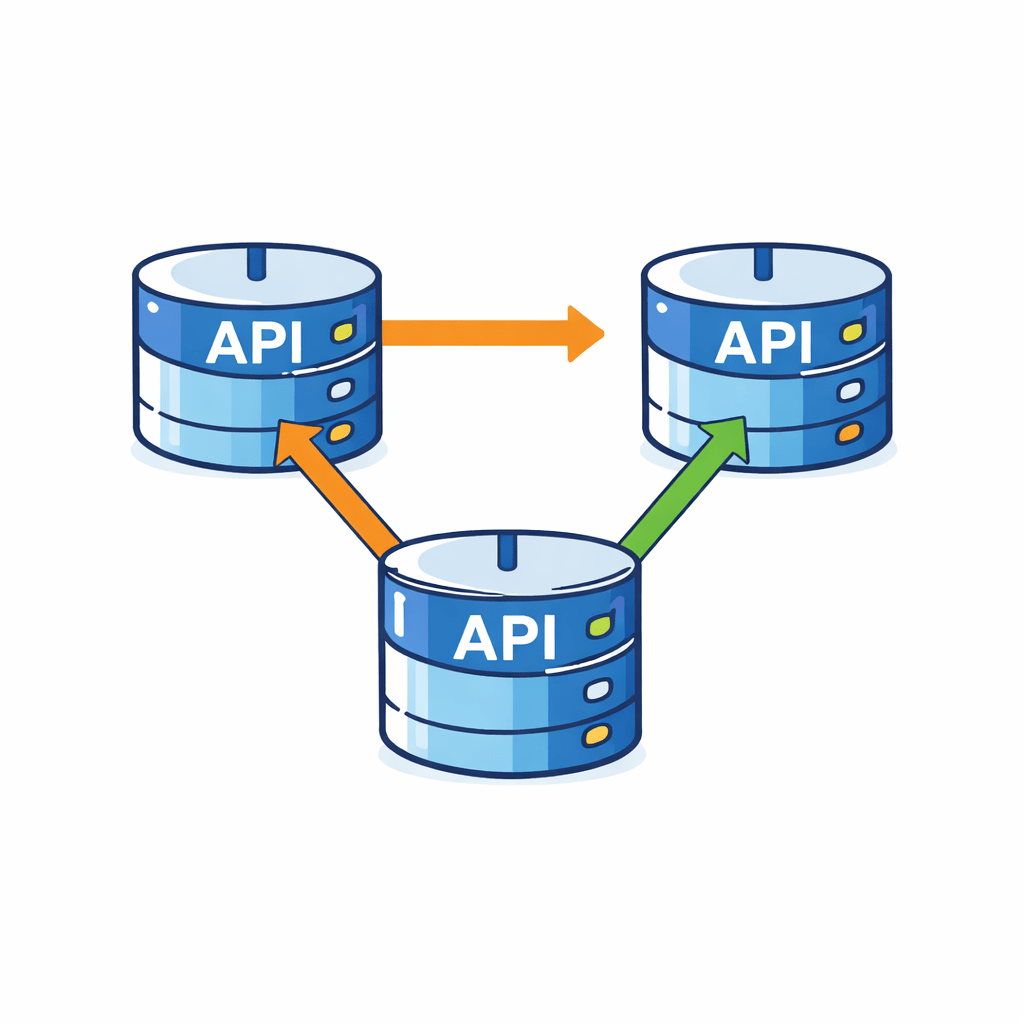
API request chaining is a technique where the output of one API request is used as an input for another request
Definition:
APIs do not work independently in real-world applications
One request generates data required for the next request
Chaining API Requests in Postman
For example,
Key Idea
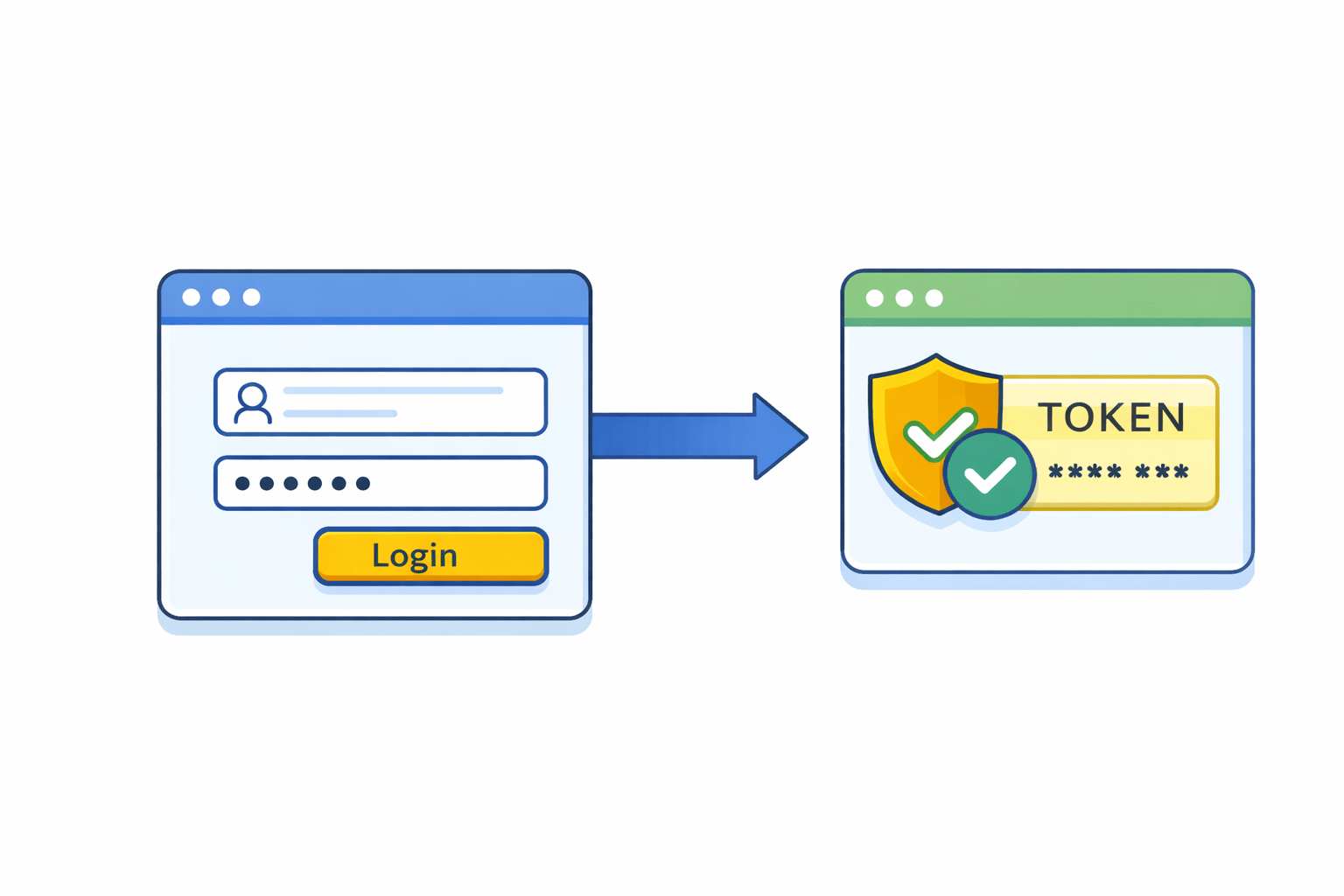
when a user logs in
This token is then used in other API requests to access protected resources
And use it in the next requests
Postman allows you to capture it automatically
Instead of referring this value manually
the system returns an authentication token
How Request Chaining Works
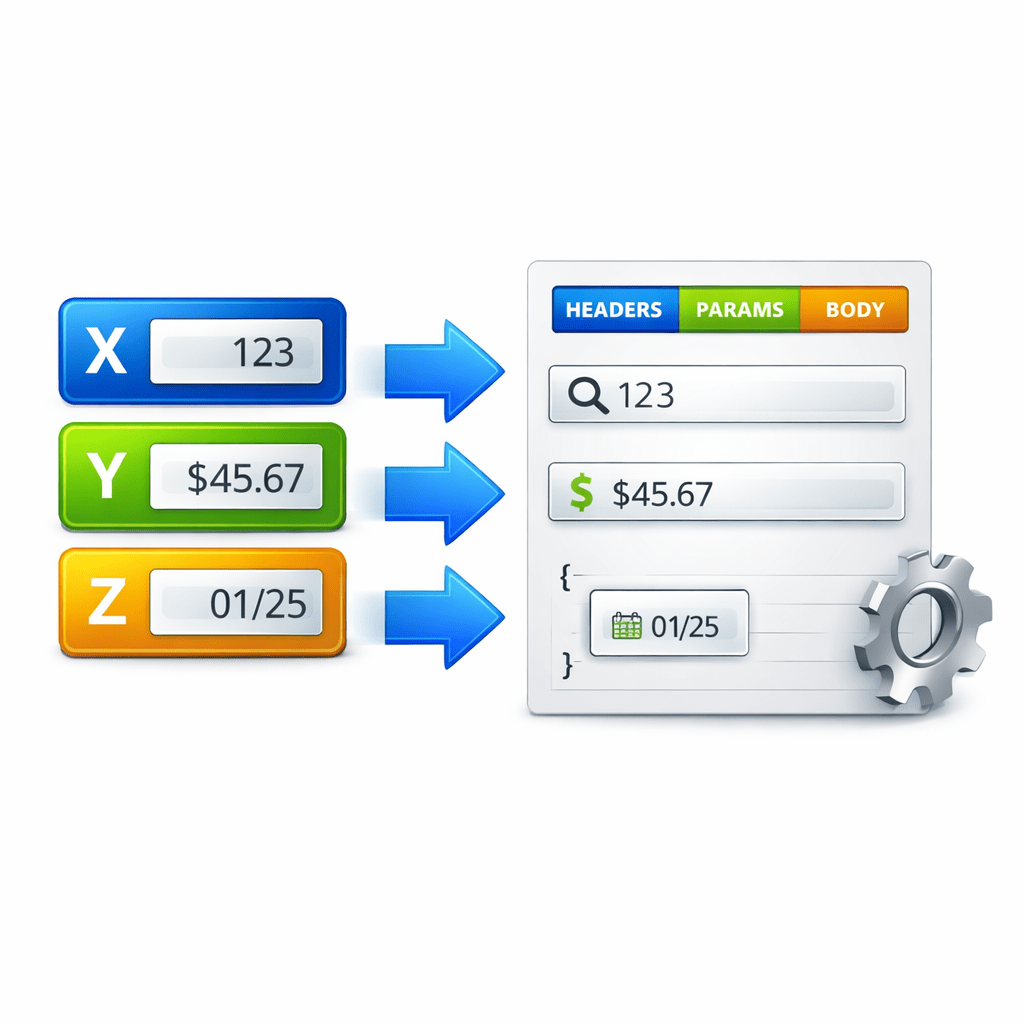
Extract values from the response of one request
Store them in variables
Use those variables in:
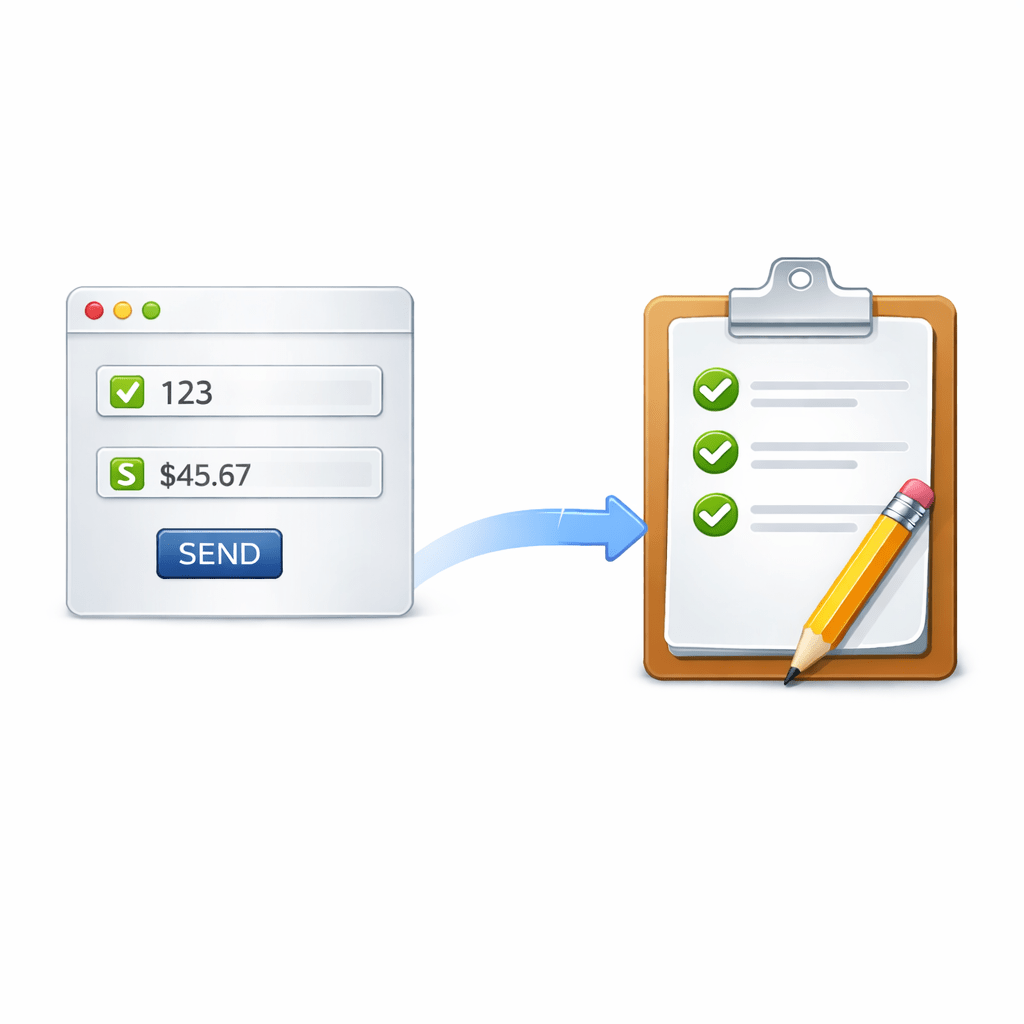
Helps simulate real application flows
Makes testing smoother
Headers
Parameters
Request bodies
1
1
3
2
5
4
Using Test Scripts for Chaining
Implemented using test scripts in Postman
After request execution
let responseData = pm.response.json();
pm.environment.set("userId", responseData.id);
Example
Response returns id
Stored in environment variable: userId
Used in next API request
Script captures value from response
Stores it as a variable
Uses JavaScript
Real-World API Workflow
Create a user → API returns user ID
Login user → API returns authentication token
Use the token to access profile details
Update the user profile using the same user ID
Key Point
Values like user ID and token are reused across requests
Benefits of Request Chaining
Helps in end-to-end API testing
Useful for running collections
Works with
No manual intervention required
Entire workflow runs automatically
Best Practices
Identify required response values
Extract values using scripts
Store in appropriate variables
Reference in next requests
Summary
4
3
2
1
Environments in Postman allow testers to store variables such as base URLs, tokens, and credentials that may differ across Dev, QA, or Production setups
They help avoid manual changes in requests by allowing users to switch between environments easily
Request chaining helps connect multiple API calls together so they behave like a real application workflow
It reduces manual effort, improves testing efficiency, and makes API testing more reliable, especially when working with complex API flows
Quiz
Which of the following values is commonly stored in a Postman Environment?
A. Base URL
B. API Token
C. User Credentials
D. All of the above
Quiz-Answer
Which of the following values is commonly stored in a Postman Environment?
A. Base URL
B. API Token
C. User Credentials
D. All of the above
By Content ITV