Content ITV PRO
This is Itvedant Content department
Building Medicine Management Module using React and Spring Boot
Business Scenario
The objective of this lab is to develop a Medicine Management module using React and integrate it with the Spring Boot backend. Students will create a medicine registration form, store medicine information in the database, and display all medicines as responsive cards with images.
Pre-Lab Preparation
Integrate React with Spring Boot REST APIs.
Create reusable React components.
Send POST requests using Axios.
Fetch backend data using GET APIs.
Display data dynamically using map().
Design responsive medicine cards.
Display medicine images from the public folder.
1
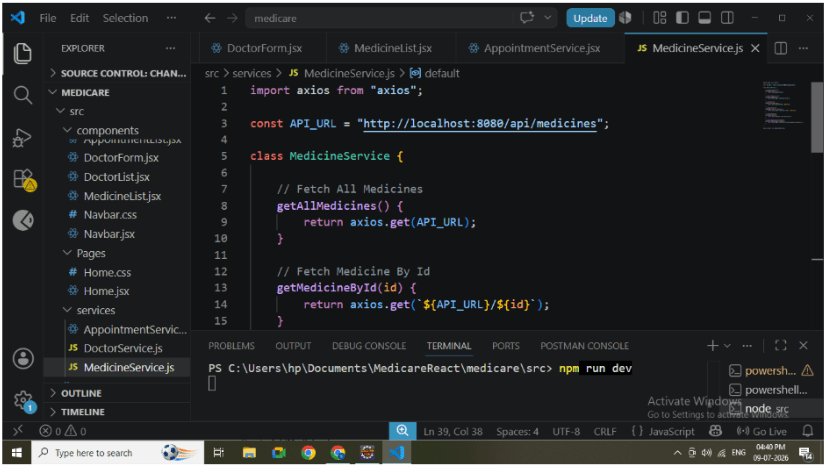
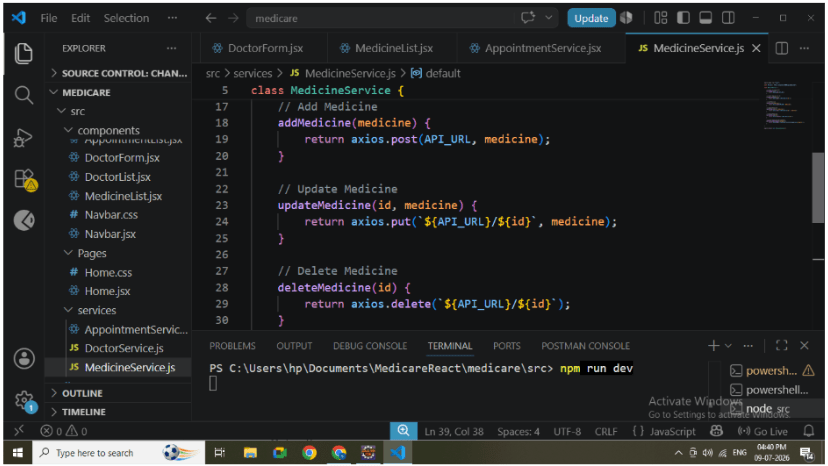
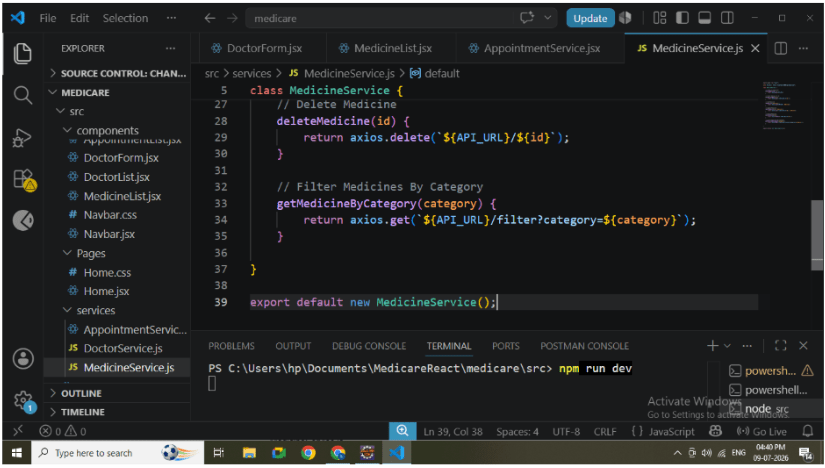
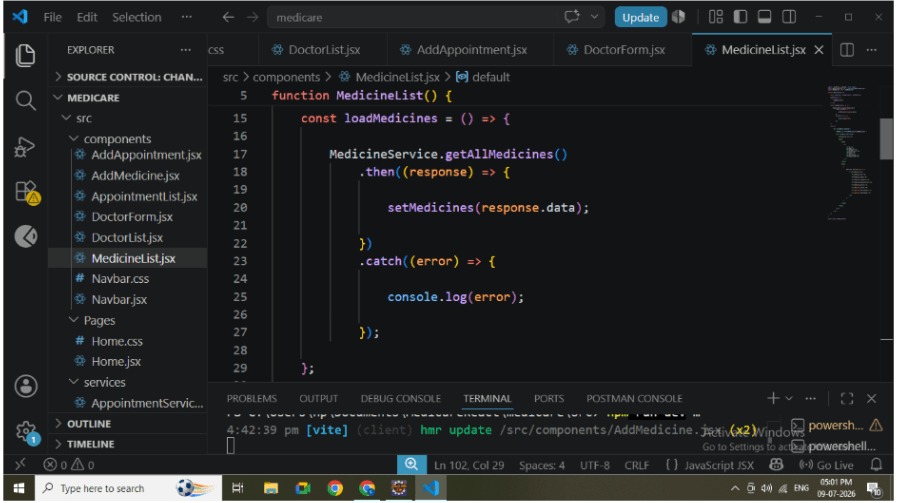
Create MedicineService
Create MedicineService.js inside the services folder.
Responsibilities:
Connect React with Spring Boot.
Send POST requests.
Fetch all medicines..
Backend URL : http://localhost:8080/api/medicines
2
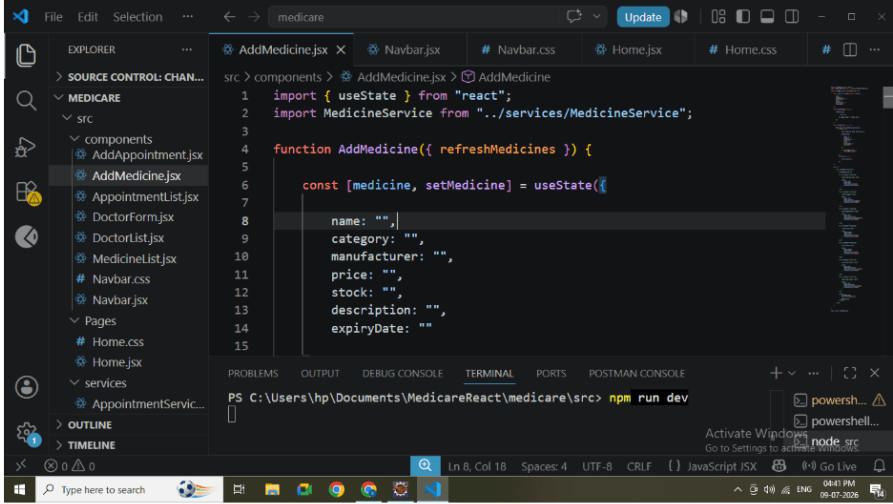
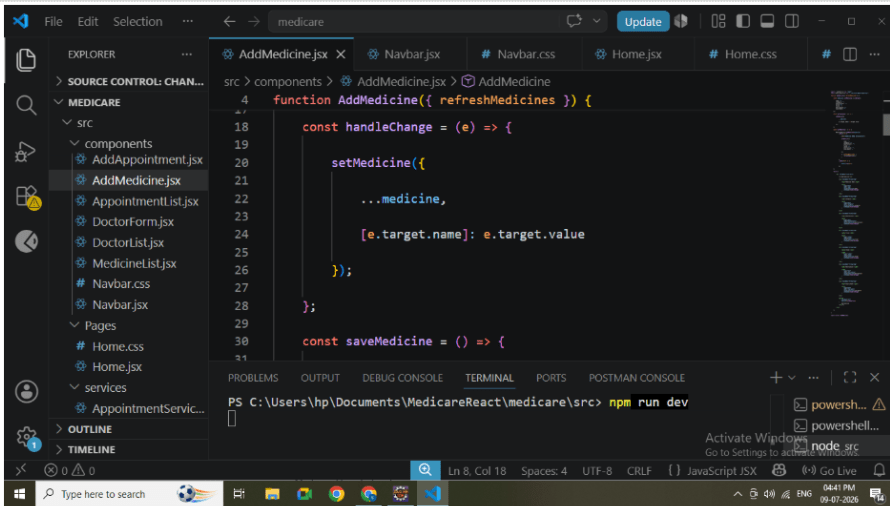
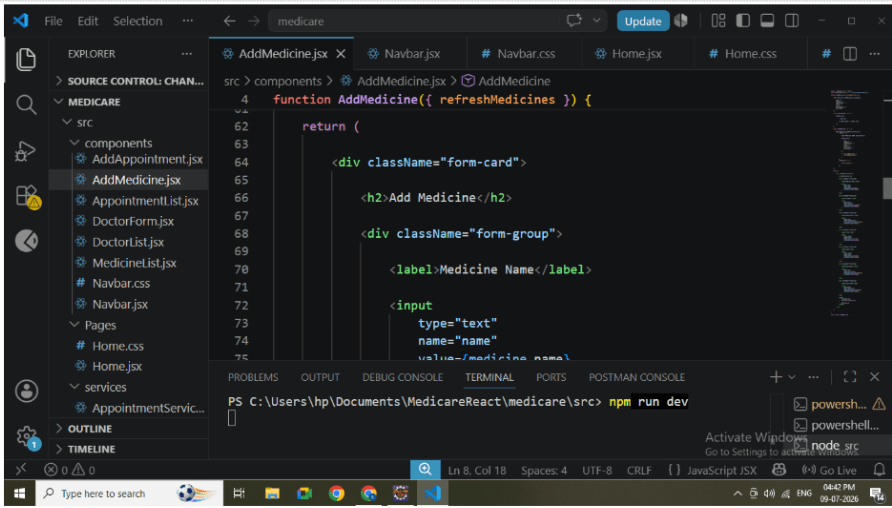
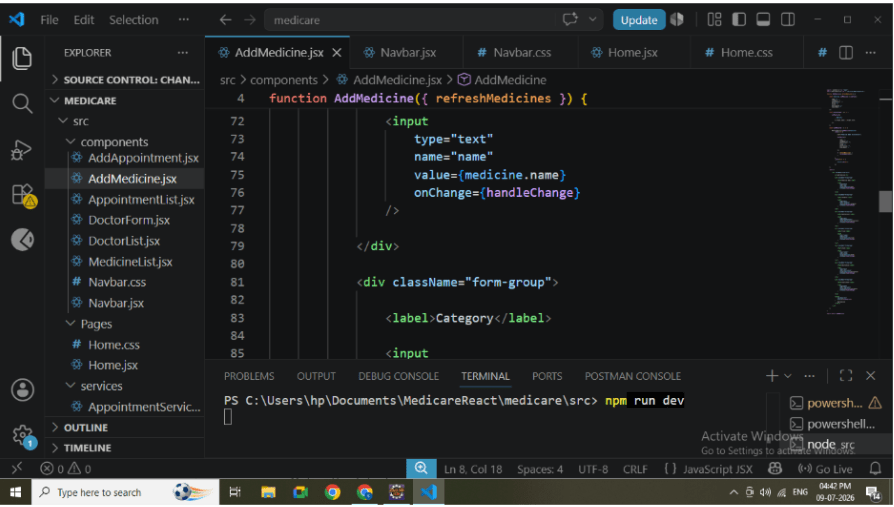
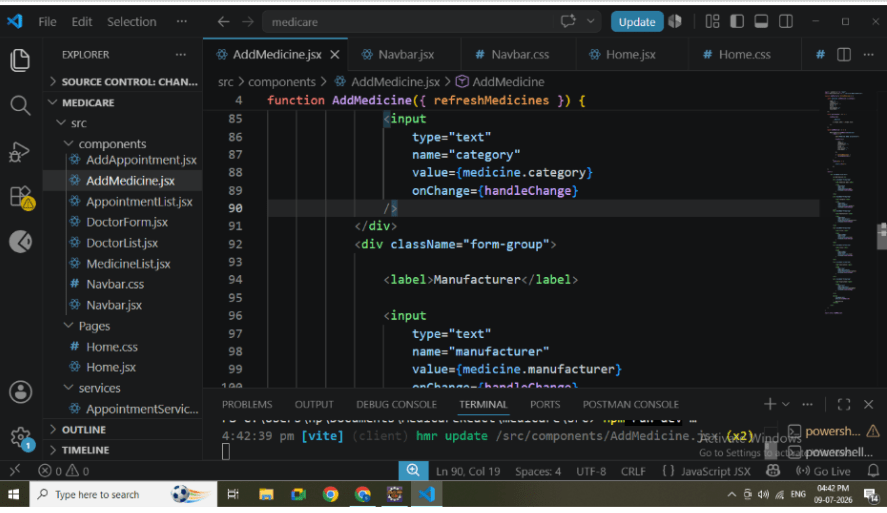
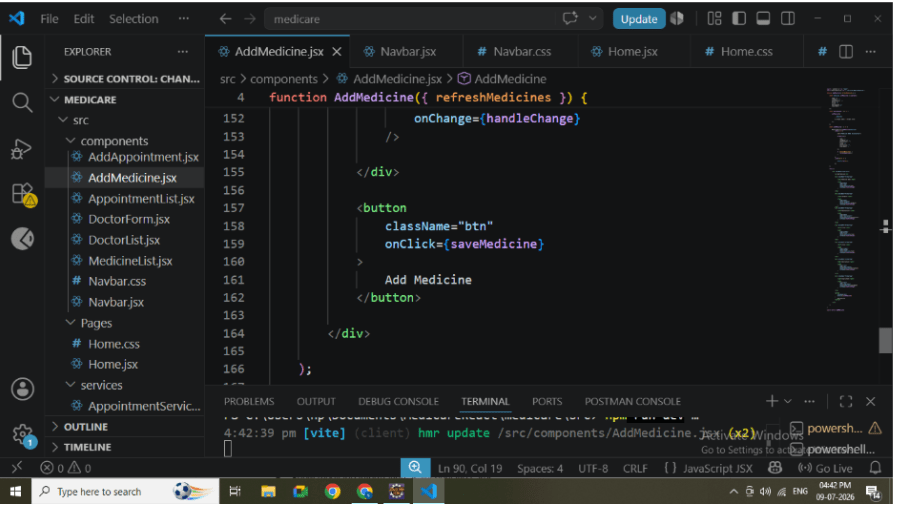
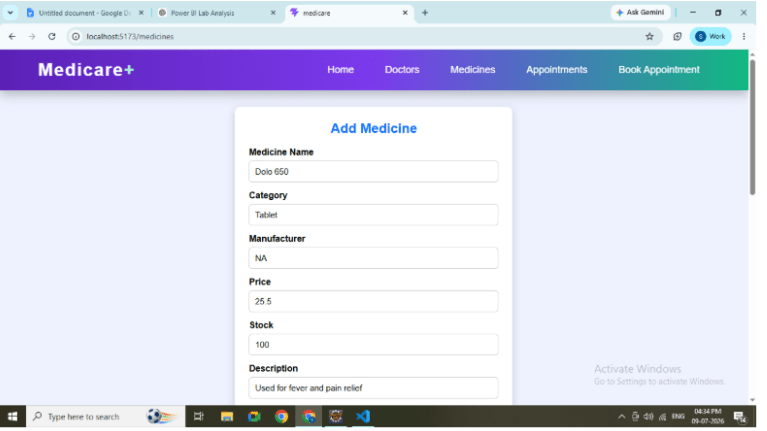
Create AddMedicine Component
Create AddMedicine.jsx.
The component is responsible for collecting medicine information from users.
Create the following input fields:
Medicine Name
Category
Manufacturer
Price
Stock
Description
Expiry Date
Image Name
Store all values using useState.
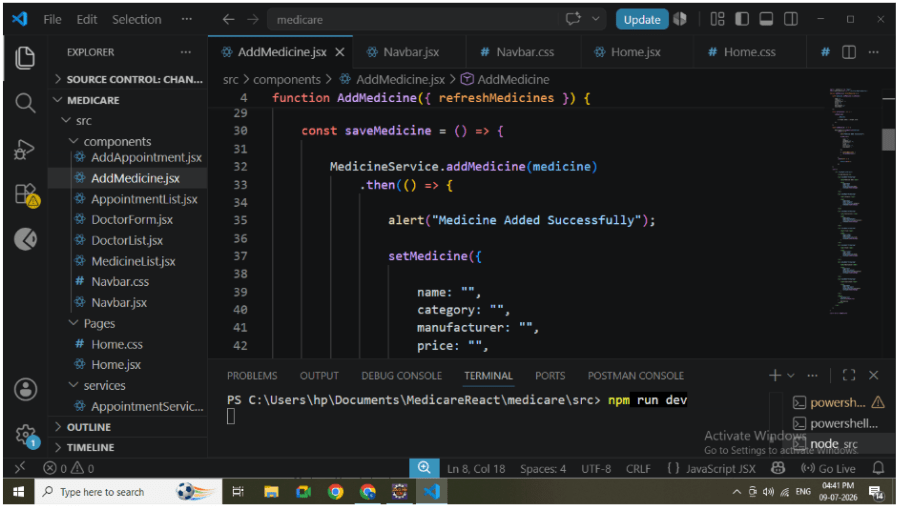
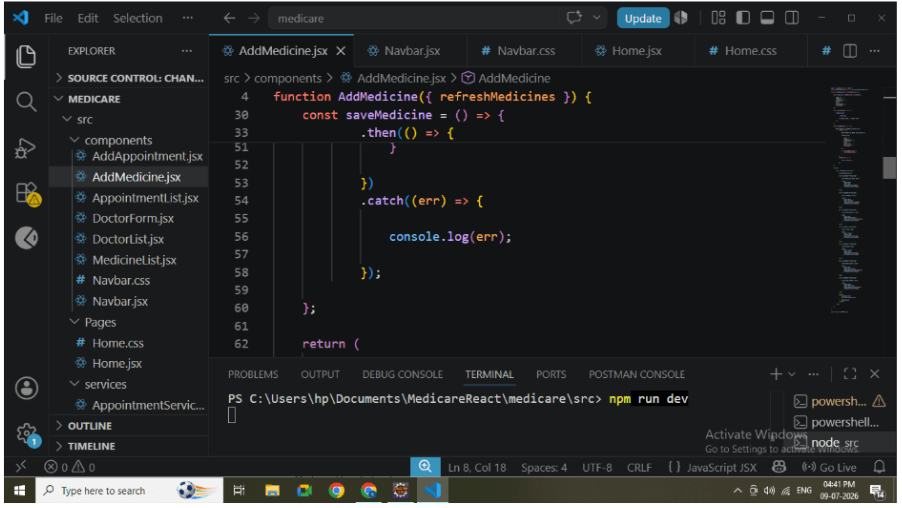
When the user clicks Add Medicine, send a POST request to the backend.
After successful insertion:
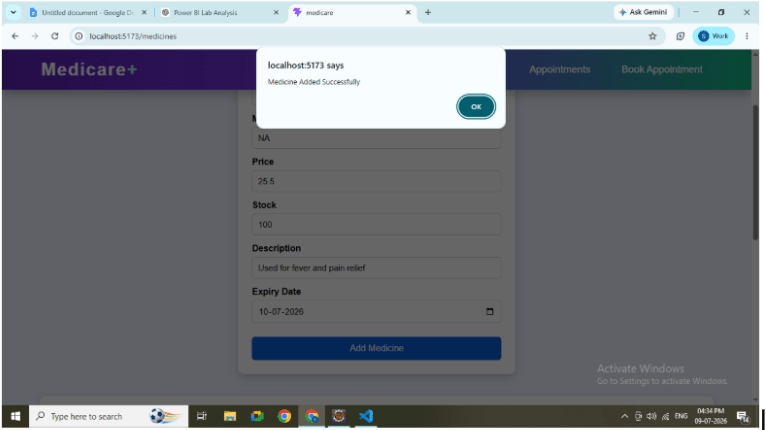
Display success message.
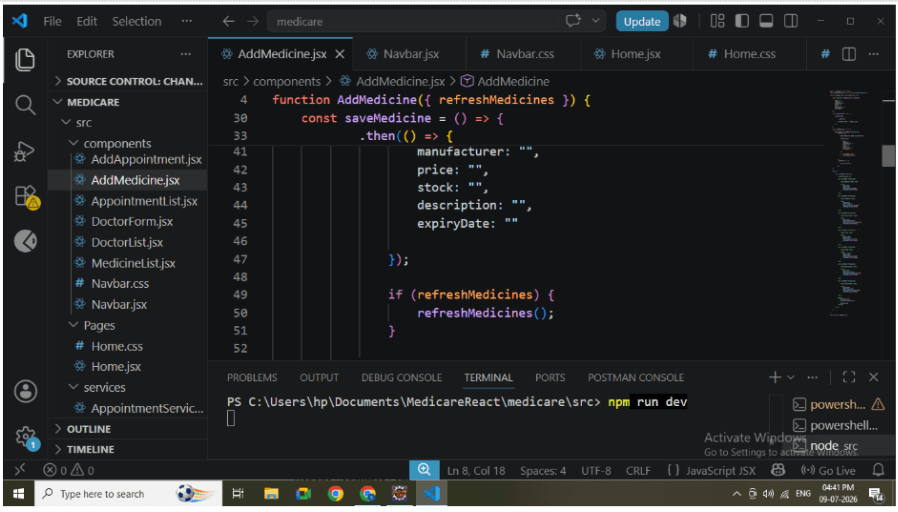
Clear the form.
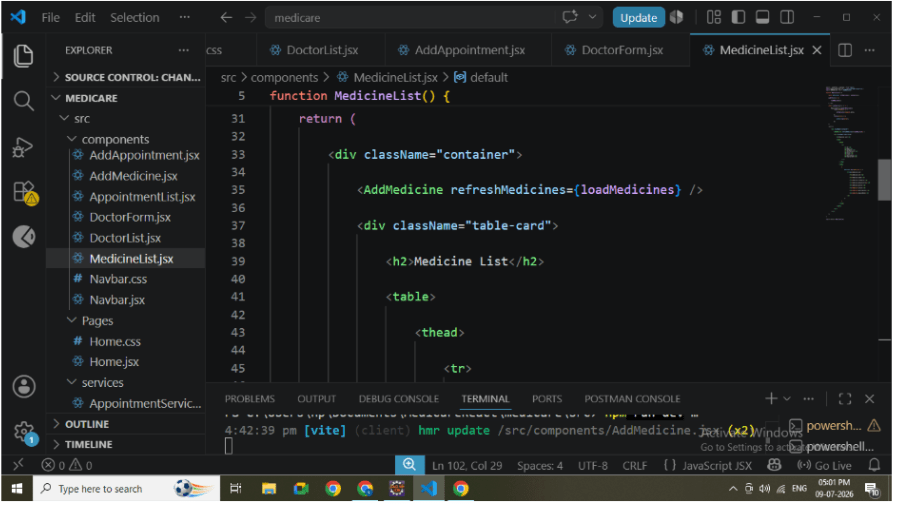
Refresh the medicine list automatically.
3
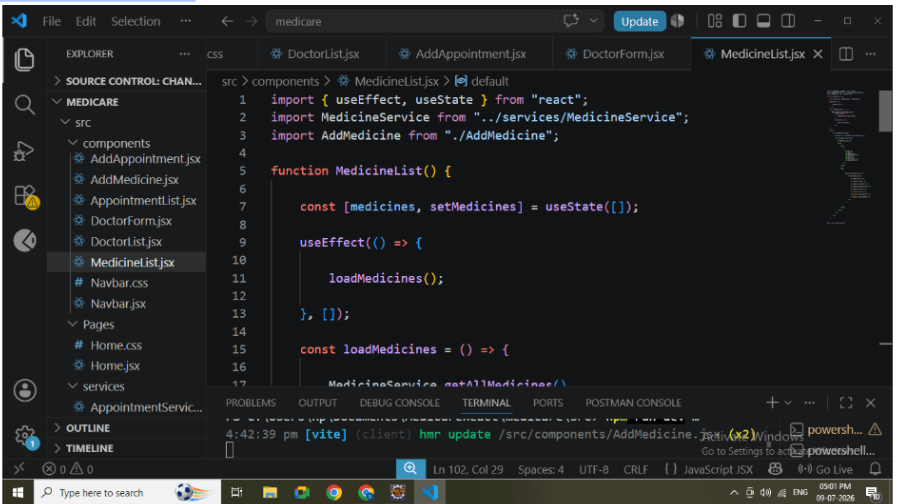
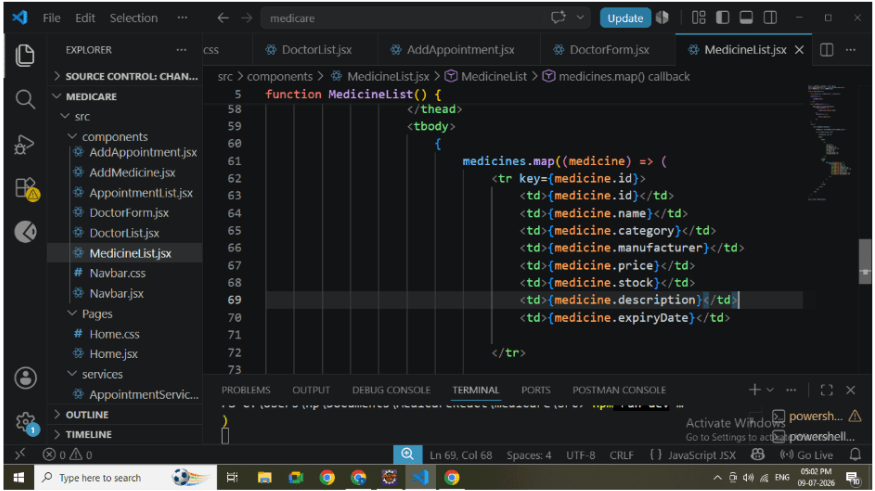
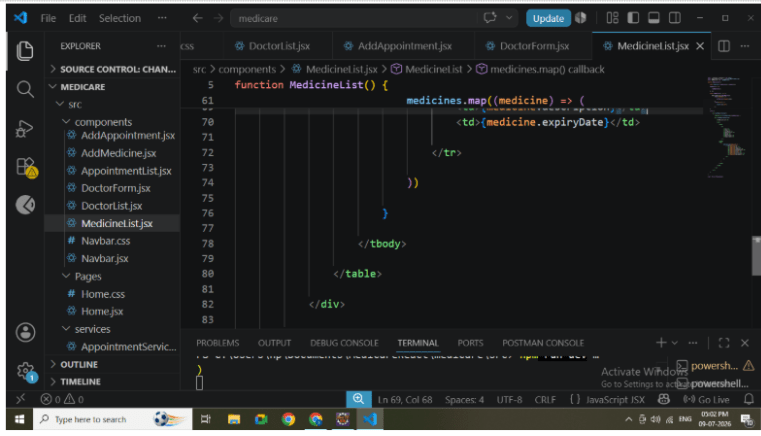
Create MedicineList Component
Develop MedicineList.jsx.
Responsibilities:
Fetch all medicines.
Store response using useState.
Load data using useEffect.
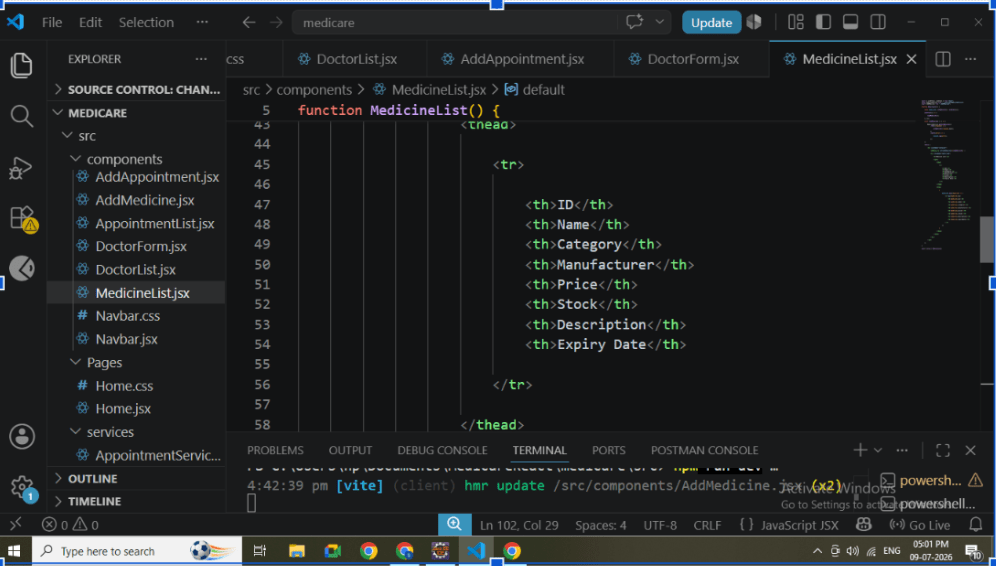
Display medicines using map().
Show medicine information as responsive cards.
Each card displays:
Medicine Image
Medicine Name
Category
Manufacturer
Price
Available Stock
Expiry Date
Description
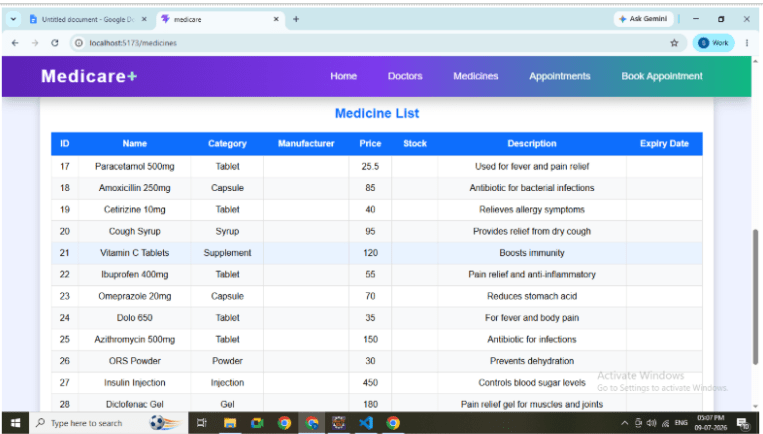
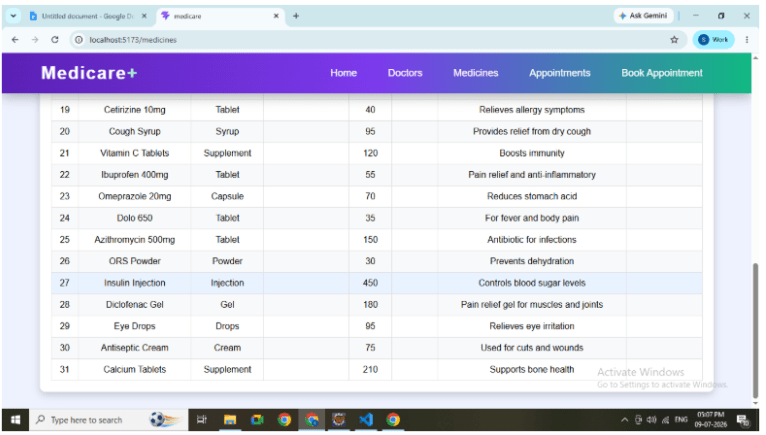
Instead of a table, medicines are displayed as attractive product cards similar to online pharmacy websites.
4
Design Medicine Cards
Use CSS Grid to create responsive medicine cards.
Apply styling for:
Card Layout
Rounded Corners
Box Shadow
Hover Animation
Responsive Design
Image Display
Medicine Details
The interface should resemble an online medical store.
5
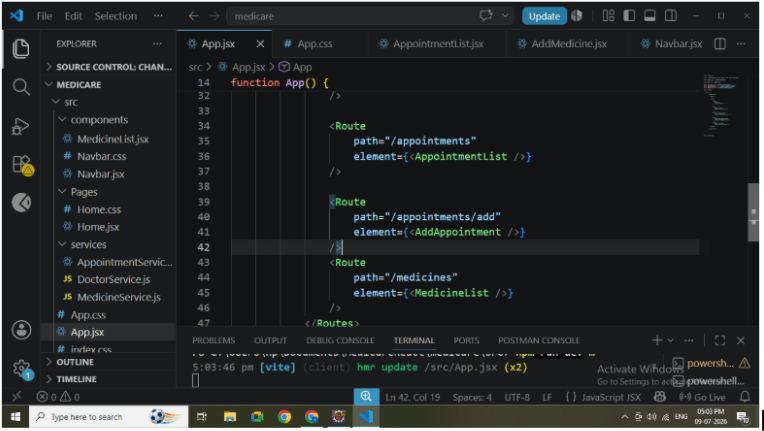
Add the Medicine module to the React Router configuration.
Create the following route:
/medicinesAdd a Medicines link in the navigation bar for easy access.
6
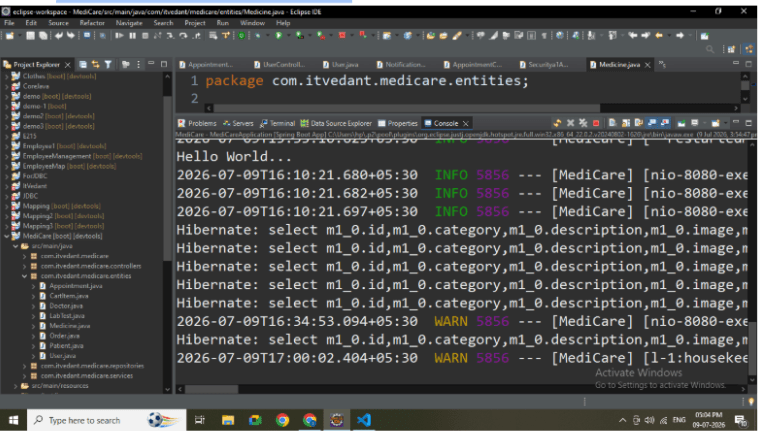
Run Spring Boot Application
Start the backend server.
Verify:
Application starts successfully.
MySQL connection is established.
Medicine APIs are working correctly.
7
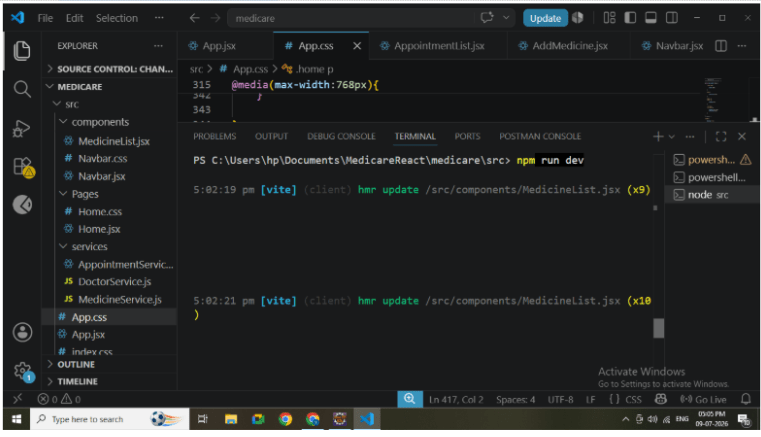
Start the frontend.
npm run devVerify:
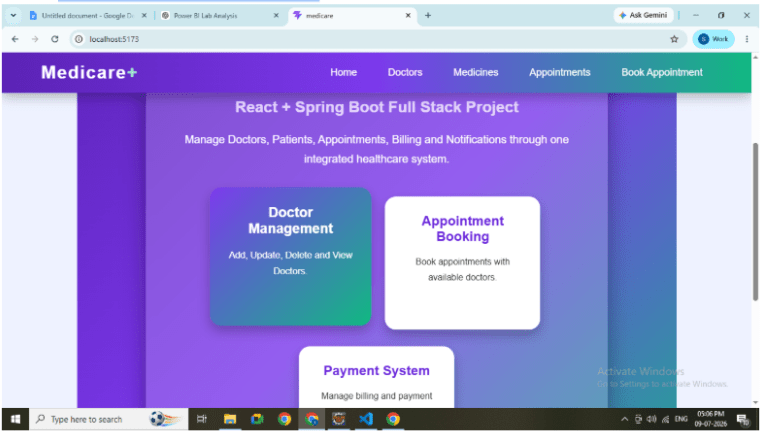
Medicine page opens successfully.
Registration form is displayed.
Medicine cards are visible.
8
Test Add Medicine
Enter medicine details.
Click Add Medicine.
Verify:
POST request is executed.
Data is stored in MySQL.
Success message appears.
Newly added medicine card is displayed immediately.
9
Test Retrieve Medicines
Refresh the application.
Verify:
GET API is called.
All medicines are fetched.
Cards display complete information.
Images are loaded successfully.
APIs Used
POST http://localhost:8080/api/medicines
GET http://localhost:8080/api/medicines
Great job!
In this lab, a complete Medicine Management module was developed using React and Spring Boot. The application allows users to add new medicines, retrieve all medicine records, and display them using attractive responsive cards with images. This implementation demonstrates React component development, Axios integration, REST API communication, dynamic rendering using map(), and modern UI design principles used in real-world healthcare applications.
Checkpoint
By Content ITV