





Content ITV PRO
This is Itvedant Content department
Managing Infrastructure Lifecycle using CloudFormation & AWS CDK
Business Scenario
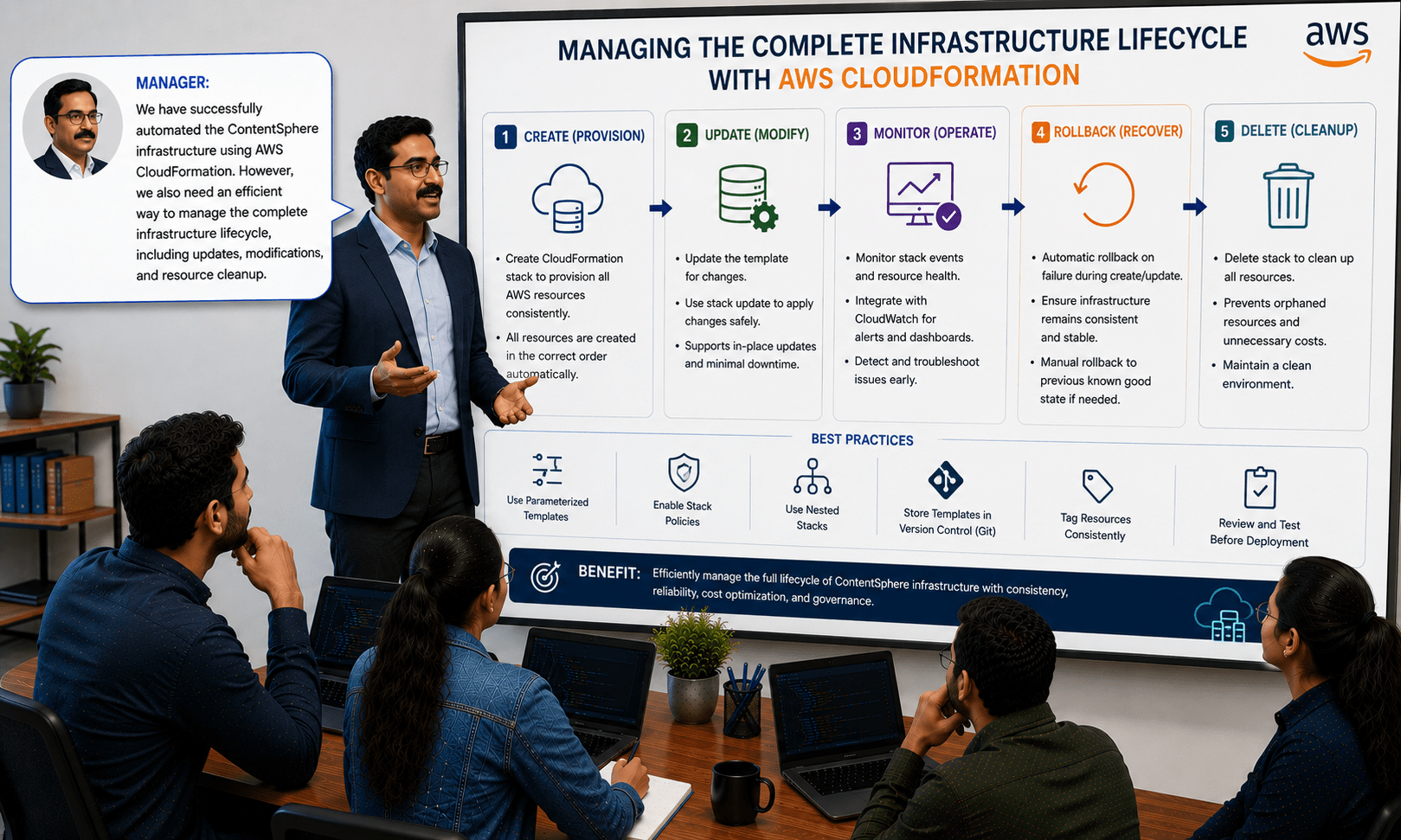
Manager:
We have successfully automated the ContentSphere infrastructure using AWS CloudFormation. However, we also need an efficient way to manage the complete infrastructure lifecycle, including updates, modifications, and resource cleanup.
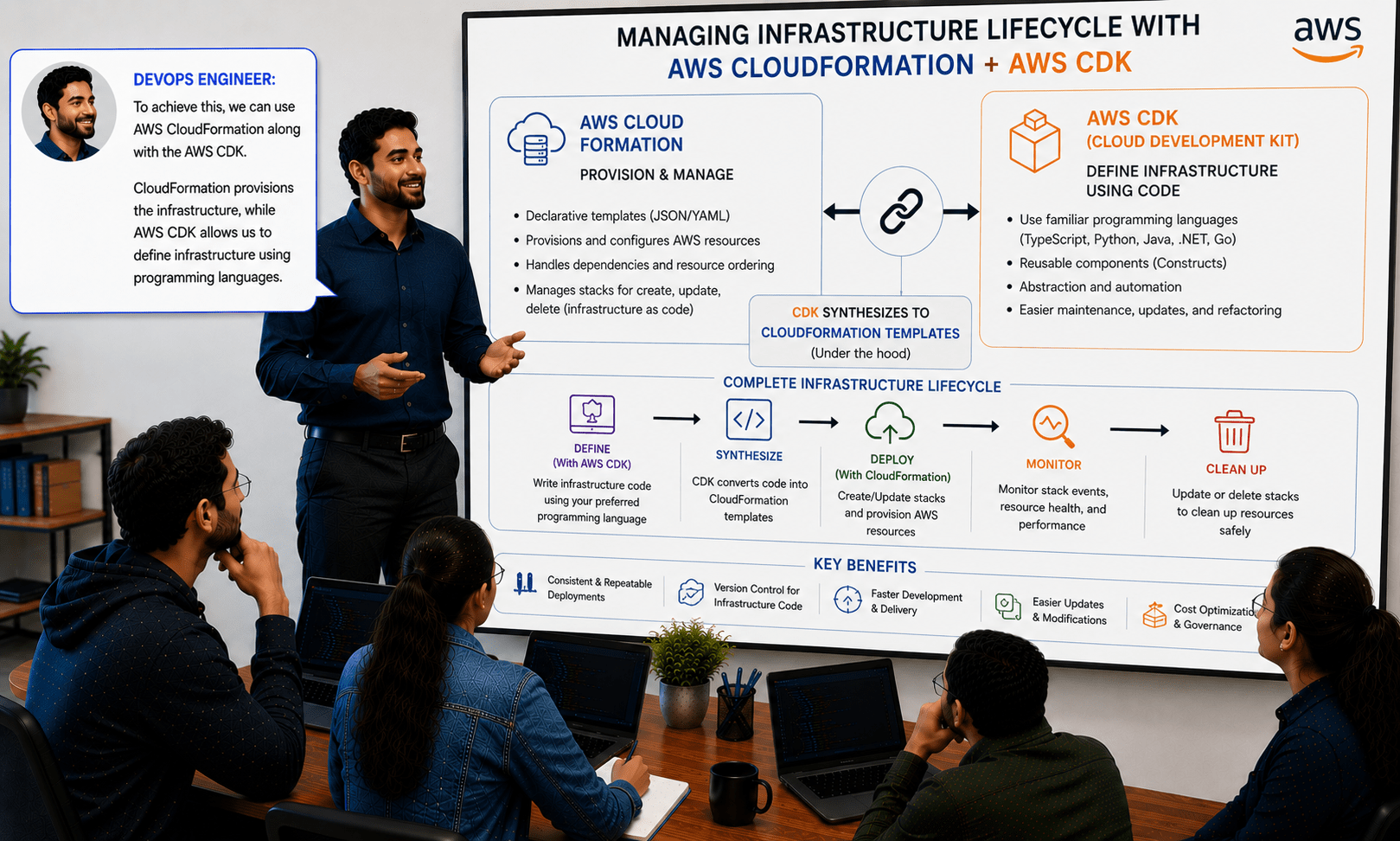
DevOps Engineer:
To achieve this, we can use AWS CloudFormation along with the AWS CDK. CloudFormation provisions the infrastructure, while AWS CDK allows us to define infrastructure using programming languages.
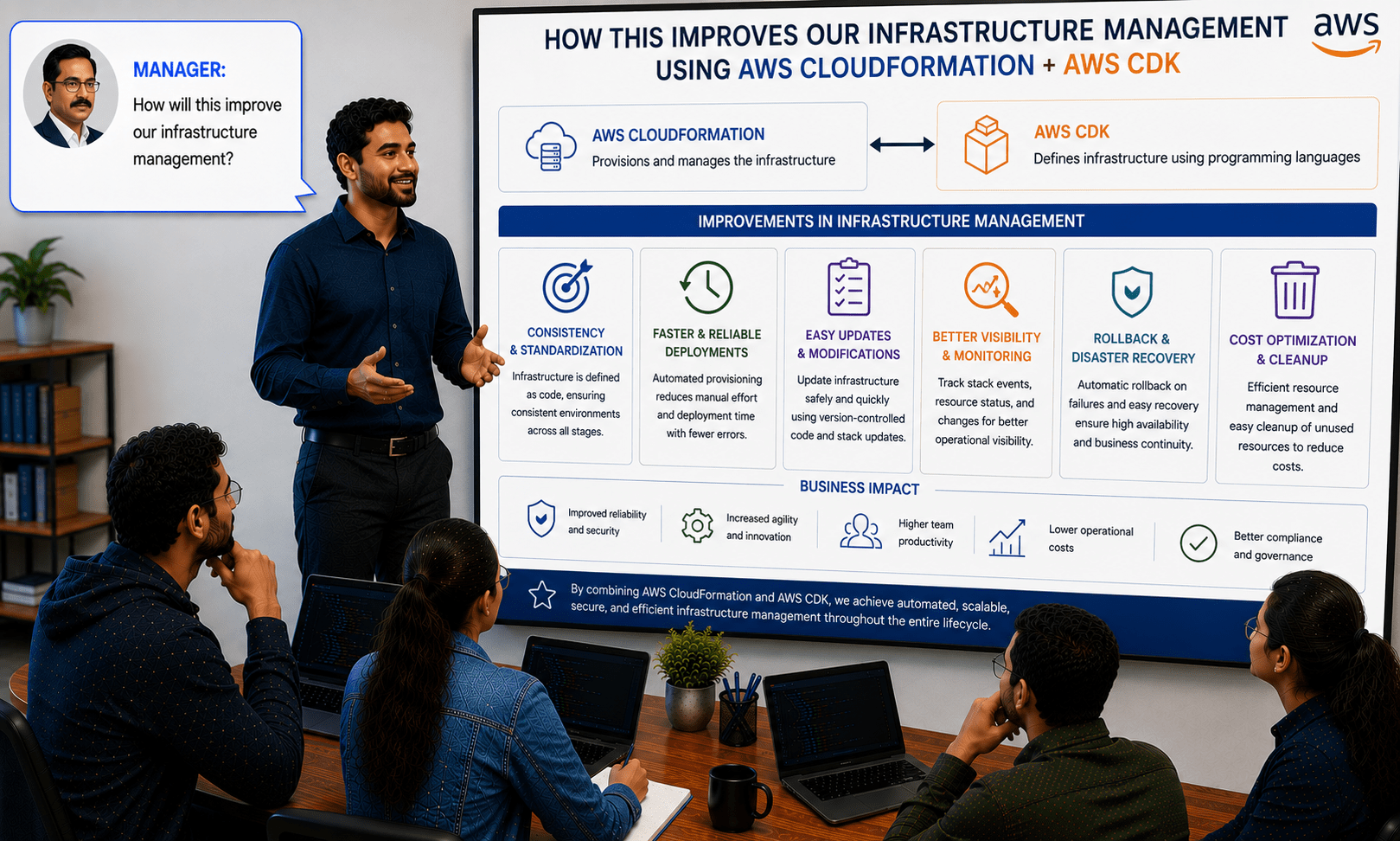
Manager:
How will this improve our infrastructure management?
DevOps Engineer:
It enables automated deployments, simplifies infrastructure updates, supports version control, and makes it easy to create, modify, and delete AWS resources.
Manager:
What is our implementation plan?
DevOps Engineer:
We will create AWS CDK applications, synthesize CloudFormation templates, deploy infrastructure, and manage updates and resource deletion through the infrastructure lifecycle.
DevOps Engineer to Team:
Team, we will build AWS CDK projects, deploy the ContentSphere infrastructure, perform stack updates, monitor deployment status, and safely destroy resources when they are no longer needed.
Team:
Understood. We will manage the complete ContentSphere infrastructure lifecycle using AWS CloudFormation and AWS CDK to ensure automated, consistent, and maintainable cloud deployments.
Pre-Lab Preparation
AWS Account is available.
AWS CLI is installed and configured.
Ubuntu EC2 instance is available.
Internet connectivity is available.
IAM permissions for CloudFormation and EC2 are available.
Task 1: Install Node.js and npm
1
Update system packages
sudo apt update
2
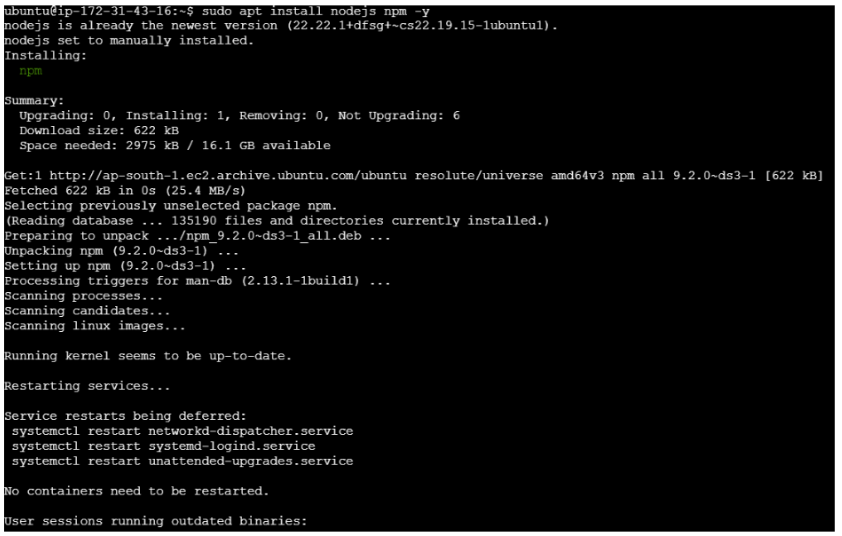
Install Node.js and npm
sudo apt install nodejs npm -y3
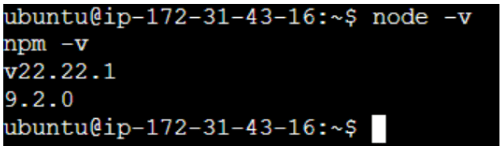
Verify installation
node -v
npm -v
Task 2: Install AWS CDK
1
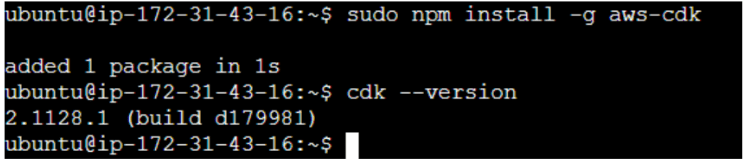
Install AWS CDK globally
sudo npm install -g aws-cdk
2
Verify installation
cdk --version
Task 3: Verify AWS Configuration
1
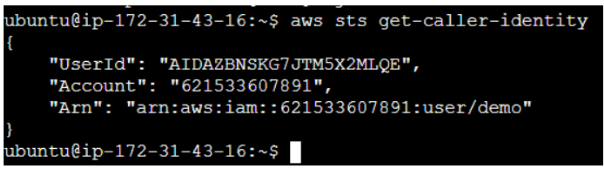
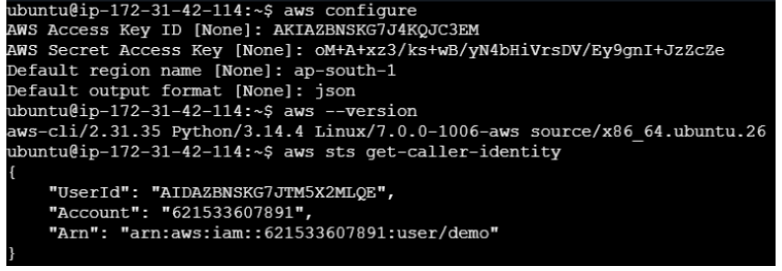
Verify AWS identity
aws sts get-caller-identity
Configure aws cliCreate directory for cartforfge application
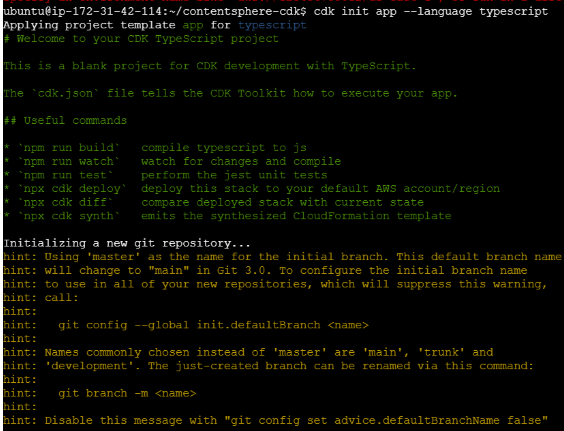
Now need to initialize cdk in cartforge app directory
1
Bootstrap AWS CDK environment
cdk bootstrap
3
Verify project structure
ls
Task 4: Generate CloudFormation Template
2
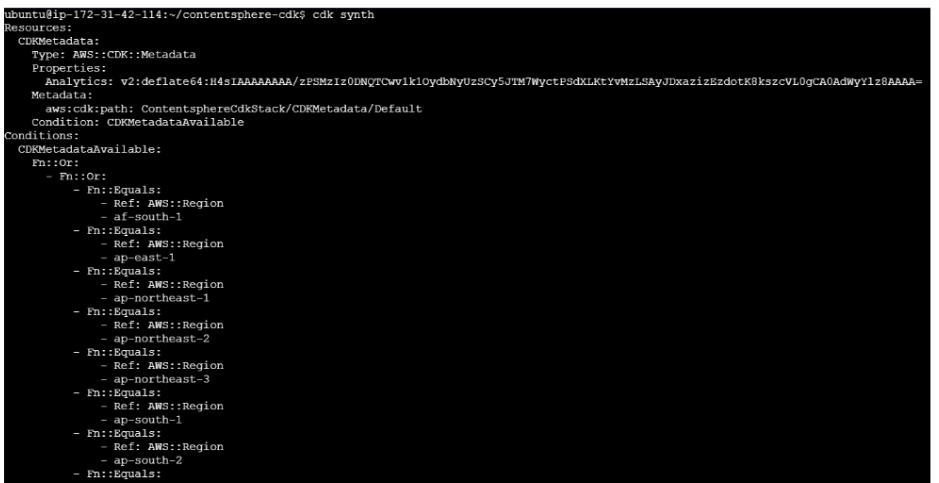
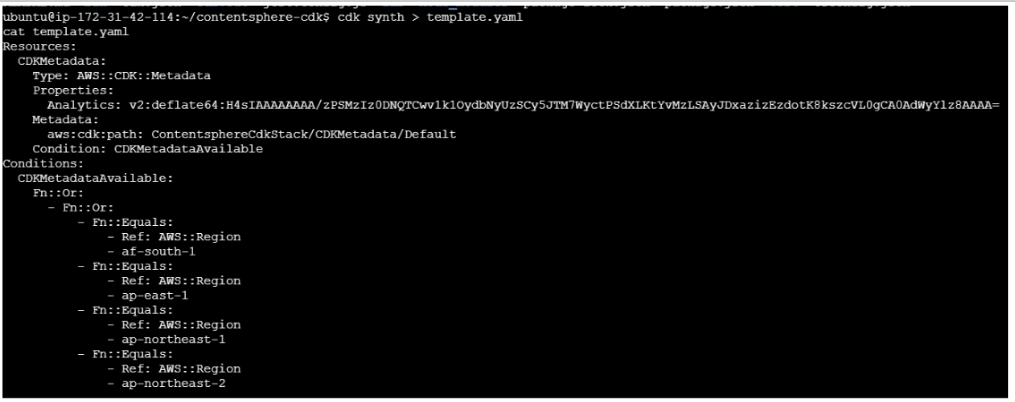
Generate CloudFormation template
cdk synth2
Review generated CloudFormation template
Task 5: Deploy Infrastructure
1
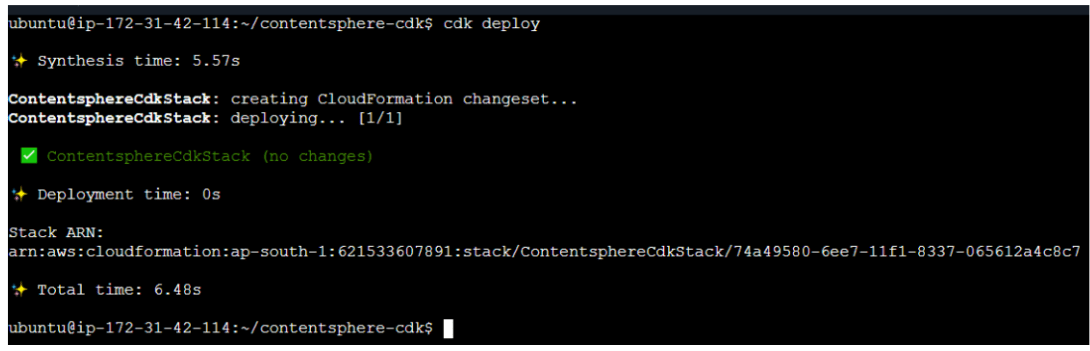
Deploy infrastructure
cdk deploy
2
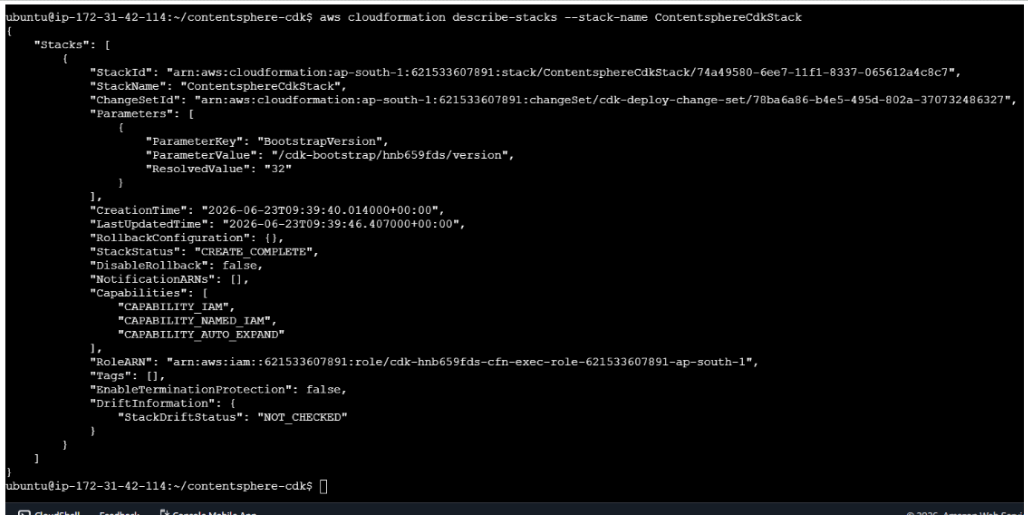
Verify deployment status.
aws cloudformation describe-stacks --stack-name ContentsphereCdkStackExpected: CREATE_COMPLETE
3
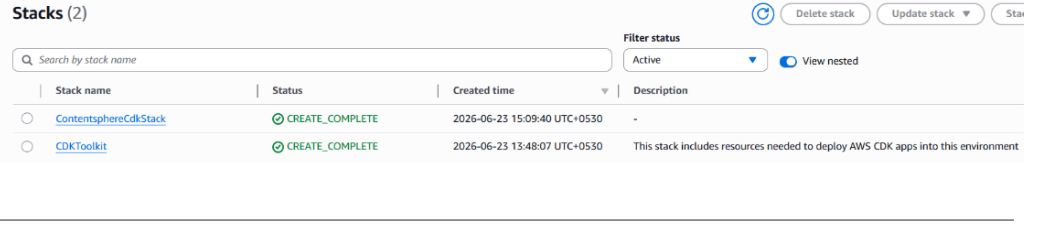
Navigate to: AWS Console→ CloudFormation→ Stacks
Verify stack creation.
Task 6: Destroy Infrastructure
2
Delete deployed resources
cdk destroy
1
Confirm deletion : y
3
Verify stack deletion
Navigate to: AWS Console→ CloudFormation→ Stacks
By Content ITV