








Content ITV PRO
This is Itvedant Content department
ShopKart Project Onboarding
Business Scenario
Understanding the Need for Proper Project Setup Before Development
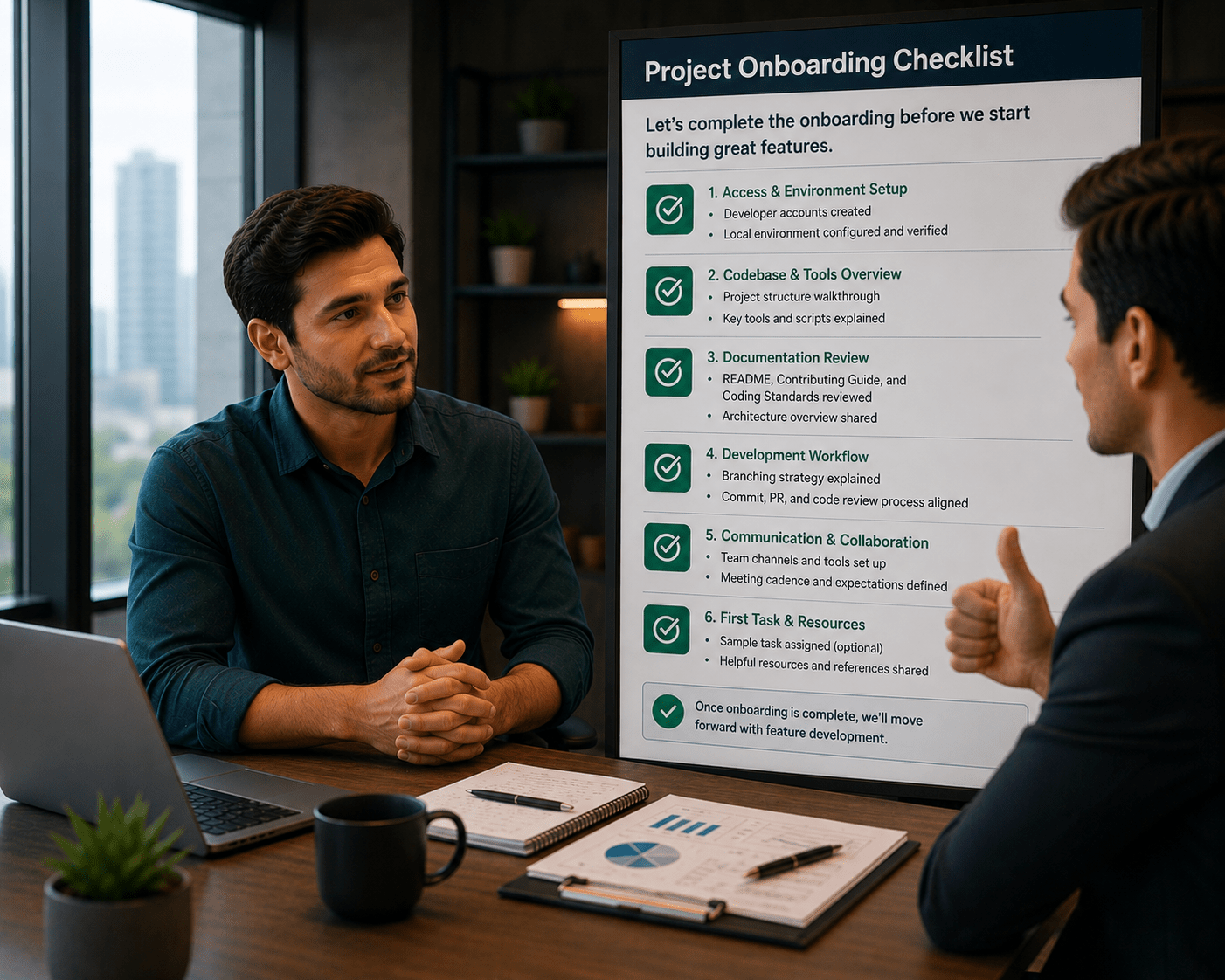
To understand the importance of project onboarding, let’s look at a conversation between a manager and an employee.
Manager:
We have created the React application for ShopKart. Can we start building features like products and cart now?
Employee:
Yes, we can start creating components directly.
Manager:
But do we have everything set up? For example, styling, navigation, and form handling?
Employee:
Not yet. We haven’t installed Bootstrap, React Router, or form libraries.
Manager:
If we start development without these, will the project remain organized and scalable?
Employee:
No, it may become difficult to manage as the application grows.
Manager:
So what should be our first step?
Employee:
We should configure all required dependencies like Bootstrap for UI, React Router for navigation, and React Hook Form for managing forms.
Manager:
What about organizing the project?
Employee:
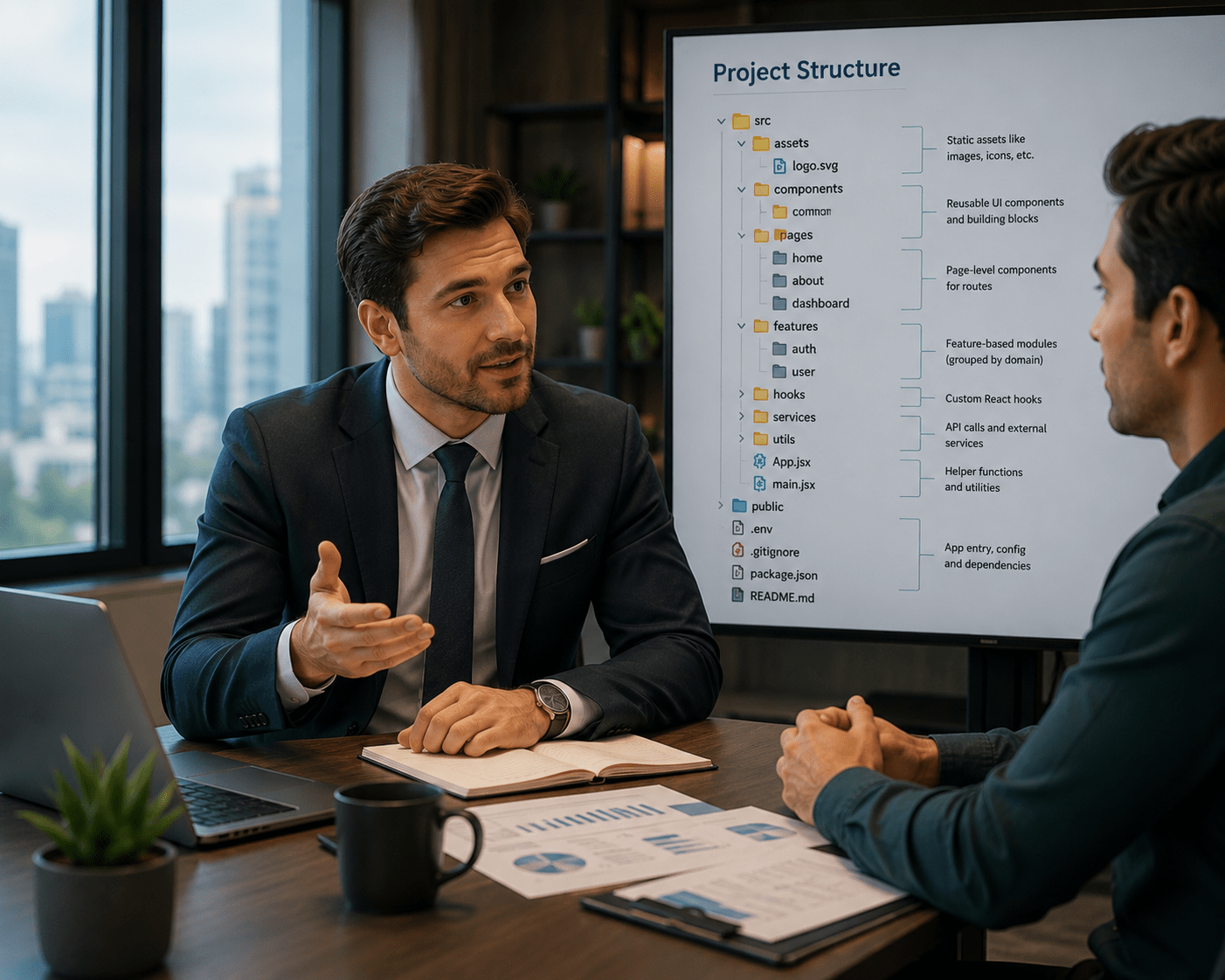
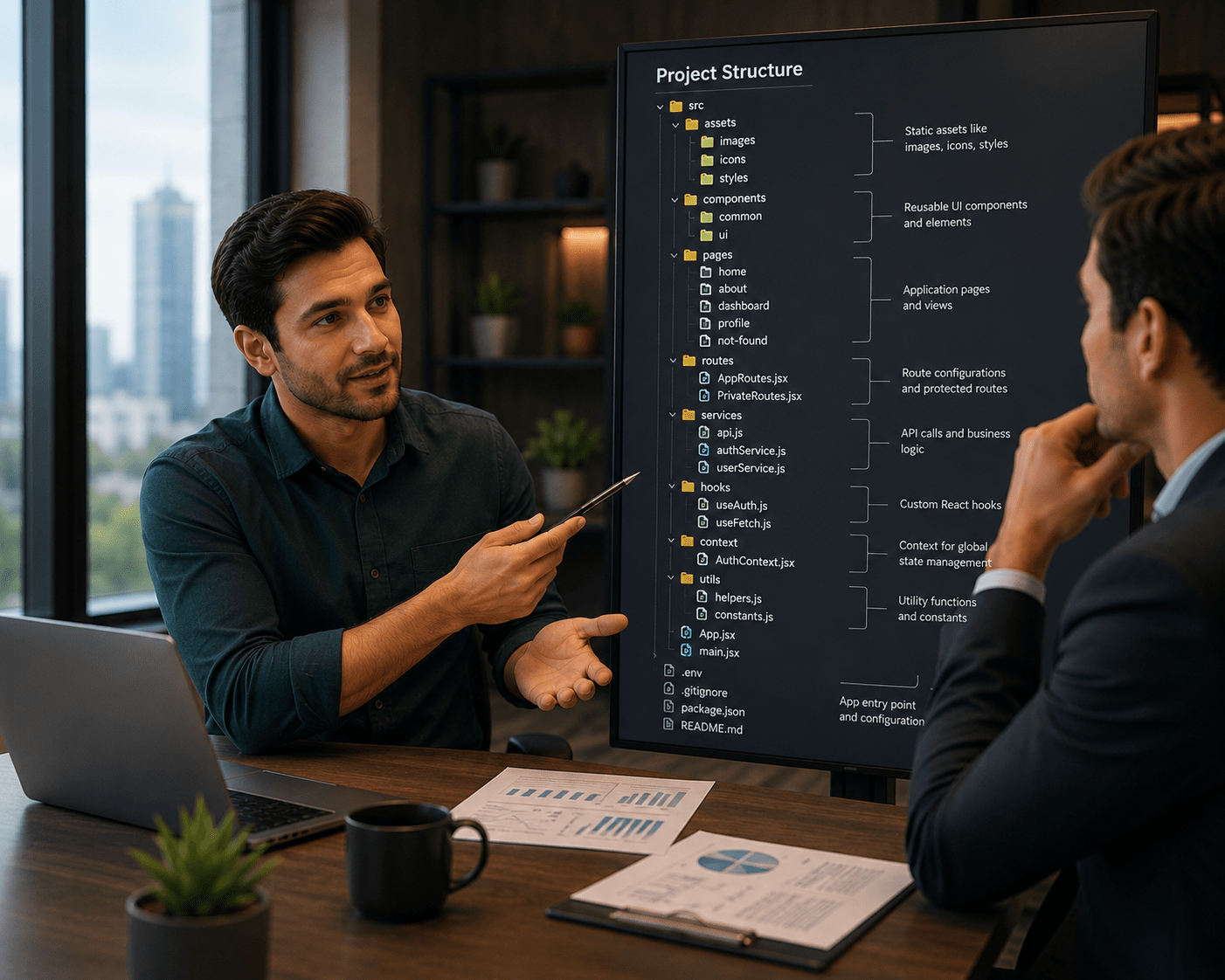
We should define a proper folder structure such as components, pages, services, and routes to maintain clean and structured code.
Manager:
How does this help in the long term?
Employee:
It improves maintainability, enhances code reusability, and supports scalable development.
Manager:
Good. Let’s complete the project onboarding before moving to feature development.
This setup ensures that the application is ready for building features like product listing, cart, and user authentication.
Pre-Lab Preparation
What is React Component Architecture
What is Routing in React
What is Bootstrap
What is Form Handling in React
Task 1: Install Required Dependencies
1
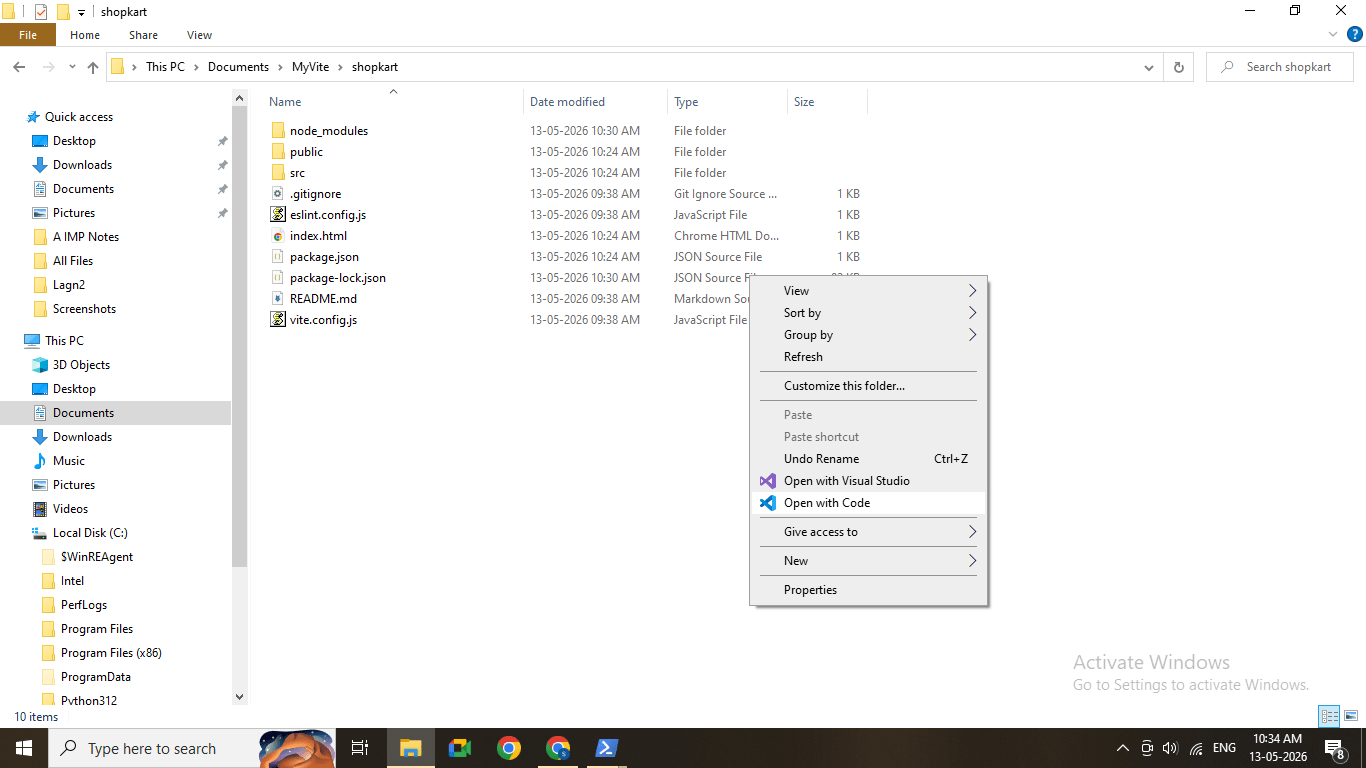
Open your project in VS Code
2
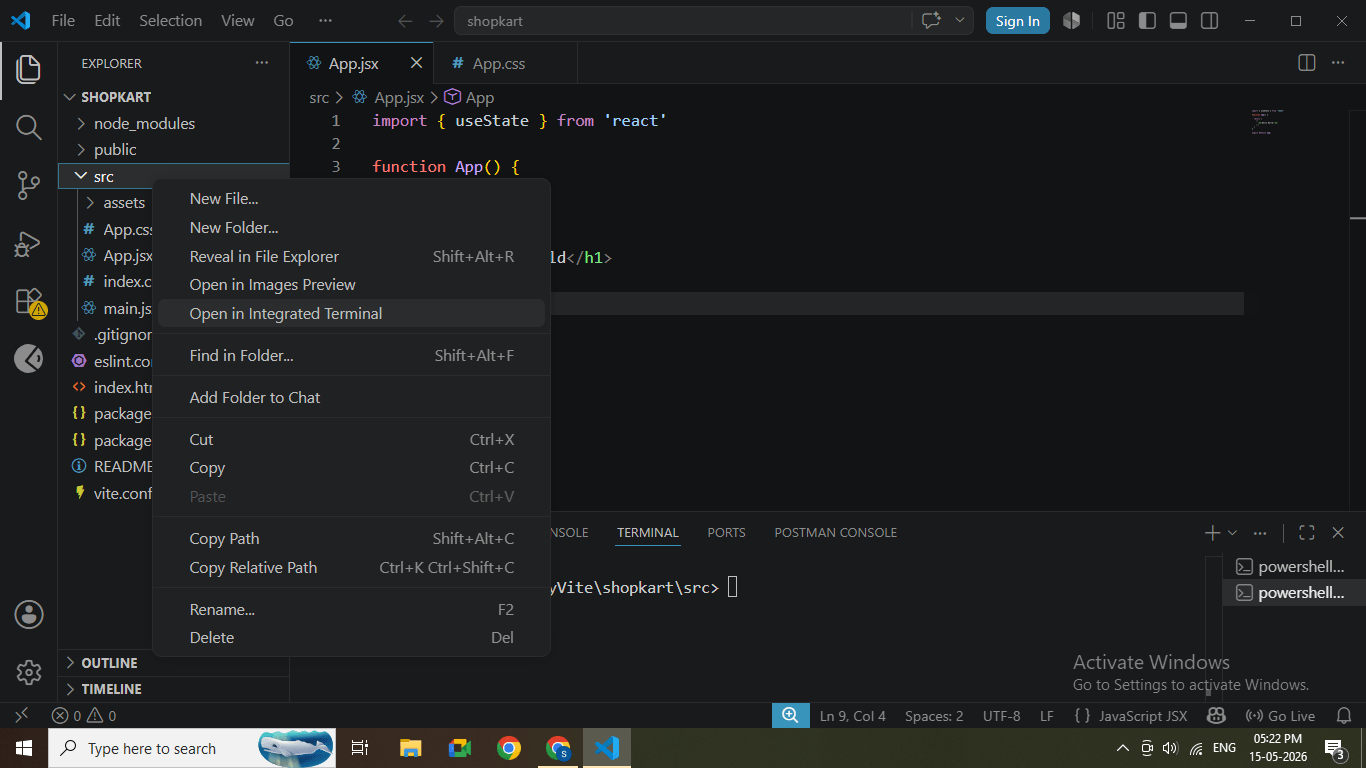
Open terminal inside VS Code
(Menu → Terminal → New Terminal)
3
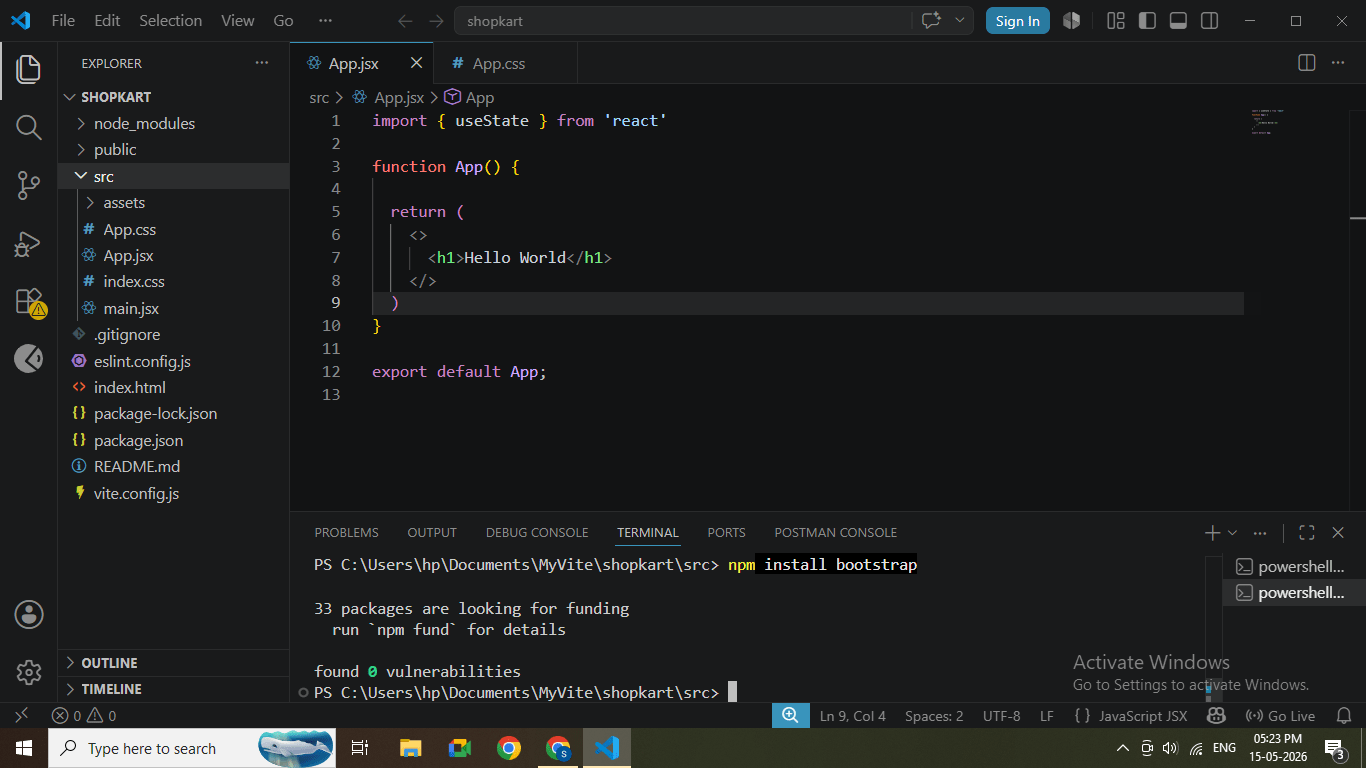
Install Bootstrap
Run the command:
npm install bootstrapBootstrap installation completed
4
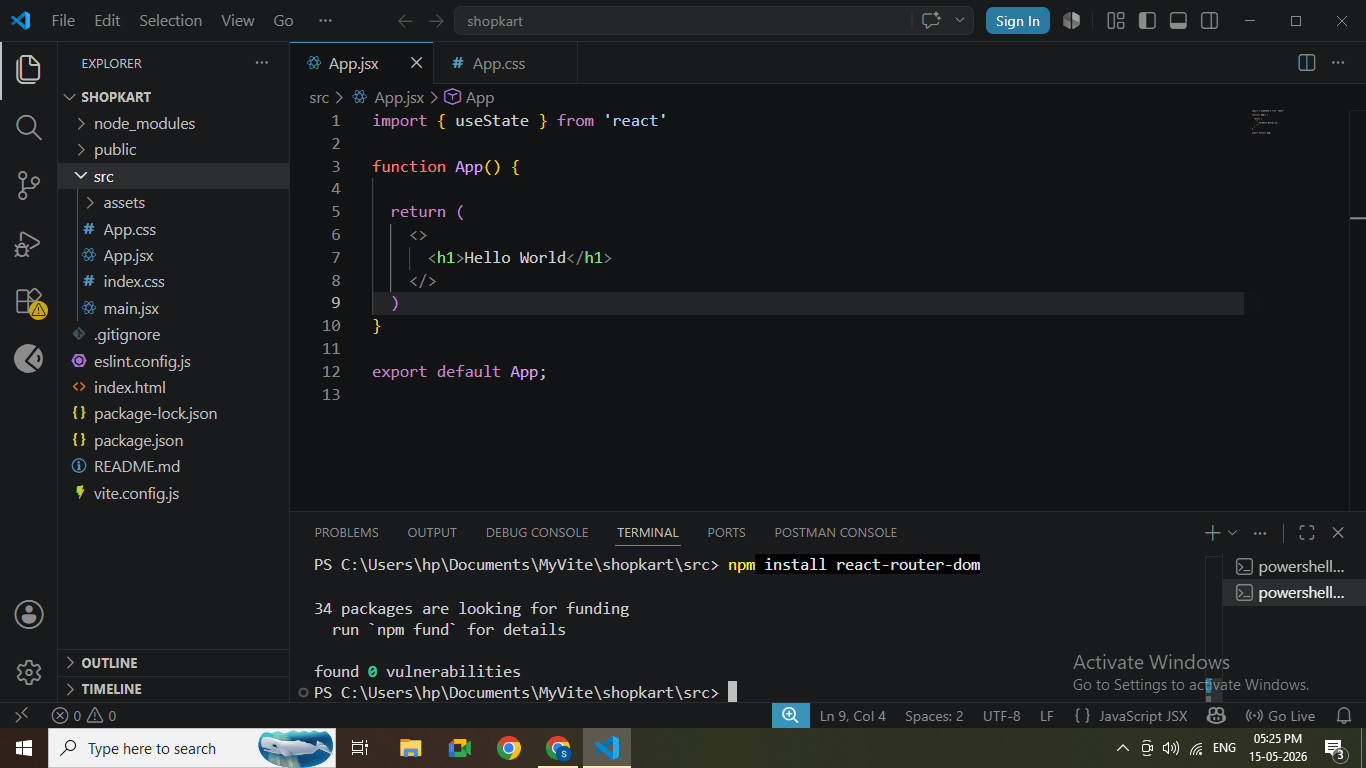
Install React Router DOM
npm install react-router-dom5
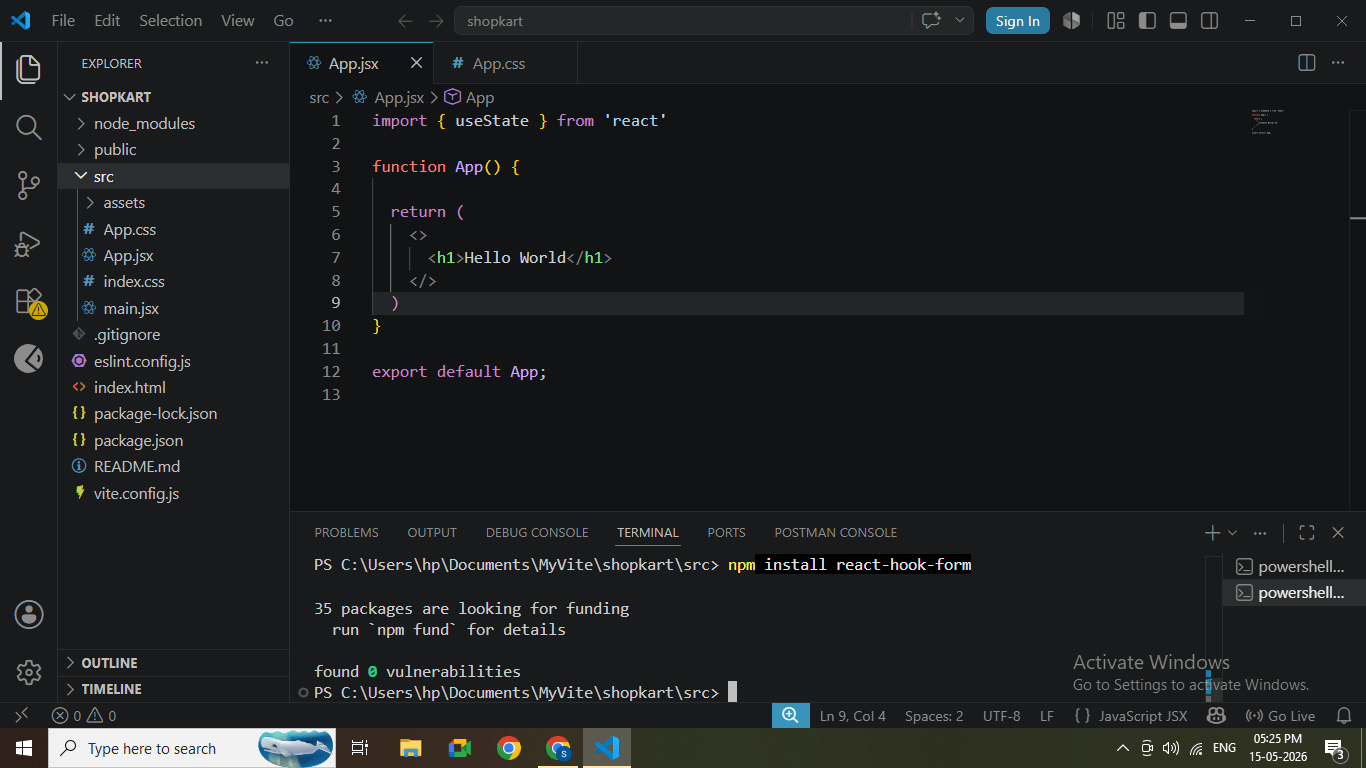
Install React Hook Form
npm install react-hook-form
Form library installation
Task 2: Configure Bootstrap
1
Open file:
src/main.jsx
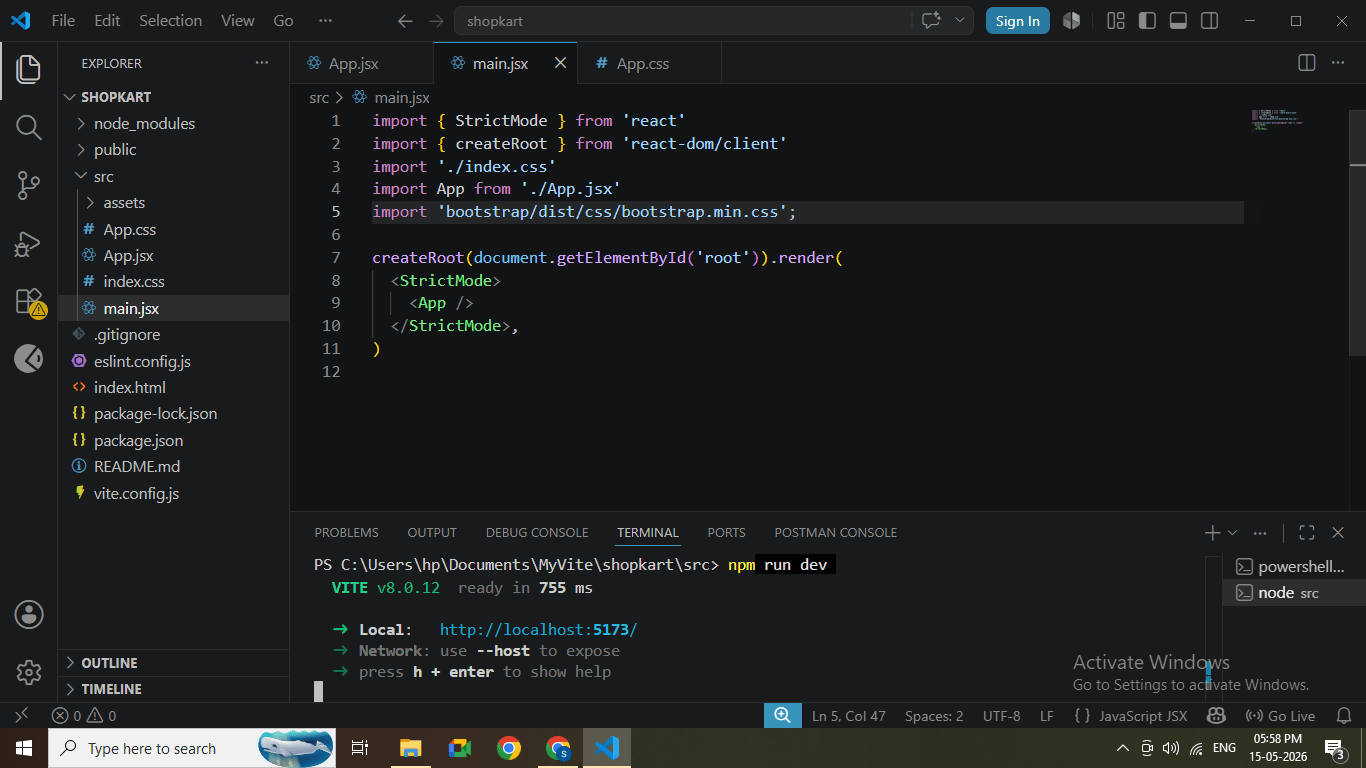
2
Add Bootstrap import at the top:
import 'bootstrap/dist/css/bootstrap.min.css';
Bootstrap import added in main.jsx
Task 3: Define Project Domain Structure
1
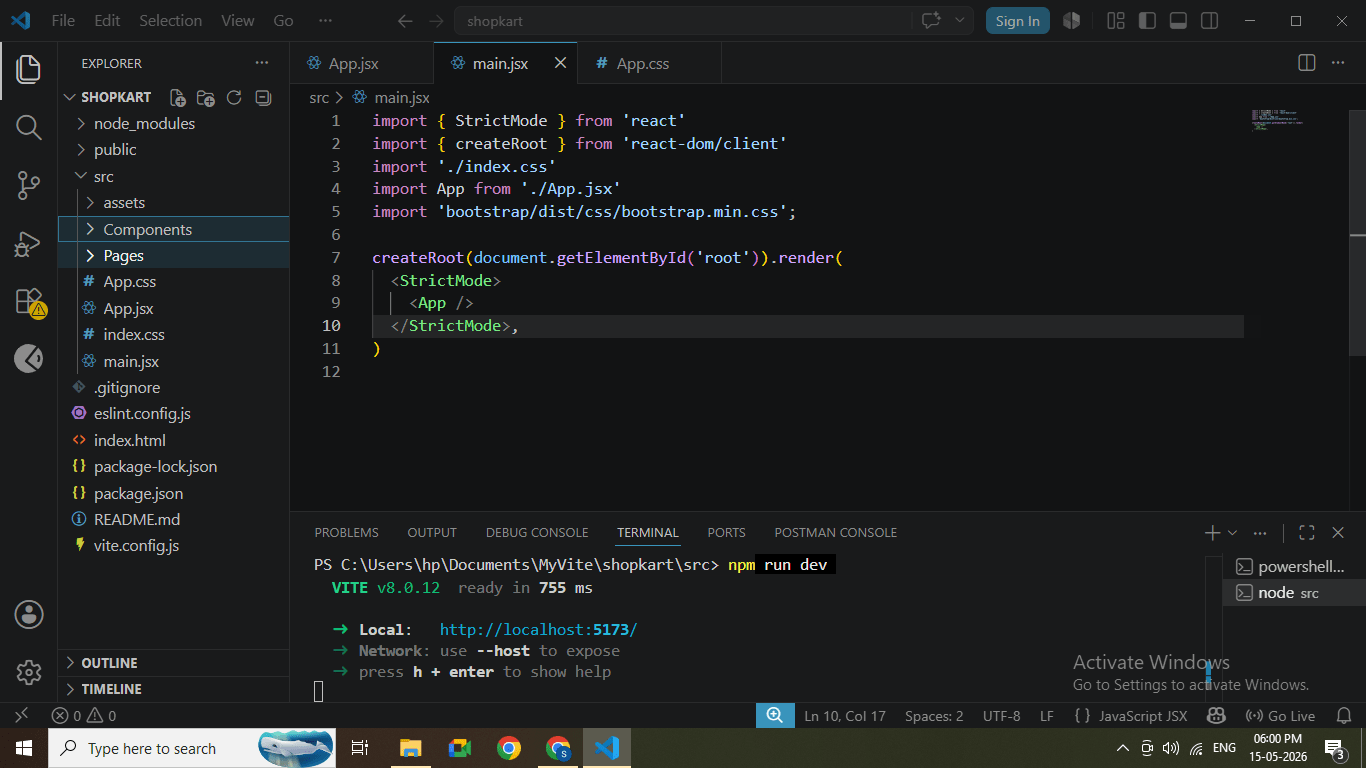
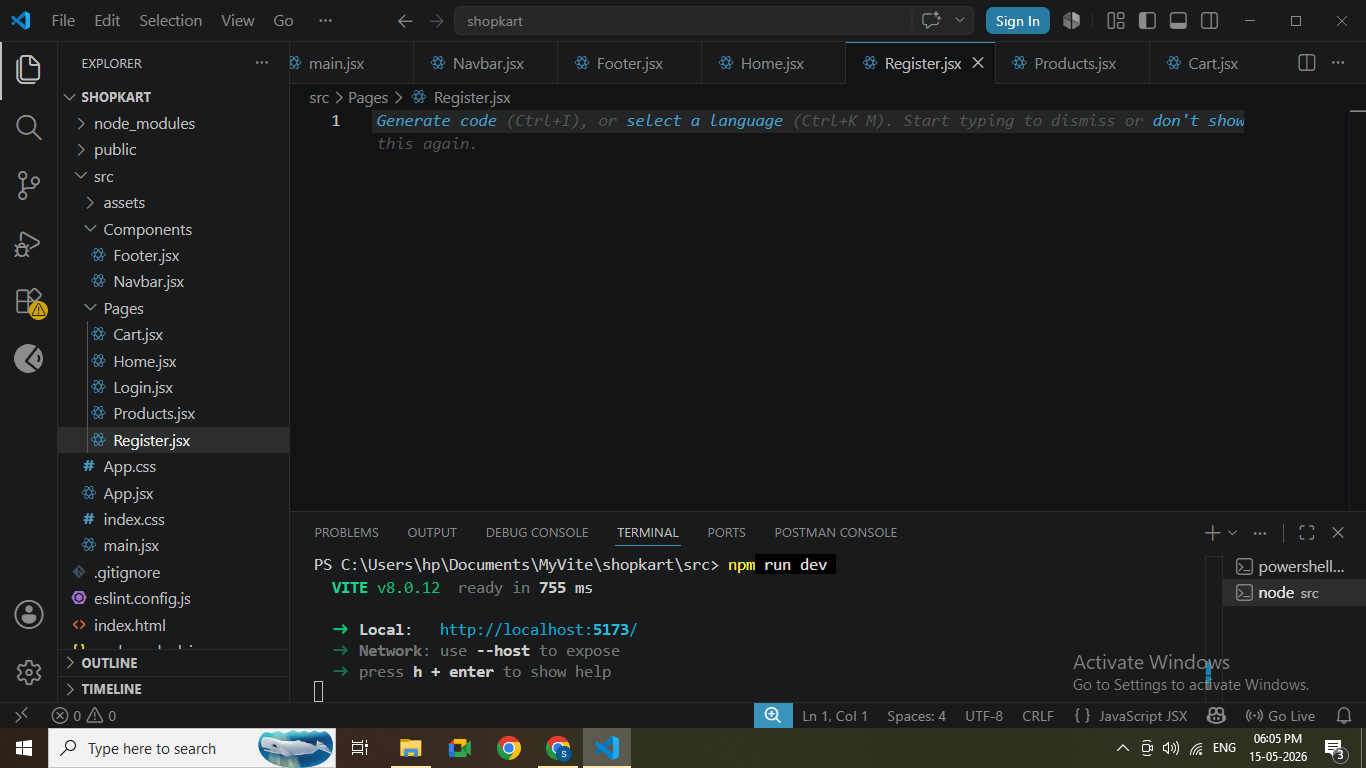
Inside src folder, create following folders:
components/
pages/
Folder structure created in VS Code
2
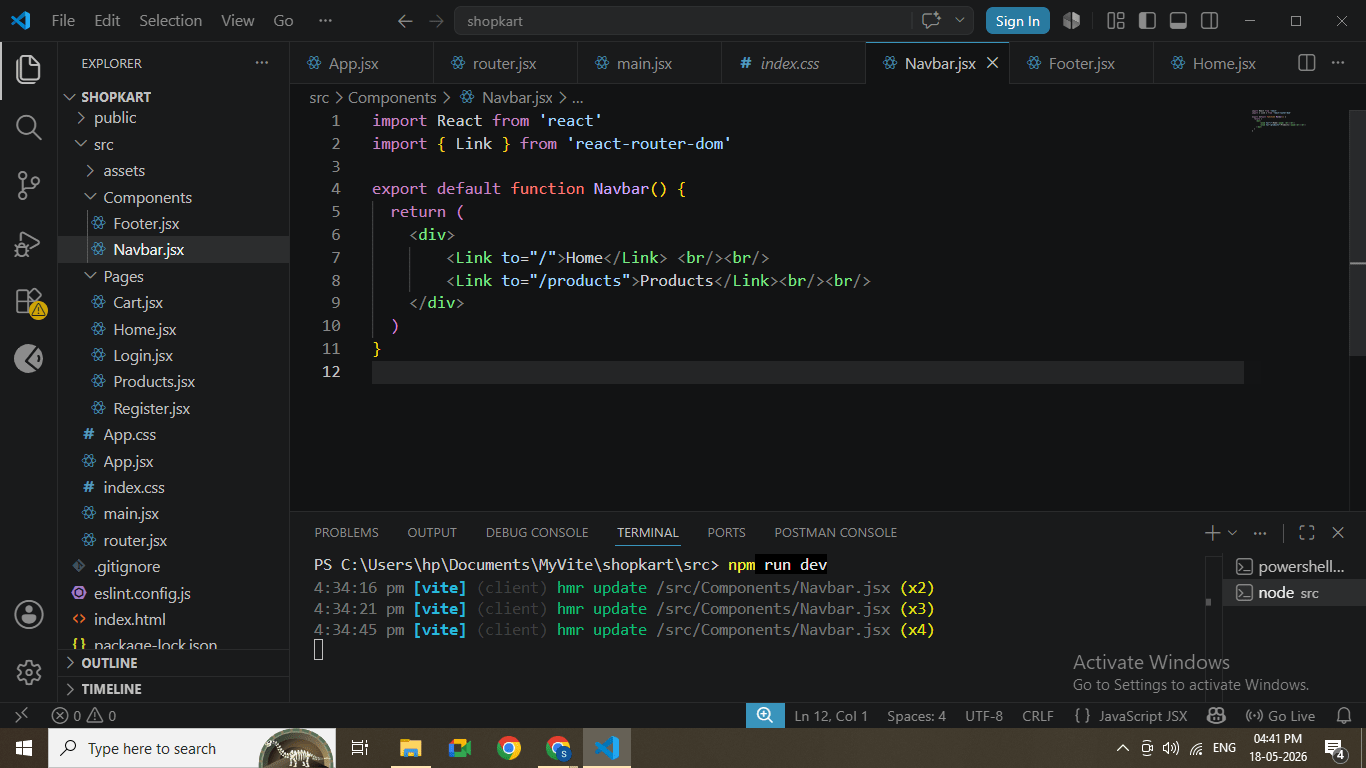
Create basic files:
Inside components/
Navbar.jsx
Footer.jsx
Inside pages/
Home.jsx
Products.jsx
Cart.jsx
Login.jsx
Register.jsx
Task 4: Understanding BRD
1
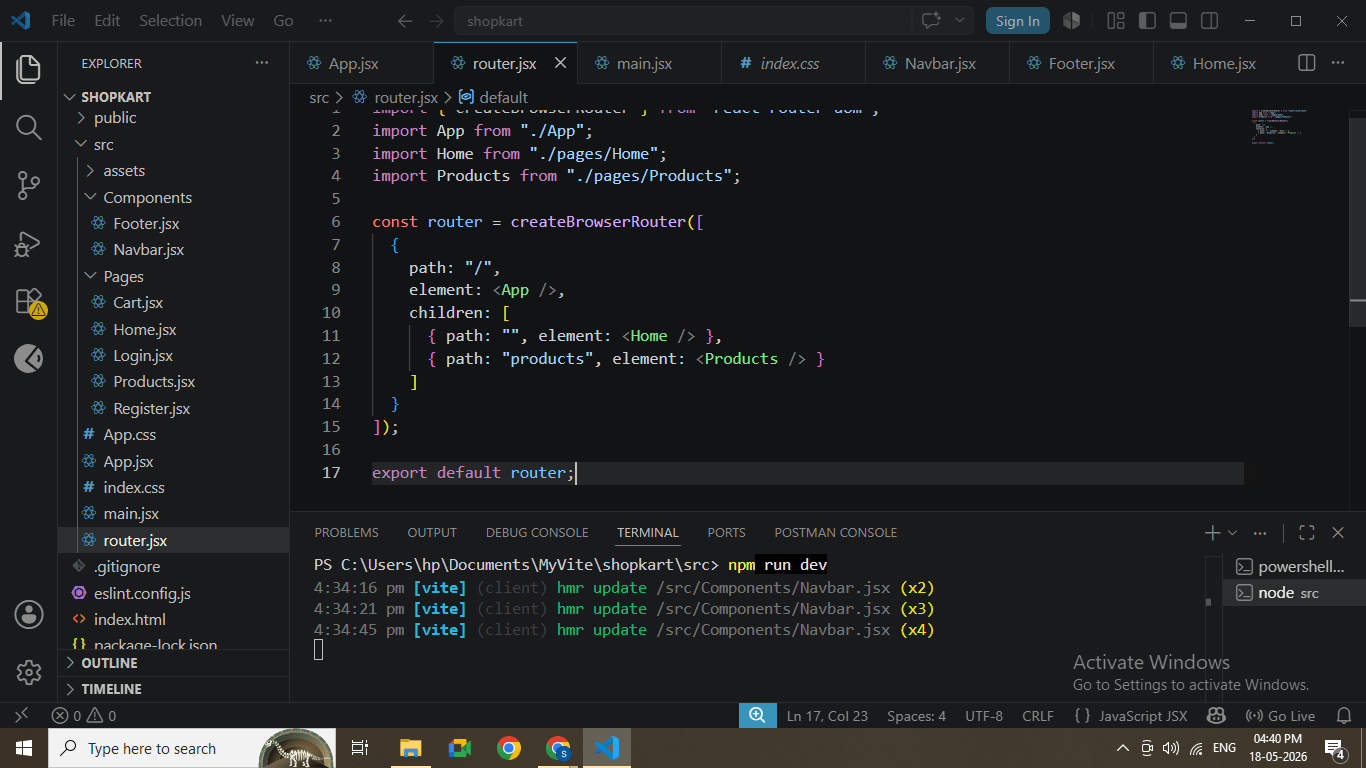
Open main.jsx and wrap App with BrowserRouter
import React from "react";
import ReactDOM from "react-dom/client";
import { RouterProvider } from "react-router-dom";
import router from "./router";


ReactDOM.createRoot(document.getElementById("root")).render(
  <RouterProvider router={router} />
BrowserRouter configured
2
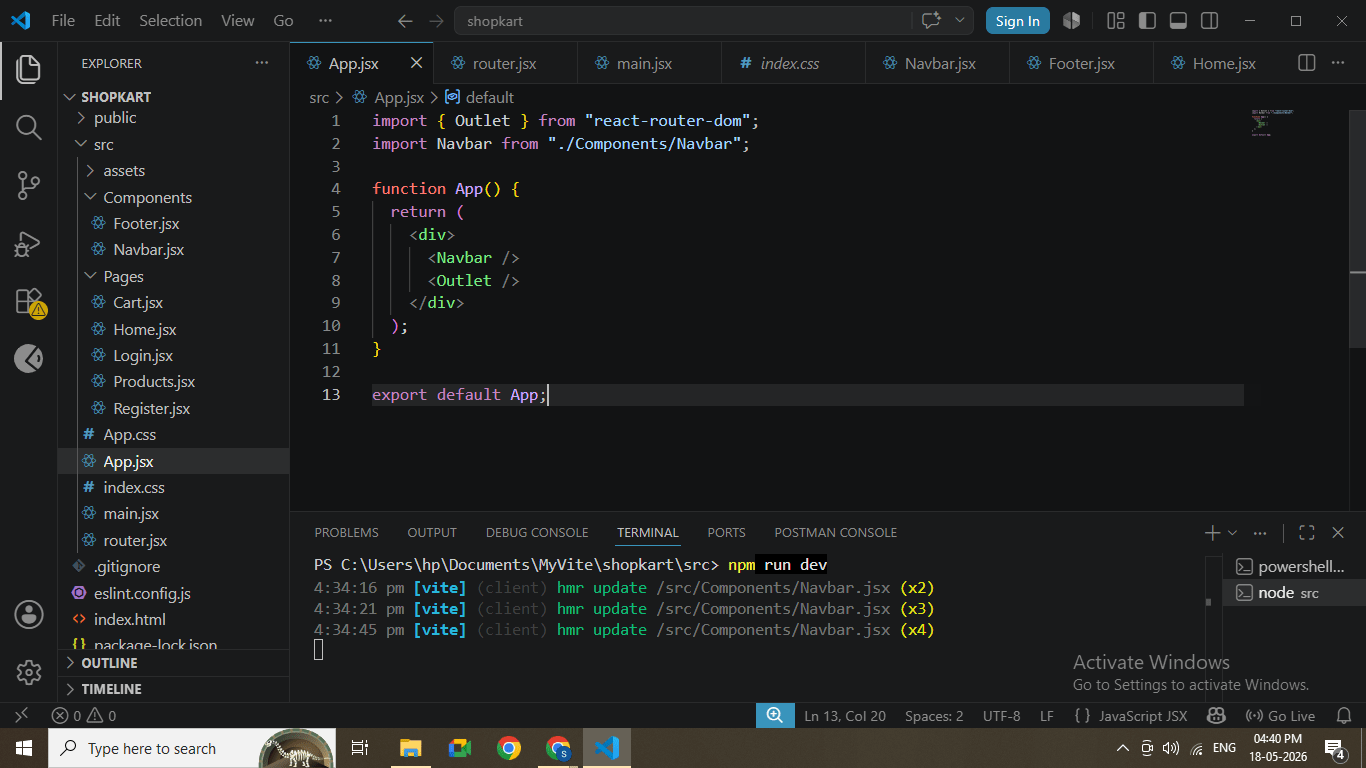
Open App.jsx and define routes
import { Outlet } from "react-router-dom";
import Navbar from "./Components/Navbar";


function App() {
  return (
    <div>
      <Navbar />
      <Outlet />
    </div>
  );
}


export default App;
Routes configured in App.jsx
Task 1: Run Application
1
Run the project
npm run dev
2
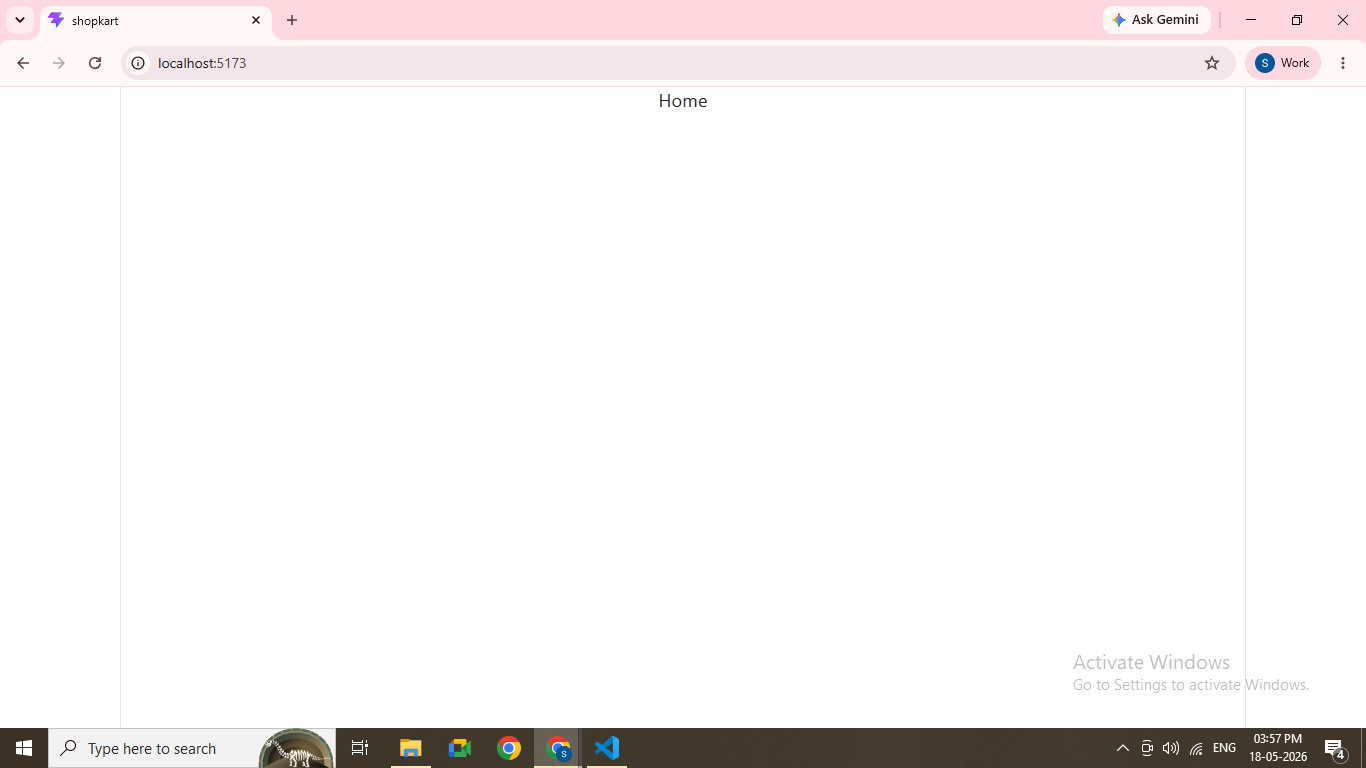
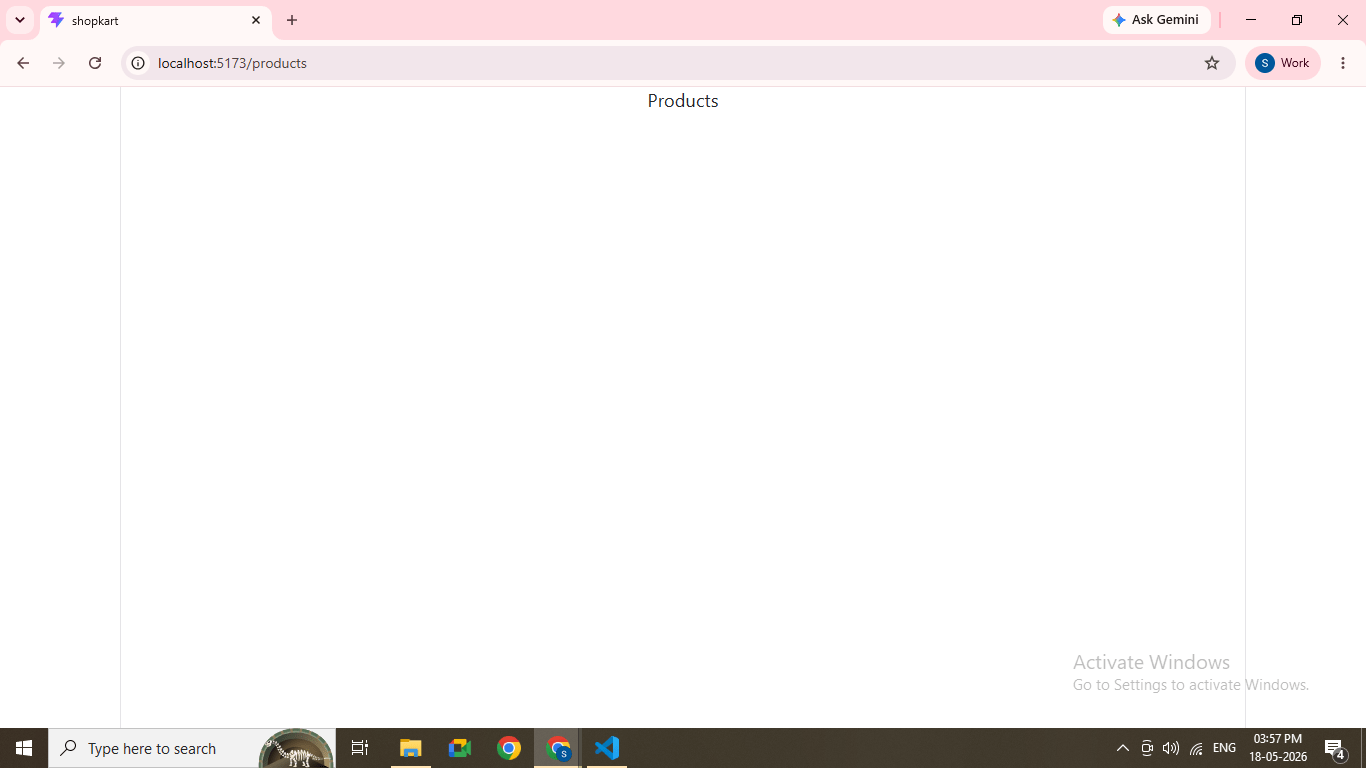
Open browser
http://localhost:5173
Great job!
Installed Bootstrap, React Router, and React Hook Form
Configured global Bootstrap styling
Created a scalable folder structure
Implemented basic routing
Prepared project for feature development
Checkpoint
Next-Lab Preparation
Creating UI Components (Navbar, Product Card)
Props and State
API Integration (Spring Boot Backend)
By Content ITV