On
Poster Resources
David Satten-López
multimedia specialist
sattenlopez@rowan.edu
david Satten-Lopez, MLIS
Office 152B, down the hallway from the Learning Commons
Offerings
Workshopping & Instruction
From brainstorming and drafts to finishing touches.
Tools
Both internal tools and online public tools.
Virtual or in person
At my office, at Cooper, or online via WebEx & Zoom.
Lesson Overview
Learning Objectives
-
Participants will be able to design appealing and communicative research posters and slides in order to present their research more effectively.
-
Participants will be able to create appealing and illustrative data visualizations in order to streamline their research in visual form.
Design Overview
Color palette
Use online tools to create an appealing color palette and check accessibility needs for differently abled people.
Layout
Break text down into small chunks (paragraphs and bulleted lists). Begin each section with headers.
Font
Use clear fonts like serif or sans serif fonts. Use no more than two or three font styles
Check your Sizing
...as the first thing you do
1
What is the aim of your poster?
2
What is your key message?
3
Who is your audience, are they familiar with your project/research?
5
What’s a logical sequence (design) for your information?
4
Plan out subheadings of the poster
6
Building an appealing and accessible color palette
- High contrast text and background
- Universal Design
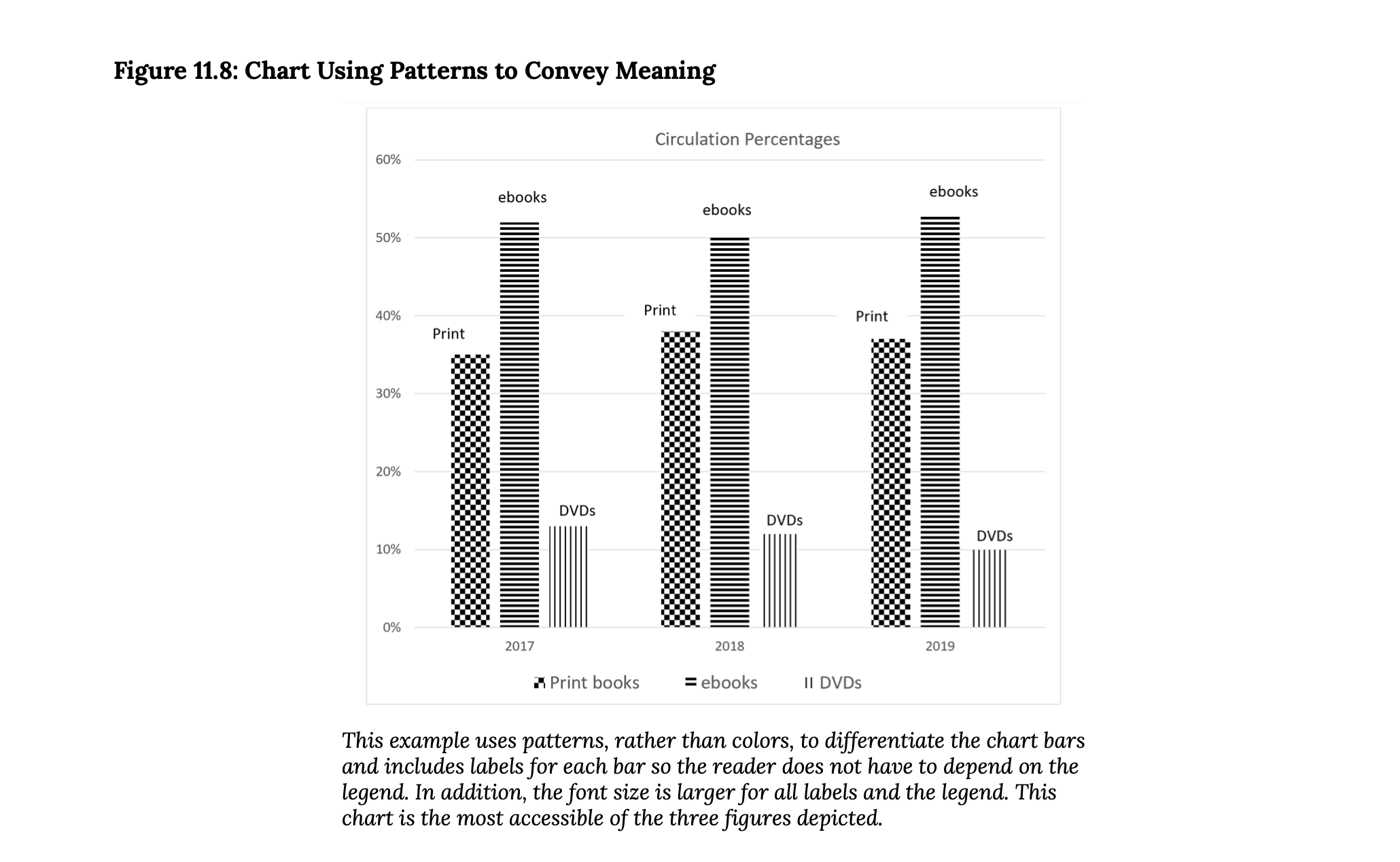
- Using patterns in data visualization
Accessible
- Poor color contrast
- Crowding of content
- Solely using color in data visualization
Not accessible
CMSRU Online resources
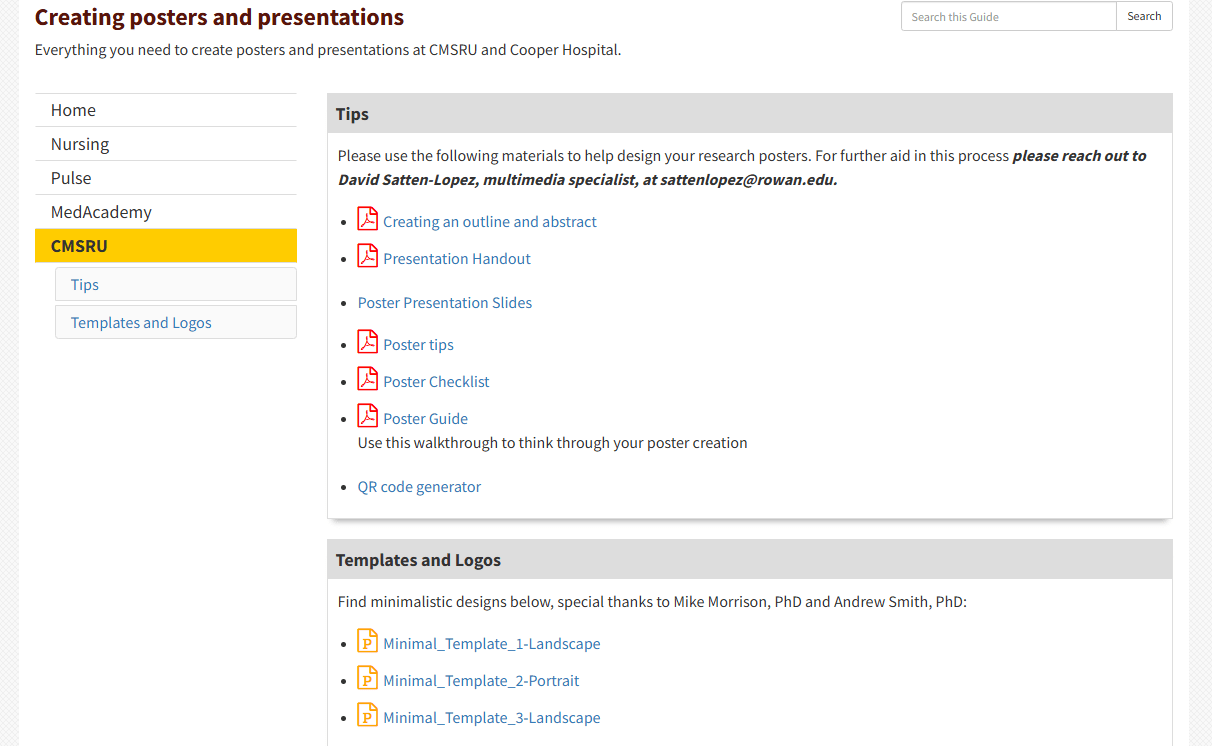
LibGuide @ go.rowan.edu/posters
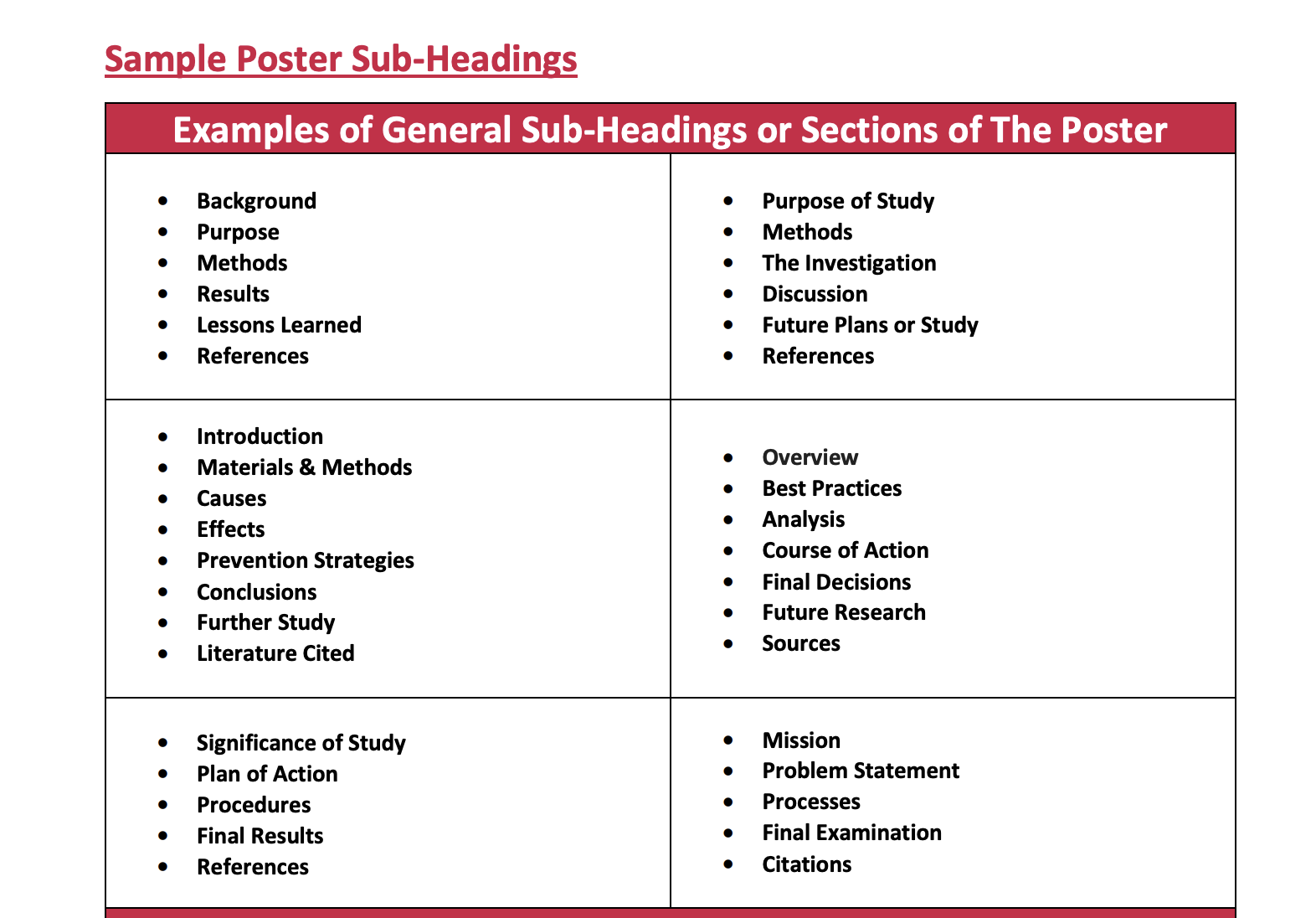
https://rowanmed.libguides.com/ld.php?content_id=63800946
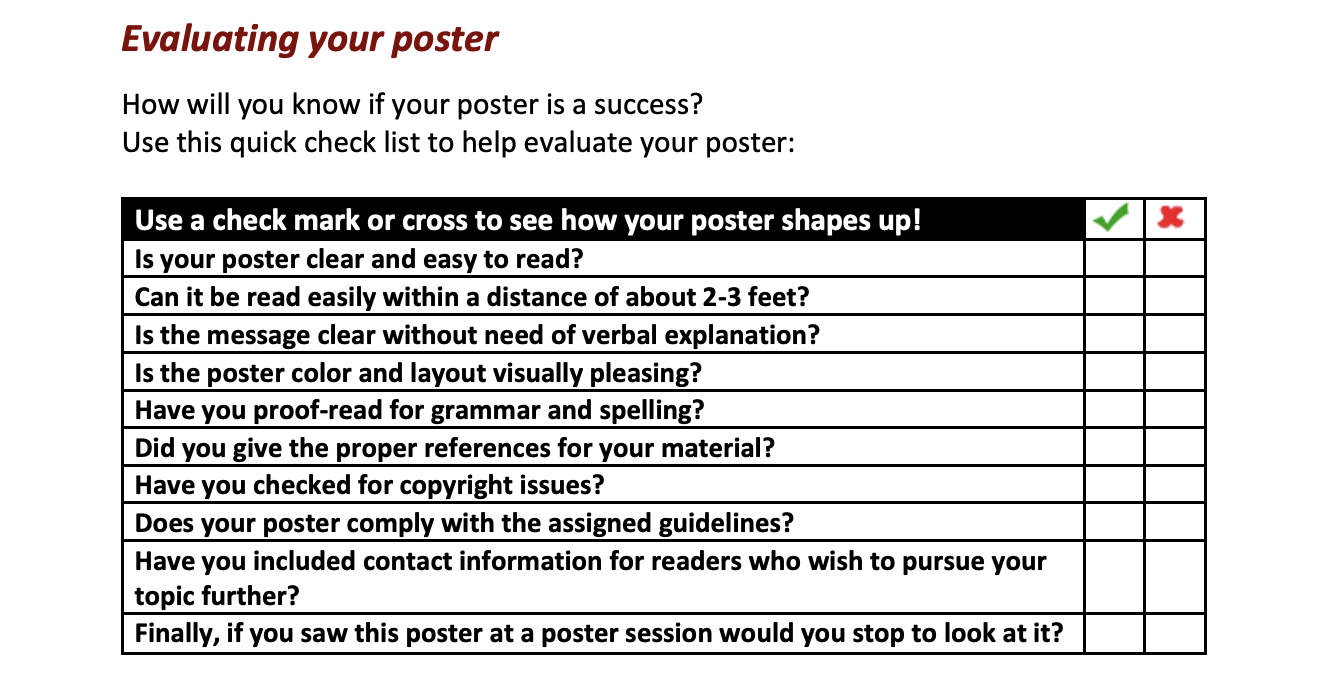
https://rowanmed.libguides.com/ld.php?content_id=63801088
Key Tools
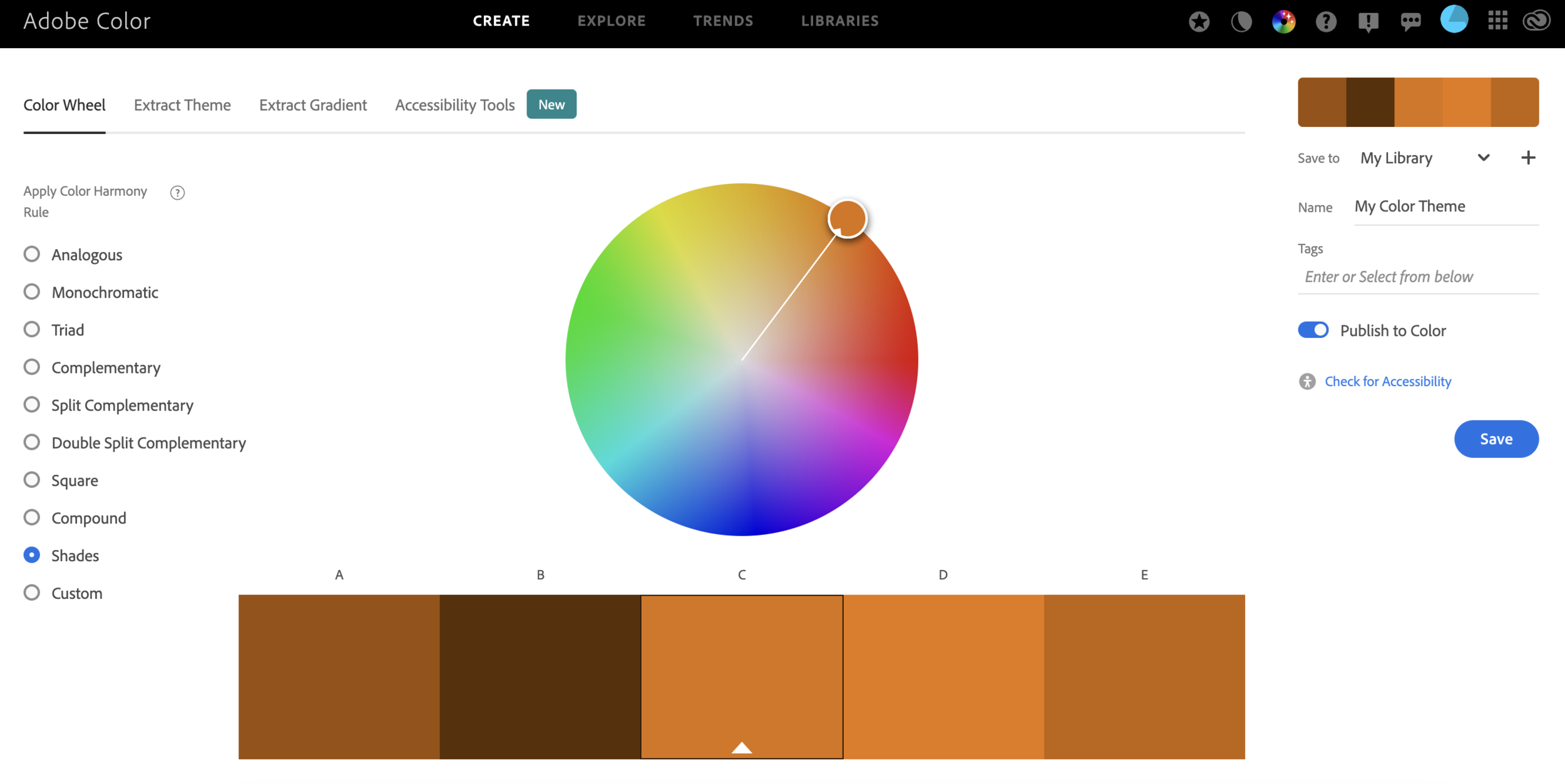
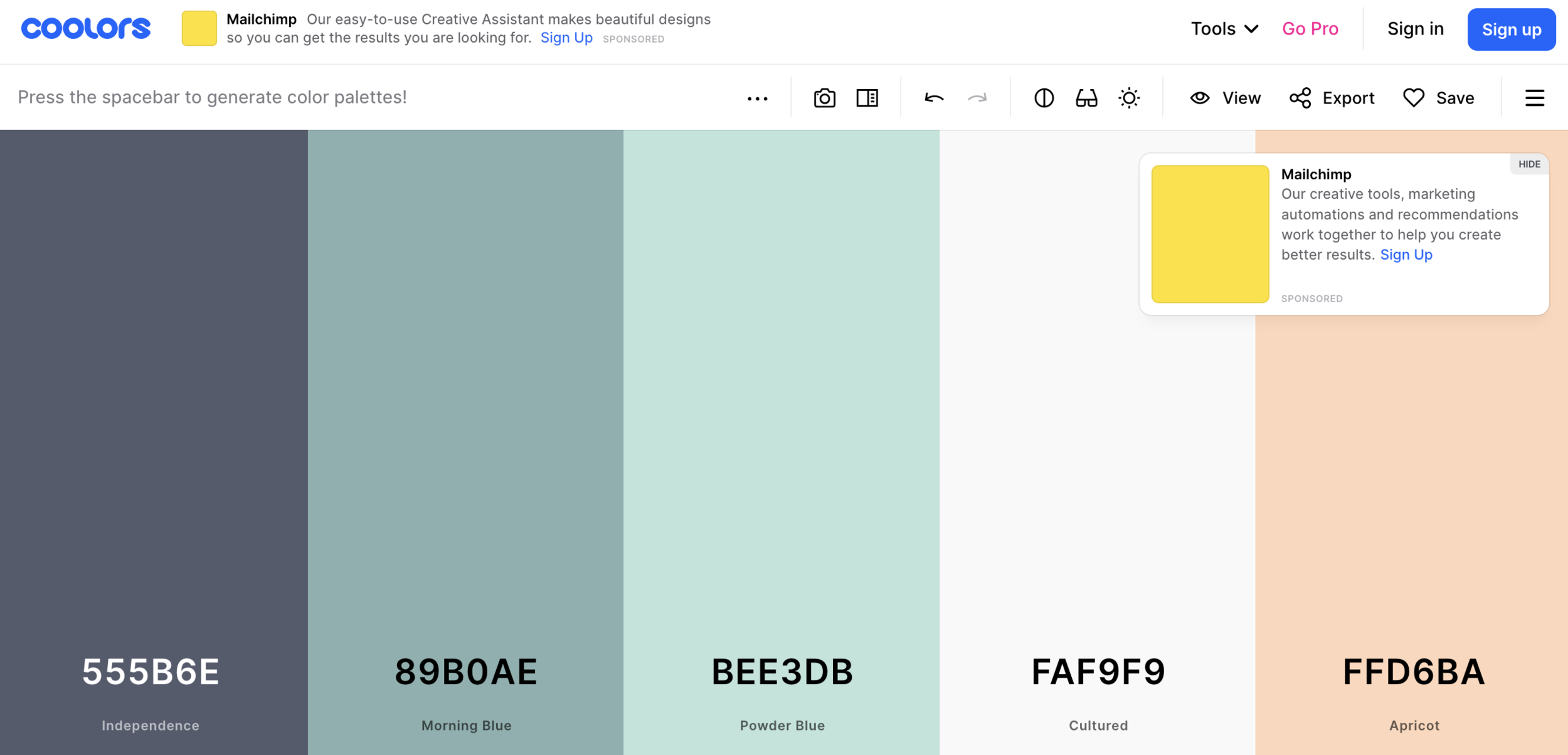
Images of Color palette and Contrast tools!
color.adobe.com
coolors.co
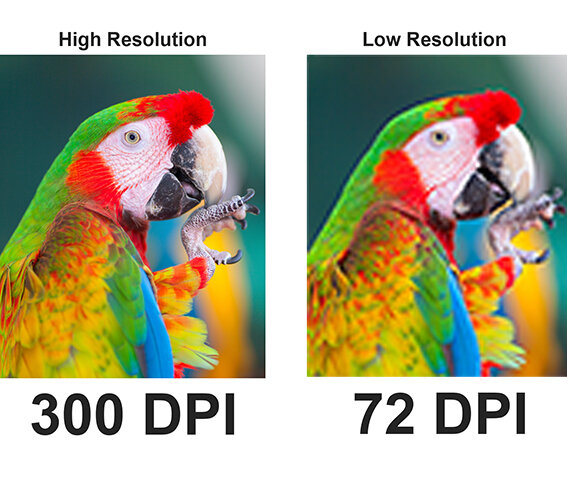
https://www.gsghome.com/wp-content/uploads/2022/05/printresolution.jpg
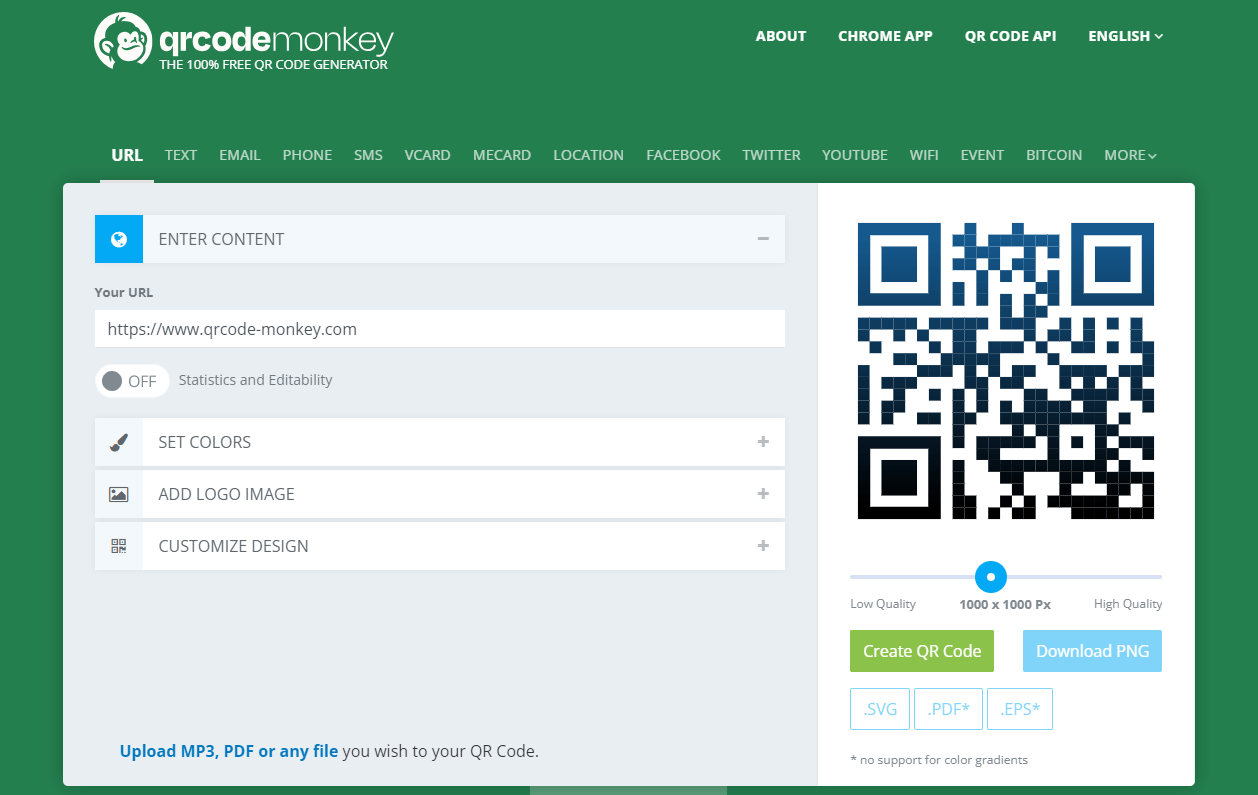
Make Your QR Code Last...
...or use qrcode-monkey.com
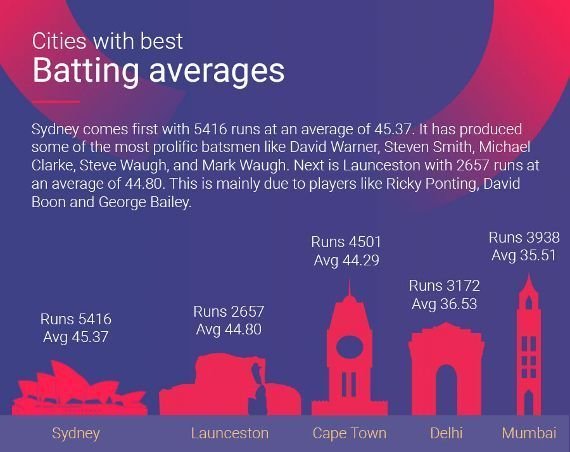
On data Visualization
https://www.espncricinfo.com/story/_/id/27358389/which-top-cricket-city-win-world-cup
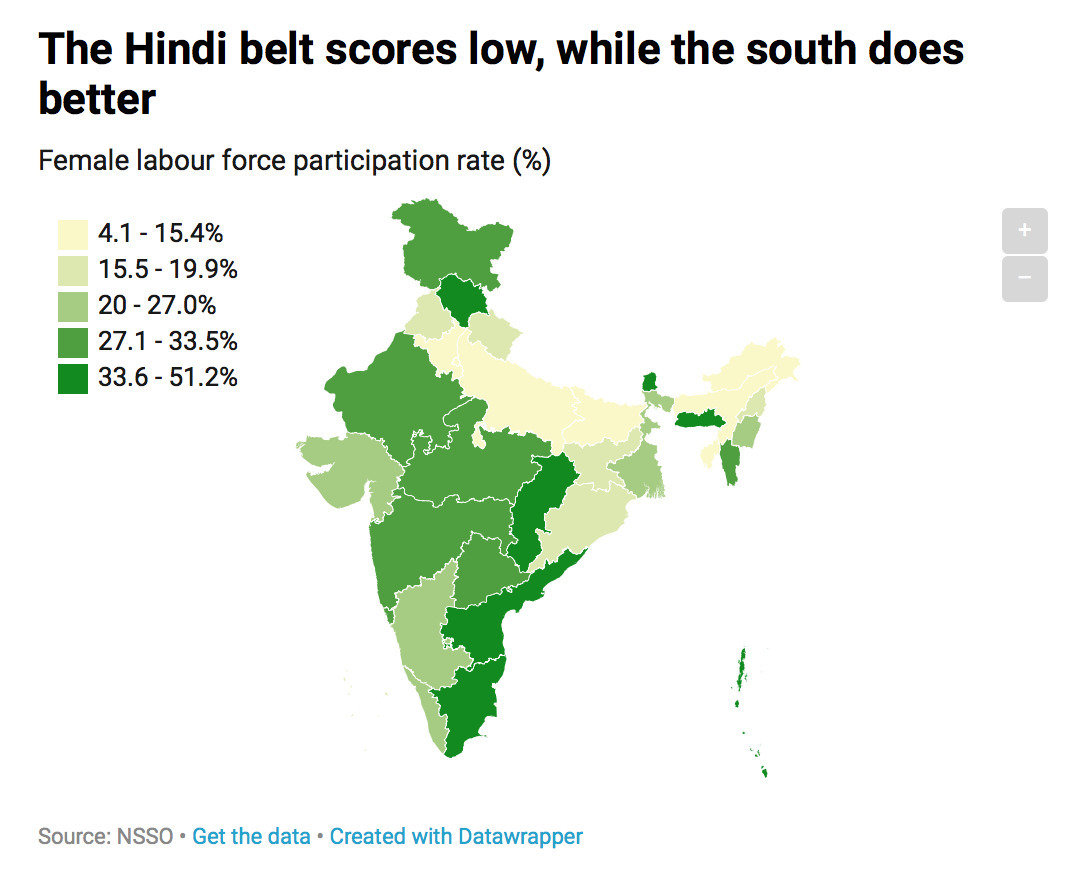
https://www.livemint.com/news/india/india-s-workforce-is-masculinising-rapidly-1560150389726.html
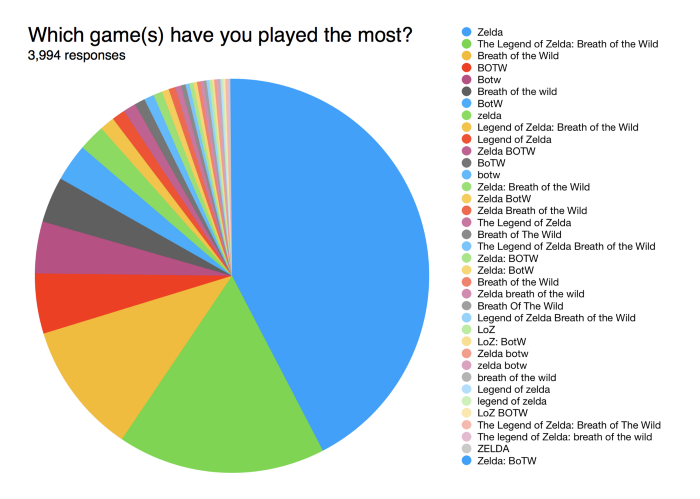
https://www.reddit.com/r/dataisugly/comments/6wqste/this_is_why_surveys_dont_use_writeins_from/
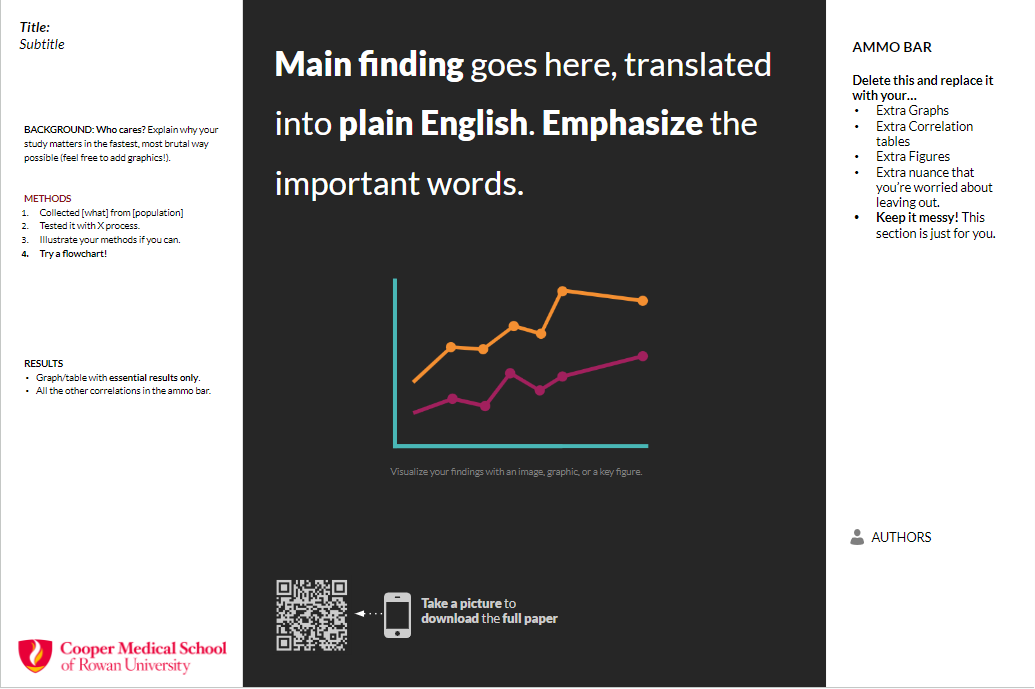
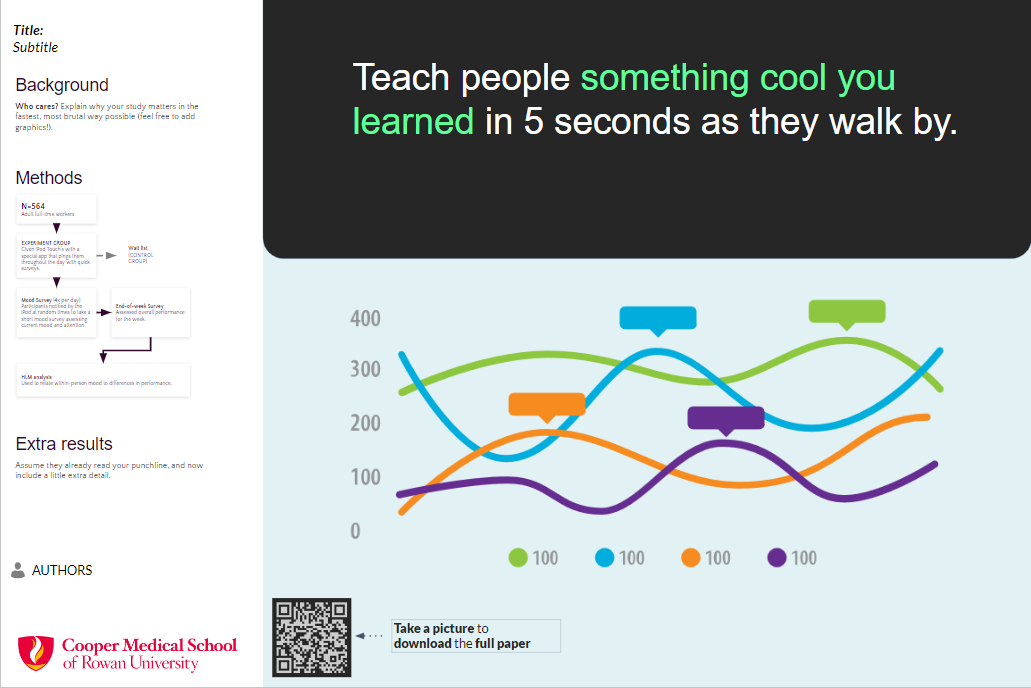
REview Learning Objectives
-
Students will be able to design an appealing and communicative research poster in order to present their research more effectively.
-
Students will be able to create appealing and illustrative data visualizations in order to streamline their research in visual form.

remember to practice
- Practice in front of a mirror or record yourself
- Ask a friend to be your practice audience
- Avoid reading your poster verbatim
- Have an "elevator pitch"
- Be conscious of your body language
- End presentation with: "This is what I learned..."
Firm Guidelines
- Poster Title should be visible from 15-20ft away(>75font).
- Headings are visible from 3-5ft away (~55font).
- Body text should be ~35~40font.
- Graphics are visible from 3-5ft away.
- 1.5in margins, 30-50% white space--space without text or images.
- Label all axes for any data visualizations.
- Remember, posters are invitations for people to stop and talk with you.
- Doublecheck any and all requirements, especially size guidelines.
- All authors, including mentors, need to be listed on the poster.
- Include all institutional affiliations.
Thank you
LibGuide @ go.rowan.edu/posters
- Get in touch with me below!
Saunders L, Wong MA. Instruction in Libraries and Information Centers. Windsor & Downs Press; 2020. doi:10.21900/wd.12
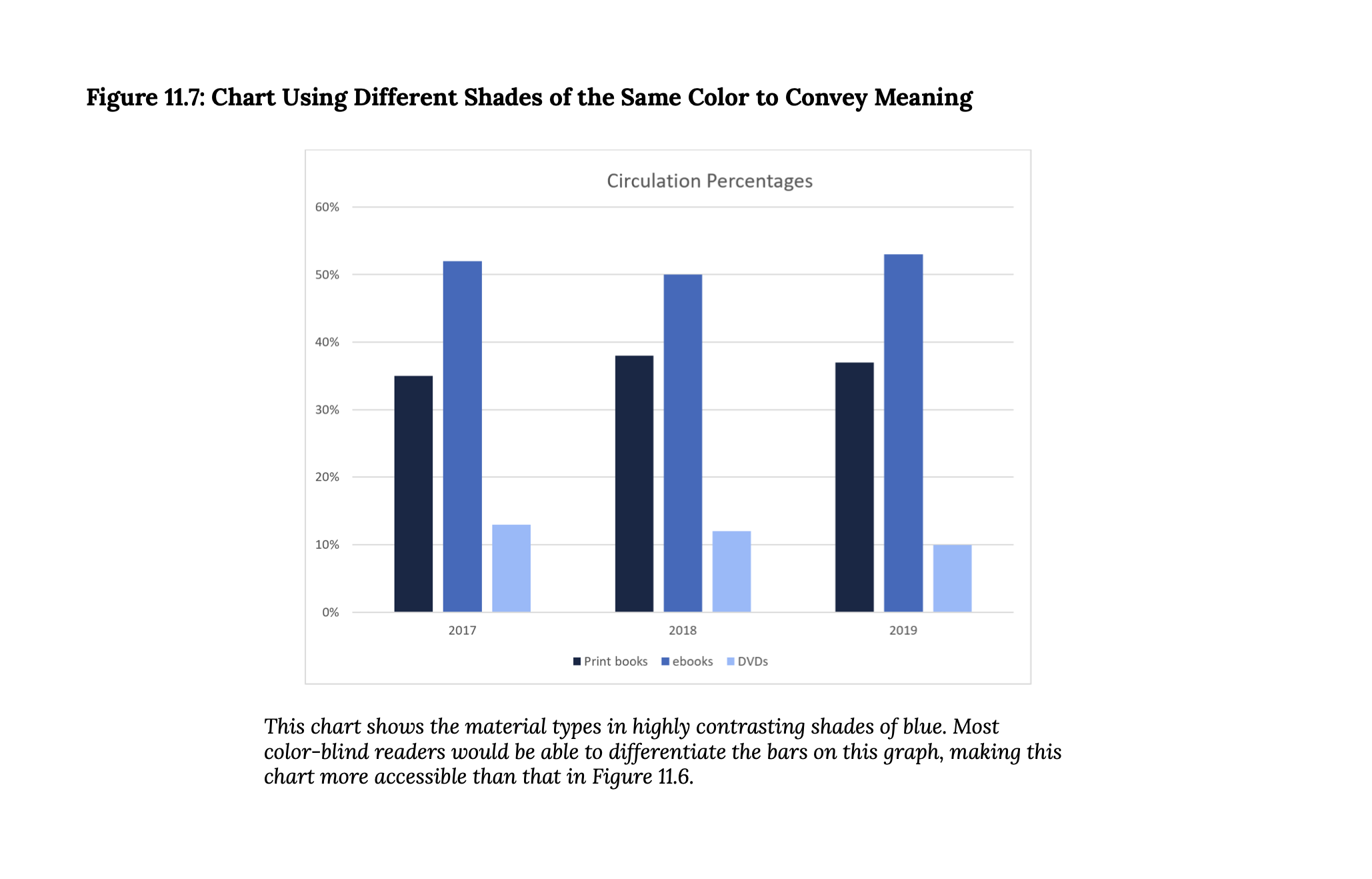
Saunders L, Wong MA. Instruction in Libraries and Information Centers. Windsor & Downs Press; 2020. doi:10.21900/wd.12
Firm Guidelines
- Poster Title should be visible from 15-20ft away.
- Headings are visible from 3-5ft away.
- Graphics are visible from 3-5ft away.
- 1.5in margins, 30-50% white space--space without text or images.
- Label all axes for any data visualizations.
- Remember, posters are invitations for people to stop and talk with you.
- Doublecheck any and all requirements, especially size guidelines.
- All authors, including mentors, need to be listed on the poster.
- Include all institutional affiliations
Library-Workshop-depth
By David S-L @ Rowan