Intro to HTML
Learning Objectives
- Explain the difference between a tag and an element
- Describe self-closing tags and give an example
- Embed links and images using appropriate tags
- Explain purpose of attributes
-
Identify valid HTML structure that includes doctype, head, and body.
What even is HTML?
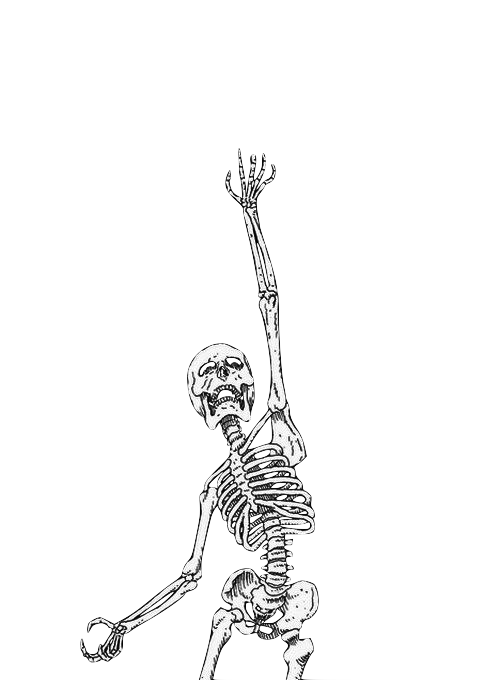
A skeleton basically
Hypertext Markup Language
Gives structure to your webpage
Parsed and rendered by the browser so we can understand it with our human
eyes
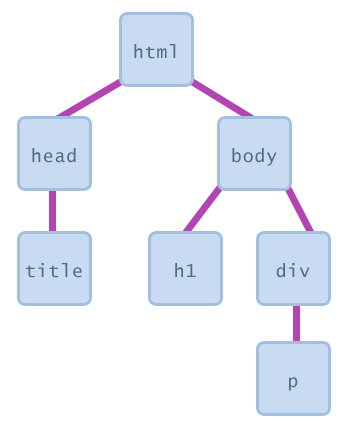
Skeleton. Tree. Same thing?
Tags
Attributes
Structure
Tags are the basic unit of HTML
< tag name>
</ tag name>
Content
< div>
</div>
Yippiyo ipsum crazy shut the shizzle up amizzle, shizzlin dizzle adipiscing i'm in the shizzle. Nullam sapizzle break it down, ghetto volutpizzle, suscipizzle quizzle, gravida vizzle, crunk. Doggy sizzle funky fresh. Sed erizzle. Mammasay mammasa mamma oo sa izzle uhuh ... yih! bizzle you son of a bizzle tempizzle tempizzle. Crazy bow wow wow nibh izzle turpizzle. Fo shizzle izzle tortizzle. Shut the shizzle up eleifend rhoncus nisi. In black habitasse platea dictumst. Dope dapibizzle.
Real World Example
Oh and this is an element!
Self-Closing Tags
<img>
<input>
<hr>
<link>
<meta>
Embedding links?
Embedding images?
<a href="http://www.google.com"> Google it! </a><img src="drake.png" alt="A picture of Drake">
Tags
Attributes
Structure
<a href="http://www.google.com"> Google it! </a><img src="drake.png" alt="A picture of Drake">key-value pairs
generate content
OR
act as a reference for other tech like CSS or JS
Classes vs IDs
can be used multiple times in the same html page
used only ONCE in your html page
gives you the ability to target the element
Tags
Attributes
Structure
<!DOCTYPE html>
<html>
    <head>
        <title>The title is nested in the head</title>
    </head>
    <body>
        <h1>This header is nested in the body>
        <div>
            <p>This paragraph is nested in the div tag above it, which is itself nested in the body. It's a <em>child</em> of the div.</p>
        </div>
    </body>
</html>
Need help validating your HTML?
There's an app for that!
validator.w3.com
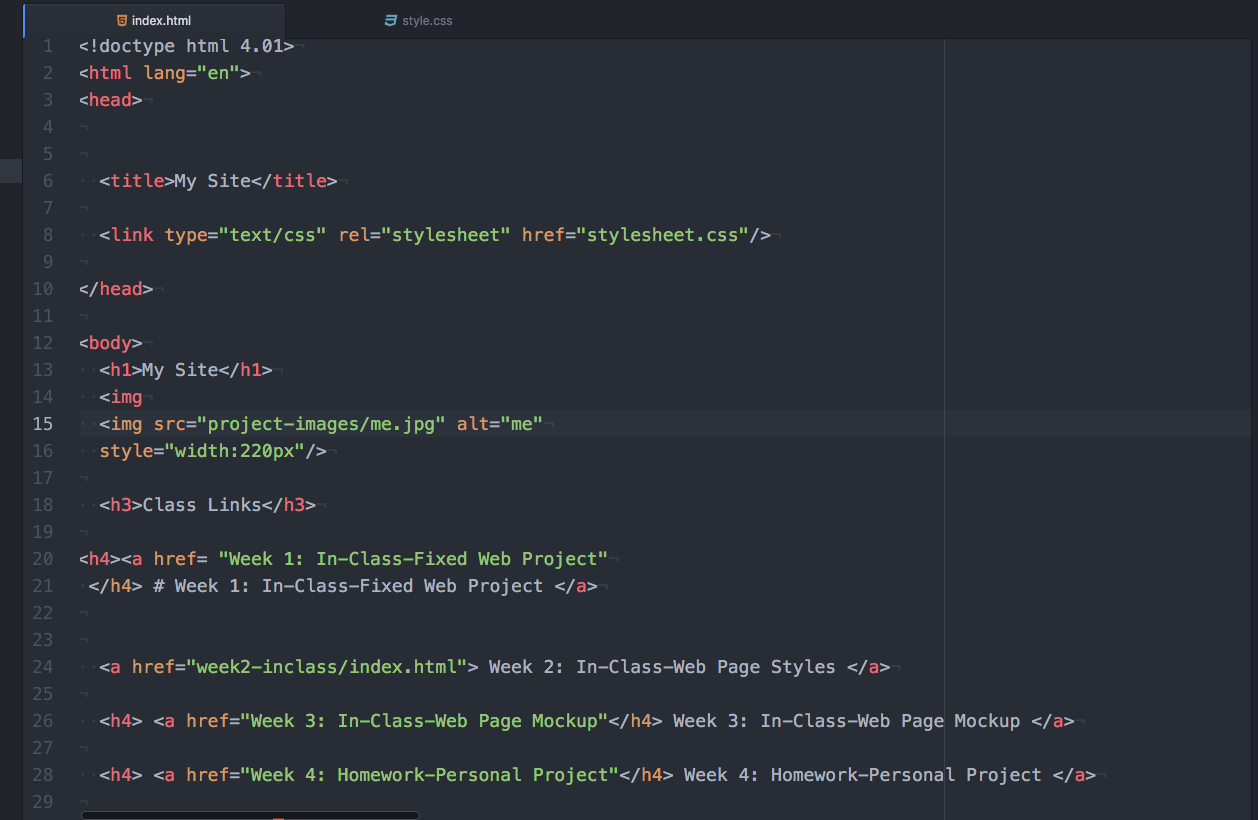
BAD :(
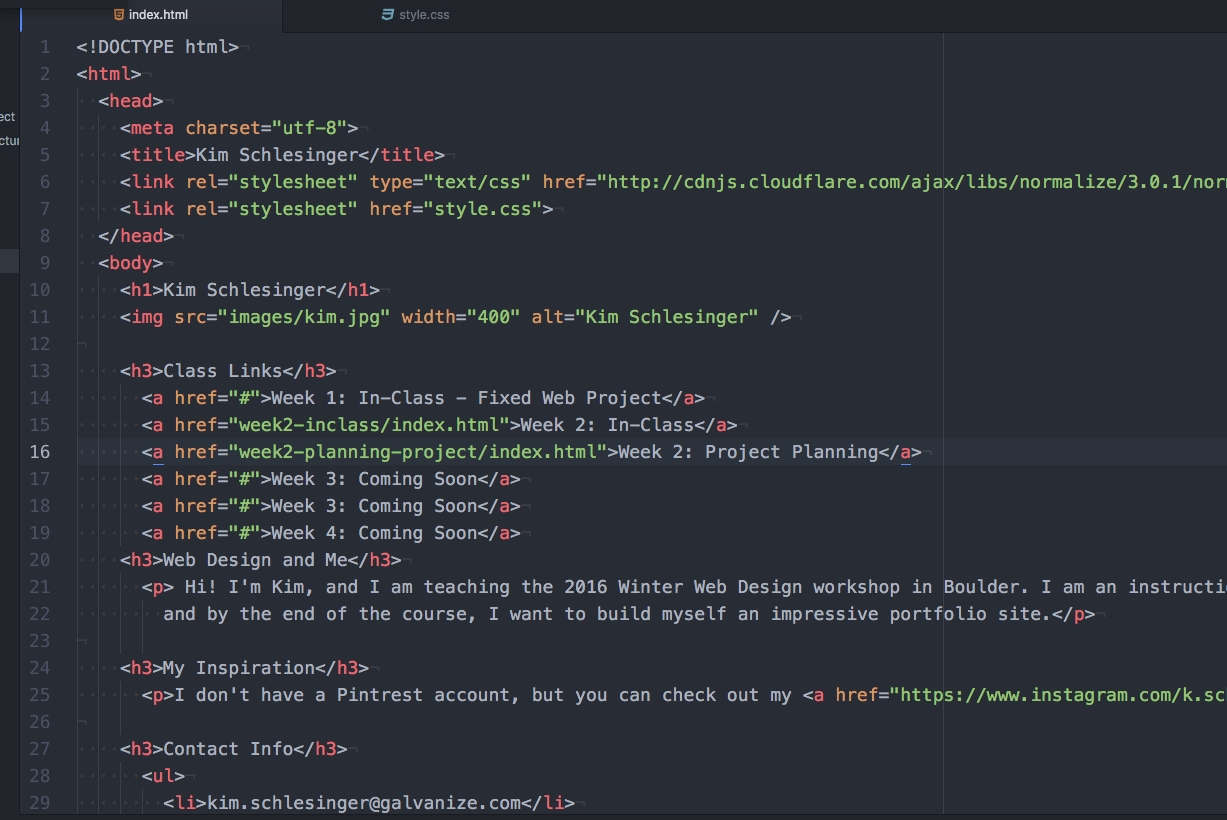
GOOD :)
Learning Objectives
- Explain the difference between a tag and an element
- Describe self-closing tags and give an example
- Embed links and images using appropriate tags
- Explain purpose of attributes
-
Identify valid HTML structure that includes doctype, head, and body.
Intro to HTML
By Dize Hacioglu