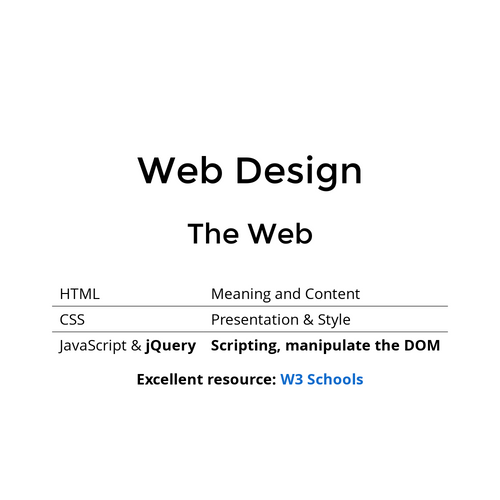
Web Design
The Web
| HTML | Meaning and Content |
| CSS | Presentation & Style |
| JavaScript & jQuery | Scripting, manipulating the DOM |
Excellent resource: W3 Schools
Hypertext Markup Language
- Markup language → Description language
- Rendered by web browsers, etc.
- Early 1990's by Sir Tim Berners-Lee
- International standard: HTML5
- Constantly evolving
Document
- Source code text file (.html)
- Returned by a web server in response to a HTTP request
- Can just open a .html file locally
- "View Page Source" in any browser
Element Structure
HTML elements are essential building blocks of an html document.
Required Elements
<!DOCTYPE html>
<html lang="en"></html>
<head></head>
<title></title>
<body></body>
<!DOCTYPE html>
<html lang="en">
    <head>
        <title>Page Title</title>
    </head>
    <body>

    </body>
</html>
Additional Elements
<!DOCTYPE html>
<html lang="en">
<head>
    <meta charset="UTF-8">
    <meta http-equiv="X-UA-Compatible" content="IE=edge">
    <meta name="viewport" content="width=device-width, initial-scale=1.0">
    <title>Document</title>
</head>
<body>

</body>
</html>
<!DOCTYPE html>
<html lang="en">
<head>
<meta charset="UTF-8">
<meta http-equiv="X-UA-Compatible" content="IE=edge">
<meta name="viewport" content="width=device-width, initial-scale=1.0">
<title>Document</title>
</head>
<body>
</body>
</html>Elements
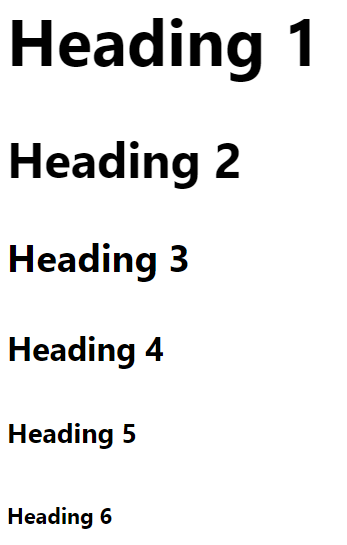
<h1>Heading level One</h1>
<h2>Heading level Two</h2>
<h3>Heading level Three</h3>
<h4>Heading level Four</h4>
<h5>Heading level Five</h5>
<h6>Heading level Six</h6>
Heading Elements
The Paragraph element
<p> > Lorem ipsum dolor sit amet, consectetur adipiscing elit, sed do eiusmod tempor incididunt ut labore et dolore magna aliqua. Ut enim ad minim veniam, quis nostrud exercitation ullamco laboris nisi ut aliquip ex ea commodo consequat. </p>
<p>Duis aute irure dolor in reprehenderit in voluptate velit esse cillum dolore eu fugiat nulla pariatur. Excepteur sint occaecat cupidatat non proident, sunt in culpa qui officia deserunt mollit anim id est laborum.</p>
- Groups sentences and sections of text together.
- Configures empty space above and below the paragraph
Line Break element
-
Stand-alone tag
-
Called a void element in HTML5
-
Causes the next element or text to display on a new line
…text goes here <br> This starts on a new line….
Horizontal Rule element
- void element
<hr >
- Configures a horizontal line on the page
Common Phrase Elements
- Indicate the context and meaning of the text
- Display inline with the text
<b></b>
- Text is displayed in bold font
<strong></strong>
- Text has strong importance and is displayed in bold
<i></i>
- Text is displayed in italic font
<em></em>
- Text has emphasis and is displayed in italic font
Nesting Phrase Elements
Phrase elements can be used together to provide different styling within a paragraph
<p><i>Call for a free quote for your web development needs: <strong>888.555.5555 </strong></i></p>
List Basics
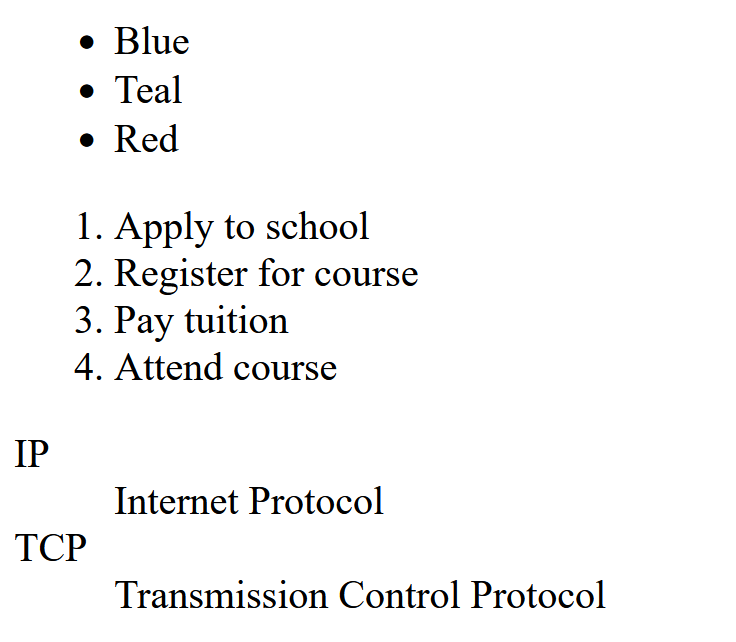
Unordered List Element
Displays information with bullet points
<ul></ul>
Contains the unordered list
List Item Element
<li></li>
Contains an item in the list
Ordered List Element
Conveys information in an ordered fashion
<ol></ol>
Contains the ordered list
- type attribute determines numbering scheme of list
- default is numerals
List Item Element
<li></li>
Contains an item in the list
Description List
The Description List element
<dl></dl> tag
Contains the definition list
The dt Element
<dt></dt> tag
Contains a term or name
The dd Element
<dd></dd> tag
Contains a definition or description
Indents the text
Uses:
- Display a list of terms and descriptions
- Display a list of FAQ and answers
<ul></ul>
<ol></ol>
<dl></dl>
Structural Elements
The <div> Element
Purpose:
- Configure a specially formatted division or area of a web page
- Block display with empty space above and below the div
- Can contain other block display and inline display elements
<body> Structure Elements
Example:
<body>
<header> document headings go here </header>
<nav> main navigation goes here </nav>
<div> main content goes here </div>
<footer> document footer information goes here </footer>
</body>
The anchor element
- Inline display element
- Specifies a hyperlink reference (href) to a file
- Text between the <a> and </a> is displayed on the web page.
◦
<a href="./index.html">Home</a> <br>
<a href="./demo.html">Demo Page</a>
href Attribute
- Indicates the destination of the hyperlink
- Web page document, photo, pdf, etc.
Absolute link
- Link to other websites
<a href="http://yahoo.com">Yahoo</a>
Relative link
-
Link to pages on your own site
- Relative to the current page
<nav>
<a href="./index.html">Home</a> <br>
<a href="./demo.html">Demo Page</a>
</nav>
Layout Algorithm
HTML elements have default display values depending on the type of element.
Two categories of elements:
- Block Level Elements
- Always start on a new line, they stack vertically
- Inline Elements
- Appear to continue on the same line as their neighboring elements, placed horizontally until the end of the line
Block Level Elements
Examples include
<form> |
<p> |
<table> |
<hr> |
<h1> |
<ol> |
<li> |
<div> |
div tag element
<div class="myDiv">
  <h2>This is a heading in a div element</h2>
  <p>This is some text in a div element.</p>
</div>
Simple example
<div class="myDiv">
    <h2 style="color: red;">This is a heading in a div element</h2>
    <ul>
      <li>Coffee</li>
      <li>Tea</li>
      <li>Milk</li>
      <li>Yummy Cheescake</li>
    </ul>
    <p>This is some text in a div element.</p>
  </div>
More complex example
Inline Elements
Examples include
<a> |
<em> |
<strong> |
<img> |
<sub> |
<button> |
<input> |
<span> |
inline tag elements
<p>My mother has <span style="color:blue">blue</span> eyes. Her name is
  <em>Isabella</em> and she has the <strong>cutest</strong>
  dog named Jezzie!</p>
HTML Attributes
- HTML attributes provide additional information about elements
- HTML attributes are always specified in the start tag
- HTML attributes usually come in name/value pairs like: name="value"
Element Attributes
<a href="https://www.w3schools.com">Visit W3Schools</a>

<img src="img_girl.jpg">

<img src="img_girl.jpg" width="500" height="600">

<img src="img_girl.jpg" alt="Girl with a jacket">
<img src="img_typo.jpg" alt="Girl with a jacket">

<p style="color:red;">This is a red paragraph.</p>

<html lang="en"></html>
<html lang="en-US"></html>

<p title="I'm a tooltip">This is a paragraph.</p>id Attribute
A global attribute. Used to uniquely identify an element (from CSS or Javascript).
Common use of id attribute
<!DOCTYPE html>
<html>
<head>
<style>
#myHeader {
  background-color: lightblue;
  color: black;
  padding: 40px;
  text-align: center;
}
</style>
</head>
<body>

<h1 id="myHeader">My Header</h1>

</body>
</html>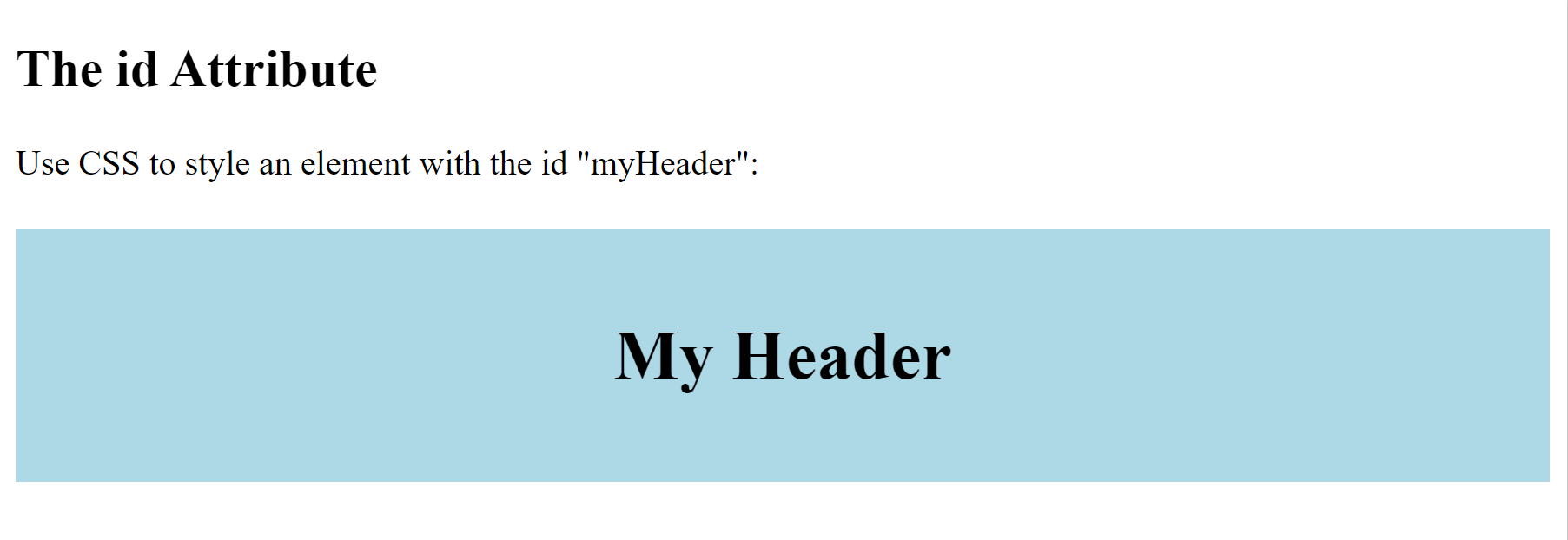
Output from the id attribute code
class Attribute
Used to make this element a member of a named class. Also a global attribute.
Common use of class attribute
<!DOCTYPE html>
<html>

  <head>
      <style>
          .city {
              background-color: tomato;
              color: white;
              border: 2px solid black;
              margin: 20px;
              padding: 20px;
          }
      </style>
  </head>

  <body>

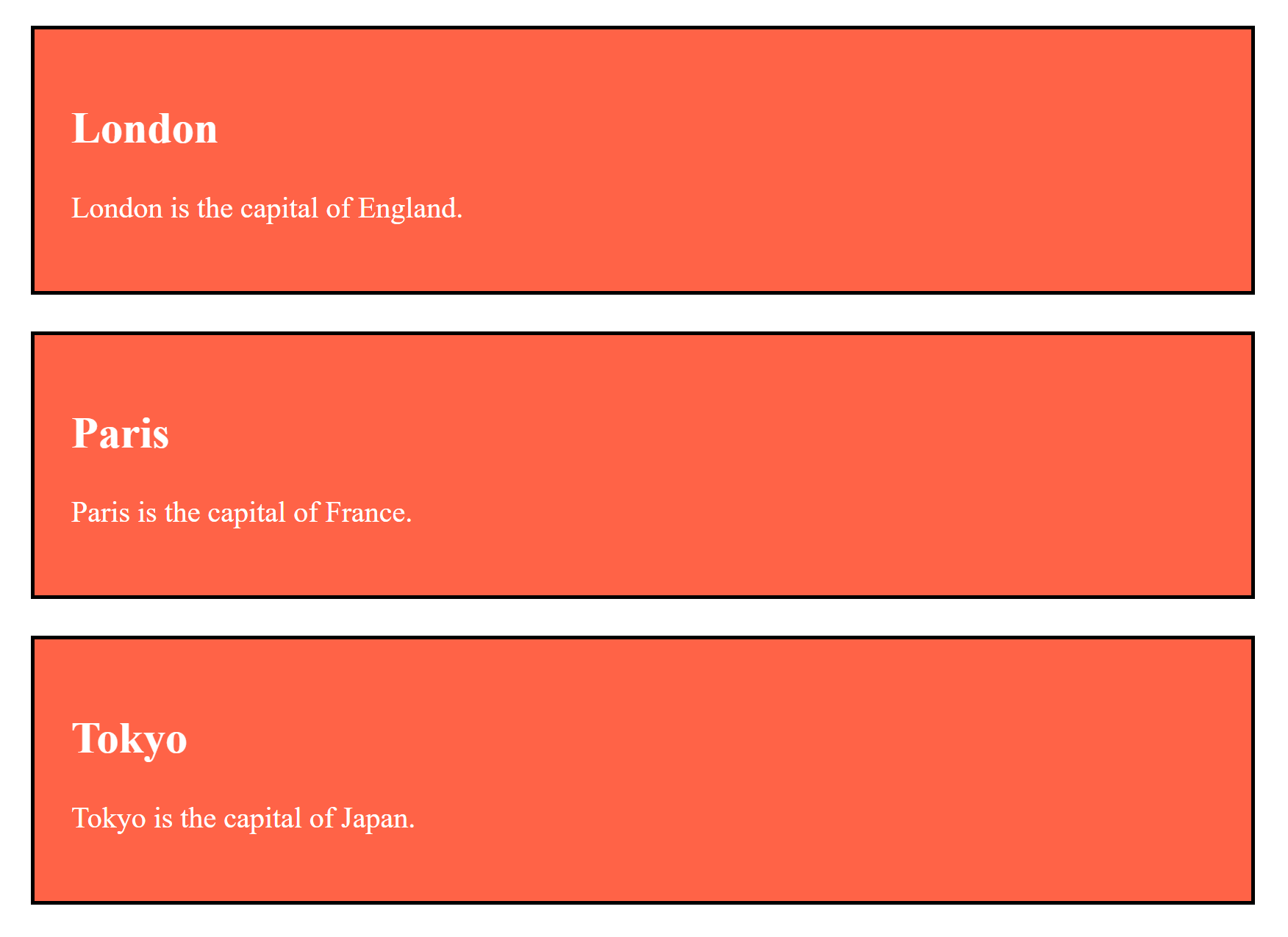
      <div class="city">
          <h2>London</h2>
          <p>London is the capital of England.</p>
      </div>

      <div class="city">
          <h2>Paris</h2>
          <p>Paris is the capital of France.</p>
      </div>

      <div class="city">
          <h2>Tokyo</h2>
          <p>Tokyo is the capital of Japan.</p>
      </div>

  </body>

</html>
Output from the class attribute code
Tutorials &
IDEs
Integrated Development Environments
Free, online resource
Also has a lot of tutorials
Free, online resource
Has a lot of tutorials

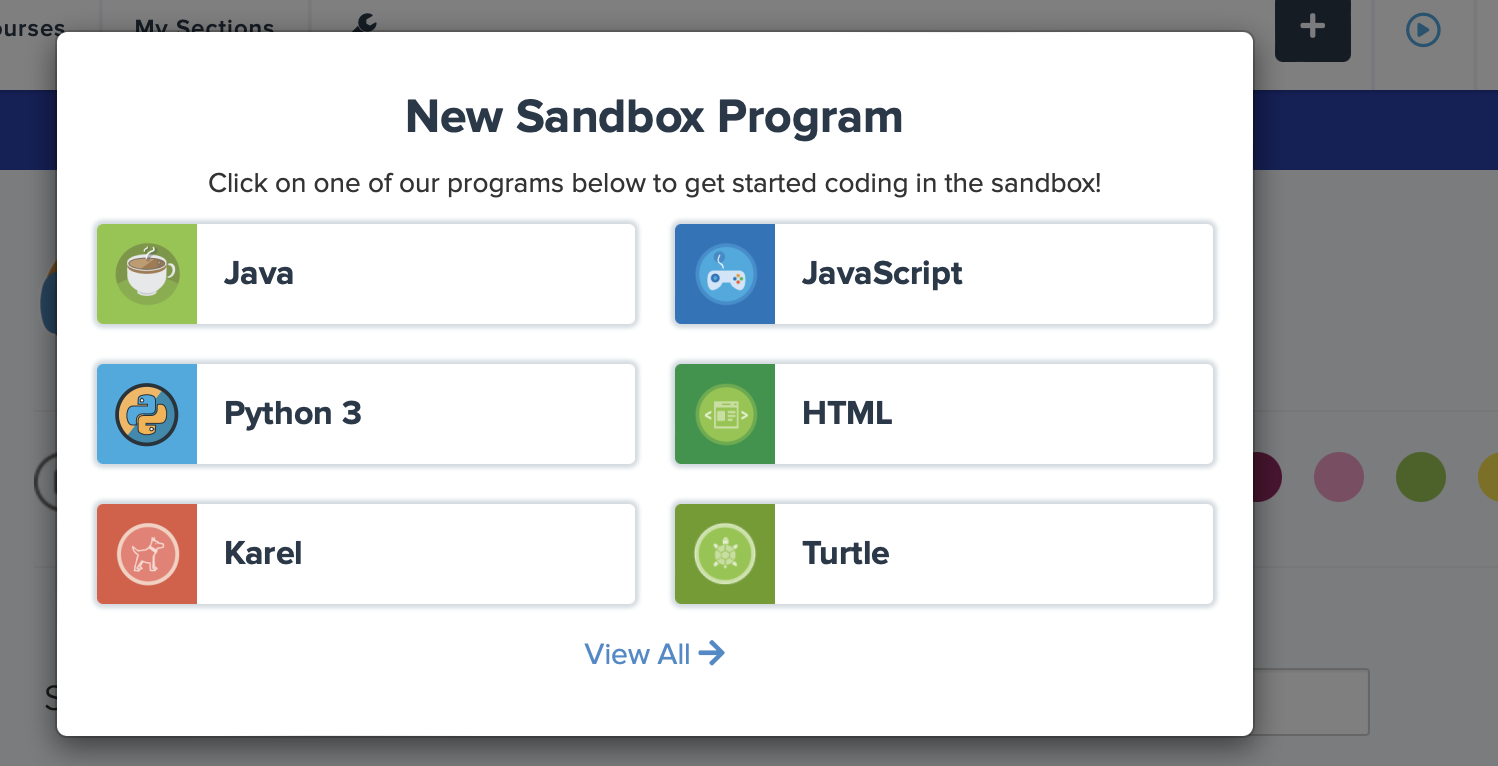
Free, online resource
for coding and teaching
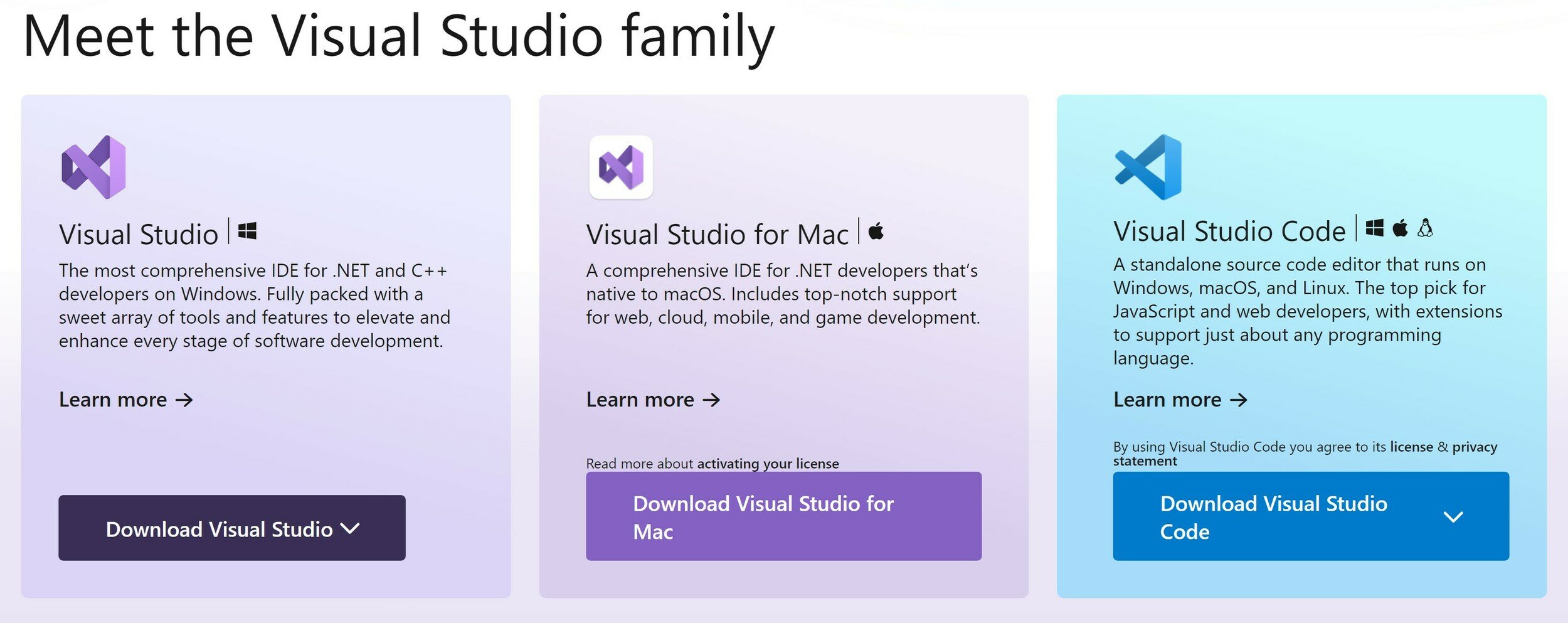
Free downloadable IDE
I recommend VS code
<h1>Heading 1 </h1>
<h2>Heading 2 </h2>
<h3>Heading 3 </h3>
<h4>Heading 4 </h4>
<h5>Heading 5 </h5>
<h6>Heading 6 </h6>

<p>Some text in a paragraph.</p>

<ol>
  <!--This is a comment -->
  <li>First item</li>
  <li>Second item</li>
</ol>

<ul>
  <!--This is a comment -->
  <li>First item</li>
  <li>Second item</li>
</ul>
	<!--Absolute Link - link to other pages-->
<a href="https://www.google.com">Link to Google</a>
	<!--Relative Link- link to a page within your site-->
<a href="index.html">Home Page</a>"
	<!--EMPTY Elements-->
<br>
<img src="SuperCoolPic.jpg" alt="SuperCoolPic" width="104" height="142">
<hr>
Frequently Used Elements
<p>HTML tables start with a table tag.</p>
<p>Table rows start with a tr tag.</p>
<p>Table data start with a td tag.</p>

<table>
  <tr>
    <td></td>
    <td></td>
    <td></td>
  </tr>
</table>
Table
CS Web Design - HTML
By drmorgan