Handling Mobile Application Updates
Eliza Nitoi


ElizaNitoi
React-Native Developer




// React deploy

this.deployChanges()
   .then(() => console.log('users have the changes'))
   .catch(() => console.log('try again'))
// Android and IOS deploys

this.makeNewBuilds()
  .then(() => {
    this.uploadToStoresAndWaitForReview()
      .then(() => {


      })
      .catch(() => console.log('fix App Store review'))
         this.waitForUsersToUpdate()
          .then(() => console.log('users see changes'))
          .catch(() => console.log('-_-'))
// Android and IOS deploys
this.makeNewBuilds()
.then(() => {
    this.uploadToStoresAndWaitForReview()
      .then(() => {


      })
      .catch(() => console.log('fix App Store review'))

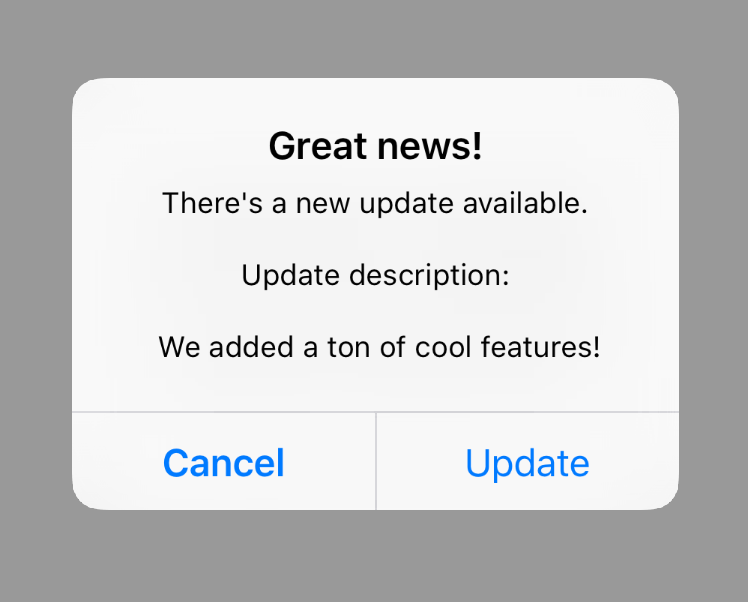
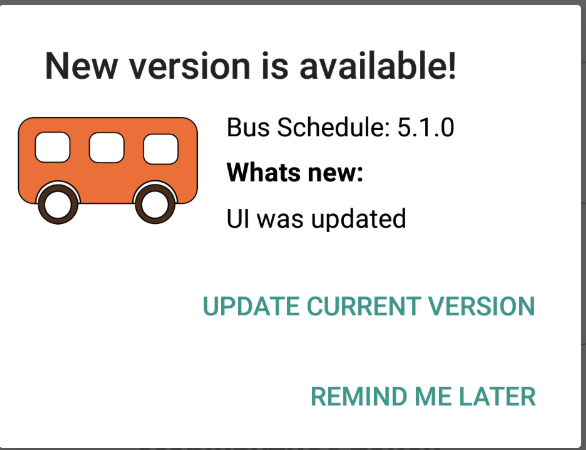
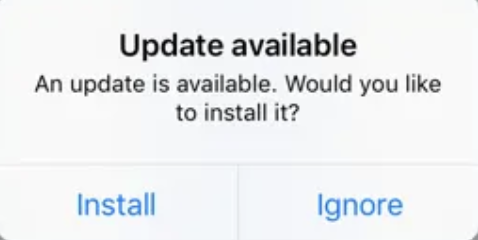
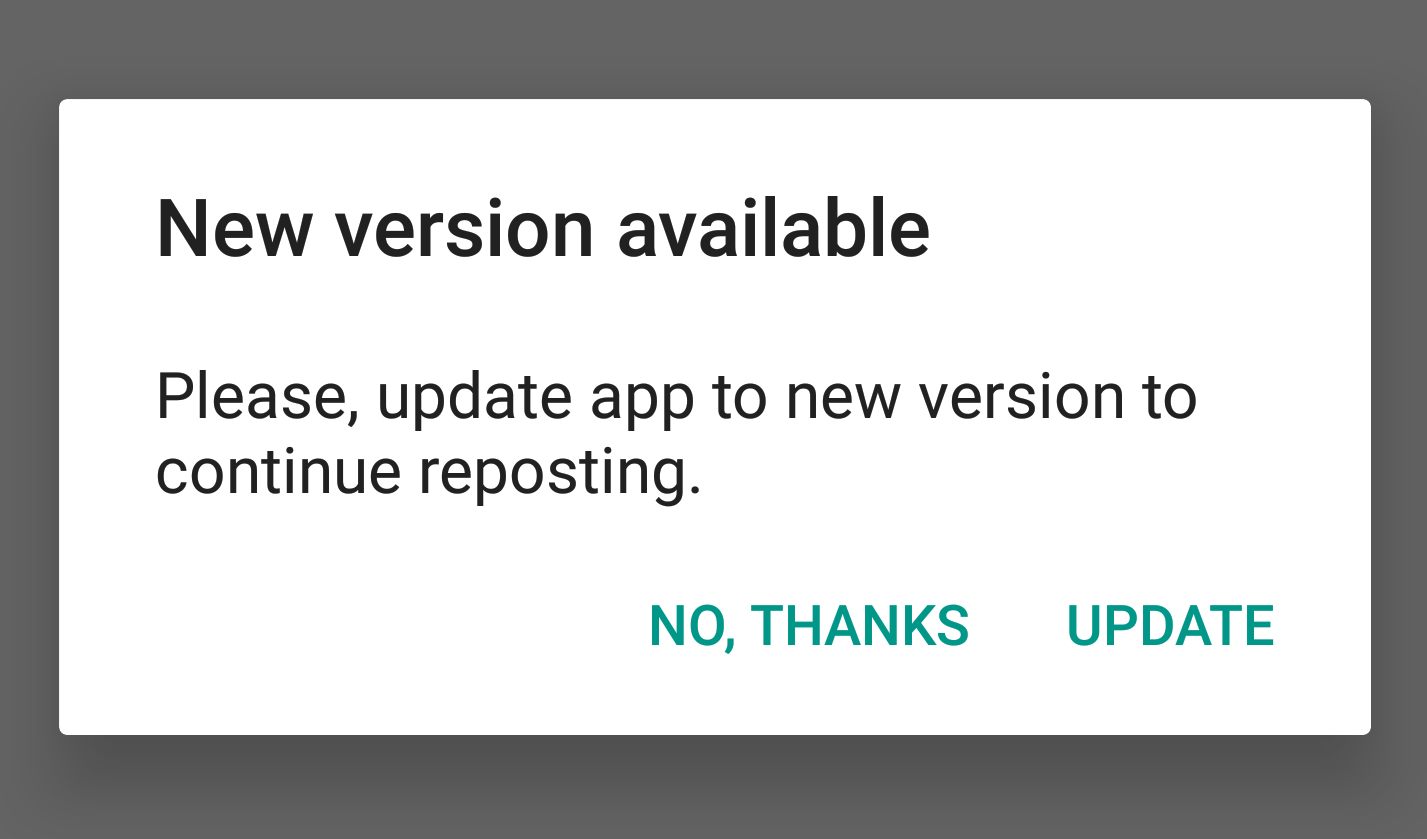

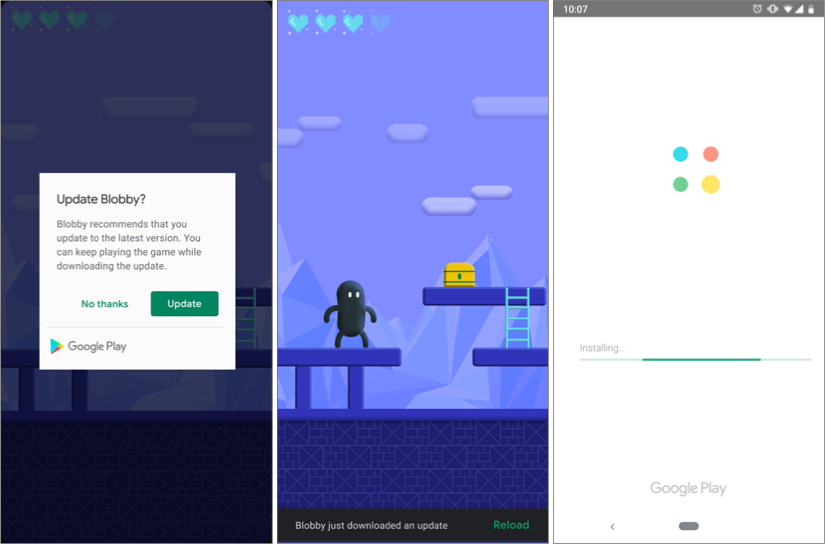
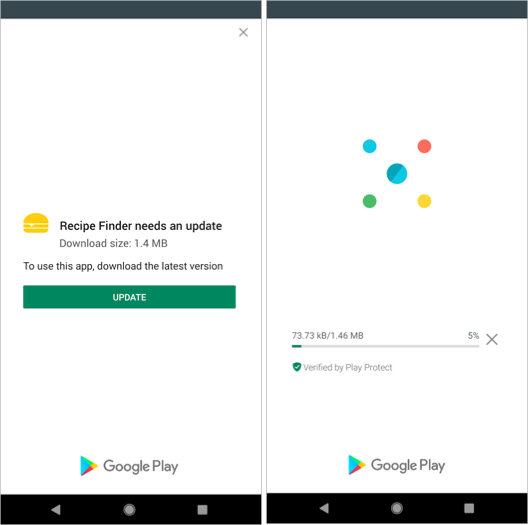
Can we do better?
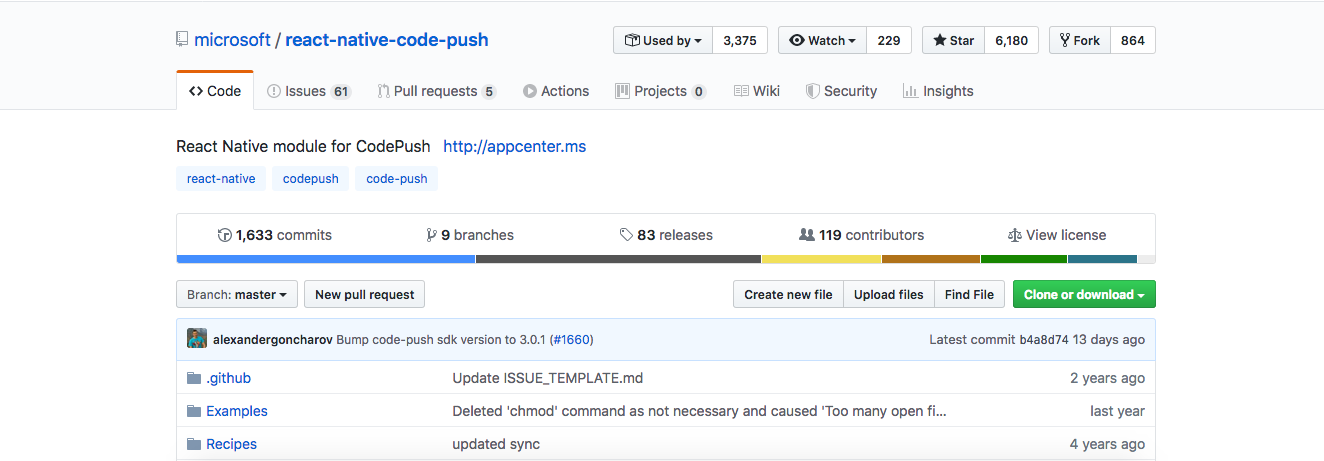
Text
Text
https://github.com/microsoft/react-native-code-push


Publish build from terminal
CodePush sends JS bundle to Cloud
Checks if new updates
Sends the JS bundle
New update is installed
import React from 'react'
import { View, Text } from 'react-native'

export const App = () => (
	<View>
  		<Text> I just fixed this </Text>
  	</View>
)
public class MainActivity extends ReactActivity {

    @Override
    public void onCreate() {
        // my code
    }
}
#import <UIKit/UIKit.h>
#import "AppDelegate.h"
int main(int argc, char * argv[]) {
@autoreleasepool {
return UIApplicationMain(argc, argv, nil);
}
}
Text
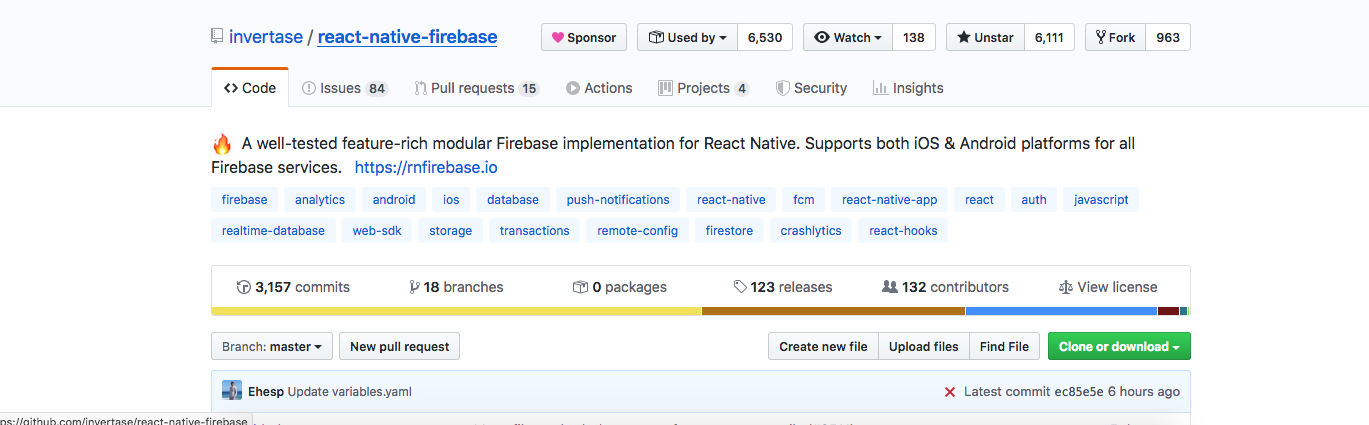
https://github.com/invertase/react-native-firebase

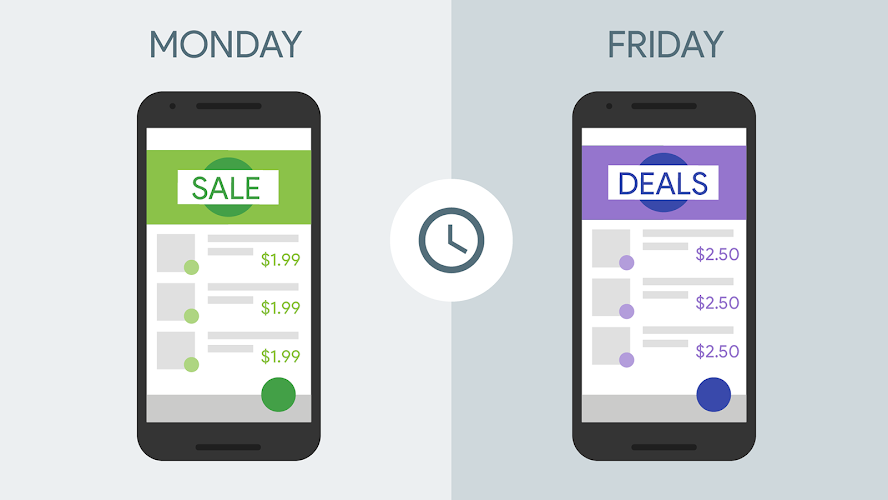
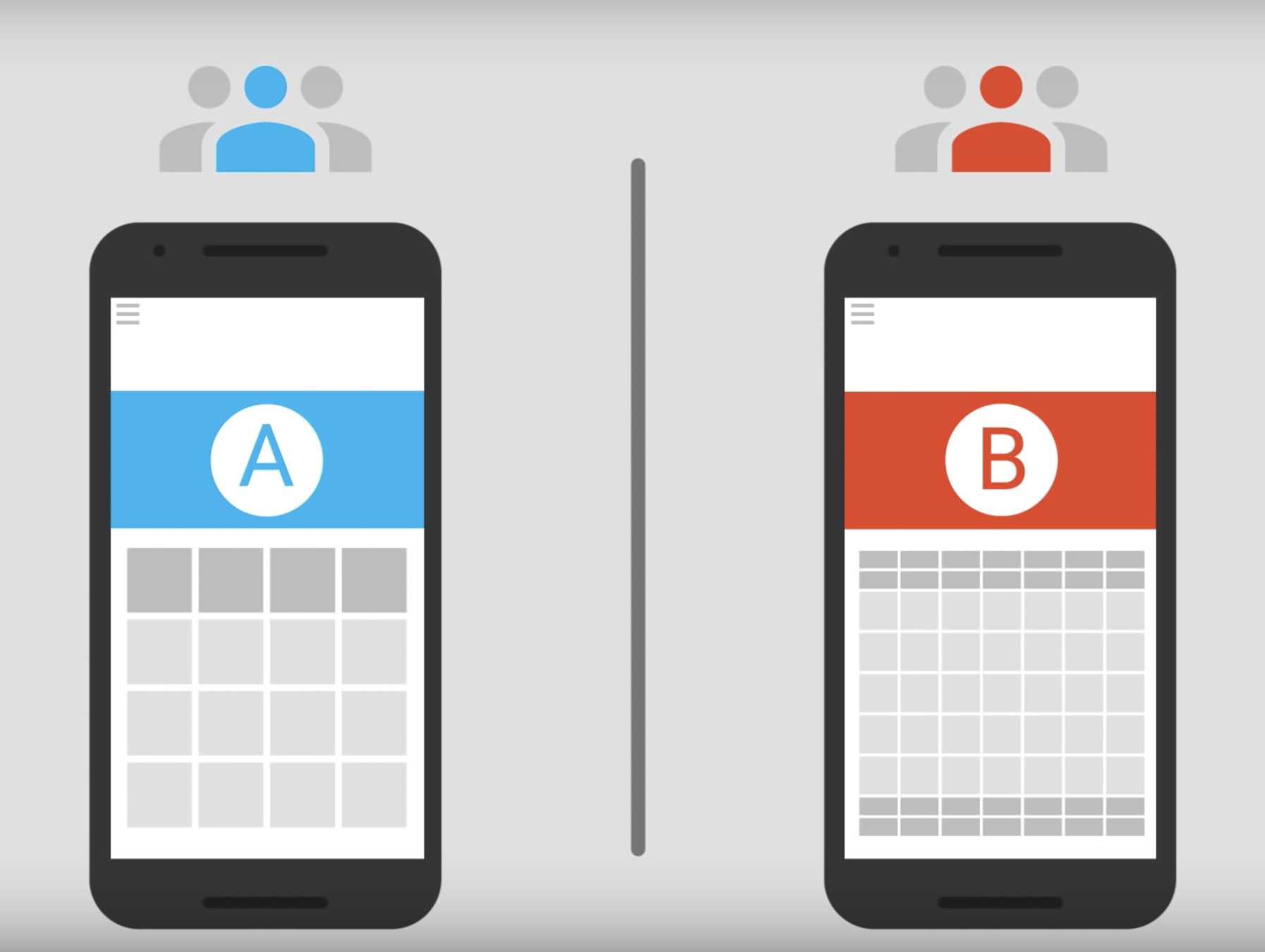
{
 "foo": "bar",
  "title": "Monday",
  "price": "4.55"
}
Fetch config
Modify config
New config
Updated UI
Application Updates are Important
New features
Security
Better performance
Bug fixing
Act before the first release
Choose what's best for you
Don't count on the user
Thank you!
Eliza Nitoi
ElizaNitoi
React-Native Developer
Handling Mobile App Updates
By Eliza Nitoi