translate2R
The solution for your migration processes

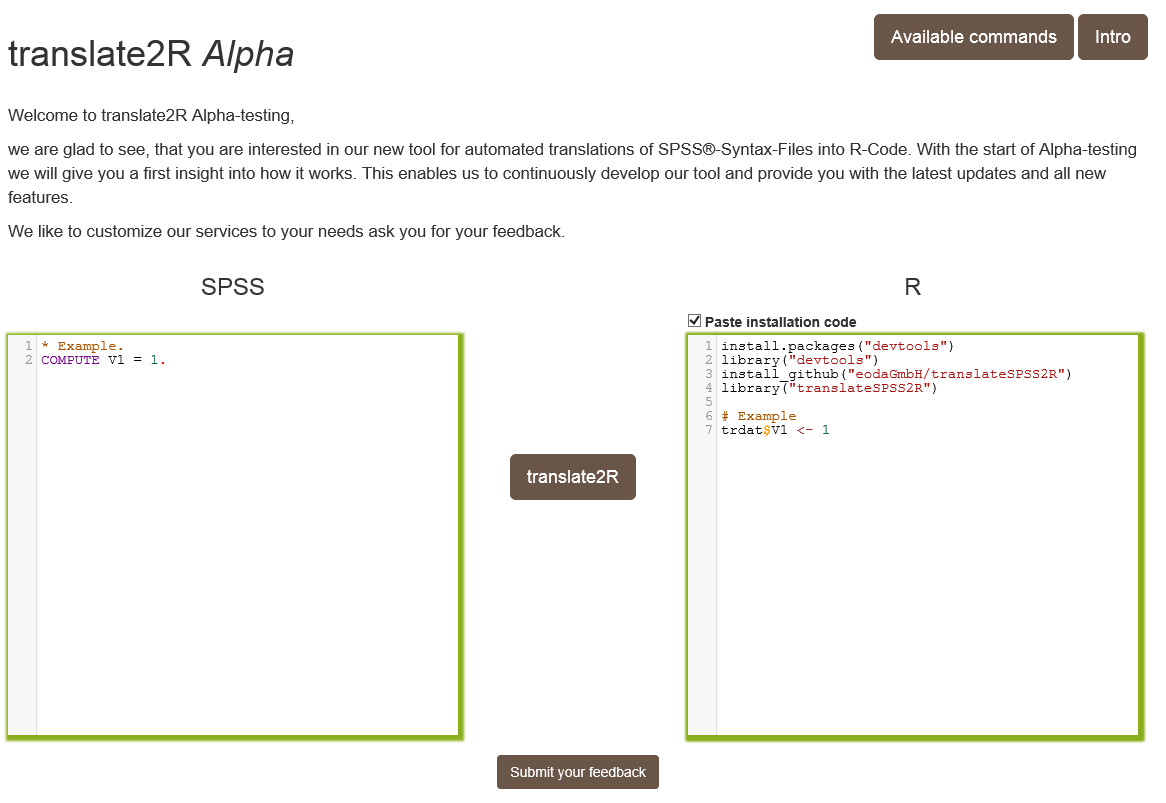
Welcome to translate2R Alpha-testing,
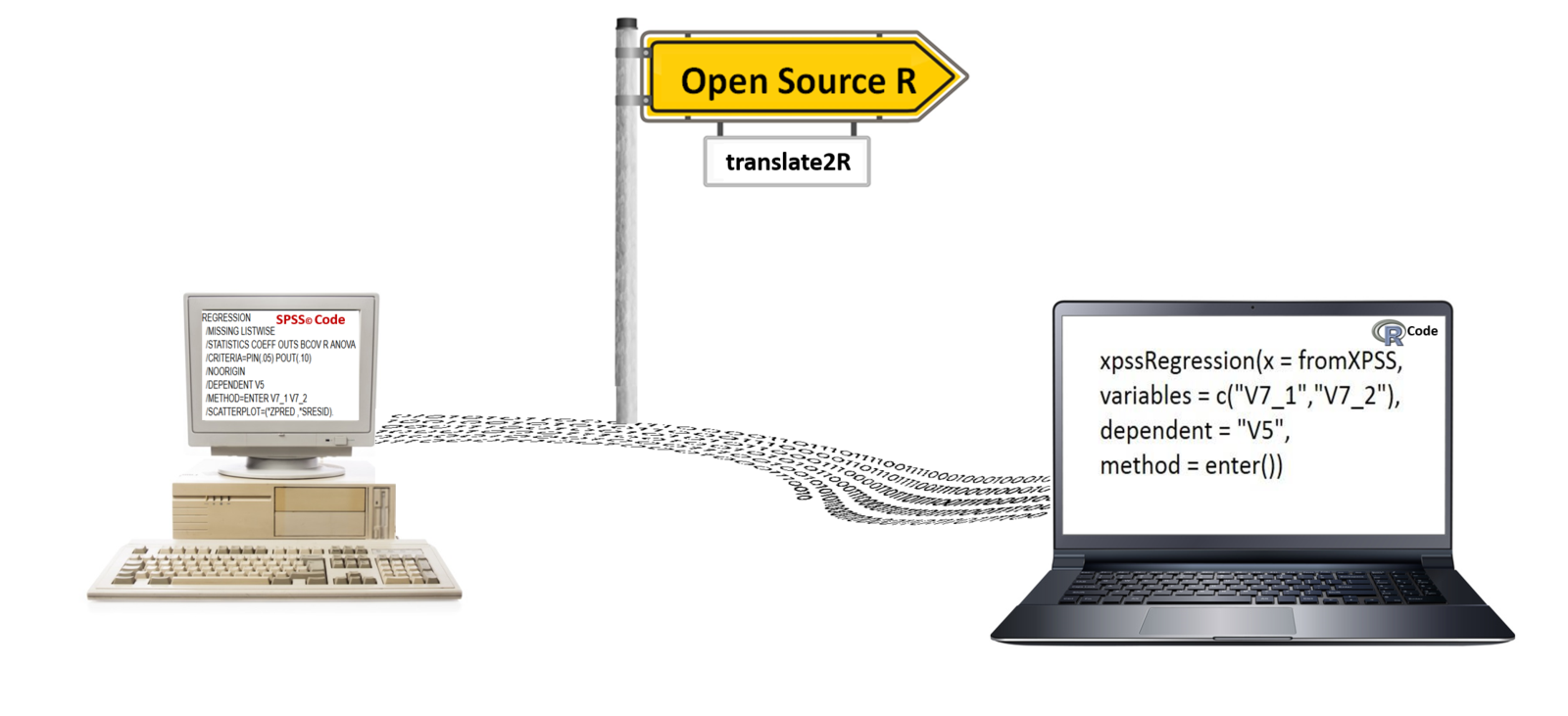
we are glad to see, that you are interested in our new tool for automated translations of SPSS®-Syntax-Files into R-Code.
Step 1: Import your SPSS-Syntax



Copy your SPSS-Syntax into the translate2R SPSS Window.
Step 2: Installation of the required R-package

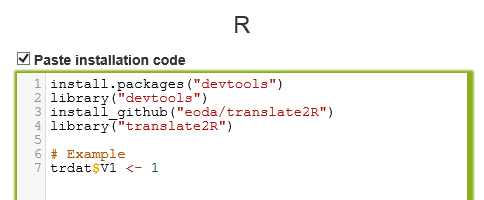
Activate the checkbox and get the code for the installation of the translate2R R-package
Step 3: Translation to R
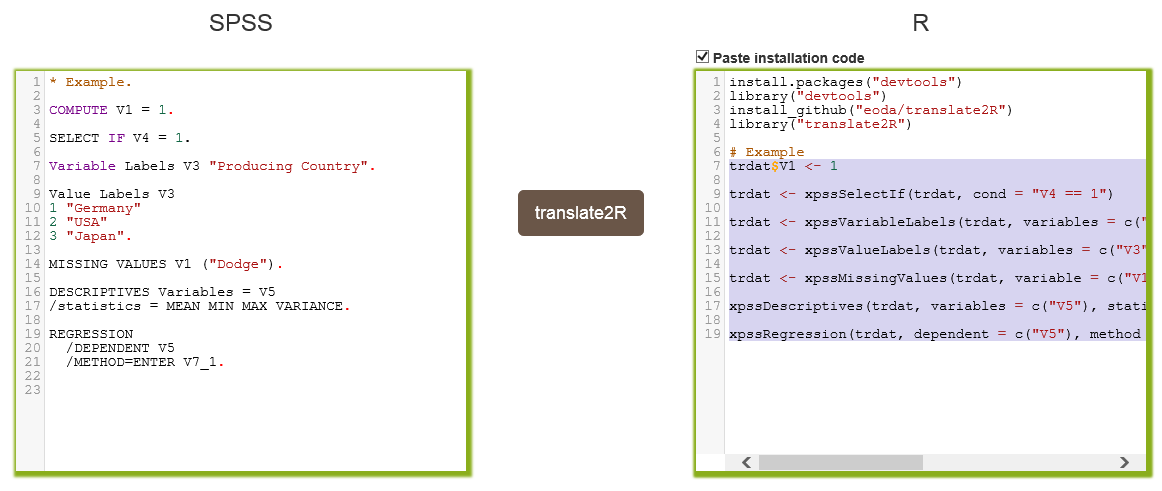

Step 4: Export to R
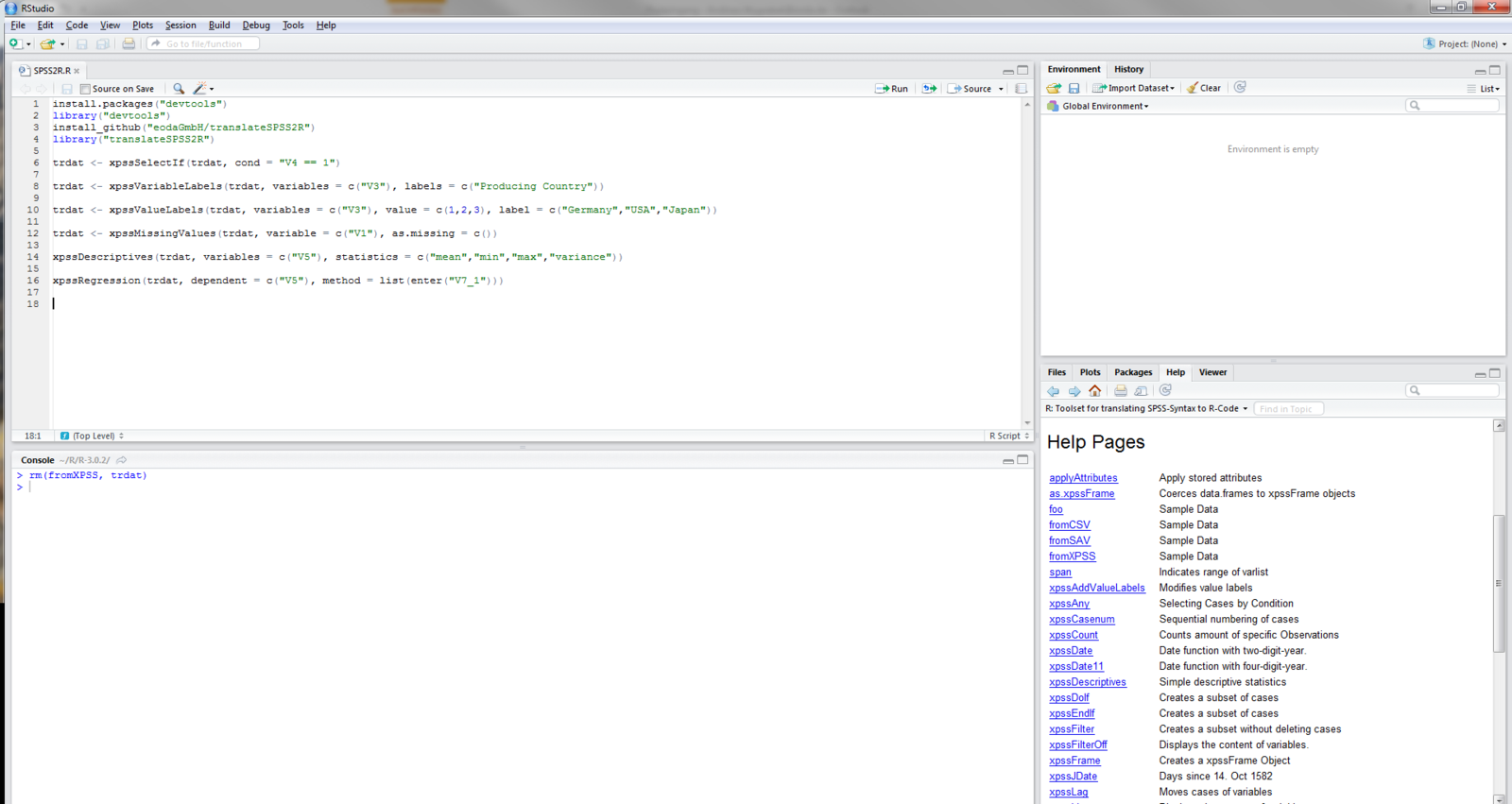
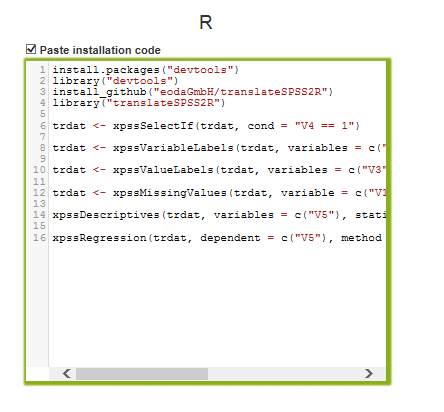

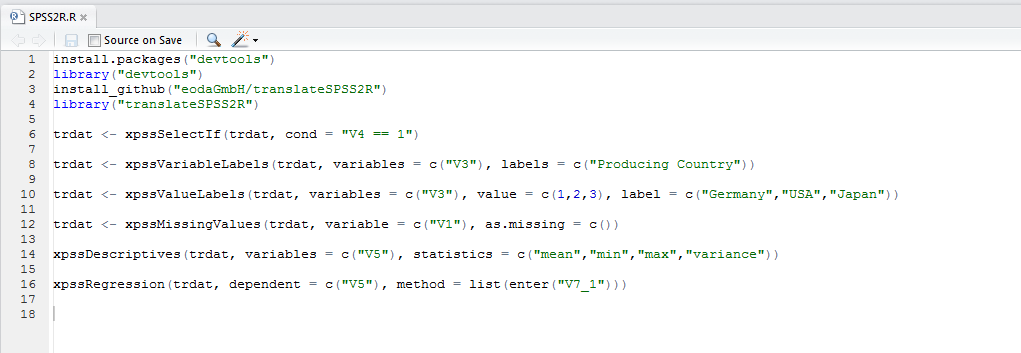
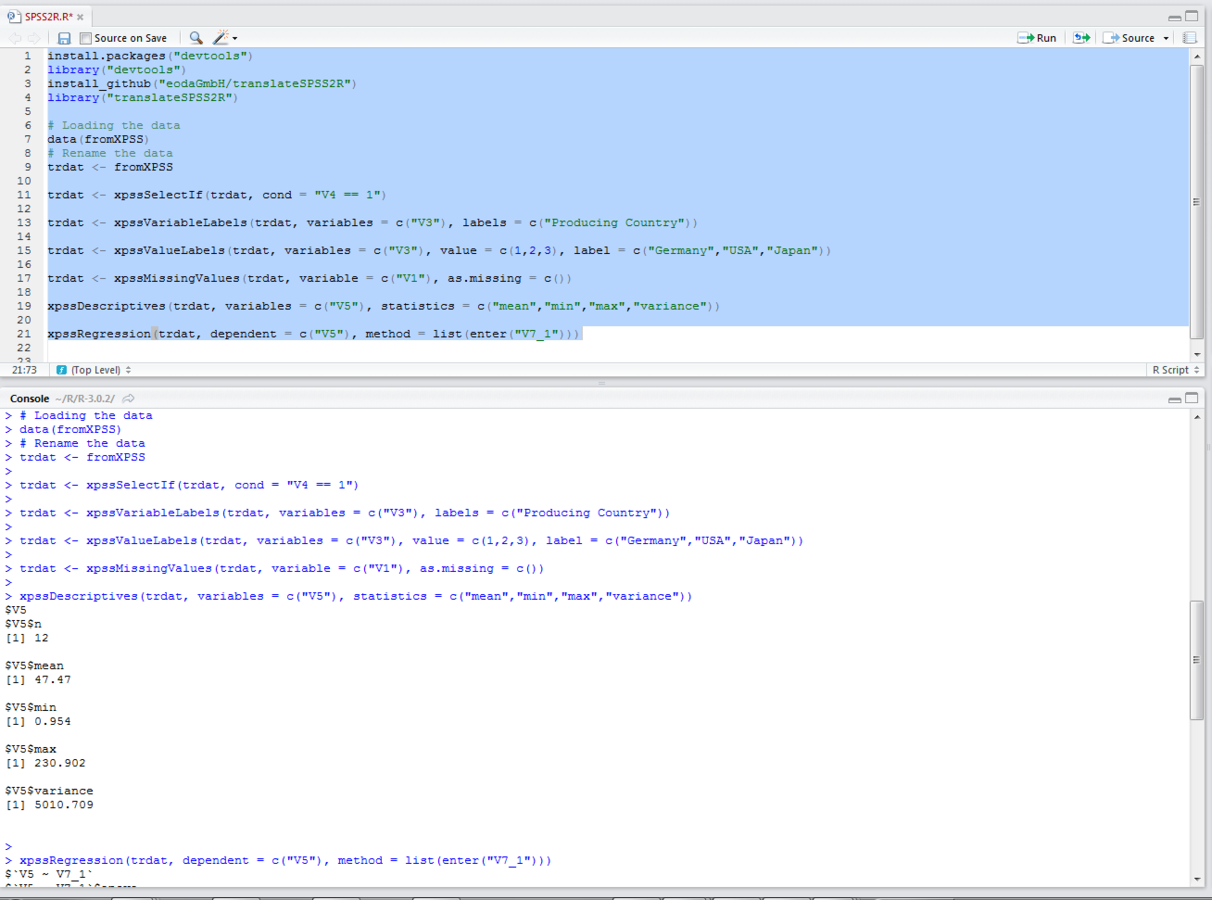
Copy your translated functions to R

Step 5: Analysis in R
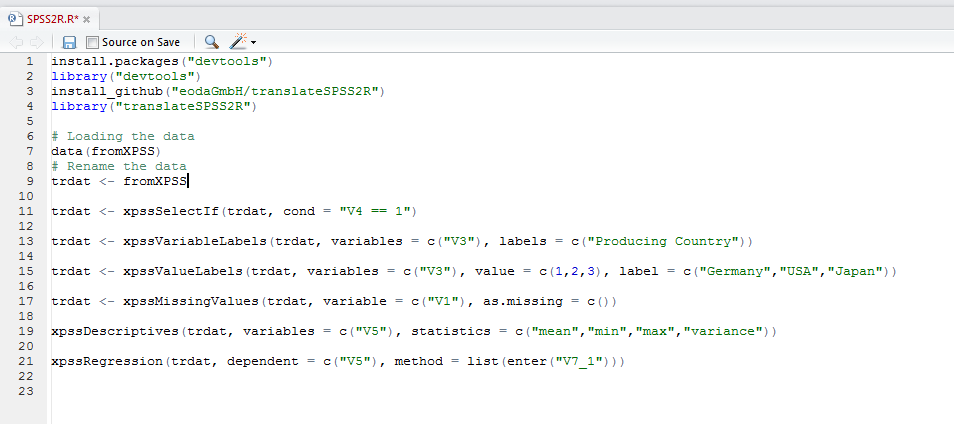

Loading and Rename your data
Step 6: Results in R
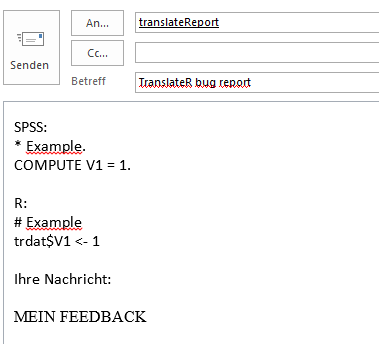
Submit your Feedback


Further information to eoda and translate2R
translate2R_ENG
By eoda