PENTAHO BA
Community Edition
Pentaho's modern, simplified, and interactive approach empowers business users to access, discover and blend any data types regardless of their size. With a full spectrum of increasingly advanced analytics tools, from basic reports to predictive modeling, users can help themselves to analyze and visualize data across multiple measures and dimensions without being dependent on IT.
Download
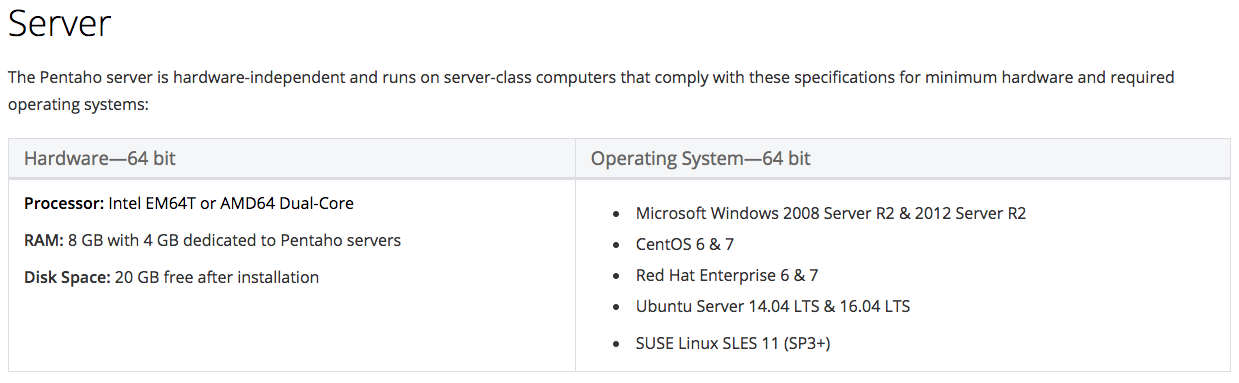
Hardware Requirement
Requirement
- Java 8
- Tomcat Server
Installation
- Extract downloaded file pentaho-server-ce-7.0.0.0-25.zip
- Open Terminal go to pentaho-server directory
- Run start-pentaho script (.sh for linux | .bat for windows)
- Open Browser http://<server>:8080/pentaho
Troubleshoot
- To check what is happening to the web application <pentaho-server>/tomcat/logs/catalina.out
Pentaho BA Platform 7
Data Source
Dashboard
Report
- JDBC
- JNDI
- Kettle Query
- OLAP
- CDE
- Custom Dashboard
- Excel
- Rich-text Format
- HTML
- XML
- CSV
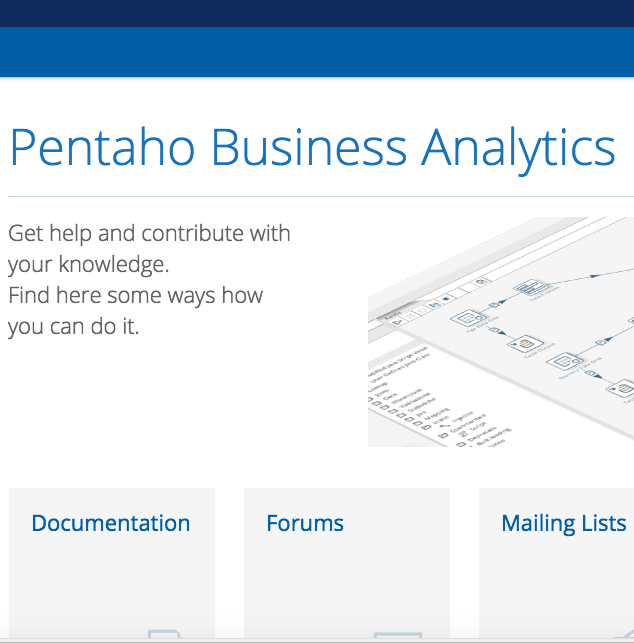
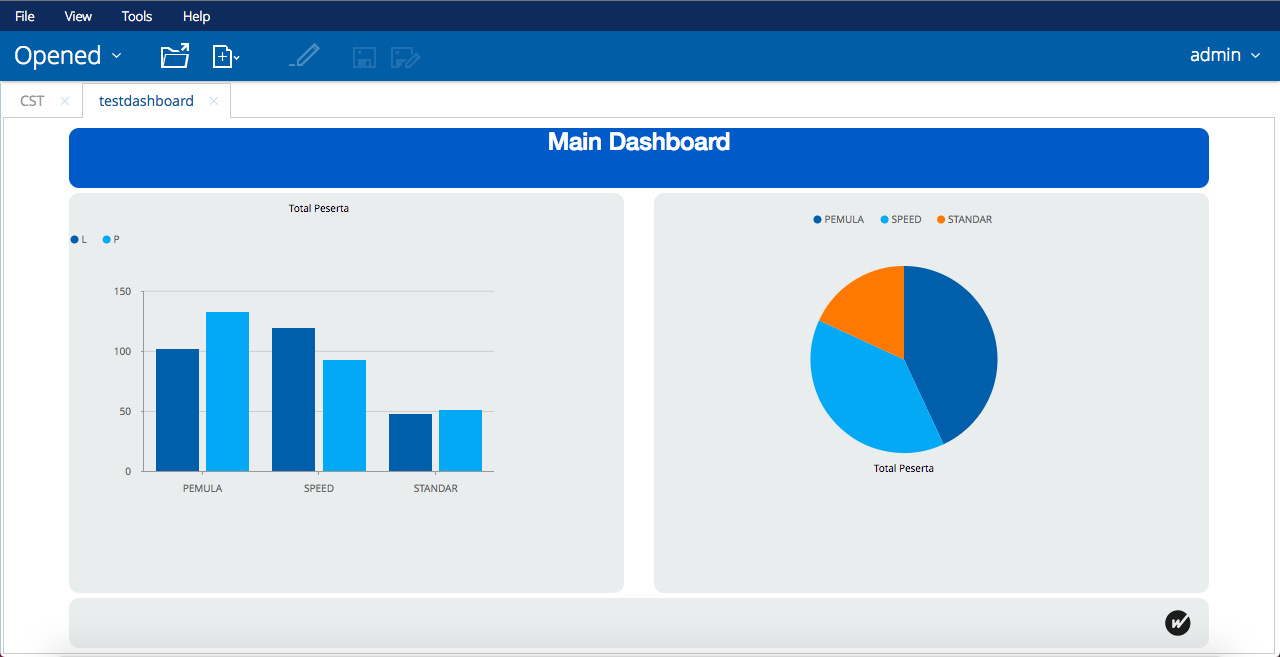
Sample DAshboard
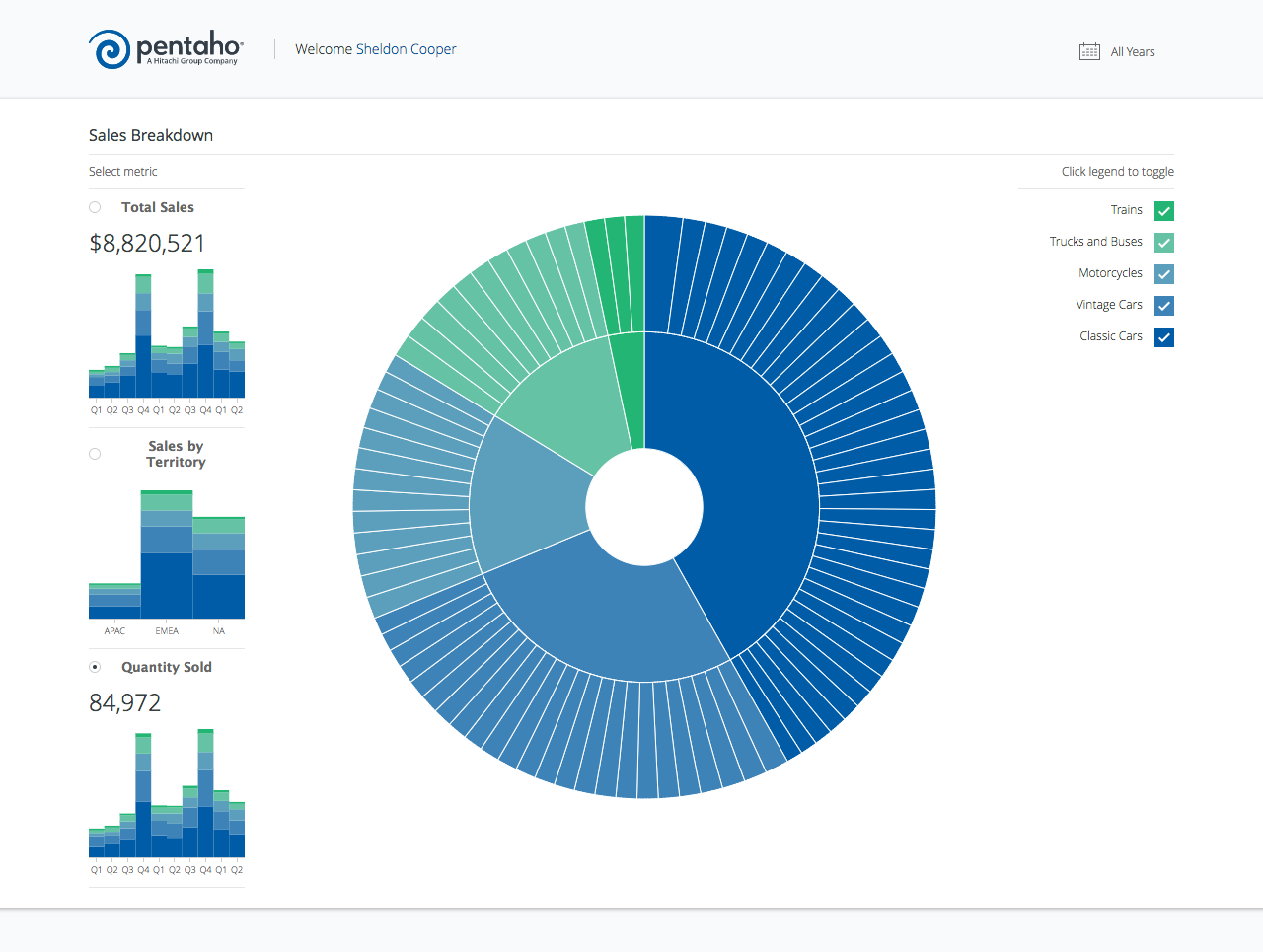
Custom DAshboard
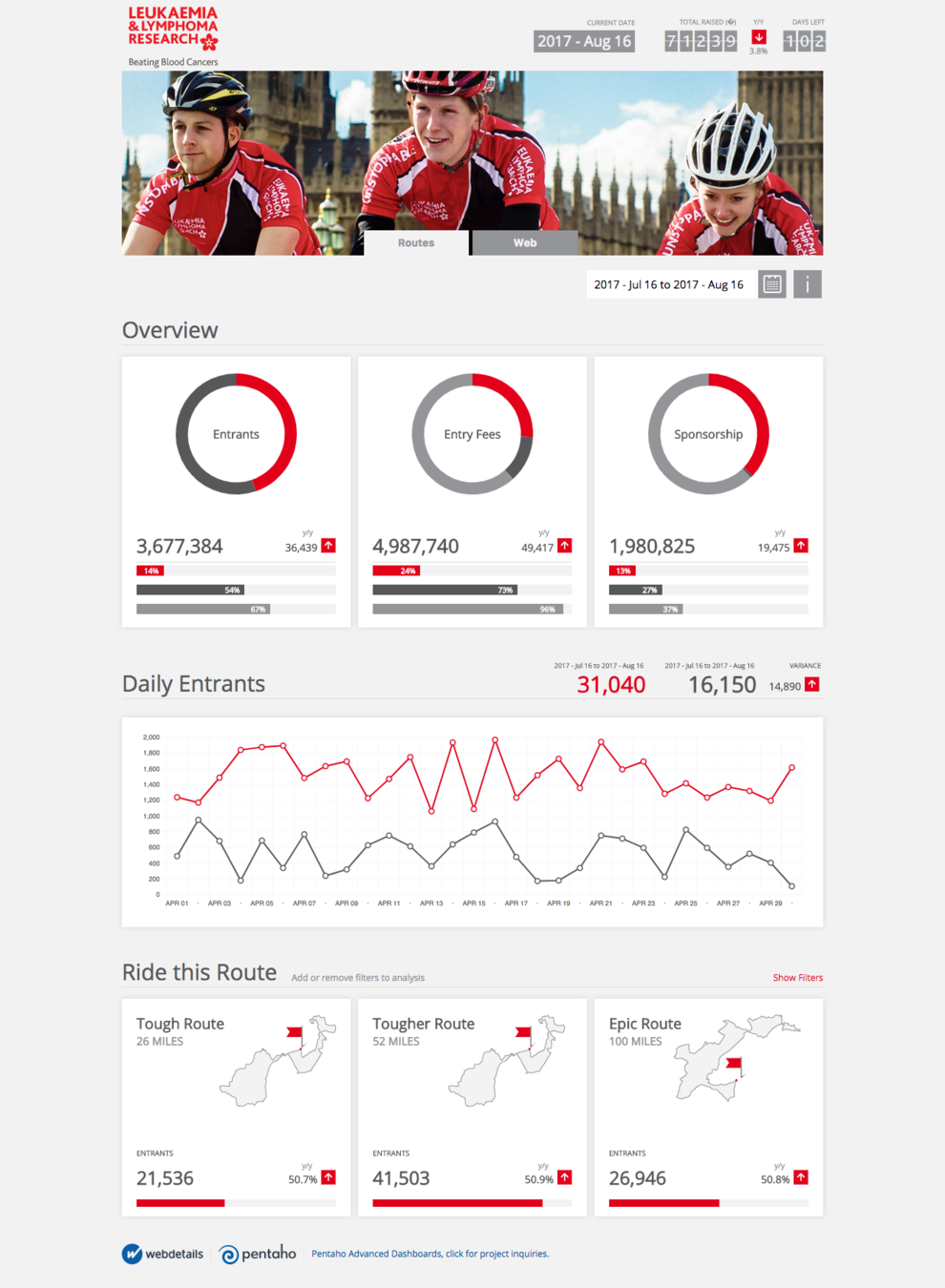
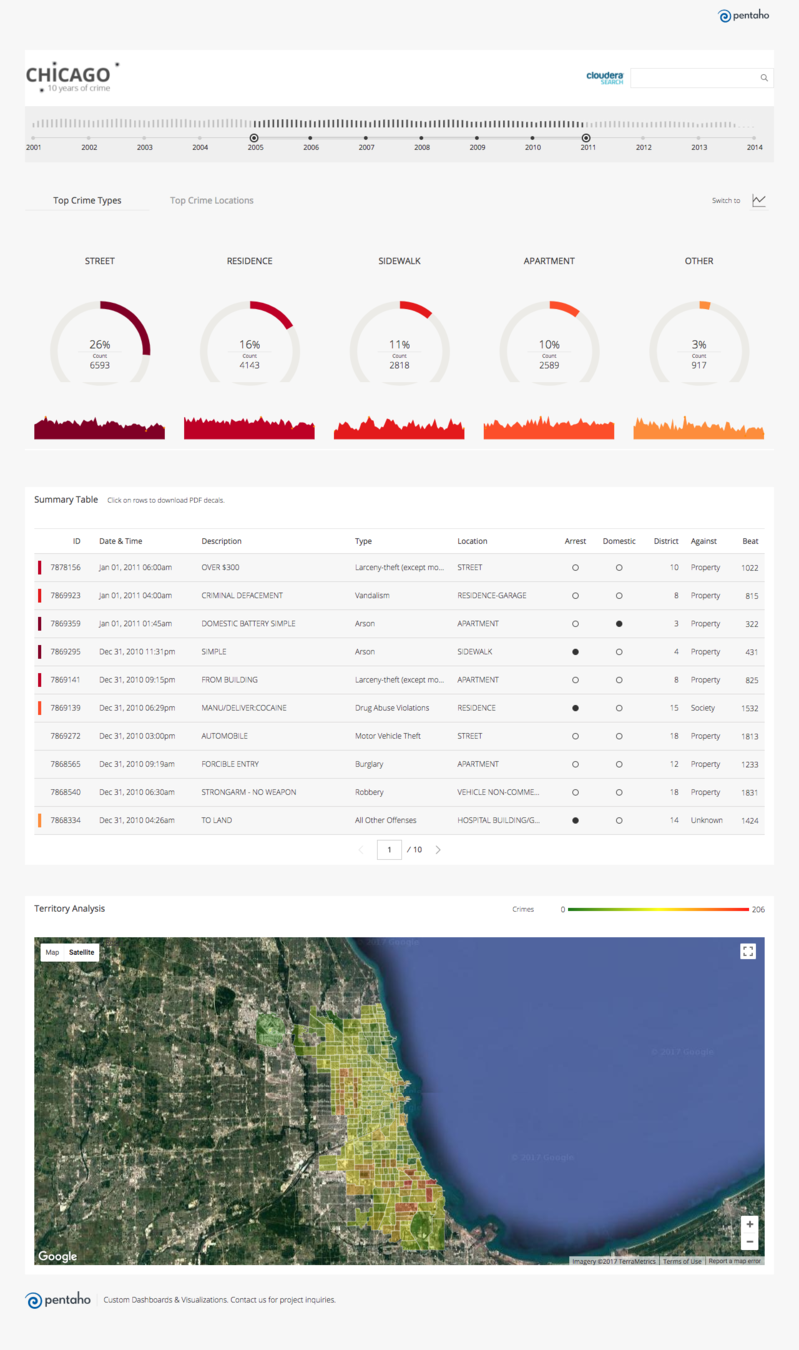
Present dashboard
Embed Dashboard
- using iframe
- custom html, css dashboard design
pentaho user control
- create user previleges for the dashboard
PROS
- Easy to use
- Drag & drop without coding
- integrate with PDI
- customizeable dashboard template
CONS
- Need .js coding for some advance scenarios
- Uncustomized chart
Pentaho-BA
By Fakhri Nurfauzan
Pentaho-BA
Pentaho BA