CMS Development
#02 - WP Theming
Installatie
Installatie Wordpress
Kan op meerdere manieren.
In CMS Development zullen we gebruik maken van de Bedrock Filestructuur, mits we Wordpress zullen gebruiken voor developer-doeleinden
(ipv traditioneel Thema installatie)


Installatie Wordpress
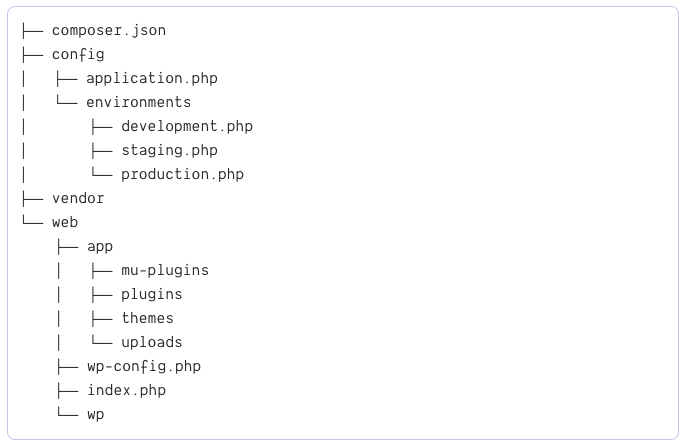
Installatie Wordpress via composer
$ composer create-project roots/bedrock
-
Na installatie moeten de environment variabelen ingesteld worden
-
Database variables
-
WP_ENV- Set to environment (development,staging,production) -
WP_HOME- Full URL to WordPress home (https://example.com) -
WP_SITEURL- Full URL to WordPress including subdirectory (https://example.com/wp) - Salts: Generate with WordPress salts generator
AUTH_KEY,SECURE_AUTH_KEY,LOGGED_IN_KEY,NONCE_KEY,AUTH_SALT,SECURE_AUTH_SALT,LOGGED_IN_SALT,NONCE_SALT
-
Themes
Thema / Theme
-
Met een Theme bepaal je de look & feel van de website
-
Bepaalt het uiterlijk, zonder de inhoud te wijzigen
-
-
WP Thema = een folder met bestanden
-
Templates
-
Assets (media)
-
Stylesheets
-
Scripts
-
Functions
-
WP Theme
- Een wordpress-thema vind je terug in de themes-folder
Traditionele Installatie (twentytwentyone = thema naam)

Bedrock Installatie

default wp themes (twentytwenty = thema naam)
eigen/custom themes (sleutel = thema naam)

WP Theme directory
- In de backend vind je een overzicht van je thema's via
Weergave > Thema's (View > Themes)
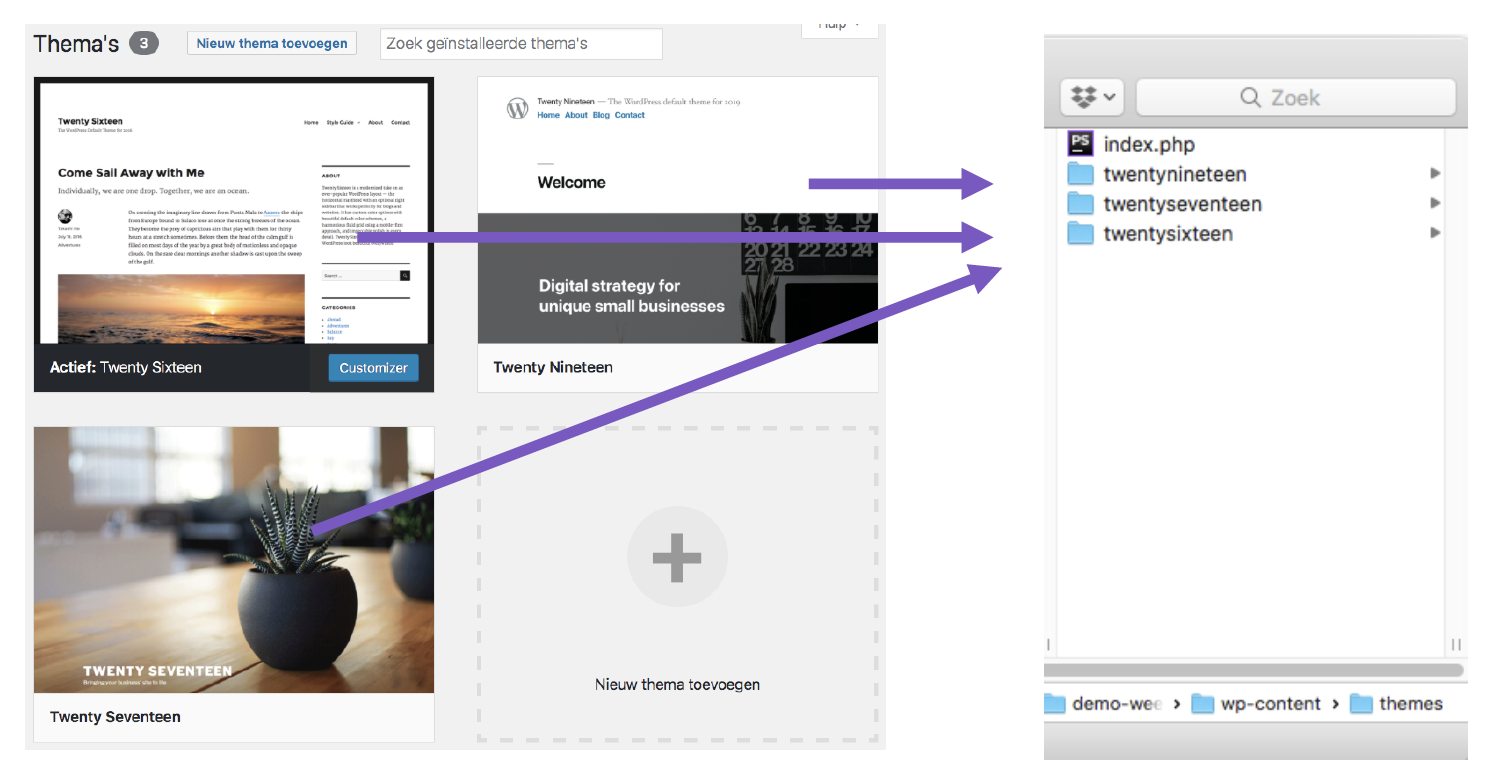
WP Theme toevoegen
- Via de backend, uit de WP Theme Directory
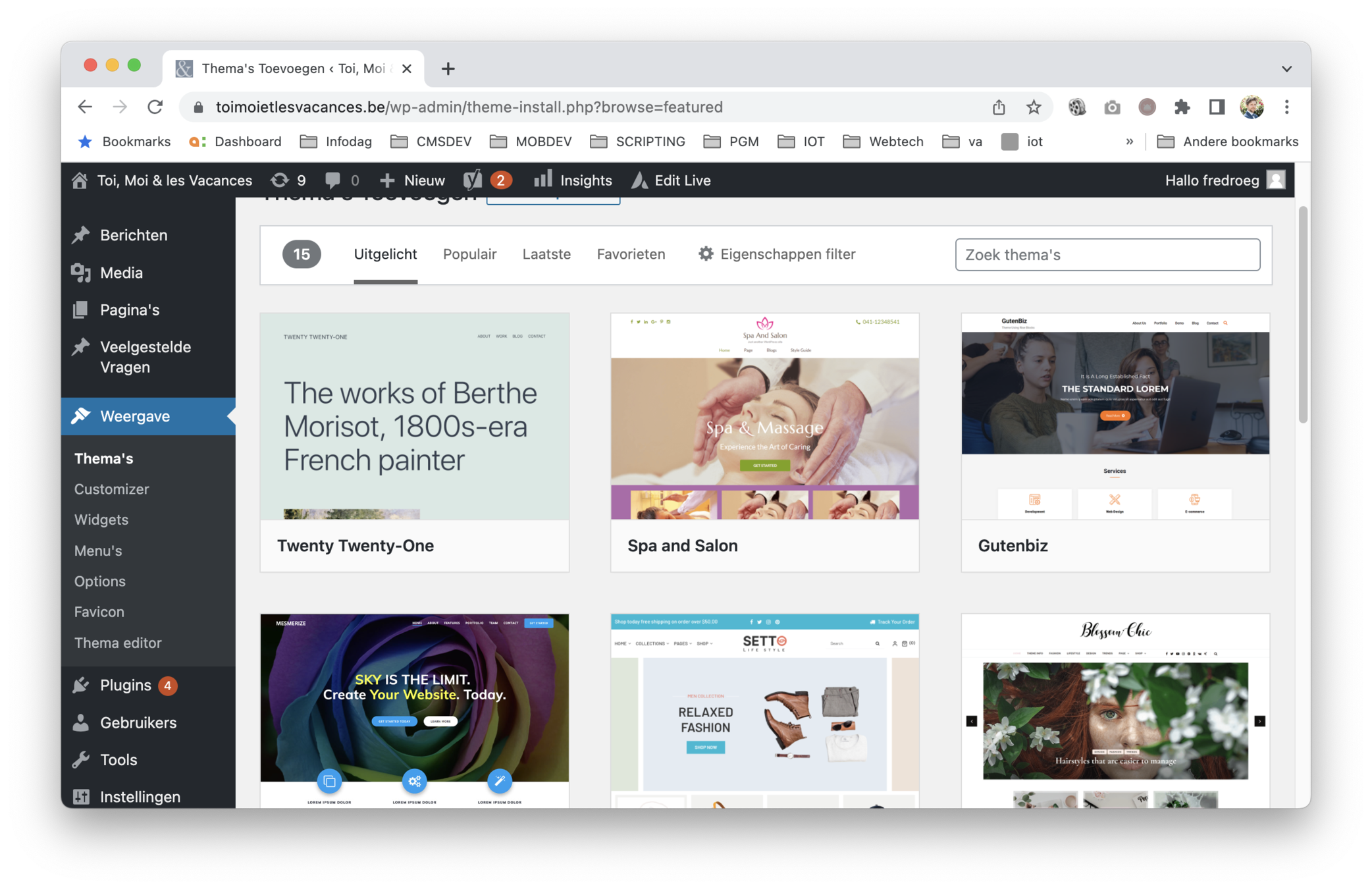
WP Theme toevoegen
- Via wordpress.org
https://wordpress.org/themes/
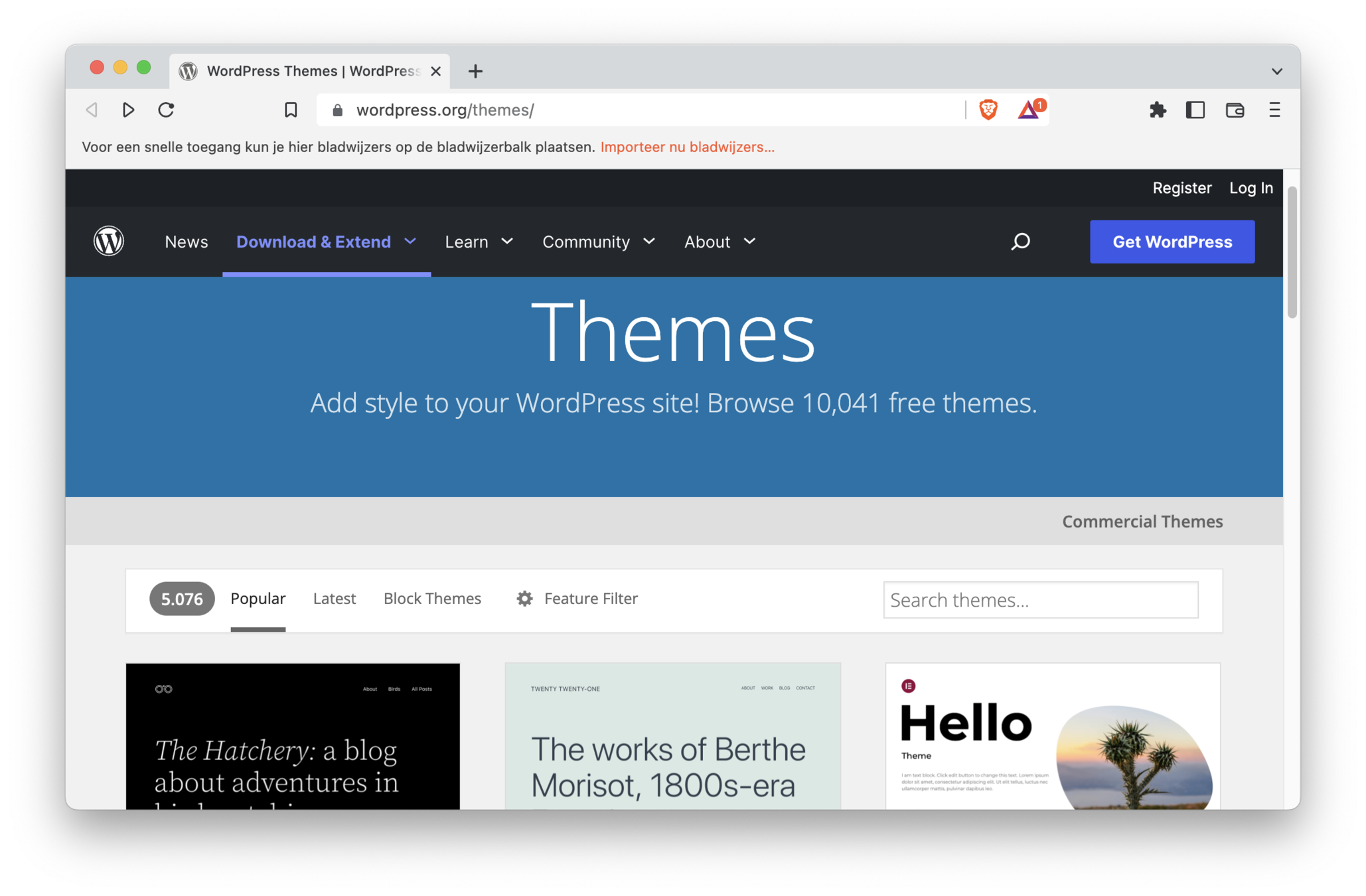
WP Theme toevoegen
- Commerciële (budgetvriendelijke) thema's via
https://themeforest.net/category/wordpress
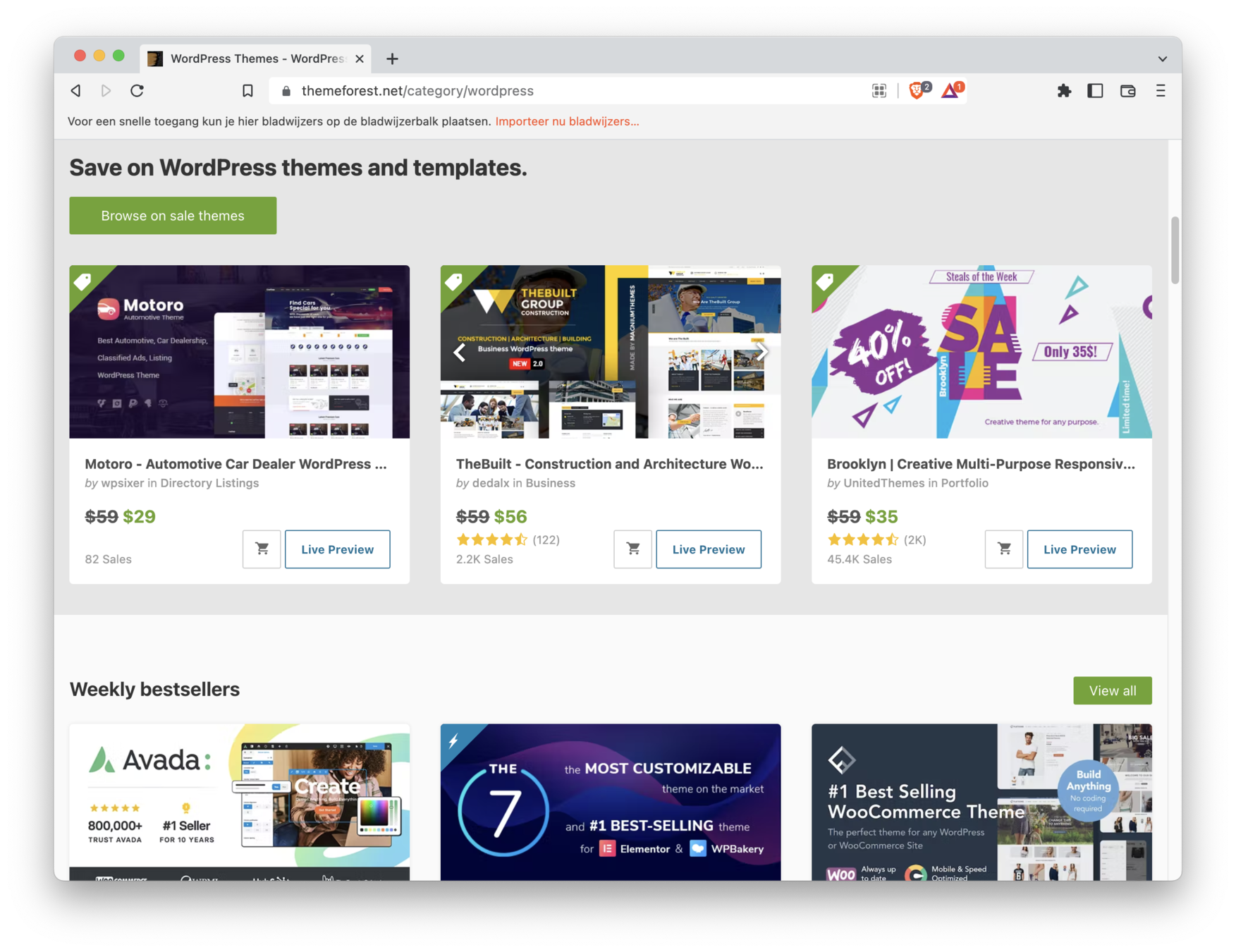
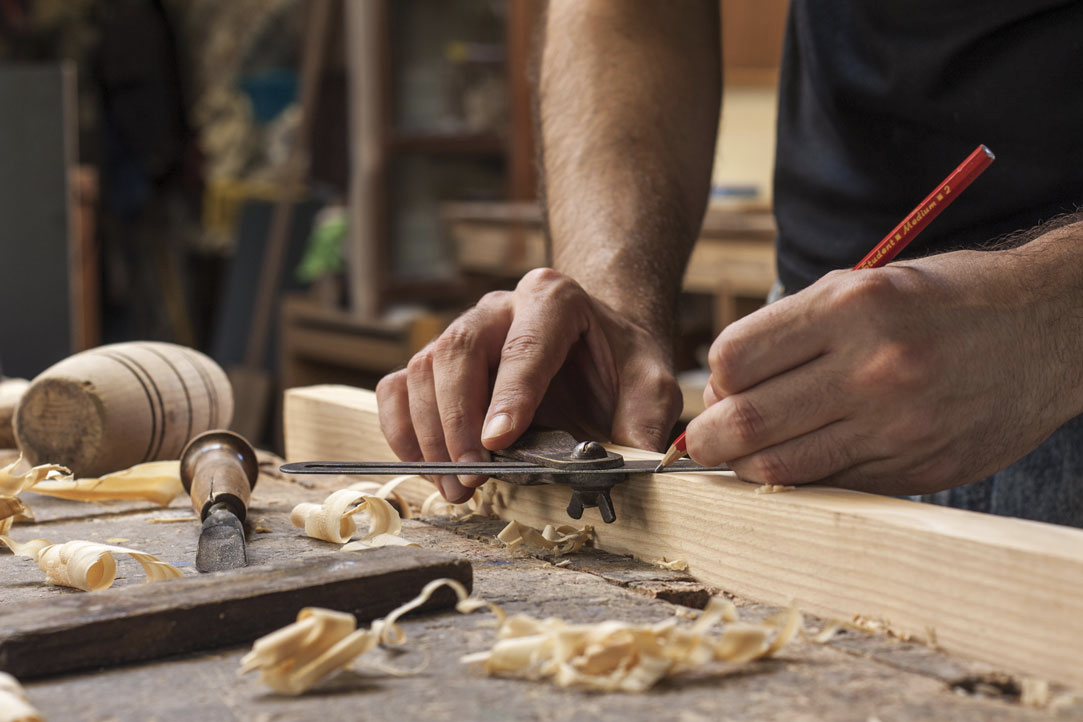
Eigen, custom theme bouwen
How to theme
Theming
-
Folder aanmaken in themes directory
-
Naamgeving
-
enkel tekstueel, geen spaties, hoofdletters of vreemde tekens
-
-
Een thema moet minstens volgende bestanden bevatten
-
style.css
-
index.php
-
Theming
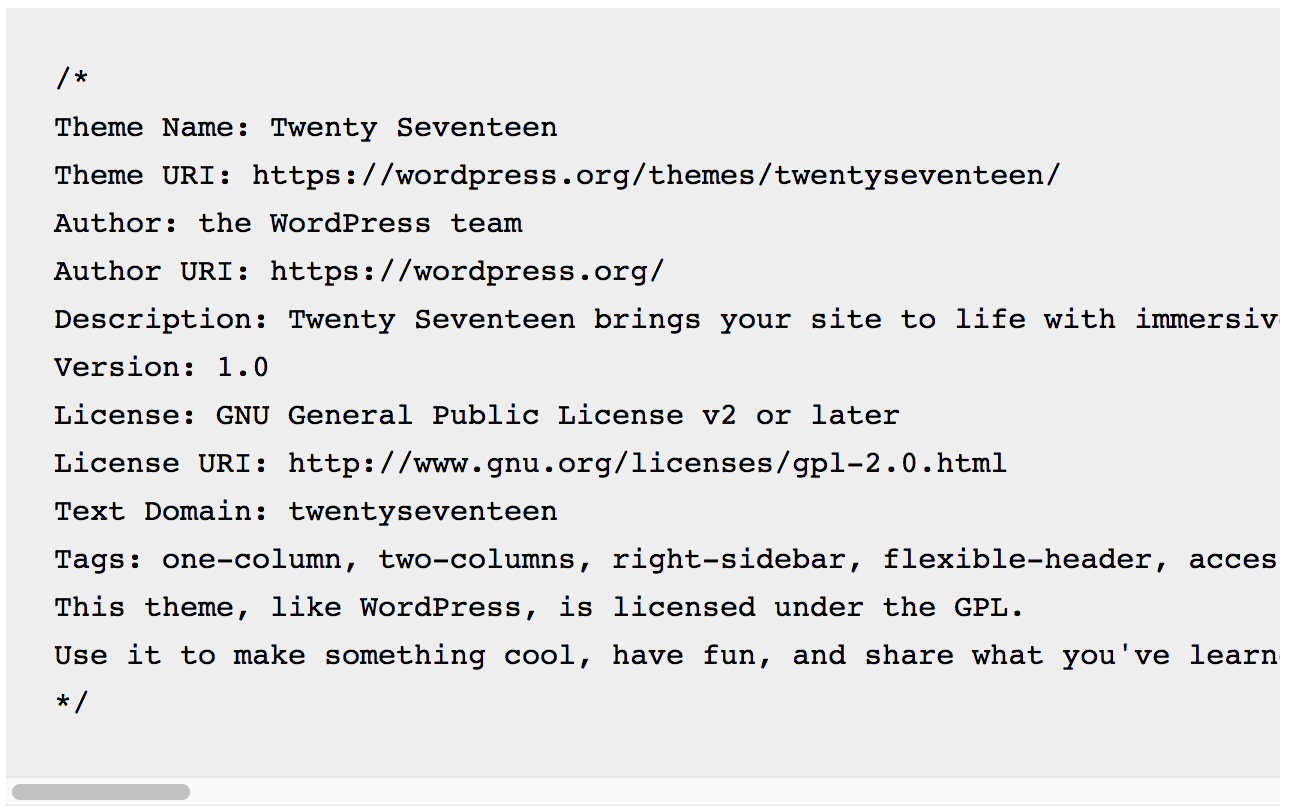
style.css
Geen css,
enkel voor theme info (ontwikkelaar, thema naam, ...)
Theming
index.php
- main template file
- catch-all template voor elke pagina/post/overzicht/…
- verplicht aanwezig in elk thema
Theming
screenshot.png
- Niet-verplicht, wel aangeraden
- Naamgeving moet overeenstemmen
- Aanbevolen afmeting: 1200px x 900px

Theming
functions.php
- Standaard gedrag van Wordpress veranderen
- Functionaliteit toevoegen (thema-gerelateerd)
- Stijlen en scripts toevoegen
- WP Hooks aanspreken
- Actions & Filters
- Nodige afbeeldingsformaten
- Gedraagt zich als een plugin
Theming
theme functions.php
- Bevindt zich in folder: themes/een-thema
- Enkel actief indien thema geactiveerd is
- Ander thema = functionaliteit weg
- Code in functions.php zal meerdere doelen hebben
Theming
theme functions.php <-> plugin
- Beide dienen om functionaliteit toe te voegen
- Een WP Plugin
- Bevindt zich in wp-content/plugins
- Moet geactiveerd worden
- Op alle thema’s van toepassing (gelijk welke geactiveerd is)
- Heeft slechts één doel
- SEO
- Back-ups
- Formulieren...
Theming
FOLDER STRUCTUUR
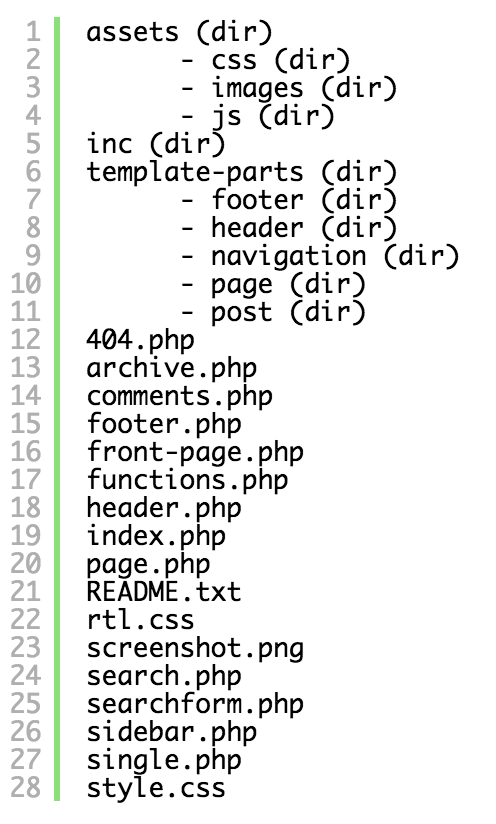
style.css
in root ditrectory (thema credentials)
Nota:
De thema-stijlen zelf zetten we meestal
apart in vb. folder assets/css
Theming
FOLDER STRUCTUUR
inc
functionaliteiten (vb OOP-structuur)
template-parts
-
footer (map)
- “part van de footer”,
-
vb:
- disclaimer.php
- site-info.php
-
- header (map)
- idem
Theming
FOLDER STRUCTUUR
-
404.php
- Template wordt gebruikt als post/
page niet gevonden is
- Template wordt gebruikt als post/
-
archive.php
- Template voor overzicht van posts
-
single.php
- Template voor een enkele post
-
page.php
- Template voor een enkele page
Theming
FOLDER STRUCTUUR
-
front-page.php
indien aanwezig, wordt gebruikt
voor de homepage ongeacht de
instelling in het dashboard -
search.php
-
Template voor de zoekresultaten
-
-
Template Partials
-
header.php
-
sidebar.php
-
footer.php
-
comments.php
-
searchform.php
-
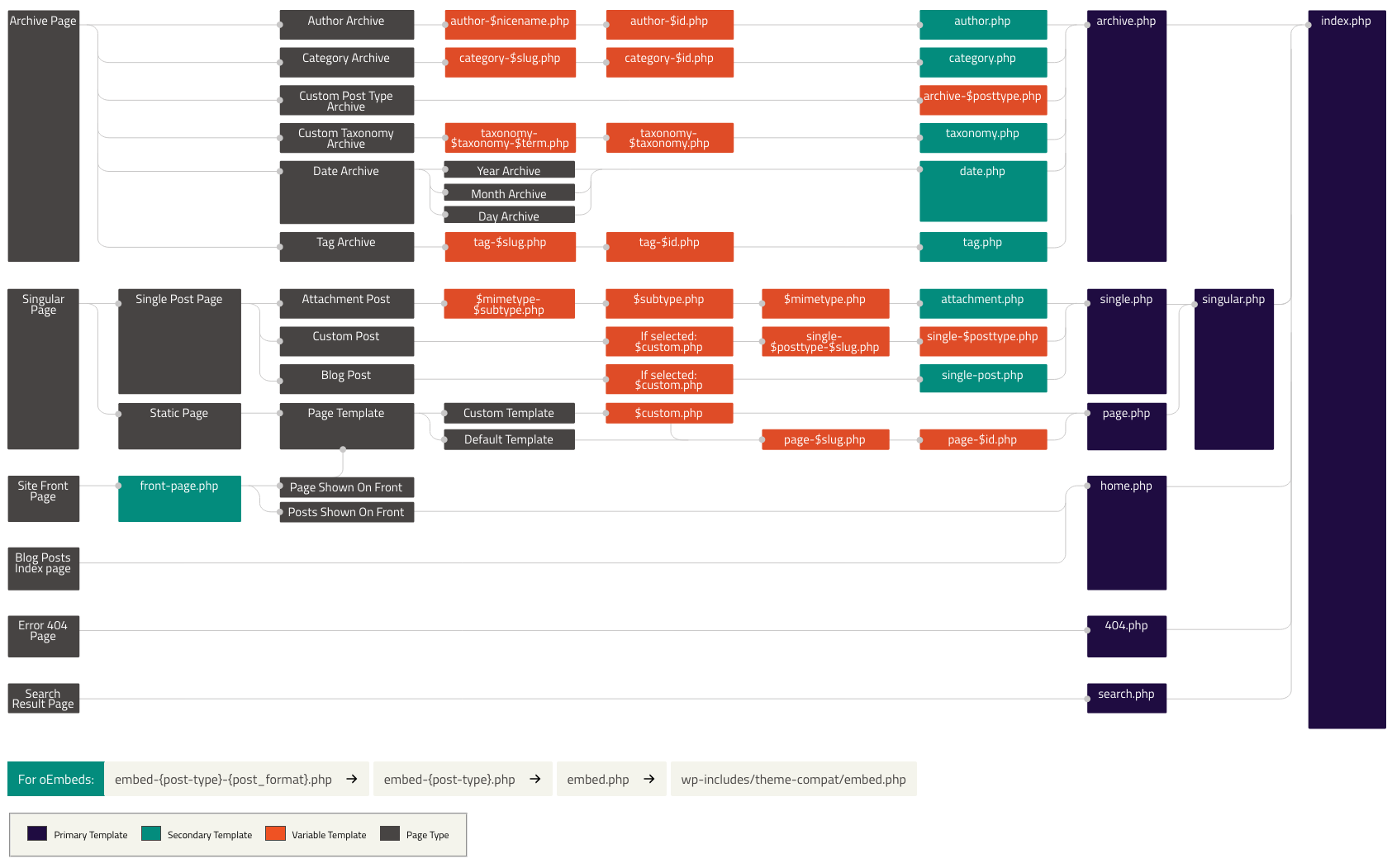
Wordpress Hierarchy
Wordpress Hierarchy
CMS - 02 - WP Theming Basics
By Frederick Roegiers